Ornate Gold Corners and a Golden Member Title for a Gym
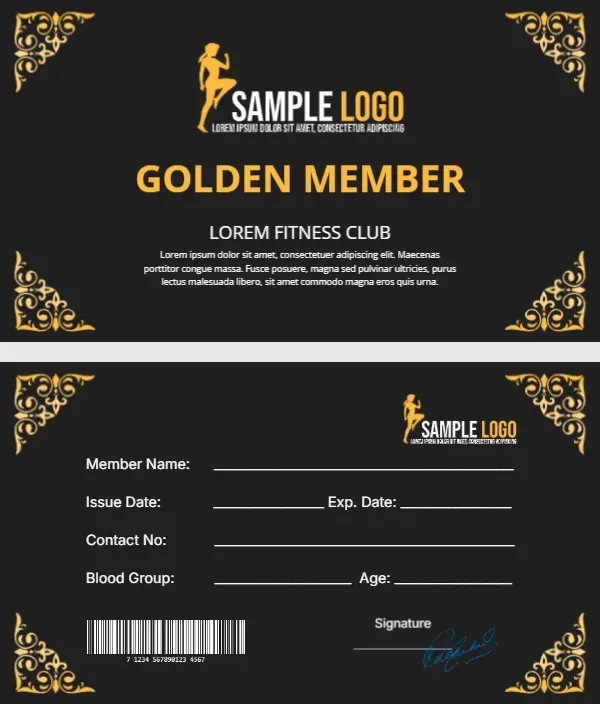
A charcoal card with four ornate gold corner flourishes looks more like a luxury invitation than a gym pass. A gold silhouette of a woman in a high kick sits beside SAMPLE LOGO, and GOLDEN MEMBER runs across the middle in bold gold capitals. LOREM FITNESS CLUB sits below with a placeholder paragraph. The back keeps the charcoal and gold corners, with the logo, write in lines, a barcode and a signature.
Gold Corners on Both Sides
The card is 3.5 x 2 inches. The back lists member name, issue and expiry dates, contact number, blood group and age in white, with a barcode at the lower left and a signature at the lower right.
Club Name and Tier Benefits
Replace LOREM FITNESS CLUB and the Lorem paragraph with your gym name and what the gold tier includes, such as Unlimited classes and sauna access. The fitness silhouette is a placeholder logo, so swap it for your own.
Personalising the Golden Member Card
- Swap the silhouette logo.
- Type the gym name.
- List the gold tier perks.
- Fill or print the back lines.
- Set a real barcode if scanned.
Building a Tier System
A Golden Member card works best with other tiers. Use the same layout in silver or bronze for lower levels, so members can see what they could upgrade to. A single template in three colours also keeps printing simple, because staff only need to update one master file when the gym changes its logo or address.
Check In by Barcode
Many gyms scan cards at the door. Replace the sample barcode with one generated from each member’s number.
Keeping Gold Readable
Gold on charcoal looks rich. Keep the white text on the back at its current size so details stay readable in a dim gym entrance. If your gym entrance is bright and modern, you can also lighten the charcoal to a dark grey so the card feels less formal.
Printing the Charcoal Card
Dark cards show scuffs. Choose a matte laminate or a print shop’s PVC card service for daily use.
Renewal Reminders
Write the expiry date clearly so staff can spot lapsed memberships at check in. A short line such as Renew before the date shown to keep your rate gives members a reason to act early.
Issuing Golden Member Cards
Present the card at sign up to make the upgrade feel special.
Step by Step Editing of the Golden Member Fitness Ornate Design
- On the golden member fitness ornate design, click the main headline and type your own words, keeping a similar length.
- Retype every name, date and contact line on the golden member fitness ornate design, checking each against a trusted source.
- Search the golden member fitness ornate design for the words Lorem and Company so that no placeholder remains.
- Click any logo or photo on the golden member fitness ornate design, choose Replace Image and resize the new picture to fit.
- Zoom the golden member fitness ornate design to full size and read each line aloud before you save it.
- Keep a clean master of the golden member fitness ornate design without private details, so later versions start tidy.
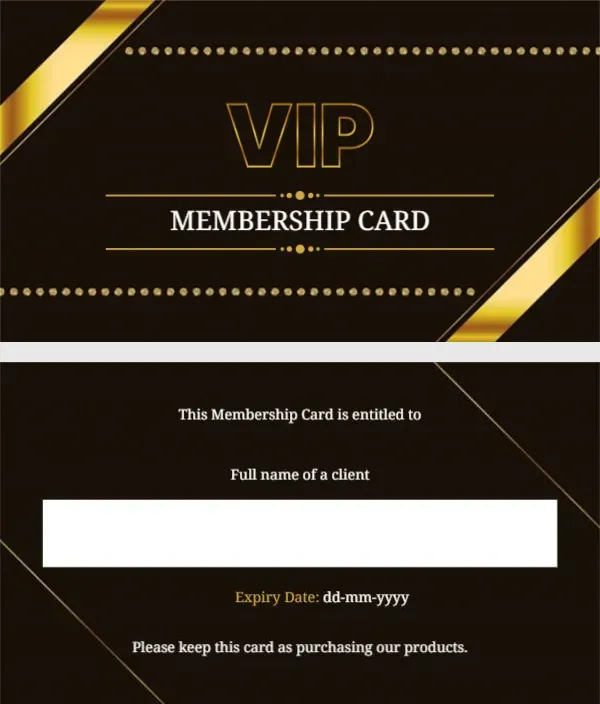
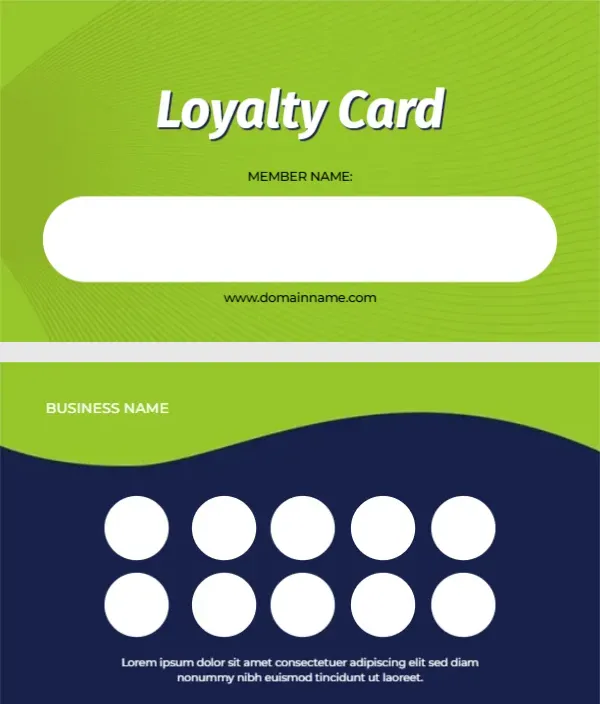
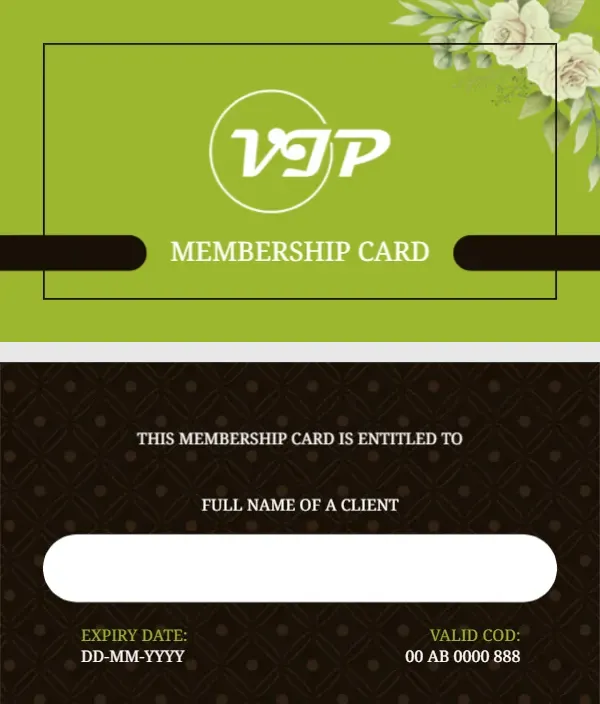
Consider the gym VIP member card. Similar designs include the gold membership card. Compare it with the fitness club ID card. Find more designs next to the golden member fitness ornate design in membership card templates.