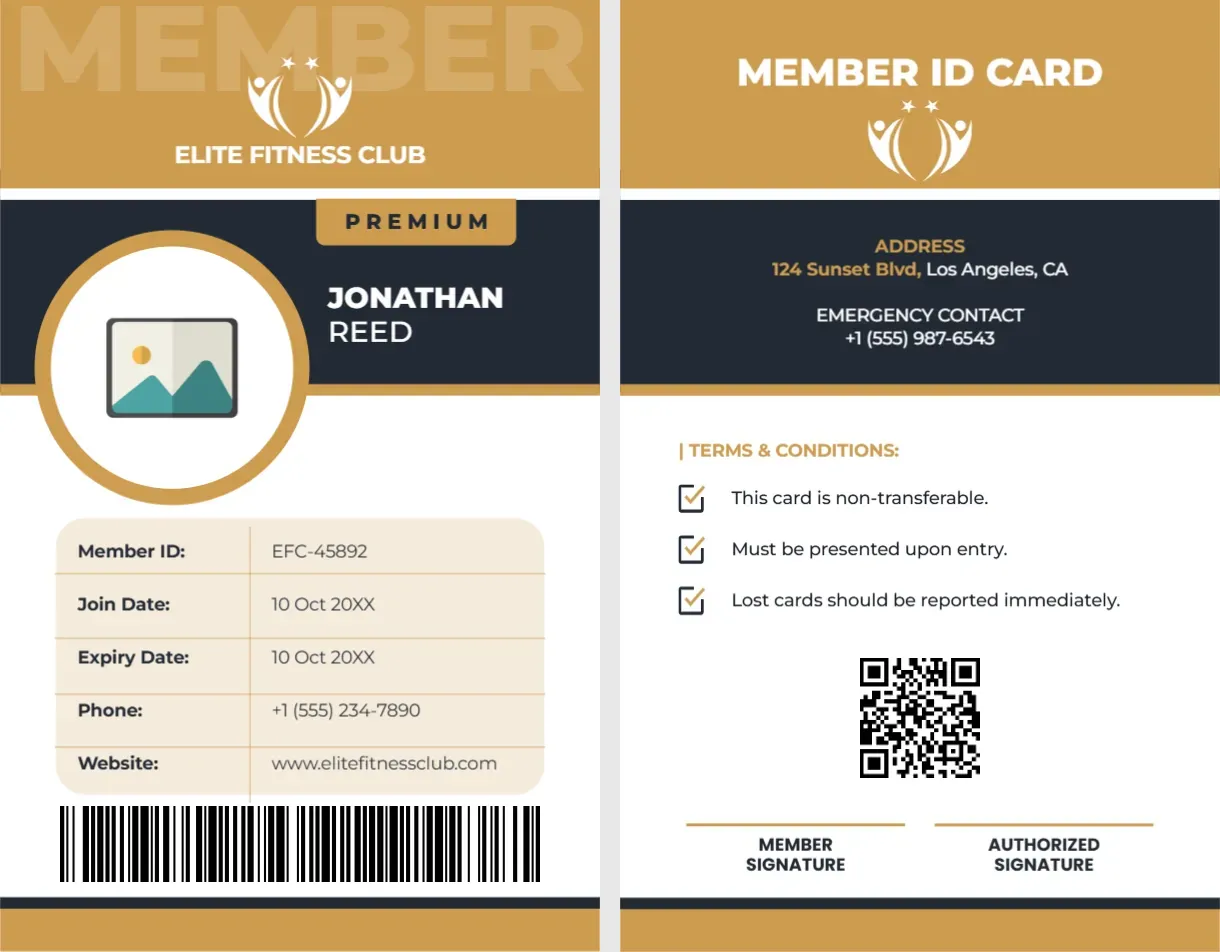
A Portrait Member ID Card for a Fitness Club
This vertical card has a gold header with a large faded MEMBER watermark, a white figure logo with stars and ELITE FITNESS CLUB. A navy band holds a gold PREMIUM tag and the name JONATHAN REED, and a gold ringed circle holds a photo placeholder. A cream table lists member ID, join date, expiry date, phone and website, with a barcode underneath. The back has a gold MEMBER ID CARD header, address and emergency contact, three terms, a QR code and two signature lines.
Portrait Card at Standard ID Size
The card is 2.125 x 3.375 inches, the standard CR80 size used for plastic ID cards, set upright. It fits badge holders and lanyards as well as wallets, and eight cards fit on a letter sheet.
Member Table, Dates and Terms
The sample gives member ID EFC 45892, a join date and expiry date both written as 10 Oct 20XX, a phone and www.elitefitnessclub.com. Set different join and expiry dates. The back lists the address 124 Sunset Blvd, Los Angeles and an emergency contact, then the terms: the card is non transferable, must be presented on entry and lost cards should be reported. Retype each detail for your club.
Personalising the Fitness ID Card
- Type the club name and logo.
- Add the member photo.
- Fill the member table.
- Set the barcode and QR code.
- Retype the address and contact.
Emergency Contacts on a Gym Card
The back lists an emergency contact. Use the member’s chosen contact, not the gym’s, and only with their consent.
Signatures and Lanyards
The two signature lines suit a card that staff sign at issue. Punch a slot at the top if members wear the card on a lanyard.
Using the Table for Other Clubs
The table works for swimming clubs, libraries and coworking spaces. Change the row labels to suit, such as Locker No. or Desk Plan.
Printing CR80 Cards
For plastic cards, use a PVC card printer or a print service. For paper, print on 350 gsm card and laminate.
A Real QR Code
The QR code on the back is a sample. Generate one that links to the member portal or class booking page.
Issuing Member ID Cards
Check the photo and details with each member before printing.
Step by Step Editing of the Elite Fitness Club Vertical Id Design
- On the elite fitness club vertical id design, click the main headline and type your own words, keeping a similar length.
- Retype every name, date and contact line on the elite fitness club vertical id design, checking each against a trusted source.
- Search the elite fitness club vertical id design for the words Lorem and Company so that no placeholder remains.
- Click any logo or photo on the elite fitness club vertical id design, choose Replace Image and resize the new picture to fit.
- Zoom the elite fitness club vertical id design to full size and read each line aloud before you save it.
- Keep a clean master of the elite fitness club vertical id design without private details, so later versions start tidy.
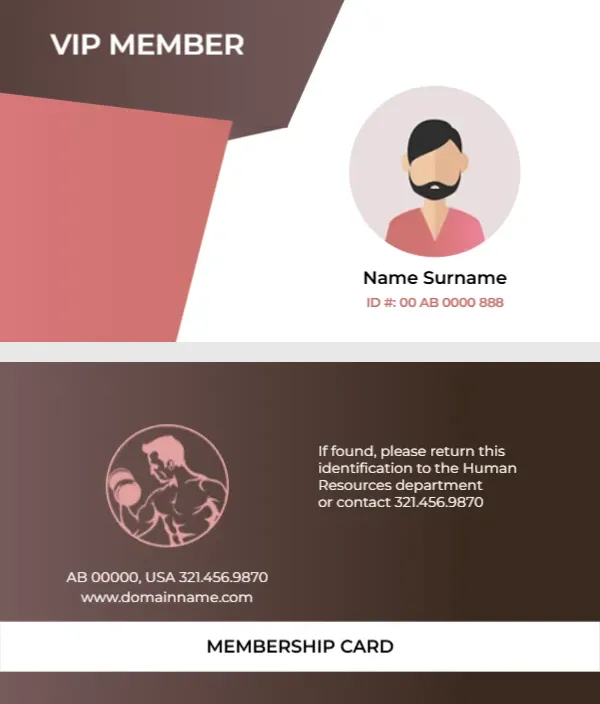
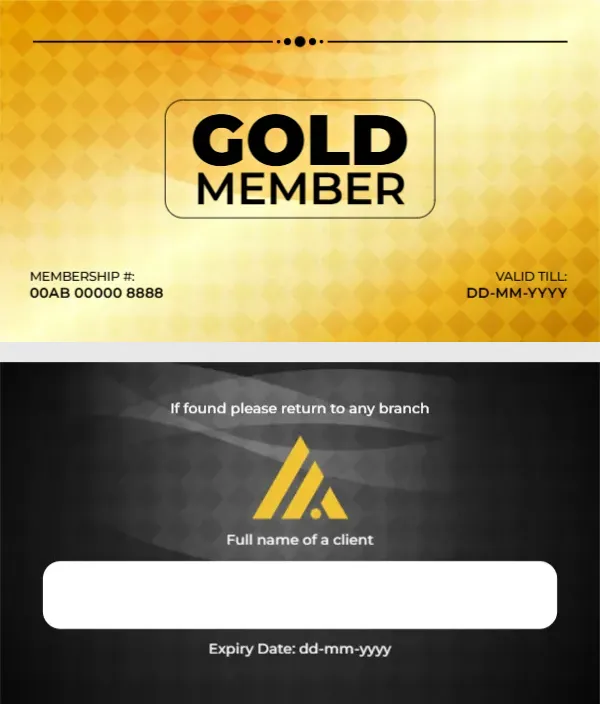
Consider the gym VIP member card. Similar designs include the gold gym membership card. Compare it with the healthcare membership card. Find more designs next to the elite fitness club vertical id design in membership card templates.