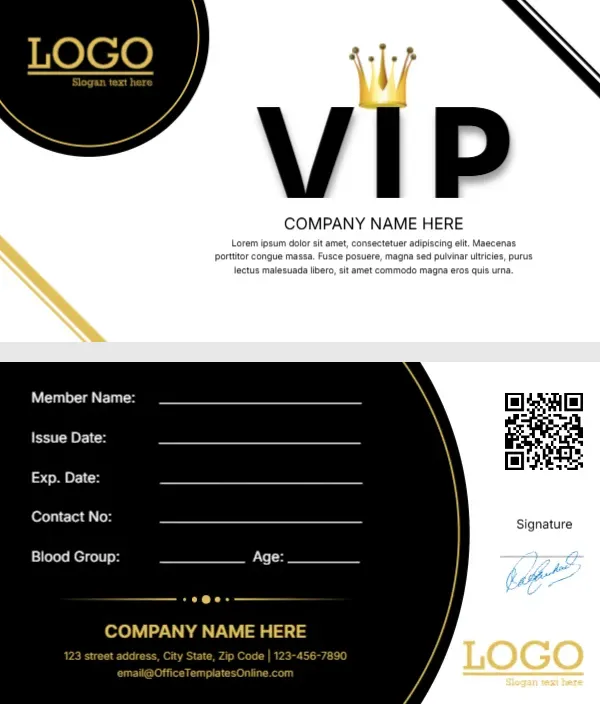
A Gold Crown Over a Bold VIP on a Black and White Card
The front of this card is crisp white, with a large black circle holding a gold LOGO and slogan in the top left corner and thin gold and black lines slicing across two corners. In the middle, a heavy black VIP has a shiny gold crown sitting on the I. COMPANY NAME HERE sits underneath with a short placeholder paragraph. The back flips the colours, with a big black arc holding write in fields and a white strip on the right for a QR code, a signature and the logo.
Front Crown and Back Fields
Each side measures 3.5 by 2 inches, the common US business card size. On the back, five lines run down the black arc for the member name, issue date, expiry date, contact number, blood group and age. A gold divider and the company name, street, phone and email sit under them.
Placeholder Paragraph and Site Email
The front paragraph is Lorem ipsum, so replace it with a one line benefit, such as Priority booking and 15 percent off every visit. The back uses the email address of the template site, so type your own. The blood group and age fields suit a gym or sports club, but you can delete them for a shop or lounge.
Personalising the Crown Card
- Replace the LOGO circle with your logo.
- Type your company name.
- Rewrite the Lorem paragraph.
- Edit or remove the back fields.
- Link the QR code to your site.
Making the QR Code Useful
A QR code on a VIP card can open a member page, a booking form or a menu. Generate a new code for your own link and swap the image, then test it with two phones before printing.
Filling Fields by Hand or by Computer
The underlined fields work both ways. Print blank cards and write each member’s details with a fine pen, or type the details into the editor for each member and print a personalised batch.
Gold on White for Premium Clients
Gold and black read as luxury, which is why the design suits salons, lounges, boutiques and private clubs. Keep other colours out so the crown stays the centre of attention.
Double Sided Printing of the Crown Card
Print the front and back on card stock of at least 300 gsm. Run a test sheet first to check that the back lines up with the front, since home printers often shift a few millimetres.
Lamination for Long Use
Members carry these cards in wallets for months. A thin laminate or a print shop’s plastic card service keeps the black areas from scuffing and the signature from smudging.
Issuing the VIP Cards
Keep a simple list of card numbers and members so you can replace lost cards quickly.
Step by Step Editing of the Vip Crown Black Circle Design
- On the vip crown black circle design, click the main headline and type your own words, keeping a similar length.
- Retype every name, date and contact line on the vip crown black circle design, checking each against a trusted source.
- Search the vip crown black circle design for the words Lorem and Company so that no placeholder remains.
- Click any logo or photo on the vip crown black circle design, choose Replace Image and resize the new picture to fit.
- Zoom the vip crown black circle design to full size and read each line aloud before you save it.
- Keep a clean master of the vip crown black circle design without private details, so later versions start tidy.
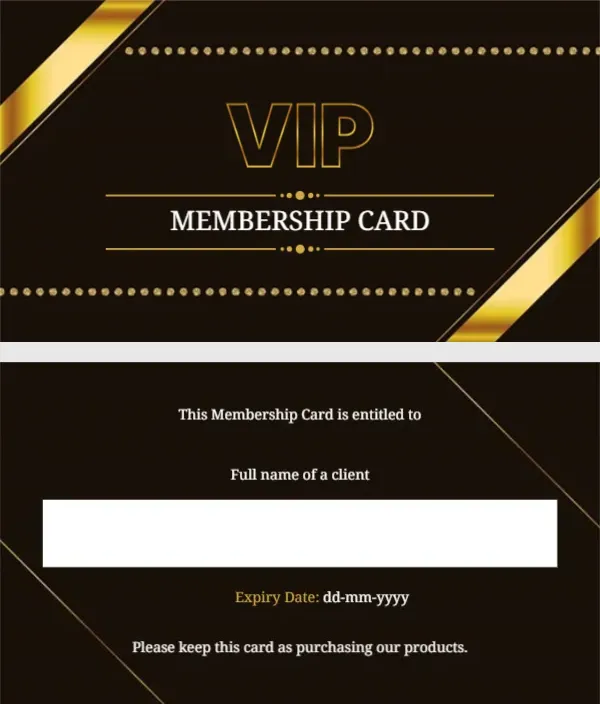
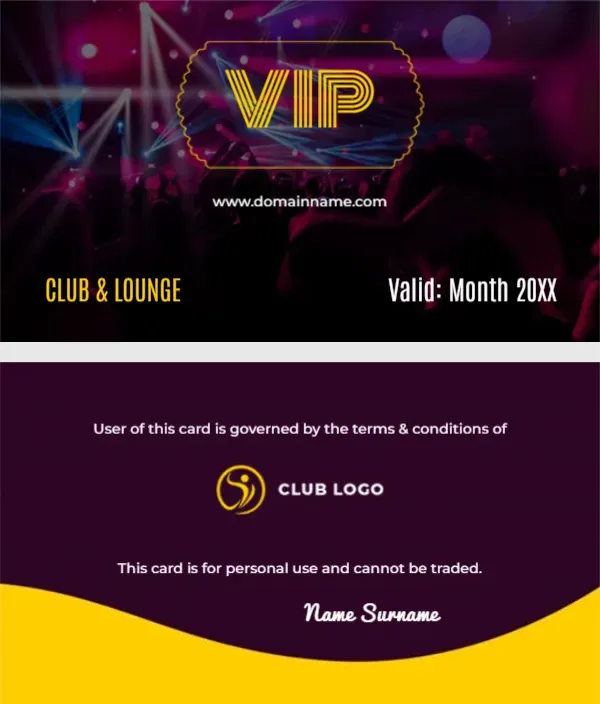
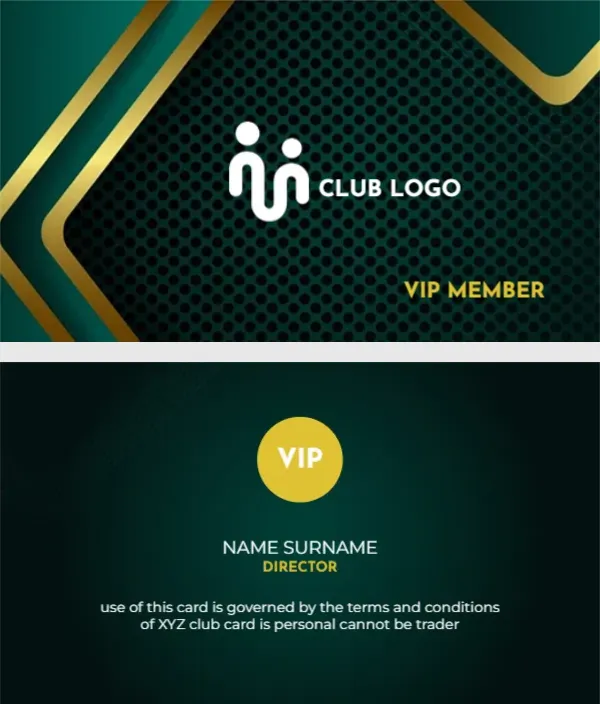
Another option is the VIP club and lounge card. A related layout is the gold VIP card design. Also worth a look: VIP membership card with gold ribbons. Every vip crown black circle style alternative sits in membership card templates.