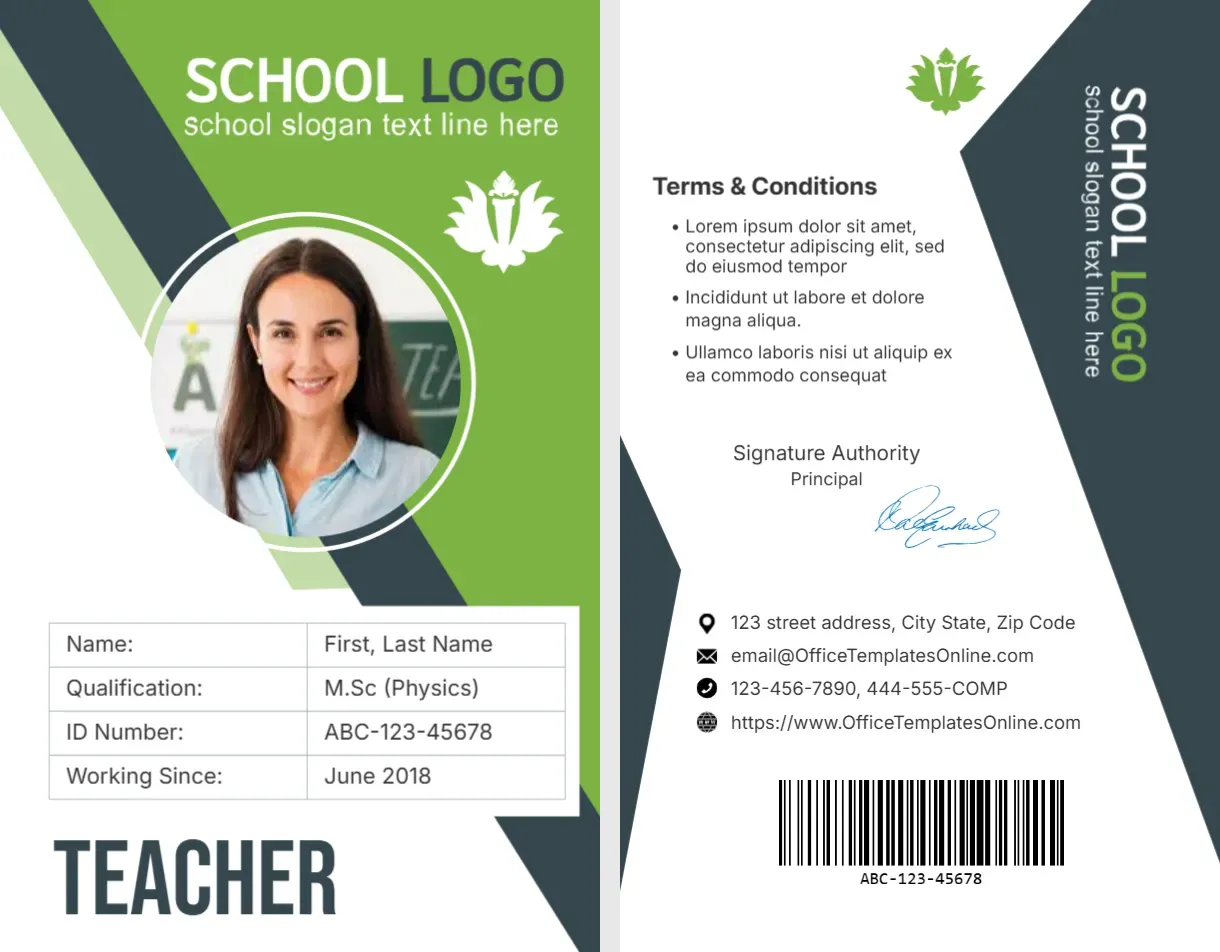
A Green Diagonal Header and a TEACHER Label
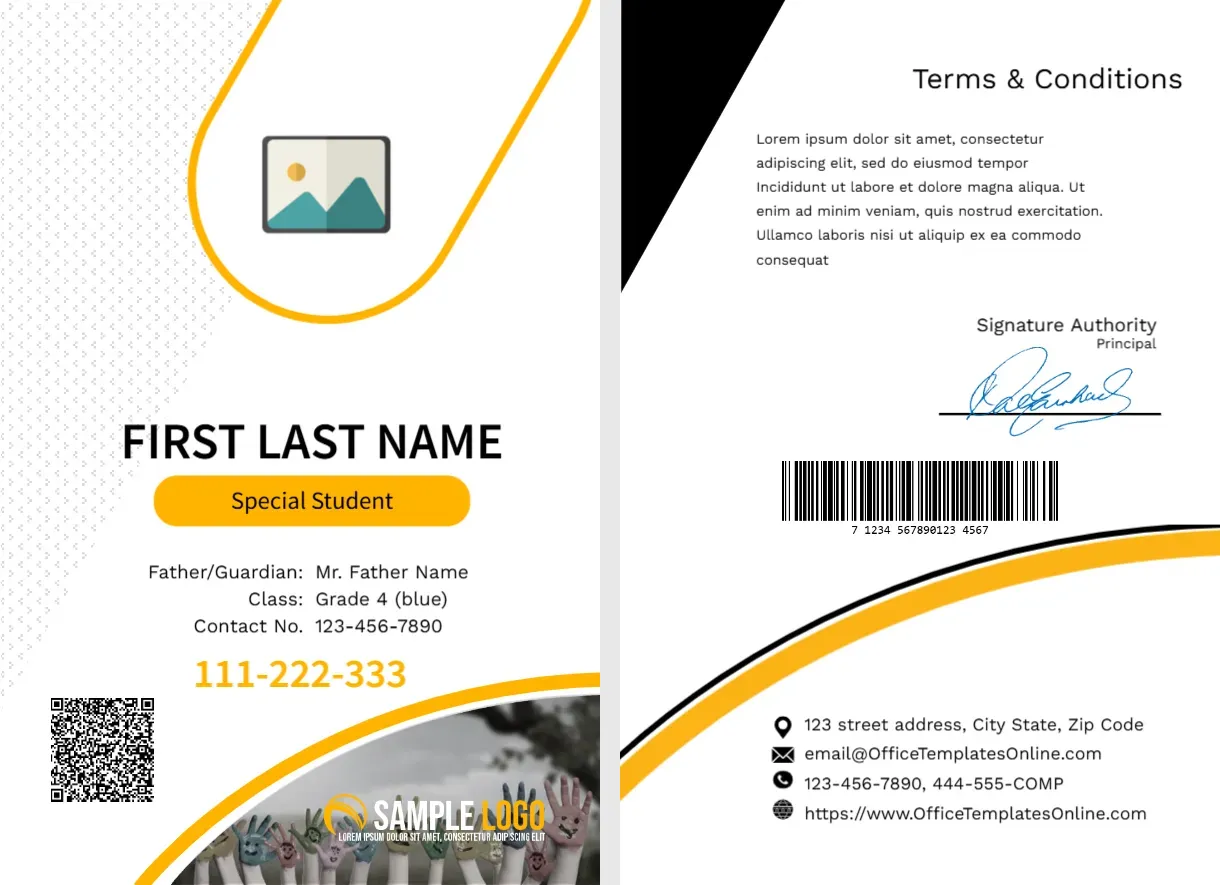
The front of this portrait card has a lime green top with a slate diagonal band, SCHOOL LOGO and a slogan line in white, a lotus style crest and a round photo with a white ring. A table lists Name, Qualification, ID Number and Working Since, and the word TEACHER sits in large slate capitals at the foot. The back has terms, a vertical logo, a signature, contacts and a barcode.
A Staff Card Printed on Both Sides
The card is 2.125 x 3.375 inches, CR80 in portrait. It sits in the Student ID Cards group of templates, but it is a staff card, so print it for teachers.
Table Rows and Back Details
Replace First, Last Name, the qualification, which shows M.Sc (Physics), the ID number and the date from which the teacher has been working. On the back, replace the Lorem terms, the vertical school logo and the signature authority.
Preparing the Teacher Card
- Insert the round photo.
- Type the teacher name.
- Fill the four table rows.
- Swap the school logo.
- Edit the back text.
A Card That Separates Teachers From Pupils
The large word TEACHER on the front lets visitors and pupils identify staff at once. Use a different colour from the student cards, so the two groups are easy to tell apart.
Qualification Line
The qualification row suits schools that like to show credentials. If you prefer, change it to a subject, such as Mathematics, or to a department.
ID Number and Barcode
The ID number is printed on the front and as a barcode on the back. Generate the barcode from the same number, and test it with a scanner.
Years of Service Row
Working Since shows the year of joining. It is a simple way to give staff recognition, and it also helps office staff check records.
Green and Slate Palette
Lime green and slate grey feel fresh and professional. They suit many schools, and the white text on green is readable in print.
A Vertical Logo on the Back
The back has the school logo rotated along the edge, with the slogan. Use a horizontal file rotated 90 degrees, and check legibility at card size.
Issuing and Returning Staff Cards
Give each teacher a card at induction and collect it when they leave. Record card numbers, and block lost cards in the access system.
Step by Step Editing of the School Teacher Id Card Green Diagonal Teacher Design
- On the school teacher id card green diagonal teacher design, click the main headline and type your own words, keeping a similar length.
- Retype every name, date and contact line on the school teacher id card green diagonal teacher design, checking each against a trusted source.
- Search the school teacher id card green diagonal teacher design for the words Lorem and Company so that no placeholder remains.
- Click any logo or photo on the school teacher id card green diagonal teacher design, choose Replace Image and resize the new picture to fit.
- Zoom the school teacher id card green diagonal teacher design to full size and read each line aloud before you save it.
- Keep a clean master of the school teacher id card green diagonal teacher design without private details, so later versions start tidy.
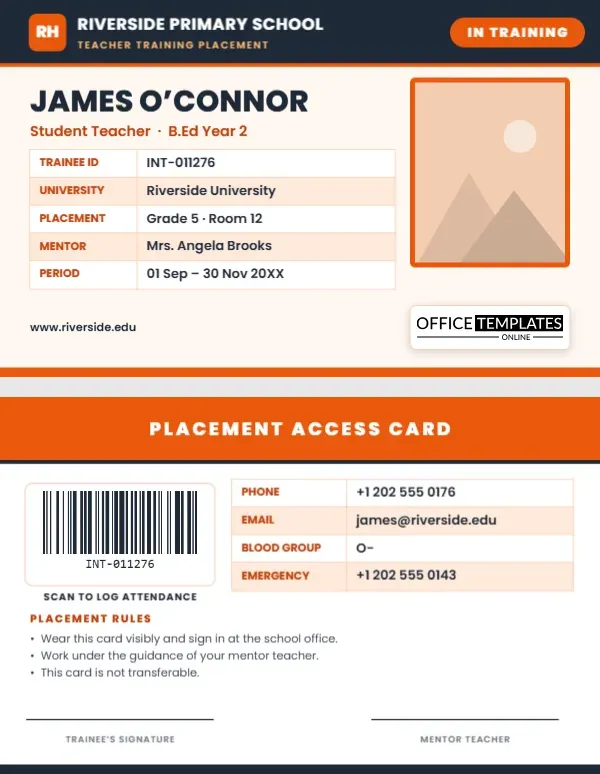
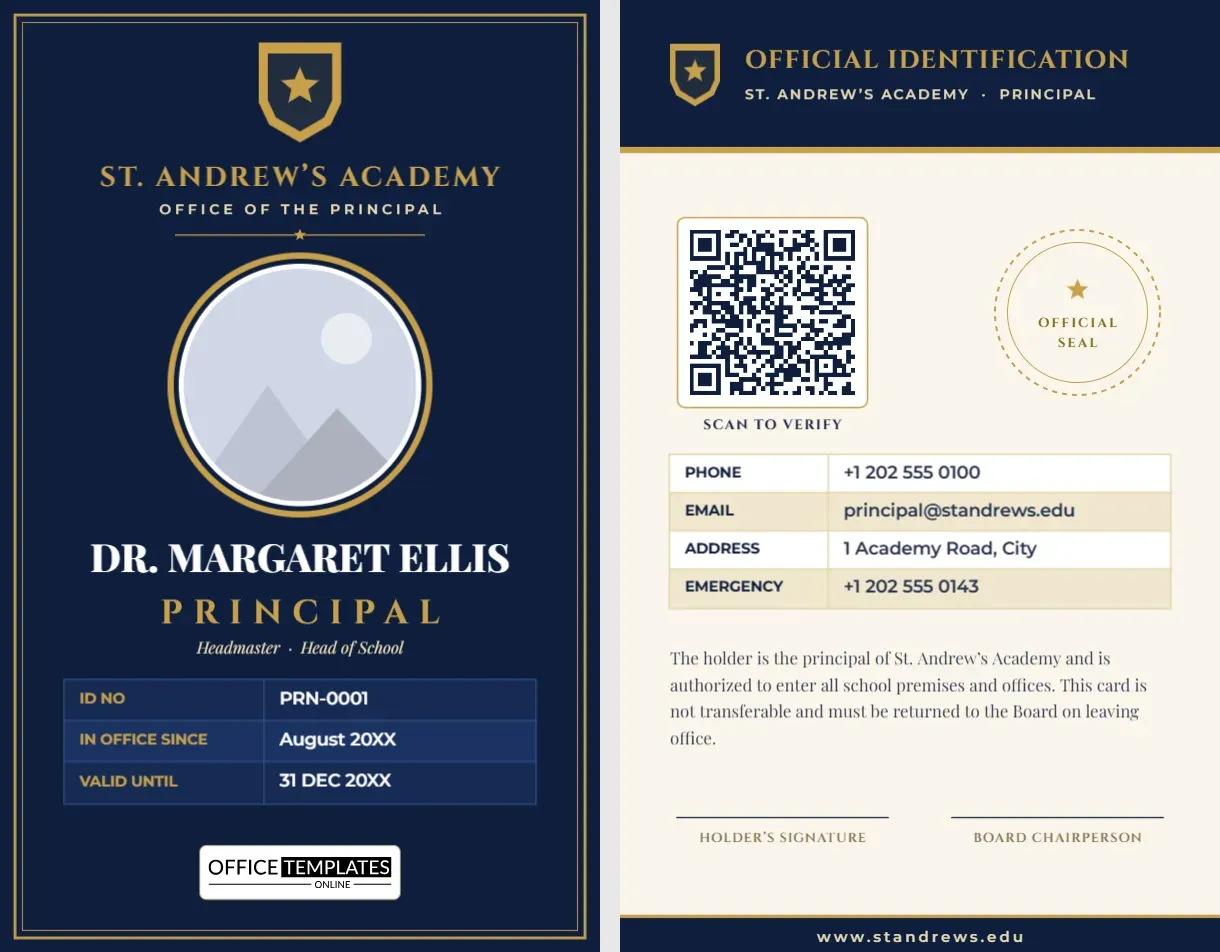
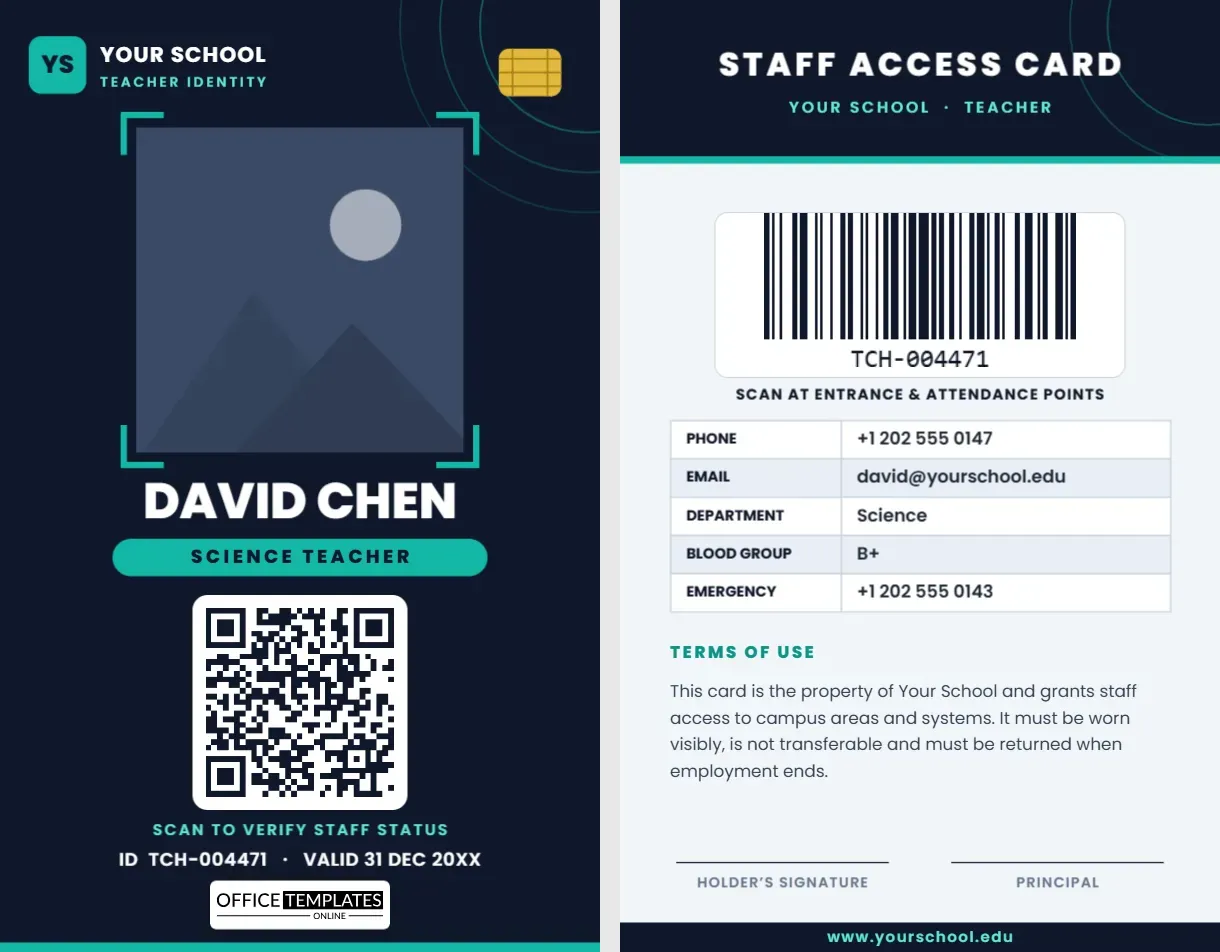
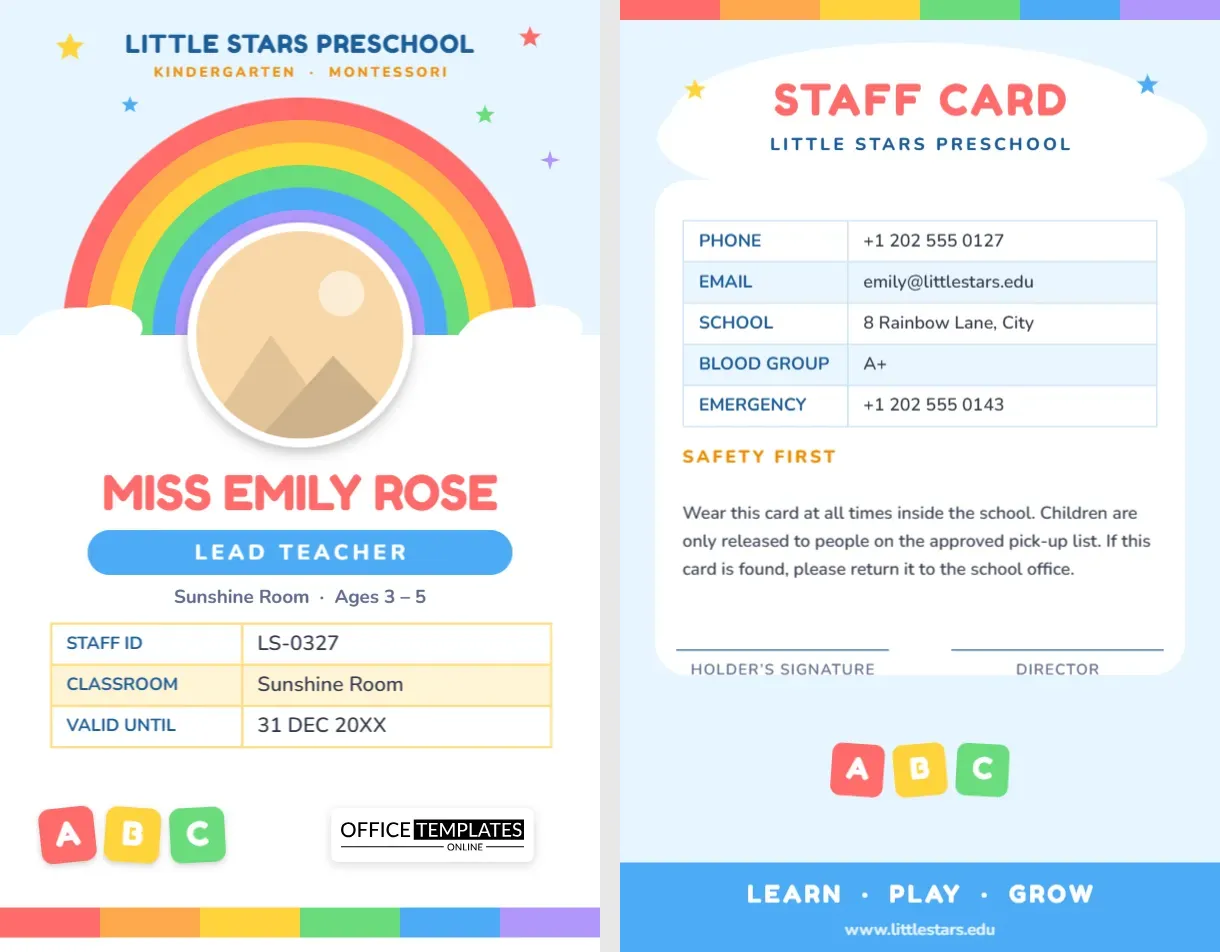
For comparison, open the landscape teacher card. Consider the smart teacher card. Similar designs include the principal card. Every school teacher id card green diagonal teacher style alternative sits in student ID card templates.