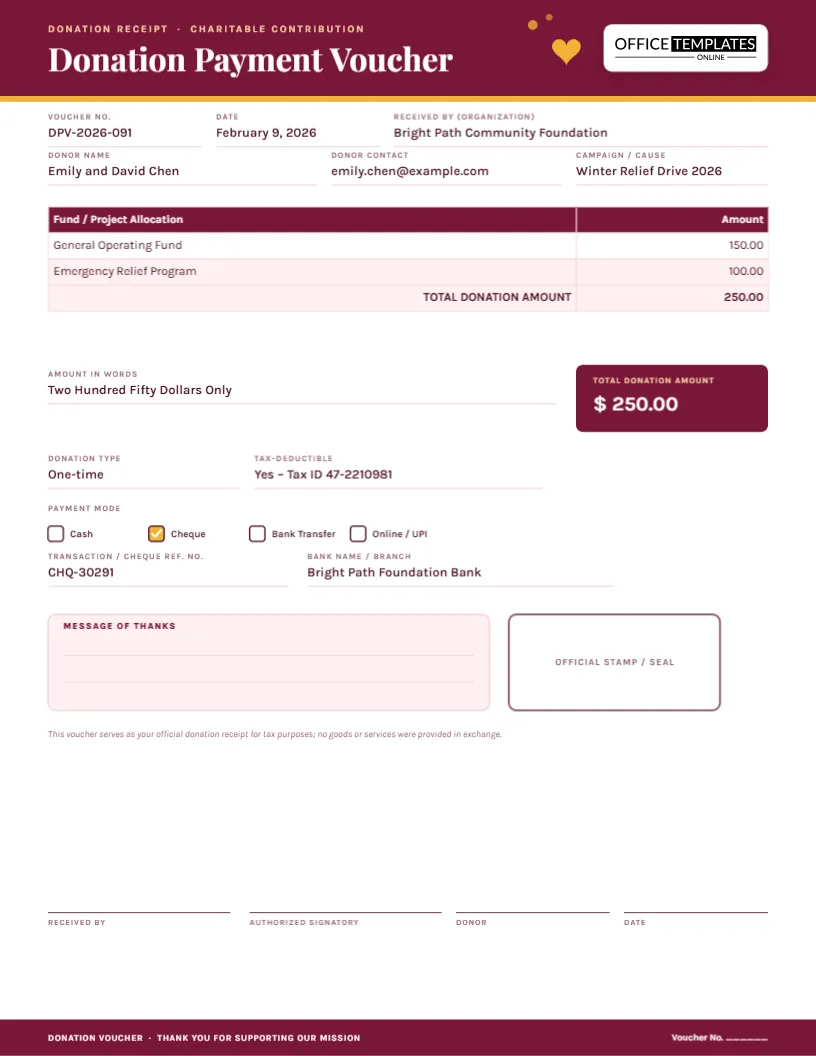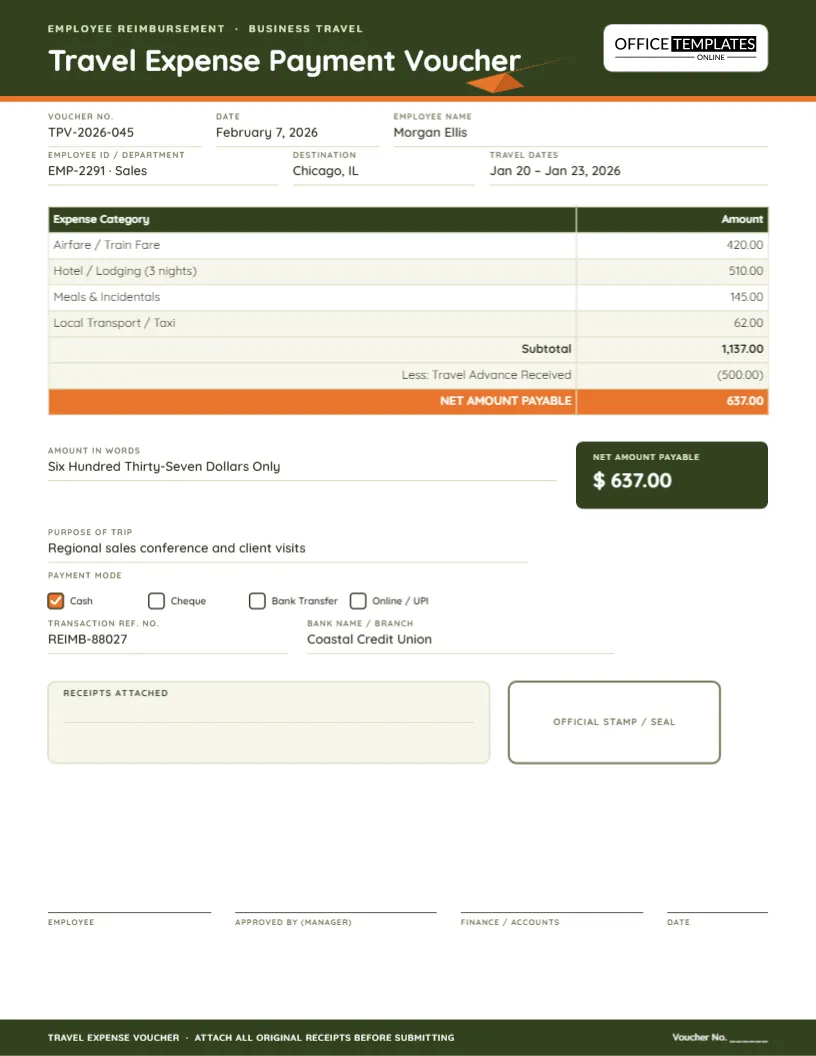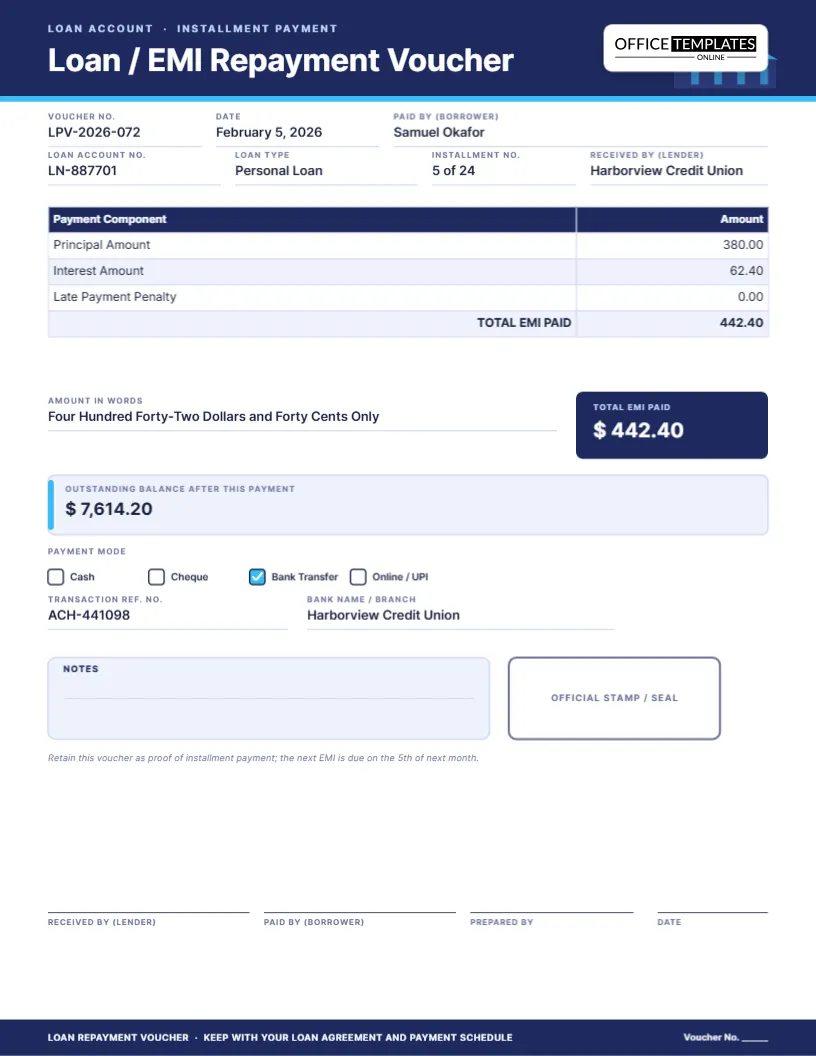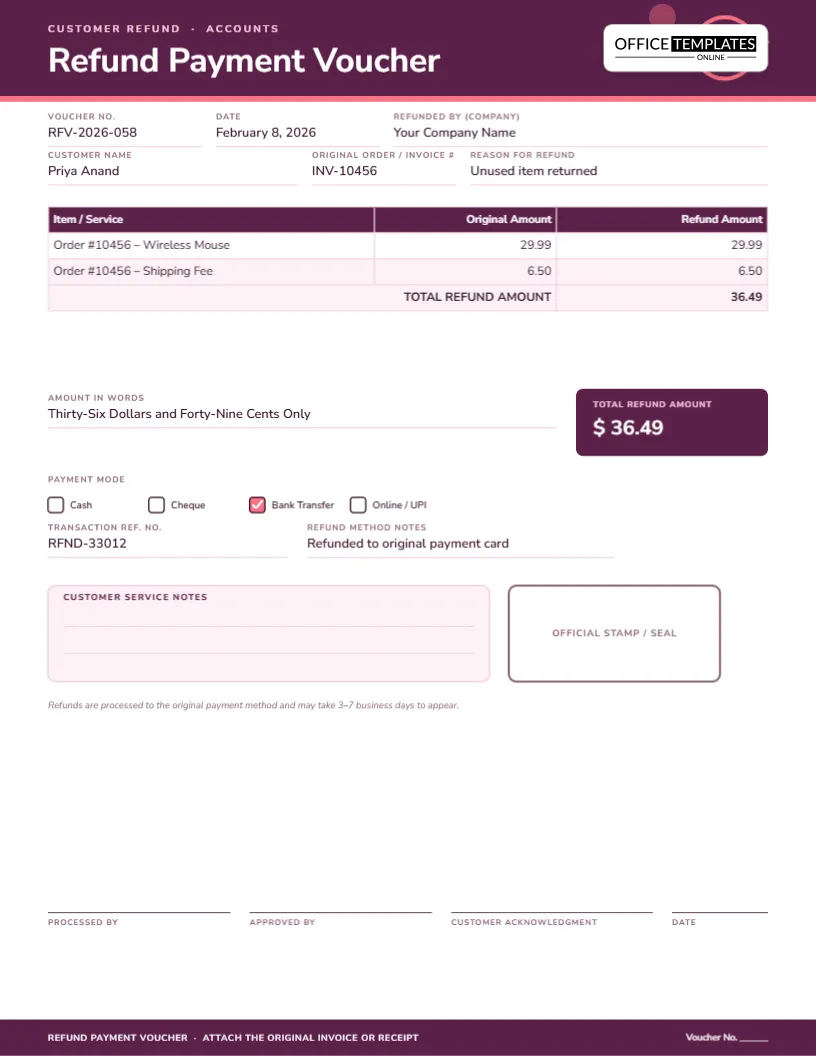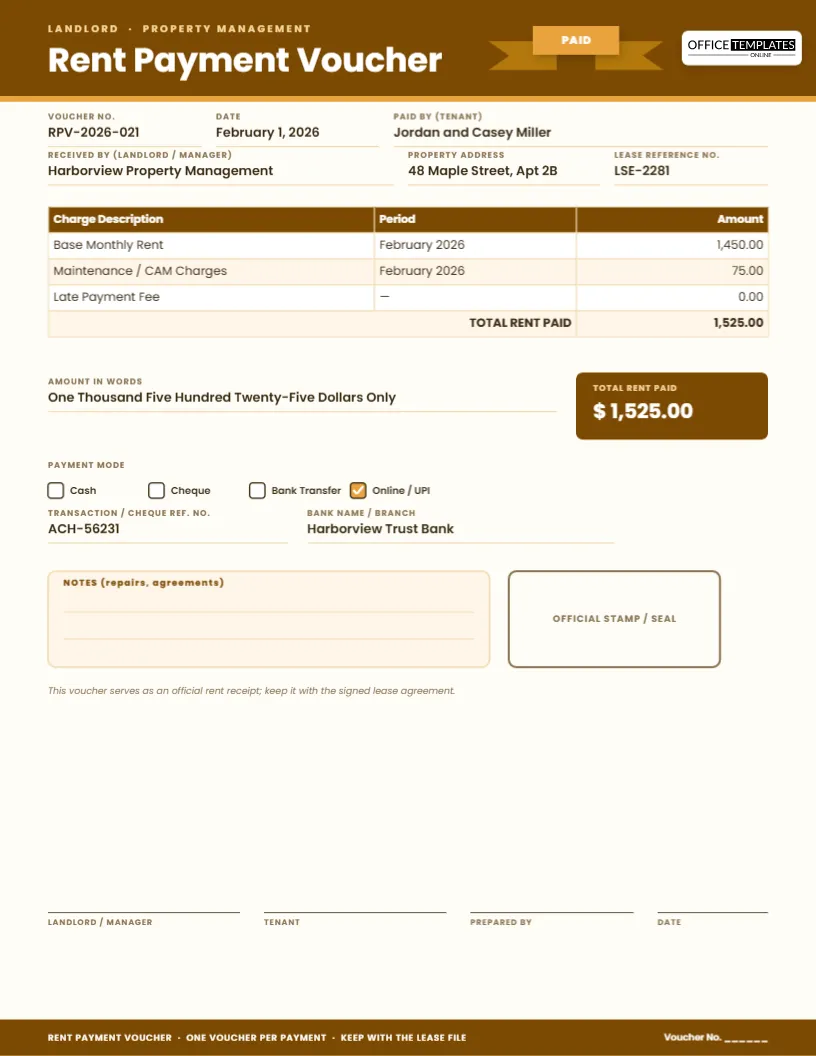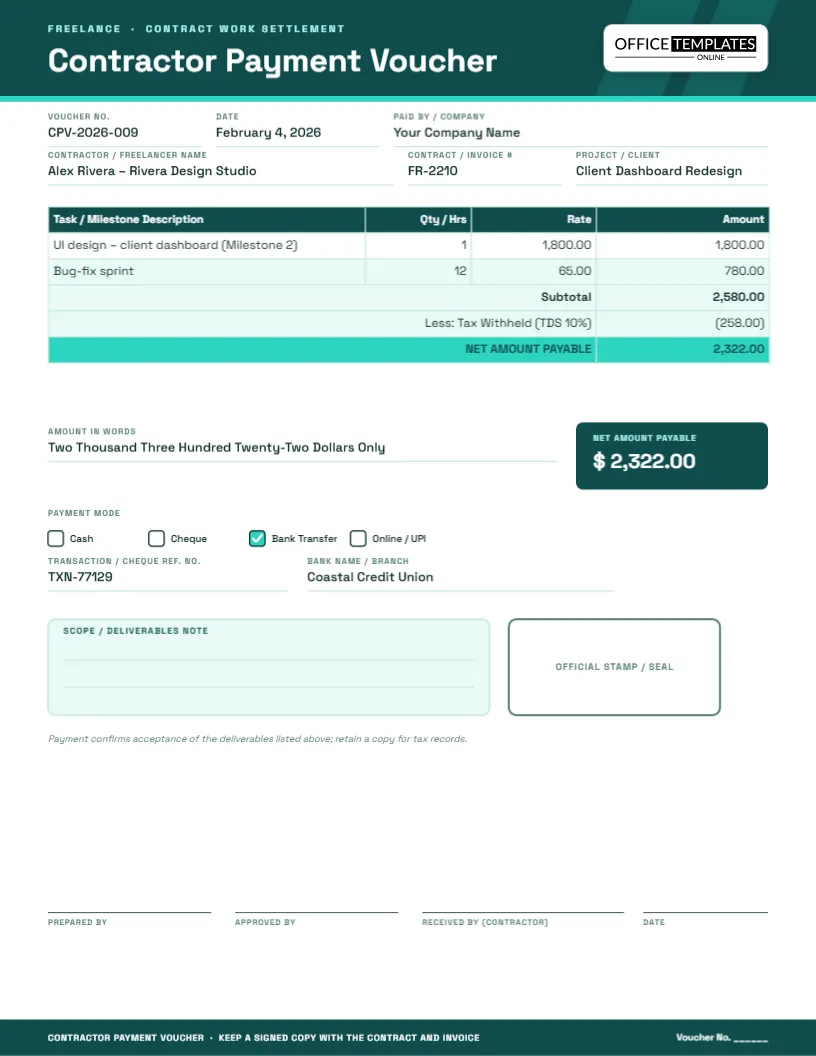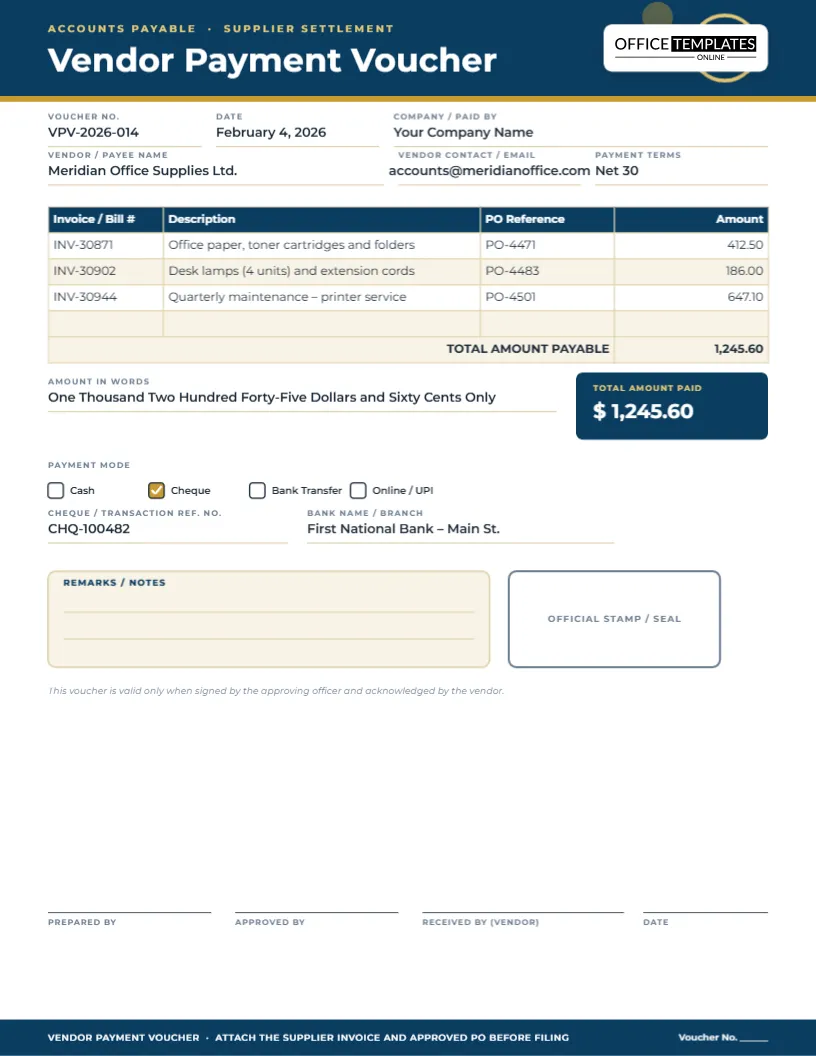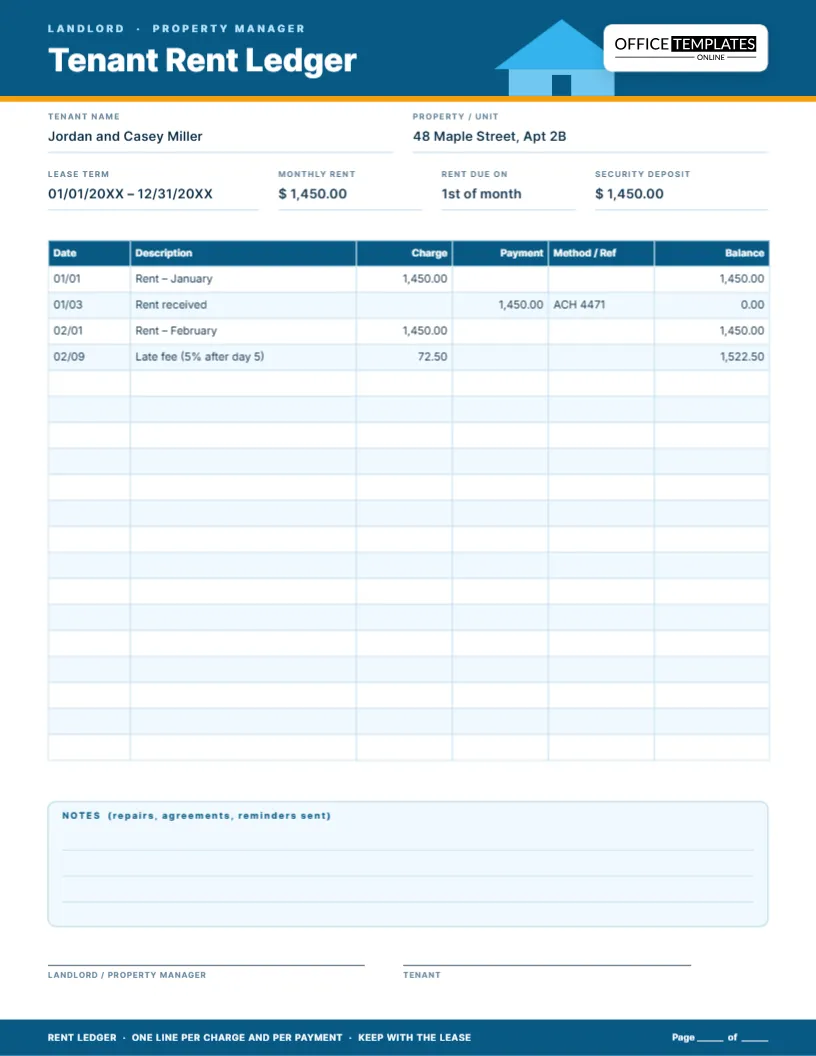
Utility bills are some of the most repetitive payments a household or small office makes, and also some of the easiest to lose track of. Was February’s electricity bill actually paid, or did the auto-debit fail that month? A utility bill payment voucher is a small habit that solves that problem: a short, consistent record for every electricity, water, gas or internet payment, filed the same way every time so a full year’s history is easy to check at a glance.
The template is deliberately general-purpose. One “utility type” field lets it cover any provider – power, water, gas, internet, phone – so a household or small office does not need a different template for every service, just this one filled in slightly differently each time.
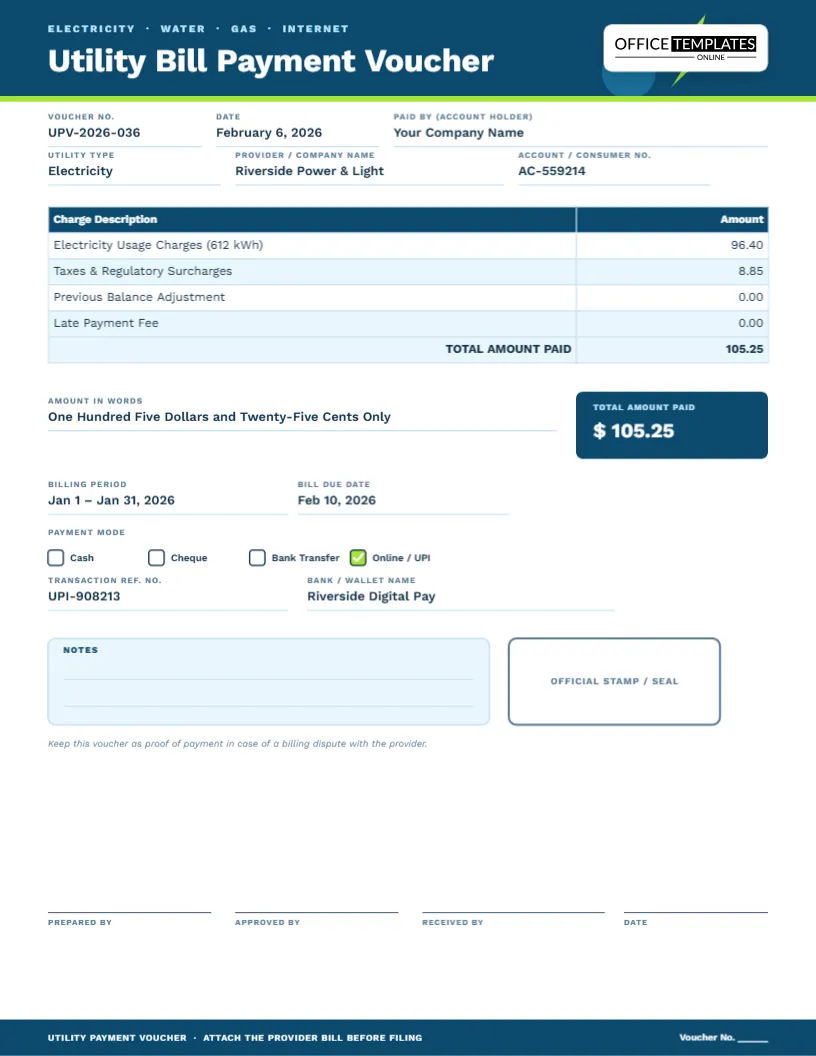
What’s captured on the page
- Voucher number, date and the account holder paying the bill
- The utility type, the provider’s name and the account or consumer number
- A charge table for usage charges, taxes and surcharges, any previous balance and any late fee
- A billing period and a due date field alongside the total
- Payment method, transaction reference and a notes box, plus a stamp area and signature lines
Design notes
One page, US Letter portrait, 8.5 x 11 inches. The header uses a bright sky blue with a small lime bolt motif, a clear nod to electricity and utilities generally without tying the design to one specific service. Work Sans keeps every field and table entry crisp at small sizes, which matters here since the charge table often carries several short line items.
Why bother recording a utility payment separately
Most utility providers keep their own billing history, but that history is scattered across as many logins as you have providers, and rarely survives a change of provider or a move. A single voucher per payment, filed in one place, gives a household or business its own independent record – useful for budgeting, for disputing a billing error, and for proving a bill was paid on time if a provider’s own system shows otherwise.
Who should use this template
- Households tracking electricity, water, gas and internet payments in one place
- Small offices and shops managing several utility accounts
- Property managers paying utilities on behalf of tenants or common areas
- Shared households splitting utility costs and needing a clear record per payment
- Anyone who has ever needed to prove a bill was paid after a provider’s records glitched
- Small business owners tracking overhead costs by category
- People switching providers who want to keep a consistent record across the change
What to note on the voucher
- Usage figures, such as kilowatt-hours or cubic meters, for tracking consumption over time
- A note if a bill was estimated rather than based on an actual meter reading
- Confirmation that a previous balance or late fee was cleared this cycle
- A reminder if a rate change or new plan takes effect next billing period
Editing the voucher
- Update the voucher number and date for this payment.
- Enter the utility type, provider name and account or consumer number.
- Edit the charge table rows to match the actual bill – usage charges, taxes, previous balance, late fee.
- Fill in the billing period and due date fields.
- Update the total, the amount in words, and check the payment method used.
- Fill in the transaction reference and bank or wallet fields, and add notes if needed.
- Download as a PDF, PNG or JPG, or print a copy for a paper filing system.
Tips for tracking utility payments
- Keep one folder per year, sorted by utility type, so patterns in usage and cost are easy to spot
- Record the billing period even when the due date is what matters, since disputes usually hinge on the period
- Note any estimated readings so they can be corrected once an actual reading comes in
- Set a recurring reminder to file the voucher the same day you pay, rather than batching it later
- Compare month-to-month totals occasionally to catch a billing error or a usage spike early
- Keep the previous cycle’s voucher handy when a new bill arrives, so a sudden jump in usage or cost is obvious immediately rather than discovered months later
Printing this voucher
The page is US Letter, 8.5 x 11 inches, and prints cleanly at 100 percent. A PDF export works well for email confirmations or a digital filing system, while a PNG or JPG is handy for a quick screenshot-style share with a housemate or family member splitting the bill.
Splitting a bill with housemates
If a utility bill is shared, fill in the total from the provider’s bill, then use the notes box to record each person’s share, such as “split three ways, $35.08 each.” Keeping that math on the voucher itself avoids the usual back-and-forth over who paid what.
Utility voucher questions, answered
Can I use one voucher for a bill that combines several utilities?
Yes, list electricity, water or gas as separate rows in the charge table if one provider bills them together.
What if my bill is on autopay and I never see a due date?
Leave the due date as the date the autopay is scheduled, or the statement date, whichever is more useful for your records.
Does this template calculate usage costs for me?
No, it is a fillable form for recording a bill you have already received, not a usage calculator.
Can I attach the original bill to this voucher?
The voucher itself does not attach files, but keep the PDF export alongside a saved copy of the original bill in the same folder.
Is this suitable for a business’s utility overhead tracking?
Yes, many small businesses use a voucher like this per meter or per property to keep utility overhead separate from other expenses.
What if I am disputing a charge on the bill?
Note the disputed amount and the reason in the notes box, and keep this voucher as your own record until the dispute is resolved.
Can I track more than one property with the same template?
Yes, just start a new voucher number series per address, or add the property name to the account holder field so each set of vouchers stays distinct.
Open the utility bill payment voucher, fill in this cycle’s details, and keep a clean, independent record of every electricity, water, gas or internet payment you make.