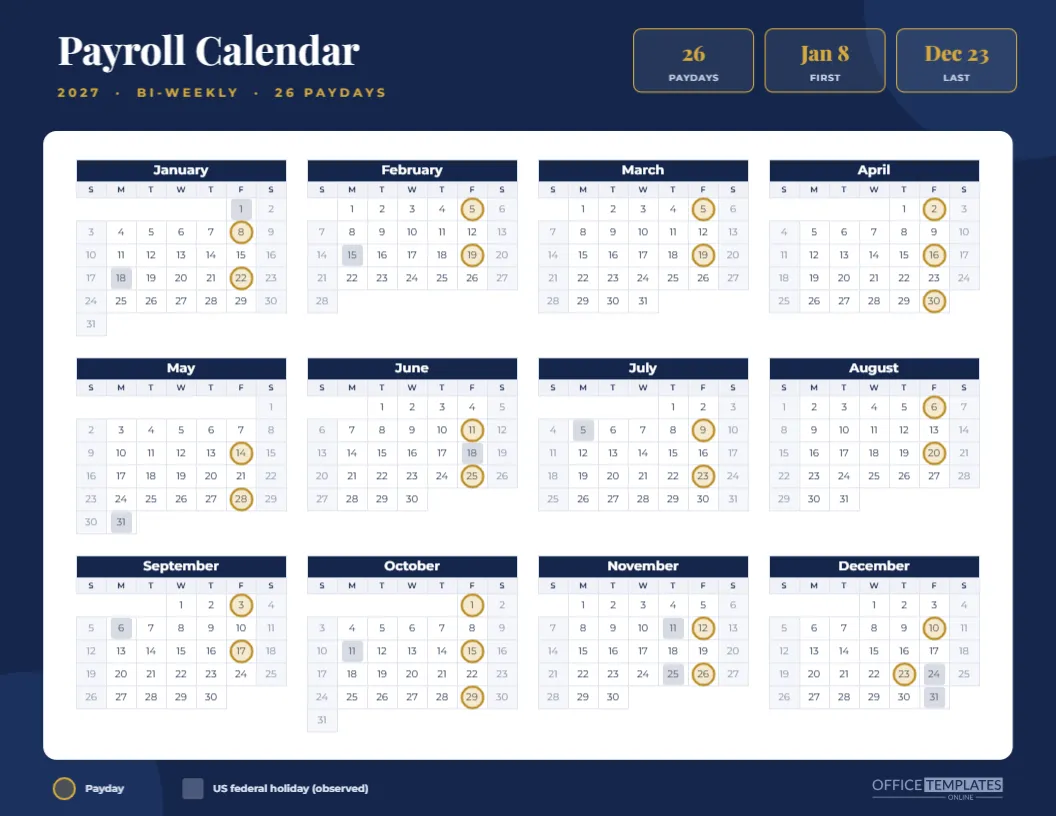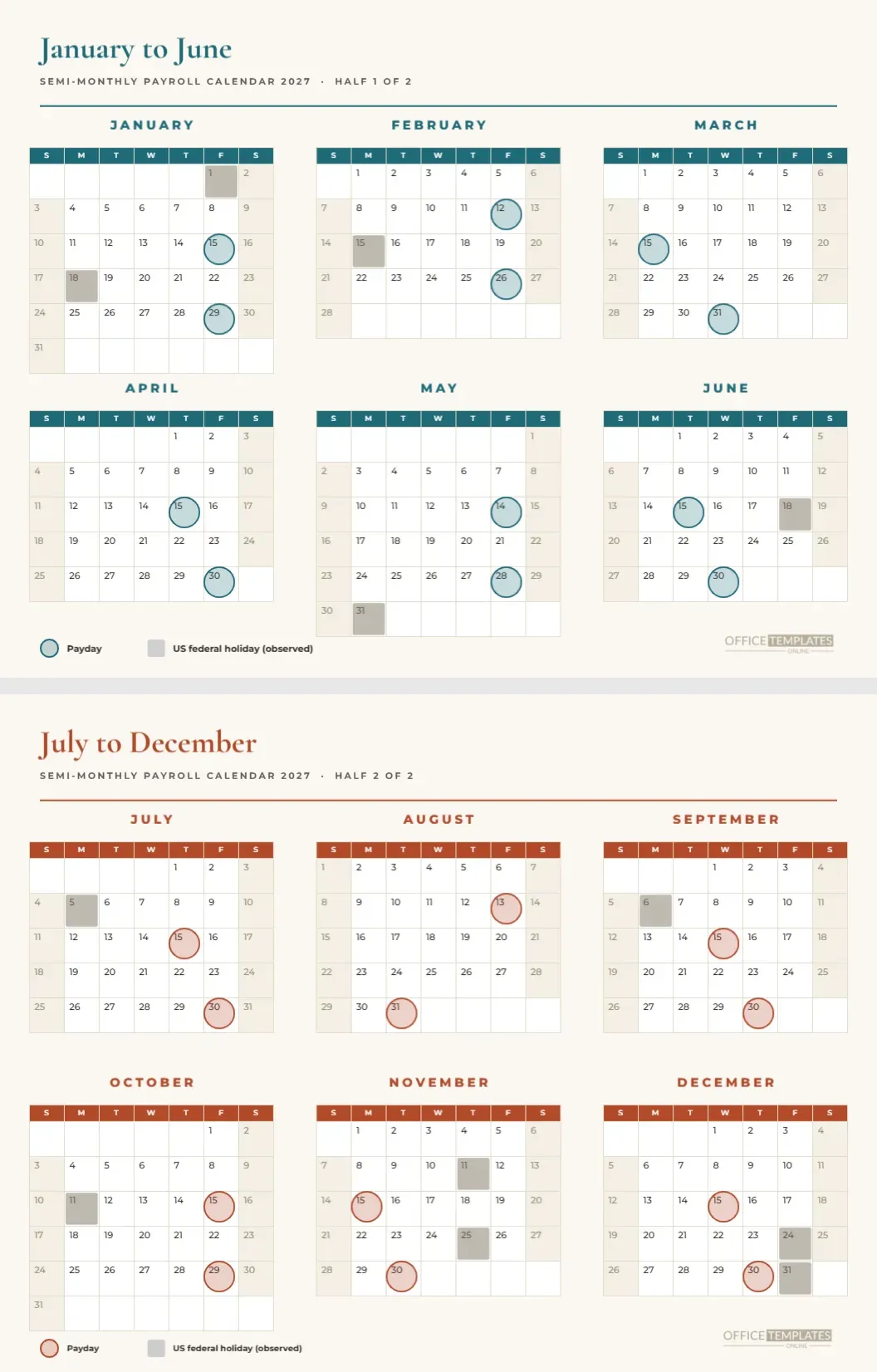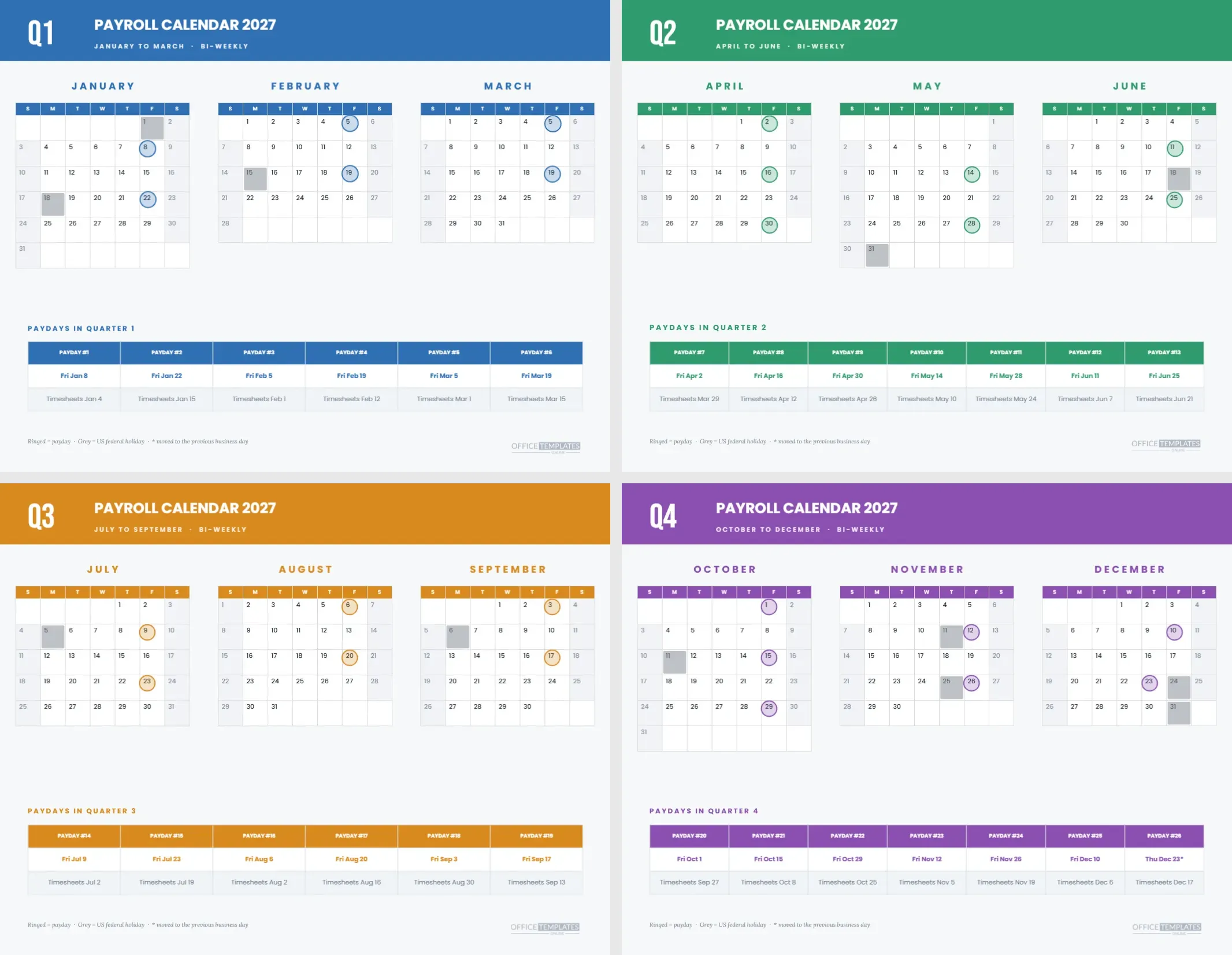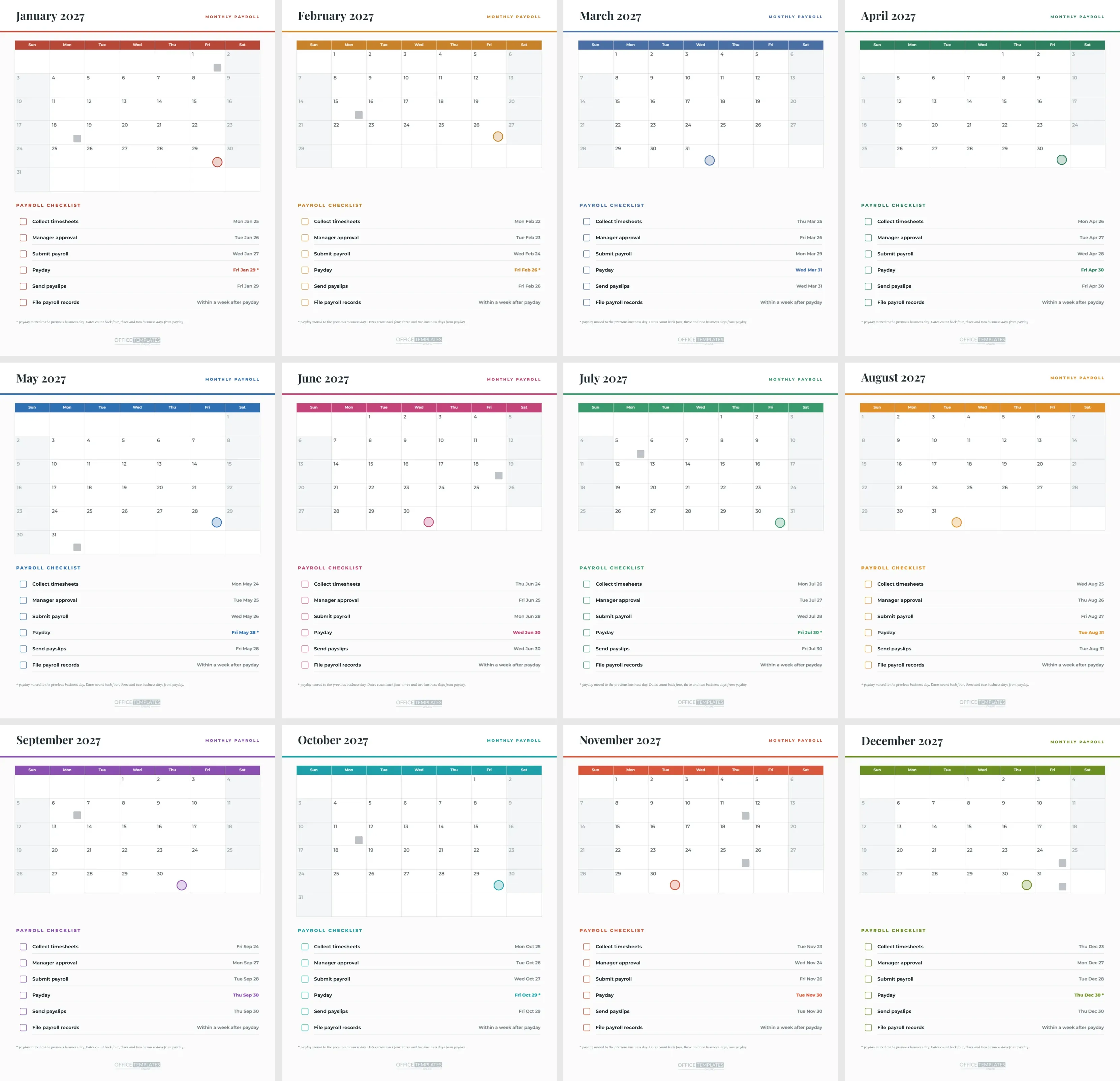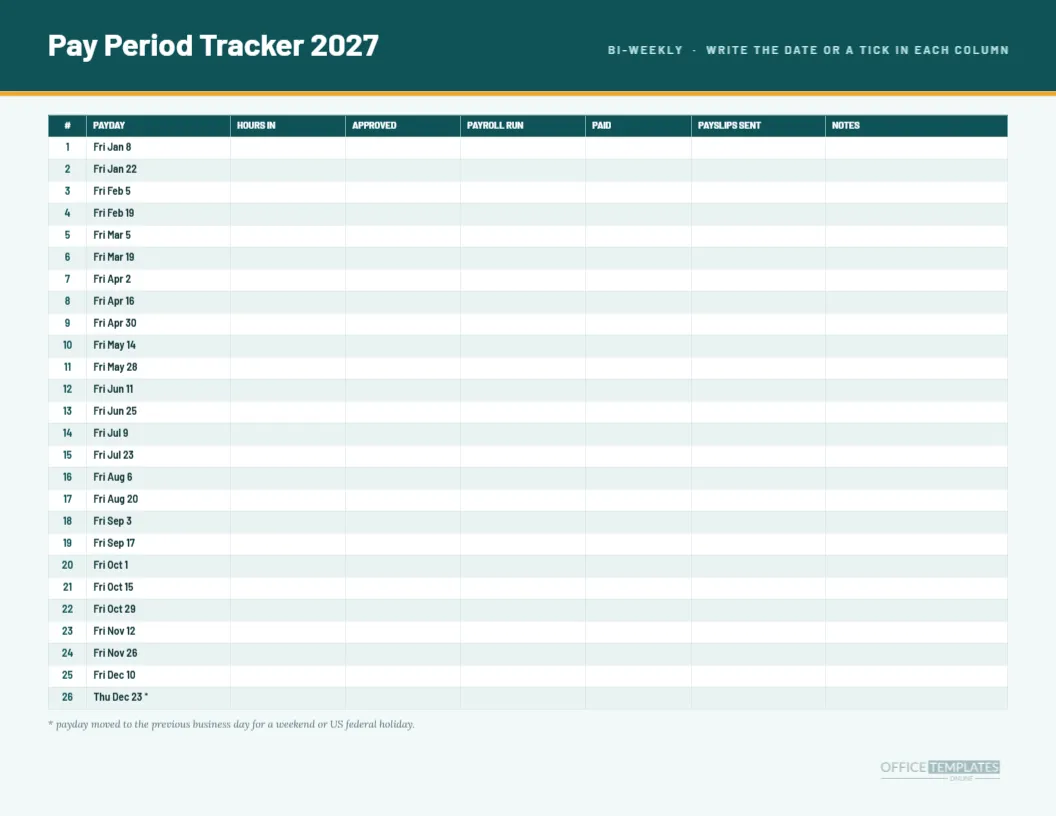
A calendar tells you what is coming. A tracker tells you what has happened. This landscape pay period tracker for 2027 lists the 26 bi-weekly paydays down the left and leaves six blank columns beside them, one for each stage of a payroll run. As each stage is finished, you write the date or a tick. By the end of the year, the page is a log of every run, and it takes up one sheet.
The Layout in Plain Words
A deep teal band holds the title Pay Period Tracker 2027 in Barlow Bold and a right-aligned line in pale teal capitals saying BI-WEEKLY, WRITE THE DATE OR A TICK IN EACH COLUMN. An amber rule sits under the band. A single large table fills the page below it, with a teal header row and alternating white and pale teal body rows.
The Eight Columns of the Tracker Table
| Column | Contents | Filled in by |
|---|---|---|
| Number | Pay period 1 to 26 | Pre-printed |
| Payday | Scheduled pay date | Pre-printed |
| Hours in | Date timesheets arrived | Payroll clerk |
| Approved | Date managers approved | Payroll clerk |
| Payroll run | Date the run was submitted | Payroll clerk |
| Paid | Date money left the bank | Finance lead |
| Payslips sent | Date payslips were delivered | Payroll clerk |
| Notes | Anything unusual | Anyone |
Why Blank Columns Are the Point
Most pages in this collection are full of pre-computed dates. This one is deliberately mostly blank. A tracker works because someone writes in it, and an empty cell is a visible gap that nags until it is filled. The six blank columns are real table cells, so you can type in them in the editor or write in them by hand after printing.
The Paydays Already in the Table
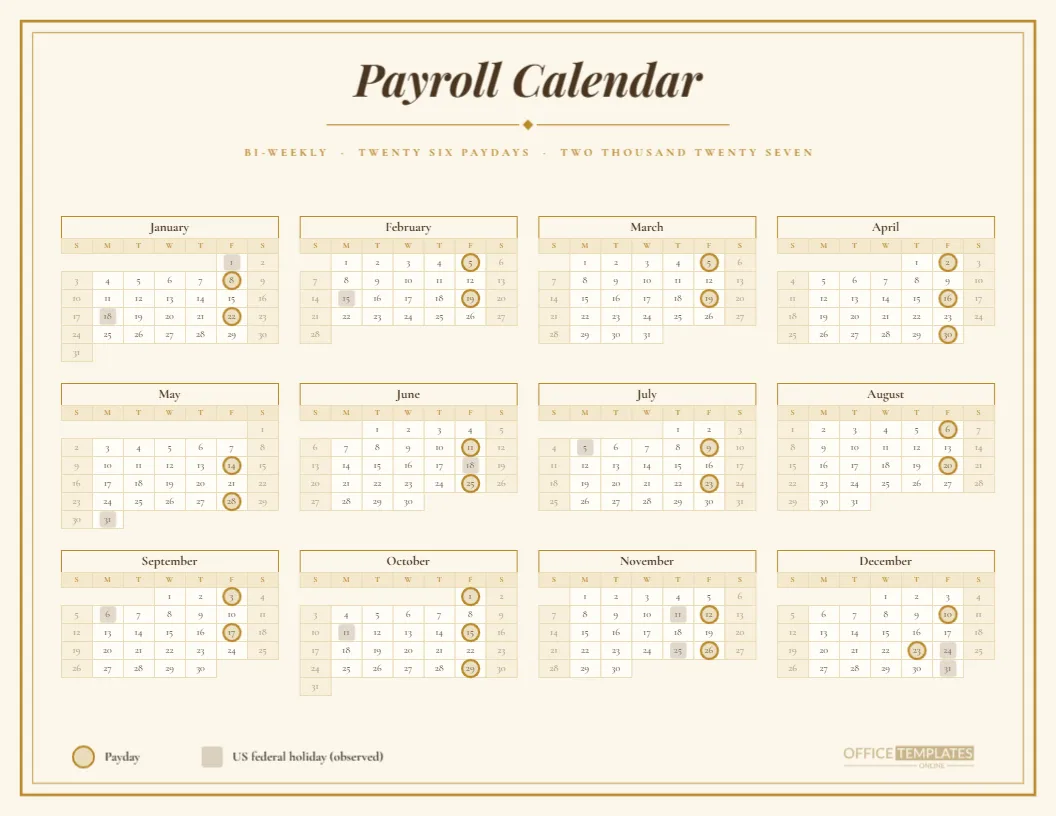
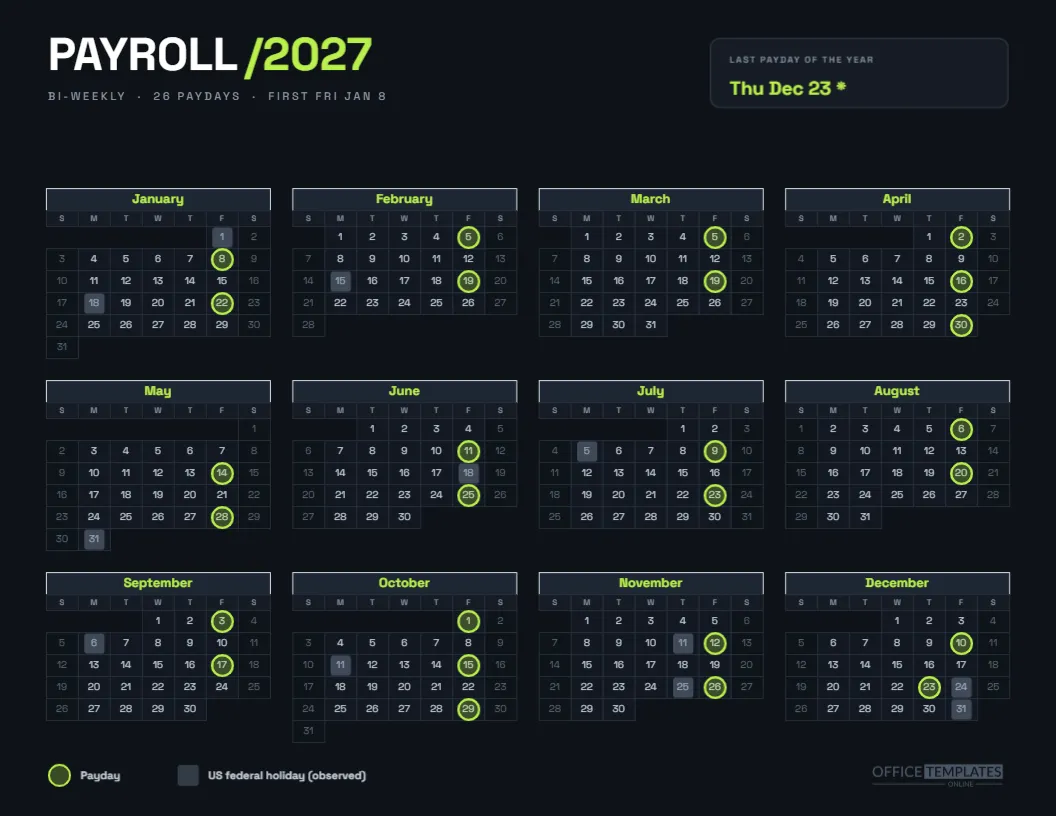
The first two columns are filled: pay period numbers 1 to 26 in bold teal and the payday in bold. They run Fri Jan 8, Fri Jan 22, Fri Feb 5 and so on to Fri Dec 10 and Thu Dec 23 with an asterisk. The final date moves because Friday, December 24 is the observed Christmas holiday, and a note under the table says so.
Using Dates or Ticks
Dates are more useful than ticks in an audit, because they show when a step happened, not only that it did. Ticks are quicker and perfectly fine for a small team. Choose one style at the start of the year and stick to it, so the page looks consistent when you hand it to someone else.
Spotting Late Runs
A late run shows as a date in the Paid column that is after the Payday column. A missing date means the step has not happened. A quick scan of the page at the end of each cycle tells you whether any row was behind, and a pattern, such as holiday weeks always running late, becomes visible after a few months.
Using the Notes Column
Notes are for exceptions: a corrected timesheet, a late approval, a bank delay, a new hire’s first pay. Keep entries short. The column is about 1.9 inches wide, enough for a sentence in small handwriting. A year of notes gives you a candid view of what actually goes wrong, which is the starting point for improving it.
The Size of the Type
The table uses seven and a half point text, with rows about a quarter of an inch high. That fits 26 rows and a header on a landscape sheet. If you write by hand, use a fine pen. If you prefer larger rows, delete the NOTES column and widen the others, or print on A3 at a print shop.
Handing the Tracker to a Second Person
If two people share payroll, give each a column to fill, or use initials beside each date. The tracker then doubles as a handover record. When one person goes on leave, the other can see exactly where each run stands, which removes the stress of an interrupted cycle.
Editing the Tracker Table Columns
The table is a real Table object. Rename columns, add a new one for funding or a bank reference, or delete the ones you do not use. After adding a column, narrow the others so everything fits on the page. If you change the pay schedule, retype the first two columns.
Recolouring the Teal Tracker Header
The teal header and amber rule are fills you can change. If your brand uses blue and orange, swap them, keeping the table rows pale so handwriting shows clearly. A dark tint behind written text is hard to read, which is why the body rows stay white and a very light teal.
Printing for Writing
Print on matte paper, since gloss resists some pens. Use actual size, landscape, and background graphics. Print a fresh copy each January and keep the old one with the year’s records. If you prefer a clean page, print the table without the header band by deleting it before you print.
Pairing With the Deadline Sheet
The payroll processing deadlines sheet in this collection lists the planned date for each stage. Use it as the plan and this tracker as the actual. Comparing the two at year-end shows which stages ran on time, and which kept slipping.
Records Worth Keeping
A completed tracker is a good supporting record, but it is not a legal substitute for the payroll registers your provider produces. Keep it with them. If you are unsure how long to retain payroll records, ask your accountant, since the answer differs by country and sometimes by record type.
Using the Tracker in a Small Business
An owner who runs payroll once every two weeks can do the whole log in a minute per cycle. The page lives in a payroll folder, comes out on Monday of pay week, and goes back after the run. It is a modest ritual, and it gives the owner calm that the work has been done.
Using the Tracker in a Larger Team
In a larger team, assign one tracker per pay group, such as hourly and salaried. Label each page at the top, and add a signature line at the bottom for the manager who reviews it. The format scales because every row is the same, and every group’s page reads the same way.
Honest Limits of a Fill-In Tracker
The tracker does not calculate anything, and it does not send reminders. It depends on someone filling it in. The paydays are computed from a previous business day rule and a US federal holiday list, so confirm them with your payroll provider before you rely on them.
The Tracker in Brief
Twenty-six rows. Eight columns, six of them blank. Teal header with an amber rule. Landscape Letter. Editable Table object. Print it, fill it, and file it.