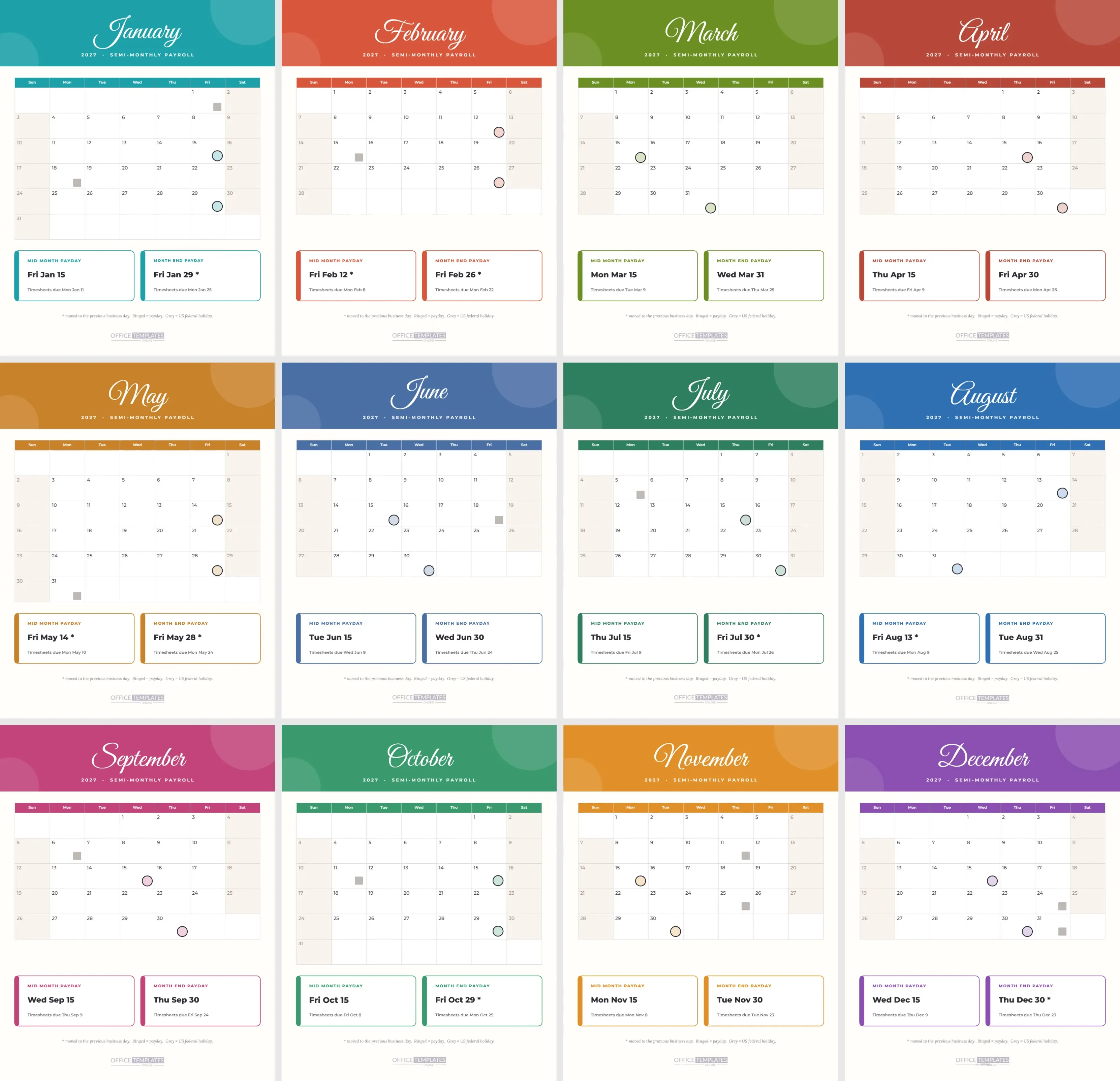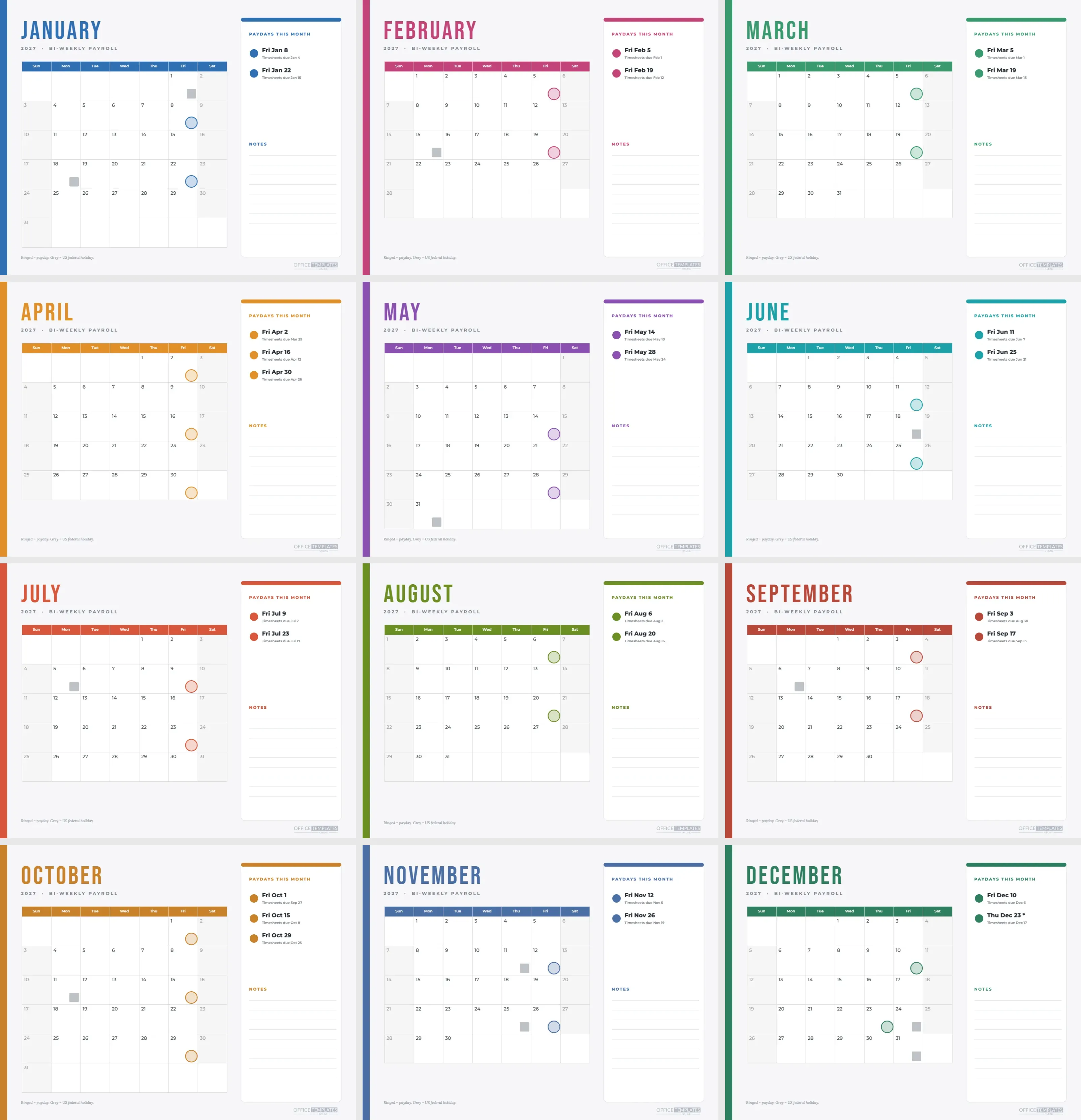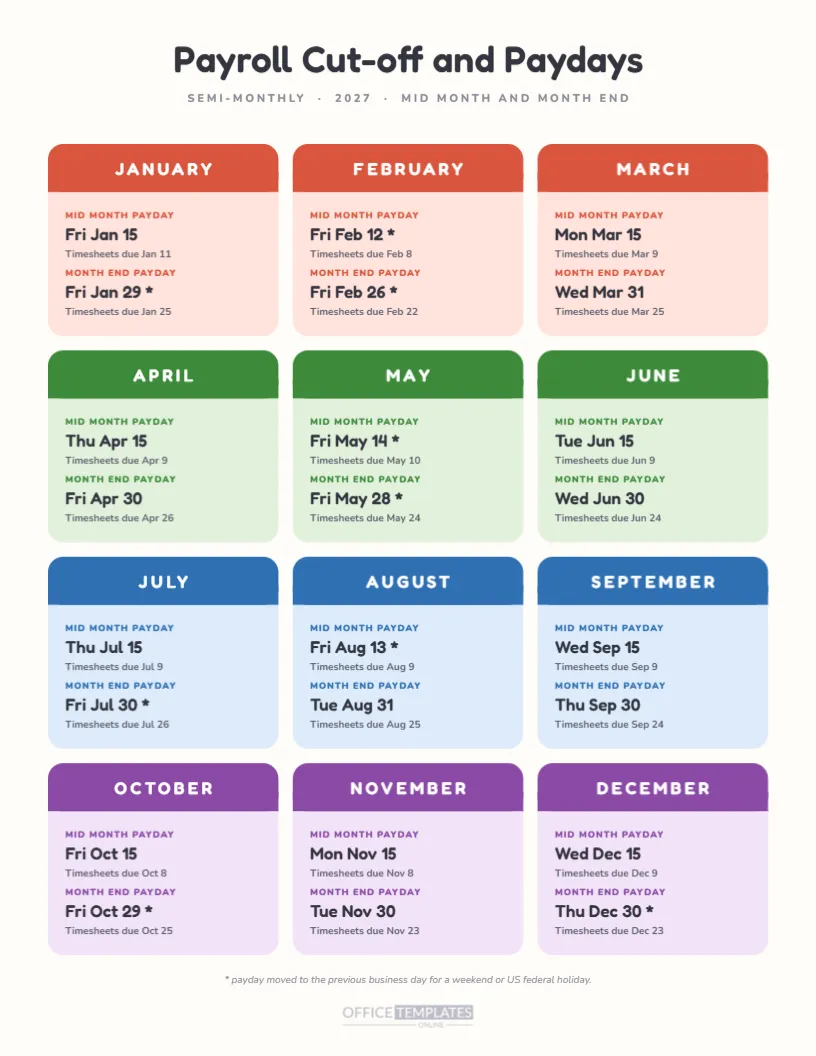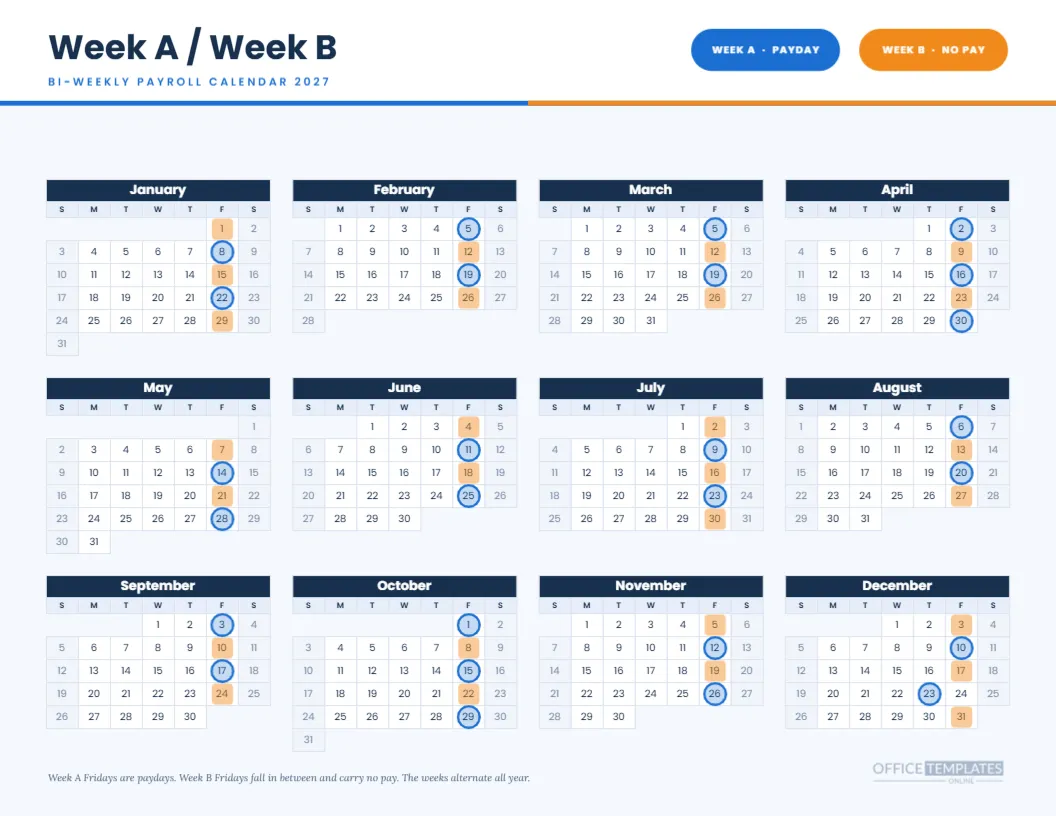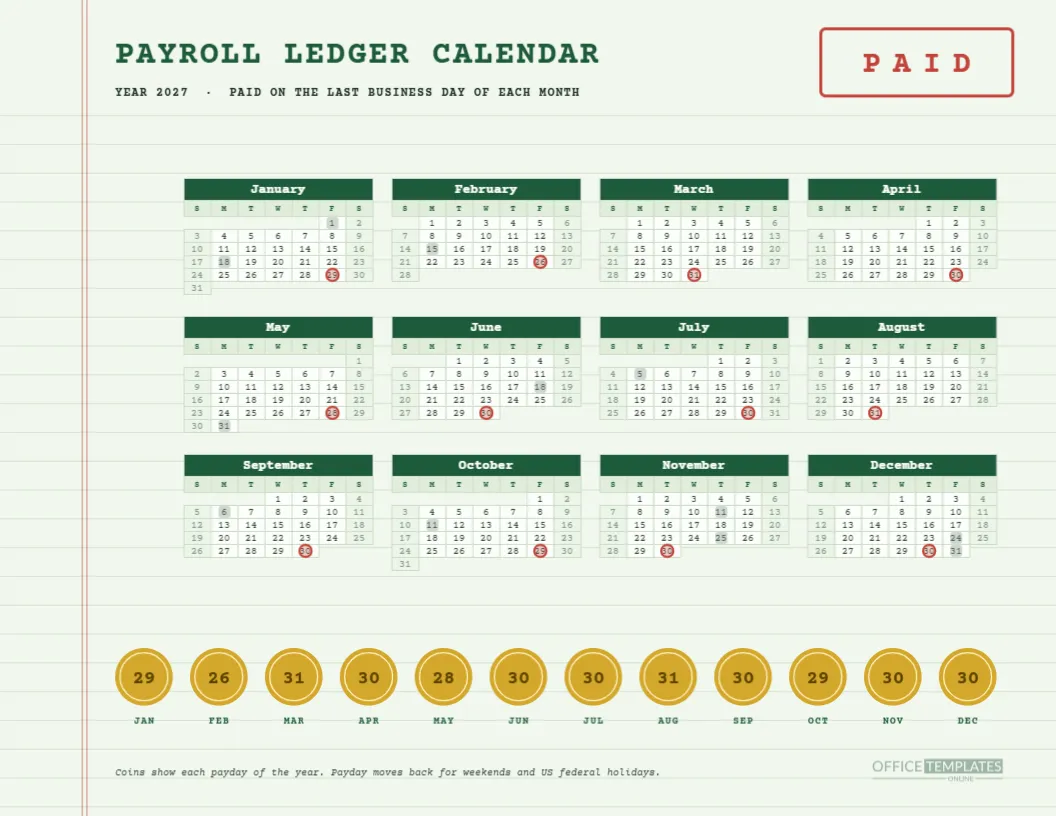
Open an old bookkeeper’s ledger, and you will find pale green paper, ruled lines, a red double margin, and figures in a careful hand. This payroll calendar for 2027 borrows that look. It shows twelve monthly paydays on a year grid, and it adds a row of twelve gold coins along the foot, each stamped with the day of the month. It is nostalgic, but the information is entirely current.
Step One: The Paper
The page background is a pale sage green. Thin green rules run across it at regular intervals, like ledger lines, and two fine red lines mark a margin near the left edge. The effect is subtle and easy on the eye, and it makes the calendar look as though it belongs in a book of accounts.
Step Two: The Title and the Stamp
The title PAYROLL LEDGER CALENDAR is set in Courier Prime, a typewriter-style font, in dark green capitals. A line below says YEAR 2027, PAID ON THE LAST BUSINESS DAY OF EACH MONTH. At the top right, a red-outlined box carries the word PAID in spaced capitals, like a rubber stamp.
Step Three: The Year Grid
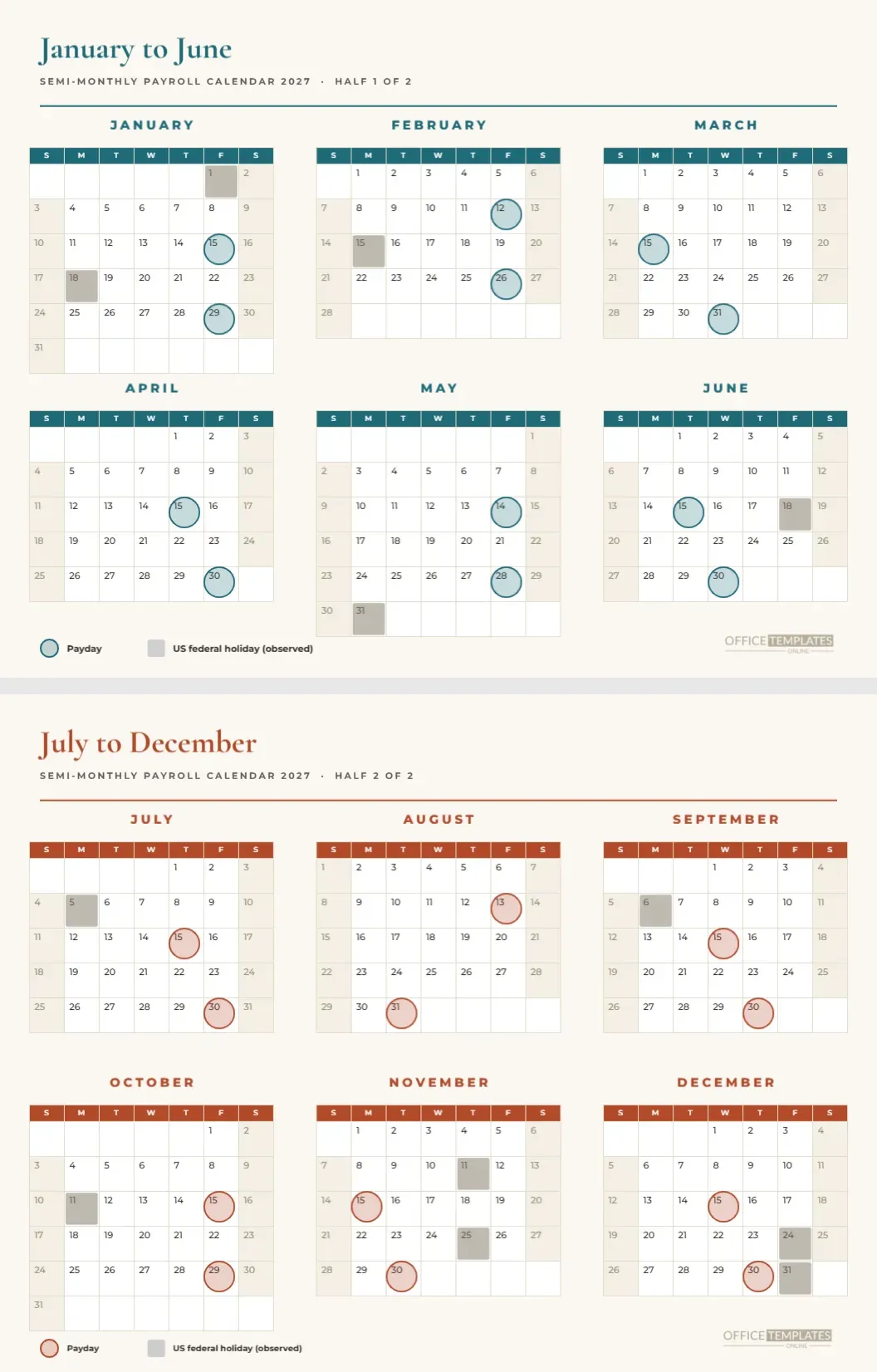
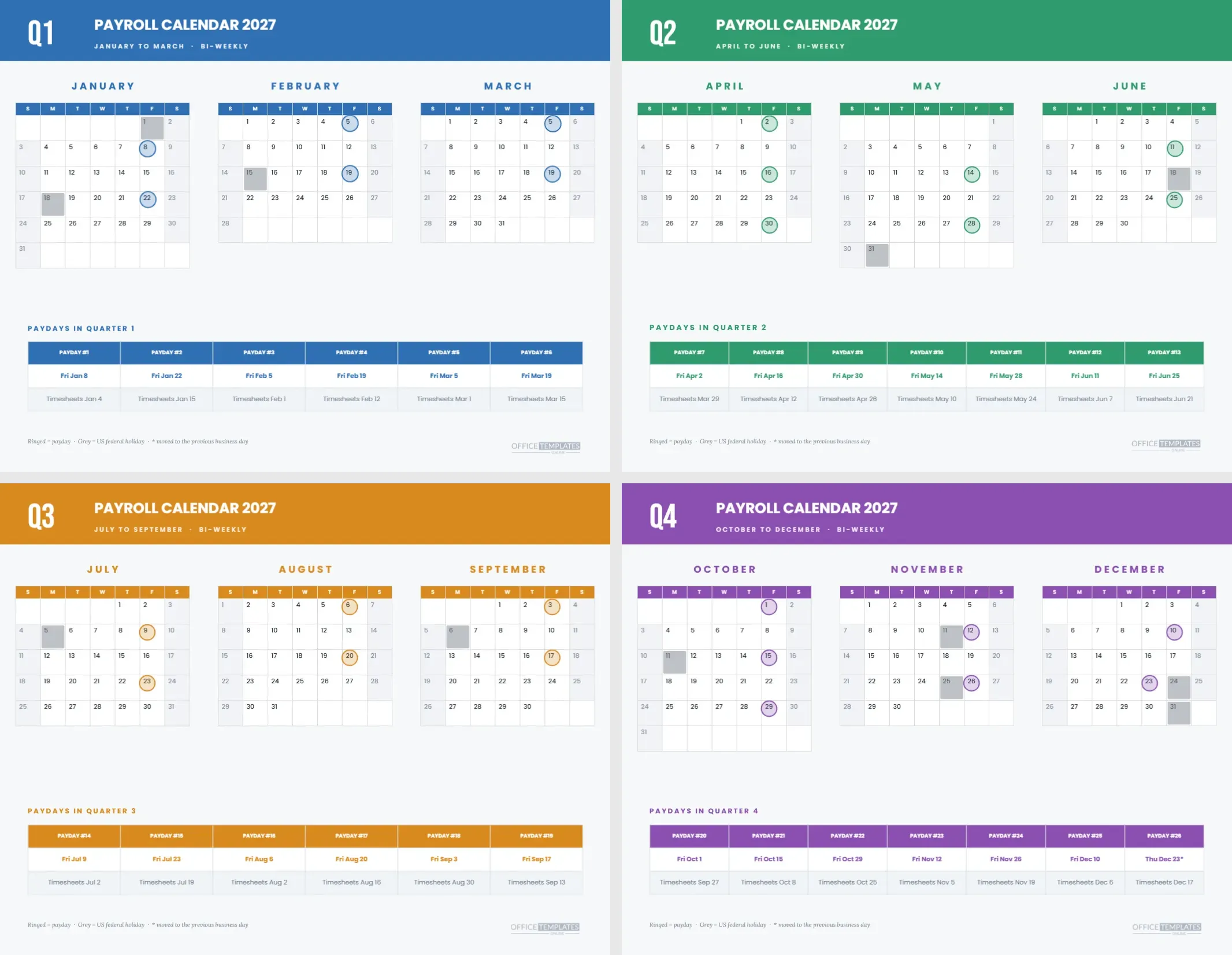
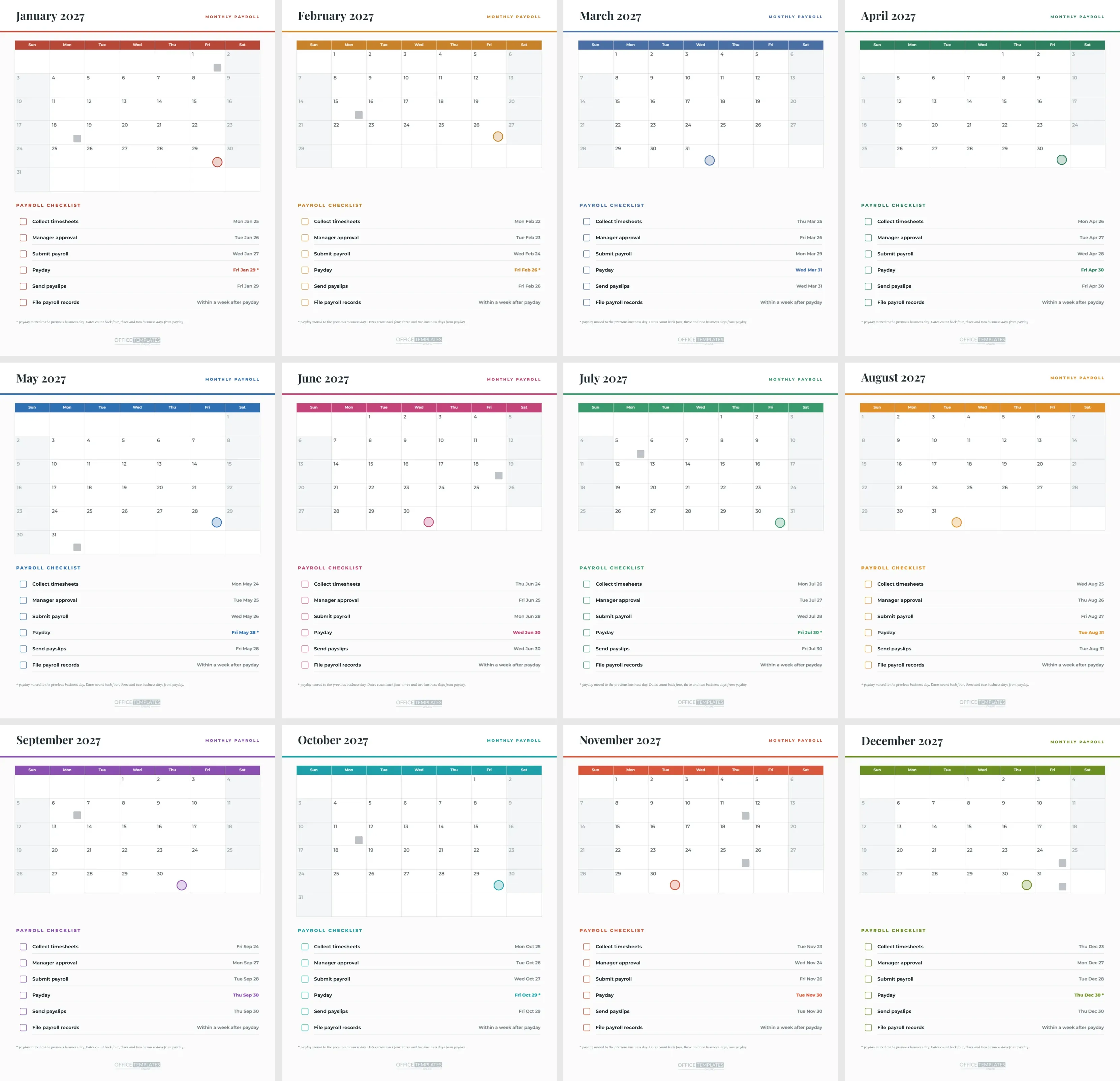
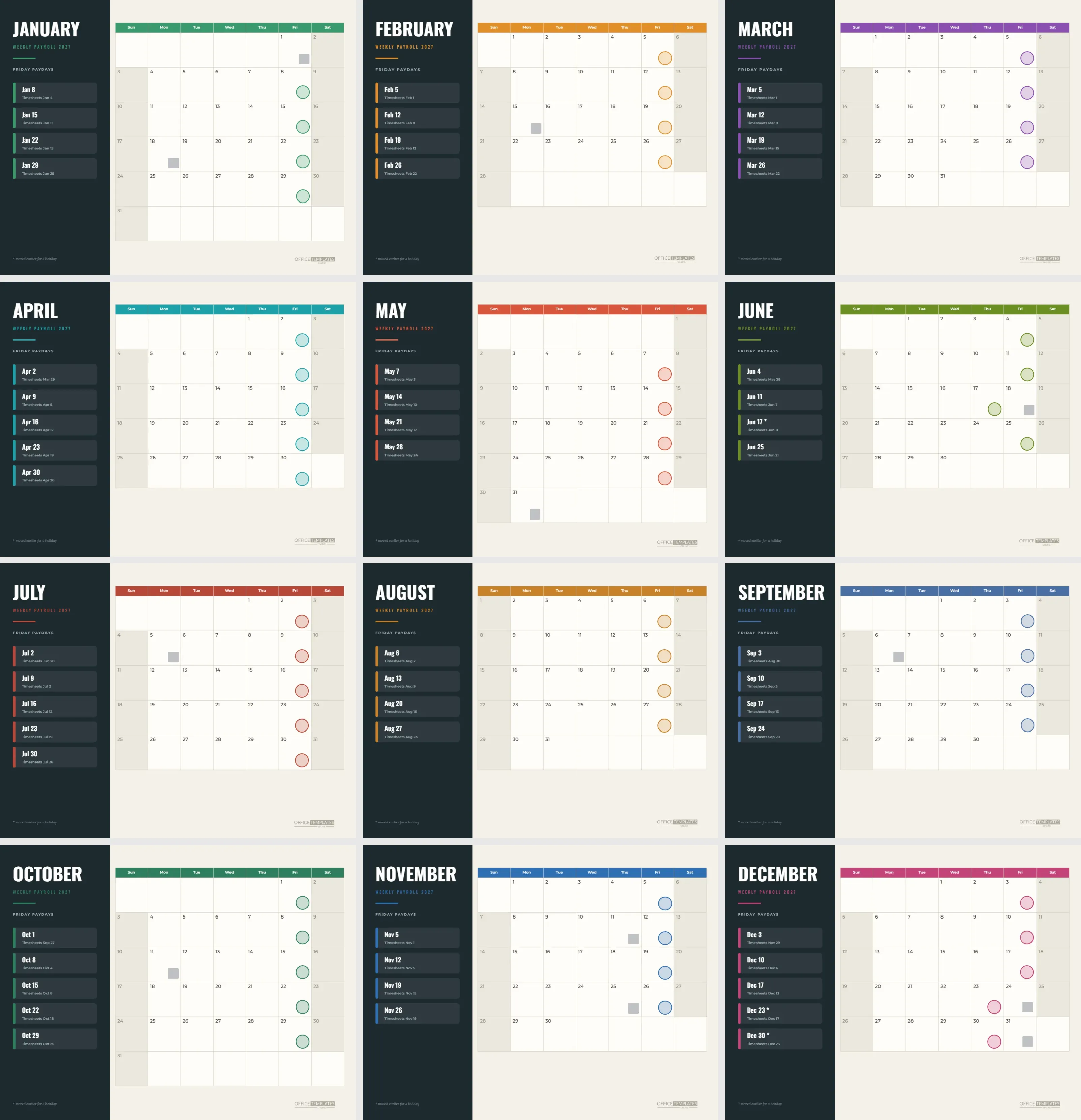
Twelve mini months run in four columns and three rows. The month headers are dark green with white text, the day name row is pale green, and weekends are a lighter tint. Red rings mark each payday, and grey squares mark US federal holidays. All text in the calendar uses the same typewriter font.
Step Four: The Twelve Coins
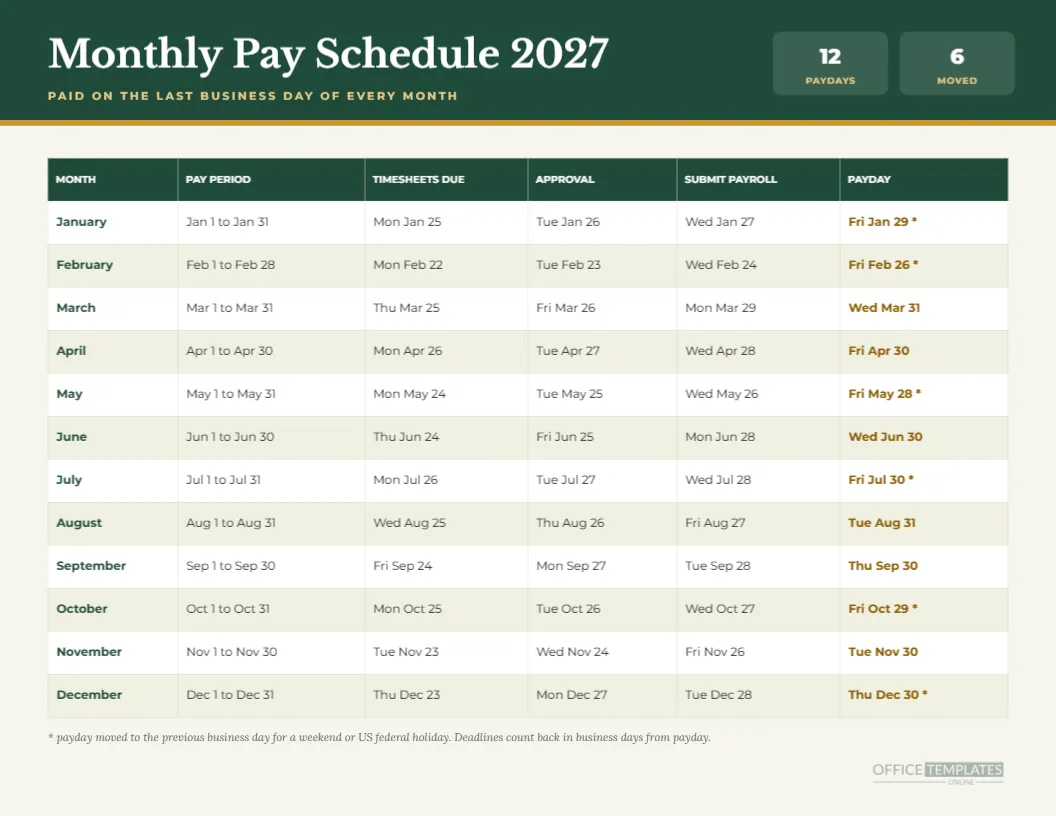
Under the grid, twelve gold coins sit in a row. Each carries a dark number, the day of the month on which that month pays, with the month abbreviation beneath. They read 29, 26, 31, 30, 28, 30, 30, 31, 30, 29, 30 and 30 for January to December. They are shapes and text, so you can edit any one.
Step Five: Understand the Dates
Monthly pay falls on the last business day. January 29 and February 26 are Fridays before a Sunday month end. March 31 is a Wednesday. May 28 steps back from Memorial Day. July 30 steps back from a Saturday. October 29 steps back from a Sunday. December 30 steps back because December 31 is an observed holiday.
Step Six: Check the Rings Against the Coins
Each coin should match the ring in its month. If you edit one, edit both. A quick way to check is to read the coins left to right and tick each against the grid above. That habit also teaches new staff how the schedule works, because the coins and rings reinforce each other.
Step Seven: The Stamp as a Status Mark
The PAID box is decorative, but you can use it as a status mark on a printed copy. Draw a tick under it, or write the date the last run was completed. Some offices change the word to DRAFT while the schedule is under review, then back to PAID when it is final.
Step Eight: Editing the Calendar
The grid is the editor’s Calendar object. Open Calendar Options to change the year or week start. The rings are separate grouped shapes laid over the cells and do not follow changes, so adjust them after any edit. The coins also need updating if the dates change.
Step Nine: Changing the Typewriter Font
Courier Prime is part of the charm, but a more modern typeface may suit your brand. Change the fonts of the title and the calendar together, so the page remains coherent. Test the day numbers at small size, since some fonts have narrow digits that become cramped in the mini months.
Step Ten: Printing on Cream Stock
For an authentic feel, print on cream or pale green paper at around 100 gsm. The ledger lines are light enough that they will not clash with a coloured sheet. Use actual size and background graphics so the rules and margin appear on white paper.
Who Will Love This Page
Accountants, bookkeepers, antique shops, small family firms and anyone who likes paper. It is a good gift for a retiring payroll clerk, and a friendly way to make a dry topic more welcoming in a small office. People are more likely to look at something that looks cared for.
A Practical Use of the Coins
The coin row is the quickest way to read the year. Run a finger along it, and you have every payday in sequence. Because they are separate shapes, you can drag a coin off the row to mark a month in a different colour when payroll is complete, which makes the strip a simple progress bar.
Combining the Ledger Page With the Monthly Schedule
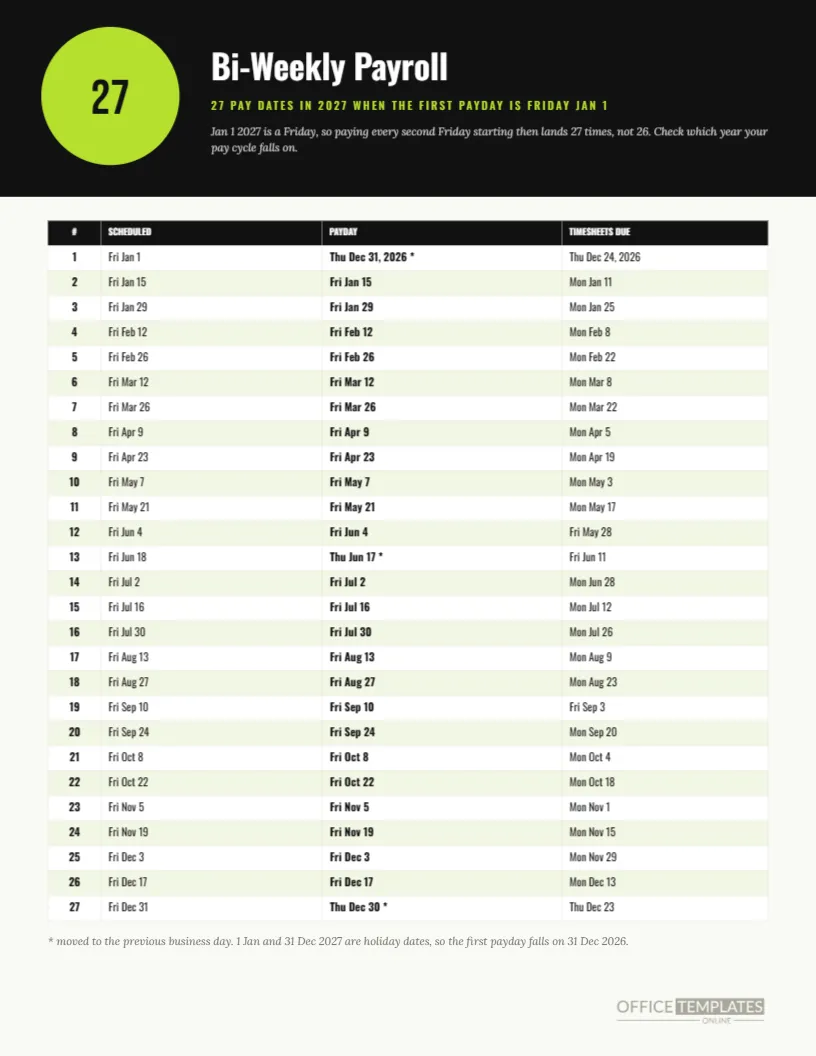
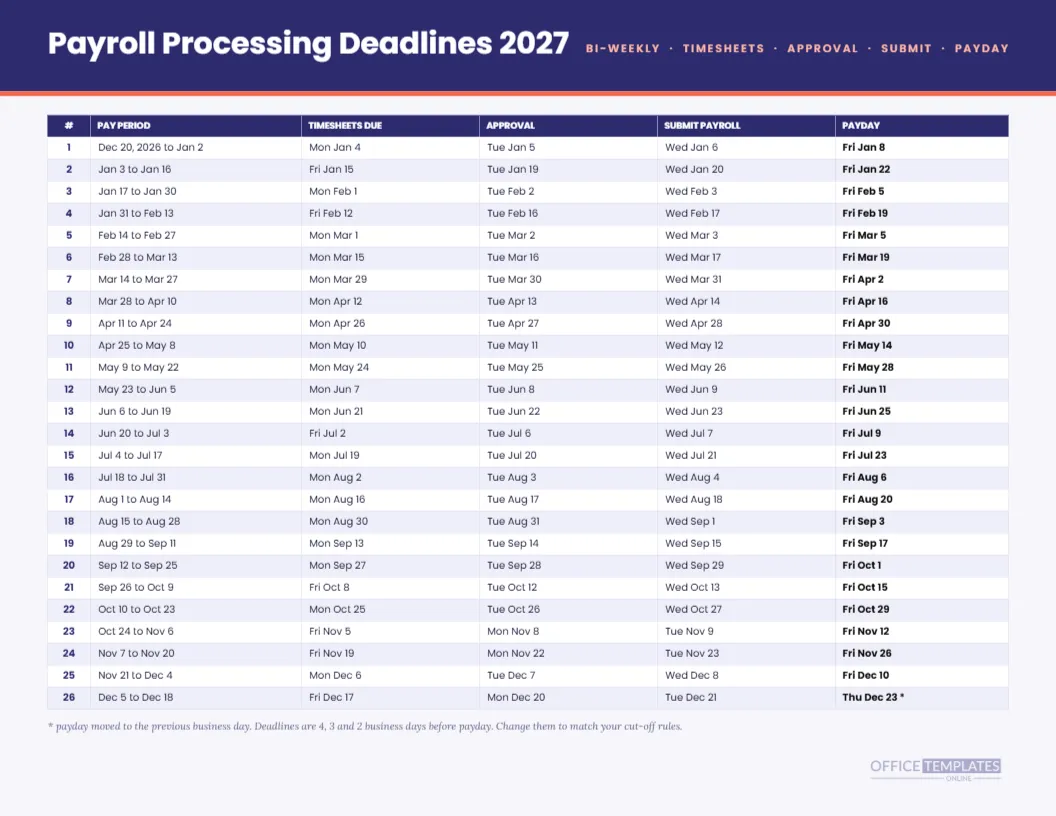
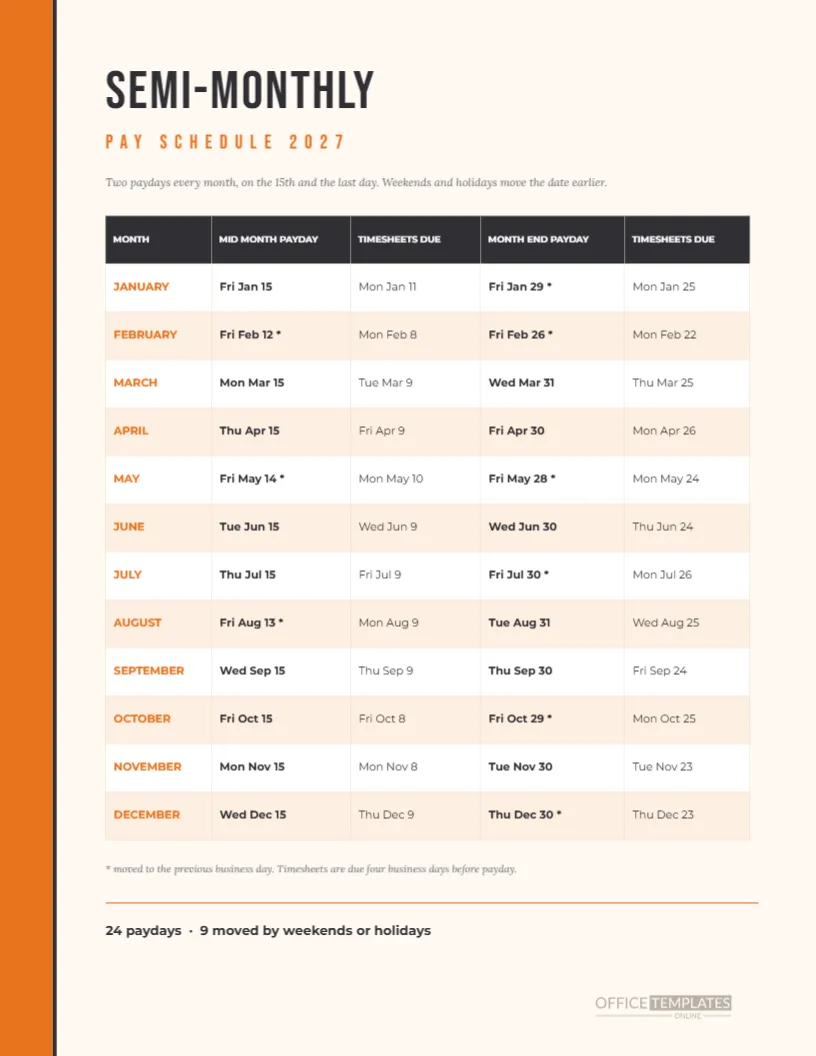
The monthly pay schedule in this collection lists pay period, timesheet, approval, and submit dates for each month. Keep that in the binder and this page on the wall. They share the same twelve paydays, so a coin here matches a row there.
Limits to Remember
The page shows planned dates. It does not show amounts and does not know your provider’s rules. Federal holidays are US only. Check any date you intend to promise to employees, and edit the rings and coins for your own country if needed.
In Brief
Sage ledger paper. Red margin. Courier Prime. Twelve rings, twelve coins. Monthly pay on the last business day. Letter landscape. Everything editable.
Using the Ledger Page as an Onboarding Prop
A distinctive page gets remembered. Pin the ledger calendar next to the onboarding checklist for new hires, and when they ask about pay, point to the coin row. The old-fashioned look turns a routine answer into a small moment of welcome, and people recall where the date was long after they forget a spreadsheet.
Reading the Calendar as a Bookkeeper Would
A bookkeeper reads the page left to right and top to bottom, checking each ring against the coin row, then confirming that the gap between paydays is near thirty days. January 29 to February 26 is twenty-eight days; February 26 to March 31 is thirty-three. Those uneven gaps are normal for last business day pay, and the page makes them easy to see.
Dating Entries in the Margin
The red double margin on the left is an invitation to write. Initial and date each month as the run completes, or note any exception such as a correction payment. By December, the margin becomes a handwritten audit trail, and the printed page itself is a record of the year that can sit in the payroll binder.
Choosing a Different Paper Colour
If sage green is not your taste, change the page fill to warm cream, pale blue, or light grey. Keep the ledger lines a shade darker than the page fill so they stay visible. The red margin lines work with most colours, and they carry much of the ledger feeling even on a plain white sheet.
Why Typewriter Type Suits Numbers
Monospaced fonts give every digit the same width, so columns of numbers line up without effort. In a mini calendar, that matters, because the day numbers are narrow and tightly packed. The ledger page therefore reads cleanly even at small sizes, and it has a clerical charm that a proportional font cannot supply.