The Rule Set in One Table
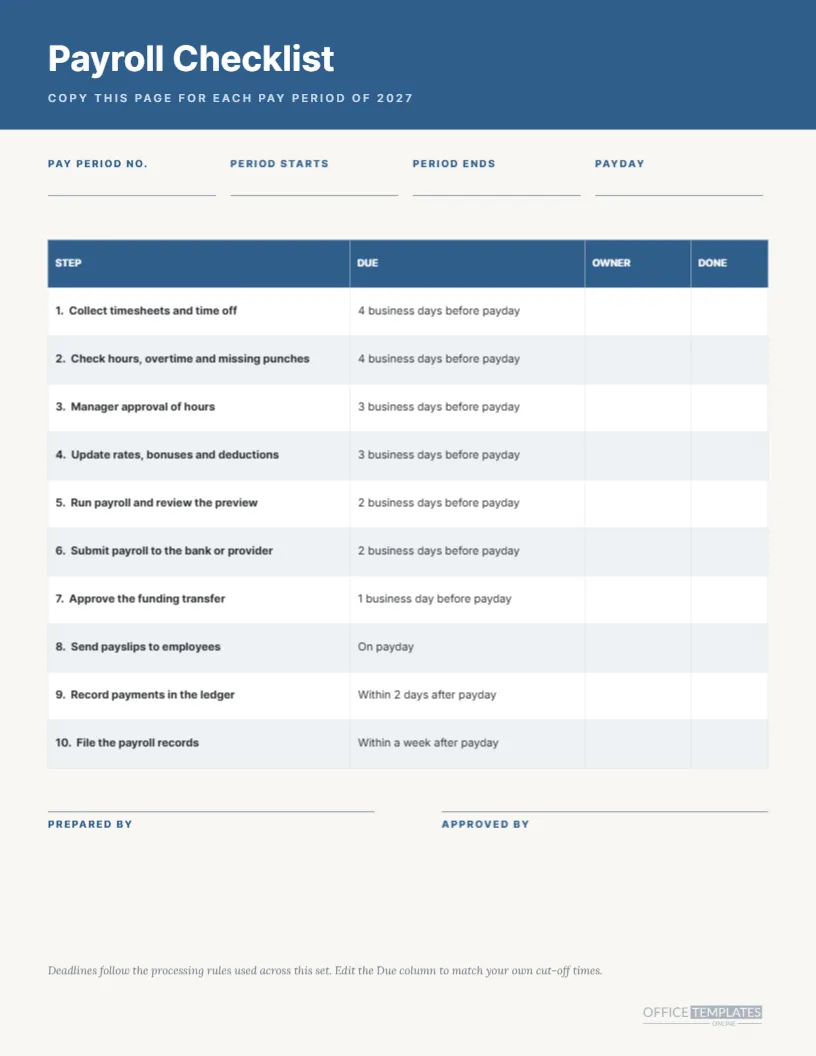
| Step | Deadline rule | Typical weekday for a Friday payday |
|---|---|---|
| Timesheets due | Four business days before payday | Monday |
| Manager approval | Three business days before payday | Tuesday |
| Submit payroll | Two business days before payday | Wednesday |
| Payday | Friday, or the previous business day | Friday |
What This Page Is For
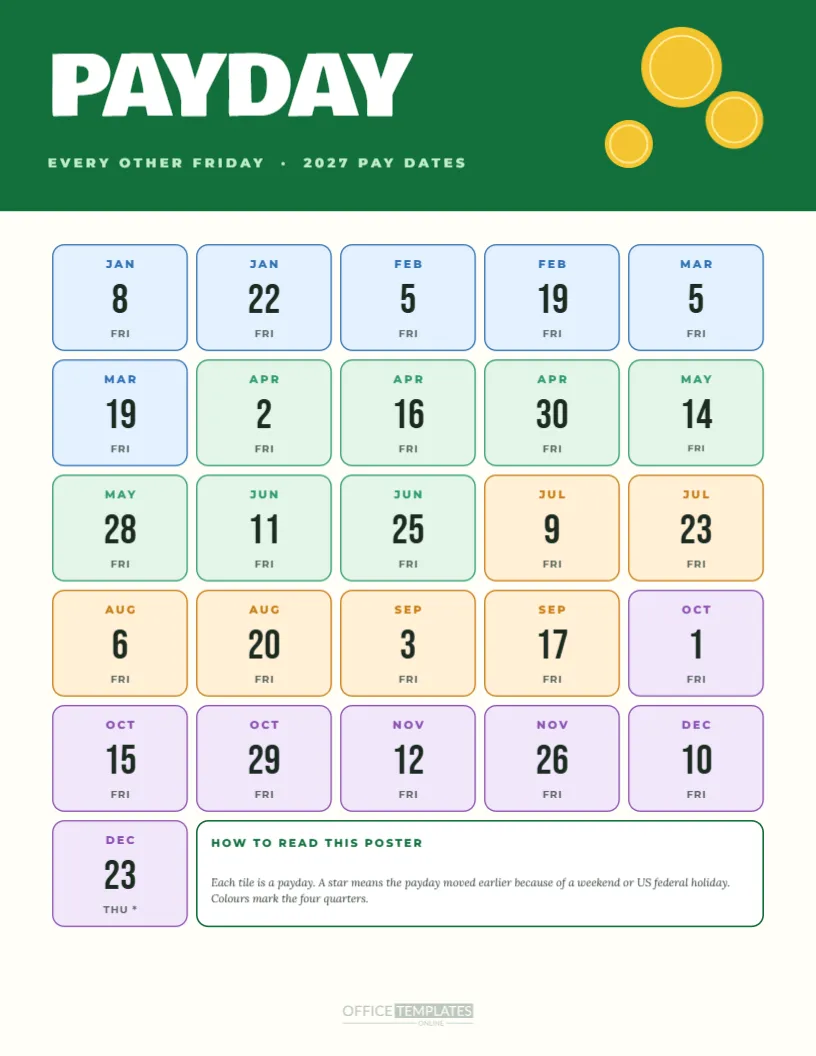
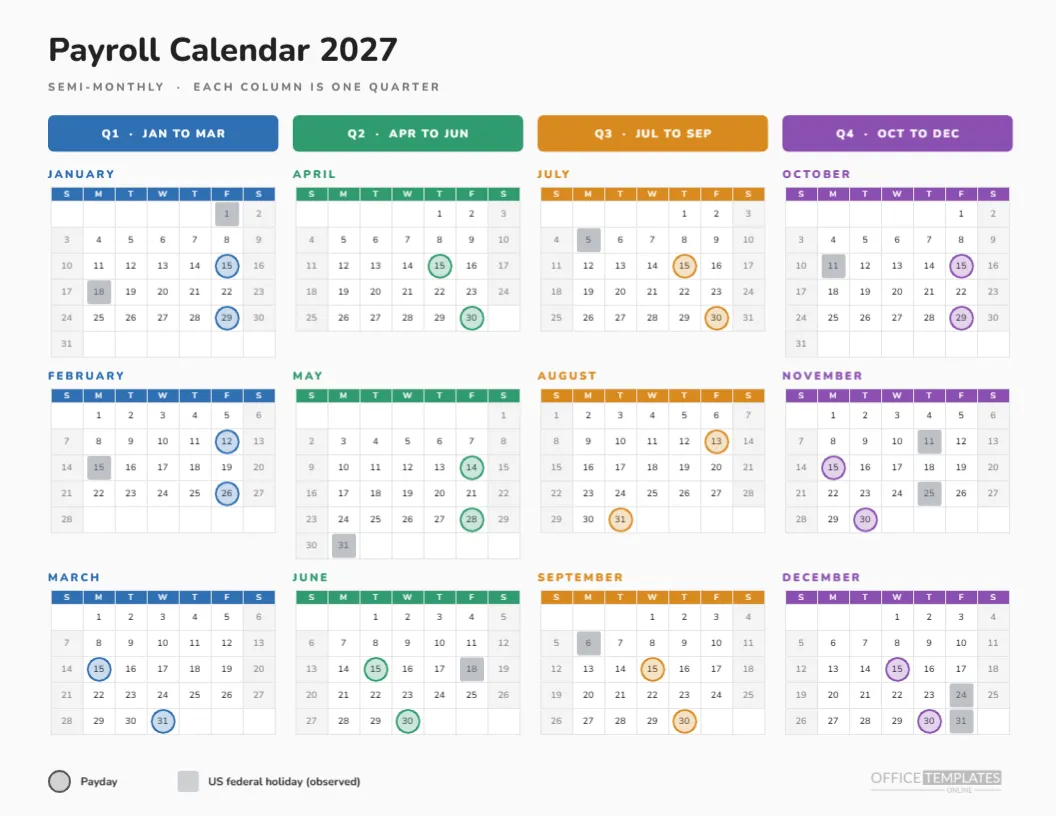
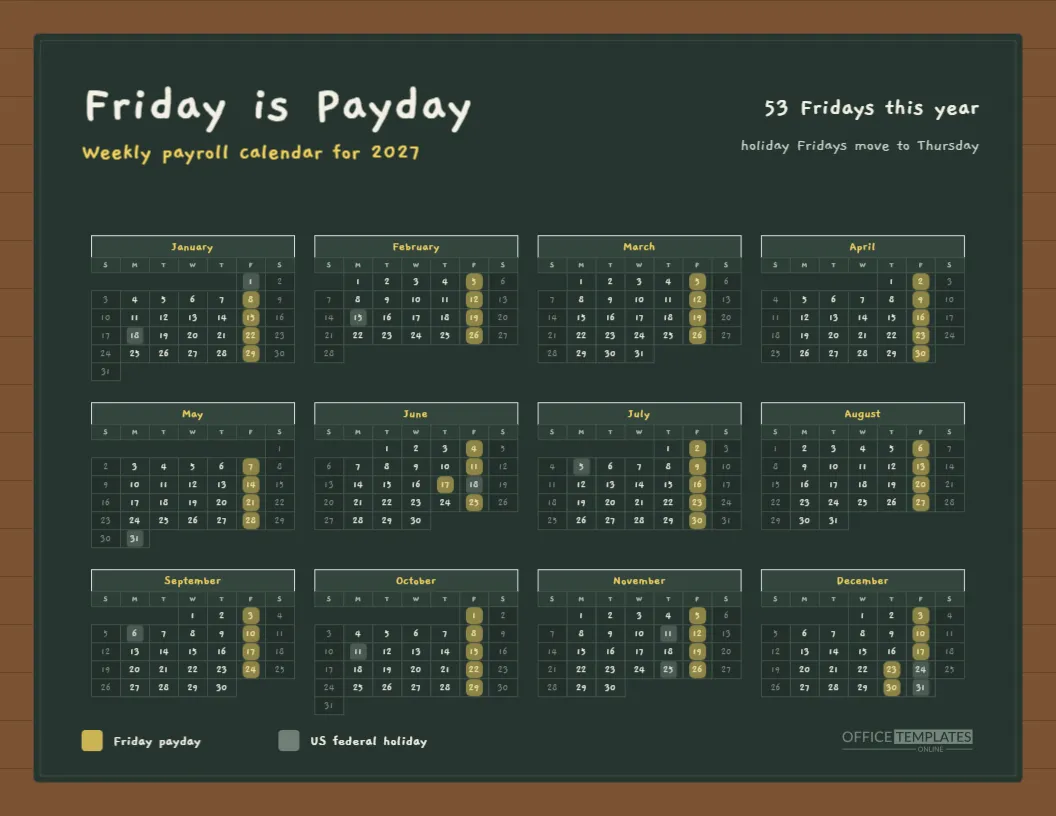
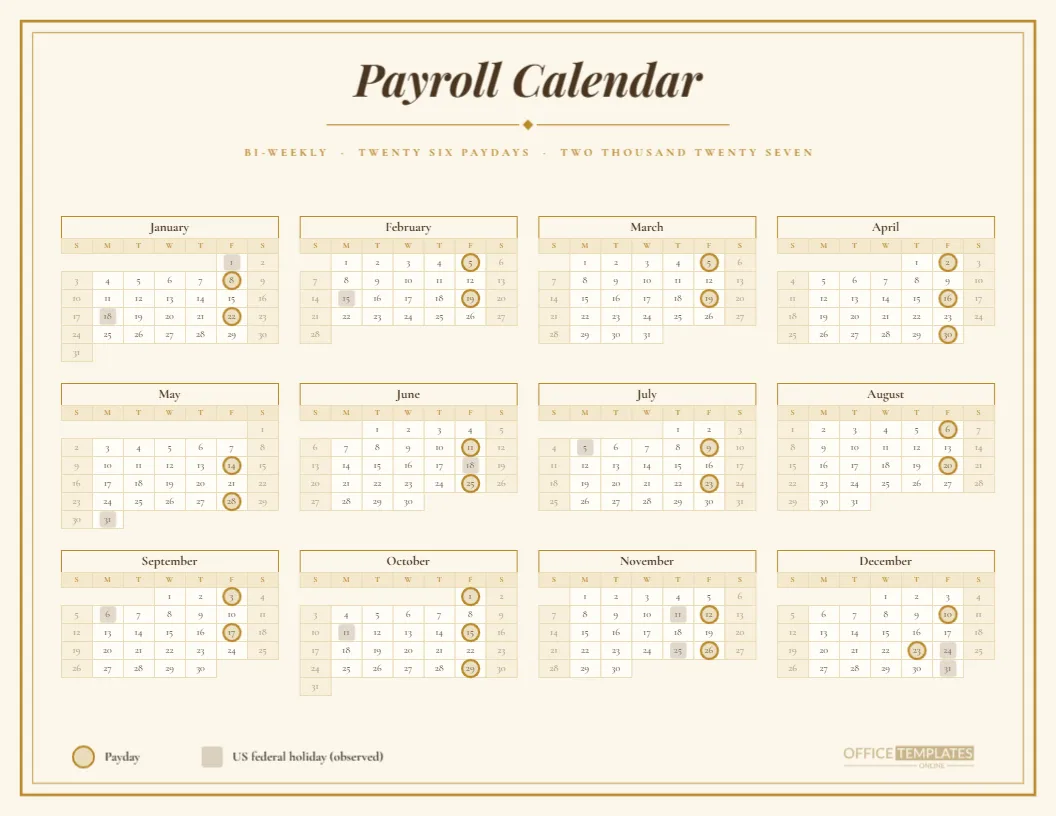
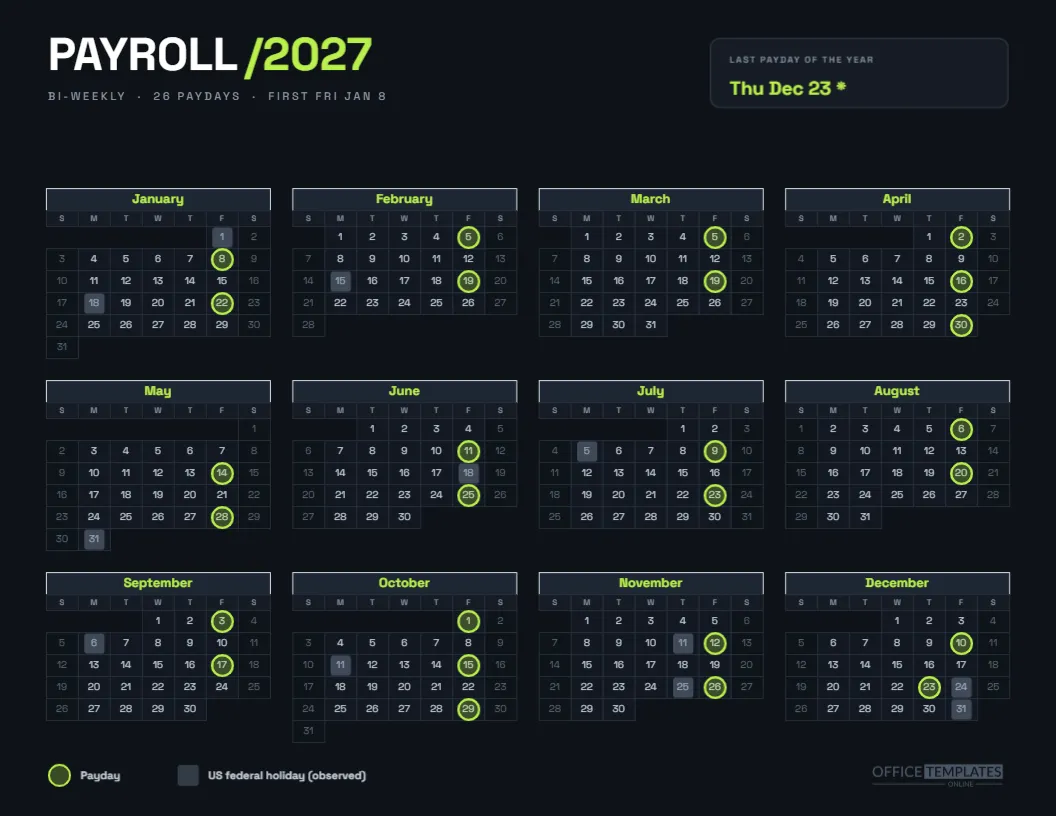
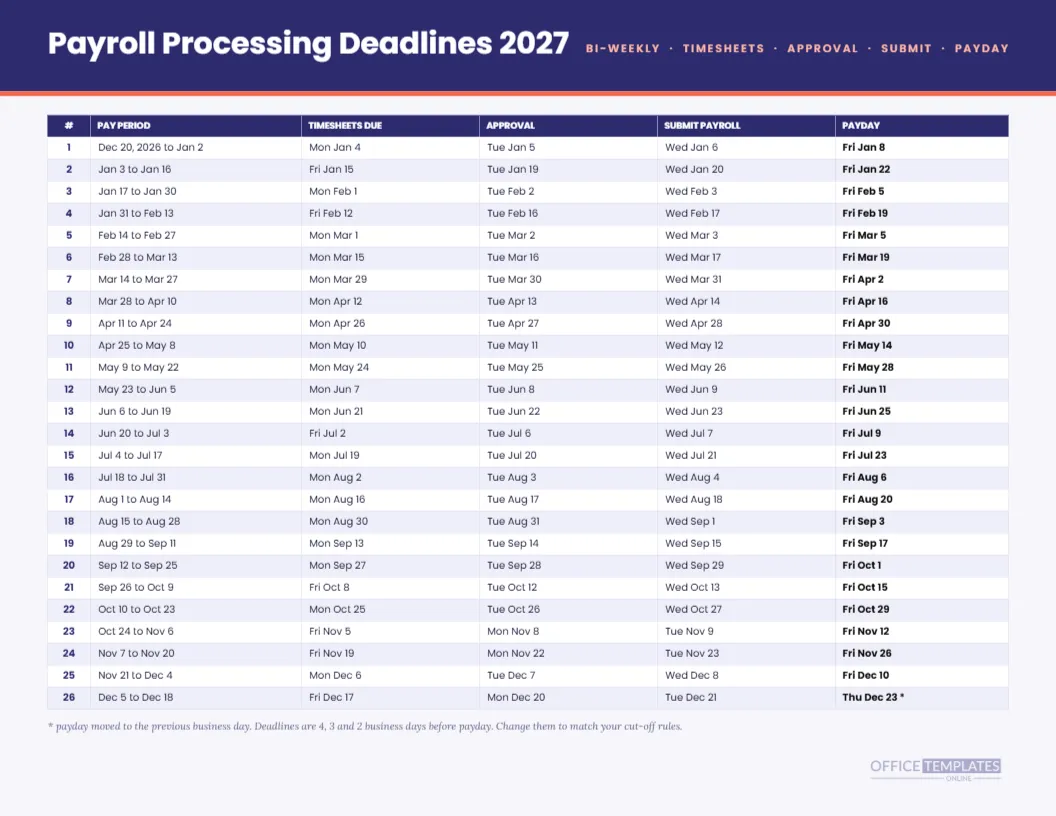
Payroll processing deadlines are the dates that actually run a payroll team’s life. The paydays everybody knows. The date timesheets are due, the date managers must have approved them, and the date the run goes to the bank are the dates people forget. This landscape sheet lists all of them for each of the 26 bi-weekly pay periods in 2027.
Indigo Header and Coral Rule
A deep indigo band carries the title Payroll Processing Deadlines 2027 in Poppins, and a spaced coral line on the right reads BI-WEEKLY, TIMESHEETS, APPROVAL, SUBMIT, PAYDAY. A coral rule under the band separates it from the table. The look is crisp and modern, closer to a project timeline than to a form.
Six Columns, Twenty Six Rows
The table has six columns: number, pay period, timesheets due, approval, submit payroll, and payday. Twenty-six rows fit on the page at a compact seven-point type size, with alternating pale indigo tints. At arm’s length, the page reads as a block, and up close each date is clean enough to use.
A Normal Week
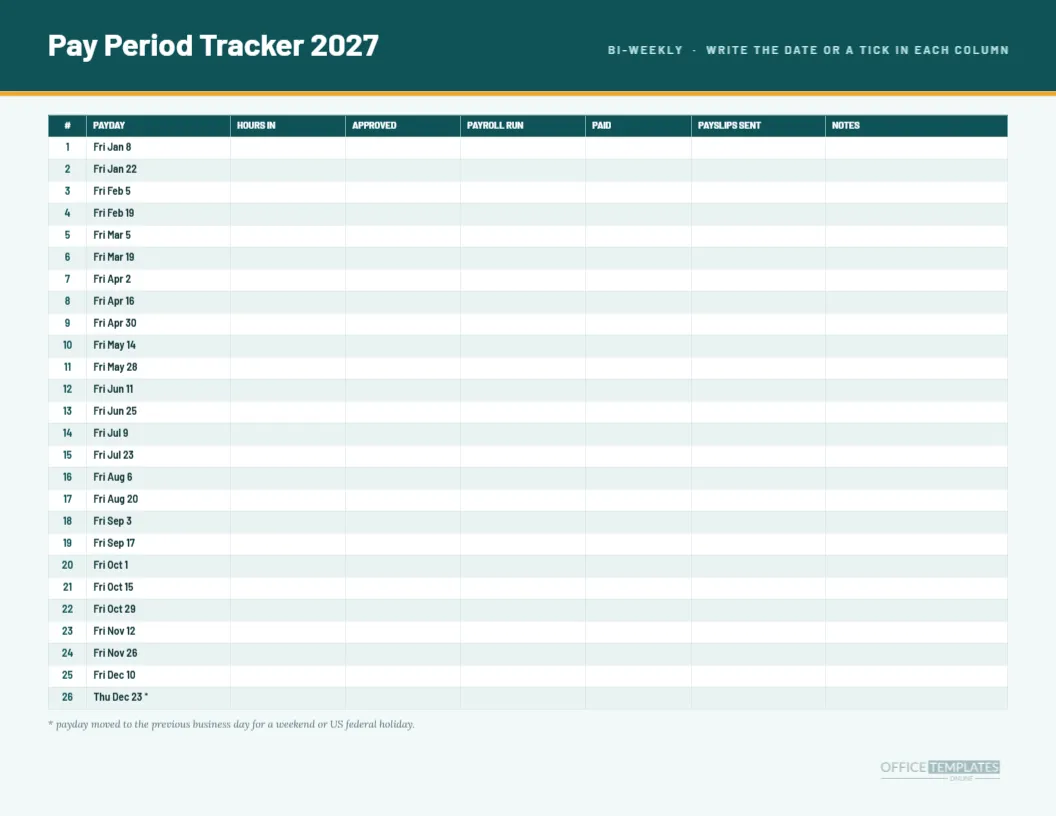
Row 1 shows the pattern for a regular cycle. The period runs from Dec 20, 2026 to Jan 2; timesheets are due Mon Jan 4, approval Tue Jan 5, payroll submit Wed Jan 6, and payday Fri Jan 8. Most rows look like this, with Monday, Tuesday, and Wednesday deadlines before a Friday payday.
A Holiday Week
Row 2 behaves differently. Payday is Fri Jan 22, but Monday, January 18 is Martin Luther King Jr. Day, so timesheets are due Fri Jan 15, approval Tue Jan 19, and payroll submit Wed Jan 20. The Monday deadline vanishes, and the whole count shifts. Rows 3 onward return to the normal pattern until the next Monday holiday.
The Last Row
Row 26 has payday Thu Dec 23 with an asterisk, because Friday, December 24 is the observed Christmas holiday. Timesheets are due Fri Dec 17, approval Mon Dec 20, and payroll is submitted Tue Dec 21. The compression of the final cycle is worth discussing with your team in early December.
Why Four, Three and Two
These lead times are a common starting point rather than a rule. Some providers need payroll two days ahead, others five. The numbers on this page are plain text, and the rule note at the bottom says so. If your provider’s lead times differ, retype the three deadline columns and keep the layout.
Colouring the Table
The header row uses indigo with white text, and the payday column is bold. You can use highlight fills on rows you worry about, such as the first row of the year or the holiday weeks. Keep the highlights pale so the type stays readable when printed in greyscale.
A Layout for Weekly Meetings
Print a copy for the weekly operations meeting and ask what is due this week. The table answers instantly: find the row whose payday is next and read left to right. Teams that do this for a month tend to stop missing timesheet deadlines, because the date has a place in their routine.
Adding Owner Initials
Add a narrow column to the right titled Owner and write the initials of whoever is responsible for each run. The row heights are tight, so use two letters. If you need more space, remove the pay period column, since the dates in the other columns already tell the story.
Pairing With the Checklist Page
The collection includes a payroll checklist for each pay period, with ten steps and blanks for owners. Use this sheet to find the dates and the checklist to track the work. The two together cover the schedule and the doing, which are the two halves of reliable payroll.
Common Edits
Teams commonly change the timesheet lead time, add a column for the funding transfer, or remove the period column. All of these work as ordinary table edits. Use the table’s width handles to rebalance columns afterwards.
Printing Small Type Cleanly
Seven-point type is small, so print at actual size on a good printer and avoid copying the sheet repeatedly. If your readers dislike small text, remove the period column and increase the font size, which gives the remaining columns more space.
Records and Audits
A printed deadline sheet with initials and ticks is a lightweight control. It shows that deadlines existed, who owned them, and when they were met. Store each signed sheet with the year’s payroll records, and mention it to your accountant at year-end.
Limits of the Sheet
Dates are computed from the previous business day rule and a fixed set of US federal holidays. Local holidays, bank closures, and provider cut-offs can change the real dates. Always verify with your provider, and treat this sheet as the plan rather than the final word.
Plain Answers About the Deadline Sheet
Does it include weekends? No, weekends are skipped. Is the first pay period in 2026? Yes, the first period starts on December 20, 2026. Are the deadlines my provider’s? They are a common pattern, and you should adjust them. How many rows? Twenty-six.
Teaching a Backup Person the Cycle
Every payroll function needs a backup who can step in when the main person is ill or on leave. Give that person this sheet, a copy of the last run’s checklist, and the login for your provider. Sit with them for one full cycle, using the table row by row. After one run, they will know where each date comes from, and the cover plan will be real.
Why Deadlines Slip and How the Page Helps
Deadlines usually slip for one of three reasons: a manager did not know the date, a holiday moved it without warning, or a request arrived after cut-off. The first and second are solved by a visible schedule. The third is a management issue, but the sheet gives you something concrete to point at when you explain why a late request must wait for the next cycle.
Reviewing the Year in December
Use the sheet at year-end as a review tool. Mark the late runs, the weeks where deadlines were tight, and any rows you would change. That marked copy becomes the starting point for next year’s schedule, so improvements carry over naturally.