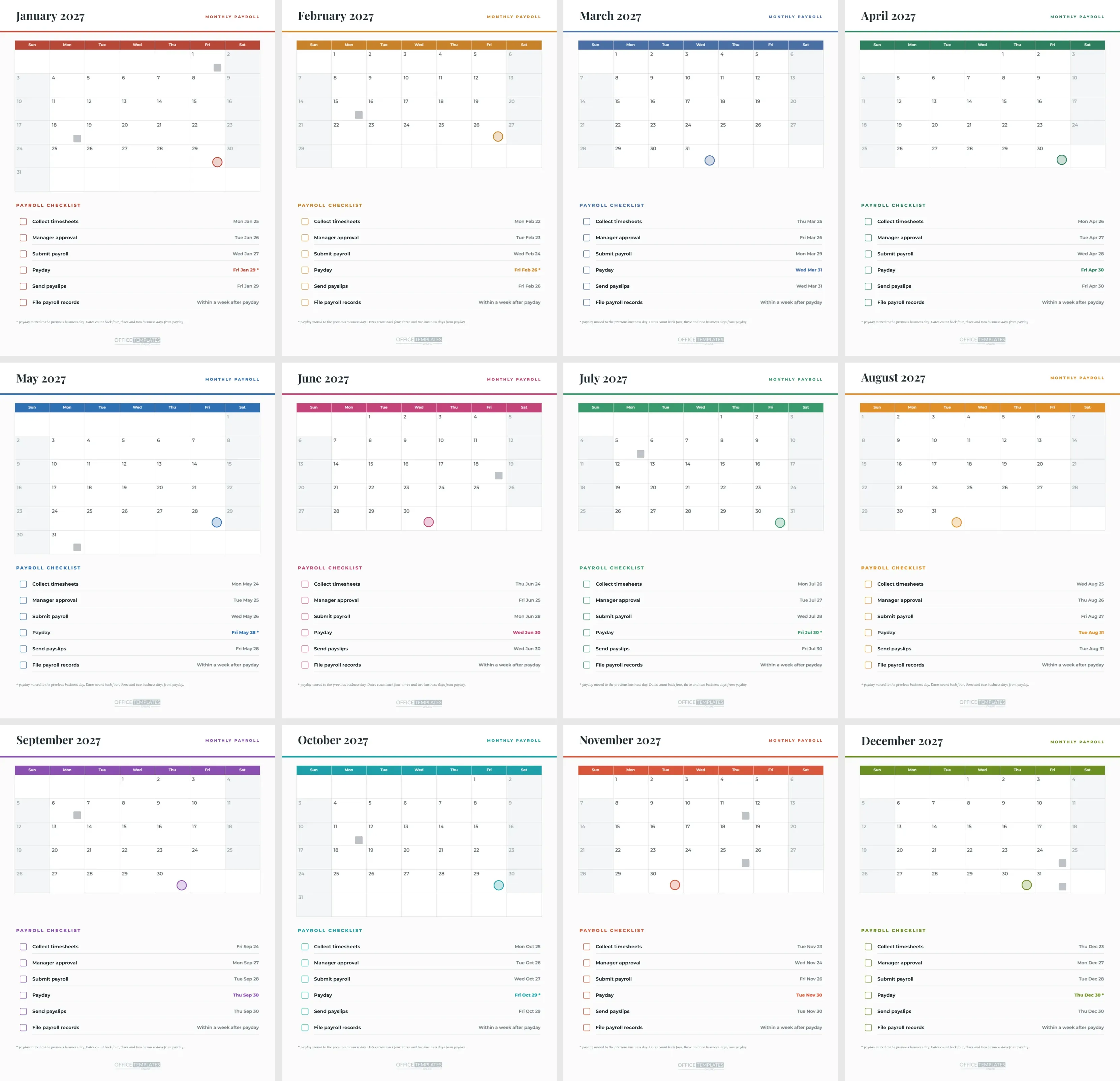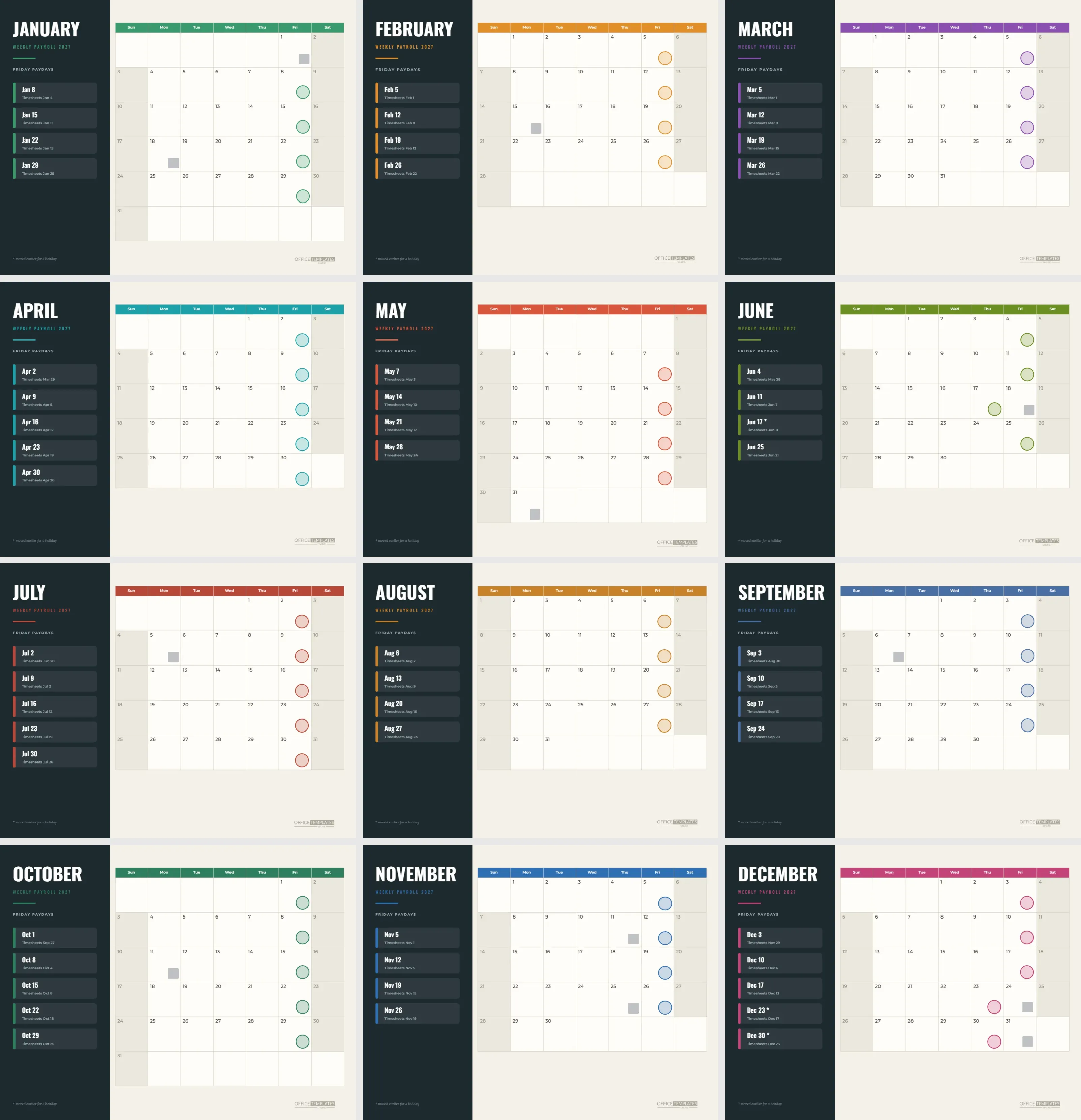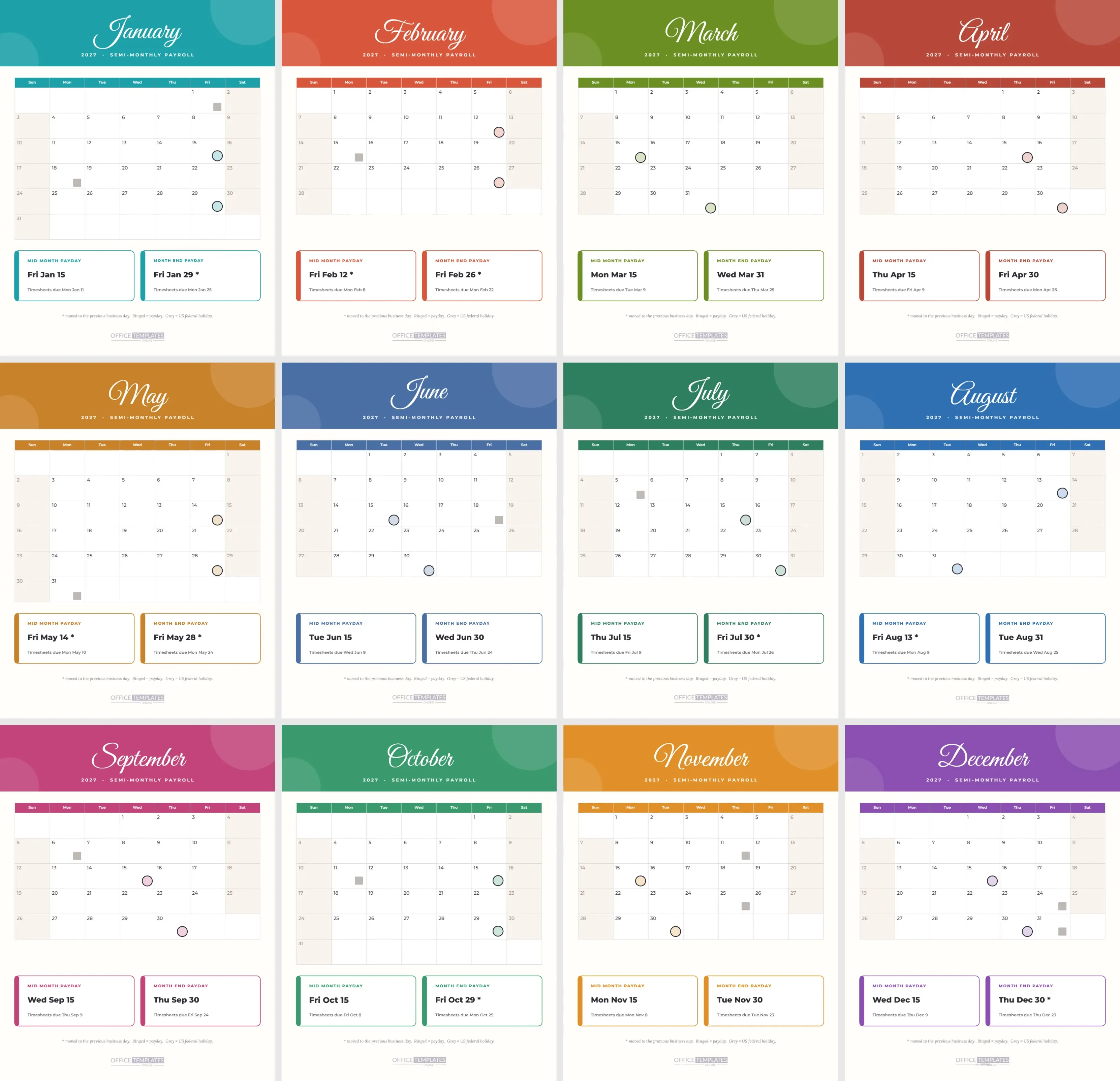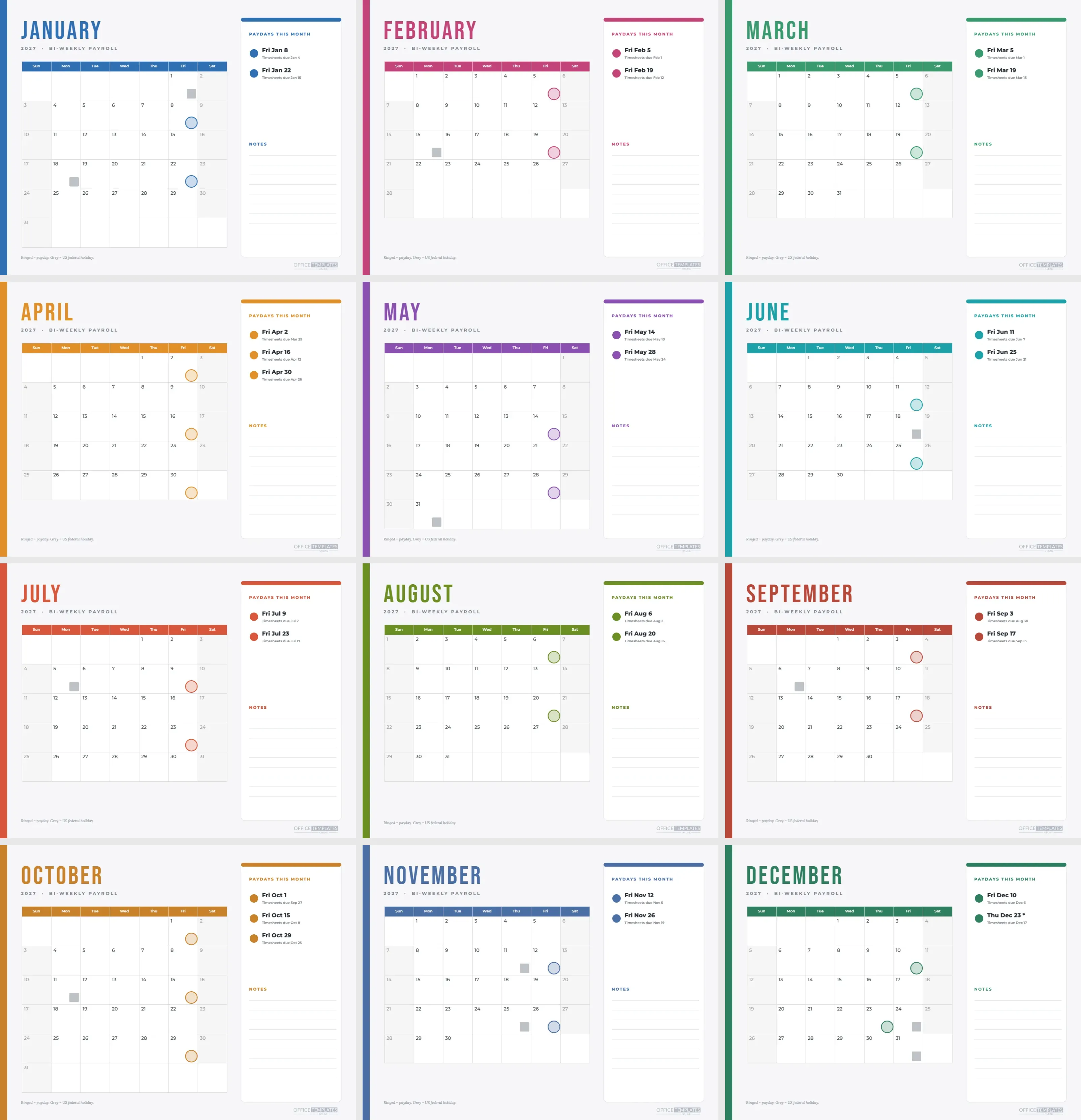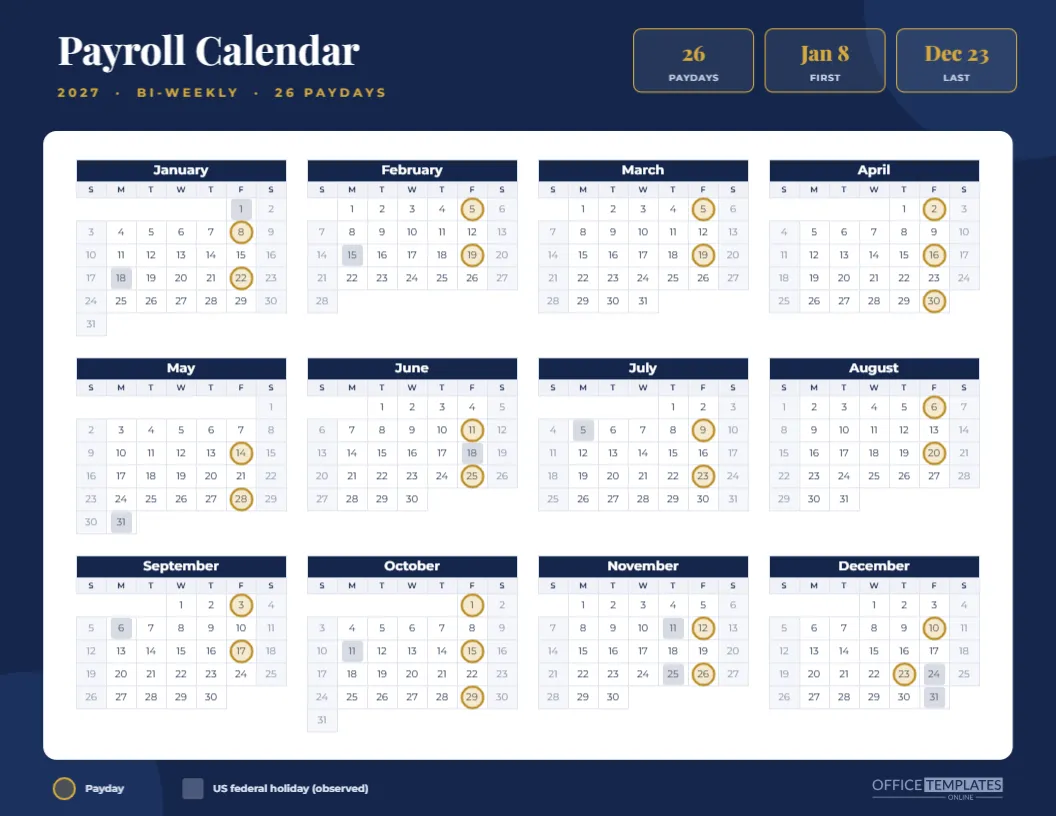
Some payroll calendars are for the break room. This one is for the boardroom. A deep navy page, a white panel that holds the whole year, and a gold headline in Playfair Display give it the quiet authority of an annual report. It shows the same 26 bi-weekly paydays as the other calendars in the set, and it dresses them for a finance director’s wall.
Navy and Gold Design Notes
The page is Letter landscape. Two large circles in a slightly lighter navy sit in opposite corners and are the only ornament. The title, Payroll Calendar, is white and the subtitle is spaced gold capitals. Three outlined tiles at the top right carry gold Playfair numerals: 26 paydays, Jan 8 for the first and Dec 23 for the last.
Specification
| Element | Detail |
|---|---|
| Paper | US Letter landscape, 11 by 8.5 inches |
| Calendar | One Full Year Calendar object, four columns, Sunday start |
| Markers | Gold rings on paydays, steel blue squares on holidays |
| Fonts | Playfair Display for headings, Montserrat for the calendar |
| Palette | Navy, gold, white, and pale blue-grey |
| Schedule | Bi-weekly, first payday Fri Jan 8 |
The White Panel
A rounded white rectangle holds the calendar, with narrow margins so the twelve months fill it. White on navy is the strongest contrast available, which is why the grid reads clearly even from a few metres. The panel also makes the template look finished with very little else on the page.
Gold Rings and Steel Squares
Paydays carry a gold ring with a pale gold fill, and holidays carry a steel blue square. The ring colour was chosen to echo the gold in the title, so the eye connects the headline with the data. The legend under the panel is set in pale blue-grey, so it recedes.
What It Says About the Year
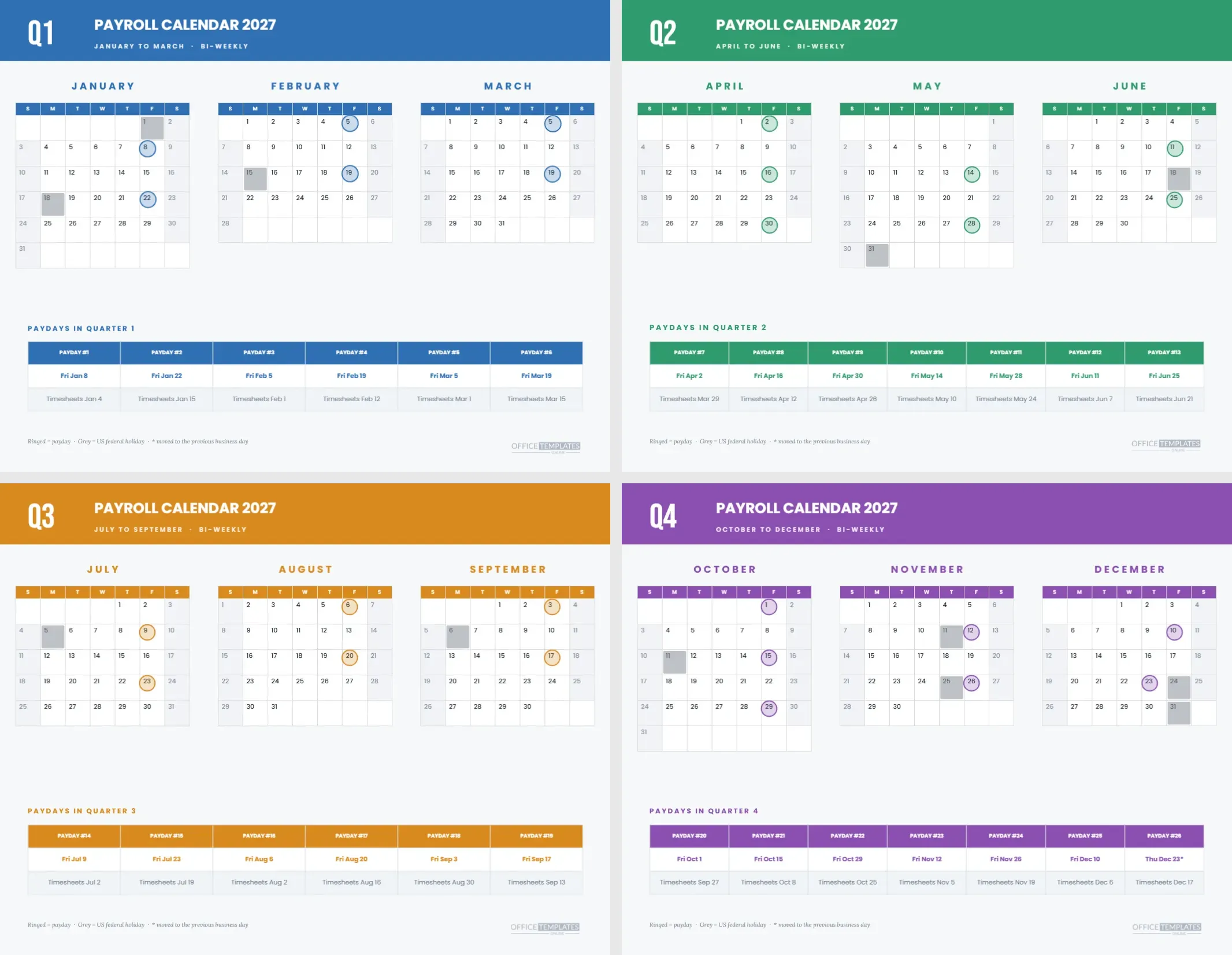
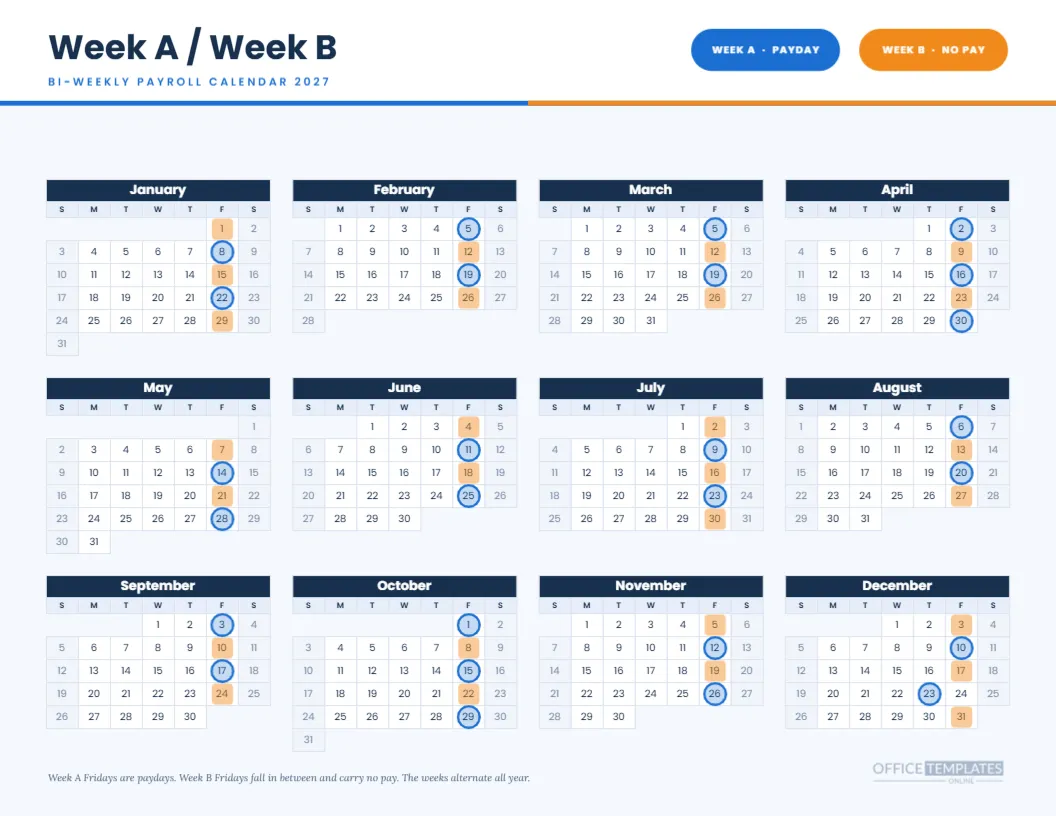
Twenty-six paydays, with two months holding three: April and October. One payday moves, the final one, from Friday, December 24 to Thursday, December 23. A finance reader can see all of that without a legend: the triple months appear as three rings in a column, and the moved date is a ring one cell left of a steel square.
Who Will Use It
Controllers, CFOs, firm partners, and HR directors are the likely audience. They tend to prefer restrained design and clear numbers. The page also suits professional services firms, where the calendar hangs in a reception area or sits in a client folder as a courteous reminder of the year’s payroll rhythm.
Placing a Company Name Above the Gold Title
There is room above the title for a small line with your company name in gold capitals. Keep it short, and use the same letter spacing as the subtitle. A logo can sit at the top left, scaled to the same height as the title’s capital letters.
Editing the Tiles
The tiles are rounded rectangles with two lines of text. Change the numbers, swap a tile for another fact such as the next payday, or delete one. If you do delete, centre the remaining tiles by hand so the group looks intentional.
Editing the Navy Page Calendar Object
The grid is the editor’s Calendar object. In Calendar Options, you can change the year, choose Monday as the first day, rename the months and adjust colours. The rings are separate grouped shapes and need moving after any change, because they sit over the cells rather than inside them.
Swapping Navy and Gold for Your Own Brand Colours
Navy and gold are common corporate colours, but yours may differ. Change the page fill, the circles, the tile outlines, the month header fill, and the ring colour together. Keep the white panel white, since it carries the legibility of the page, and keep a strong contrast between the ring and the cell fill.
Printing the Navy Page
A full page of navy uses a lot of toner. Print on a laser printer or at a print shop, with background graphics on. For a framed copy, ask the shop for a satin paper stock at 170 gsm or above. If you need an economical version, the minimal black and white calendar in this collection is easier on a printer.
Framing and Display
An 11-by-8.5-inch page fits a standard letter frame, and a mat in white or pale grey sets off the navy. Hang it near the finance office or place it on a credenza. A framed calendar signals that payroll is taken seriously, which is a message worth sending.
Sending It as a PDF
Download the page as a PDF and attach it to your January announcement or to the onboarding pack for new managers. The text stays crisp at every zoom level, and the gold rings are clear on screens as well as on paper.
Pairing With Supporting Pages
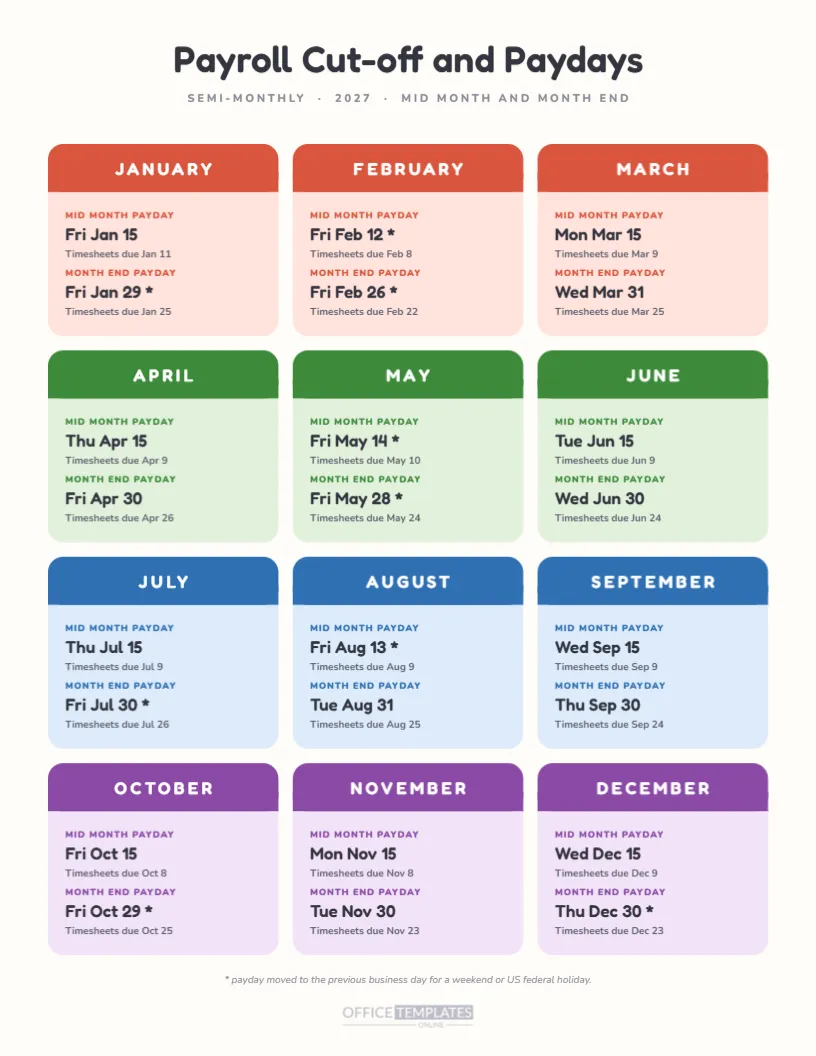
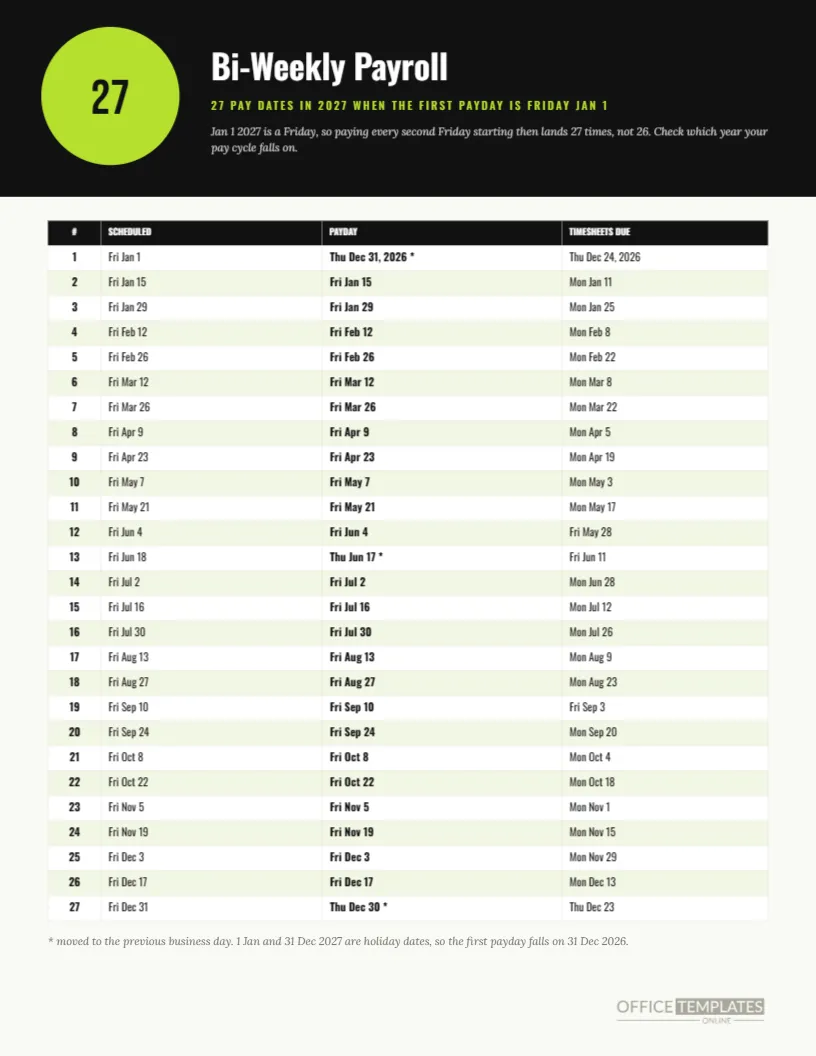
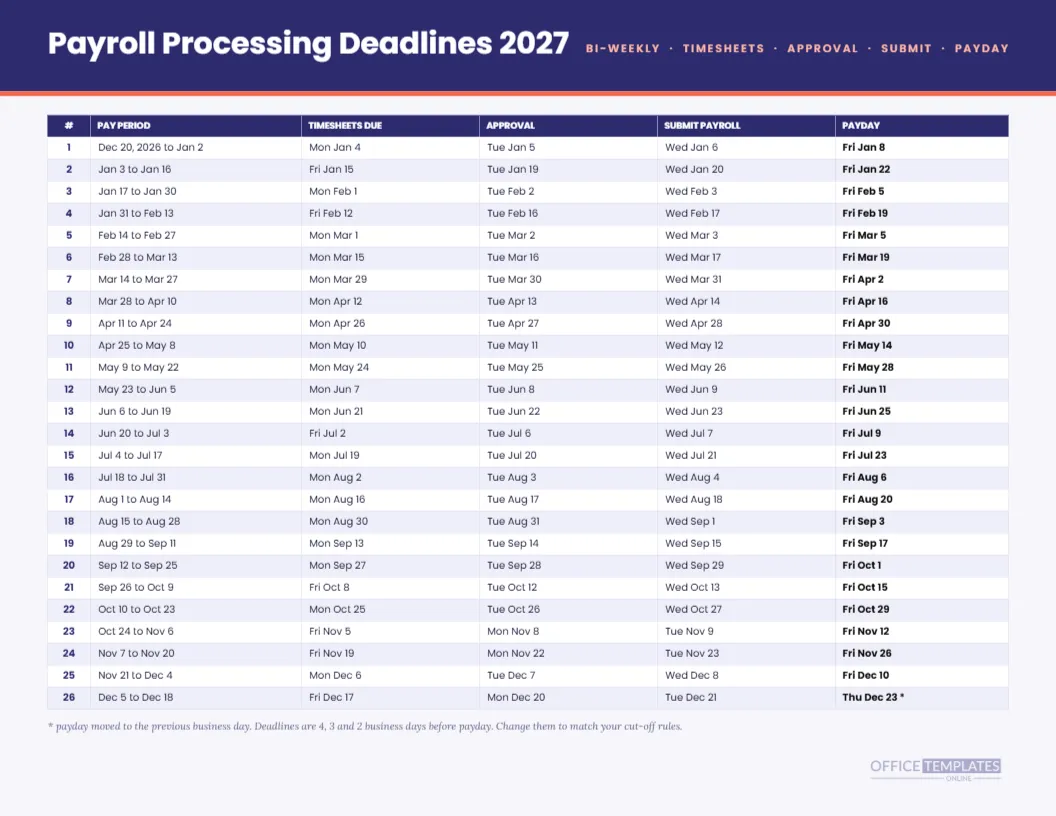
The processing deadlines sheet and the bi-weekly pay period schedule share the same dates and suit the people who run the cycle. Give those to the payroll team and keep this one for the wall. The three agree with each other because they come from the same computed list.
Honest Limits of the Corporate Calendar
This is a planning calendar. It shows scheduled dates under a simple previous business day rule and a list of US federal holidays. It does not replace the schedule from your payroll provider, and it does not interpret the law where you operate. Verify the dates before they appear in anything official.
Handling a Different Payday Pattern
If your payroll is weekly, semi-monthly, or monthly, use one of the other pages in the set rather than editing this one by hand. The design language is shared, so a monthly payer can pick a navy and gold twin of this page and a weekly payer can choose a similar look with different markers.
The Corporate Calendar in a Few Words
Navy page, white panel, gold rings. Twenty-six paydays. One moved. Editable text, shapes, tiles, and calendar. Letter landscape.
Using the Calendar in a Client Folder
Accounting firms and payroll bureaus can slip a printed copy into each client’s January folder. It tells the client when their runs will happen, without a long letter. The navy and gold look signals care, and the single page is easy to pin up in a client’s office where the bookkeeper and the owner will both see it.
A Short Meeting Agenda Using the Page
Start a January payroll planning meeting by laying the page on the table and walking the year in order: first quarter, moved dates, the two or three payday months, then the last payday in December. In ten minutes, the team agrees on the calendar for the year, which beats half an hour of email.