Charcoal and Orange With a Tooth Badge for a Dental Pad
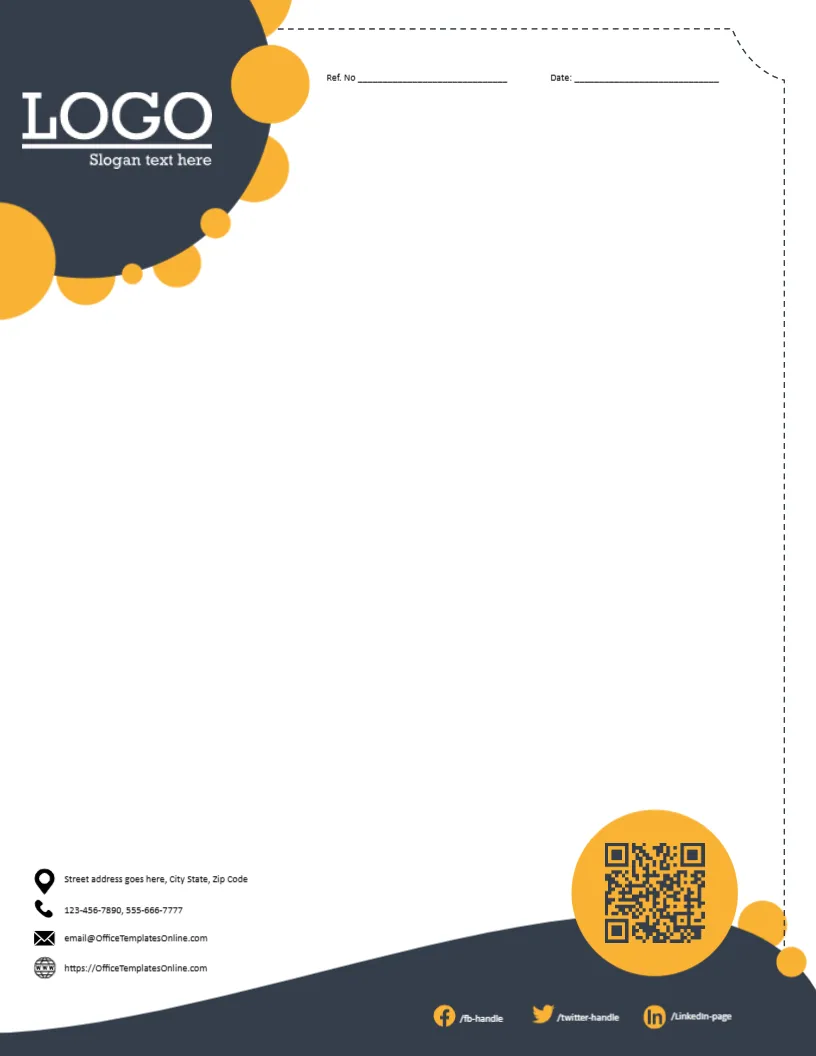
A charcoal header with a white circle holding a black tooth with a plus sign runs across the top of this pad, with the doctor’s name in orange and the credentials in white. A 24 hour clock icon labelled Emergencies sits at the right. A bright orange swoosh curves under the header. A single line asks for name, age, sex and date, an orange tab holds the Rx symbol at the left, and a charcoal curve at the foot carries a location icon, phones, an address and a QR code in a white circle. It gives a dental practice a bold, modern identity that patients remember.
Bold Header, Open Writing Area
The page is 8.5 x 11 inches. The bold charcoal and orange header gives way to a large open area for writing.
A Typo in the Patient Line
The patient line reads Agee instead of Age, so correct it before printing. In white under the orange name, the sample lists Ayurveda degrees and a periodontics post. Replace it with your real dental qualifications.
Setting Up the Charcoal Pad
- Fix Agee to Age.
- Type the dentist’s name.
- Replace the credentials.
- Keep or remove the emergencies icon.
- Update contacts and QR code.
Bold Colours for Modern Clinics
Charcoal and orange feel modern and energetic, which suits newer clinics that want to stand out from traditional blue designs. The orange swoosh also makes the pad easy to spot on a busy desk.
Emergency Numbers on the Charcoal Pad
Keep the Emergencies icon only if you offer emergency appointments, and add the number to call.
Prescription Regulations
Prescriptions must meet local legal requirements. Check them before using this layout for medicines.
Printing the Charcoal Header
Large dark areas use ink. A print shop gives even colour and neat tear off pads.
Aftercare Notes
Use the open area for aftercare instructions as well as prescriptions.
Secure Storage
Keep copies of notes in secure patient records.
Using the Charcoal Dental Pad
Check the corrected Age label before ordering pads.
Step by Step Editing of the Dentist Charcoal Orange Swoosh Design
- On the dentist charcoal orange swoosh design, click the main headline and type your own words, keeping a similar length.
- Retype every name, date and contact line on the dentist charcoal orange swoosh design, checking each against a trusted source.
- Search the dentist charcoal orange swoosh design for the words Lorem and Company so that no placeholder remains.
- Click any logo or photo on the dentist charcoal orange swoosh design, choose Replace Image and resize the new picture to fit.
- Zoom the dentist charcoal orange swoosh design to full size and read each line aloud before you save it.
- Keep a clean master of the dentist charcoal orange swoosh design without private details, so later versions start tidy.
For comparison, open the blue hexagon dental pad. Consider the cyan arc dental pad. Similar designs include the red shield doctor pad. The rest of the series around the dentist charcoal orange swoosh design is in letterhead templates.