A Sweeping Cyan Arc and Tooth Badge for a Dentist
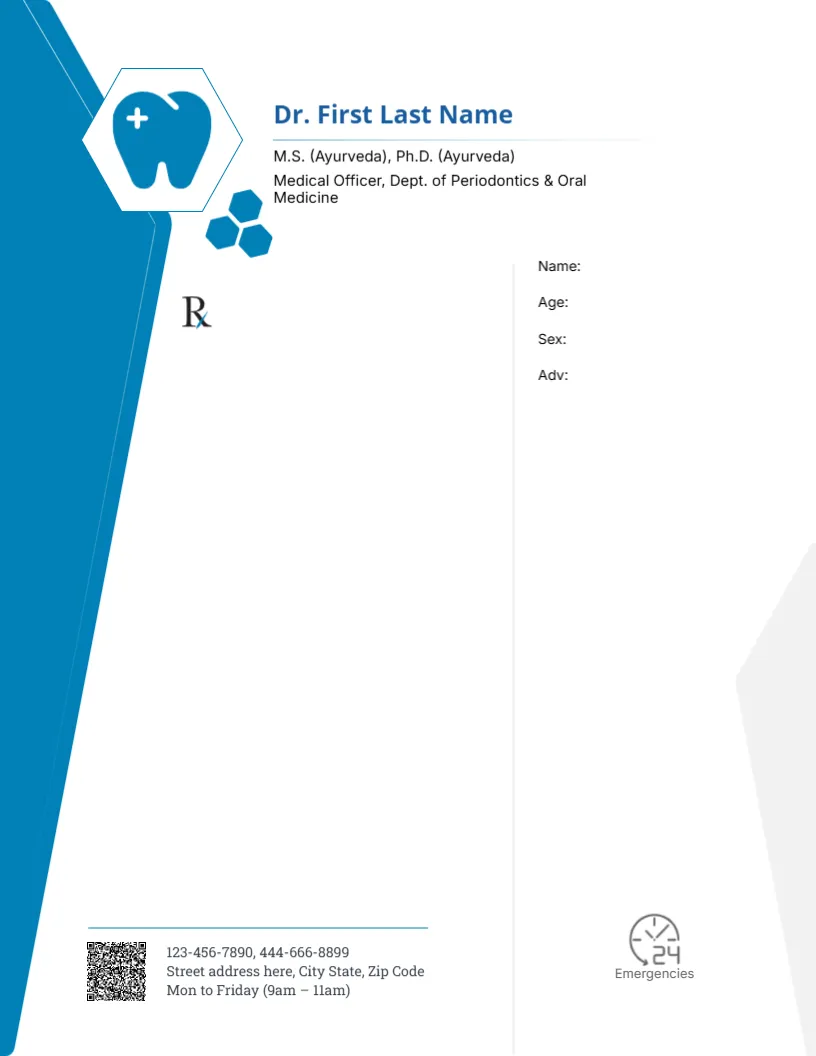
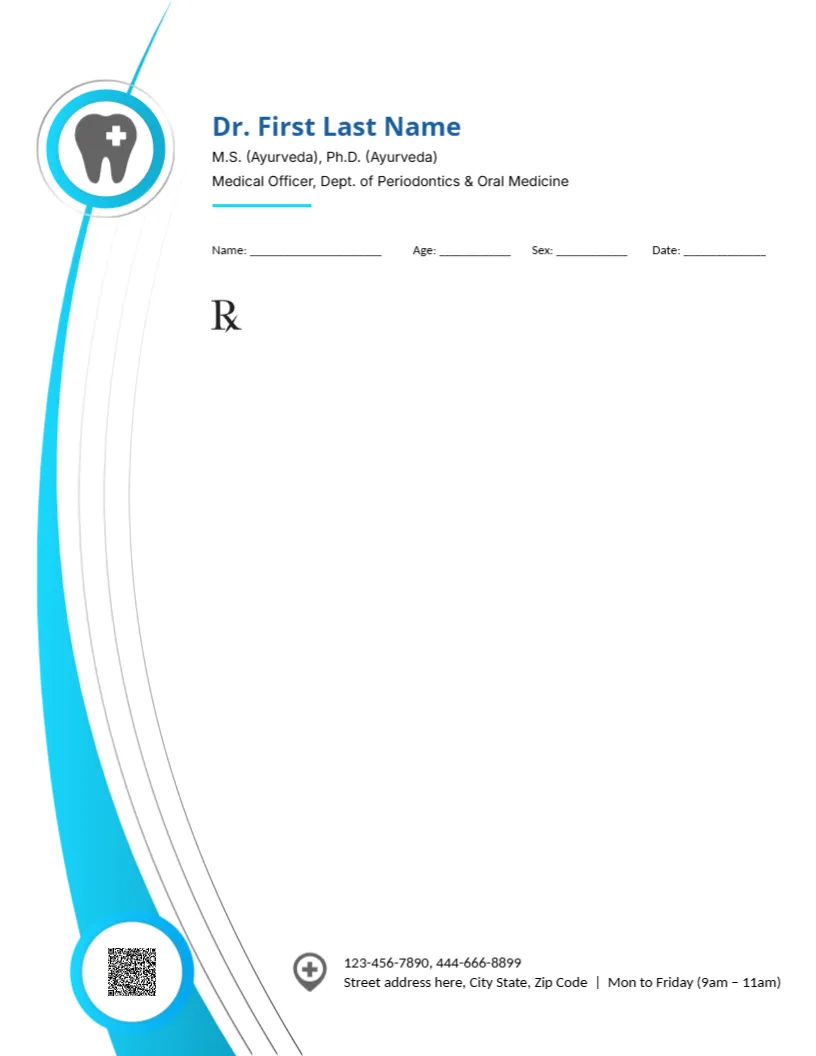
A bold cyan arc sweeps down the left side of this pad from top to bottom, with thin grey lines following its curve. A white ring at the top holds a grey tooth with a cross, and a second ring at the foot holds a QR code. The doctor’s name sits at the top in blue, with the credentials in dark grey and a short cyan rule. A single line asks for name, age, sex and date, the Rx symbol sits below, and a location icon introduces the phones, address and hours at the foot.
One Patient Line and a Large Rx Area
The page is 8.5 x 11 inches. Putting all patient details on one line leaves a very large Rx area, which suits longer treatment plans and advice.
Credential Line and Hours
The sample credentials list Ayurveda degrees and a periodontics post, which few dentists would hold together. Replace it with your real dental qualifications and registration number. The footer hours read Mon to Friday (9am to 11am), so set your real opening times.
Setting Up the Arc Pad
- Type the dentist’s name.
- Replace the credential line.
- Update phones and address.
- Set real opening hours.
- Replace the QR code.
Regulations for Prescriptions
Prescribing rules differ by country and by medicine. Check which details your regulator requires on a prescription, and whether certain medicines need an official form. The pad is a layout only.
Writing Space for Treatment Plans
The large area under the Rx symbol suits written treatment plans, such as a list of fillings, cleanings and follow up visits, as well as prescriptions.
Keeping the Arc Readable
The cyan arc runs close to the writing area. Set left margins so typed text starts well to the right of the curve.
Printing the Cyan Arc
Cyan prints brightly on white paper. A print shop can bind sheets into tear off pads.
Opening Hours That Help Patients
Clear hours in the footer reduce phone calls asking when the clinic is open.
Secure Records
Keep copies of prescriptions in line with local record keeping rules.
Using the Arc Prescription Pad
Keep pads at each treatment chair.
Step by Step Editing of the Dentist Cyan Arc Tooth Circle Design
- On the dentist cyan arc tooth circle design, click the main headline and type your own words, keeping a similar length.
- Retype every name, date and contact line on the dentist cyan arc tooth circle design, checking each against a trusted source.
- Search the dentist cyan arc tooth circle design for the words Lorem and Company so that no placeholder remains.
- Click any logo or photo on the dentist cyan arc tooth circle design, choose Replace Image and resize the new picture to fit.
- Zoom the dentist cyan arc tooth circle design to full size and read each line aloud before you save it.
- Keep a clean master of the dentist cyan arc tooth circle design without private details, so later versions start tidy.
Next to try is the dental clinic photo pad. Have a look at the hexagon tooth pad. Another option is the charcoal and orange dental pad. Find more designs next to the dentist cyan arc tooth circle design in letterhead templates.