A Slanted Navy Panel With a Vertical Logo
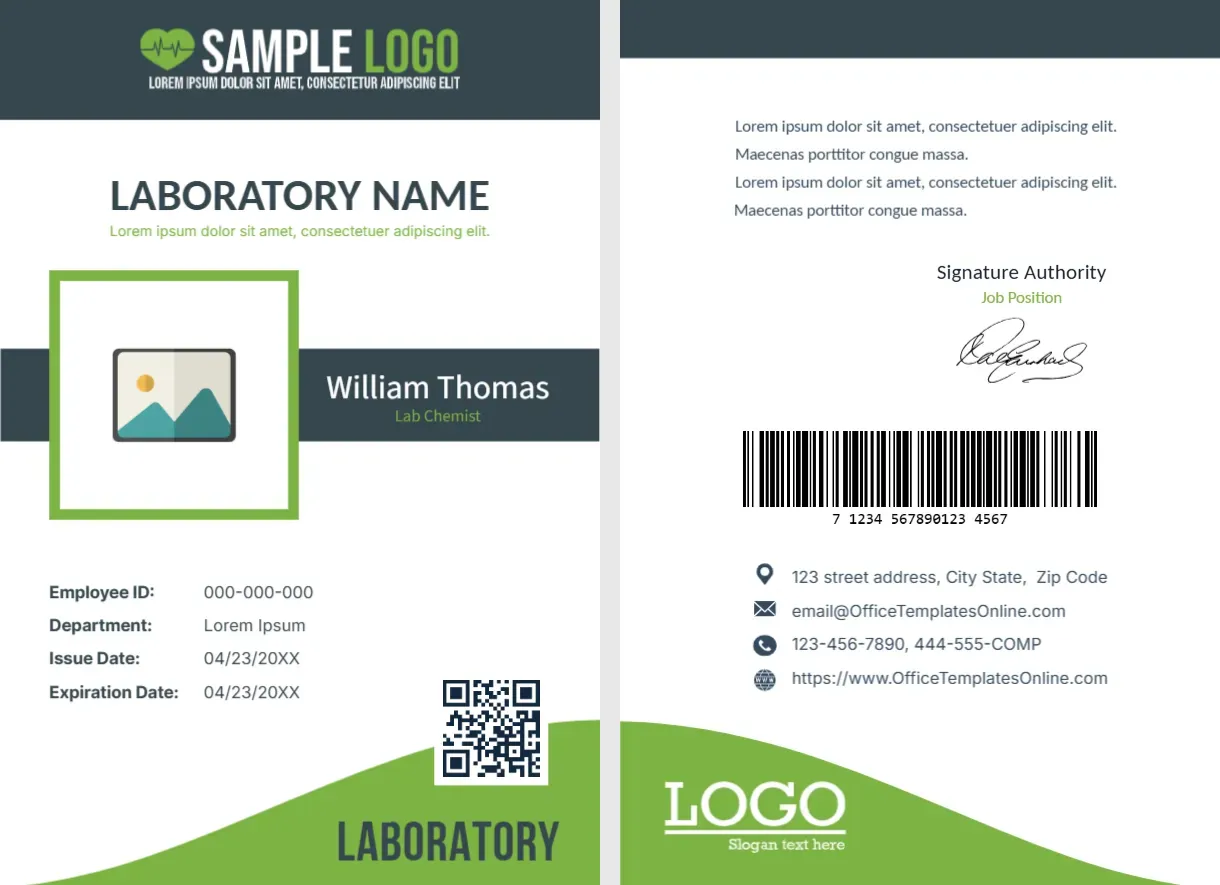
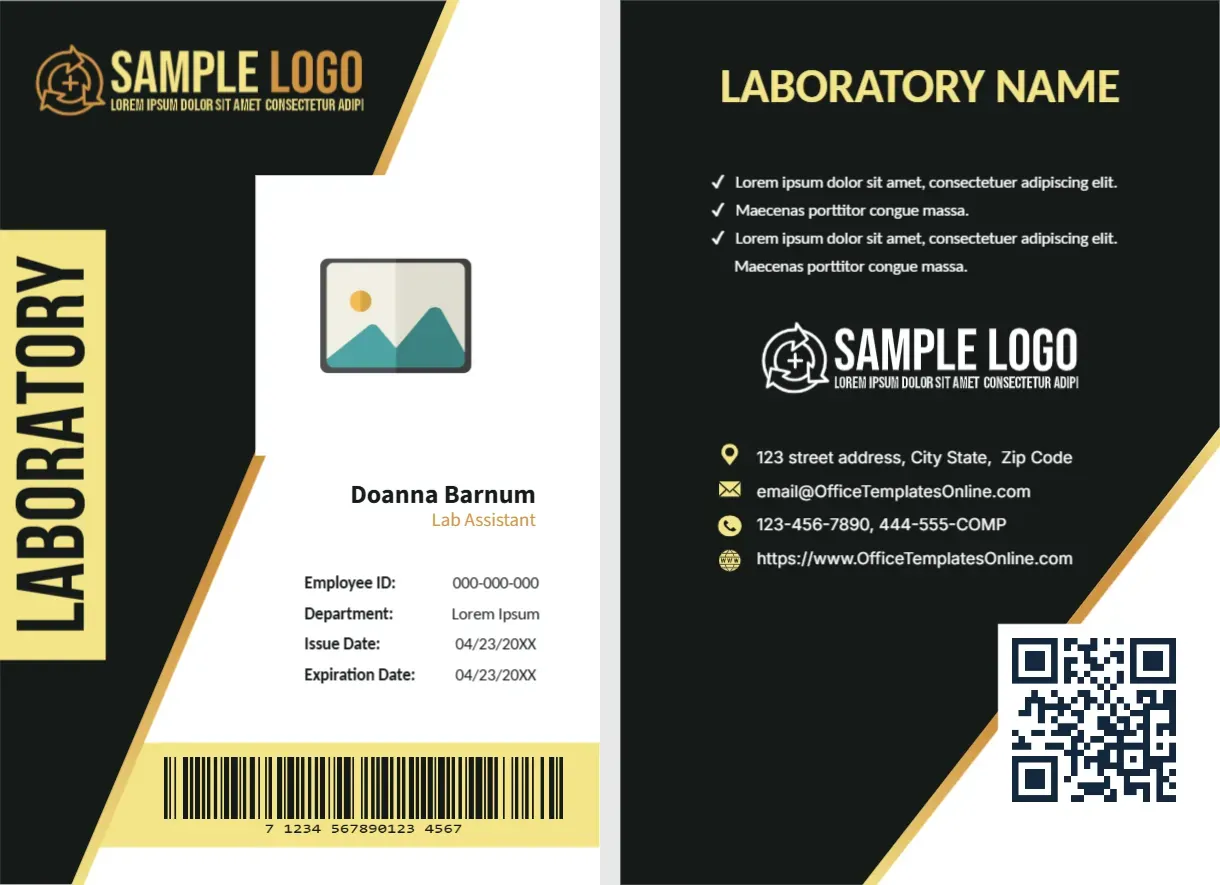
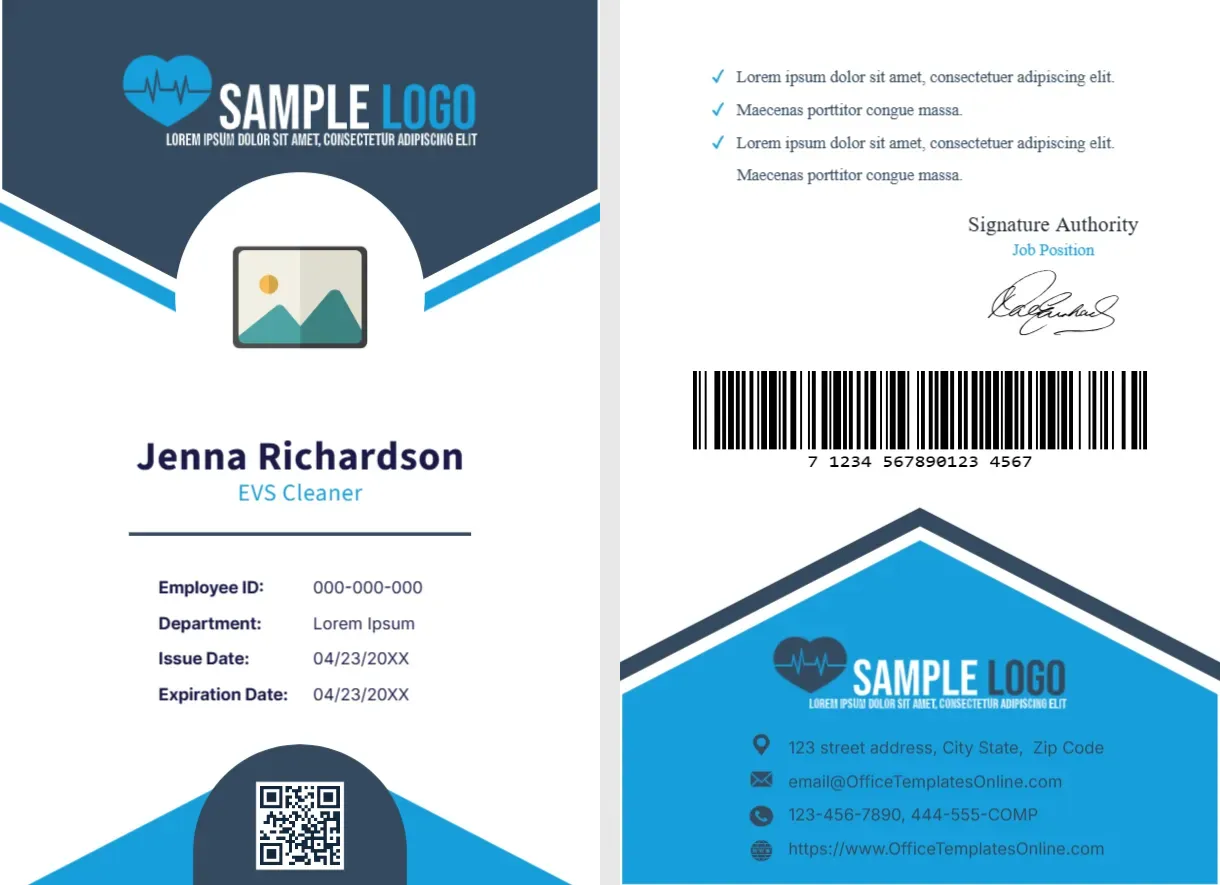
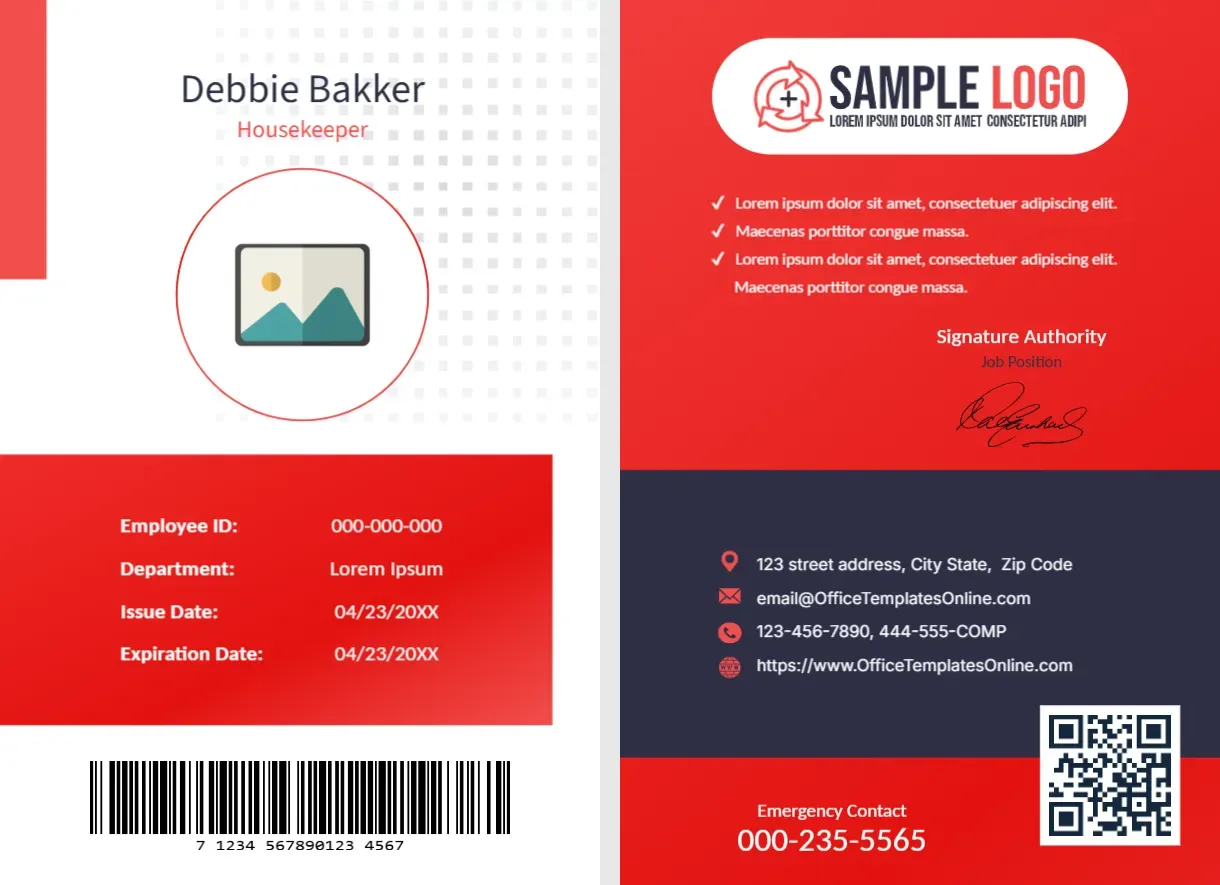
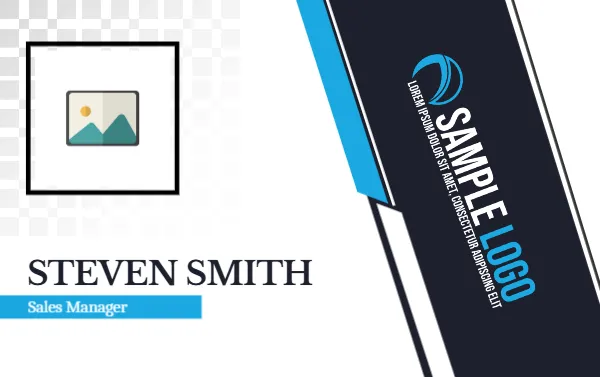
A pale checker pattern fades across the top left of this landscape card, behind a black boxed photo placeholder. A slanted navy panel with a blue edge runs down the right and carries a vertical SAMPLE LOGO. STEVEN SMITH sits in serif capitals at the lower left, over a blue strip reading Sales Manager.
A Standard Card With a Bold Right Side
The card is 3.375 x 2.125 inches. The navy panel occupies a third of the width, so keep any added lines to the left side where there is space under the photo.
Photo, Name, Title and Logo
Place a square photo in the black frame, retype STEVEN SMITH and Sales Manager, and swap the vertical logo. If your logo is wide, rotate it to fit the narrow panel, and test it for legibility at print size.
Preparing the Slanted Card
- Place the square photo.
- Type name and title.
- Rotate and swap the logo.
- Check the strip width.
- Print and trim.
A Look for Sales and Client Teams
The serif name and the sharp panel look polished, which suits client facing staff in sales, finance and consulting. It feels more formal than a bright rounded badge.
A Vertical Logo Panel
Placing the logo sideways in a panel is a clever use of space. It leaves the left side open for the photo and name, and it frames the card with a strong shape.
Blue Title Strip as a Label
The blue strip behind the job title acts as a label, and it keeps a long title readable. If the title is longer than the strip, edit the strip width in the editor.
The Checker Fade Detail
The checker pattern fades from solid to nothing behind the photo. It adds texture without clutter, and it prints as a soft grey that does not distract from the face.
Photo Quality at Card Size
Faces are small on a card this size, so use a clear photo of at least 600 pixels square. Blurry pictures look worse in print than on screen.
Design Consistency Across Teams
If different departments need different cards, change only the colour of the blue strip and the panel edge. A consistent system makes staff easy to identify.
Handing Out the Cards
Give each card in a plastic sleeve with a clip or a lanyard. Add a note on how to report a lost card, so that missing cards can be disabled quickly.
Step by Step Editing of the Staff Name Card Design Sales Manager Navy Slanted Design
- On the staff name card design sales manager navy slanted design, click the main headline and type your own words, keeping a similar length.
- Retype every name, date and contact line on the staff name card design sales manager navy slanted design, checking each against a trusted source.
- Search the staff name card design sales manager navy slanted design for the words Lorem and Company so that no placeholder remains.
- Click any logo or photo on the staff name card design sales manager navy slanted design, choose Replace Image and resize the new picture to fit.
- Zoom the staff name card design sales manager navy slanted design to full size and read each line aloud before you save it.
- Keep a clean master of the staff name card design sales manager navy slanted design without private details, so later versions start tidy.
Similar designs include the technical support name card. Compare it with the employee name badge. You may also like the company employee ID card. The rest of the series around the staff name card design sales manager navy slanted design is in staff and employee ID card templates.