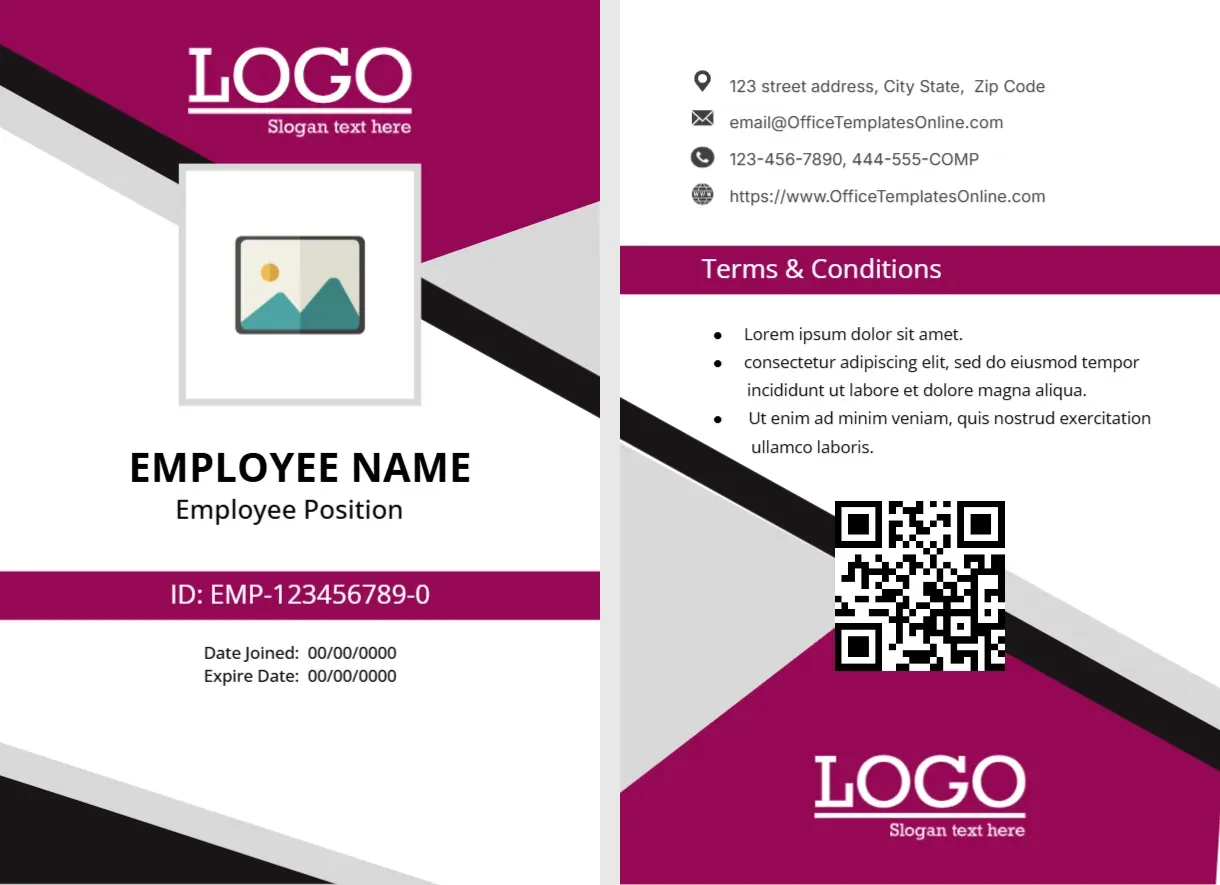
A Two-Sided Magenta ID Card With a QR Code
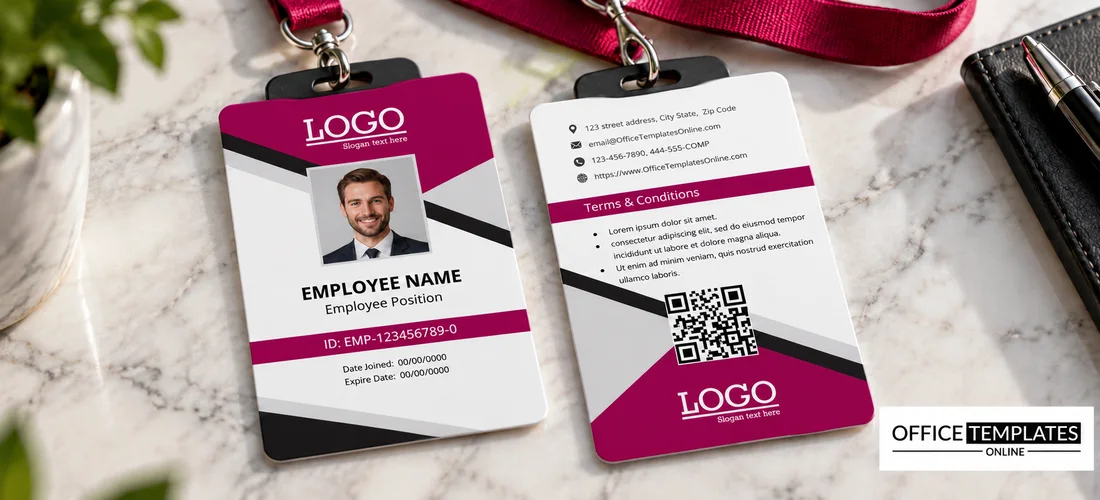
The front of this portrait card has a magenta top with black and grey diagonal bands, a white logo, and a square photo placeholder. EMPLOYEE NAME and Employee Position sit in black, above a magenta ID bar reading EMP1234567890 and a line for Date Joined and Expiry Date. The back carries contacts, a Terms & Conditions bar, a QR code, and a second logo.
A Portrait Card With a Printed Back
The card is 2.63 x 3.88 inches, a little larger than a credit card, and the design includes a front and a back. Print both sides on one card, or glue two sheets back to back.
Front Fields and the Back Contacts
Type the name, position, ID number, and the two dates in 00/00/0000 format. On the back, replace the sample street address, the website, and the phone numbers. The email and website use OfficeTemplatesOnline.com sample text, and the phone line ends with 444-555-COMP, so replace both.
Preparing the Magenta ID Card
- Insert the photo.
- Type the name and position.
- Set ID and dates.
- Fix the back contacts.
- Link the QR code.
Front and Back Roles
The front identifies the person, while the back carries the terms and a QR code. Keeping the back for fine print leaves the front clean and readable at a distance.
A QR Code With a Purpose
The QR code can link to a verification page, a staff directory entry, or a company site. Test it with a phone before printing, and make sure it still scans after lamination.
Terms and Conditions Text
The Terms bar contains Lorem ipsum bullets. Replace them with your own return and misuse rules, in short sentences. Have the wording checked locally, since this template does not provide legal text.
Magenta and Black for a Bold Brand
The deep magenta with black bands looks confident and modern. It suits creative agencies and retail brands, and the grey bands soften the contrast.
Expiry Dates and Renewal
The card shows a join date and an expiry date. Set renewal reminders in your HR calendar, and collect expired cards, which prevents old cards from being used by mistake.
Photo and ID Number Accuracy
Check the ID number against your HR records before printing. A single wrong digit can cause trouble at a security desk or an access gate.
Printing Double-Sided Cards
Use a duplex printer or a card printer for the best results. For short runs, print each side separately and laminate the two together, aligning the edges with a guide.
Step-by-Step Editing of the Company Employee ID Card Magenta Two-Sided Design
- On the company employee ID card magenta two-sided design, click the main headline and type your own words, keeping a similar length.
- Retype every name, date, and contact line on the company employee ID card magenta two-sided design, checking each against a trusted source.
- Search the company employee ID card magenta two-sided design for the words Lorem and Company so that no placeholder remains.
- Click any logo or photo on the company employee ID card magenta two-sided design, choose Replace Image, and resize the new picture to fit.
- Zoom the company employee ID card magenta two-sided design to full size and read each line aloud before you save it.
- Keep a clean master of the company employee ID card magenta two-sided design without private details, so later versions start tidy.
For comparison, open the hospital staff ID card. Consider the ID card for short-term contract workers. Similar designs include the school staff ID card. The rest of the series around the company employee ID card magenta two-sided design is in the staff and employee ID card templates.