Navy and Lime Waves for a School Staff Card
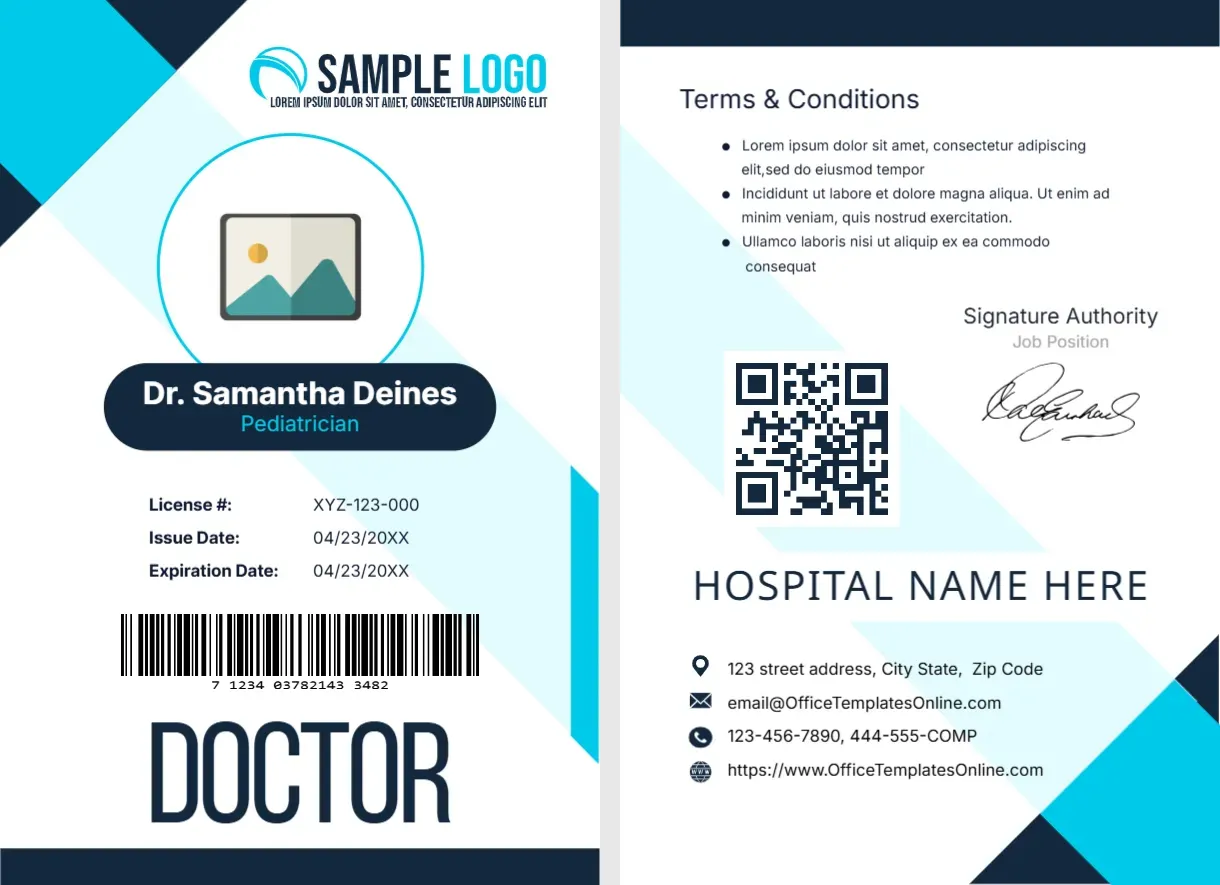
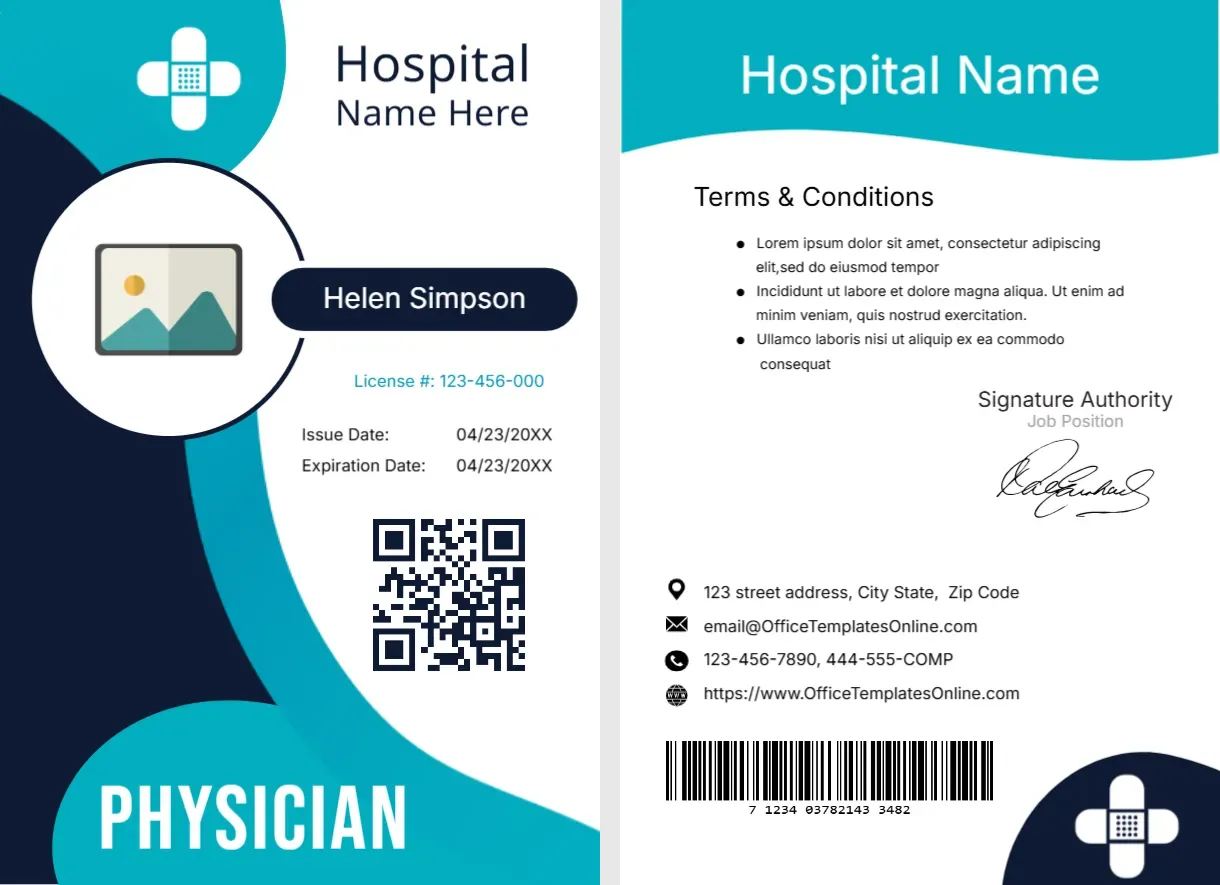
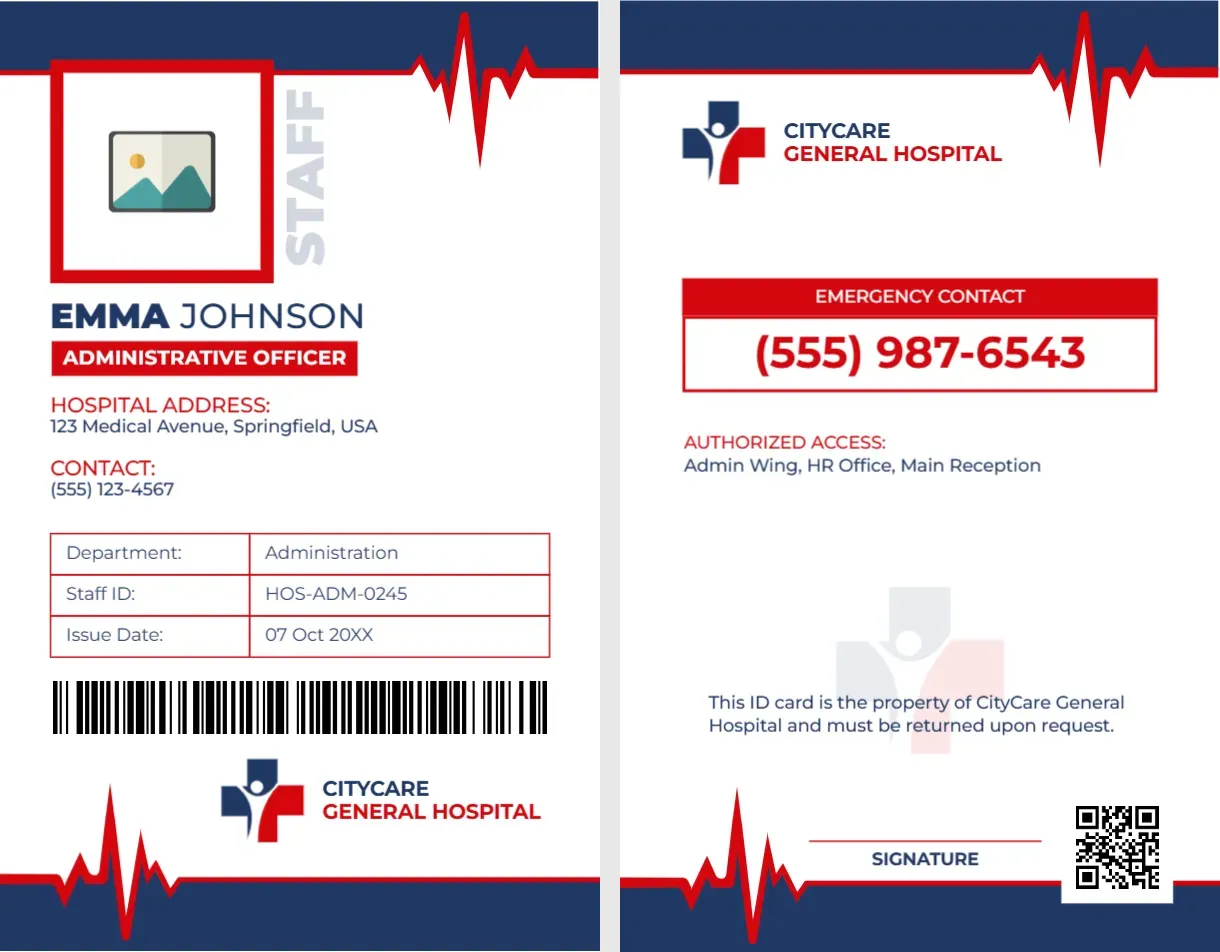
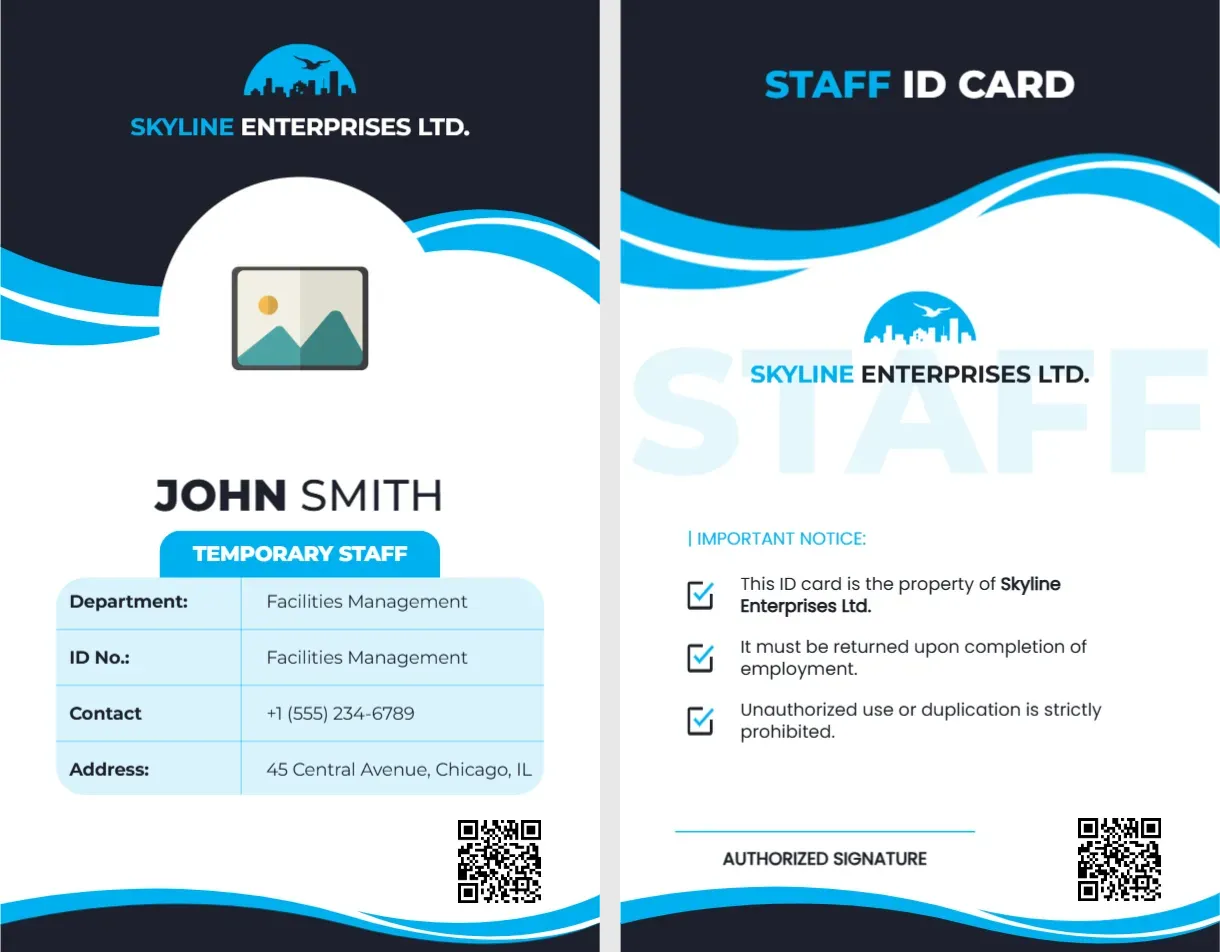
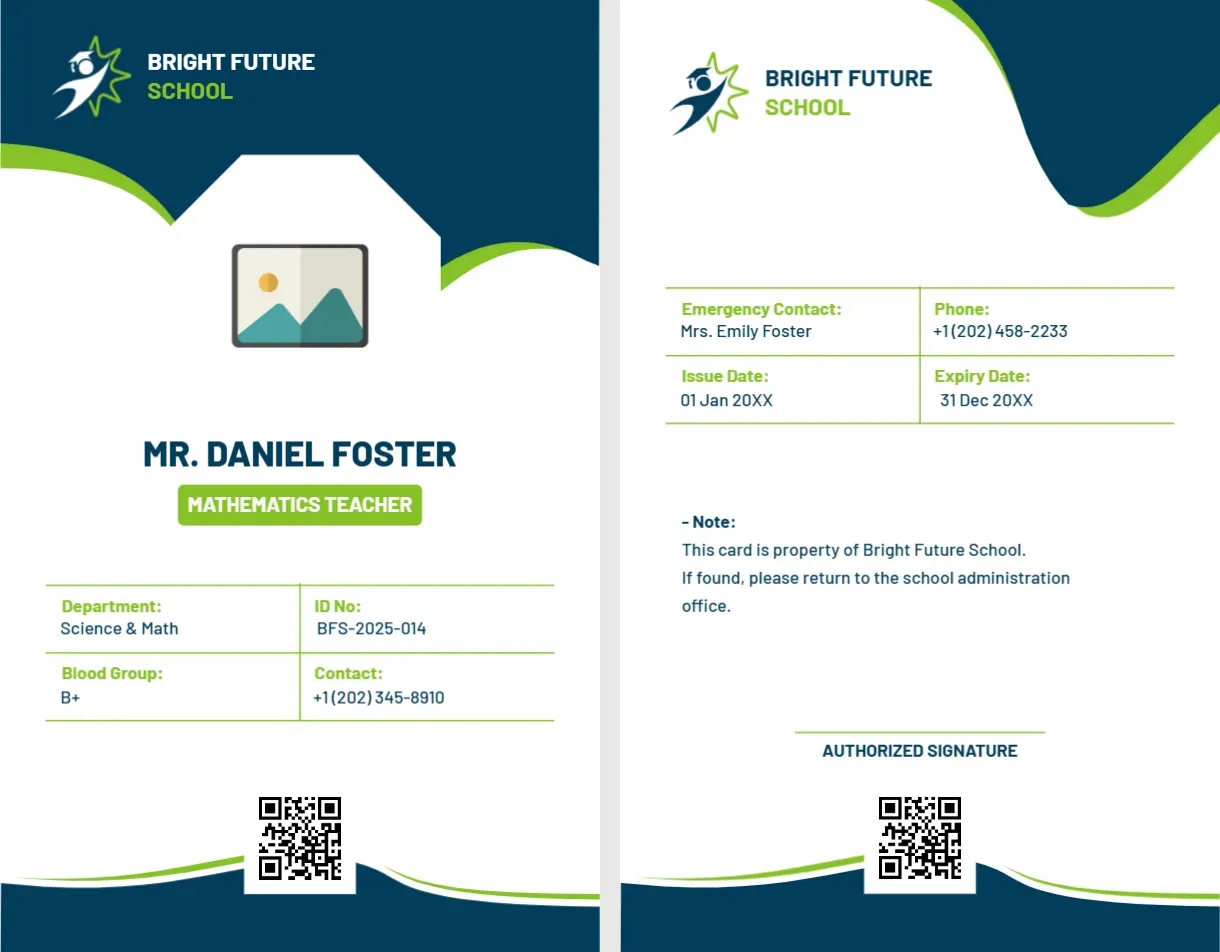
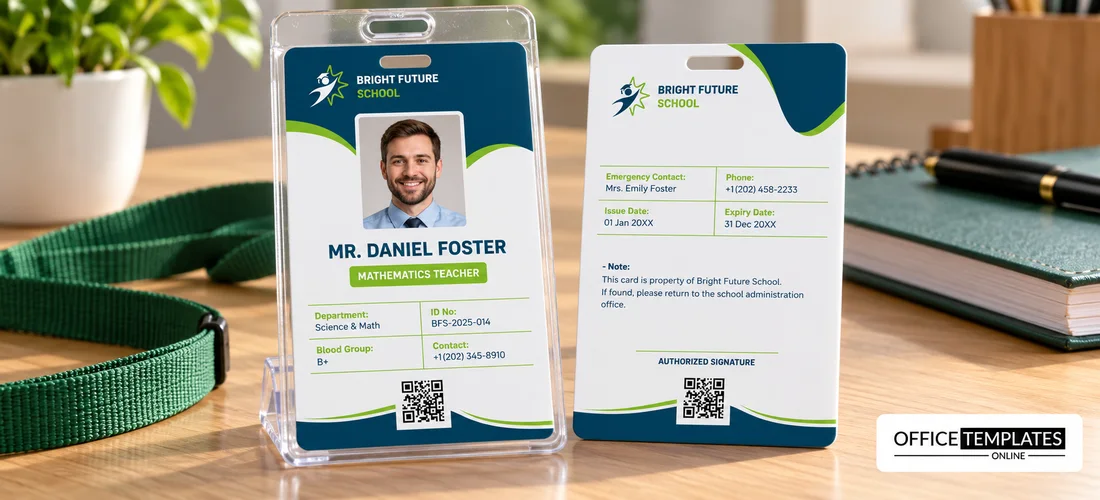
The front of this portrait card has a deep navy top with a lime swoosh, a white school logo with BRIGHT FUTURE SCHOOL, and an octagonal photo placeholder. MR. DANIEL FOSTER sits above a lime tag reading MATHEMATICS TEACHER, with a table of Department, ID No., Blood Group, and Contact. The back lists emergency contact, dates, a note, and a signature.
A Portrait Card for Teachers
The card is 2.125 x 3.375 inches, CR80 in portrait. It fits a standard lanyard holder, and the lime-outlined table keeps details tidy on the front.
Staff Details and the Back Notes
Replace MR. DANIEL FOSTER, the role tag, the department, ID number, blood group, and phone. On the back, edit the emergency contact, issue and expiry dates, and the property note, and swap the school logo on both sides. The ID prints as BFS2025014 on the front and BFS-2025-014 on the back, so choose one format.
Preparing the School Staff Card
- Insert the photo.
- Type the name and role.
- Fix the ID number format.
- Fill in the back details.
- Add the school logo.
Staff on Campus Need to Be Visible
Cards help pupils, parents, and visitors tell staff from guests. A clear card also supports safeguarding checks, where staff are asked to wear identification at all times.
Blood Group on the Front
A blood group line can help in an emergency, though many schools prefer not to print health information on a card that others can read. Decide with your policy, and remove the row if you wish.
Emergency Contact on the Back
The back lists an emergency contact name and phone. Check each number before printing, and update it when circumstances change, because stale details defeat the purpose.
Lime Accents on Navy
The navy base with lime accents feels energetic and youthful, which suits a primary or secondary school. Match the lime to your school logo for consistency.
Different Roles on One Template
Use the same layout for teachers, assistants, caretakers, and administrators, changing only the role tag. One layout for all staff makes the card system simple to manage.
A School Return Policy
The back says that if the card is found, it should be returned to the school office. Add a phone number there, so that finders know whom to call.
Issuing at the Start of Term
Prepare cards before term starts, and hand them out on the first staff day. Collect the old cards at the same time, to avoid mixing expired and current ones.
Step-by-Step Editing of the School Staff ID Card Navy Green Teacher Design
- On the school staff ID card navy green teacher design, click the main headline and type your own words, keeping a similar length.
- Retype every name, date, and contact line on the school staff ID card navy green teacher design, checking each against a trusted source.
- Search the school staff ID card navy green teacher design for the words Lorem and Company so that no placeholder remains.
- Click any logo or photo on the school staff ID card navy green teacher design, choose Replace Image, and resize the new picture to fit.
- Zoom the school staff ID card navy green teacher design to full size and read each line aloud before you save it.
- Keep a clean master of the school staff ID card navy green teacher design without private details, so later versions start tidy.
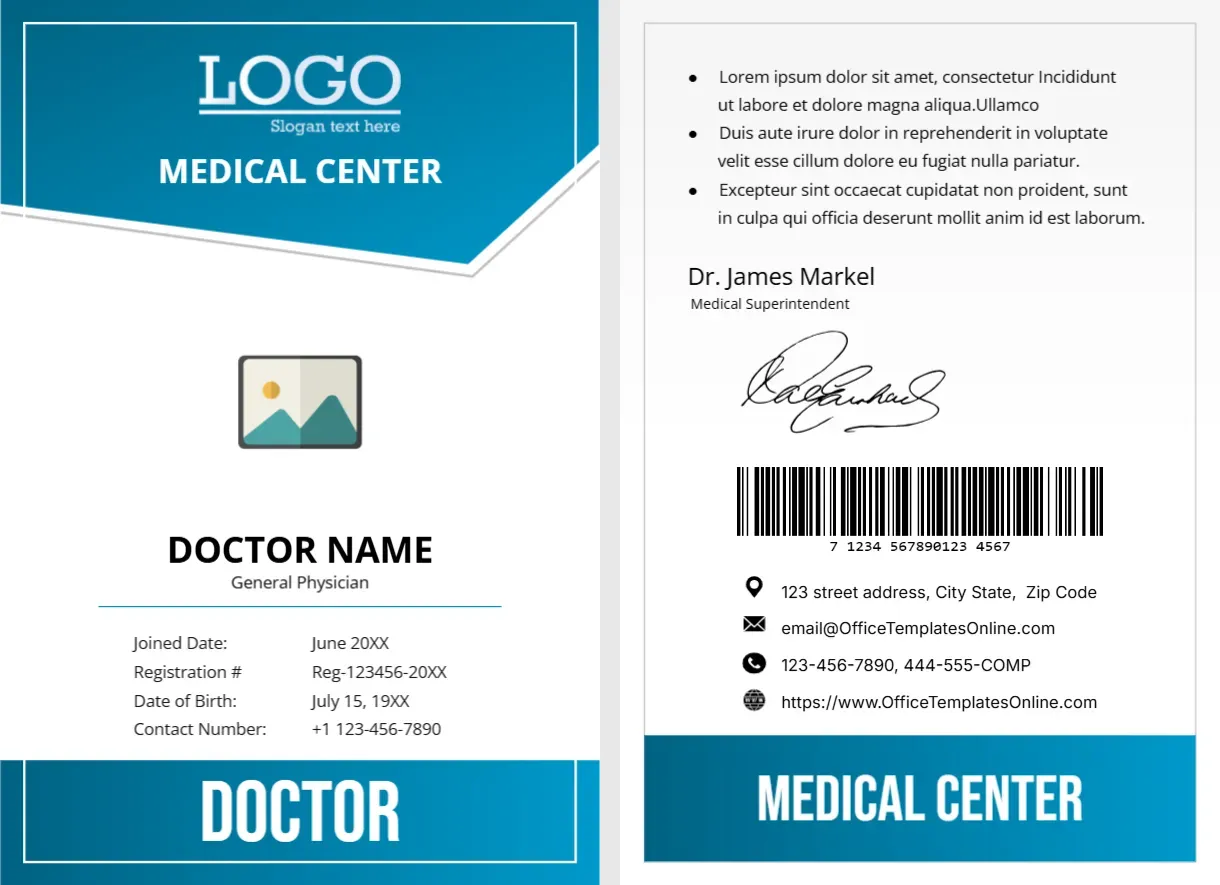
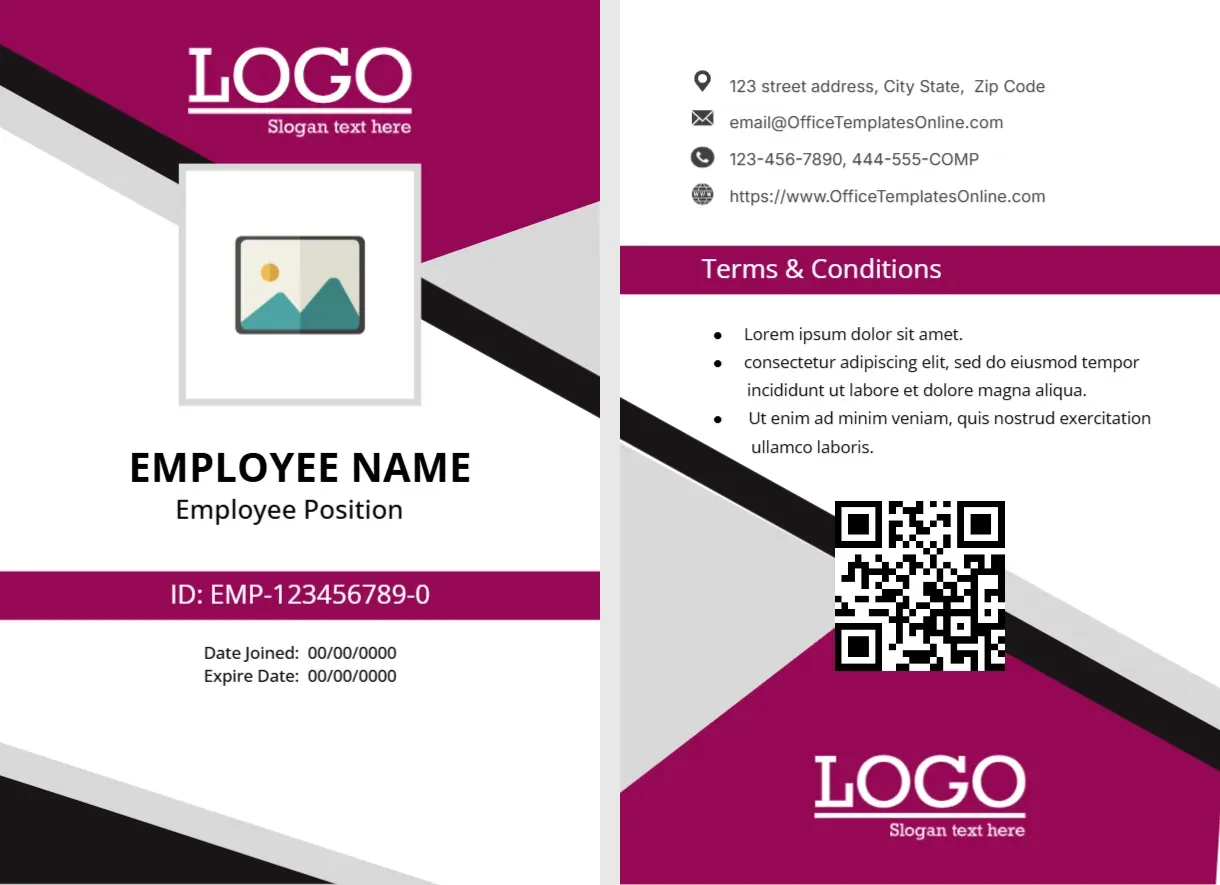
For comparison, open the teacher badge with a lanyard slot. Consider the magenta company ID card. Similar designs include the temporary contract ID card. Every school staff ID card navy green teacher style alternative sits in staff ID card designs.