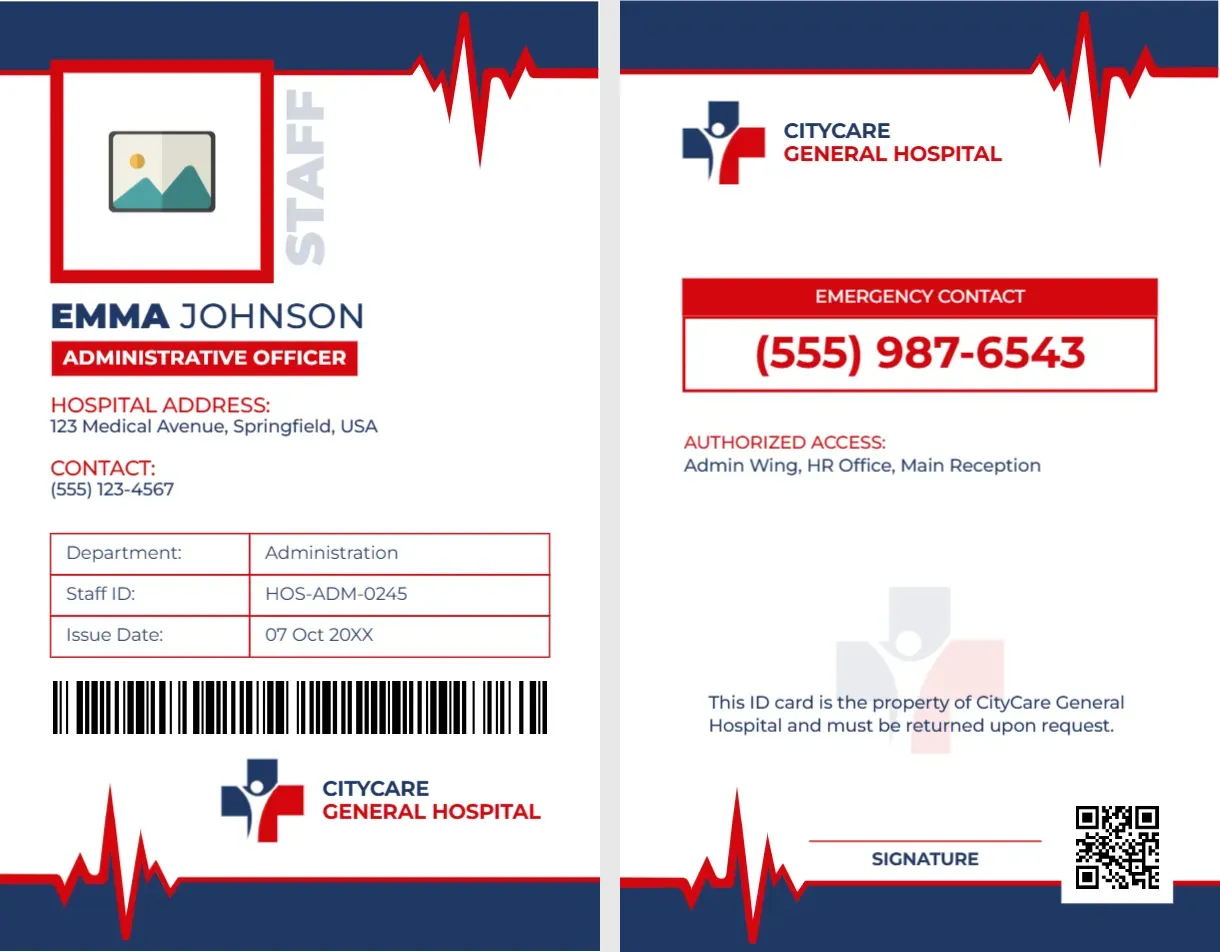
A Red Heartbeat Line on a Navy and White Admin Card
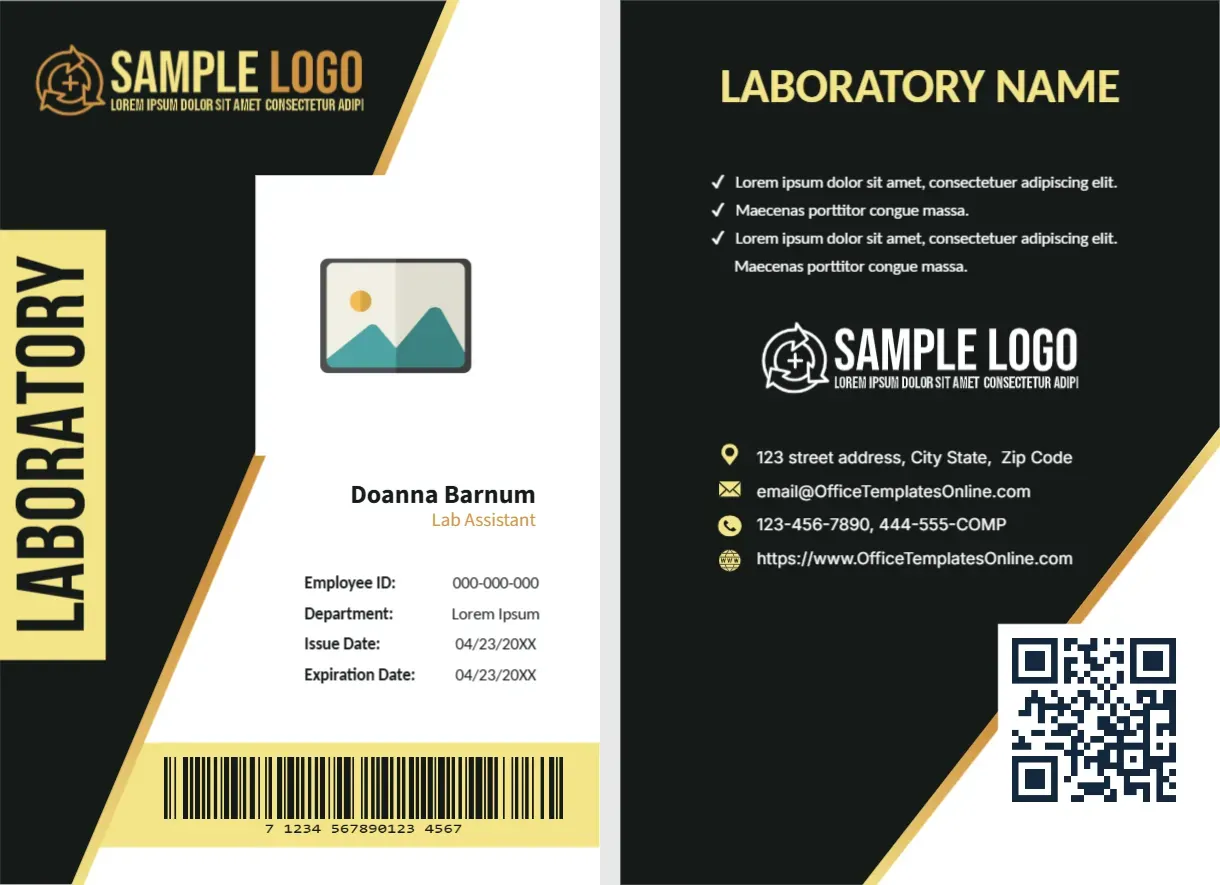
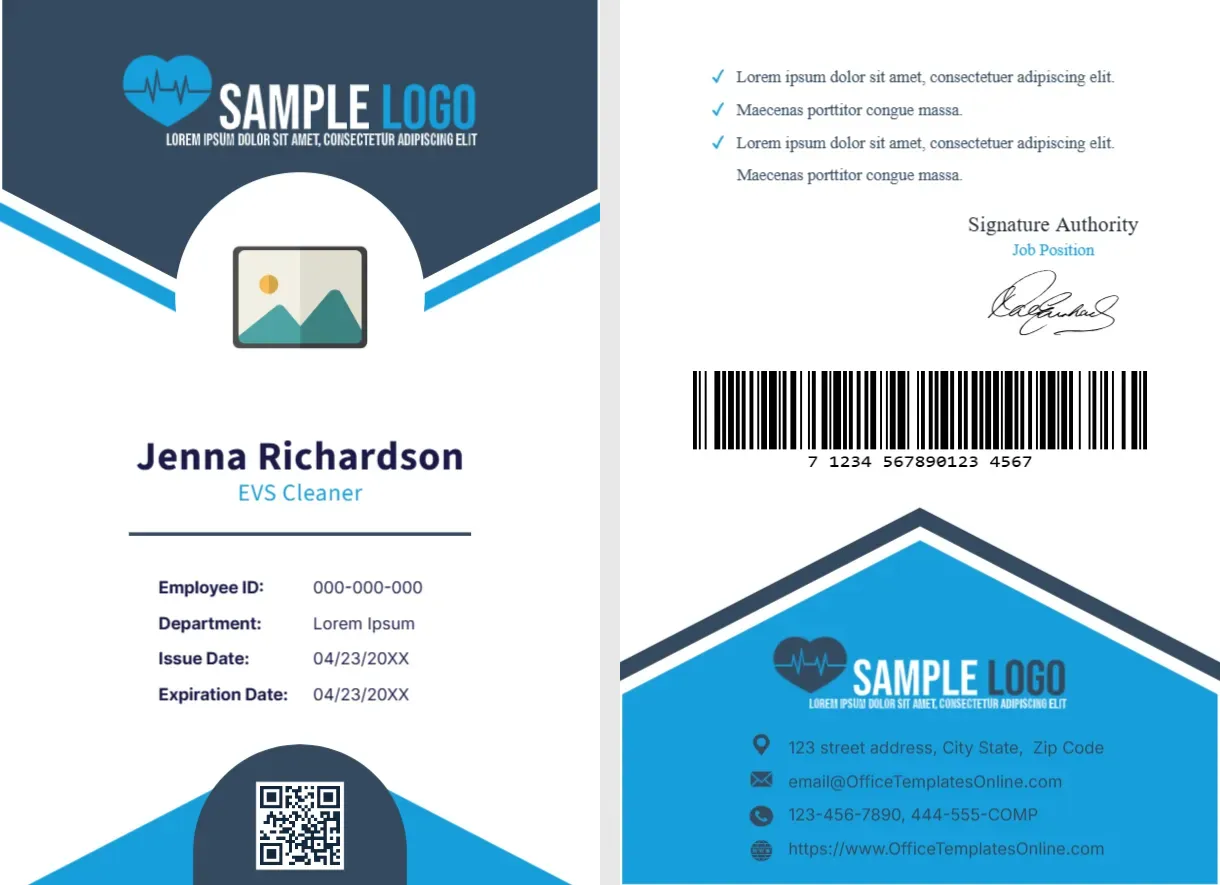
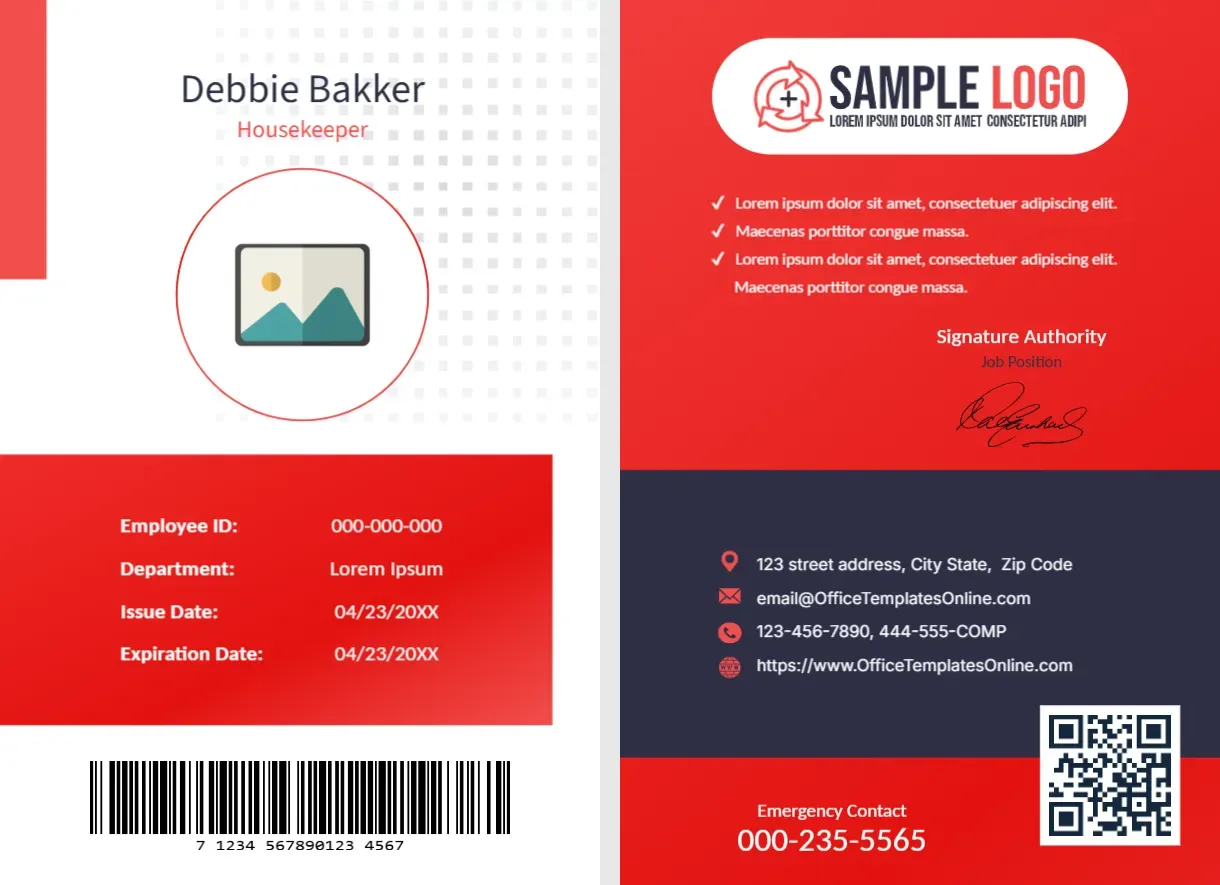
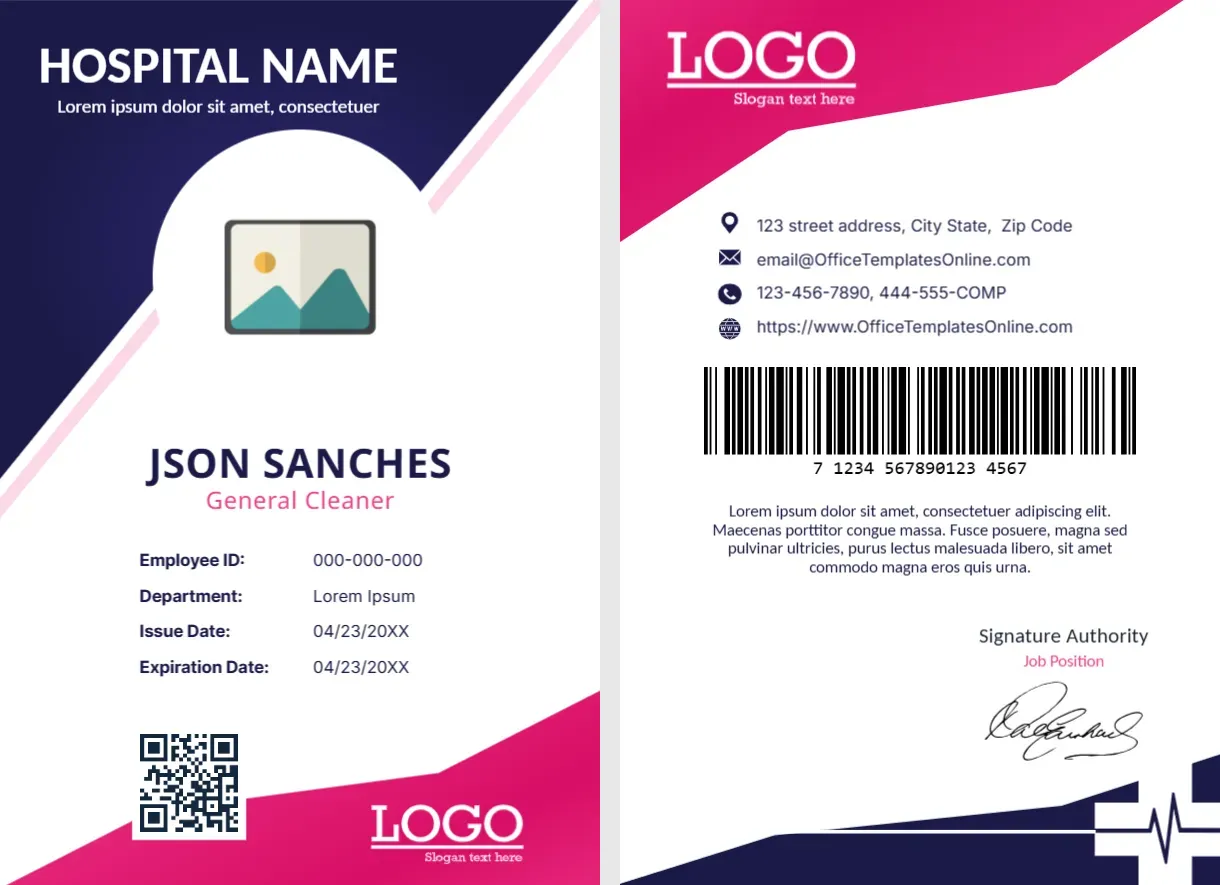
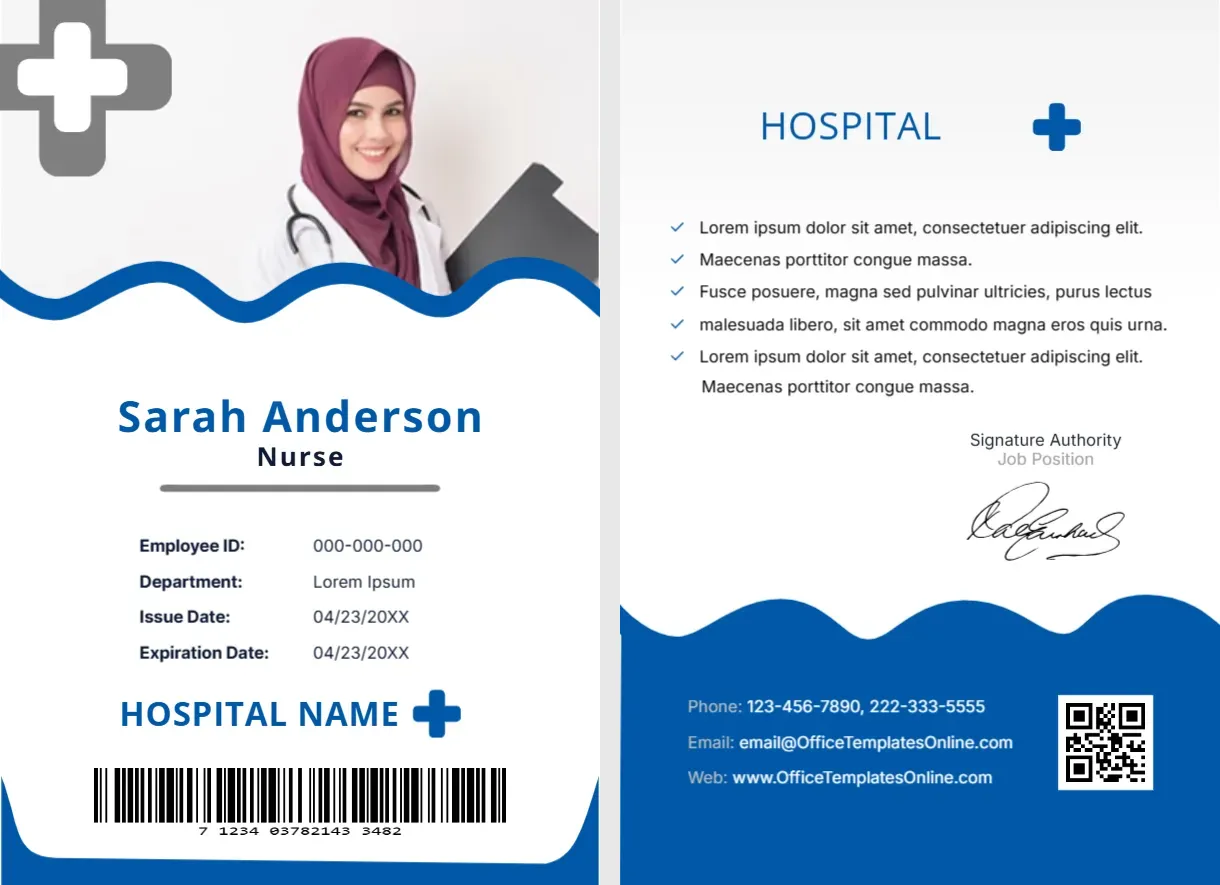
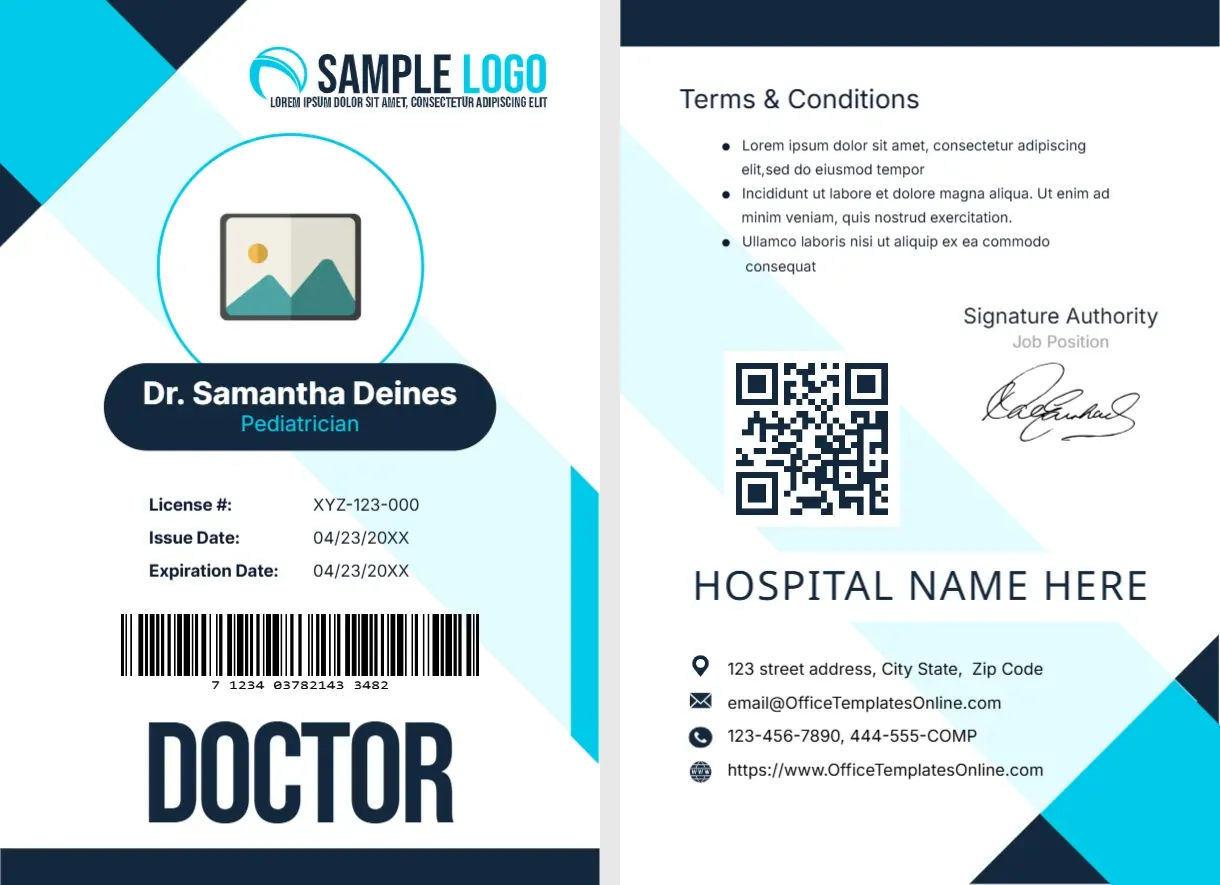
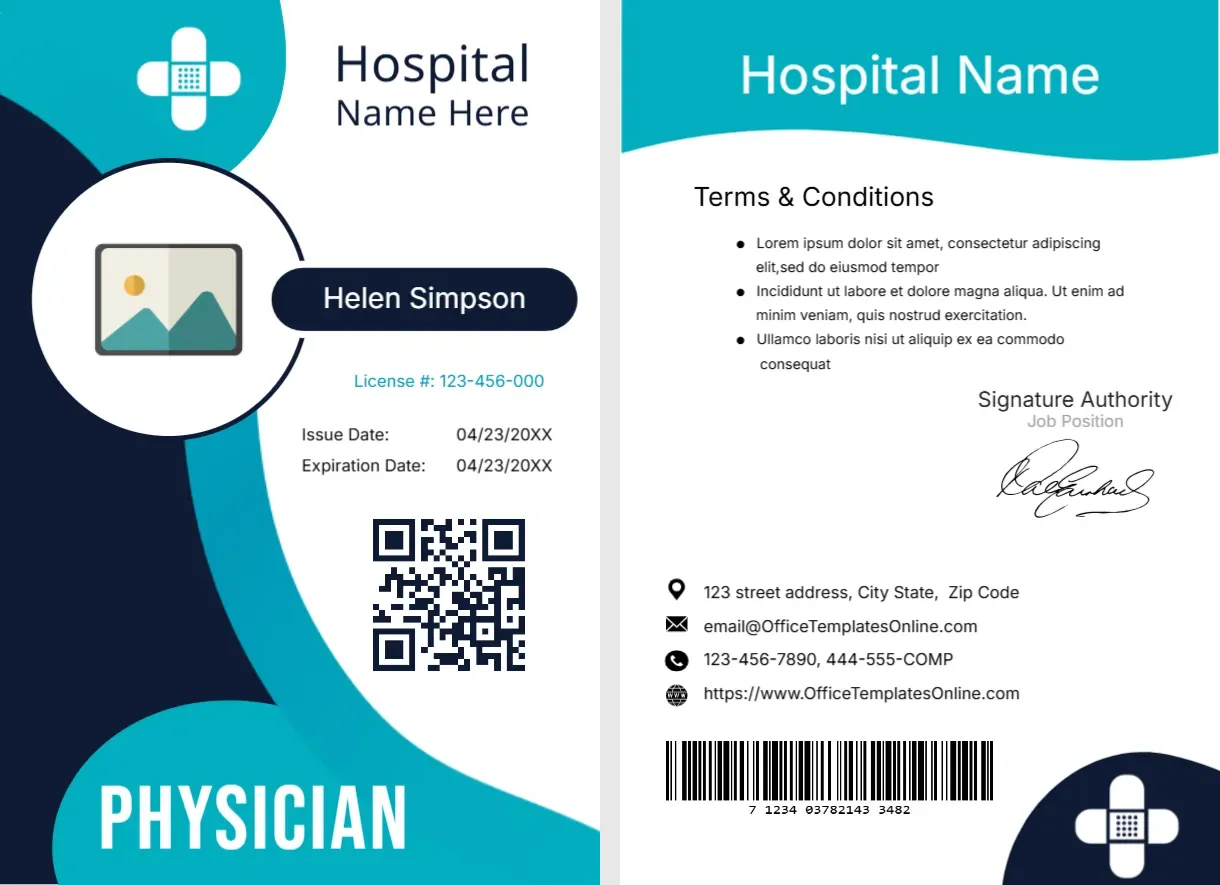
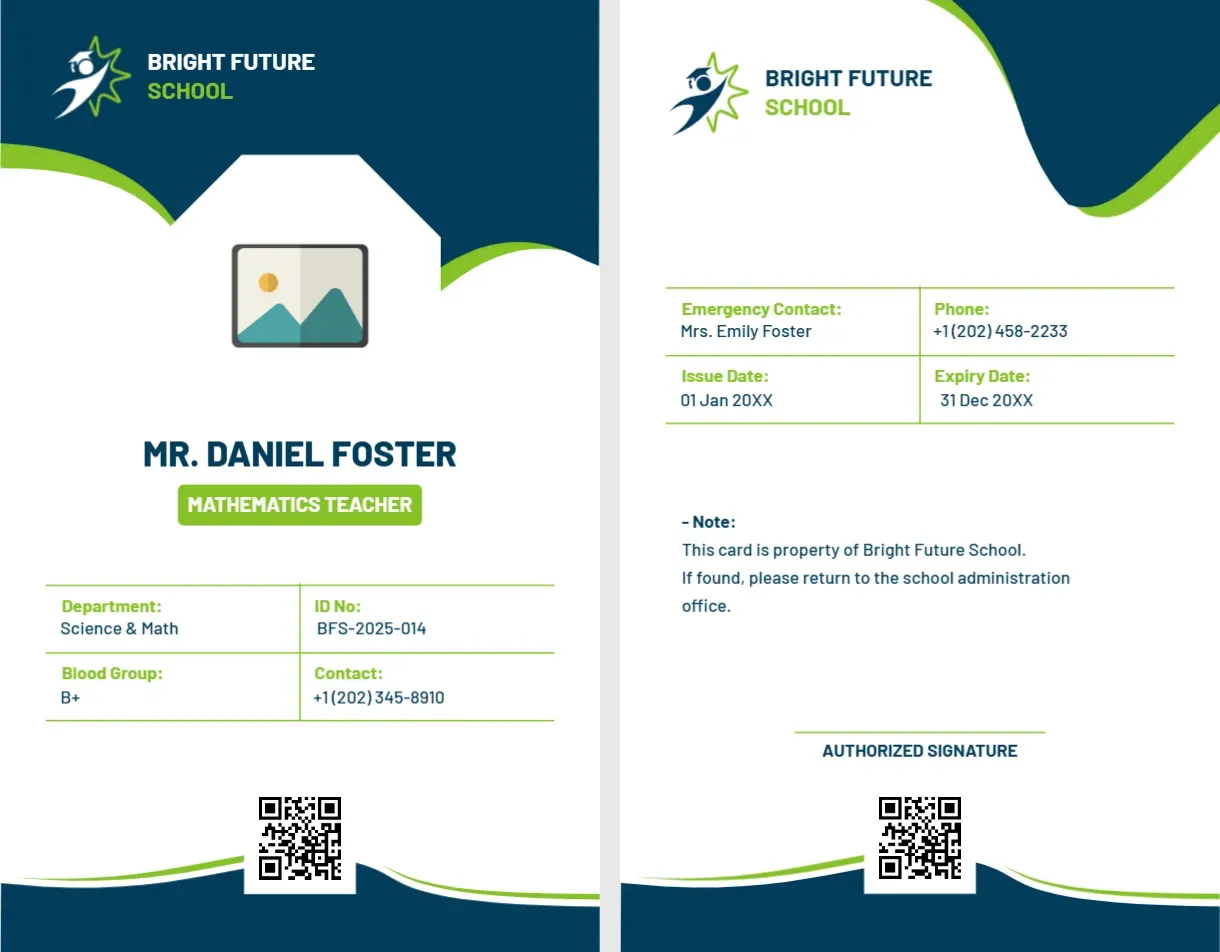
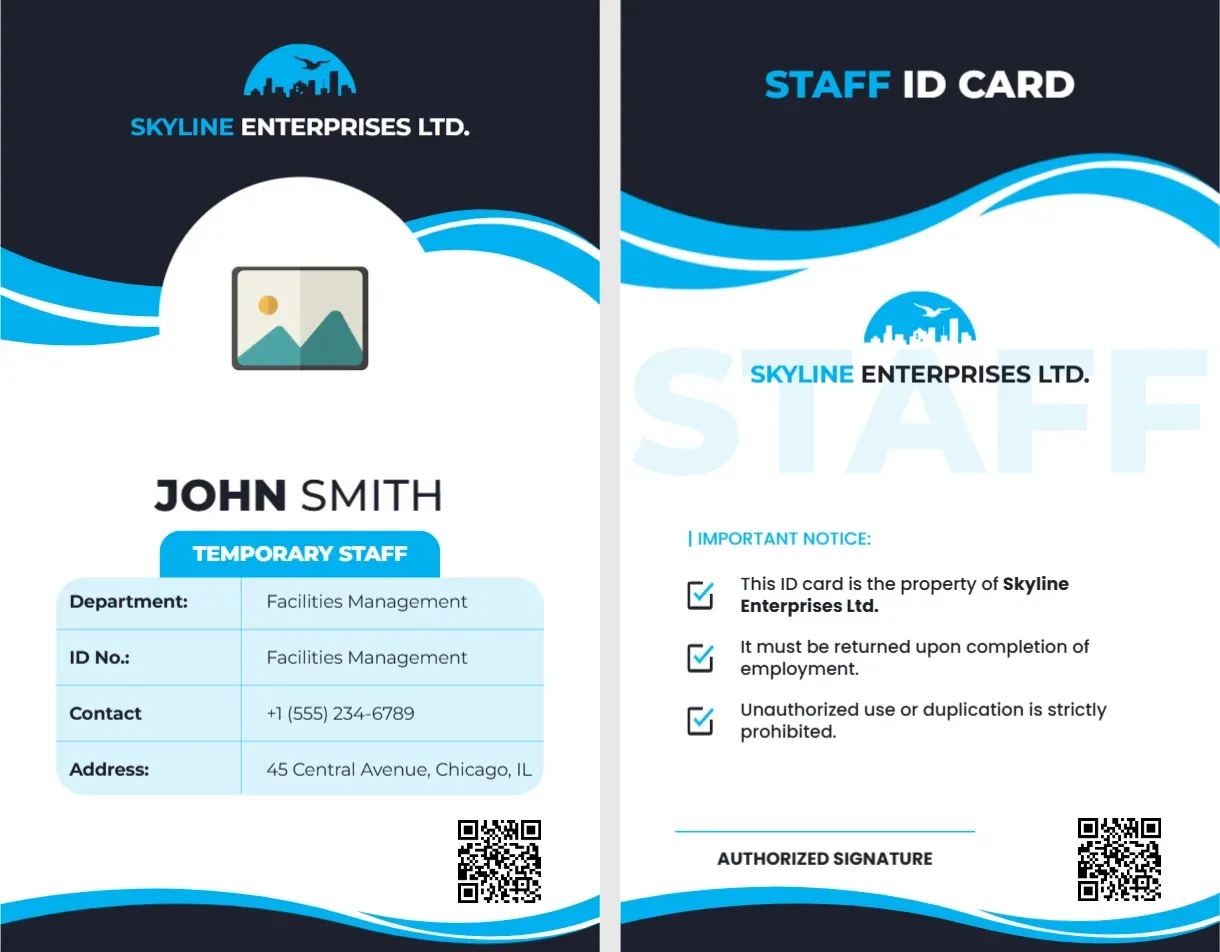
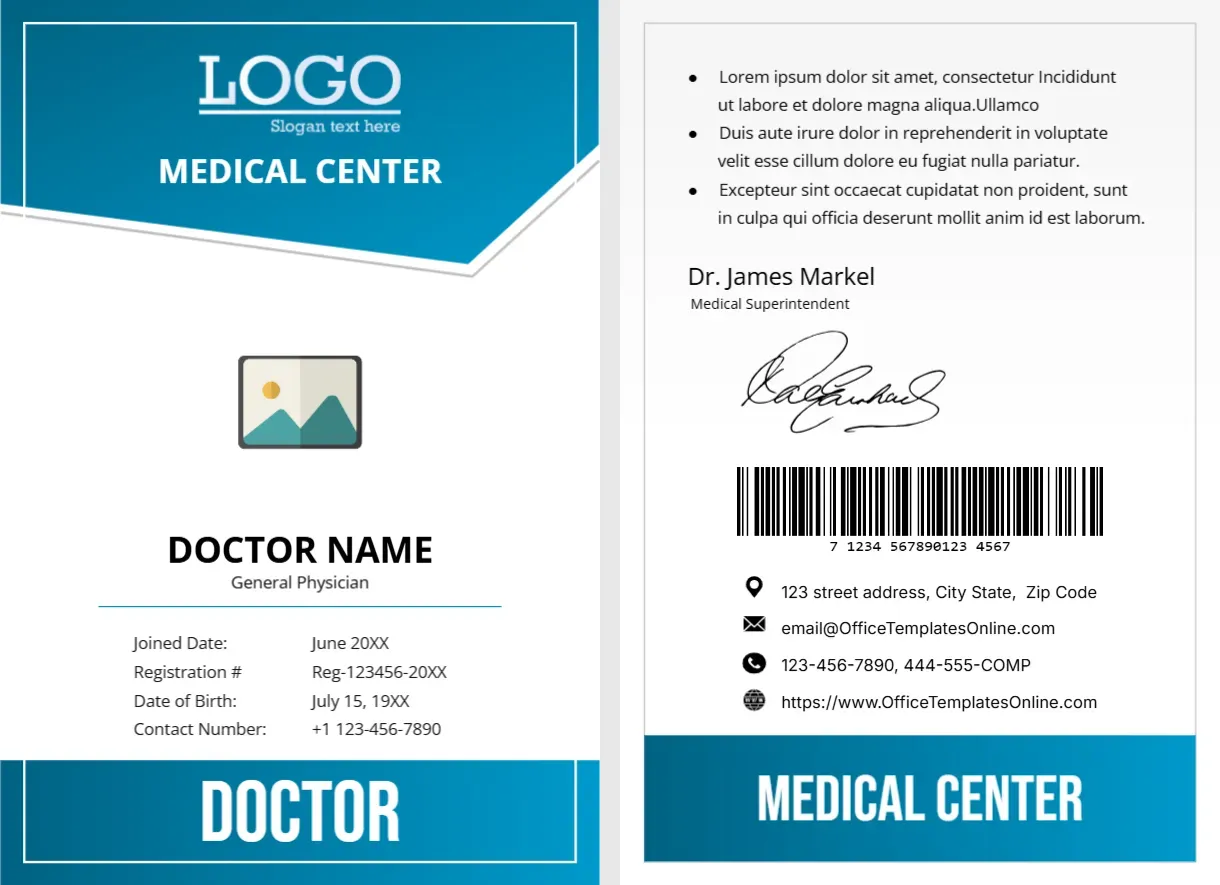
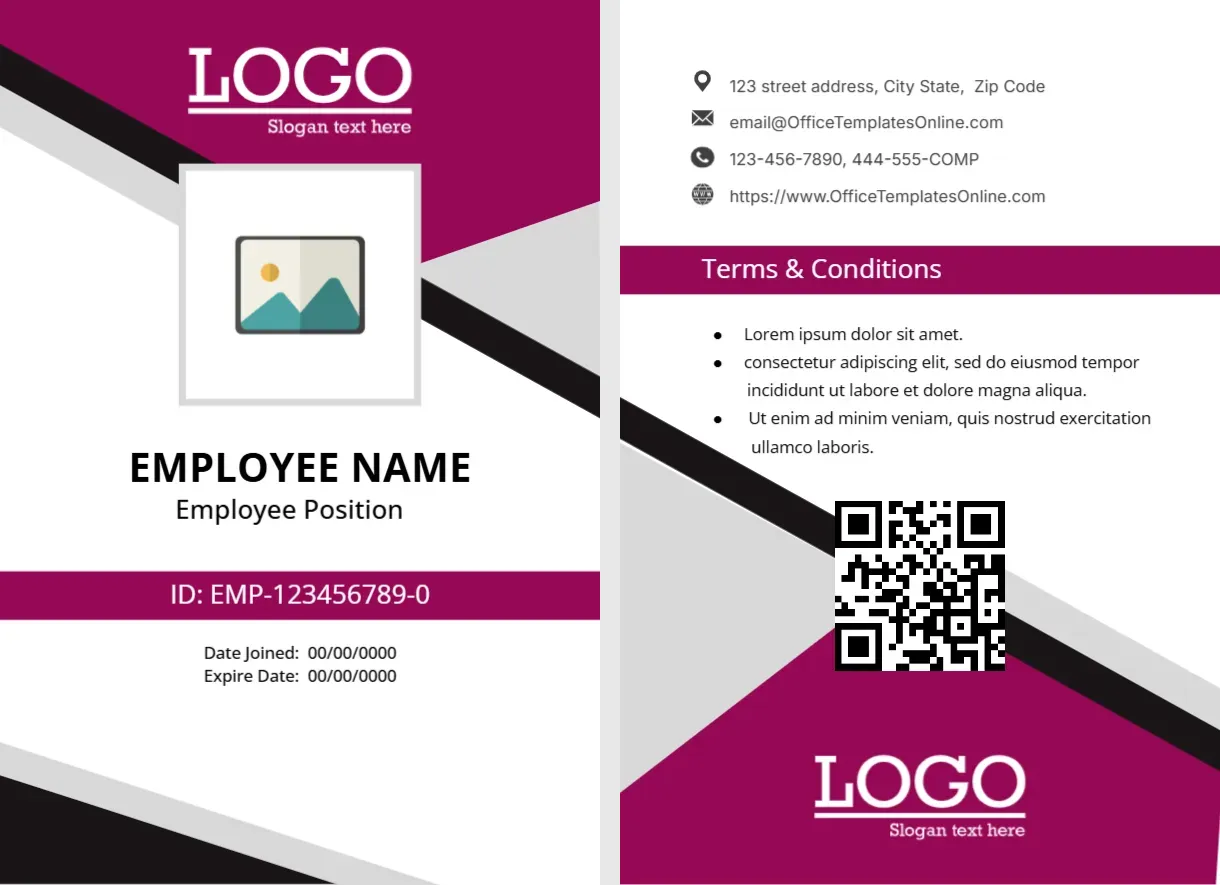
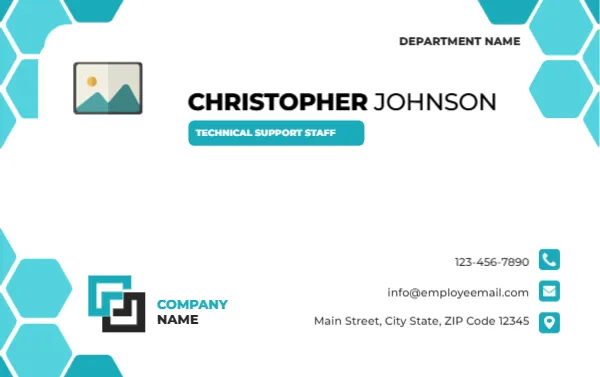
The front of this portrait card has a navy top edge with a red heartbeat line, a red framed photo placeholder and a vertical grey STAFF word. EMMA JOHNSON sits above a red ADMINISTRATIVE OFFICER tag, with a hospital address, a contact line, a three row table, a barcode and the CITYCARE GENERAL HOSPITAL logo. The back has an emergency contact box, access areas and a signature.
A Slim Portrait Card With Both Sides
The card is 2.125 x 3.375 inches. The front lists identity and the back lists emergency and access information, so print both sides.
Details, Access and Emergency Line
Replace EMMA JOHNSON, the role, the hospital address and the contact line. Edit Department, Staff ID, which prints as HOSADM0245 on one version, and the issue date. On the back set the emergency number and the Authorized Access list.
Preparing the Admin Card
- Insert the photo.
- Type name and role.
- Fill the table rows.
- Set emergency number and access.
- Generate the barcode.
For Non Clinical Hospital Staff
Administrative officers, receptionists and records staff need cards too. The red role tag and a clear access list tell security which areas the holder may enter.
An Access List on the Back
Authorized Access names the wings and offices the card holder may enter, such as the Admin Wing and the HR Office. Keep it short and review it when roles change.
A Bold Emergency Contact Box
A red bordered box on the back holds an emergency number in large type. It is easy to find in a crisis, so double check that the number reaches a staffed line.
The Heartbeat Line Motif
The red pulse line along the edges signals healthcare without cartoon crosses. It also adds a rhythm to the design, and it sits at the top and bottom of both sides.
Barcode and Staff ID Together
The barcode matches the Staff ID printed in the table. Use a barcode generator with the same number, and scan the card at a test reader before printing the batch.
A Vertical STAFF Label
The grey word STAFF runs next to the photo. It is a subtle role cue, which you can change to a department or a contractor label when needed.
Handling Lost Cards
Ask staff to report a lost card the same day. Block it in your access system, and issue a replacement with a new number so the old one cannot be used.
Step by Step Editing of the Hospital Admin Staff Id Card Red Navy Heartbeat Design
- On the hospital admin staff id card red navy heartbeat design, click the main headline and type your own words, keeping a similar length.
- Retype every name, date and contact line on the hospital admin staff id card red navy heartbeat design, checking each against a trusted source.
- Search the hospital admin staff id card red navy heartbeat design for the words Lorem and Company so that no placeholder remains.
- Click any logo or photo on the hospital admin staff id card red navy heartbeat design, choose Replace Image and resize the new picture to fit.
- Zoom the hospital admin staff id card red navy heartbeat design to full size and read each line aloud before you save it.
- Keep a clean master of the hospital admin staff id card red navy heartbeat design without private details, so later versions start tidy.
Have a look at the hospital staff ID card. Another option is the receptionist ID card. A related layout is the emergency department ID card. Find more designs next to the hospital admin staff id card red navy heartbeat design in staff ID card designs.