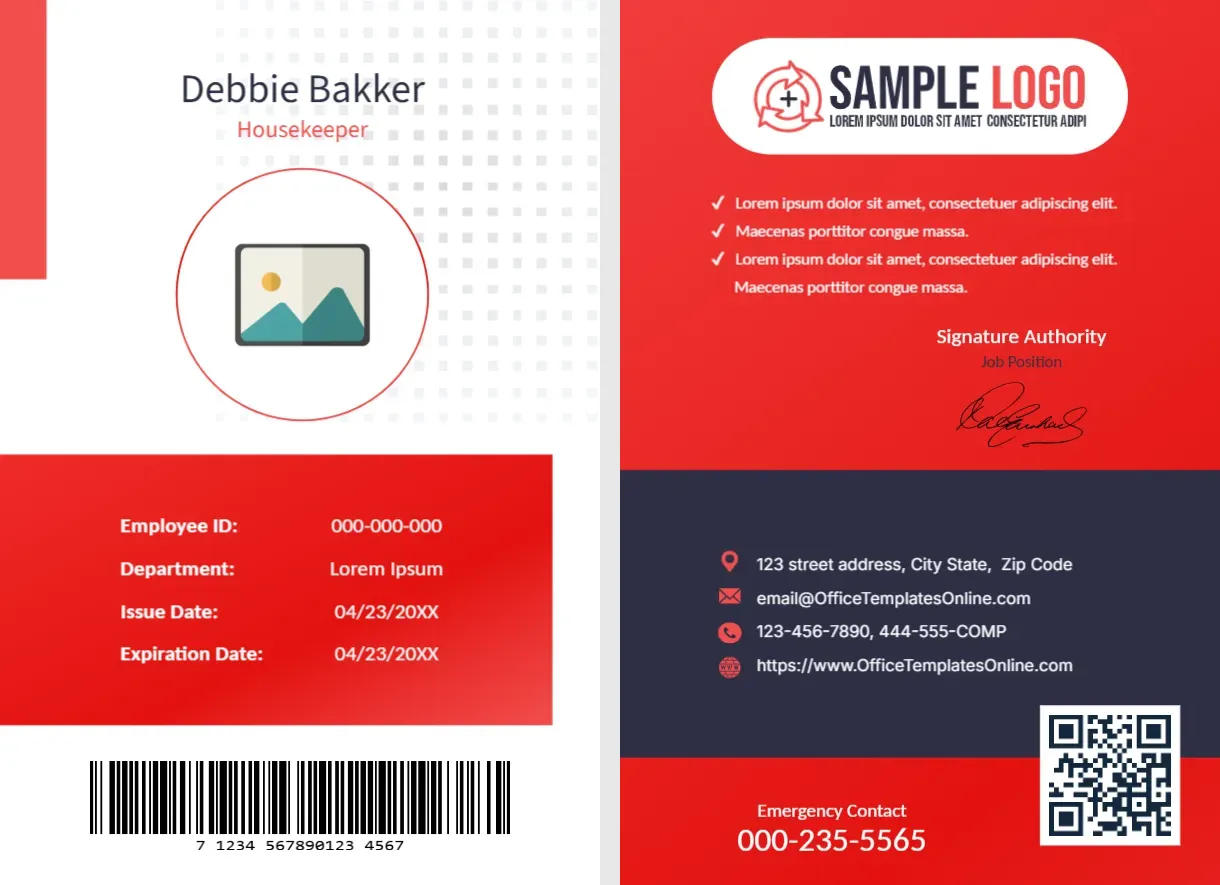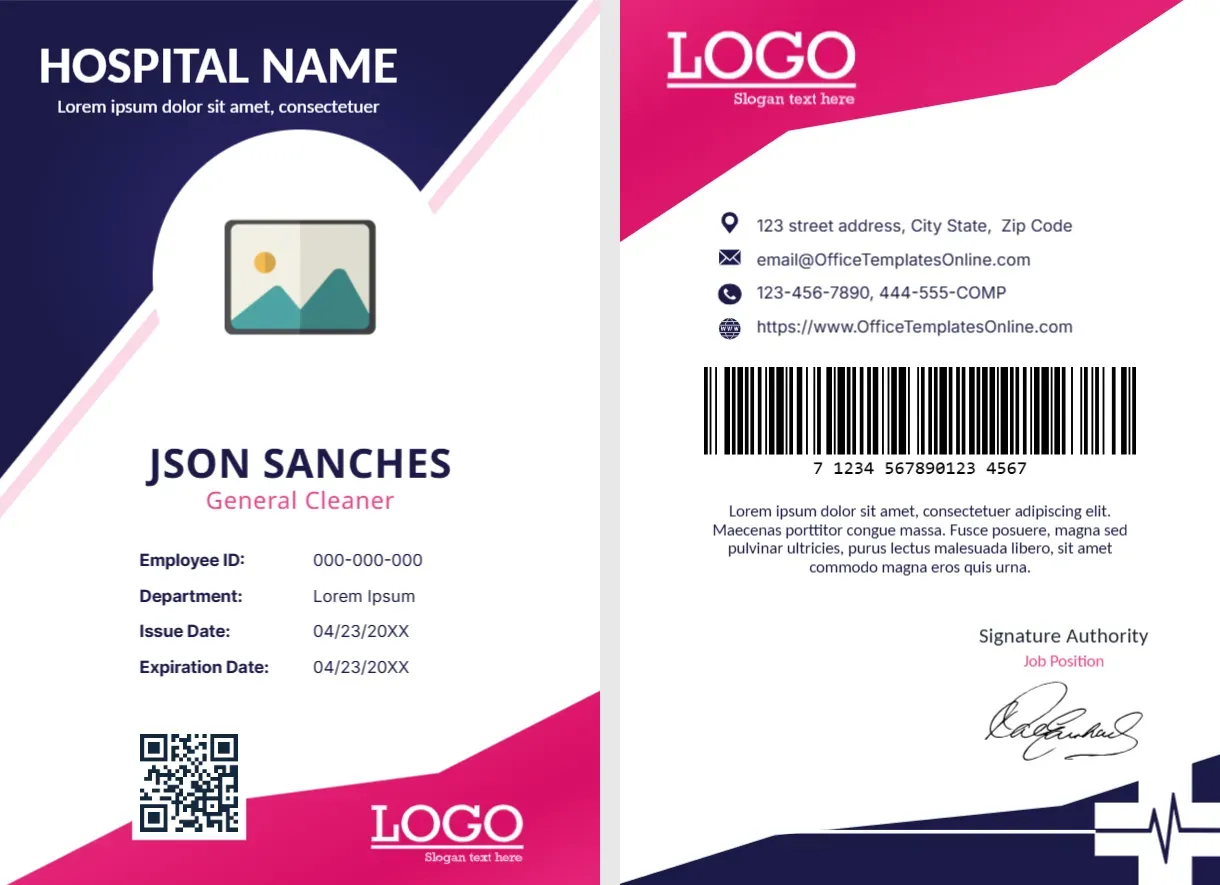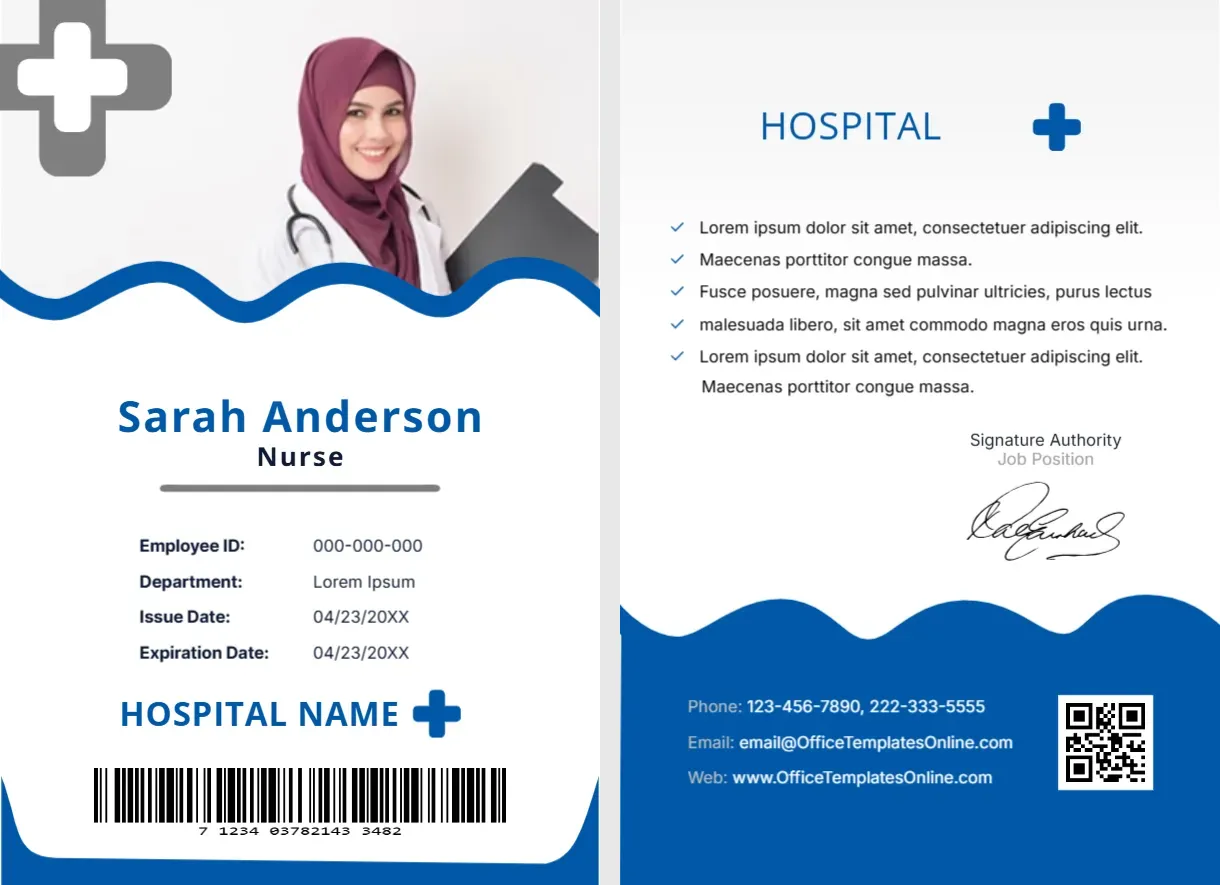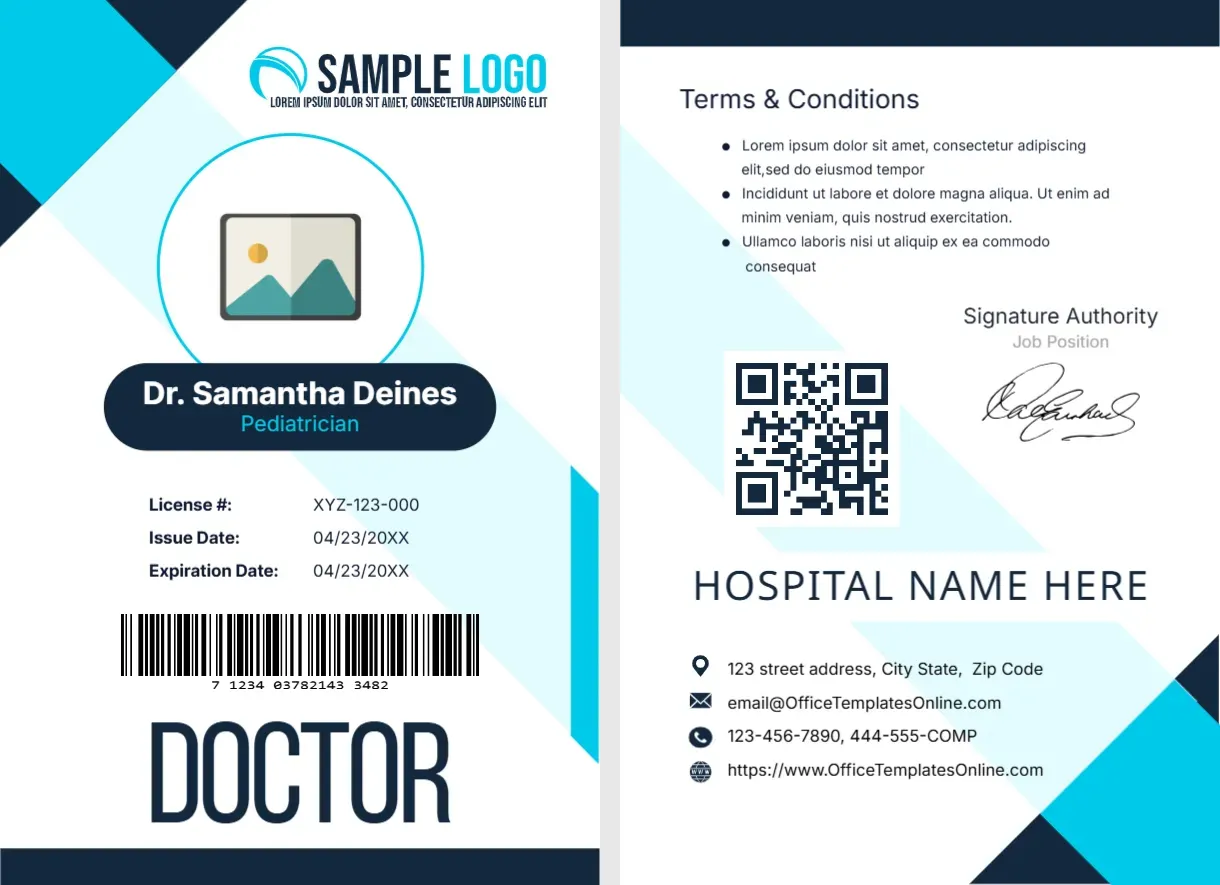
A Blue Medical Center Header and a Barcode Back
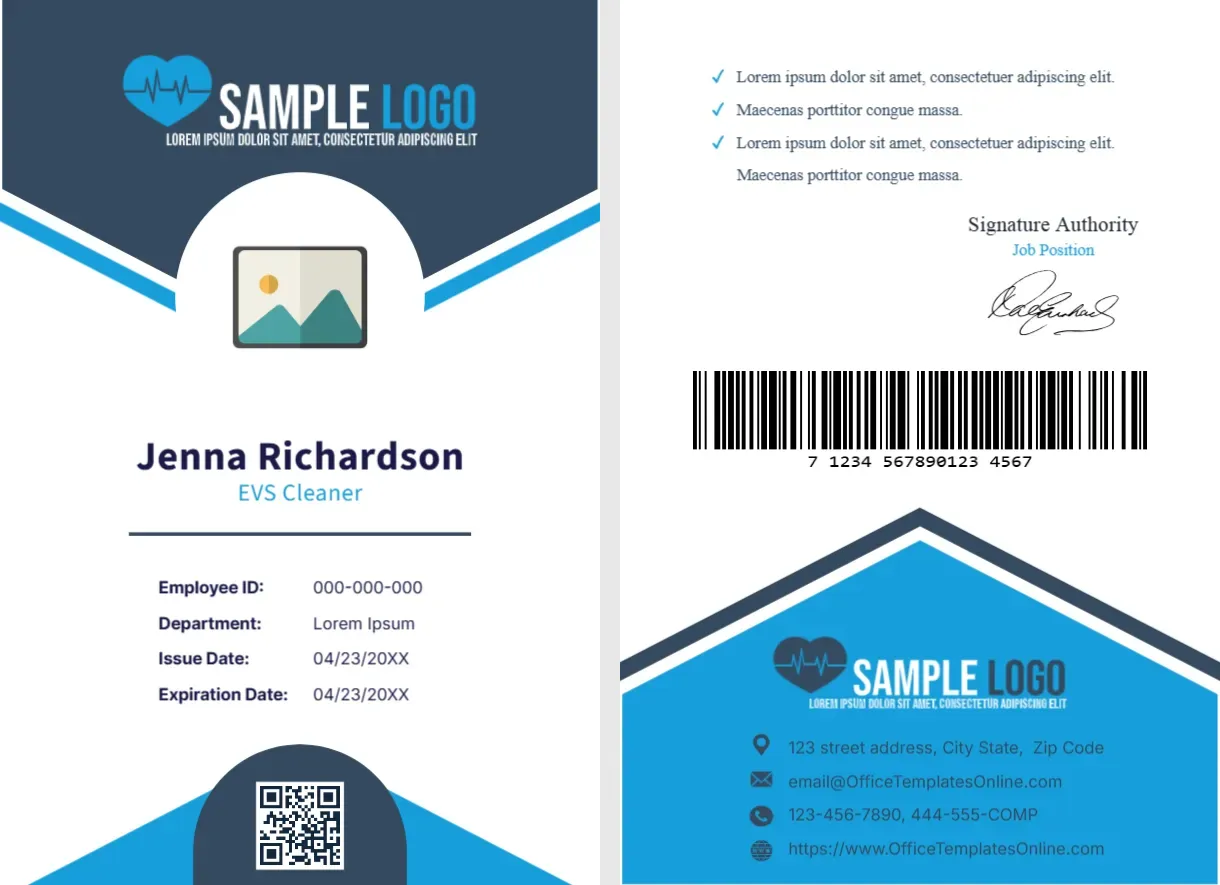
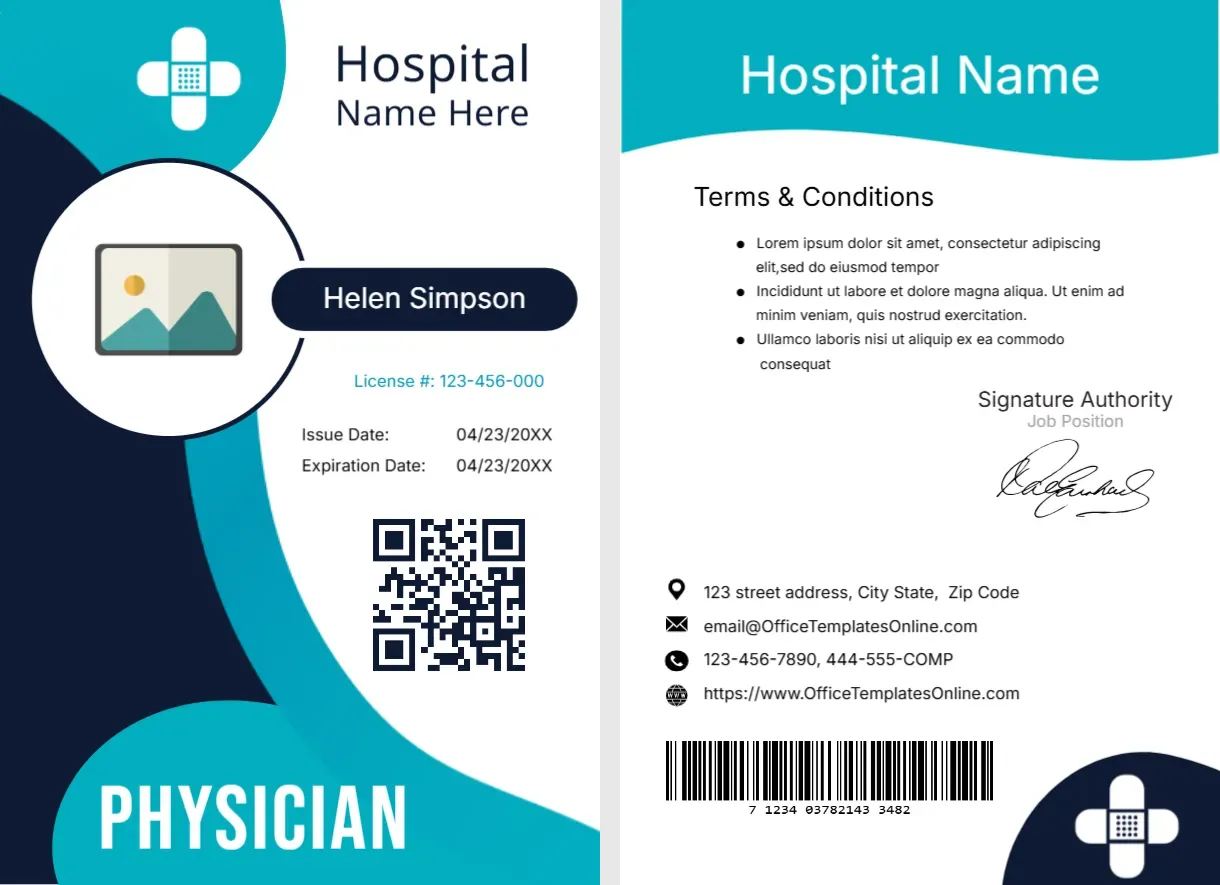
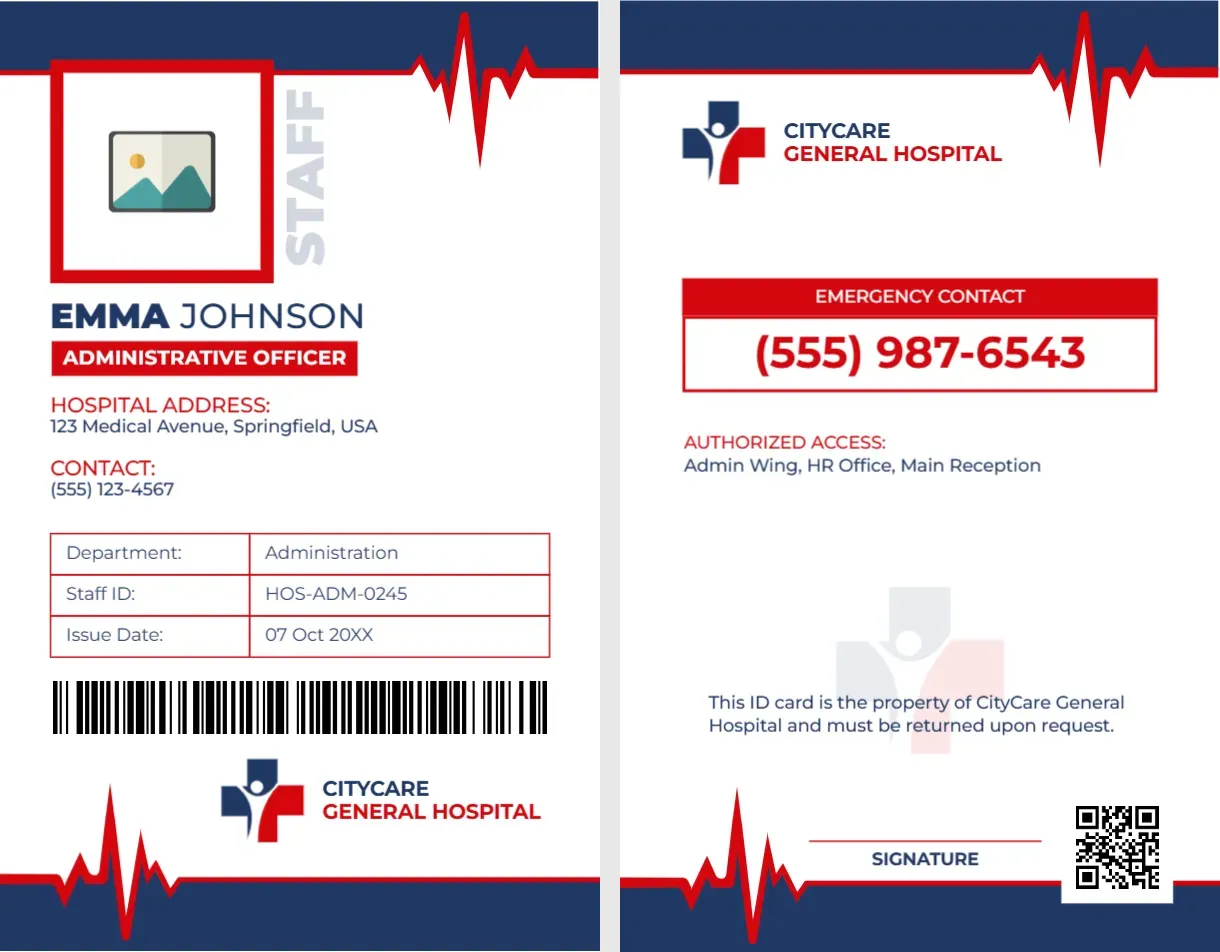
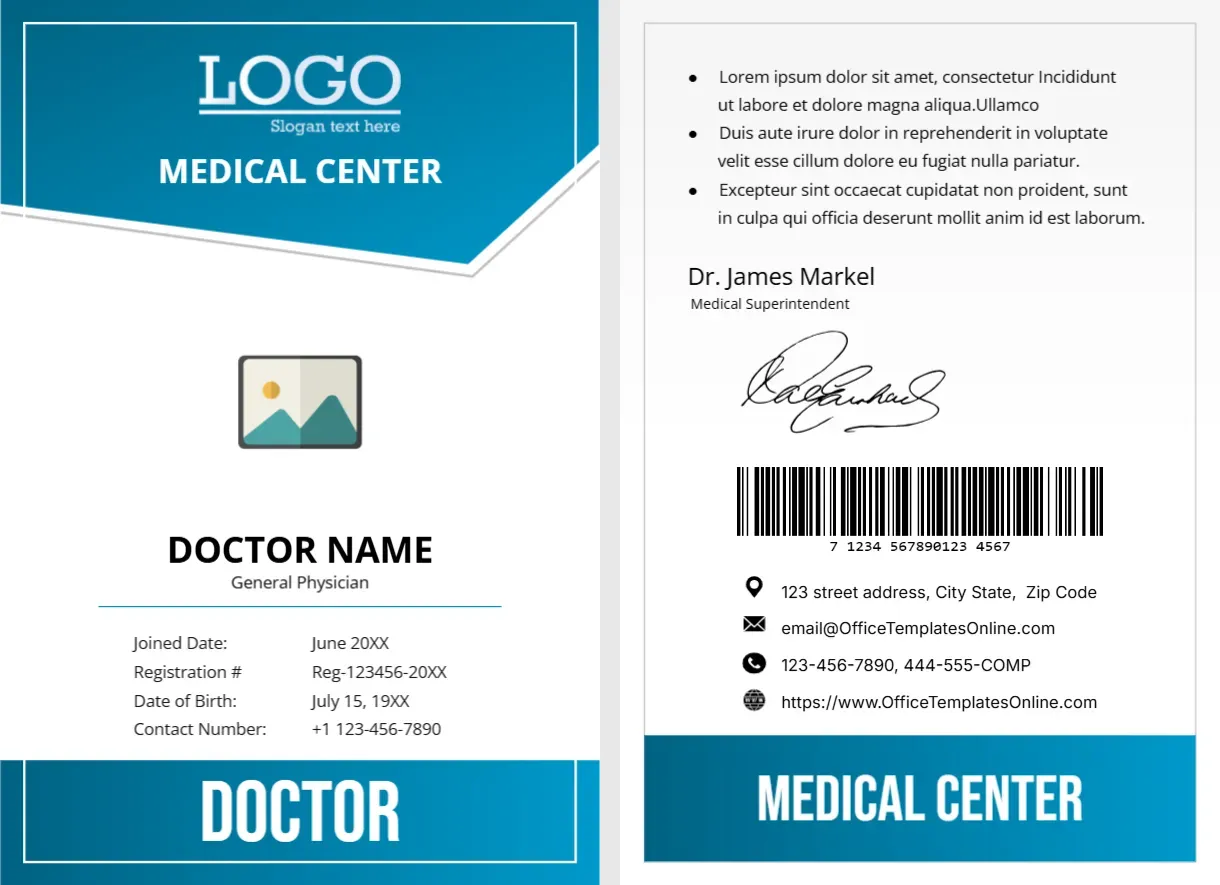
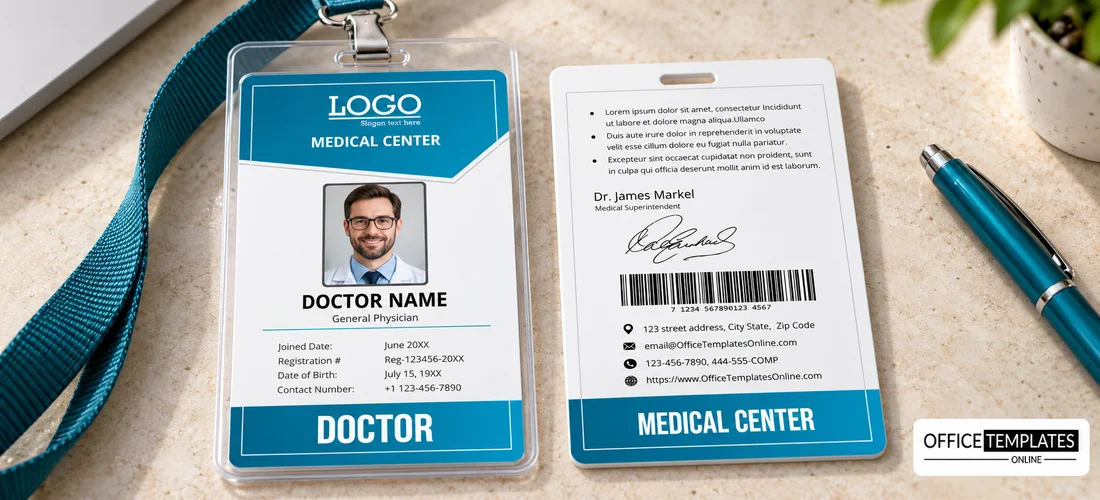
The front of this portrait card has a blue header with a white LOGO and MEDICAL CENTER, a photo placeholder, DOCTOR NAME with General Physician beneath, and a table of Joined Date, Registration #, Date of Birth, and Contact Number. A blue DOCTOR bar closes the footer. The back has bullet notes, a name and title, a signature, a barcode, contacts, and a MEDICAL CENTER bar.
A Portrait Card Sized for Clips
The card is 2.63 x 3.88 inches. It fits a vertical badge holder or a lanyard clip, and has enough height for four lines of detail plus the role bar.
Front Details and Back Notes
Replace DOCTOR NAME, General Physician, the joined date, the registration number, the date of birth, and the contact number. On the back, rewrite the Lorem ipsum notes, the Dr. James Markel signature block, the barcode, and the contact lines, which use OfficeTemplatesOnline.com and 444-555-COMP samples.
Preparing the Hospital Card
- Insert the photo.
- Type name and specialty.
- Fill in registration and dates.
- Replace the back text.
- Generate a real barcode.
A Clear Role Bar
The blue DOCTOR bar at the foot tells patients and staff the role instantly. Change it to NURSE or SURGEON for other roles, and keep it short, because it is set in large type.
Personal Details to Consider
The front lists a date of birth and a personal phone number. Consider whether you really need to print them, since cards can be lost, and privacy rules may limit what you show.
Registration Numbers
Medical staff usually have a professional registration number. Print it exactly as issued by the regulator, and check it against the register before the card goes out.
A Signature and Barcode on the Back
The back has a signature of the medical superintendent and a barcode. Replace the sample signature with a real approval, and generate a barcode that your access system can read.
Blue as a Medical Colour
Blue and white are the standard colours of healthcare. They look clean and calm, and they match most hospital signage and uniforms.
Durable Cards for Clinical Settings
Wards are cleaned often, so choose cards that can be wiped. PVC with a clear sleeve survives disinfectant better than laminated paper.
Issuing and Returning Cards
Issue cards after identity checks, and collect them when staff leave. Keep a register of issued cards, so lost cards can be blocked quickly.
Step-by-Step Editing of the Hospital Staff ID Card Blue Doctor Design
- On the hospital staff ID card blue doctor design, click the main headline and type your own words, keeping a similar length.
- Retype every name, date, and contact line on the hospital staff ID card blue doctor design, checking each against a trusted source.
- Search the hospital staff ID card blue doctor design for the words Lorem and Company so that no placeholder remains.
- Click any logo or photo on the hospital staff ID card blue doctor design, choose Replace Image, and resize the new picture to fit.
- Zoom the hospital staff ID card blue doctor design to full size and read each line aloud before you save it.
- Keep a clean master of the hospital staff ID card blue doctor design without private details, so later versions start tidy.
Also worth a look: hospital admin ID card. Next to try is the physician ID card. Have a look at the nurse ID card. Looking beyond the hospital staff ID card blue doctor design? See all staff ID card designs.