Navy and Cyan Waves With a Temporary Staff Tag
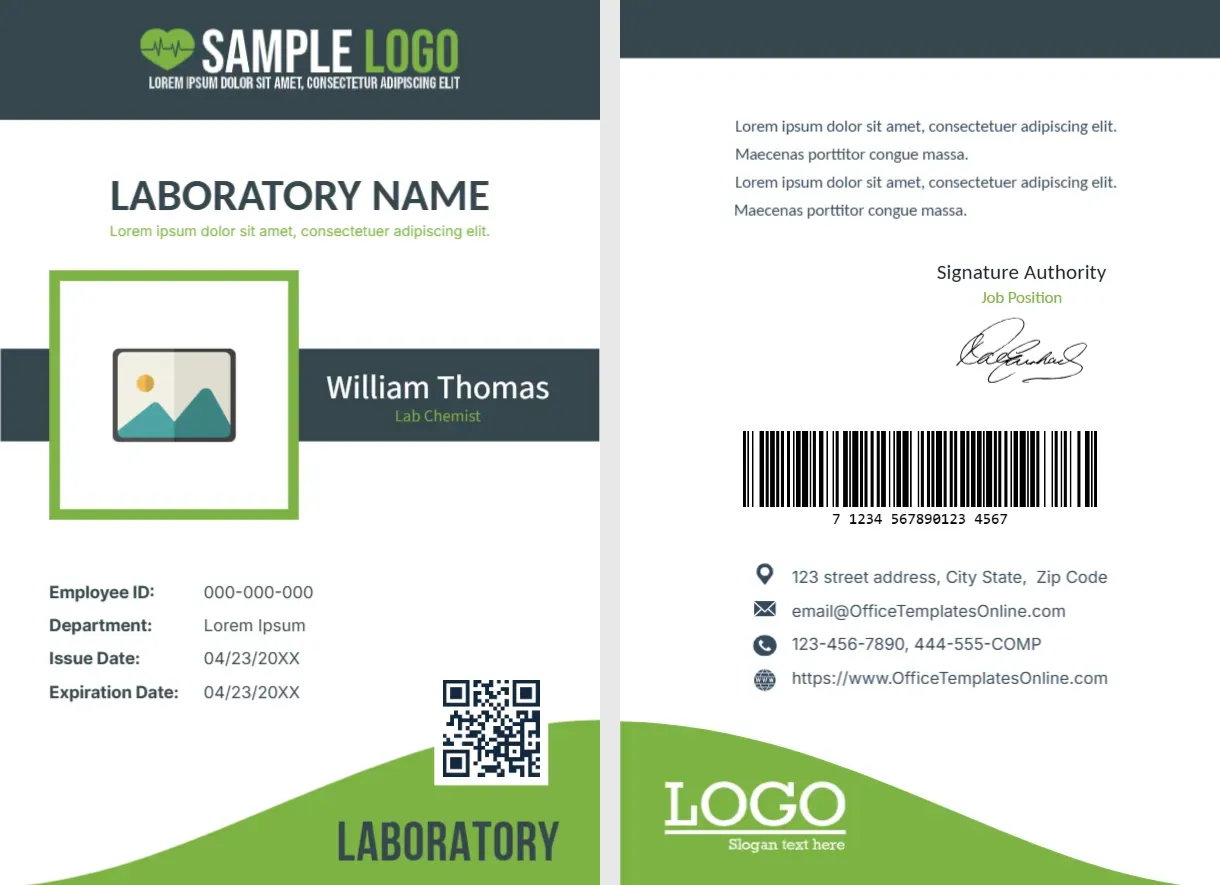
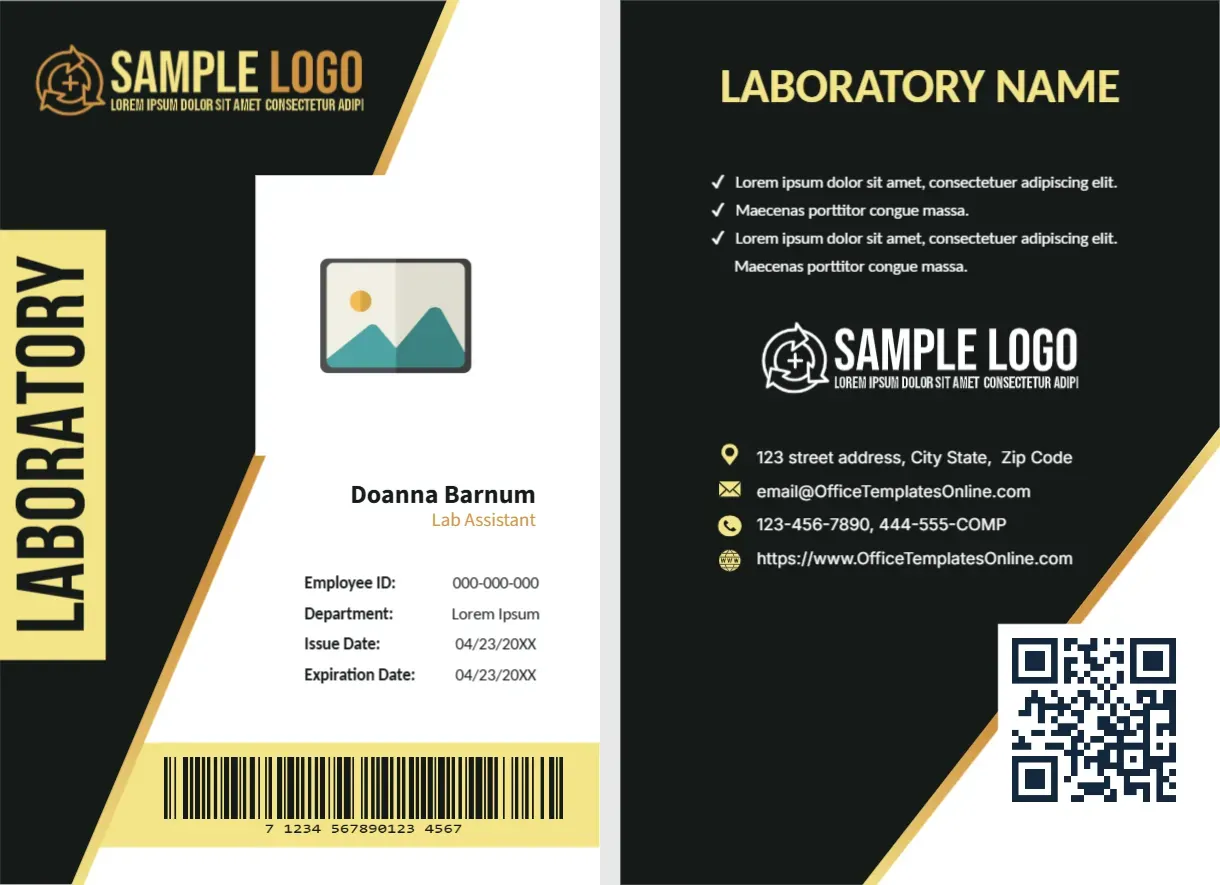
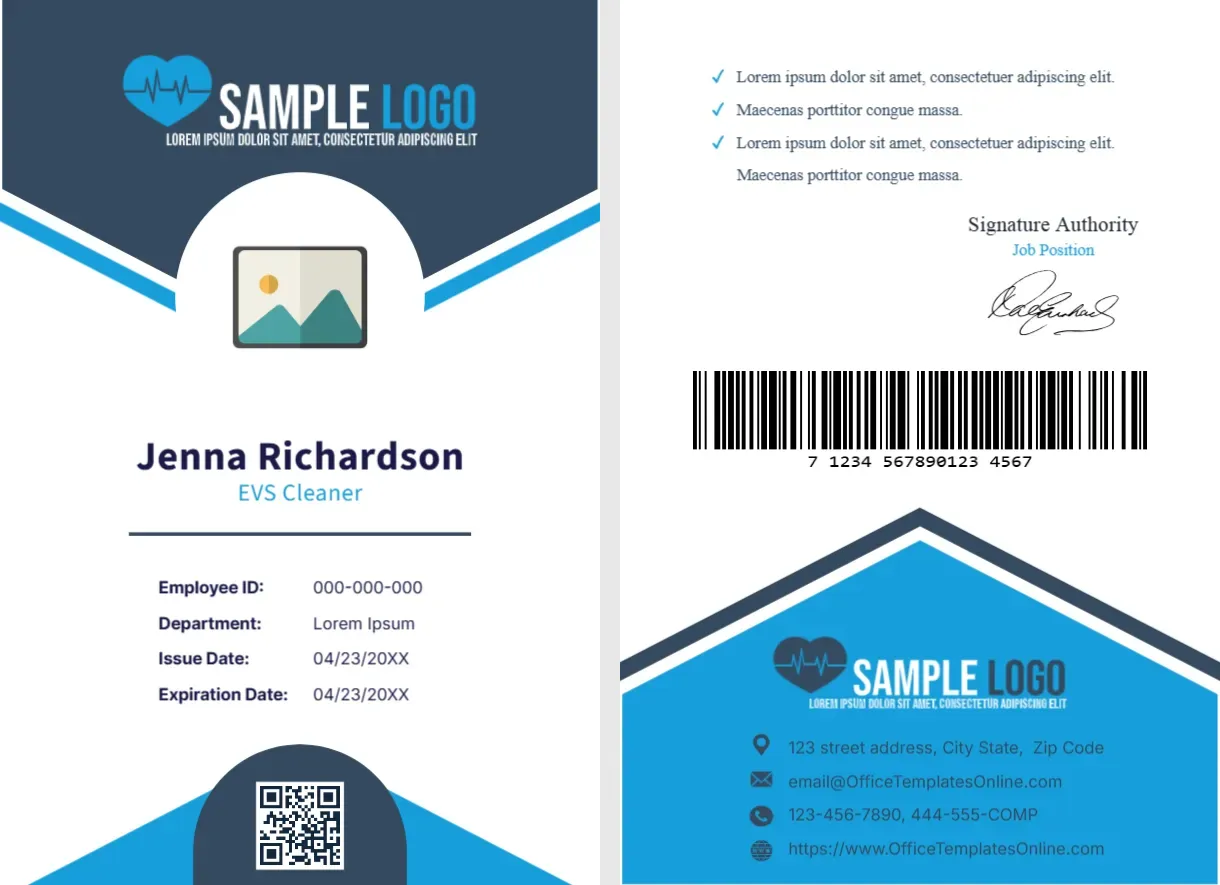
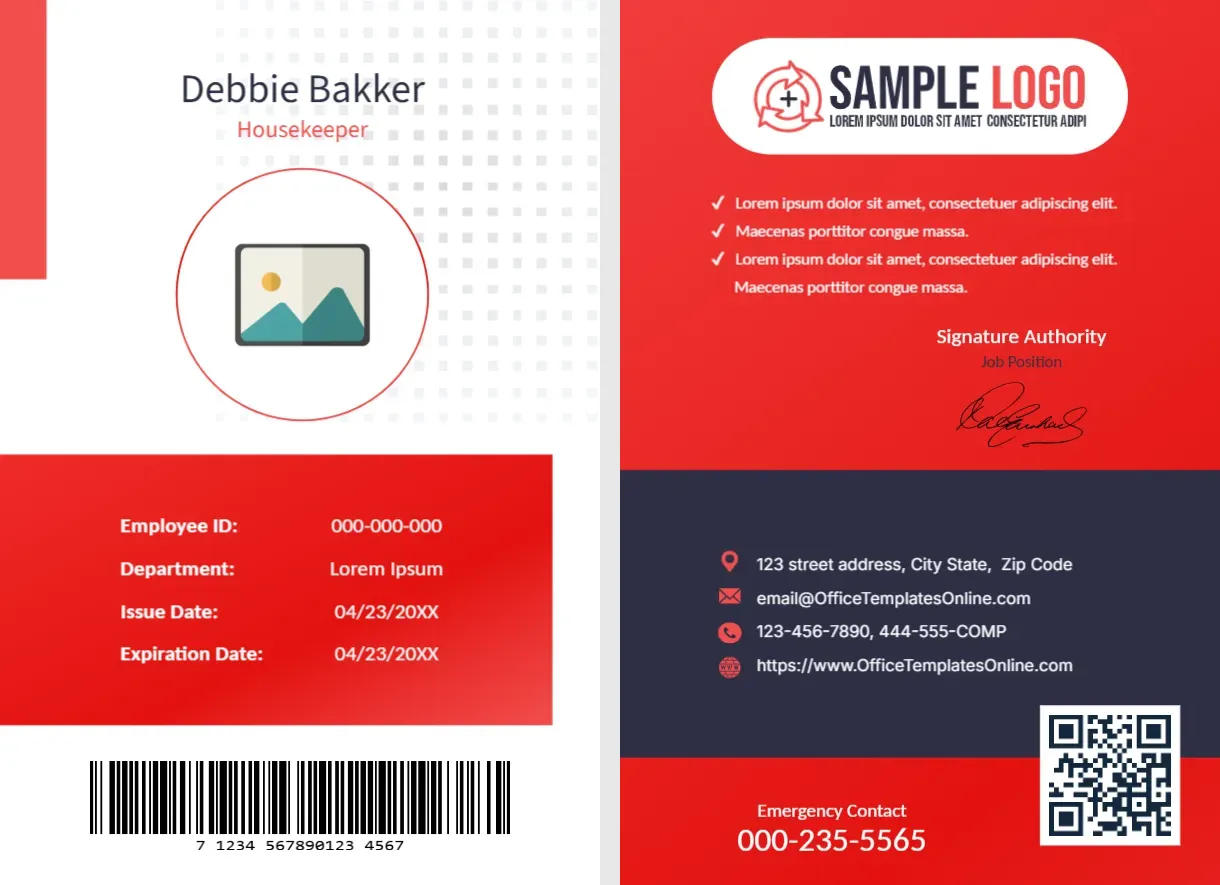
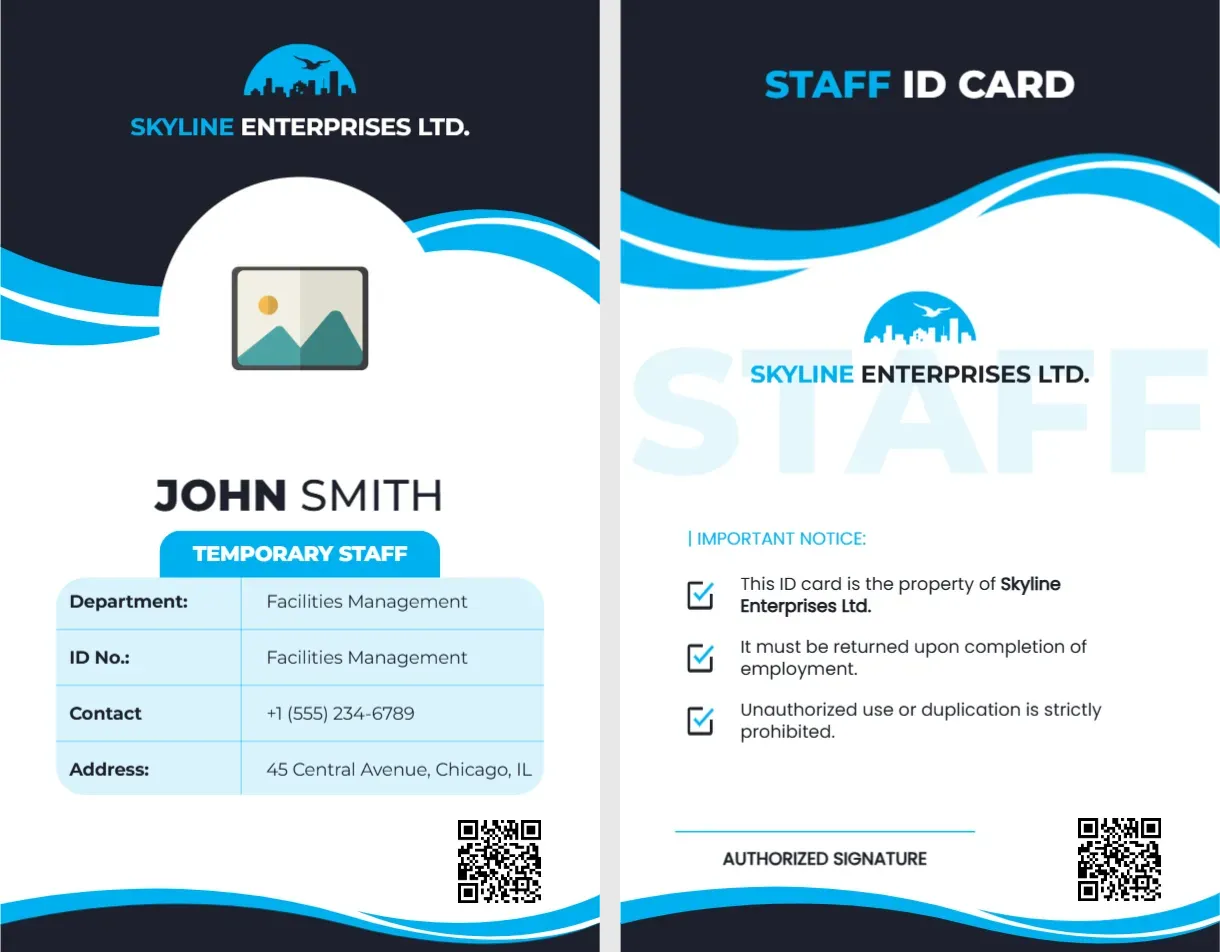
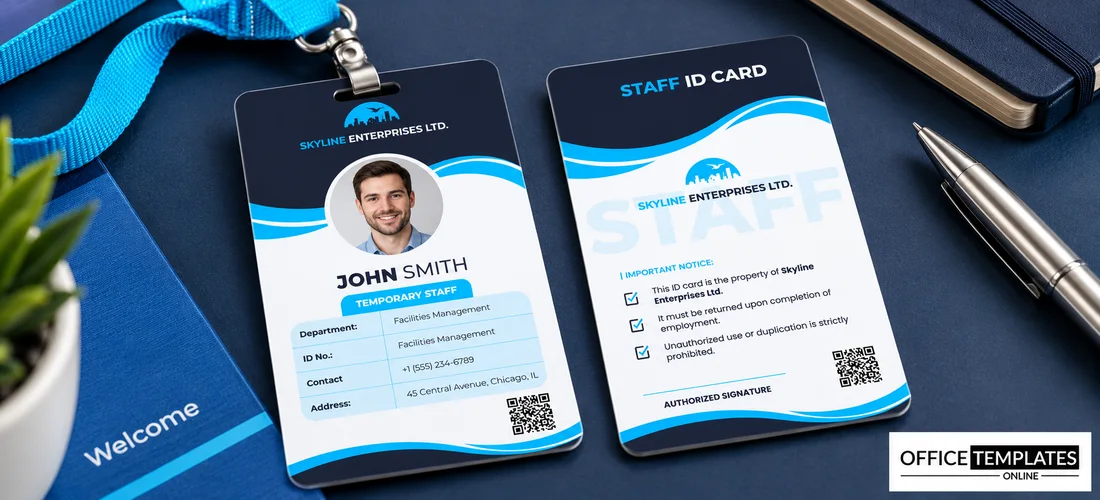
The front of this portrait card has a navy top with a skyline logo and SKYLINE ENTERPRISES LTD., a cyan wave, and a round photo placeholder. JOHN SMITH sits over a cyan TEMPORARY STAFF tag, above a pale blue table with Department, ID No., Contact, and Address rows and a QR code. The back reads STAFF ID CARD, with a notice list, a signature line, and a QR code.
A Slim Portrait Card
The card is 2.125 x 3.375 inches, the CR80 size turned to portrait. It fits a standard vertical holder, and the rounded table keeps the details compact.
The ID Number Slip and Other Fields
The ID No. row repeats Facilities Management, the department name, so type a real ID number there. Replace JOHN SMITH, the contact number, and the address, and edit the three notice lines on the back about property, return, and unauthorised use.
Preparing the Temporary Card
- Insert the photo.
- Fix the ID No. row.
- Edit name and tag.
- Rewrite the notices.
- Link the QR code.
Labelling Temporary Staff Clearly
A prominent tag shows at once that the holder is on a short contract. It helps security and managers apply the right access, and avoids assumptions about permanent status.
Short Contracts and Expiry
Add an end date line to the table, since temporary cards should expire with the contract. If you use a card printer, you can print a date range on the front.
A Facilities Style Table
The table lists department, ID, contact, and address in a pale blue box. It reads clearly at small size, and each row holds one short fact.
A Back With Plain Notices
The notice list says the card belongs to the company, must be returned at the end of employment, and must not be misused. Edit the lines to match your policy.
A Watermark Word on the Back
A pale STAFF watermark sits behind the back text. It adds a quiet decorative effect and helps distinguish genuine cards from a copy at a glance.
Colour Coding by Contract Type
Many organisations use colour to separate staff, contractors and visitors. Keep this navy and cyan for temporary staff, and use another colour for permanent roles.
Returning Cards at the End
Collect the card on the last day and record the return. Dispose of returned cards securely, since they carry a name and a photo.
Step-by-Step Editing of the Temporary Staff ID Card Navy Waves Design
- On the temporary staff ID card navy waves design, click the main headline and type your own words, keeping a similar length.
- Retype every name, date, and contact line on the temporary staff ID card navy waves design, checking each against a trusted source.
- Search the temporary staff ID card navy waves design for the words Lorem and Company so that no placeholder remains.
- Click any logo or photo on the temporary staff ID card navy waves design, choose Replace Image, and resize the new picture to fit.
- Zoom the temporary staff ID card navy waves design to full size and read each line aloud before you save it.
- Keep a clean master of the temporary staff ID card navy waves design without private details, so later versions start tidy.
Similar designs include the company employee ID card. Compare it with the school staff ID card. You may also like the part-time name card. The rest of the series around the temporary staff ID card navy waves design is in the staff ID card designs.