A Teal Curve, Photo Slot, and Name Band on a Landscape Badge
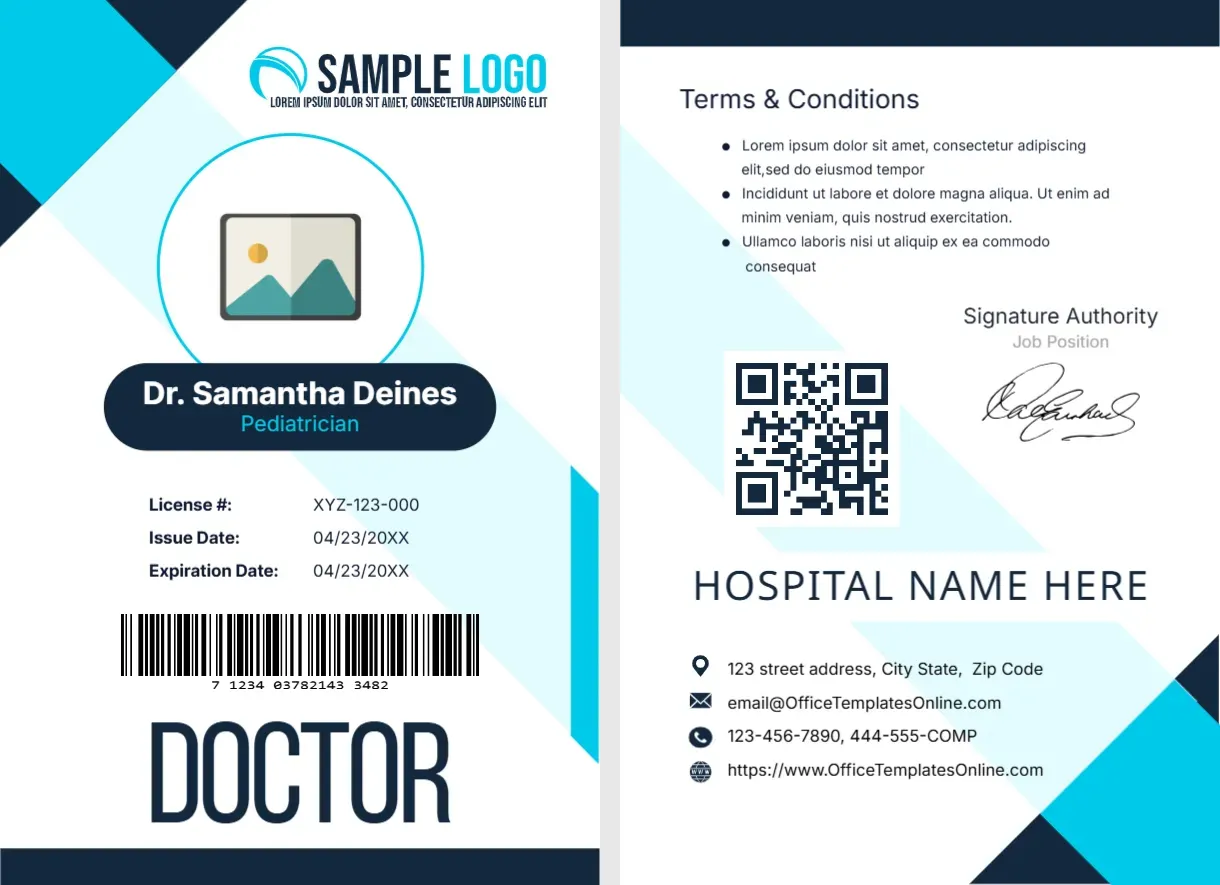
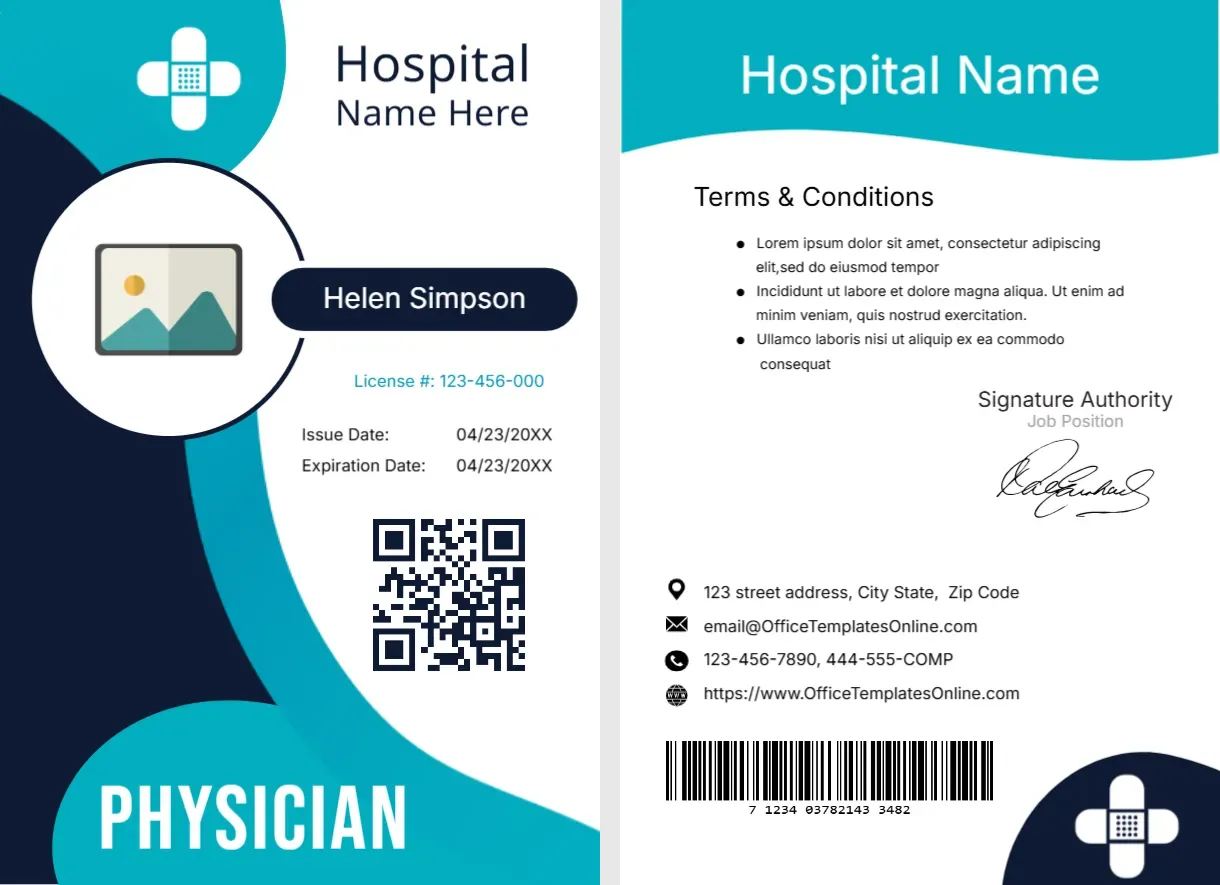
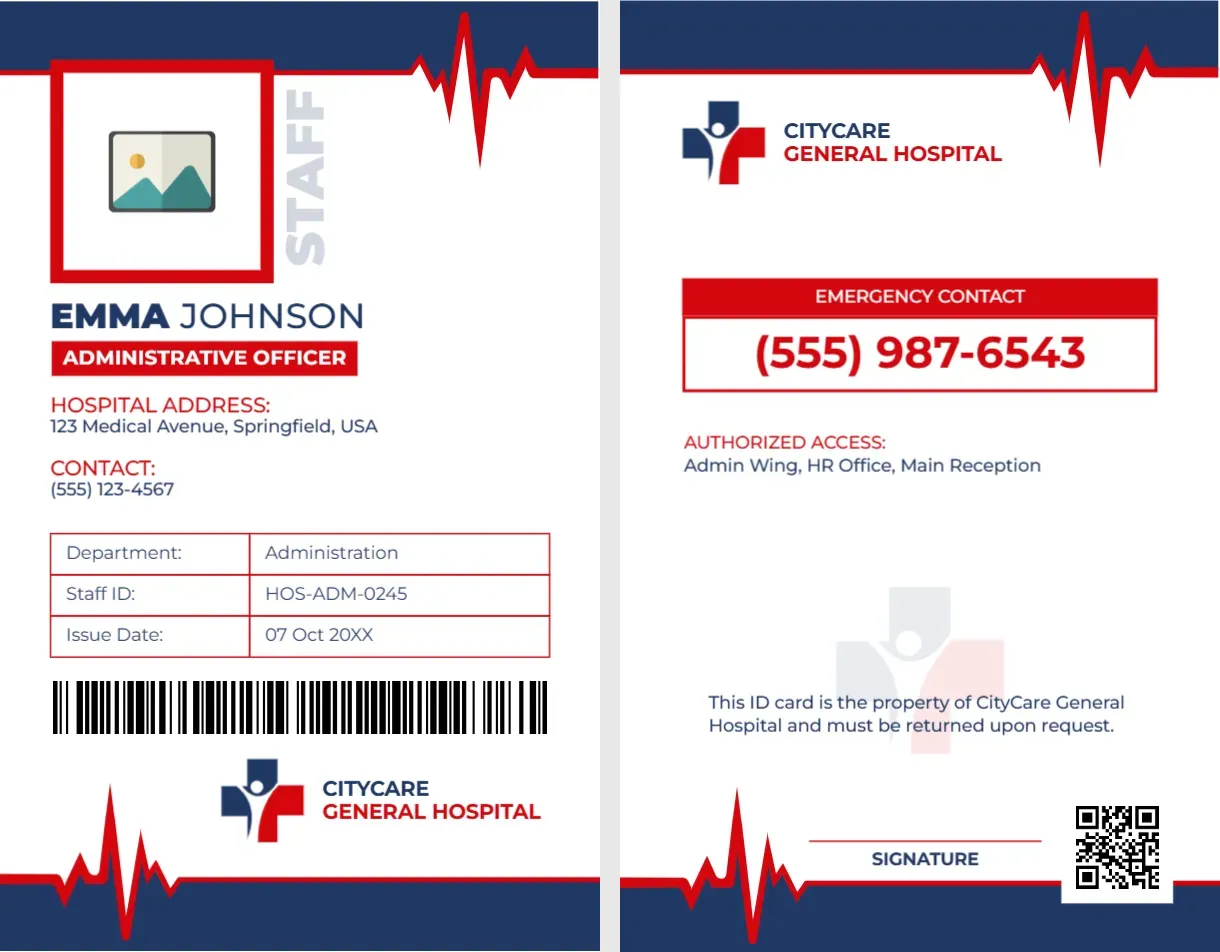
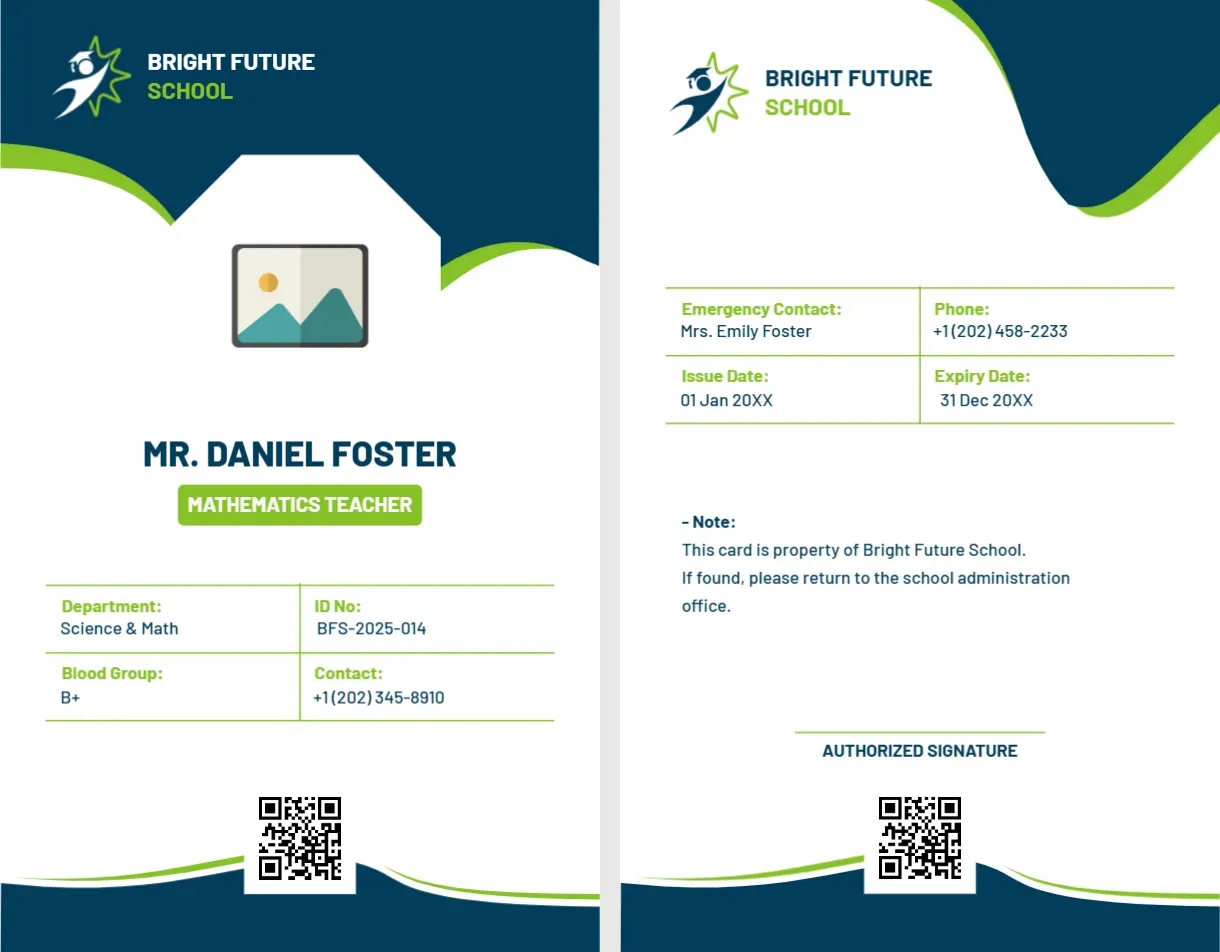
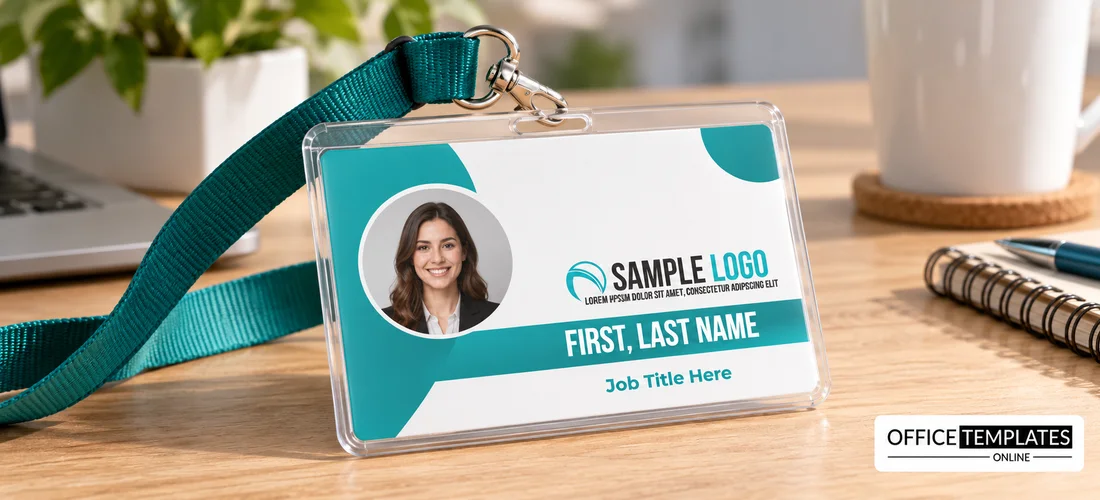
Large teal circles curve in from the left and the top right of this landscape badge. A photo placeholder sits inside the white curve, a SAMPLE LOGO with a slogan line sits on the right, and a teal band across the lower half carries FIRST, LAST NAME in white capitals. Job Title Here appears in teal below the band.
A Credit Card Size Badge
The badge is 3.375 x 2.125 inches, the CR80 size used for bank cards and standard badge holders. Print it on card stock, or order PVC cards from a card printer for a durable result.
Photo, Logo, Name and Title
Drop a head-and-shoulders photo into the placeholder, swap the SAMPLE LOGO for your own, and type the name over the teal band. Replace Job Title Here with a role. There are no contact lines, so it works as a simple event or office name badge.
Setting Up the Teal Badge
- Insert the photo.
- Swap the logo.
- Type the name.
- Enter the job title.
- Print on card stock.
A Name Badge for Front Of House Staff
With a large name and no contact details, the badge suits reception, retail and hospitality teams who wear it on a lanyard or a clip. Customers should be able to read the name at a glance.
Teal for a Friendly Tone
Teal reads as fresh and approachable, which suits healthcare, education and service brands. Recolour the curve and the band in the editor if you want your own brand colour.
Name Length and the Band
The name sits in a narrow band, so long names may need a smaller font. Test the longest name in your team, and set one size that works for everybody for consistency.
Making Photos Look Consistent
Ask everyone to take their photo against a plain wall at the same distance. Matching crops make a row of badges look professional, even when each picture comes from a phone.
Lanyards and Badge Holders
A punched slot at the top edge lets the card hang on a lanyard. Check that the hole does not cut the curve or the photo, and use a clear sleeve to protect the print.
Short Batches for Small Teams
This layout suits small teams that need a handful of badges. Print on a home laser printer, trim to size with a paper cutter, and slip each into a plastic sleeve.
Keeping a Spare Master
Save the file without a name so new starters can be added in minutes. Update only the photo, the name, and the title for each new badge.
Step-by-Step Editing of the Employee Name Badge Teal Curve Design
- On the employee name badge teal curve design, click the main headline and type your own words, keeping a similar length.
- Retype every name, date, and contact line on the employee name badge teal curve design, checking each against a trusted source.
- Search the employee name badge teal curve design for the words Lorem and Company so that no placeholder remains.
- Click any logo or photo on the employee name badge teal curve design, choose Replace Image, and resize the new picture to fit.
- Zoom the employee name badge teal curve design to full size and read each line aloud before you save it.
- Keep a clean master of the employee name badge teal curve design without private details, so later versions start tidy.
You may also like the part-time employee name card. For comparison, open the staff name card. Consider the company employee ID card. Every employee name badge teal curve style alternative sits in the staff and employee ID card templates.