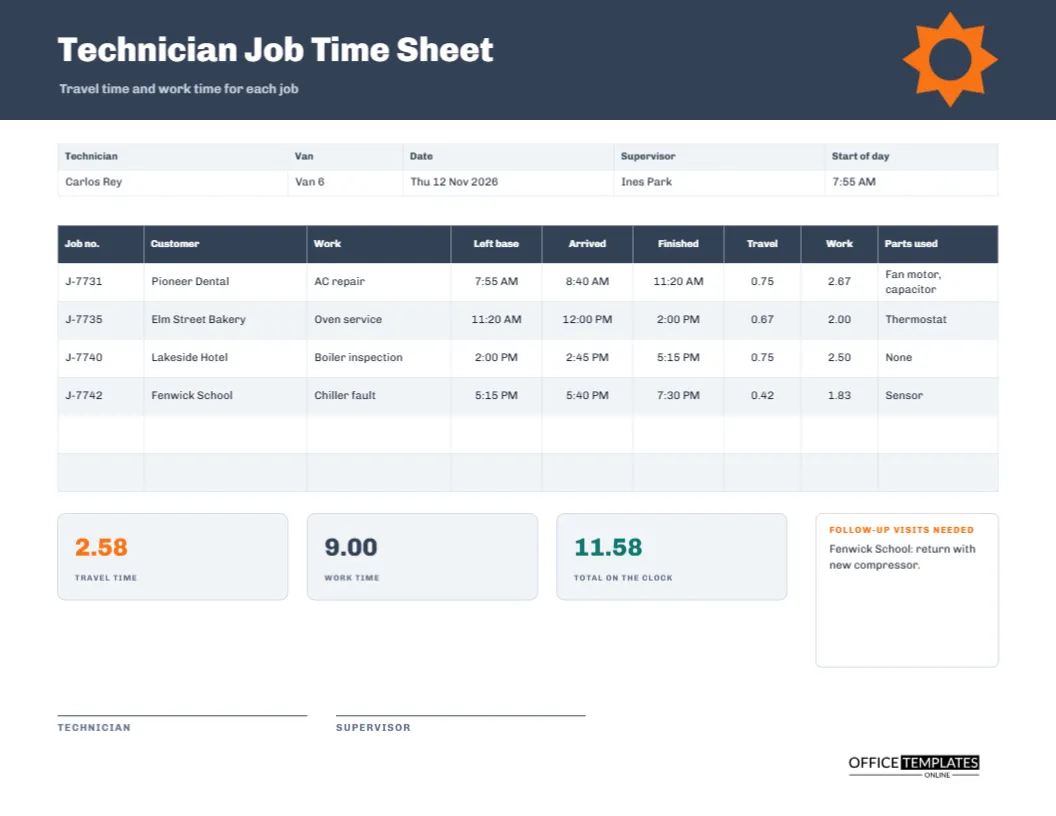
A field technician spends a day on the move: drive to a customer, diagnose and fix, drive on to the next. The employer wants to know how much of that day was billable work and how much was travel. The customer wants to see when the technician arrived and left. Payroll wants the total on the clock. This landscape time sheet records every job on its own line, with the time left, arrived, and finished, and separates travel from work.
A Gear Motif on Slate
The header is slate grey, with an orange cogwheel on the right drawn as a sixteen-point star around a slate hub. The title Technician Job Time Sheet is set in heavy Chivo, with travel time and work time for each job beneath it. The industrial grey and orange palette suits trades such as heating, air conditioning, electrical, and equipment repair.
Technician, Van, Date, Supervisor and Start of Day
A five-column strip lists the technician, the van, the date, the supervisor, and the start of day. The sample is Carlos Rey in Van 6 on Thursday 12 November 2026, supervised by Ines Park, starting at 7:55 AM. The start of day is the anchor for the first travel time, so it deserves its own cell.
One Row Per Job
| Job | Customer | Work | Arrived | Finished | Parts |
|---|---|---|---|---|---|
| J-7731 | Pioneer Dental | AC repair | 8:40 AM | 11:20 AM | Fan motor, capacitor |
| J-7735 | Elm Street Bakery | Oven service | 12:00 PM | 2:00 PM | Thermostat |
| J-7740 | Lakeside Hotel | Boiler inspection | 2:45 PM | 5:15 PM | None |
| J-7742 | Fenwick School | Chiller fault | 5:40 PM | 7:30 PM | Sensor |
The full table also has the left base column and the two time columns, travel and work.
How Travel Time Is Worked Out
Travel is the gap between leaving the previous place and arriving at the next. For the first job, it begins at the start of the day. In the sample, the first journey runs from 7:55 to 8:40, which is 0.75 hours. The next journeys are 0.67, 0.75, and 0.42. Recording the left base time on each row is what makes the arithmetic possible.
The Three Summary Tiles
Under the table, tiles show travel time (2.58 hours), work time (9.00 hours), and total on the clock (11.58 hours). The orange tile is travel, which is the figure most companies try to reduce. If travel is more than a quarter of the day, route planning is worth reviewing. Work time is the part that normally earns revenue.
Parts Used
The final column lists the parts fitted: fan motor and capacitor, thermostat, none, and sensor. Parts are billed to customers and deducted from stock, so recording them on the same sheet as the time keeps both consistent. If you use part numbers, write them here and keep the descriptions for the job report.
Follow-Up Visits Needed
A narrow orange box on the right is for follow-up visits. The sample says Fenwick School needs a return with a new compressor. This single line triggers a booking, an order, and a customer call. Without it, such needs live only in the technician’s head, and customers are left waiting.
Completing the Sheet Through the Day
- Write the technician, van, date, and start of day.
- Enter the time you leave the base or the previous job.
- Record arrival and finish times at each customer.
- List the parts used.
- Work out travel and work time, then fill in the tiles.
- Note follow-ups, sign, and hand in.
Travel Time, Pay and Billing Rules
Rules about paying for travel differ widely. In some places, travel between jobs is working time; in others, commuting is excluded. Customer contracts may also charge a call-out fee instead of billing travel hours. The sheet records the facts. What you do with them depends on your agreement and the rules where you work.
Using the Sheet for Route Planning
A week of sheets shows which customers are far from the base and which jobs overrun. Plot them on a map and look for clusters. Grouping nearby jobs on the same day cuts travel and increases the number of jobs per technician, which can raise both profit and customer satisfaction.
Customer Sign-Off at the Site
Some firms ask the customer to sign the technician’s sheet or a copy of the job line. Consider adding a signature column or attaching a separate job sheet. A customer signature on the day makes later billing disputes far less likely.
Editing the Table and the Tiles
All labels are editable, and the table is a real Table object. Add rows for busy days and reduce the font a little to keep the page tidy. Retype the tiles after changing times. If you want a mileage column, add it through Edit Table Data and narrow the parts column.
Printing the Technician Sheet for the Van
US Letter landscape, 11 by 8.5 inches. The technician and supervisor sign at the foot. Print on durable paper if it will ride in the van, and consider a clipboard with a cover.
Reviewing Overruns and Repeat Visits
Compare the work time with the time you quoted. Jobs that regularly overrun may need a better estimate, more experience, or a different part supplier. Repeat visits for the same customer are costly, so the follow-up box and the parts column together help you spot faults that keep returning.
Keeping Customer Names and Job Numbers Accurate
Write job numbers exactly as they appear on your dispatch system. A single wrong digit can send an invoice to the wrong customer. Check them at the end of the day, before the sheet is signed, while the details are still fresh in your mind and the job tickets are still in the van.
Field Technician Time Sheet Questions
Can I use it for on-call callouts?
Yes. Add a row for each callout and note the call time in the work column.
Does it work for installers?
Yes. Retype the work column and parts for installation jobs.
Where do I record mileage?
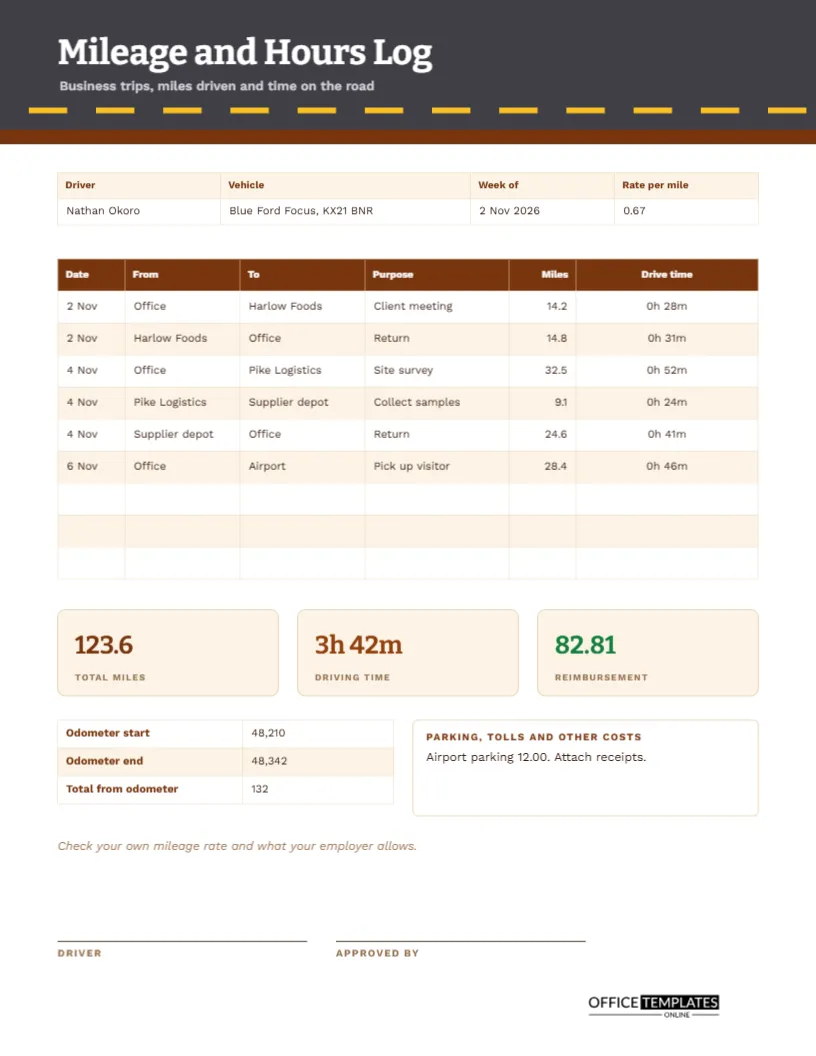
Use the mileage and hours log in this collection, or add a column here.