A Dark Logo Tab and Blue Stripes on a No. 10 Envelope
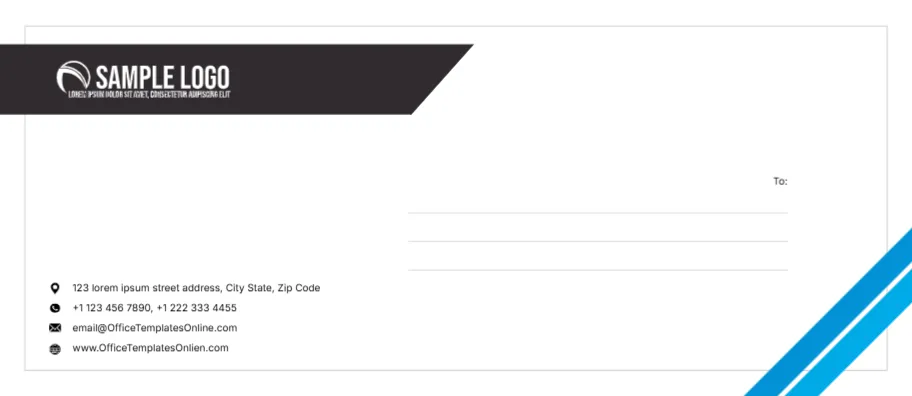
A charcoal tab with a slanted end runs in from the top left edge, holding a white SAMPLE LOGO with a small tagline. Two bright blue stripes cut across the lower right corner, and a thin grey border frames the whole face. On the right, a small To: label sits above three ruled lines for the recipient. On the left, four small icons mark the sender’s street, phones, email and website. It is a clean business envelope that also works for event invitations sent from a company.
Return Details Left, Recipient Right
The face measures 9.5 x 4.13 inches, the size of a standard No. 10 business envelope. The recipient lines sit in the right half, where postal sorting machines expect the address, and the sender block sits low on the left with location, phone, mail and globe icons.
Sender Lines and a Misspelt Web Address
The sample sender block reads 123 lorem ipsum street address, two phone numbers, [email protected] and www.OfficeTemplatesOnlien.com. The web address is misspelt and both lines are the template site’s details, so type your own. The To: lines are empty, so you can type each guest’s address in the editor or leave them blank and write by hand.
Preparing the Event Envelope
- Swap the sample logo.
- Type your sender street and phones.
- Replace the email and website.
- Add each recipient on the To lines.
- Print a test on plain paper first.
Typing Recipient Addresses for a Guest List
For a mailing to many guests, duplicate the design once per guest and type each address on the three lines. Keep the same font size on every copy so the stack looks consistent when it lands on doormats.
Printing on a Ready Made No. 10 Envelope
Most home printers take envelopes through a manual feed slot. Set the paper size to No. 10 or Envelope 10 in the print dialog, load one envelope flap side as your printer manual shows and print a single test before the full run.
Why the Blue Stripes May Get Trimmed
The stripes run to the corner of the face. Many desktop printers leave a small unprinted margin, so the stripes may stop a few millimetres short. A print shop can print to the edge if a clean finish matters.
Matching the Envelope to a Letterhead
The charcoal tab and blue stripes pair well with a letterhead in the same colours. Use the same logo file on both so invitations, letters and replies all look like one set.
Leaving Space for Postage
The top right corner is clear, which is where stamps and franking marks go. Do not move the logo or stripes into that corner when you edit the design.
Mailing the Invitation Envelopes
Check postage rates for invitations with thick cards, since heavy envelopes may cost more to send.
Step by Step Editing of the Event Invitation Blue Stripes Design
- On the event invitation blue stripes design, click the main headline and type your own words, keeping a similar length.
- Retype every name, date and contact line on the event invitation blue stripes design, checking each against a trusted source.
- Search the event invitation blue stripes design for the words Lorem and Company so that no placeholder remains.
- Click any logo or photo on the event invitation blue stripes design, choose Replace Image and resize the new picture to fit.
- Zoom the event invitation blue stripes design to full size and read each line aloud before you save it.
- Keep a clean master of the event invitation blue stripes design without private details, so later versions start tidy.
Also worth a look: company envelope with copper stripes. Next to try is the 10 size envelope template. Have a look at the office envelope with square accents. The rest of the series around the event invitation blue stripes design is in envelope templates.