A Wide Copper Band for a Smart Company Envelope
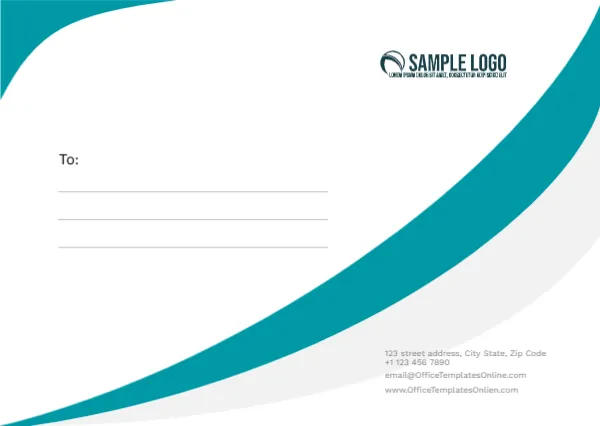
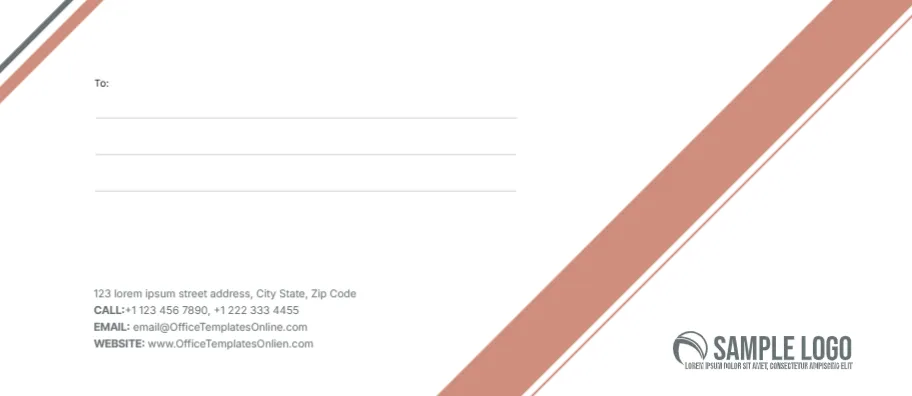
A broad copper stripe with a thin white edge sweeps across the lower right of a white face, echoed by a short grey and copper pair of stripes in the top left corner. A To: label and three ruled lines sit near the top left. Labelled contact lines in grey sit low on the left, and a grey swoosh SAMPLE LOGO sits in the lower right corner beside the band. It looks calm and corporate, with just one warm accent colour.
Copper Band, Recipient Block and Logo
The envelope is 9.5 x 4.13 inches, the standard No. 10 for folded letter paper. The copper band divides the face, the recipient block fills the upper left and the logo tucks into the corner the band leaves free.
Labels for Call, Email and Website
The sender block lists a street line, then CALL, EMAIL and WEBSITE in bold with two phone numbers, the template site’s email and a misspelt web address ending OfficeTemplatesOnlien.com. Type your company details, and keep the bold labels if you like the look. The recipient lines are blank for typing or handwriting.
Preparing the Copper Envelope
- Swap the grey swoosh logo.
- Type your company street.
- Retype the phone numbers.
- Replace the email and website.
- Add the recipient address.
Copper as a Brand Colour
Copper suits law firms, accountants, interior designers and coffee roasters. If your brand colour differs, recolour the band in the editor and keep the thin white edge for contrast.
Recipient Placement for Postal Machines
Sorting machines read addresses best in the middle to lower right. For large mailings, consider moving the To block closer to the centre so machines and carriers find it easily.
Window Envelope Alternative
If you print addresses on the letter itself and use window envelopes, delete the To block and keep only the band, logo and return details on a printed window envelope.
Printing Copper Evenly
Copper is a mid tone that can print darker on some printers. Run one test and lighten the band slightly if it looks brown rather than copper.
Ordering Envelopes in Bulk
For hundreds of envelopes, send the design as a PDF to a print shop. They can print the copper band to the edge and save hours of feeding envelopes by hand.
Using the Company Envelopes
Keep a box at reception for invoices and letters.
Step by Step Editing of the Company Copper Diagonal Stripes Design
- On the company copper diagonal stripes design, click the main headline and type your own words, keeping a similar length.
- Retype every name, date and contact line on the company copper diagonal stripes design, checking each against a trusted source.
- Search the company copper diagonal stripes design for the words Lorem and Company so that no placeholder remains.
- Click any logo or photo on the company copper diagonal stripes design, choose Replace Image and resize the new picture to fit.
- Zoom the company copper diagonal stripes design to full size and read each line aloud before you save it.
- Keep a clean master of the company copper diagonal stripes design without private details, so later versions start tidy.
Next to try is the event invitation envelope with blue stripes. Have a look at the office envelope. Another option is the envelope with blue curves. Every company copper diagonal stripes style alternative sits in envelope templates.