Sweeping Blue and Grey Curves Around a Clear Centre
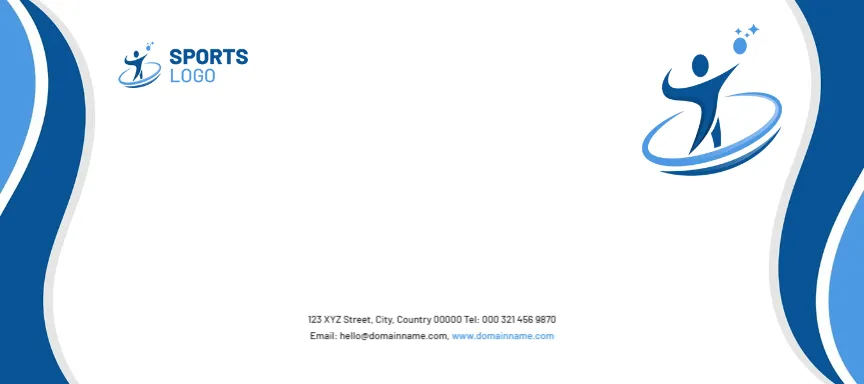
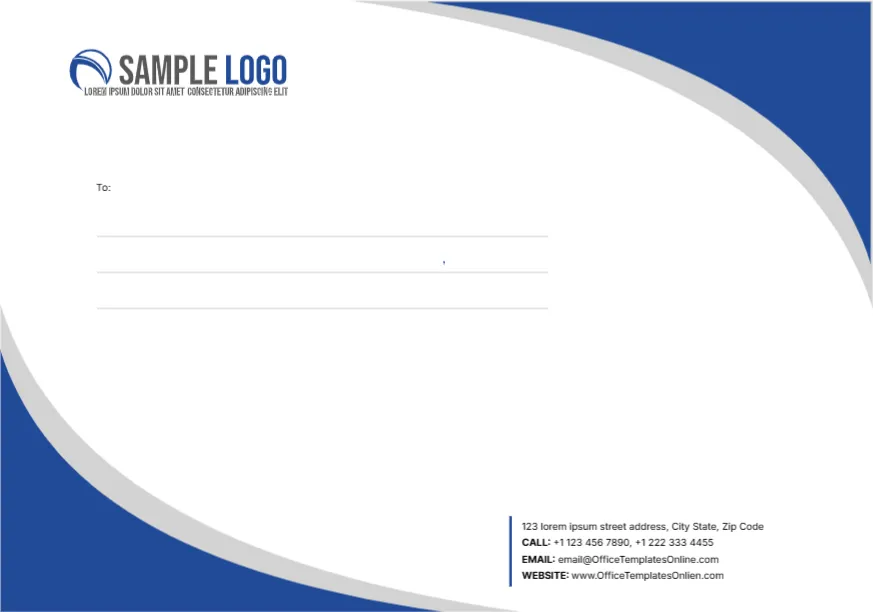
Royal blue shapes with grey borders curve in from the top right and bottom left corners, leaving a large white oval in the centre. A blue swoosh SAMPLE LOGO with a tagline sits at the top left. A To: label and three ruled lines sit in the middle, and a block of labelled contact lines sits at the lower right beside a thin blue vertical rule. The design is crisp and corporate.
A C6 Title on a C5 Page
The page is named C6, but its size is about 9.1 x 6.38 inches, which is C5 at 229 x 162 mm. A real C6 envelope is 162 x 114 mm, about half that size. Check which envelopes you have and set the page size to match before printing.
Contact Lines to Replace
The contact block lists a sample street, two phones, the template site’s email and the misspelt www.OfficeTemplatesOnlien.com. Type your own details. A small stray comma sits on the middle recipient line in the sample, so delete it when you type the address.
Preparing the Blue Curve Envelope
- Check the page size against your envelopes.
- Swap the blue logo.
- Type your contact details.
- Remove the stray comma.
- Add the recipient.
Resizing to Real C6
To use C6 envelopes, change the page to 162 x 114 mm and scale the curves down. Keep the recipient lines at a readable size. Move the logo and the contact block inward as you shrink the page, so nothing ends up too close to the folded edges of the smaller envelope.
Blue for Trust
Royal blue suits insurance, banking, healthcare admin and education. It looks dependable without being dull. If your brand colour is different, recolour the two curves together and keep the grey borders, which give the shapes their depth.
Full Bleed Curves
The curves touch two corners. Desktop printers may leave a thin white margin, while print shops can bleed them cleanly.
Recipient Lines in the Centre
The To block sits in the middle, which is where carriers expect it on a large envelope. Type the address in a plain font at about 11 point so it reads easily from arm’s length.
One Curve on the Letterhead Too
Use one curve at the top of your letterhead so the set matches.
Mailing With the Blue Envelopes
Save the corrected size as your master file.
Step by Step Editing of the C6 Blue Curves Design
- On the c6 blue curves design, click the main headline and type your own words, keeping a similar length.
- Retype every name, date and contact line on the c6 blue curves design, checking each against a trusted source.
- Search the c6 blue curves design for the words Lorem and Company so that no placeholder remains.
- Click any logo or photo on the c6 blue curves design, choose Replace Image and resize the new picture to fit.
- Zoom the c6 blue curves design to full size and read each line aloud before you save it.
- Keep a clean master of the c6 blue curves design without private details, so later versions start tidy.
For comparison, open the C5 envelope with a grey globe. Consider the C7 size envelope. Similar designs include the company envelope. Find more designs next to the c6 blue curves design in envelope templates.