A Grey Globe and a Red Accent on a C5 Envelope
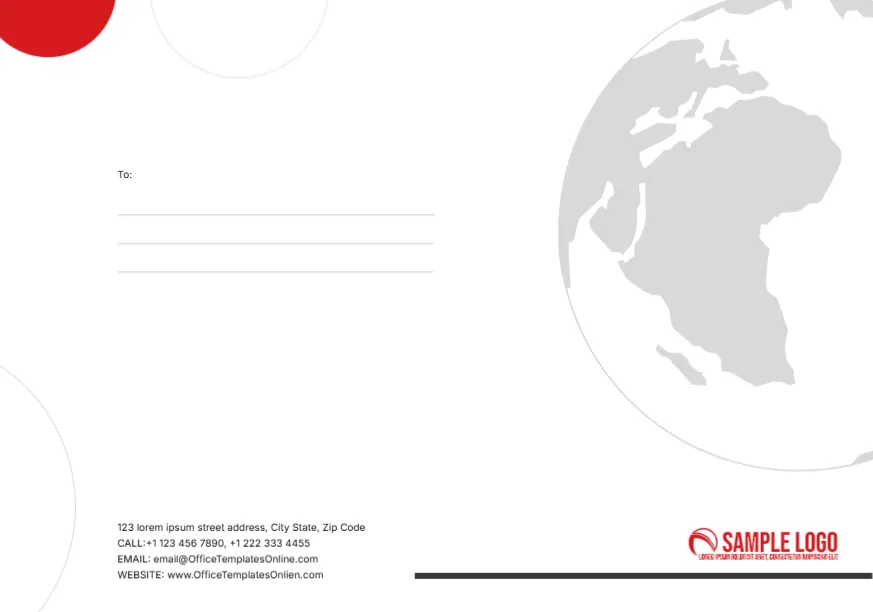
A large pale grey globe showing Africa and Europe fills the right side of a white face, cropped by the edge. A solid red quarter circle sits in the top left corner, with faint thin rings drifting around the page. A To: label and three ruled lines sit on the left, a red swoosh SAMPLE LOGO sits in the lower right, and a dark rule runs beneath it. Contact lines with CALL, EMAIL and WEBSITE labels sit at the lower left.
C5 Format for Unfolded A5 or Folded A4
The face measures about 9.1 x 6.38 inches, which is the C5 size of 229 x 162 mm. C5 takes an A5 sheet flat or an A4 sheet folded once, so it suits brochures, certificates and reports.
Contact Details and Recipient Lines
The contact block lists a sample street, two phones, the template site’s email and www.OfficeTemplatesOnlien.com, which is misspelt. Replace each line with yours. The To lines sit high on the left, so for posted mail consider moving them toward the centre where carriers look first.
Preparing the C5 Globe Envelope
- Swap the red logo.
- Type your contact details.
- Fix the web address.
- Add the recipient address.
- Check your printer takes C5.
A Globe for International Business
The world map suits import and export firms, travel agencies, NGOs and language schools. It quietly says you work across borders.
Feeding C5 Through a Printer
Many printers accept C5 in the manual tray. Choose C5 as the paper size, set the orientation to landscape and print a test on scrap paper cut to size.
Sending Certificates Flat
C5 is ideal for posting A5 certificates or cards without folding. Add a stiff card inside to stop bending.
Red as a Single Accent
Only the corner circle and logo are red, which keeps the face calm. Recolour both to your brand colour for a consistent look.
Postage for Larger Envelopes
Larger envelopes often cost more to post than DL. Check rates before a big mailing.
Using the C5 Envelopes
Keep them for reports, certificates and brochures.
Step by Step Editing of the C5 Globe Red Circle Design
- On the c5 globe red circle design, click the main headline and type your own words, keeping a similar length.
- Retype every name, date and contact line on the c5 globe red circle design, checking each against a trusted source.
- Search the c5 globe red circle design for the words Lorem and Company so that no placeholder remains.
- Click any logo or photo on the c5 globe red circle design, choose Replace Image and resize the new picture to fit.
- Zoom the c5 globe red circle design to full size and read each line aloud before you save it.
- Keep a clean master of the c5 globe red circle design without private details, so later versions start tidy.
Consider the envelope with blue curves. Similar designs include the C7 size envelope. Compare it with the travel agency envelope. Looking beyond the c5 globe red circle design? See all envelope templates.