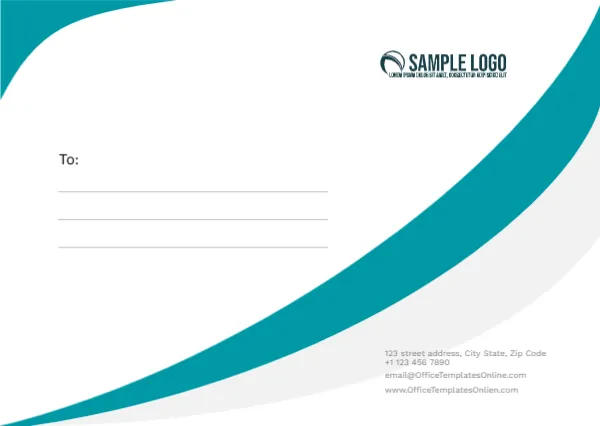
A Teal Swoosh on a Small C7 Envelope
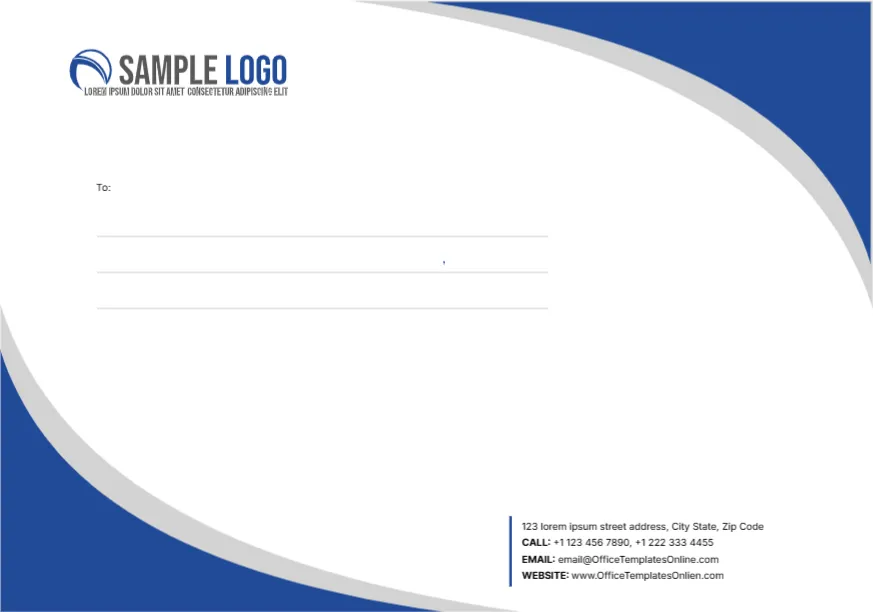
A bold teal swoosh curves from the top left corner down to the bottom right, with a soft grey curve beneath it. A dark teal swoosh SAMPLE LOGO sits at the top right. A To: label and three ruled lines sit on the left, and a small grey block with a street, phone, email and website sits low on the right. It is simple and fresh, sized for small cards rather than letters.
Small Format for Cards and Tickets
The face is about 4.5 x 3.2 inches, matching C7 at 114 x 81 mm. C7 takes an A7 card, gift card, small thank you note or ticket, so it suits shops, events and gift wrapping.
Contact Block and Web Typo
The grey contact text reads 123 street address, a phone, the template site’s email and www.OfficeTemplatesOnlien.com, which is misspelt. The grey text is very light, so make it darker when you type your details or it may disappear in print.
Preparing the C7 Envelope
- Swap the logo.
- Type your contact details.
- Darken the grey text.
- Write the recipient name.
- Test the small size in your printer.
Gift Cards and Vouchers
C7 suits gift vouchers and loyalty cards. Write the recipient’s first name on the To line and hand it over at the counter. A short line such as For you, from all of us at the shop adds warmth when the voucher is a gift.
Printing Small Envelopes
Small envelopes can jam. Print on letter or A4 paper, cut out the face and use it as a label, or ask a print shop to print directly on C7 envelopes.
Readable Small Type
At this size, contact text becomes tiny. Keep it to two lines and use at least 7 point type. Delete the email line if space is tight, since the website usually leads customers to every other contact.
Teal for Fresh Brands
Teal suits cafes, spas, clinics and eco brands. Recolour it if your brand uses another tone.
Posting Small Envelopes
Many postal services set a minimum size for letters, and C7 may be too small to post. Use it for hand delivery or inside a larger parcel.
Using the Small Envelopes
Keep them at the counter for vouchers and cards.
Step by Step Editing of the C7 Teal Swoosh Small Design
- On the c7 teal swoosh small design, click the main headline and type your own words, keeping a similar length.
- Retype every name, date and contact line on the c7 teal swoosh small design, checking each against a trusted source.
- Search the c7 teal swoosh small design for the words Lorem and Company so that no placeholder remains.
- Click any logo or photo on the c7 teal swoosh small design, choose Replace Image and resize the new picture to fit.
- Zoom the c7 teal swoosh small design to full size and read each line aloud before you save it.
- Keep a clean master of the c7 teal swoosh small design without private details, so later versions start tidy.
Have a look at the C8 size envelope. Another option is the C5 envelope. A related layout is the massage studio envelope. Every c7 teal swoosh small style alternative sits in envelope templates.