Bold Navy and Teal Chevrons With a Tilted Logo
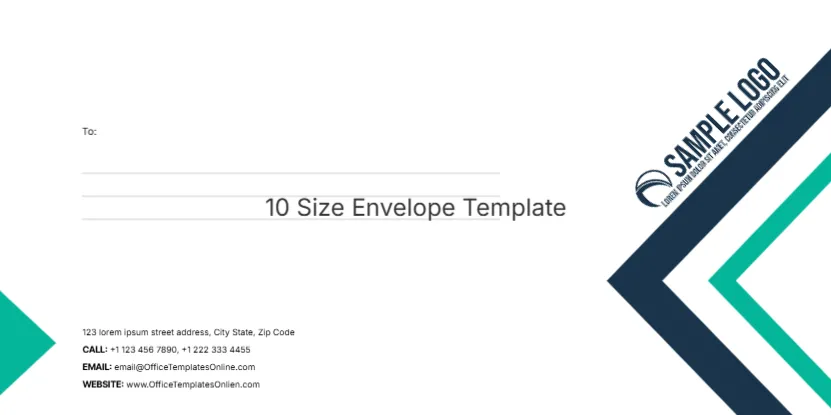
Two large chevrons in navy and teal point in from the right edge, and a white SAMPLE LOGO with a tagline sits at an angle across the navy one. A small teal triangle tab pokes in from the left edge. A To: label and three ruled lines sit at the upper left, and four labelled contact lines sit at the lower left. Across the ruled lines, a grey line of text reads 10 Size Envelope Template.
Chevron Edge and Left Text Column
The face is set at 220 x 110 mm, which is the DL size. The page title calls it a 10 size envelope, but a US No. 10 is 9.5 x 4.13 inches, a little longer and narrower, so check the size against your envelopes before printing.
Remove the Printed Template Name
The words 10 Size Envelope Template are printed across the recipient lines, so delete that text box before you use the envelope. The contact lines read CALL, EMAIL and WEBSITE with sample numbers, the template site’s email and the misspelt www.OfficeTemplatesOnlien.com. Replace them with your own details.
Preparing the Chevron Envelope
- Delete the 10 Size Envelope Template text.
- Check the size matches your envelopes.
- Swap the tilted logo.
- Type your contact details.
- Add the recipient address.
DL or No. 10
DL is common outside North America and fits A4 folded in three. No. 10 is the US business standard for letter paper. If you use No. 10 envelopes, change the page size in the editor and nudge the chevrons back to the edge.
Rotated Logos
The logo is rotated to follow the chevron. When you swap in your own logo, rotate it to the same angle and keep it inside the navy shape so it stays readable.
Navy and Teal for Tech and Finance
The sharp chevrons and cool colours suit IT companies, consultancies, banks and engineering firms. Recolour them to your brand if needed.
Printing Edge to Edge Chevrons
The chevrons bleed off the right edge. Home printers usually leave a margin there, so for a sharp finish use a print shop or accept a thin white edge.
A Matching Letterhead
Repeat one small chevron on the letterhead footer so the envelope and letter look like a set.
Using the Chevron Envelopes
Save one master with your details and copy it for each mailing.
Step by Step Editing of the Navy Teal Chevron Logo Design
- On the navy teal chevron logo design, click the main headline and type your own words, keeping a similar length.
- Retype every name, date and contact line on the navy teal chevron logo design, checking each against a trusted source.
- Search the navy teal chevron logo design for the words Lorem and Company so that no placeholder remains.
- Click any logo or photo on the navy teal chevron logo design, choose Replace Image and resize the new picture to fit.
- Zoom the navy teal chevron logo design to full size and read each line aloud before you save it.
- Keep a clean master of the navy teal chevron logo design without private details, so later versions start tidy.
A related layout is the company envelope. Also worth a look: C5 size envelope with a globe. Next to try is the small C8 envelope. The rest of the series around the navy teal chevron logo design is in envelope templates.