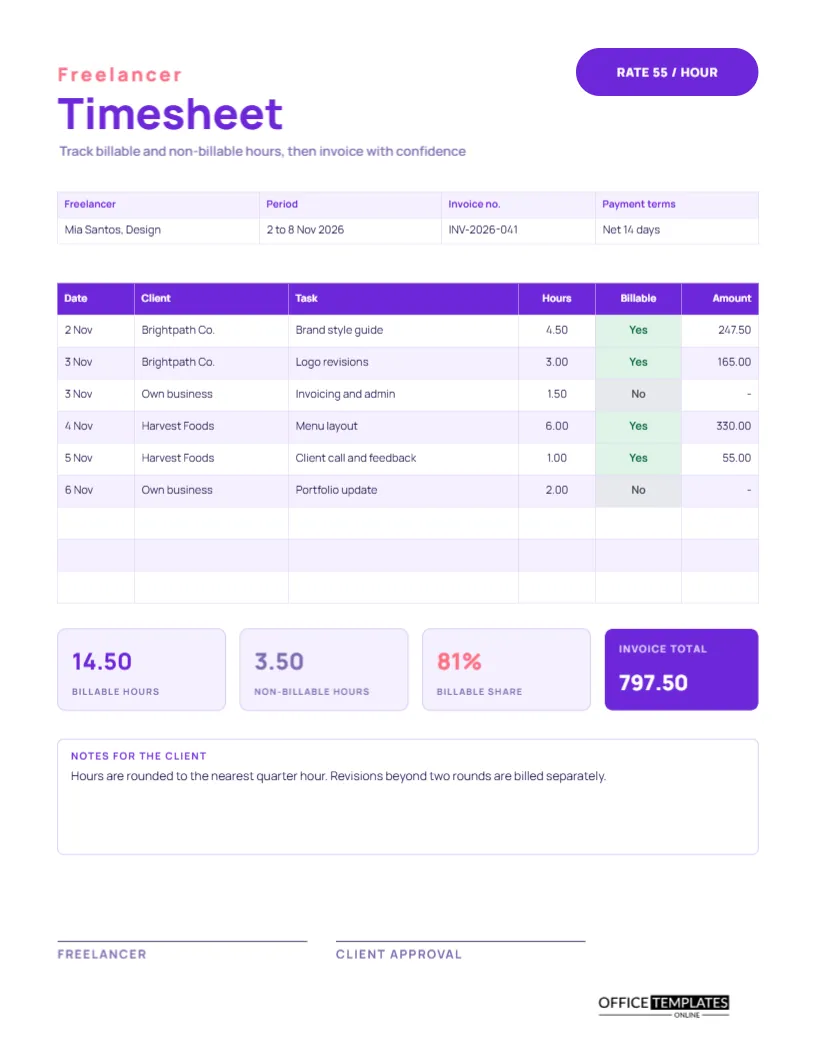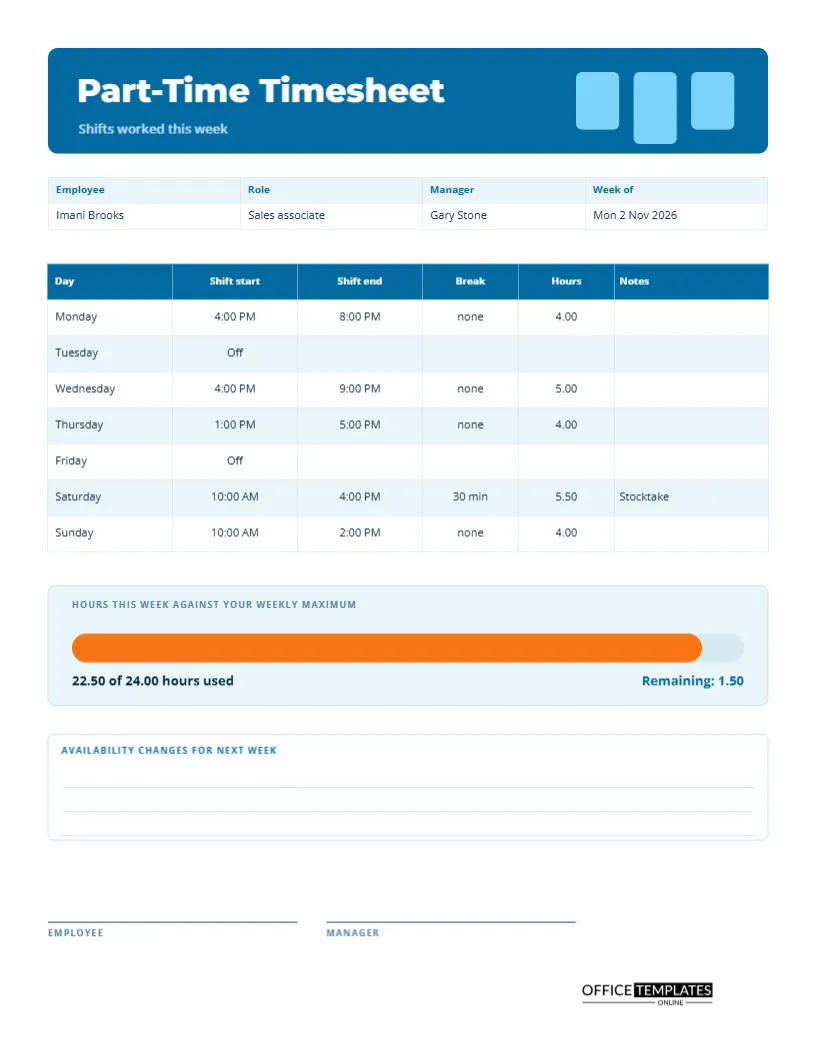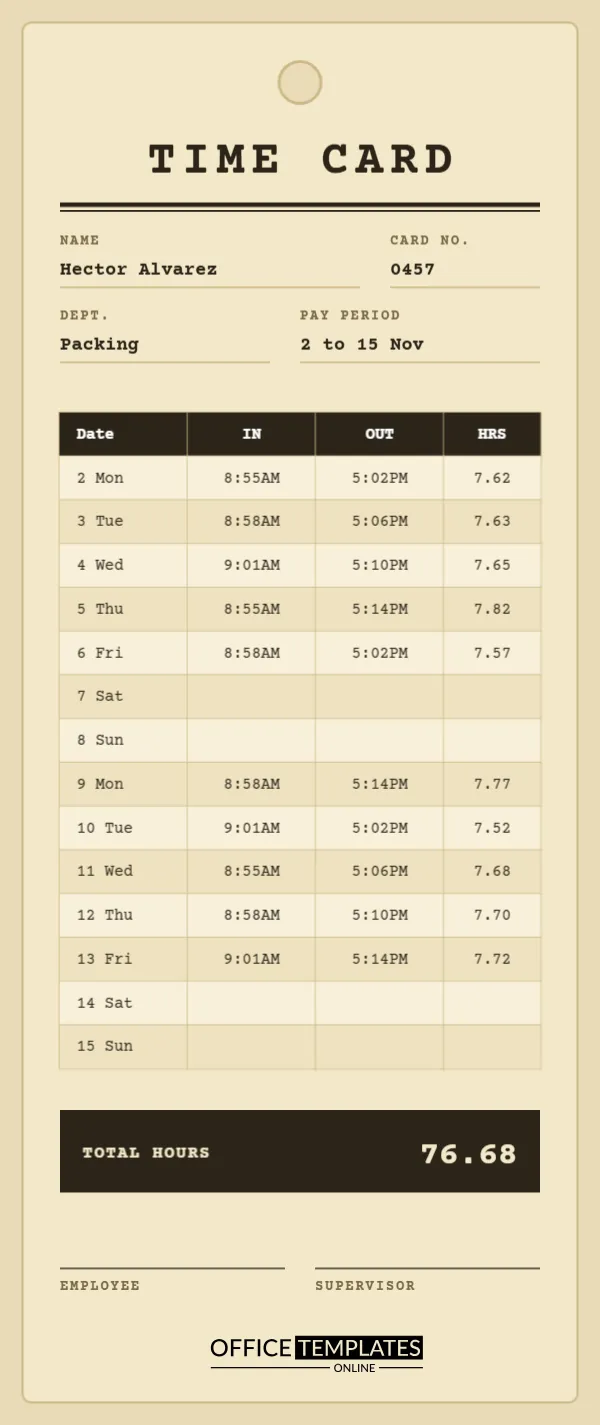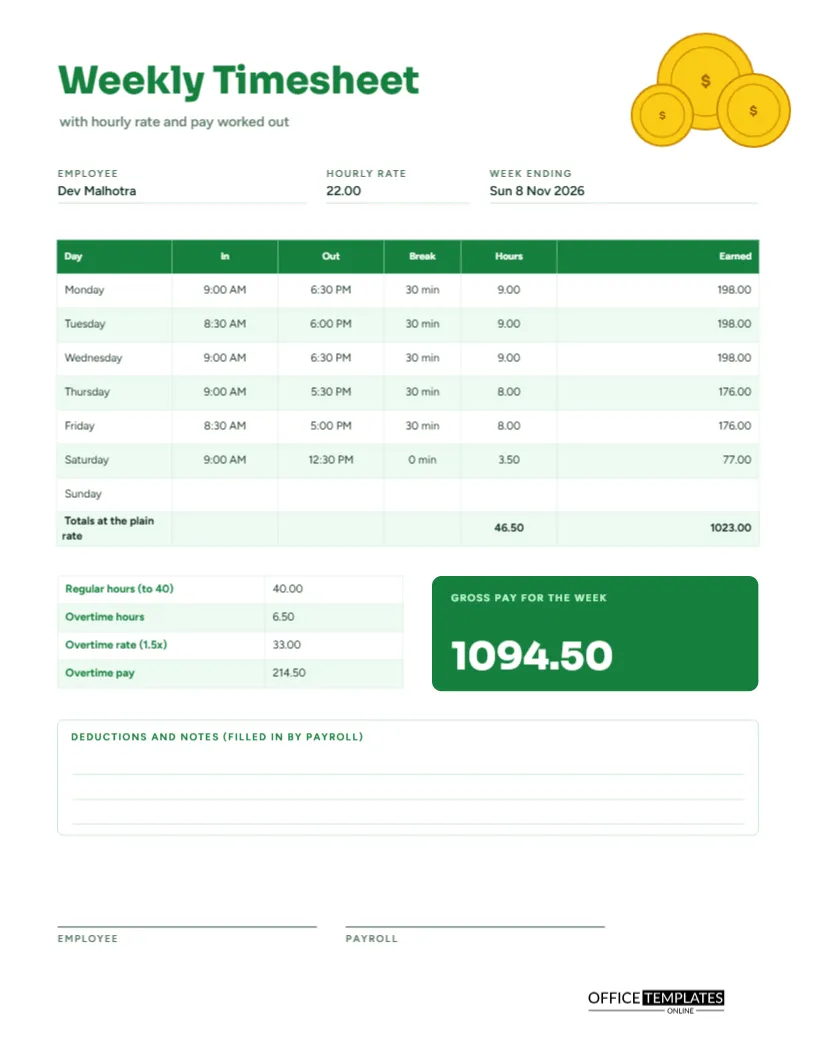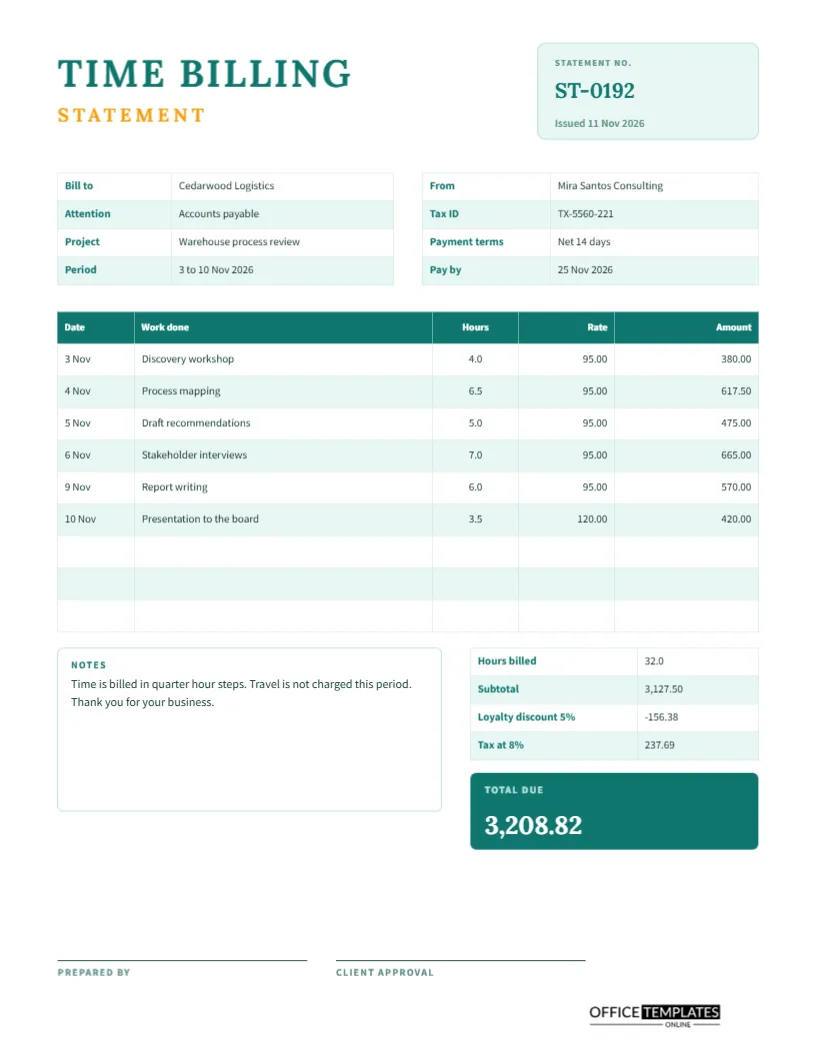
Clients who pay by the hour want to see what the hours were for. A single line saying consulting, 32 hours does not satisfy a careful finance department, and it does not help you if they question the bill. A billing statement that lists each date, each piece of work, the hours, and the rate does. This US Letter page is a statement of time that ends with a clear total due, ready to attach to an invoice or send alone.
Spaced Capitals Above a Teal Title
The page opens with the words TIME BILLING in large teal Lora, with STATEMENT in small amber capitals with wide spacing beneath them. At the top right, a pale teal box holds the statement number and issue date: ST-0192, issued 11 November 2026. The restrained serif and soft colours give the page the feel of professional stationery rather than a template.
Bill To and From
Two small tables sit side by side under the title. The left one lists the client: Cedarwood Logistics, attention: Accounts Payable, project Warehouse process review, period 3 to 10 November 2026. The right lists the supplier: Mira Santos Consulting, a tax ID, payment terms of net 14 days, and a pay-by date of 25 November 2026. Each side has what the other needs to process the payment.
Six Lines of Work
| Date | Work done | Hours | Rate | Amount |
|---|---|---|---|---|
| 3 Nov | Discovery workshop | 4.0 | 95.00 | 380.00 |
| 4 Nov | Process mapping | 6.5 | 95.00 | 617.50 |
| 5 Nov | Draft recommendations | 5.0 | 95.00 | 475.00 |
| 6 Nov | Stakeholder interviews | 7.0 | 95.00 | 665.00 |
| 9 Nov | Report writing | 6.0 | 95.00 | 570.00 |
| 10 Nov | Presentation to the board | 3.5 | 120.00 | 420.00 |
The last line carries a higher rate, to show that one statement can mix rates.
How the Totals Are Built
A summary block at the lower right lists hours billed (32.0), the subtotal (3,127.50), a loyalty discount of 5 percent (minus 156.38), and tax at 8 percent (237.69). Tax is applied after the discount, which is the usual order. The result, 3,208.82, appears in a teal box labelled Total due, in large white numerals so that it cannot be missed.
Working Through the Discount and Tax Arithmetic
Add the six amounts to get 3,127.50. Five percent of that is 156.375, which rounds to 156.38. Subtract it to get 2,971.12 before tax, and eight percent of that is 237.69. The total is 3,208.82. Always write each step in the order a client reads it, and round to the nearest cent at the points you describe on the statement.
Notes the Client Sees
A notes box on the lower left reads: time is billed in quarter-hour steps, travel is not charged this period, and thank you for your business. Use it for anything that helps the client understand the bill: rounding rules, expenses billed separately, bank details, or a friendly closing line. A short note often prevents a long email.
Completing the Statement in Order
- Give the statement a number and an issue date.
- Fill in the client, project, period, and your own details.
- List each piece of work with its date, hours, and rate.
- Multiply hours by rate for each line and add them.
- Apply any discount, then tax, in that order.
- Write the total due and send with payment instructions.
Statements Versus Invoices
An invoice is a demand for payment, and in many places it has legal requirements for numbering, tax, and wording. A statement is a summary of work. Some businesses send both, with the statement attached as support. Check what your tax authority requires on an invoice, and use this page as the detailed backup.
Discounts, Retainers and Tiered Rates
The sample shows a loyalty discount and two rates. You can instead show a retainer by subtracting hours already paid, or a tiered rate by changing the rate on specific lines. Whatever structure you use, each line should be traceable. A client who can follow the arithmetic is more likely to pay without raising a query.
Approval Before You Send
Two signature lines at the foot are for the preparer and for client approval. Many clients sign a statement before an invoice is issued, which removes any doubt about the hours. If your clients do not sign, an email saying approved works equally well, and you can attach it to the file.
Keeping Statements for Tax and Disputes
File every statement with the matching invoice and the underlying timesheets. If a client questions a bill, you can trace each line back to a dated record. At tax time, the statement shows how your revenue was calculated. Keep records for as long as the law in your country requires.
Editing Rates, Tax and Layout
Everything is editable. Change the discount, tax rate, and labels, add rows by clicking Add Row in Edit Table Data, and retype the summary block. Because all numbers are typed text, recalculate the subtotal, discount, tax, and total after every change.
Printing and Sending as a PDF
US Letter portrait. Most people send statements as a PDF by email, with the invoice. Download from the editor and attach. The teal and amber palette prints well in colour and remains clear in black and white.
Choosing Payment Terms That Suit Both Sides
Net 14 days is common, but terms vary by country and industry. State yours clearly, add the pay-by date and, if you wish, a note on late fees. Clear terms set expectations, and a statement that includes them is more likely to be paid on time.
Making the Statement Look Professional
Use your real business name, a consistent numbering system, and a clean format. Include contact details for questions. Small touches such as a statement number, an issue date, and a polite closing line make the page look cared for, which encourages clients to treat it with the same care.
Billing Statement Questions
Is tax mandatory?
That depends on your location and business. Delete the tax line if it does not apply.
Can I add expenses?
Yes. Add rows for expenses below the work lines and include them in the subtotal.
How is this different from the freelancer timesheet?
The freelancer timesheet is the working record. This page is the polished statement you send to a client.