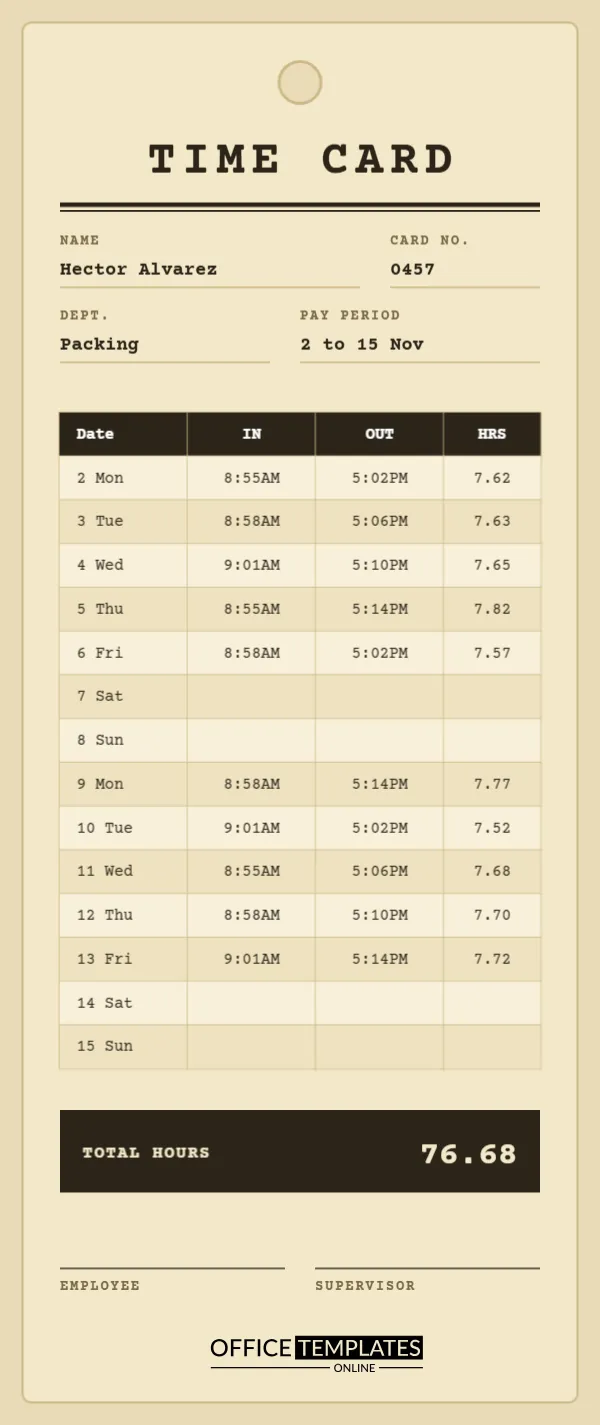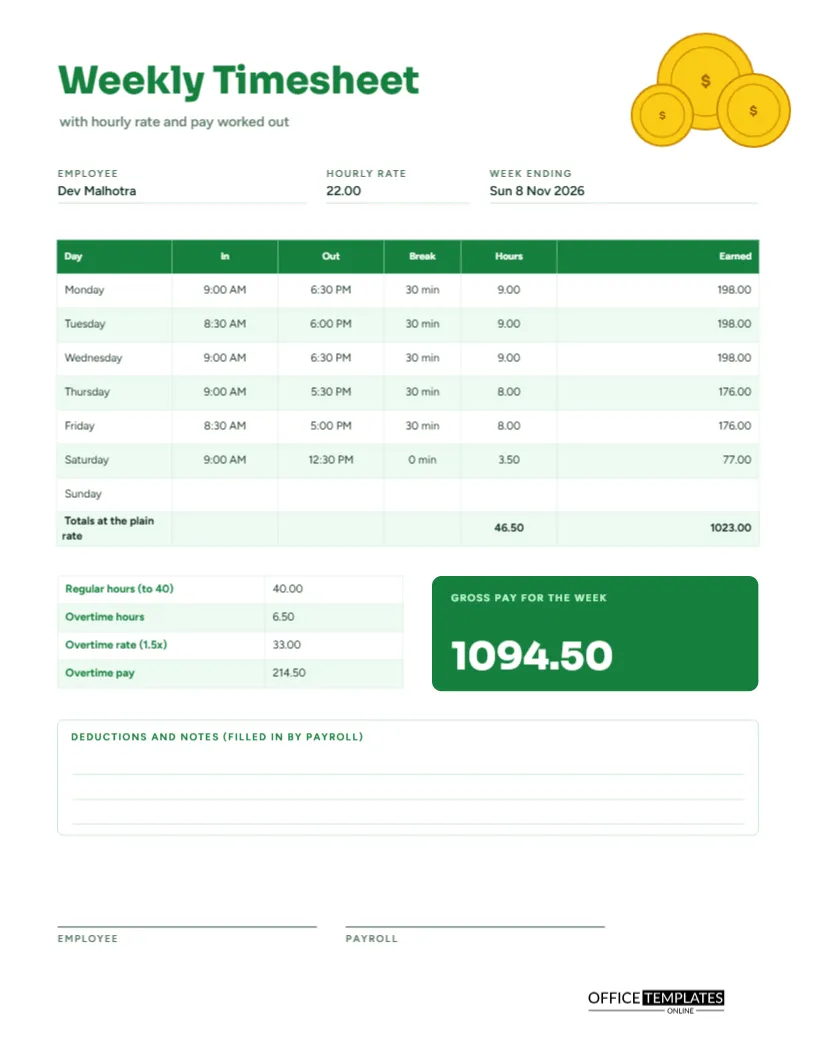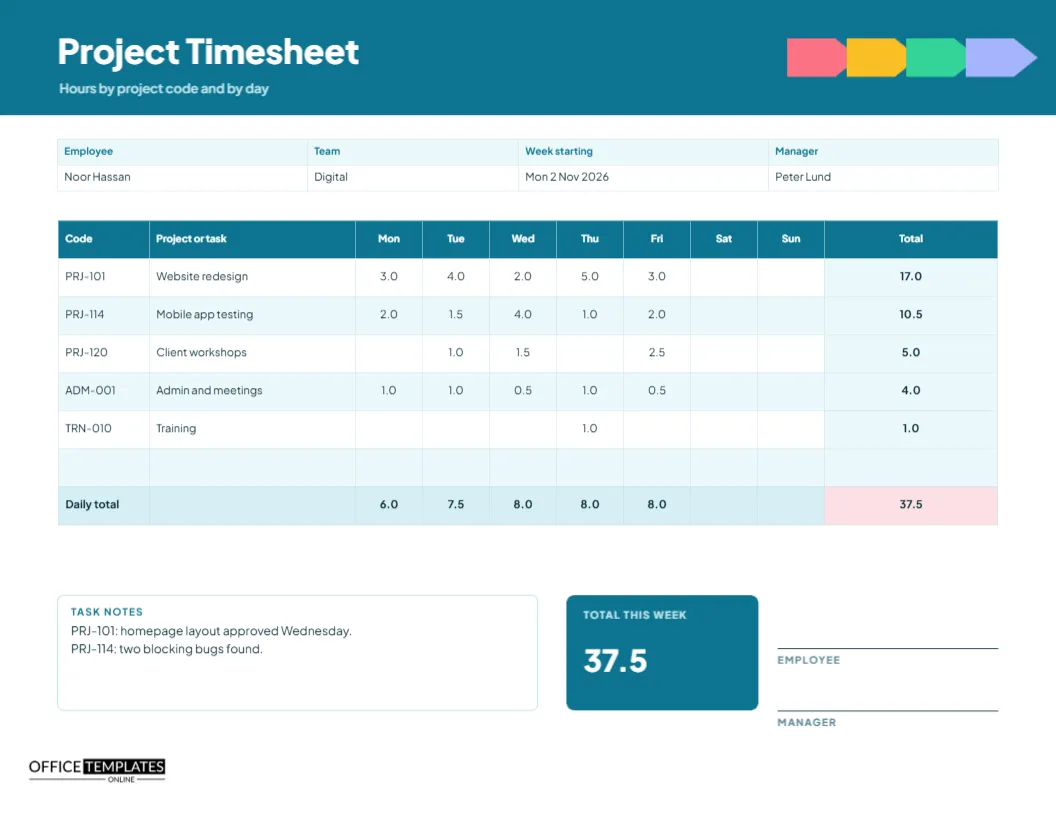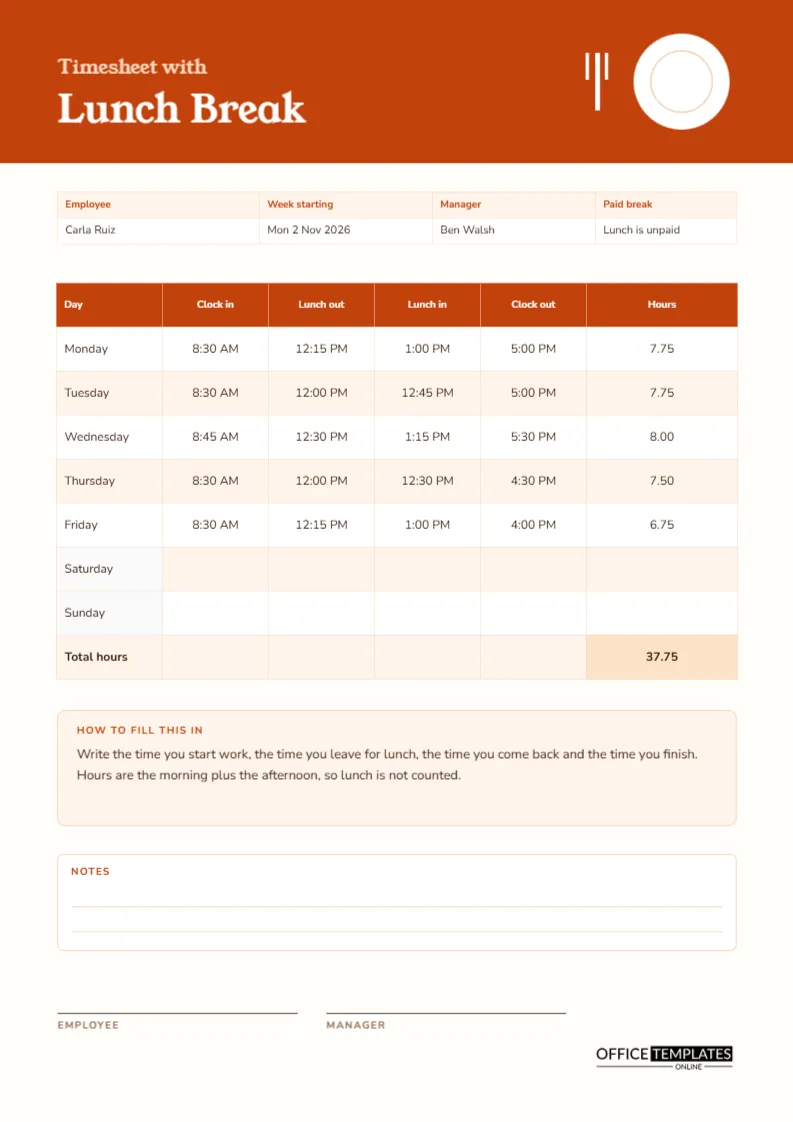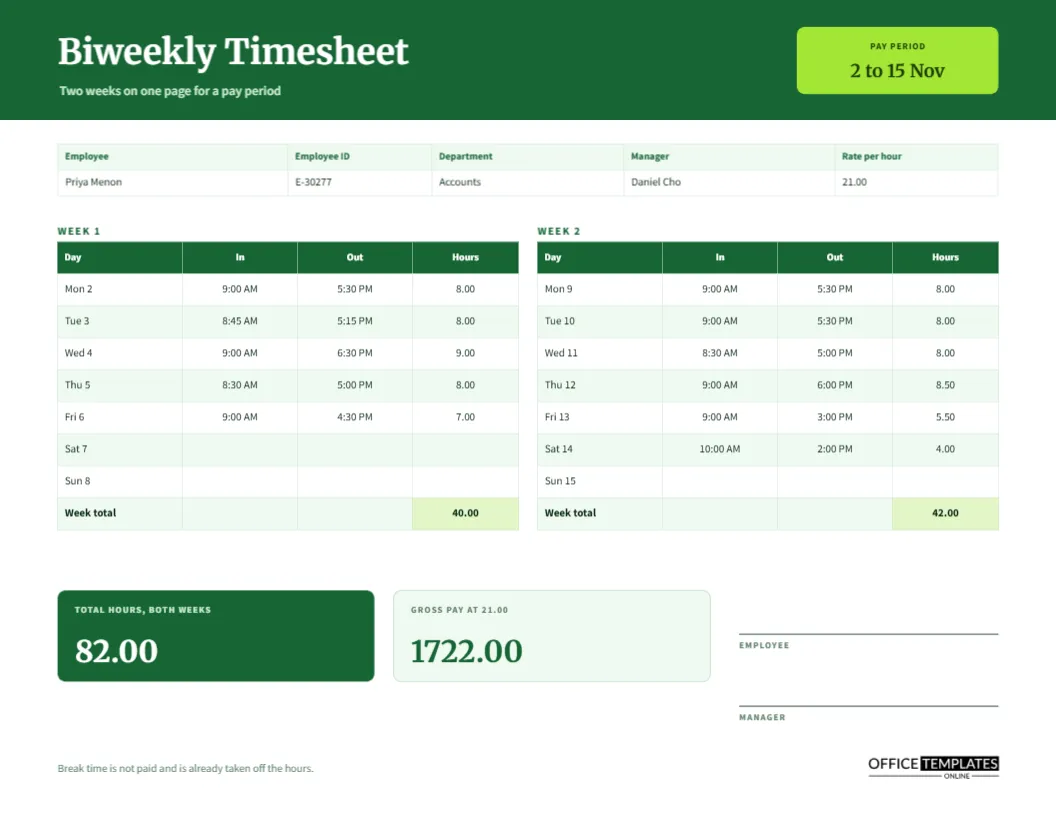
A lot of employers pay every second Friday, which means a lot of employees need a timesheet that covers fourteen days. Filling in two separate weekly sheets works, but it leaves the manager with two pages to add up and two signatures to chase. This biweekly timesheet puts both weeks side by side on one landscape page, gives each week its own subtotal, and finishes with a combined total and the gross pay for the whole pay period.
Why Landscape Works for Two Weeks
A landscape page of 11 by 8.5 inches has room for two narrow tables next to each other without shrinking the type. Each table is about five inches wide, with four columns, so the text stays large enough to read at a glance. The layout also mirrors how people think about a pay period, as two matching weeks that you can compare by eye.
A Green Band and a Lime Pay Period Tab
The top of the page is a forest green band with the title Biweekly Timesheet in Merriweather and a short line saying that two weeks fit on one page for a pay period. On the right, a lime tab reads PAY PERIOD with the dates 2 to 15 Nov in bold. The sample employee is Priya Menon in accounts, with an hourly rate of 21.00, and the details strip also records the employee ID, department, and manager.
Week One and Week Two Tables
| Table | Columns | Sample week total |
|---|---|---|
| Week 1, Mon 2 to Sun 8 Nov | Day, In, Out, Hours | 40.00 hours |
| Week 2, Mon 9 to Sun 15 Nov | Day, In, Out, Hours | 42.00 hours |
Each row carries the weekday and date, such as Mon 2, so the employee never has to guess which day they are writing about.
A Second Week With a Saturday Shift
The second week in the sample includes a four-hour shift on Saturday from 10:00 AM to 2:00 PM with no break, which brings the week to forty-two hours. It shows how the layout handles a six-day week. The break is already taken off the hours, as the footer reminds the reader, so the table only needs in, out, and hours.
Totals and Pay Tiles
Two tiles sit under the tables. The first, in dark green, shows total hours for both weeks, 82.00. The second, in pale green, shows the gross pay at the hourly rate of 21.00, which is 1722.00. Seeing the pay beside the hours lets an employee check the arithmetic before they sign, and lets payroll copy a figure instead of working it out again.
Checking Overtime Across the Period
Different places treat overtime differently. Some count hours above forty in each week, others above eighty in a fortnight, and others by the day. The sample shows both weeks separately so you can apply a weekly rule easily. If your rule is fortnightly, add a line in the notes explaining how overtime is calculated from the combined total.
One Signature Pair for Fourteen Days
At the right of the lower half are two signature lines, one for the employee and one for the manager. One signature pair covers the whole fortnight, which halves the chasing compared with two weekly sheets. The manager should sign only after checking each week’s subtotal against the daily rows.
How to Fill In the Two-Week Page
- Write your name, ID, department, and manager in the strip at the top.
- Enter your in and out times each day, and retype the hours.
- Add each week and type the subtotal in the shaded row.
- Add the two subtotals for the total and the gross pay.
- Sign and pass the page to your manager.
Editing Dates for the Next Pay Period
Each day label is typed text in the table. To roll the sheet forward, retype the dates in the first column of both tables and the pay period tab at the top. Many managers save a master copy with blank times and reuse it every fortnight. Change only the dates and the employee details, and clear the sample hours before sending it out.
Printing the Wide Biweekly Page
Choose landscape orientation in the print dialog and print at actual size. The green band is a full-width colour block, so a draft copy may use a lot of ink. For routine use, change the band to a light tint and the title to dark green. A black and white copy remains clear because every figure appears in a bordered table cell.
When a Pay Period Starts Mid-Week
Some payrolls run from the 1st to the 14th instead of Monday to Sunday. Retype the day labels to match your period and leave unused rows blank. The total still adds the two tables, so nothing else needs to change.
Spotting Mistakes Before Payroll Does
A few quick checks catch most errors. Does every worked day have both an in and an out time? Does each daily figure equal out minus in minus break? Do the two-week subtotals add up to the total? A manager who spends two minutes on these checks avoids the awkward conversation that follows a wrong pay slip, and the page layout makes each check easy because the two weeks sit side by side.
Keeping Employees and Managers on the Same Schedule
Biweekly payroll works best when everyone knows the cut-off date. Write the deadline in the notes; for example, sheets due by noon on the Monday after the period ends. A clear deadline reduces late sheets, and late sheets are the most common reason a payment is delayed. Print the pay period dates at the top, as the lime tab does, so there is no doubt about which fortnight a page belongs to.
Biweekly Timesheet Questions
Can I use it for a four-week month?
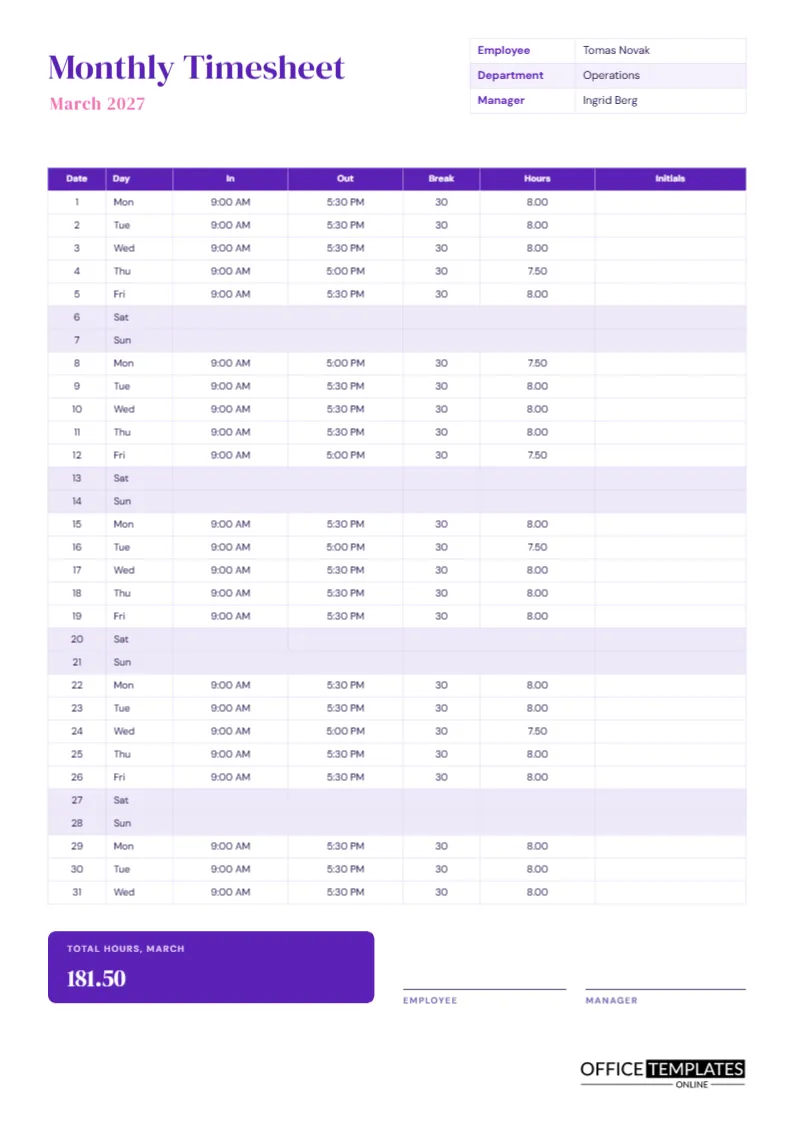
Use two copies, or try the monthly timesheet, which lists every date of the month on a single A4 page.
Does the page work out overtime?
No. It shows the hours by week so you can apply your own overtime rule and retype the result.
Can I remove the pay tile?
Yes. Select the tile and delete it if you do not want pay on the page.