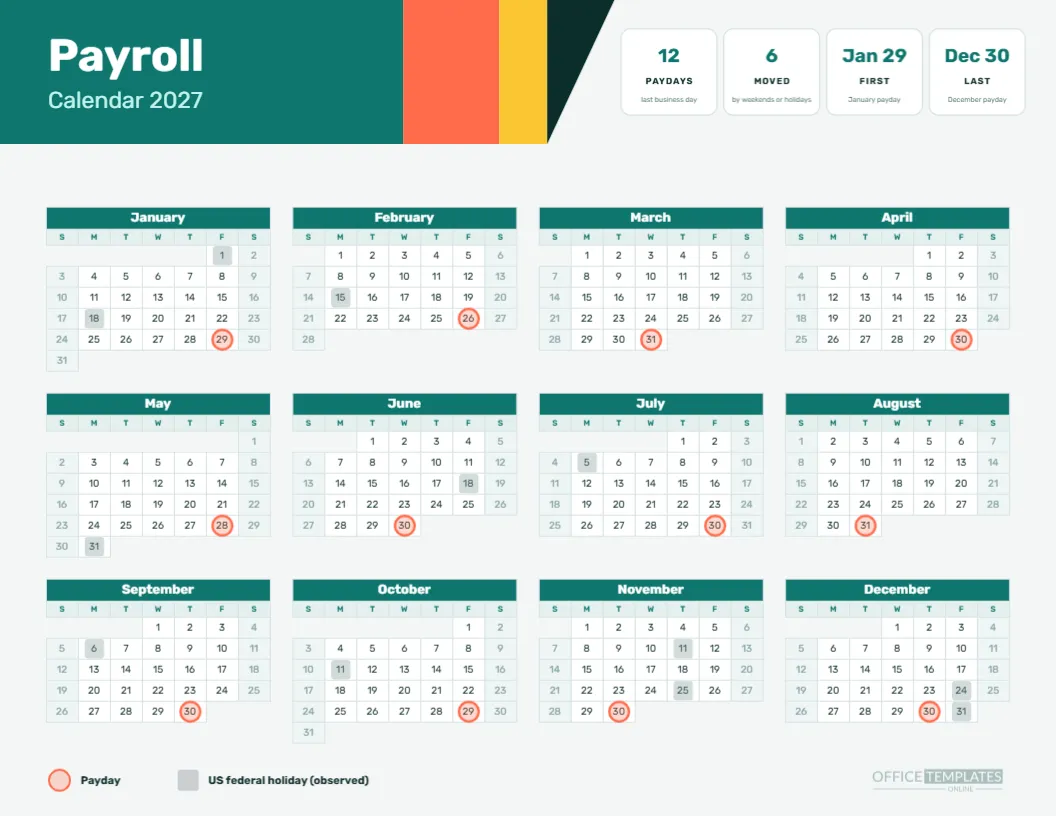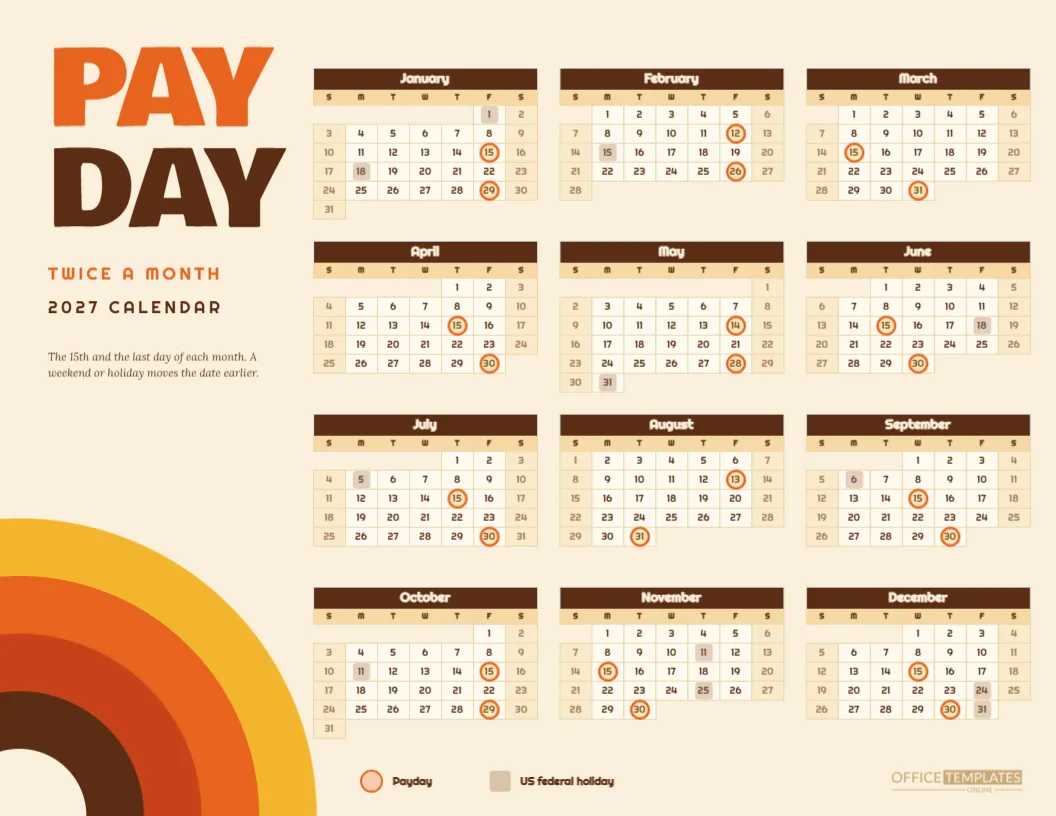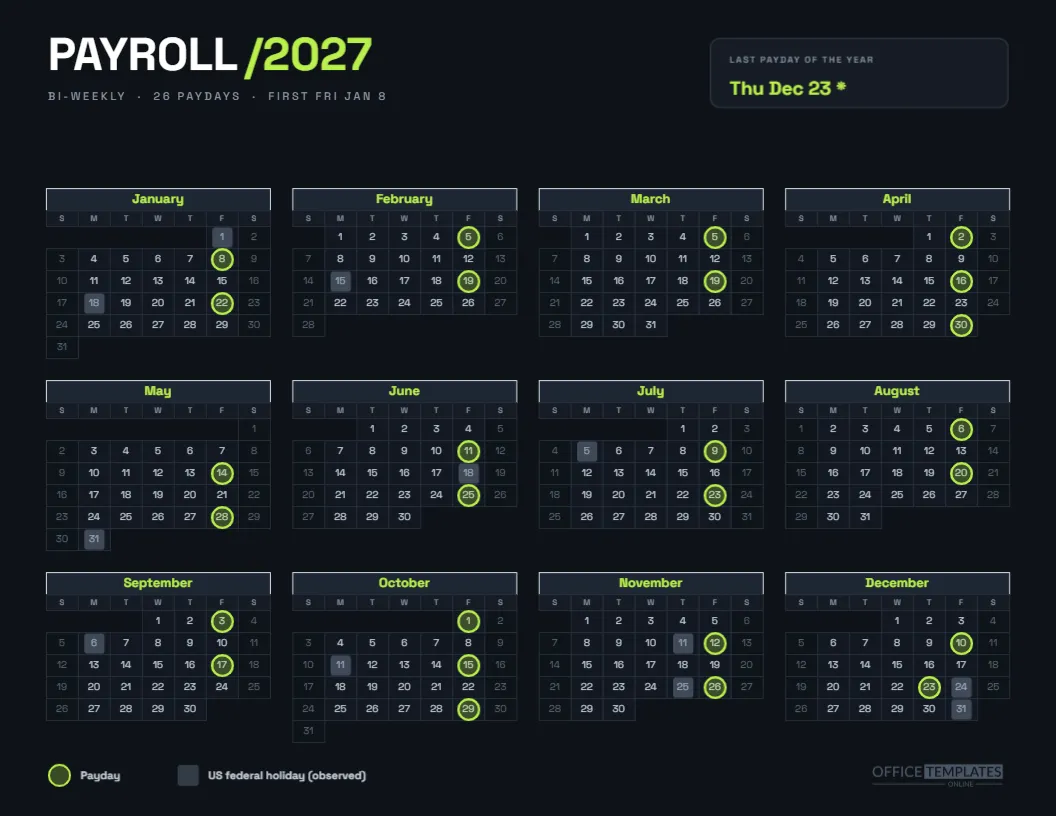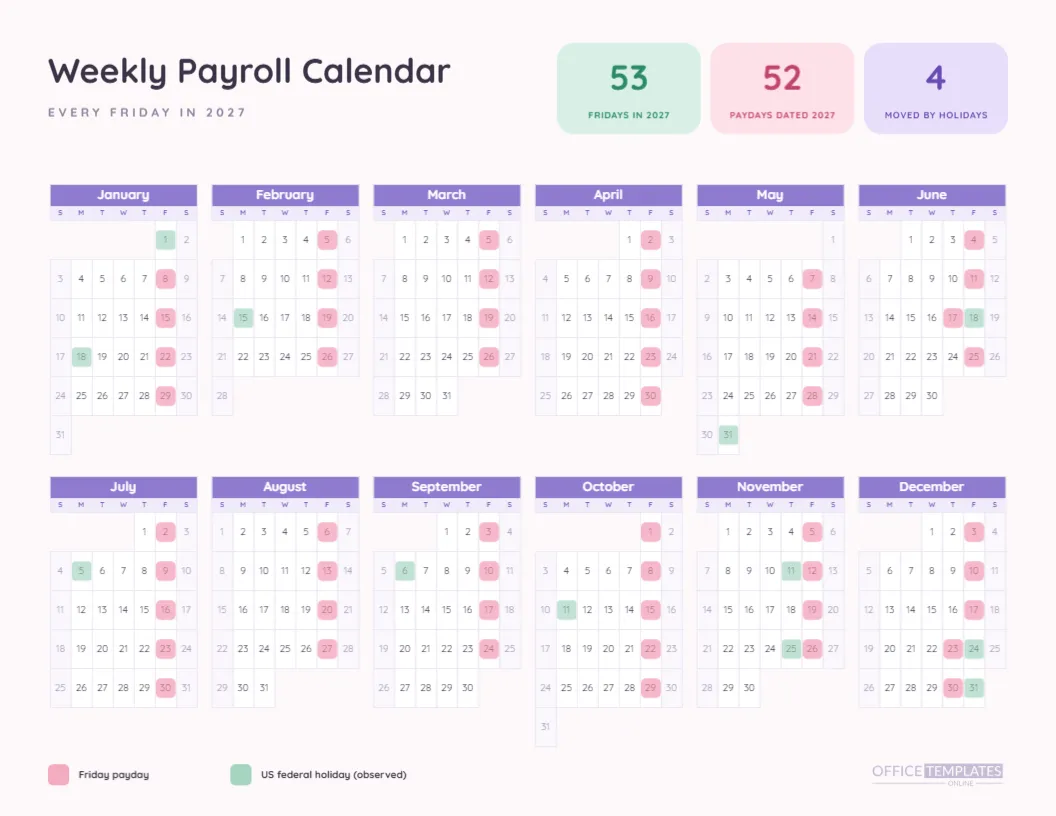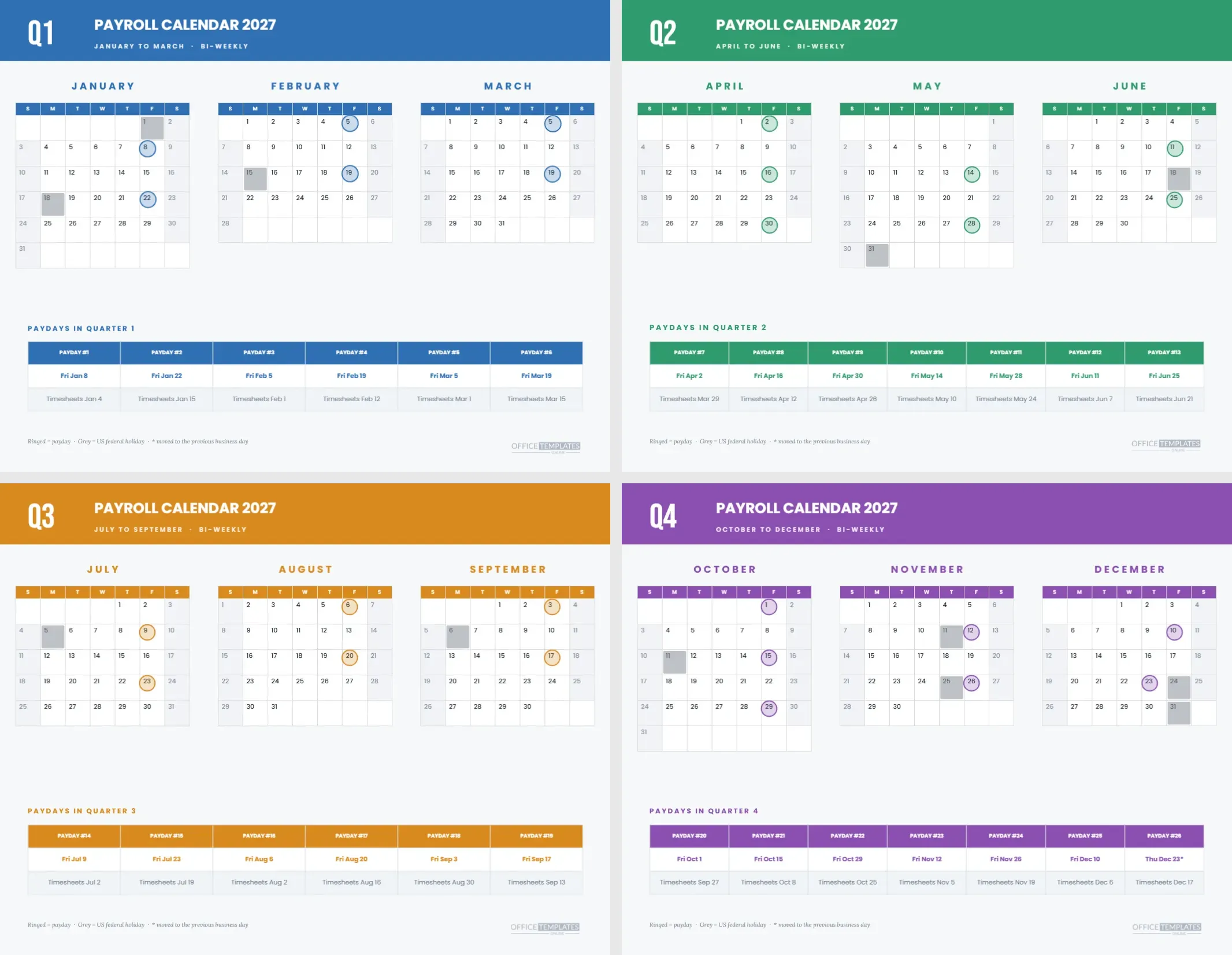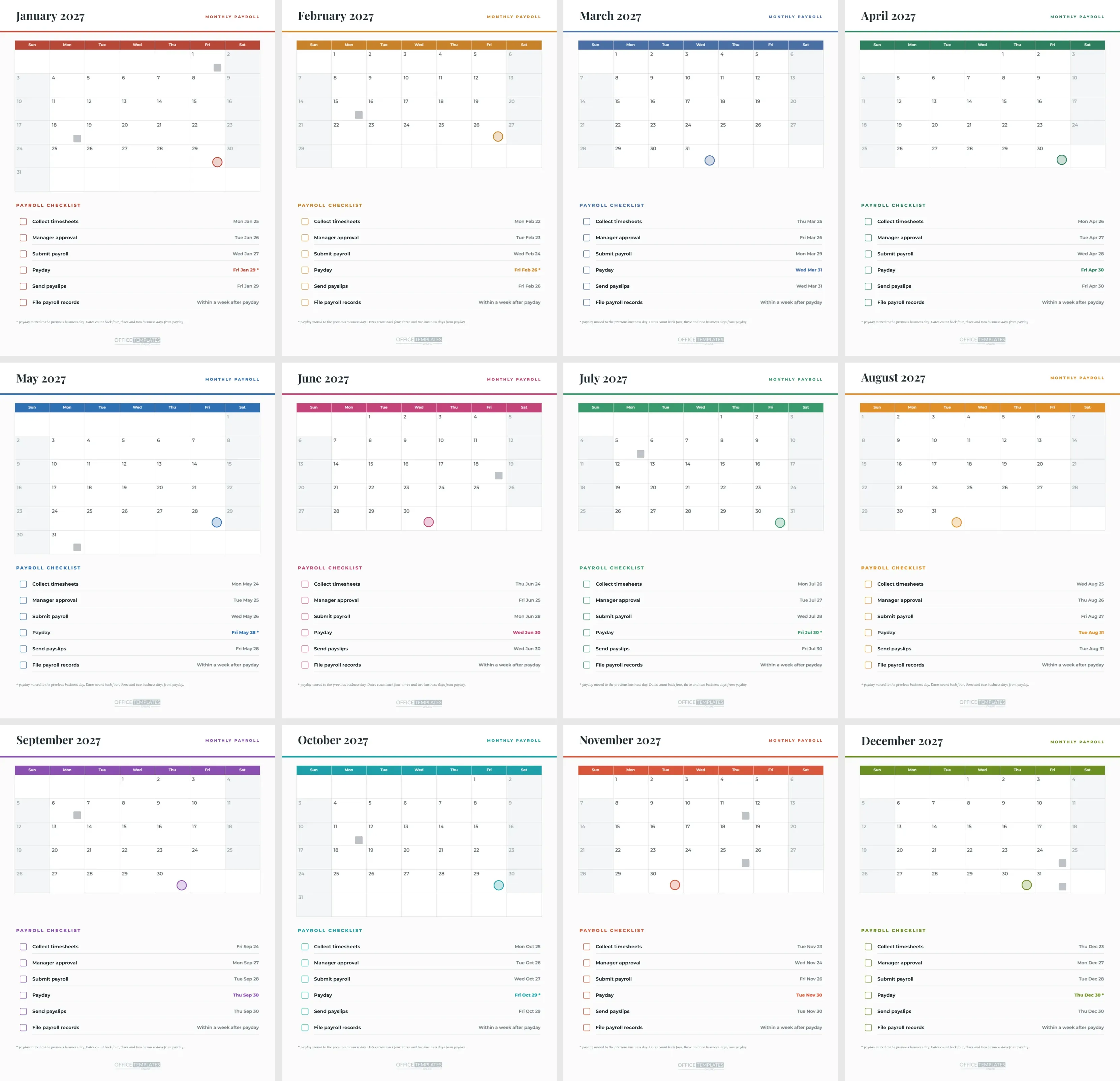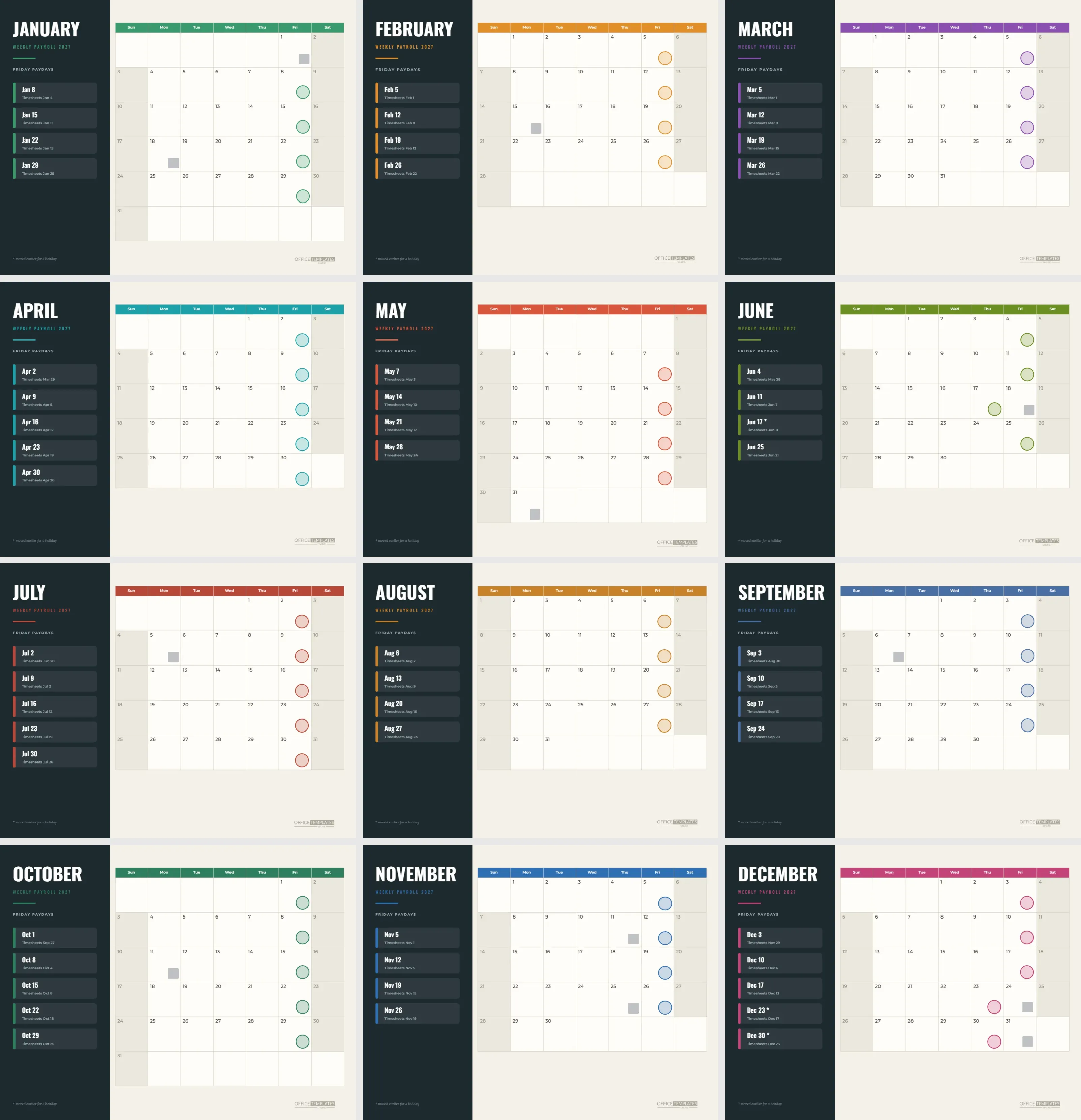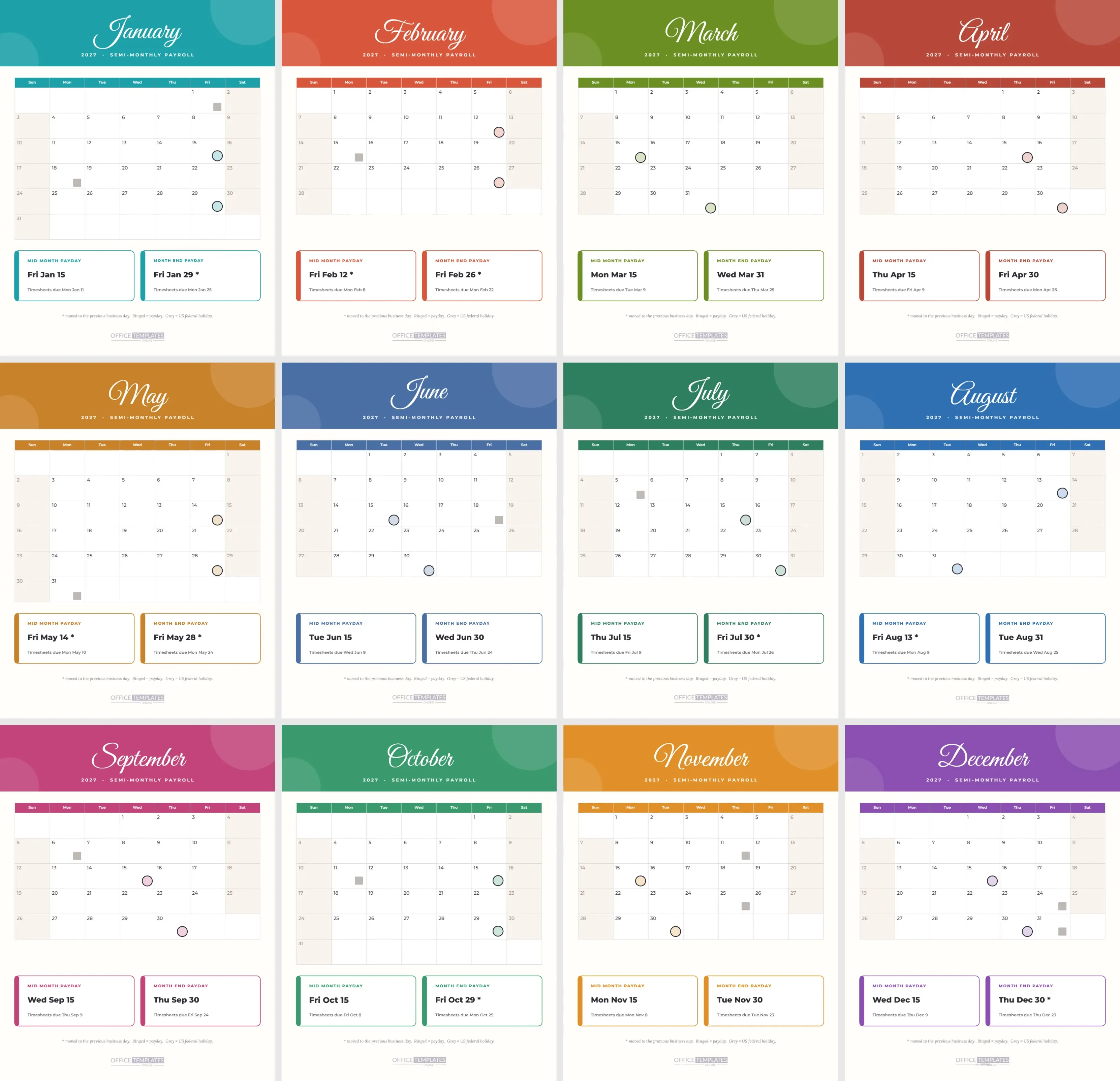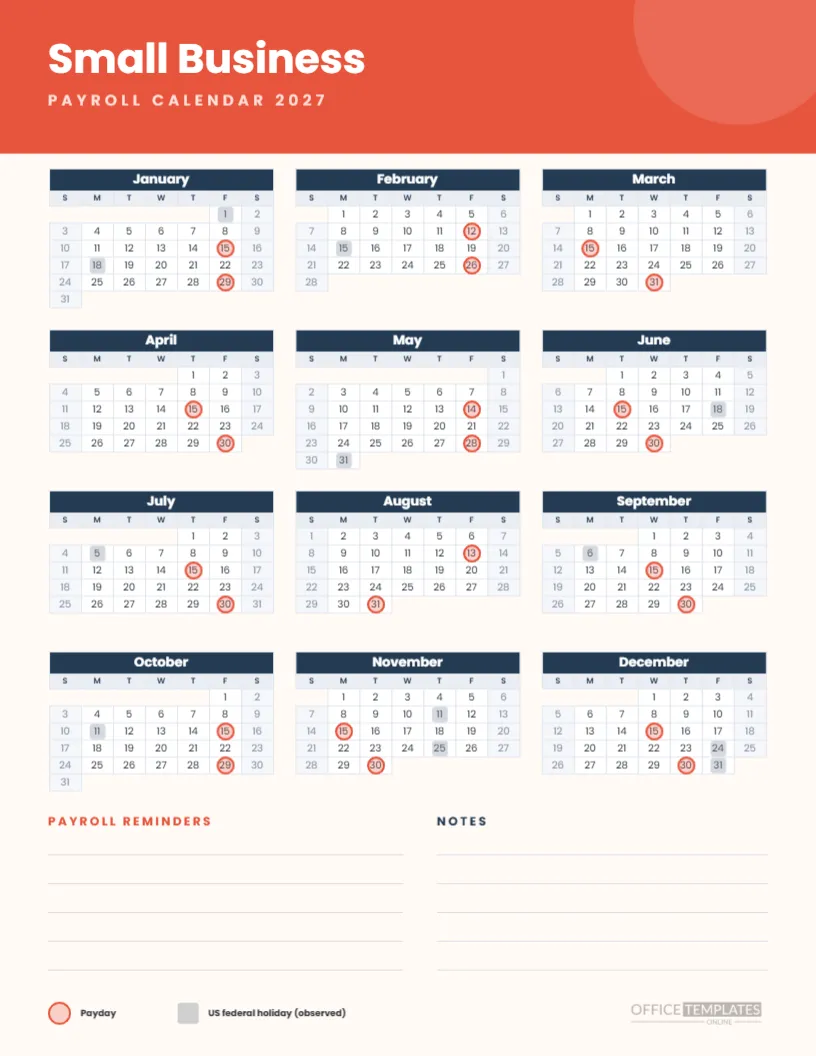
If you run a small business, you are probably also the payroll department, the accounts clerk, and the person who orders the coffee. You need a calendar that does one job well and leaves space for your own notes. This portrait page for 2027 gives you a coral header, a three-column year with semi-monthly paydays ringed and two ruled areas at the bottom for reminders and notes.
What You Get on One Page
A coral band at the top carries Small Business in white Poppins and PAYROLL CALENDAR 2027 in spaced pale coral capitals. Below it sit twelve months in three columns and four rows, with navy headers. At the foot, two ruled areas read PAYROLL REMINDERS and NOTES, followed by a small legend and the logo. Everything fits on Letter portrait.
Why Semi-Monthly
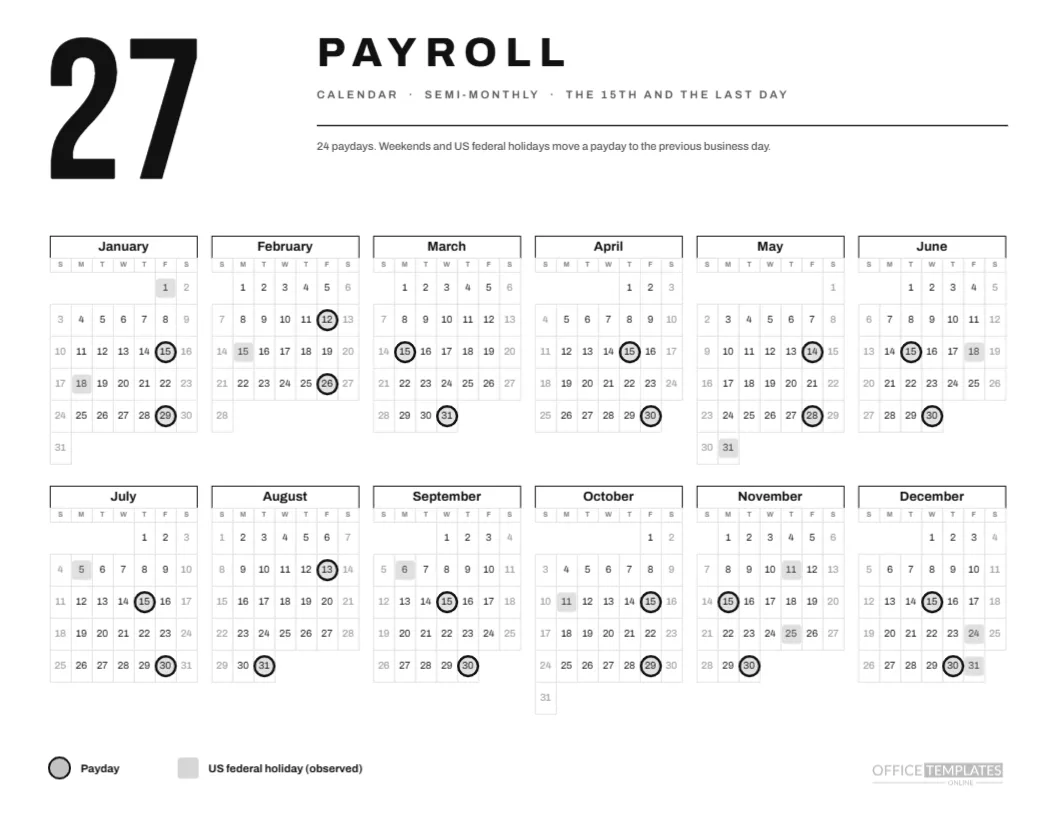
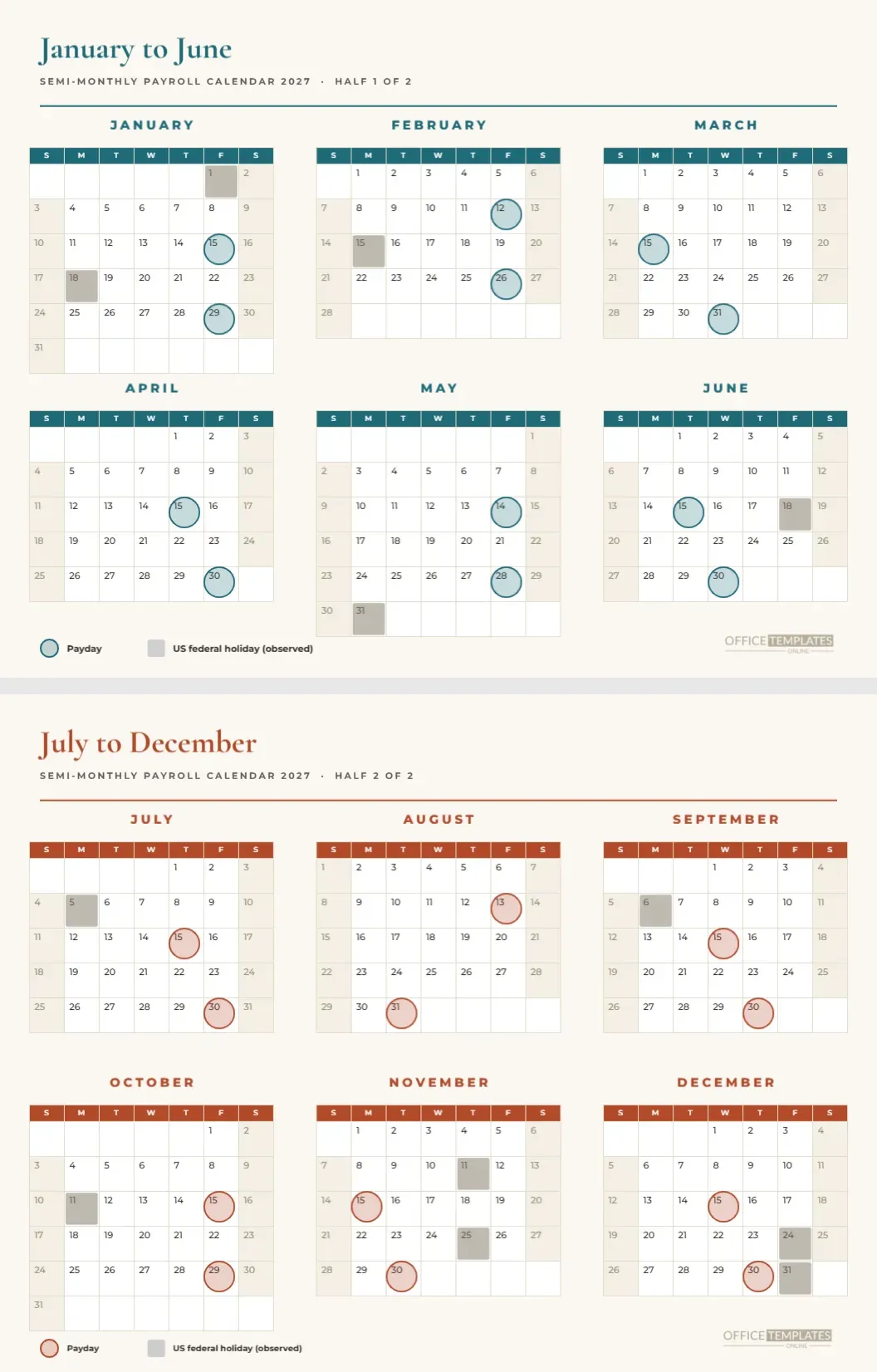
Many small businesses pay twice a month on fixed dates, which is easy to explain and keeps wages even. The page shows the 15th and month-end paydays, moved earlier when the date is a weekend or an observed US federal holiday. If you pay on other days, move the rings, and the rest of the page still works.
The Twenty Four Rings
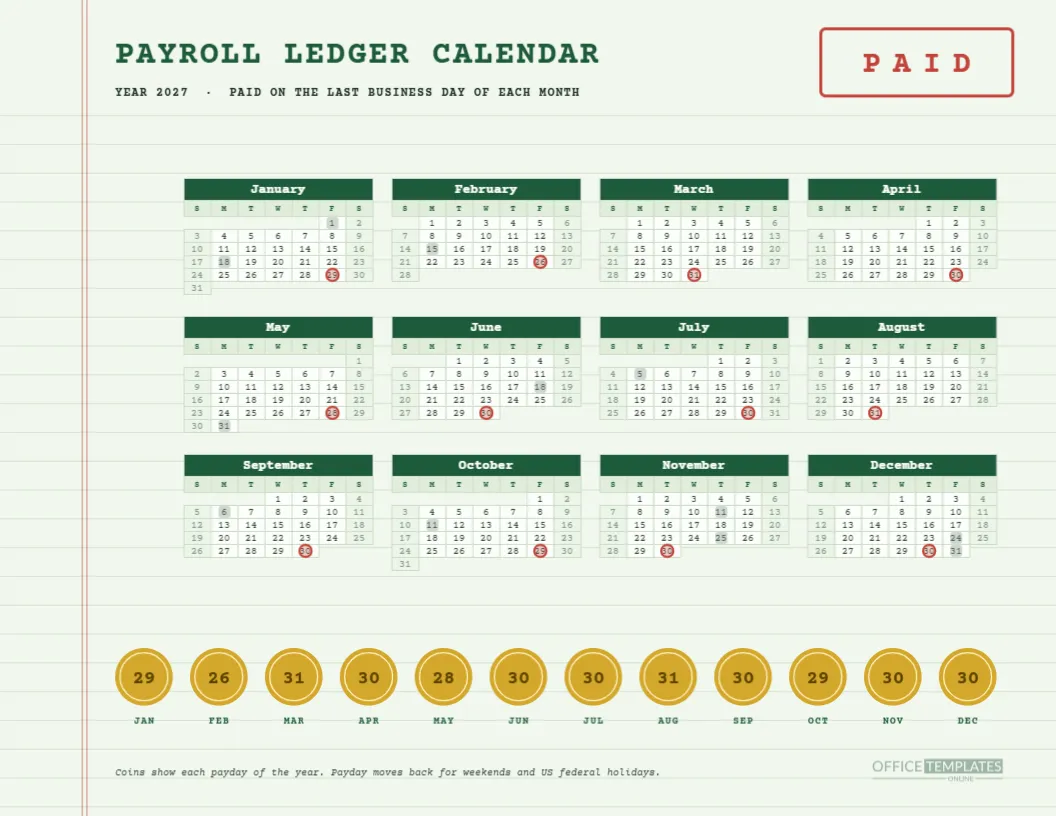
Coral rings with a soft fill mark each payday. Nine sit away from the 15th or the last day: January 29, February 12 and 26, May 14 and 28, July 30, August 13, October 29 and December 30. The rest sit on their nominal dates. The legend at the foot explains the ring and the grey squares.
Reminders to Write Down
The reminders area has five ruled lines. Use them for things that need doing before payday: new hire paperwork, leave balance checks, tax payment dates, supplier invoices that hit the same bank account. Write the dates in pencil so you can update them. A reminder written on the same page as the paydays tends to be seen.
Notes for Everything Else
The notes area is the same size, with five ruled lines. Use it for pay rate changes, the name of the person covering payroll while you are away, or the phone number of your accountant. It is not an official record, but it is a handy place to park information that belongs with the calendar.
A Sample Month
February shows rings on Friday the 12th and Friday the 26th, with grey squares on Monday the 15th for Presidents’ Day. A small business owner reading the page sees that the mid-month payday arrived three days early and that the last day of the month is a Sunday, so the second payday moves to Friday, February 26. That is the page doing its job.
Colour and Fonts
Coral and navy are friendly but professional, and Poppins is a clean geometric sans that reads well at small sizes. The calendar uses the same font, so the page is consistent. If you prefer your own brand colours, change the header band, the month headers and the ring colour together.
Printing the Coral Business Page
Print portrait on Letter at actual size with background graphics on. The coral band is a block of colour, but an ordinary inkjet copes. The ruled lines are pale grey, so they print faintly, which leaves room for your handwriting. Print one copy and keep it in a clear sleeve on the desk.
Who It Is For
Shop owners, tradespeople, cafe managers, consultants with a few employees, and family businesses. It suits anyone who does payroll themselves and wants a page that works with a pen. Larger firms will want the deeper pages in this collection, but this one is built for the owner at the desk.
Editing the Coral Page
Every piece is editable. Change the title to your business name, edit the legend, retype the line headings, or recolour the band. The ruled lines are thin shapes, so you can copy them to make more space or delete them if you prefer a clean area for typing.
Editing the Three Column Year
The grid is the editor’s Full Year Calendar object. In Calendar Options, you can change the year, the week start, and the colours. The coral rings and grey squares are grouped shapes laid on top, so after a change you will need to move them. Allow ten minutes for a full reset.
Using It With Your Payroll Provider
Compare the rings with the schedule your provider gives you. If a date differs, write it on the page and change the ring in the file. Providers sometimes pay a day earlier or later than a simple rule suggests, and the printed page should show the real date, not the theoretical one.
Keeping Costs Down
A page like this costs a few cents to print and saves hours of confusion. If you run payroll for a very small team, you can do without software for the calendar part and focus your budget on the payroll service itself. A tidy calendar and a good provider cover most of what a small business needs.
What Else to Add
Many owners write the date of the next quarter’s tax payment on the notes lines, and the dates of insurance renewals and benefit deadlines. Others stick a small label in the corner with the accountant’s phone number. Treat the page as your payroll noticeboard, and keep it current.
Honest Limits for Small Business Owners
The page shows planned pay dates under a simple rule and a US federal holiday list. It does not know your state’s rules, your bank’s processing times, or your provider’s cut-off. Check anything that affects employees’ pay with your provider or adviser before you rely on it.
The Small Business Page in Brief
Coral header. Three-column year. Twenty-four rings, nine moved. Reminder lines. Notes lines. Portrait Letter. Editable text, shapes, and calendar.
A Monthly Habit for the Owner
On the first Monday of each month, take the page out, look at the two rings, and write the two timesheet deadlines in the reminders area. It takes thirty seconds. Over a year, the habit prevents most late payroll surprises, and it gives you a quiet moment to think about the money going out before it leaves.