Remote work trades the office clock for trust, and a simple timesheet is how that trust is kept visible. A manager wants to know that hours were worked and that people could be reached when needed. A remote worker wants a fair record of the hours they put in, including the ones that fall outside the usual day. This A4 timesheet records hours as well as focus tasks and online availability, so it shows what the week was for.
A Laptop Inside a House Outline
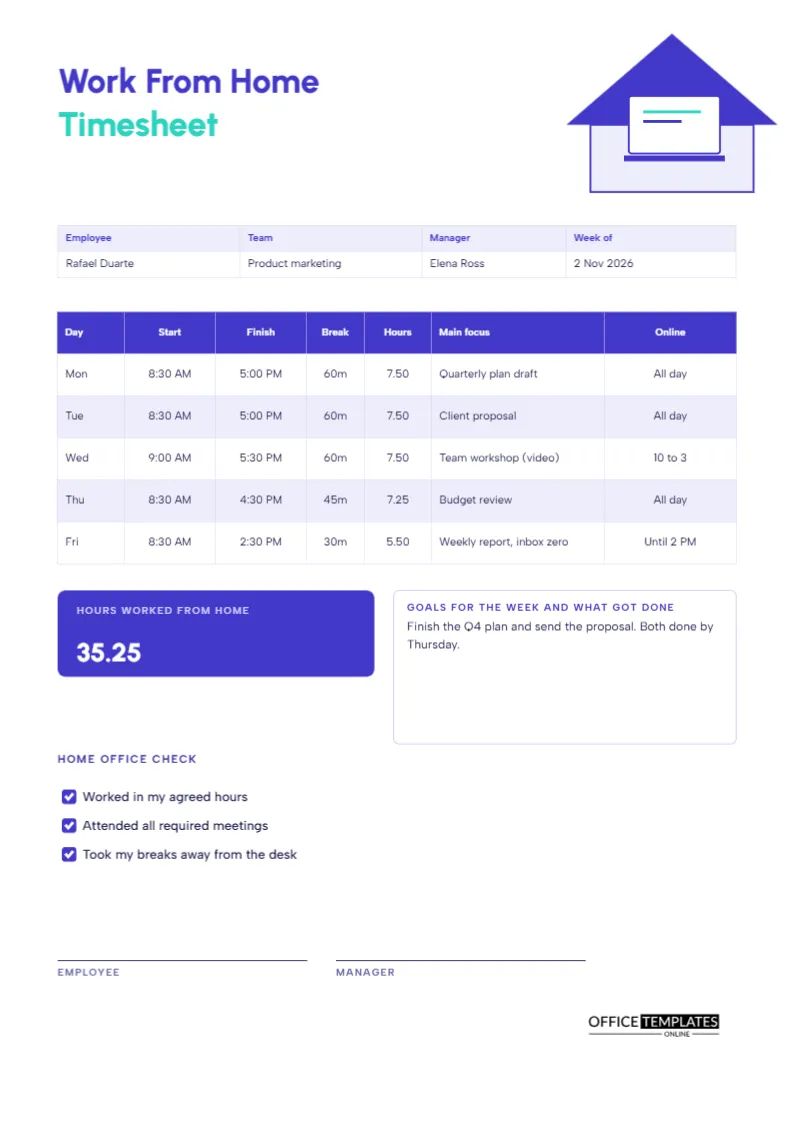
The top right corner shows a small house drawn from shapes, with a roof triangle and a body, and a laptop on a desk inside it. The title Work From Home appears in indigo Urbanist, and the word Timesheet follows in teal. Albert Sans carries the small text. The picture says remote work at a glance, and the colours keep the page calm and modern.
Employee, Team, Manager and Week
The strip lists the employee, the team, the manager, and the week. The sample is Rafael Duarte in product marketing, reporting to Elena Ross, for the week of 2 November 2026. Including the manager’s name makes the sheet easy to route and reminds the employee who will review it.
A Table for Each Working Day
| Day | Start | Finish | Break | Hours | Main focus | Online |
|---|---|---|---|---|---|---|
| Mon | 8:30 AM | 5:00 PM | 60m | 7.50 | Quarterly plan draft | All day |
| Tue | 8:30 AM | 5:00 PM | 60m | 7.50 | Client proposal | All day |
| Wed | 9:00 AM | 5:30 PM | 60m | 7.50 | Team workshop (video) | 10 to 3 |
| Thu | 8:30 AM | 4:30 PM | 45m | 7.25 | Budget review | All day |
| Fri | 8:30 AM | 2:30 PM | 30m | 5.50 | Weekly report, inbox zero | Until 2 PM |
The total hours worked from home are 35.25.
The Main Focus Column
This column is the difference between a timesheet and a diary. Writing one main focus for each day shows what the hours achieved. It also forces a useful habit: deciding in the morning what the day is for. A manager who reads five main focus entries understands the shape of a week without a long report.
The Online Column
Remote teams depend on overlap. The online column records when you were reachable, for example, all day, 10 to 3, or until 2 PM. It shows teammates when to expect answers and lets managers see whether the team shares enough hours for meetings. It is also a fair way to record flexible days, where the work was done at unusual times.
Hours Worked From Home
An indigo tile shows 35.25 hours in large white numerals. The figure is the sum of the daily hours after breaks. Some employers also ask for a record of which days were worked from the office and which from home, so you can add a note, or change the tile label to count remote days.
Goals for the Week and What Got Done
The notes box beside the tile has two jobs. At the start of the week, write goals in it. At the end, add what got done. The sample reads: finish the Q4 plan and send the proposal, both done by Thursday. Comparing the two is a satisfying habit and a strong basis for a conversation with a manager.
The Home Office Check
A short checklist with three ticks asks if you worked within your agreed hours, attended required meetings, and took breaks away from the desk. It is a gentle reminder to look after yourself. Home workers tend to work longer and rest less, and a weekly tick is a small nudge toward a healthier pattern.
Filling in the Sheet
- Write your name, team, manager, and the week.
- Each day, enter start, finish, and break.
- Work out the hours and write your main focus.
- Note when you were online.
- On Friday, fill in the title, goals, and checklist, then sign.
Flexible Hours and Split Days
Many remote workers split the day: a morning block, a break for school pickup, then an evening block. Add a second row for the same day or write both ranges in the start and finish cells. Make the total accurate and use the online column to say when you were available, so colleagues know what to expect.
Overtime and Time Zones
If you work across time zones, late calls and early starts are common. Record them honestly and write the time zone in the notes. If your employer pays overtime, the daily record is the evidence for it, and if it does not, the record still helps you notice when you are working too much.
Protecting Privacy and Equipment
A timesheet does not need details of personal tasks. Keep the main focus professional and brief. Also remember that company laptops and data should be handled securely at home. A weekly sheet is a good moment to check that your software updates are done and your screen is locked when you step away.
Editing the Columns and Checklist
All labels can be edited. Replace the three checklist items with your employer’s own, delete the online column if it is not needed, or add a column for tasks. The table is a real Table object, and the tick boxes are drawn shapes that can be recoloured.
Printing the A4 Sheet
A4 portrait. Many remote workers fill it in digitally and export a PDF; others print one copy for their own records. The indigo tile prints as a dark block in black and white.
Talking to a Manager About Hours and Workload
Four sheets laid side by side show whether your hours are rising, whether the main focus items match your role, and whether meetings are crowding out deep work. Bring them to a one-to-one meeting. Numbers and examples request fewer meetings or more flexibility much easier to discuss than a general feeling of being busy.
Work From Home Timesheet Questions
Is it suitable for freelancers?
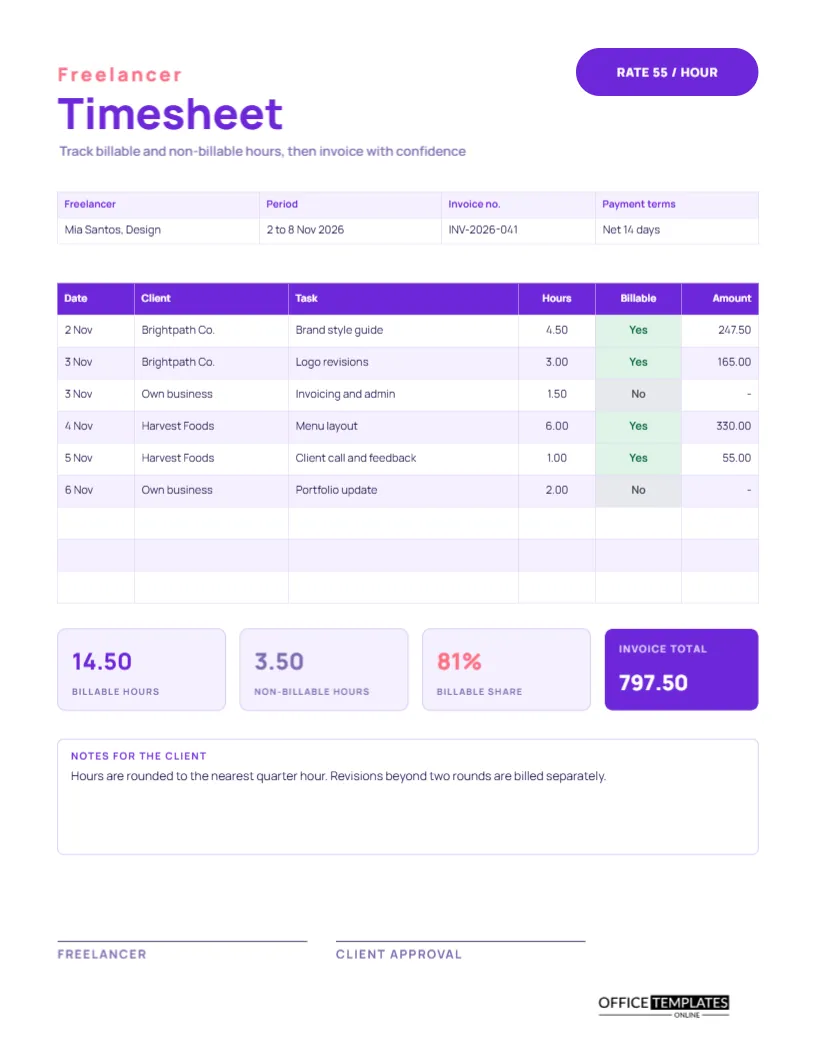
Yes, though the freelancer timesheet in this collection adds billable status and an invoice total.
Do I need the online column?
Only if your team relies on overlap hours. Delete or rename it otherwise.
Can managers see my sheet automatically?
No. You export or print it and send it yourself.