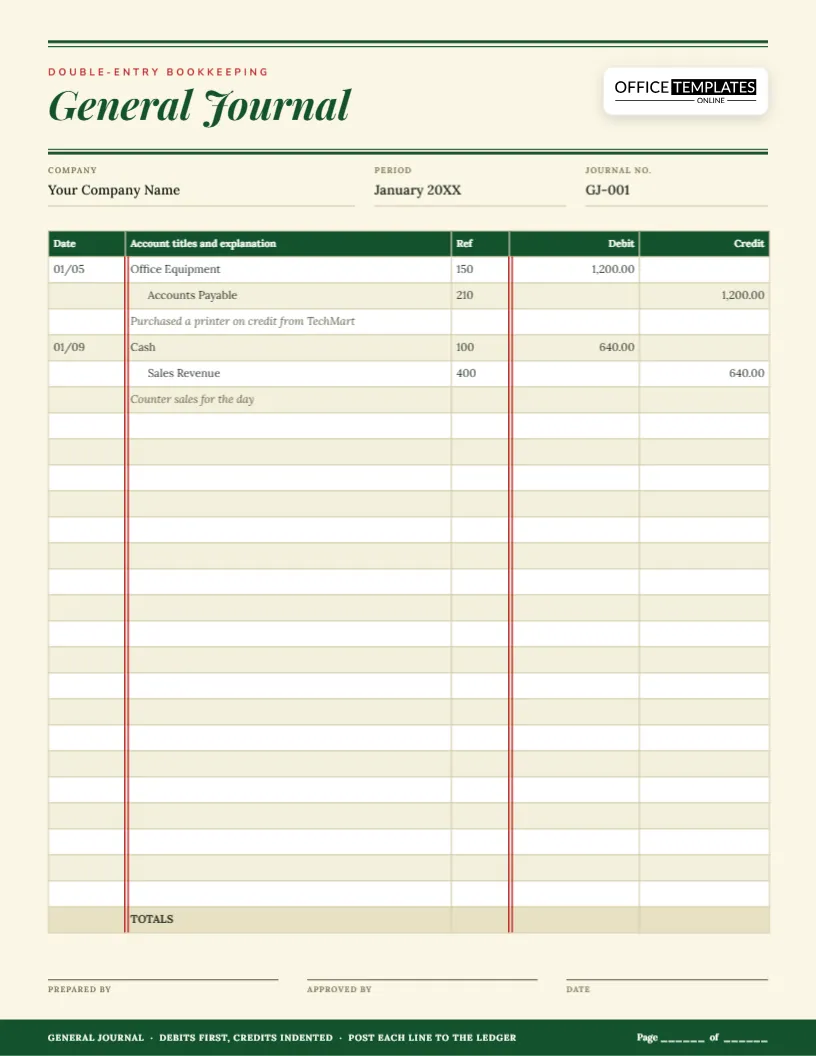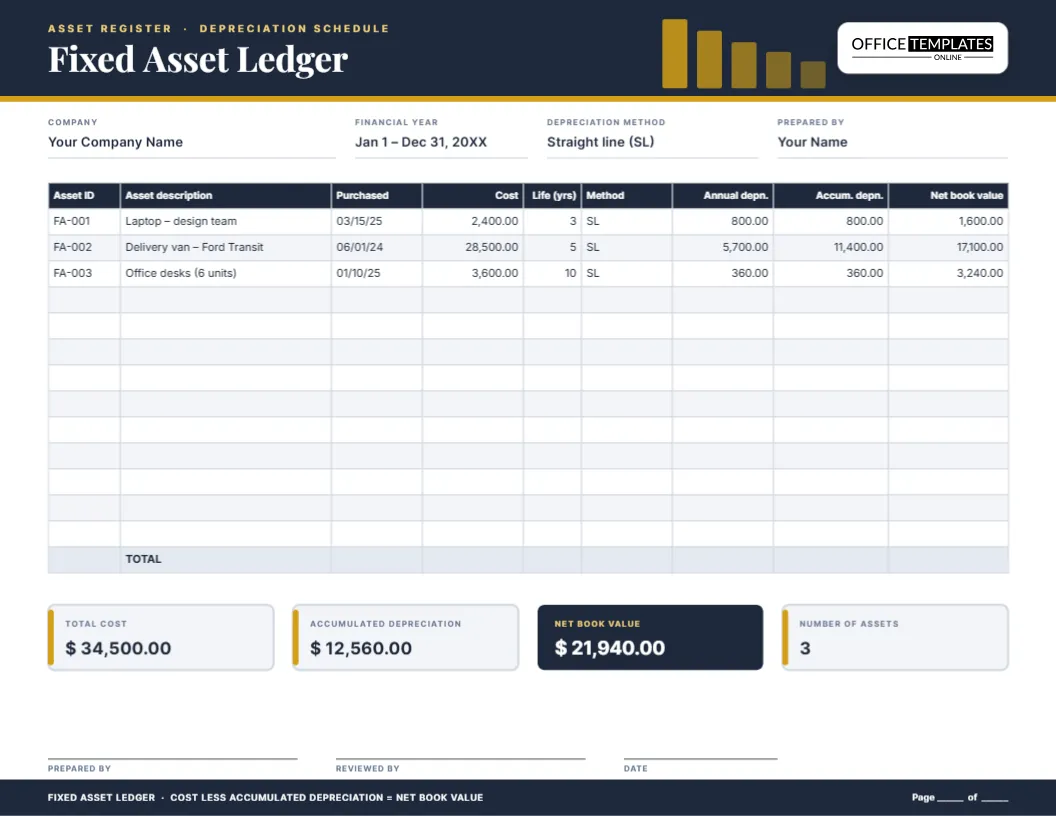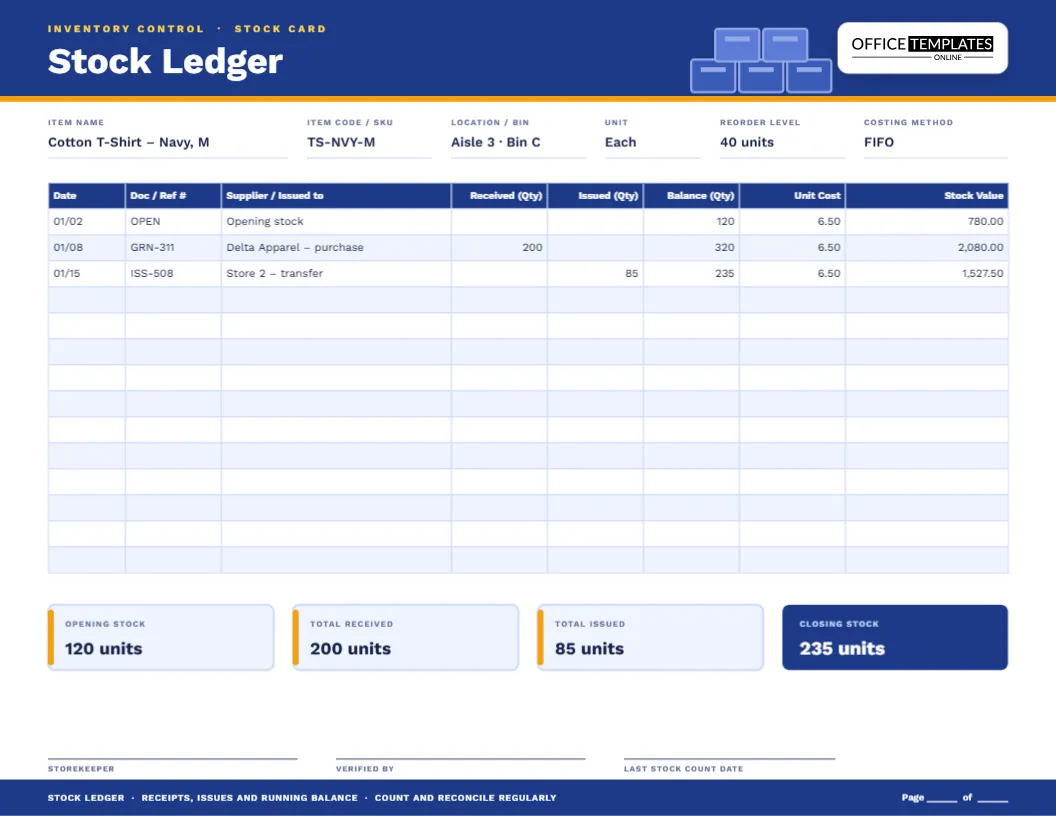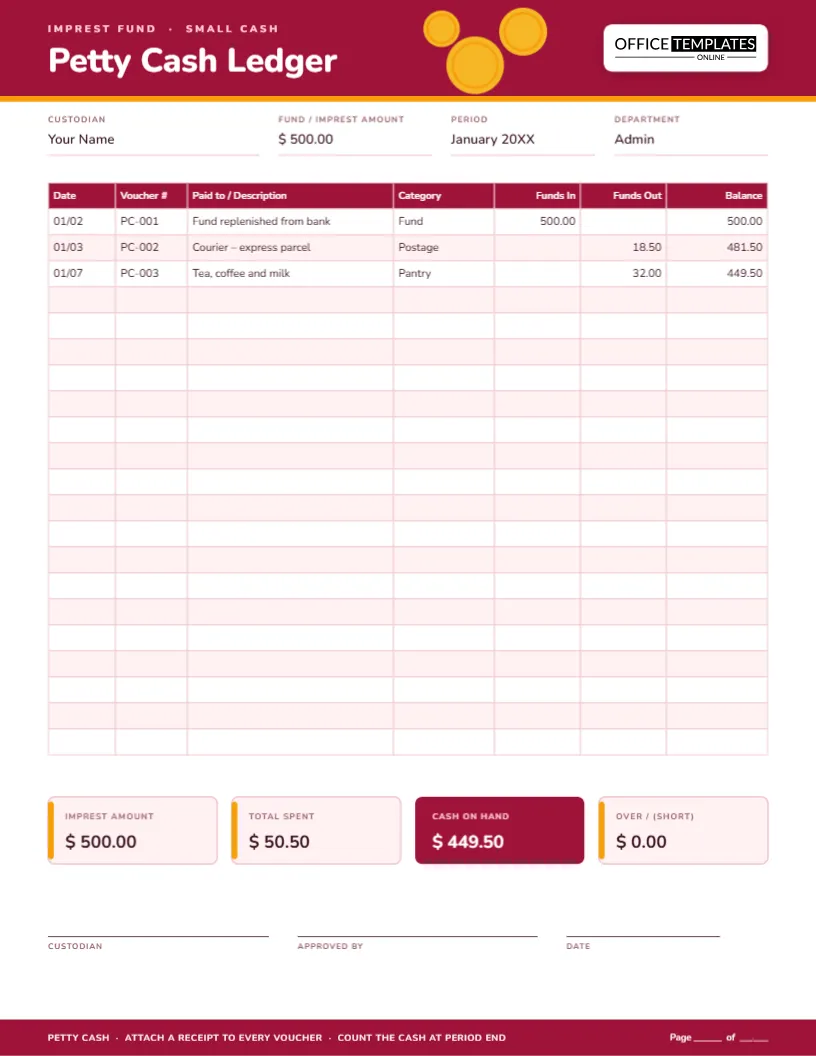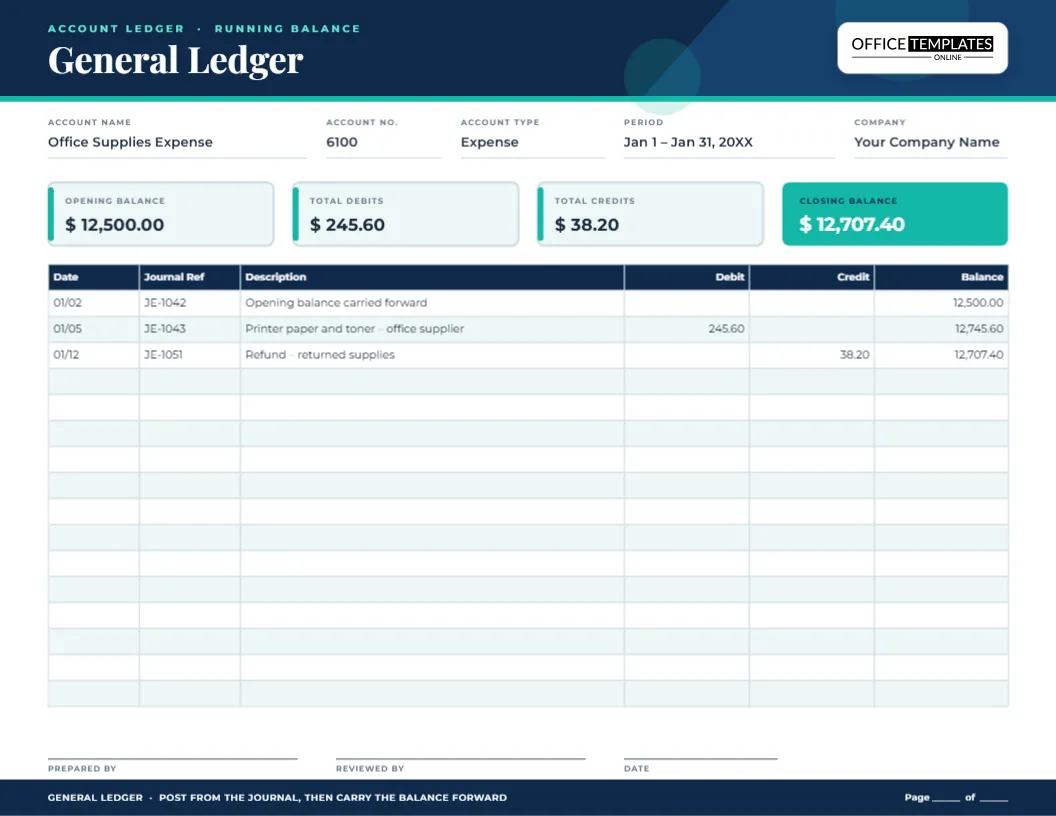
Open almost any accounting file and you will find a general ledger at the centre of it. Every sale, bill, payment and adjustment ends up there, sorted by account. The problem is that most ledger sheets are plain grids: you fill them in, and at the end of the month you still have to hunt for the opening figure, add up the columns and work out where you stand. This general ledger template with a running balance puts the answer at the top of the page. Four summary tiles show the opening balance, total debits, total credits and closing balance, and the table below keeps a balance after every line.
What a single ledger page is meant to do
A general ledger holds one page, or one set of pages, for each account in your chart of accounts: cash, accounts receivable, rent expense, sales revenue and so on. Each page answers three questions. What was the balance when the period began? What was added and taken away? What is the balance now? This template is built around exactly those three questions, so a manager, a bookkeeper or an auditor can read one page in half a minute.
The header fields, one by one
Across the top, under the navy band, five labelled fields sit on hairline rules.
- Account name is the title of the account, for example Office Supplies Expense.
- Account no. is the number from your chart of accounts, such as 6100.
- Account type tells the reader whether it is an asset, liability, equity, revenue or expense account, which decides whether a debit increases or decreases it.
- Period records the dates the page covers.
- Company names the business, useful when pages are printed and filed.
The four summary tiles
Below the fields are four rounded tiles. The first three are pale, and the closing balance is filled in teal so the eye lands on it first. Type the opening balance when you start the page. At the end of the period, add the debit column and the credit column, enter those totals, and confirm that opening balance plus or minus the movement equals the closing balance. If your closing tile does not agree with the last line of the table, you have found an error before anyone else has.
How the ledger table works
The table has six columns: Date, Journal Ref, Description, Debit, Credit and Balance. The Journal Ref column ties each line back to the journal entry it was posted from, which is what makes the ledger auditable. Description holds a short note that would still make sense to someone reading it a year later. The last column carries the running balance, so you never have to add up a long list to know where the account stands.
The table is a real editor table, so you can add rows when a busy account needs more space, delete blank rows to make room for a bigger header, or change a column width if your descriptions are long.
A worked example you can follow
The sample rows show an expense account that started the month at 12,500.00.
- On 01/02 the opening balance is carried forward, so the running balance is 12,500.00.
- On 01/05 paper and toner are bought for 245.60. An expense increases with a debit, so the balance becomes 12,745.60.
- On 01/12 some supplies are returned and 38.20 is credited, so the balance falls to 12,707.40.
Those three figures match the tiles at the top: opening 12,500.00, debits 245.60, credits 38.20 and closing 12,707.40. Replace the sample lines with your own, or delete them, as you like.
Which way does the balance move?
The running balance formula depends on the type of account, and it is worth writing on the page if several people share the ledger.
- Assets and expenses normally carry a debit balance: debits add, credits subtract.
- Liabilities, equity and revenue normally carry a credit balance: credits add, debits subtract.
For a liability or revenue account you would simply reverse the sign of the formula in the balance column, and the closing tile would show a credit balance.
A month-end routine that takes twenty minutes
- Post every journal entry for the period to the right account page.
- Check that each line has a date, a reference and a clear description.
- Total the debit and credit columns and fill in the summary tiles.
- Confirm that the running balance on the last line equals the closing tile.
- Sign in the prepared by box and pass the page for review.
- Carry the closing balance to the top of next month’s page as the opening balance.
Why landscape suits a general ledger
Ledger descriptions are the part people shorten and regret. A landscape page gives the description column about four inches, so you can write what a payment was for and who received it. The page is US Letter turned on its side, 11 by 8.5 inches, and it fits a standard binder when punched on the short edge. If you file digitally, the same page reads well on a widescreen monitor without scrolling sideways.
Customizing the page
- Click the account name and type the account you are keeping.
- Update the account number, type, period and company name.
- Edit the four tiles with your own opening figures.
- Click into the table and replace or delete the sample lines.
- Change the navy and teal colours from the toolbar if you want the page to match your brand.
- Download the page as a PDF, PNG or JPG.
Printing and filing
Print at 100 percent on standard Letter paper, landscape orientation, and use 20 lb or heavier stock if you write by hand. The footer strip includes a page number line, so you can number pages when an account runs over more than one sheet. Keep the printed pages in account-number order in a binder, and keep the file name consistent, such as 6100-office-supplies-2026-01, so the digital copies are as easy to find as the paper ones.
Ledger questions, answered
Can I use this for a personal or household ledger?
Yes. Use one page per account, such as Groceries or Utilities, and treat the debit and credit columns as money out and money in if that is easier.
Does the template calculate the balance for me?
No. It is a form to fill in, so you type the figures. That keeps it compatible with any printer and any accounting method.
Can I add a column for a tax code or cost centre?
Yes. Because the table is editable, you can add a column and adjust the widths of the others.
What if my account has hundreds of entries a month?
Duplicate the page and continue the balance, or keep the high-volume account in your accounting software and use this page for summaries.
A ledger page should tell you where you stand at a glance. Open the template, enter your opening balance and download a clear, professional general ledger sheet.