A Sparkling Gold Diamond for VIP Card Holders
A deep navy front with soft wave shapes carries a broad gold swoosh down the left edge and a thin gold frame. In the middle, a rounded diamond outline in gold catches two bright sparkles, and VIP CARD sits inside in bold white condensed capitals. MEMBER CARD sits at the lower right. The back is dark navy with a thin gold curve, an expiry line, an exclusive line, a gold business logo and a large name.
Diamond Front and Name Back
The card is 3.5 x 2 inches. The back stacks the expiry date, THIS CARD IS EXCLUSIVE TO XYZ COMPANY, the logo and NAME SURNAME in large white condensed capitals.
Company Name, Expiry and Member Name
Replace XYZ COMPANY with your business name and BUSINESS LOGO with your own logo. Set the expiry date in place of DD MM YYYY and type the member’s name. The exclusive line can also read Exclusive to members of XYZ Club if that sounds more natural.
Personalising the Diamond VIP Card
- Type your company name.
- Swap the logo.
- Set the expiry date.
- Type the member name.
- Add a member number.
Adding a Member Number
There is no number on this card. Add one under the name in gold, which helps staff look up the account and replace lost cards.
Gold Sparkles in Print
The sparkles are printed images, so they look flat on paper. Gloss card or a gloss laminate gives the diamond a little more shine.
Where the Design Fits
Navy and gold suit hotels, private banks, car dealerships and premium salons. Keep other colours out to protect the luxury look.
Large Names on the Back
The condensed font allows long names. Check that names with more than 20 letters still fit, and reduce the size slightly if they do not.
Presenting VIP Cards
Put each card in a small envelope or holder when you hand it over, which makes the VIP status feel real.
Tracking VIP Card Holders
Record each card with the holder’s name and expiry date.
Step by Step Editing of the Gold Vip Diamond Sparkle Design
- On the gold vip diamond sparkle design, click the main headline and type your own words, keeping a similar length.
- Retype every name, date and contact line on the gold vip diamond sparkle design, checking each against a trusted source.
- Search the gold vip diamond sparkle design for the words Lorem and Company so that no placeholder remains.
- Click any logo or photo on the gold vip diamond sparkle design, choose Replace Image and resize the new picture to fit.
- Zoom the gold vip diamond sparkle design to full size and read each line aloud before you save it.
- Keep a clean master of the gold vip diamond sparkle design without private details, so later versions start tidy.
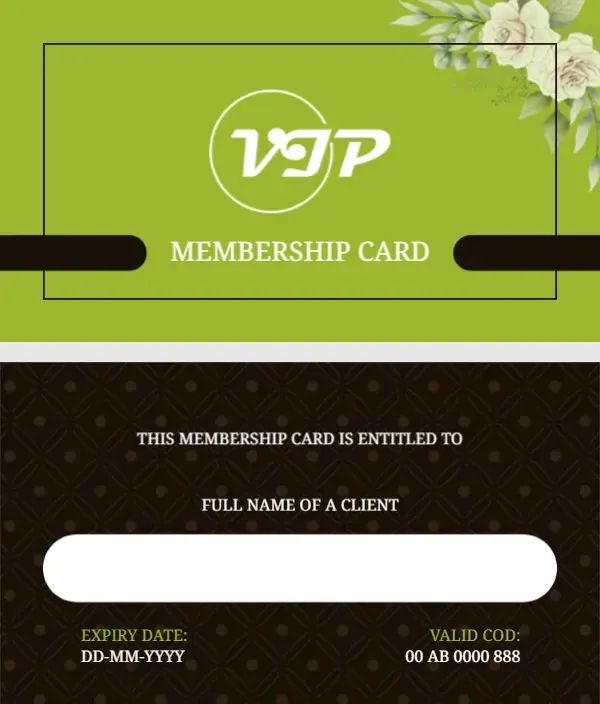
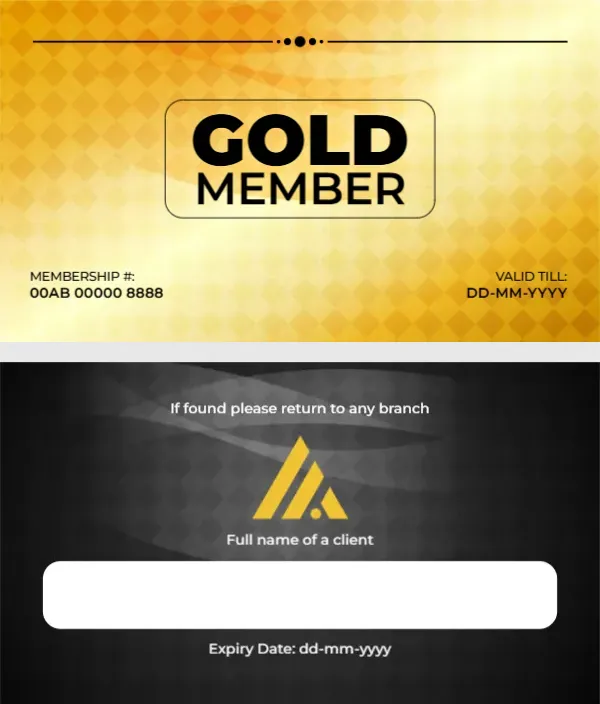
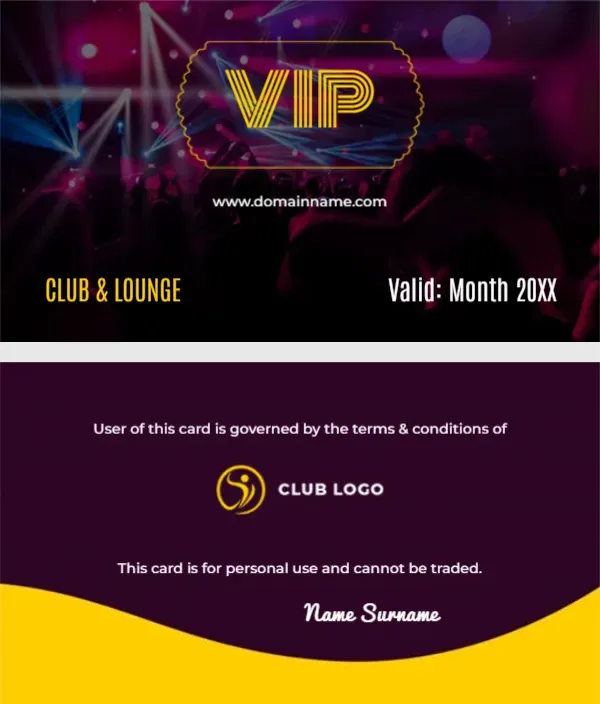
You may also like the VIP card with gold ribbons. For comparison, open the gold member card. Consider the green and gold VIP member card. Find more designs next to the gold vip diamond sparkle design in membership card templates.