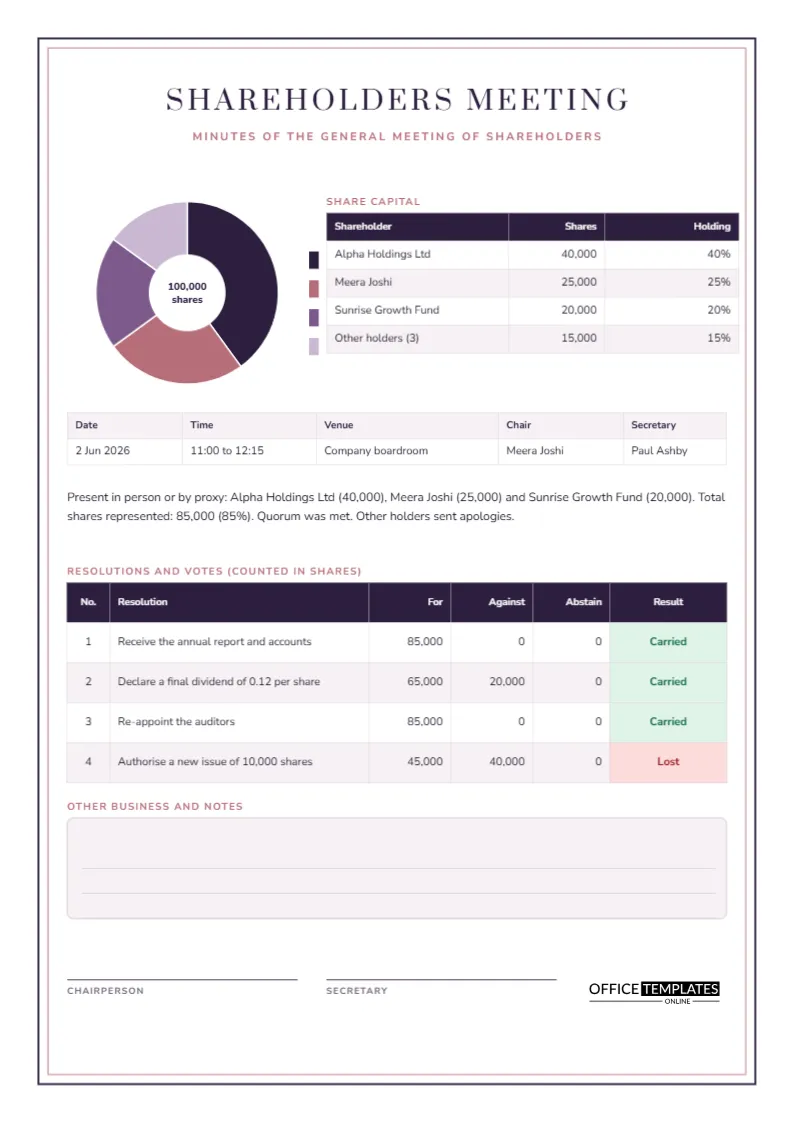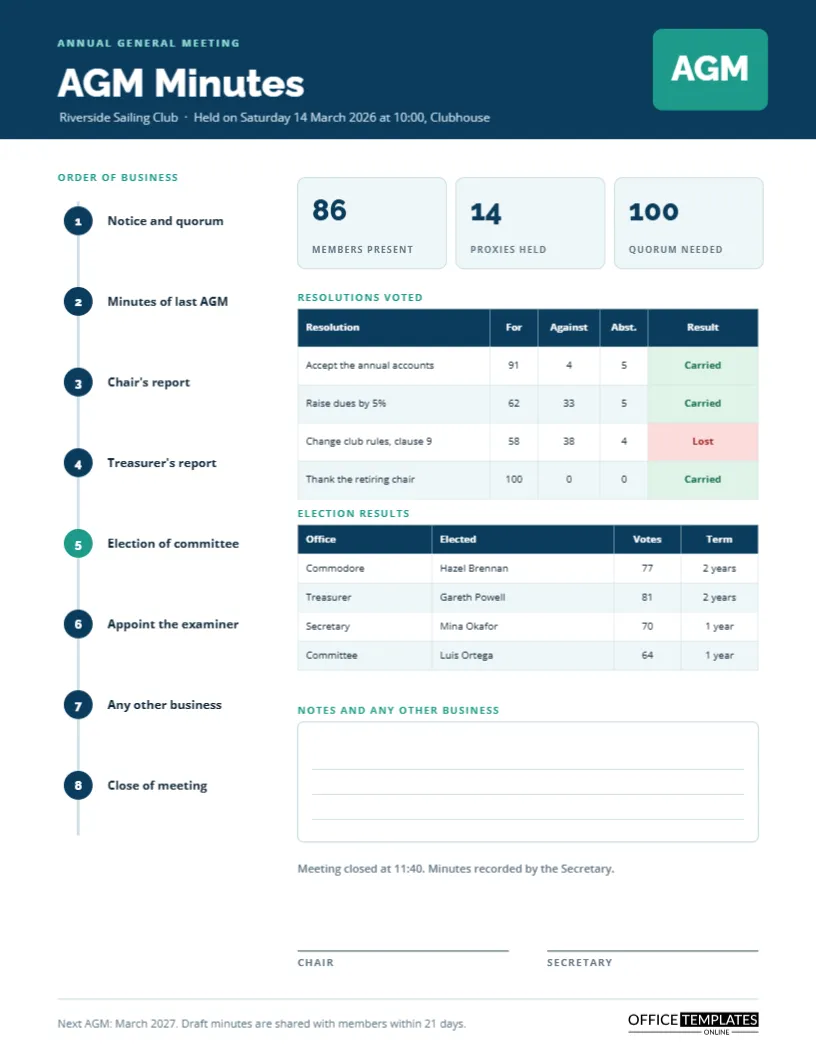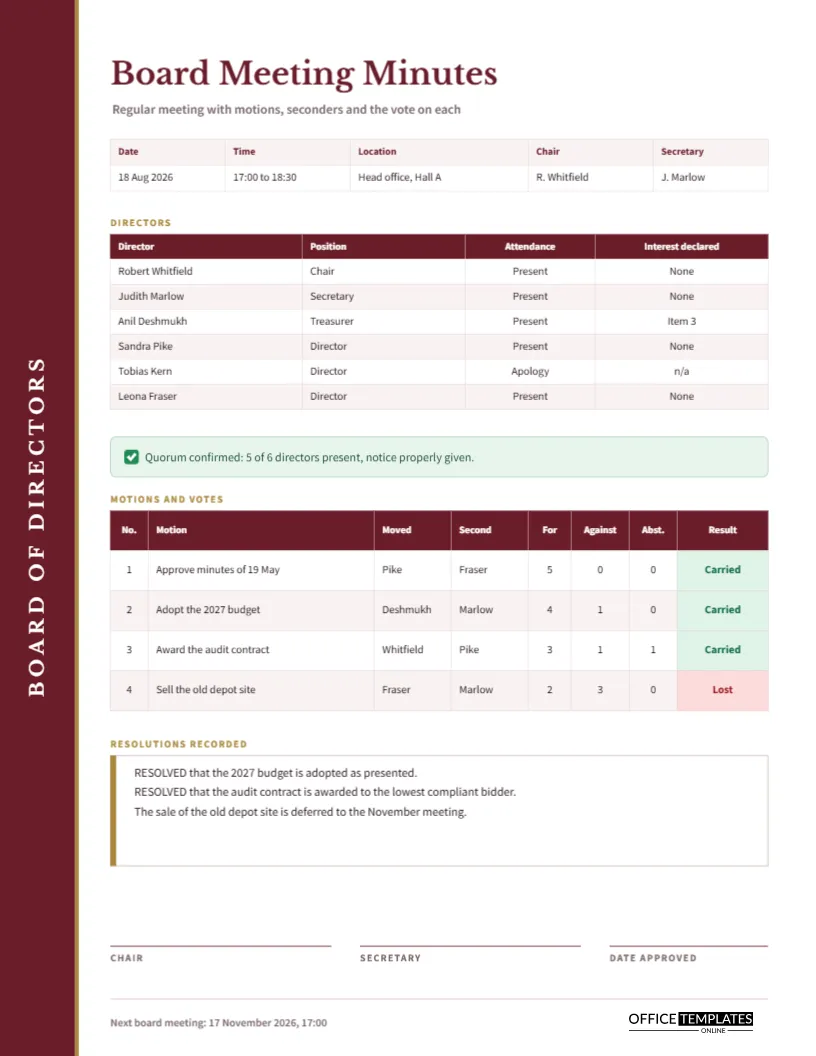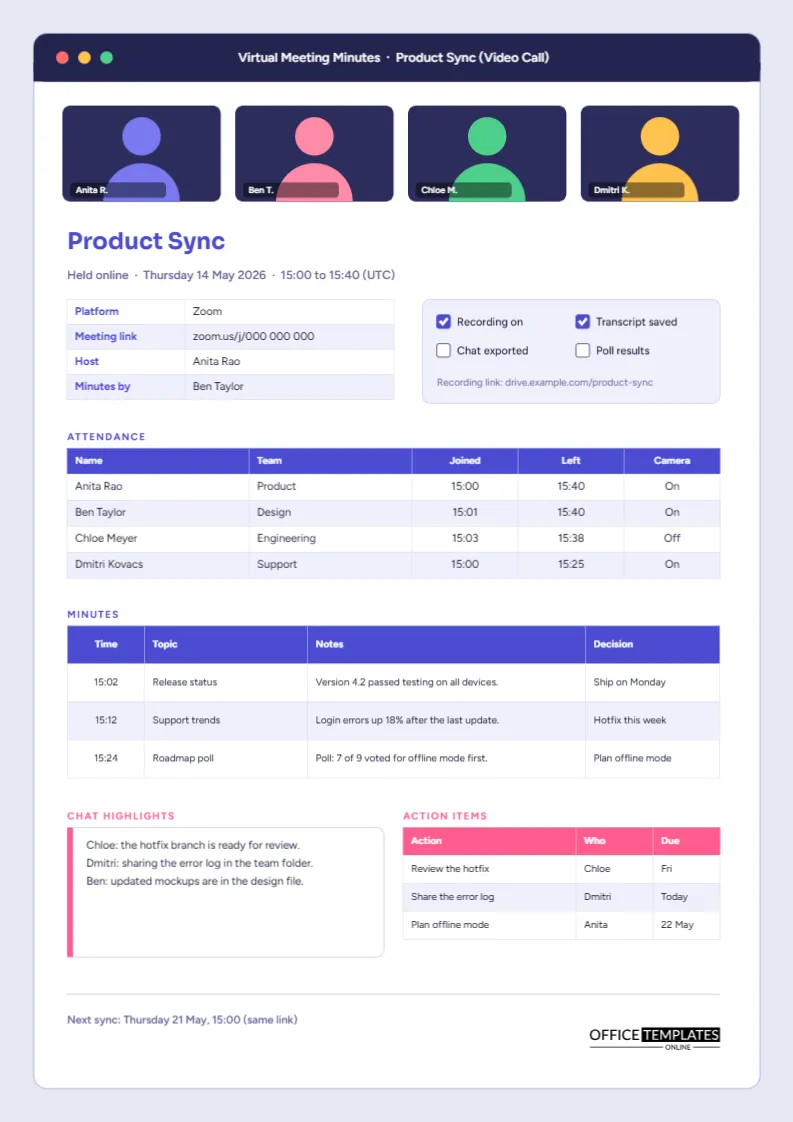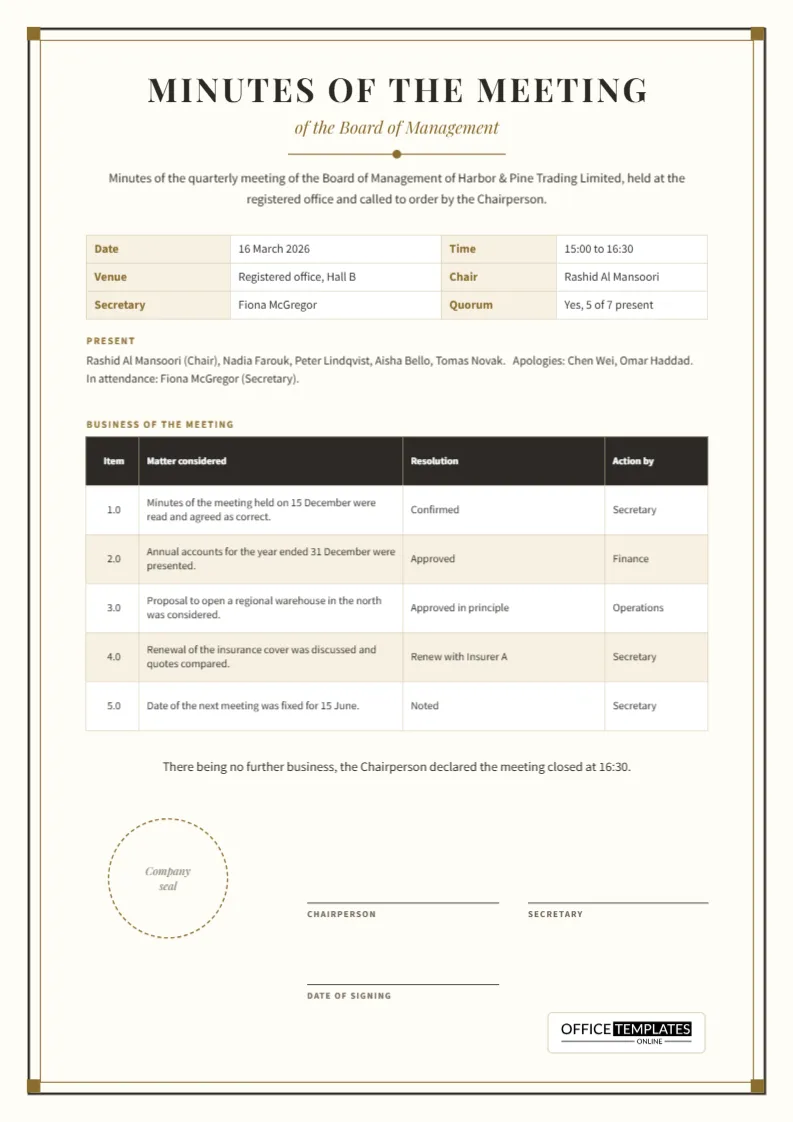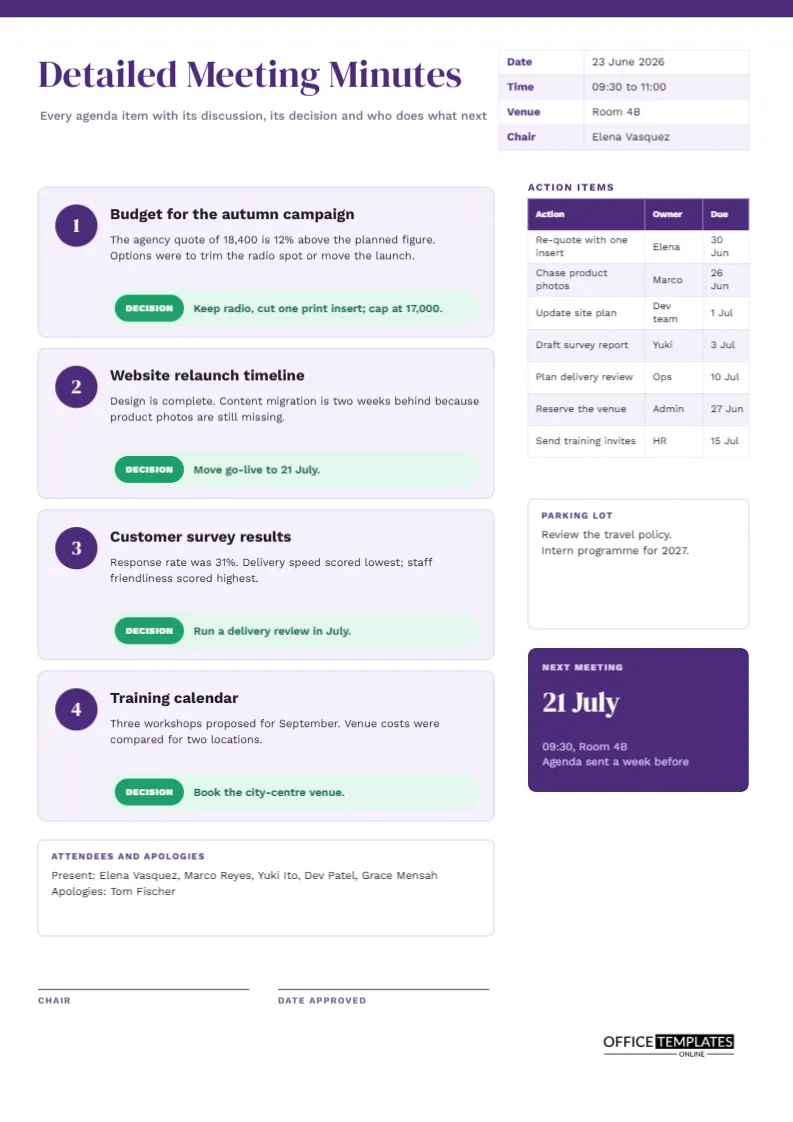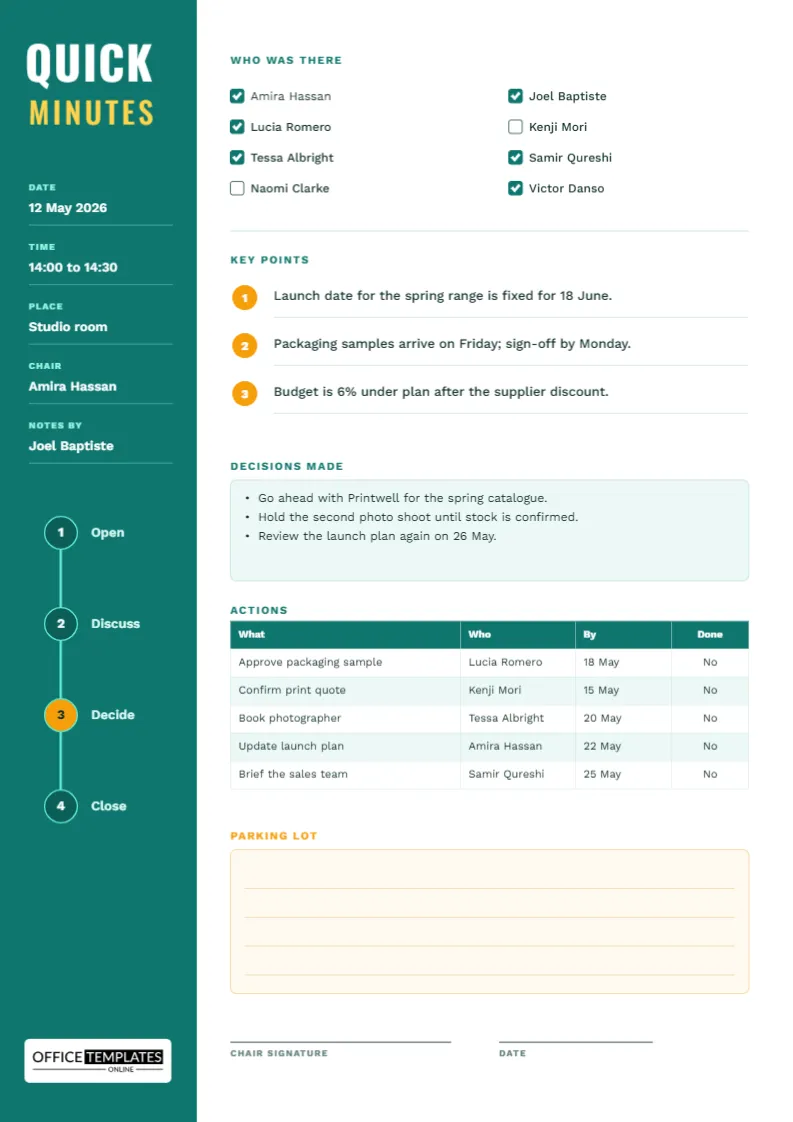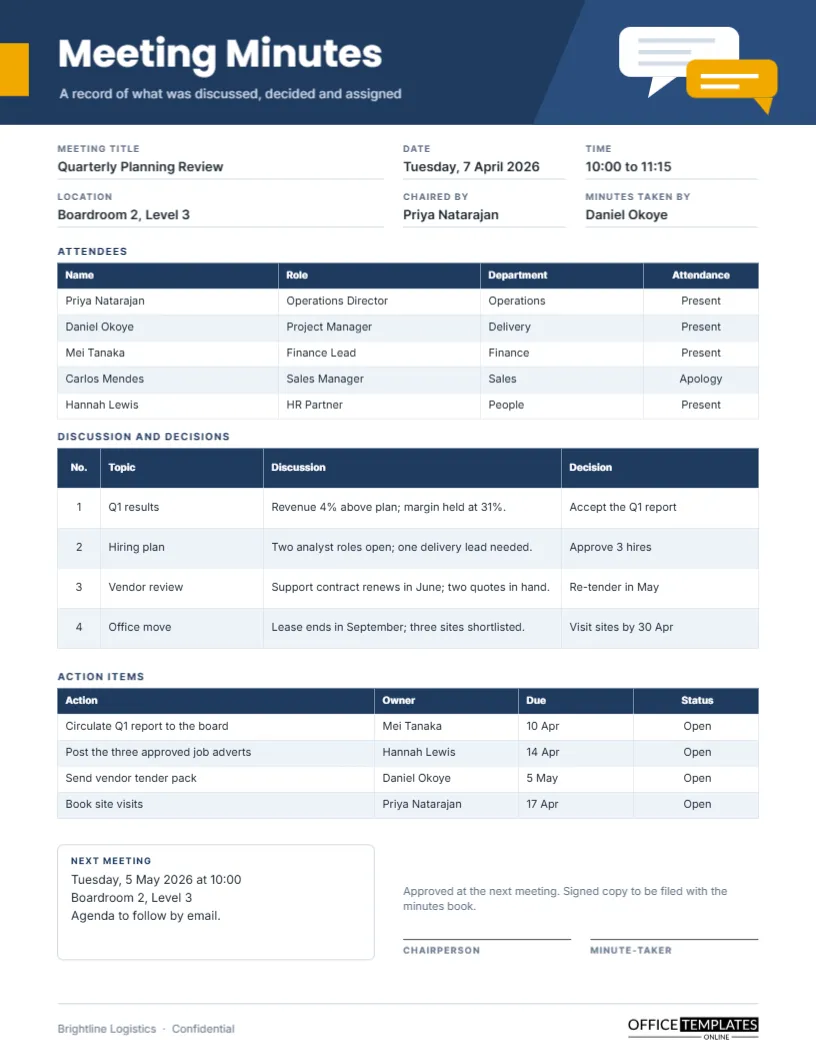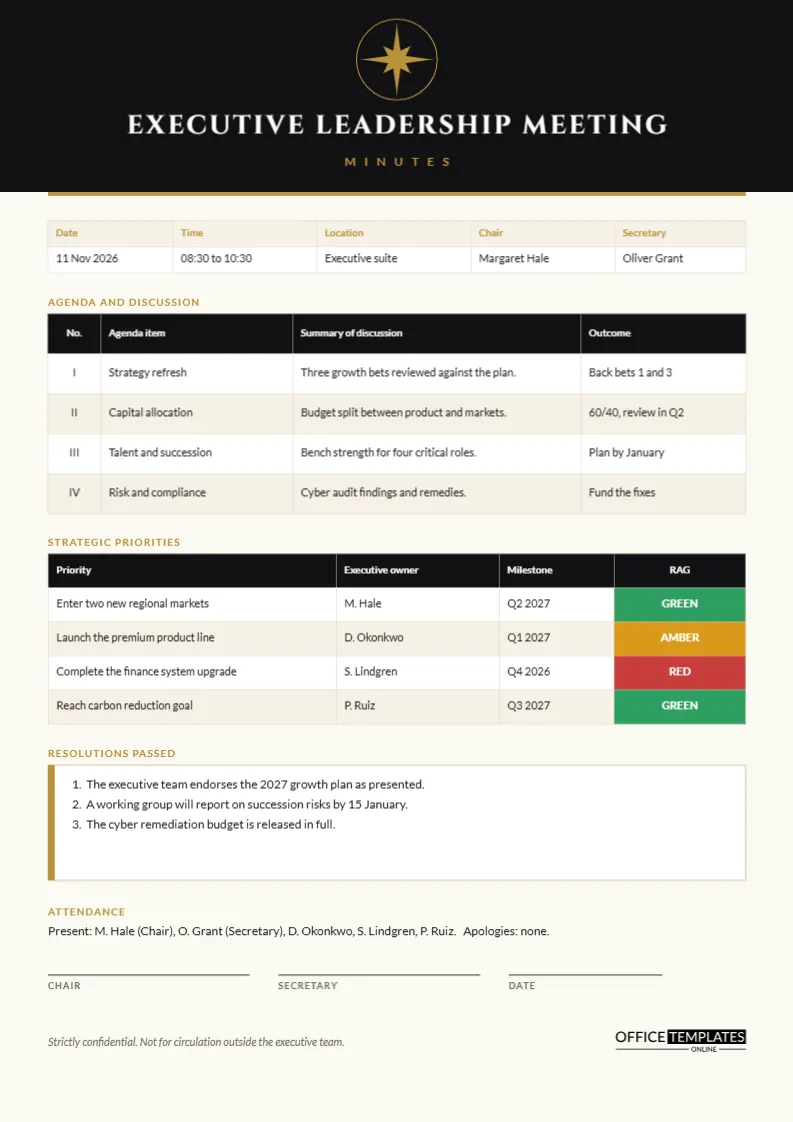
Picture the end of a long executive session. The chief executive has just agreed to back two of three growth bets, the finance chief wants the capital split recorded precisely, and the general counsel has asked that nothing leaves the room. Somebody has to capture all of it in a form that is brief, exact and discreet. That is the job this page does. It looks like the stationery of a serious boardroom, and it is organised to put decisions first.
A Black Header With a Gold Compass Star
The top fifth of the page is solid near-black. At its centre sits a small gold compass star inside a thin gold ring, a symbol of direction without any literal imagery. Beneath it, the title Executive Leadership Meeting is set in Cinzel capitals with wide spacing, and the word Minutes below it is spaced out in small gold letters. A gold rule closes the header. The paper itself is a warm off-white, which softens the contrast and suggests quality stock.
The Details Strip in Gold Labels
Five columns record date, time, location, chair, and secretary, with the labels in gold on a tinted band. The sample shows 11 November 2026 in the executive suite. Because executive minutes often travel to a board, correct names and dates matter more here than on a routine team page.
Why Roman Numerals for the Agenda?
The agenda table numbers its items I to IV, a long-standing convention for formal papers. It makes cross-references unambiguous, since item III cannot be confused with a decimal or a page number. Each row records the agenda item, a summary of discussion, and an outcome. The sample covers strategy, capital allocation, talent and succession, and risk.
Strategic Priorities and the RAG Column
The second table lists four strategic priorities with the executive owner, a milestone, and a status cell in solid colour: green, amber or red. RAG is shorthand for red, amber, green, and executives scan it faster than text. The sample shows two green priorities, one amber and one red. When red appears, the discussion should answer one question, which is what would turn it amber.
| RAG status | Plain meaning | What the minutes should record |
|---|---|---|
| Green | On course | Nothing more than the milestone date |
| Amber | At risk | The cause and the planned remedy |
| Red | Off course | The cause, the owner and the recovery date |
Recording Resolutions Passed
A white panel with a gold left edge holds three numbered resolutions. They are written as complete sentences: the executive team endorses the growth plan, a working group reports by 15 January, the remediation budget is released in full. A good resolution can stand alone if the rest of the page is removed.
Attendance in One Line
Instead of a table, executive minutes often use a single line: present, apologies, and in attendance. The page gives this its own small label above the line. It keeps the page compact and leaves room for the resolutions, which matter more than a roll call at this level.
A Confidentiality Checklist Before You Circulate
The footer of the page states that the minutes are strictly confidential. Before sending any copy, run through a short checklist.
- Confirm the distribution list with the chair.
- Remove commercially sensitive figures that the recipients do not need.
- Check that no personal data about staff appears beyond what is necessary.
- Send by a secure channel, not by open messaging.
- Number printed copies and record who holds each one.
Writing Agenda Summaries at Executive Level
Senior readers want the point first. A summary of discussion in this table should state the conclusion of the debate in one short sentence, not the debate itself. Strategy refresh, for example, becomes three growth bets reviewed against the plan, followed by an outcome of backing bets one and three. If the group split, record the split in a few words and leave the arguments out. Detailed reasoning belongs in the supporting paper, which the minutes can name.
Dealing With Dissent in the Record
Occasionally an executive disagrees strongly with a decision. Most governance guidance suggests recording the fact of the disagreement neutrally, for example, Ms Okonkwo asked that her reservation about timing be noted. This keeps the record honest without turning it into a transcript. If your organisation has a policy on recording dissent, follow it and ask the secretary to check the wording with the person concerned.
Signatures and Dating
Three signature lines labelled Chair, Secretary and Date sit above the footer. Many executive teams approve minutes at the next meeting, so date the signature on the day it is actually signed. Keep the signed original with the secretary and circulate a copy.
Editing the Header Without Losing the Look
The compass star is built from a polygon and a ring, so you can recolour it or replace it with your own mark. Retype the title if your group has another name, such as Senior Leadership Team. Keep the gold accent consistent across the star, the rules and the table labels so the page stays unified.
Using the Minutes to Prepare the Next Session
The best executive minutes do double duty. When the secretary sends the page, the chair can also read down the priorities table and decide which items to put on the next agenda. Red items almost always earn a slot, amber ones deserve a progress note, and green ones can be left unless something changes. Used this way, the page becomes the starting point for the next meeting, not just the record of the last one, and the cycle of review stays tight.
Print Notes for Heavy Paper
This is the kind of page that benefits from heavier stock. Use 100 gram or thicker paper on A4, and print the header block in full colour. If you print on a standard laser printer, a slight margin is normal, so leave the default scaling alone.
Short Answers About the Executive Page
Is the star required?
No. Delete it and centre the title if you prefer a plainer header.
Can I add a fifth priority?
Yes. Add a row to the priorities table through Edit Table Data and the Add Row button, and shorten the resolutions box slightly.