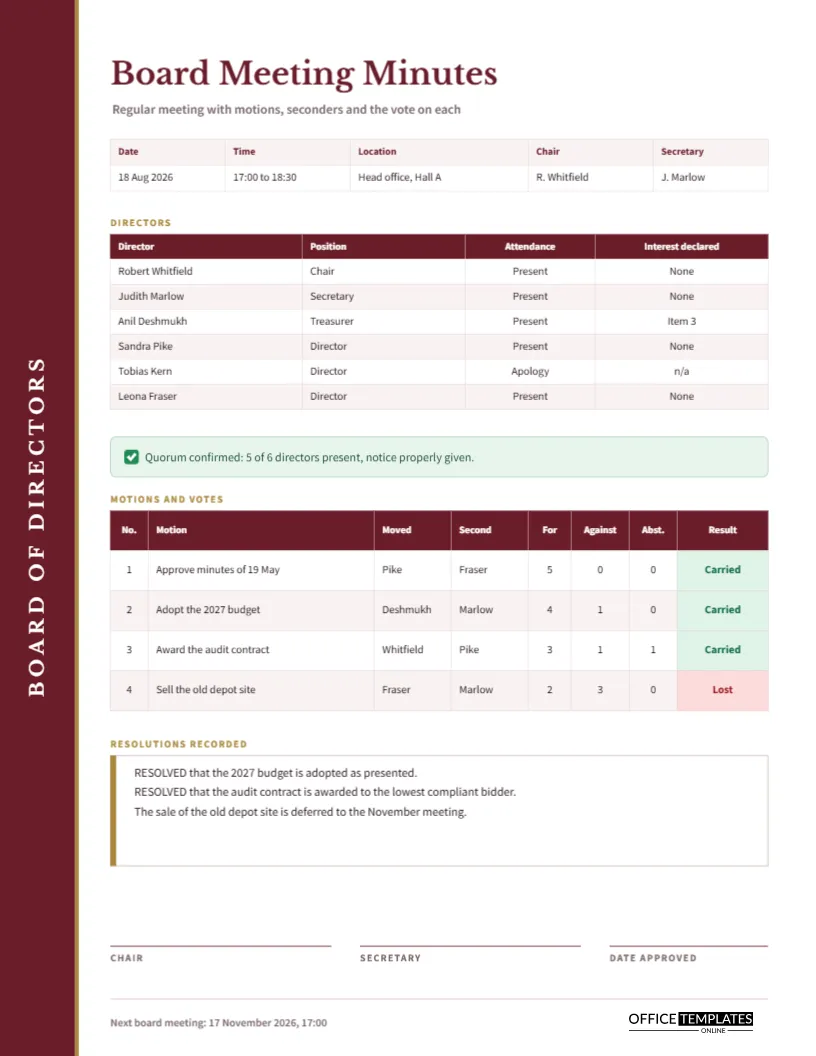
Board minutes carry more weight than almost any other meeting record. They show that directors met properly, that decisions were taken by the right people in the right way, and that conflicts of interest were declared. This template is laid out around that purpose. A burgundy strip runs down the left edge of a US Letter page, and everything to its right is arranged so the motions and votes stand out.
Spec Sheet for the Board Minutes Page
| Feature | Detail |
|---|---|
| Page | US Letter portrait, 8.5 by 11 inches |
| Side strip | Full-height burgundy band with a gold edge and rotated capitals reading Board of Directors |
| Fonts | Libre Baskerville for headings, Source Sans Pro for the working text |
| Tables | Director roll, and a motions and votes table with eight columns |
| Extras | Quorum banner, resolutions panel, three signature lines |
Designer’s Notes on the Burgundy Strip
The strip is a deliberate break from the usual horizontal header. Rotating the words Board of Directors up the left edge gives the page an almost bookbinding feel, like the spine of a minute book on a shelf. A fine gold line separates the strip from the paper. Burgundy is a traditional boardroom colour, and combined with the Baskerville title, it gives the page a settled, authoritative look without any decoration that could distract.
Recording the Director Roll
The first table lists each director with position, attendance, and whether an interest was declared. The sample shows six directors, one apology, and one declared interest in item three. Recording interests in the same table as attendance keeps the two key governance facts together, and it prompts the chair to ask about conflicts at the start of the meeting, which is where the question belongs.
The Quorum Banner
A green banner beneath the roll reads that quorum is confirmed, five of six directors present, notice properly given. Quorum is the first thing a challenger checks, so it deserves a banner of its own. If your board lacked a quorum for any part of the meeting, replace the tick with a note saying when and why, and record which items were deferred.
How the Motion Table Works
Each row of the motions table follows the lifecycle of one motion. The eight columns are number, motion, moved, second, for, against, abstentions, and result. In the sample, the audit contract passes three votes to one with one abstention, and the proposal to sell the old depot is lost two to three.
The Five Steps of a Motion
- A director moves the motion.
- Another director seconds it.
- The chair opens discussion.
- Directors vote for, against, or abstain.
- The secretary records the count and the result.
Each step maps to a column, so a secretary who follows the sequence will have the row filled in by the time the vote ends.
Reading the Vote Counts
Votes are shown as plain numbers, and the result cell is coloured: green for Carried, red for Lost. Totals should add up to the number of directors who voted. In row three of the sample, three for, one against and one abstention make five, which matches the five directors present. A quick check of that arithmetic catches most recording errors before they are signed.
Resolutions Recorded in Full
Below the table, a white panel with a gold edge records the wording of resolutions that need to be on file. The sample uses the traditional word RESOLVED followed by a complete statement. Add only resolutions that matter beyond the meeting, such as budget approval and contracts awarded. For motions that failed or were deferred, a plain sentence is enough.
Signing Off and Scheduling the Next Board Meeting
Three lines at the foot of the page carry Chair, Secretary, and Date approved. A footer line gives the next board meeting date. Approval often takes place at the following meeting, so the date approved can be weeks after the meeting itself, which is normal.
Adapting the Page to Your Board
Change the director names, positions, and the company details in the footer, and retype the motions. If your board has nine directors, add rows to the roll through Edit Table Data and the Add Row button, then shorten the resolutions panel to keep everything on one page. The rotated title on the strip is a text box that can be edited like any other.
Notes on Governance Practice
This template provides a layout, not legal advice. Requirements for notice, quorum and voting thresholds come from your constitution, articles or local law, so check them before you rely on any record. Where something unusual happens, such as a vote by written resolution, say so in the minutes.
Declaring Interests Before the Board Votes
A director who has a personal or financial interest in an item should say so before discussion begins. The sample page makes room for this in the roll, where the interest declared column shows Item 3 against the treasurer. The minutes should then record whether that director left the room, stayed without voting, or was allowed to vote under the rules. Writing the answer down protects the director as much as the company, because it shows the issue was handled openly.
What to Leave Out of Board Minutes
Minutes are a record of decisions, not a diary of the evening. Leave out jokes, side conversations, personal criticism, and speculation. Do not paste long extracts from papers that the board has already received; refer to them by title and date instead. If a debate was heated, note the outcome and the main considerations in a neutral sentence. Lawyers often say that minutes should be accurate enough to defend the board and brief enough to be read, and the fixed size of the tables on this page keeps both aims in view.
Printing the Burgundy Strip Page
The burgundy strip is a solid block and prints well in colour. For a black and white file copy, the strip becomes dark grey, and the table borders keep their structure. Print at actual size and avoid shrink-to-fit, which would slightly reduce the left margin.
Board Page Questions
Should minutes record every comment?
No. Record decisions, votes, declarations, and actions. Leave out who said what unless a director asks that their position be noted.
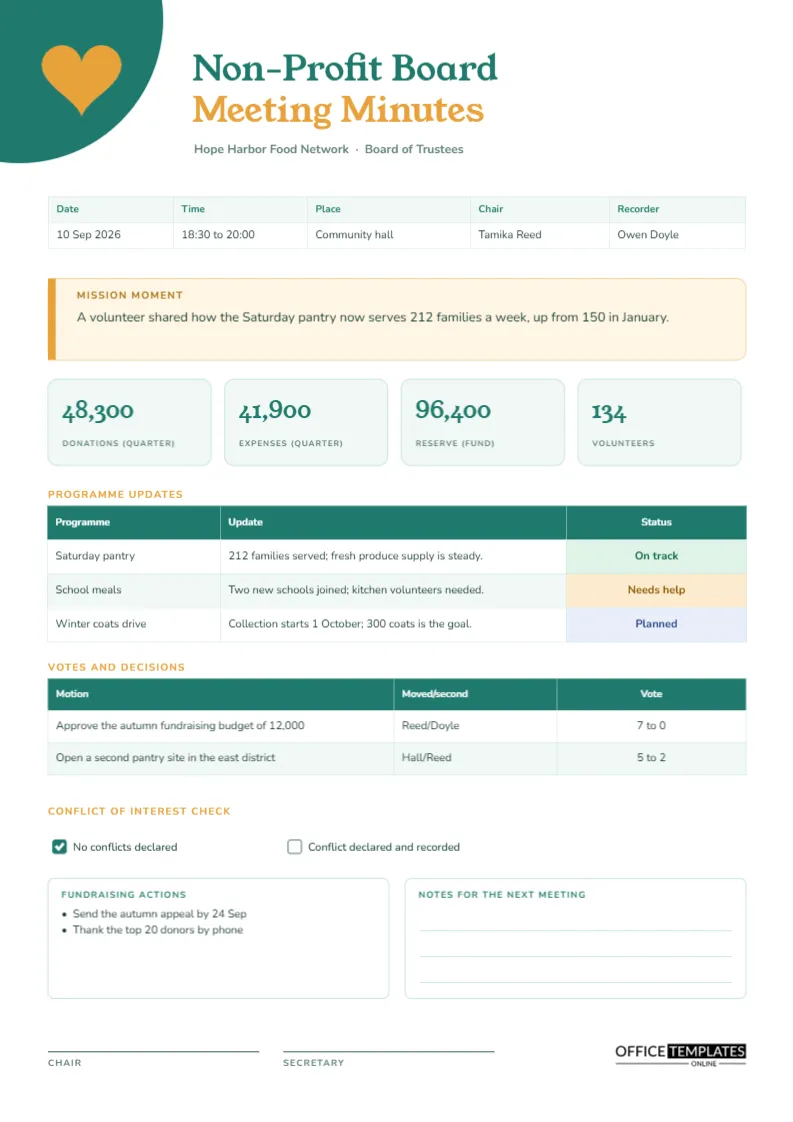
Can I use it for a non-profit board?
Yes, though the non-profit board template adds mission and finance sections.