Year Stamped, Winner Stamped
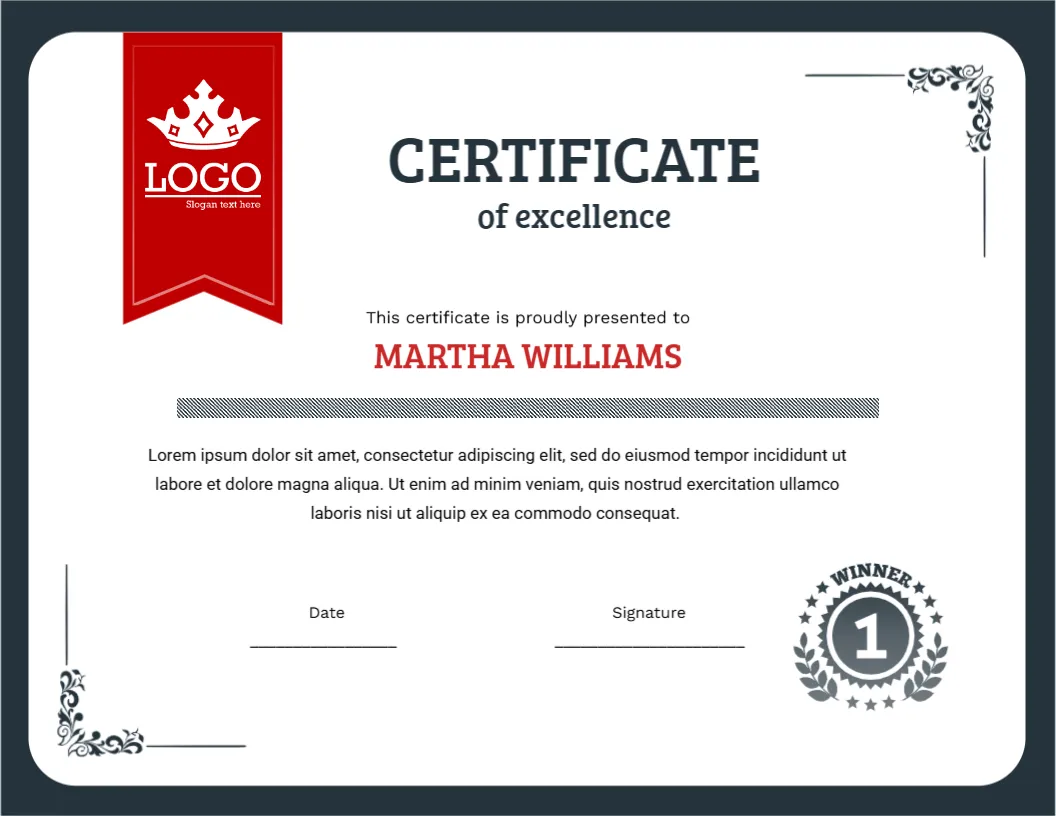
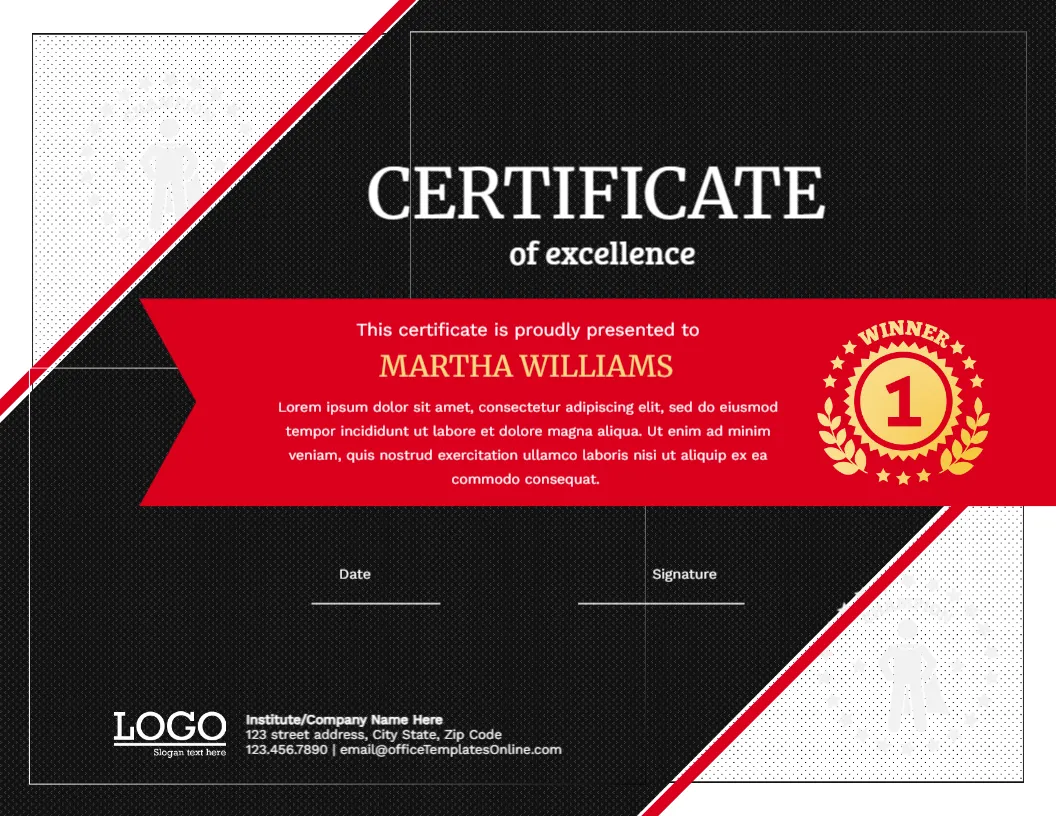
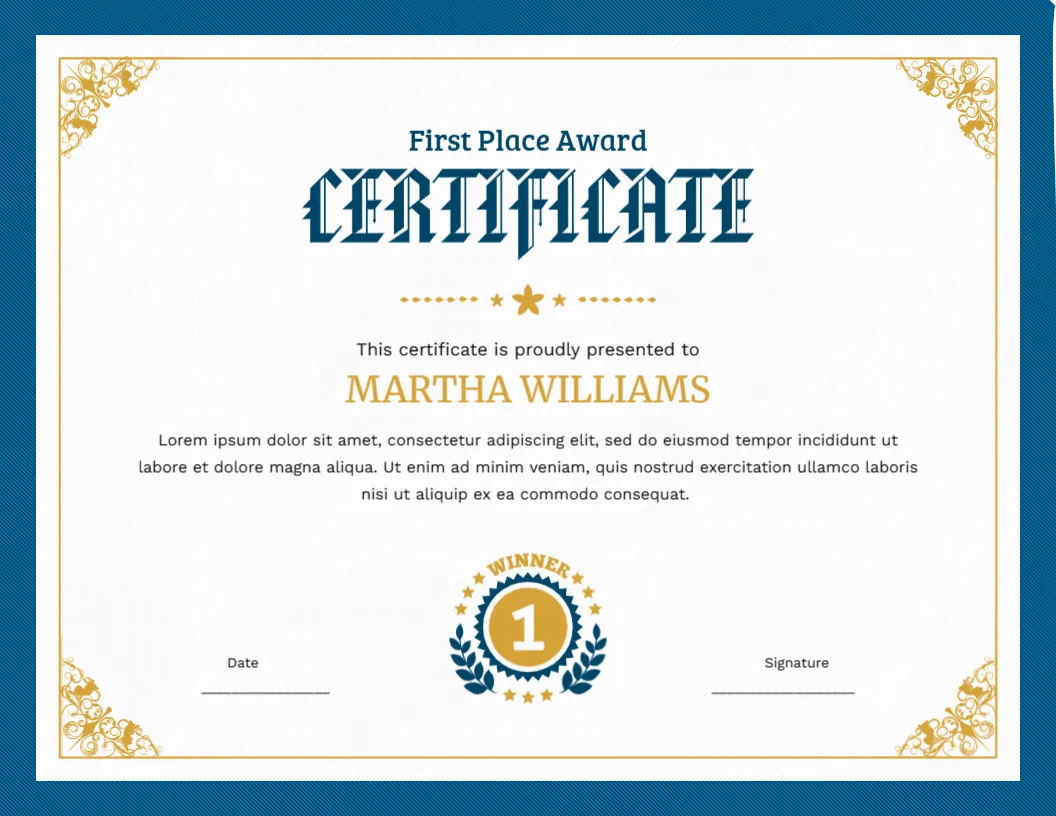
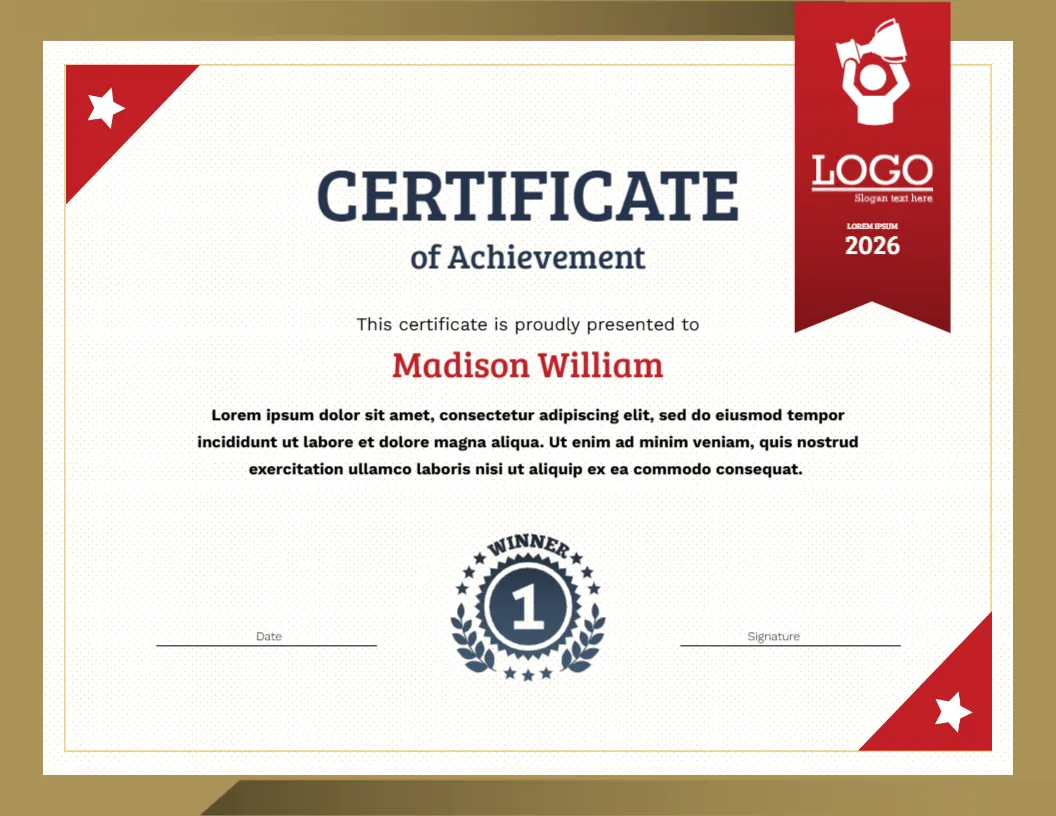
Many achievement certificates could be from any year. This one is not. A red ribbon hangs from the top right with a LOGO, a slogan and a bold year printed on it, and a round navy seal in the bottom centre carries a number 1 inside a laurel wreath, with the word WINNER arched over it. It is a certificate that says who, what and when at a glance.
Design in Detail
The certificate is Letter size landscape, 11 x 8.5 inches. A wide bronze and gold gradient border surrounds an off white inner panel with a faint dotted texture and a thin gold line. In the top left and bottom right corners, red triangles carry white stars. The ribbon at the top right is deep red with a swallow tail and holds a white icon of a person raising a trophy above the LOGO and the placeholder LOREM IPSUM 2026.
The title CERTIFICATE is set in heavy navy slab capitals, with of Achievement beneath in a lighter slab. The sample name, Madison William, is in red. A bold paragraph follows, then the navy winner seal, and Date and Signature lines on either side.
Updating the Year and Event
Click the ribbon text that reads LOREM IPSUM 2026 and replace it with the name of the event, for example SPRING SPELLING BEE, and the year on the line below. Do this before you print a batch, because the ribbon text is the first thing recipients and parents read. Next year, change only the year and reuse the file.
Examples of Achievements
| Setting | Wording for the paragraph |
|---|---|
| School | For outstanding results in the end of year mathematics challenge |
| Club | For winning the regional chess tournament in the under 14 category |
| Workplace | For completing the leadership programme with distinction |
| Community | For raising the most money in the charity fun run |
The Number One Seal
The seal says WINNER with a number 1, so it fits first place awards best. For runner up or participation certificates, choose a design with no number, or replace the seal with a different picture. If you give many levels, make a set from the same file by changing the seal.
Printing the Bronze Border
The border and the corner triangles reach the edge of the page. Use a print shop for borderless output, or choose Fit to page for a thin white margin. Use matte or parchment paper of 120 to 200 gsm. Keep a test copy to confirm that the bronze does not look muddy.
Making a Set With Different Ribbons
Many organisations give awards in several classes: junior, senior, open. You can keep one certificate design and change only the ribbon text for each class. That way, the winners at every level receive a certificate that looks like part of the same event. Print a small stack of each class and keep them in labelled folders on awards day.
If you present the awards on a stage, hand each winner the certificate with the seal facing the audience, because the red ribbon and winner seal photograph well.
For a similar achievement certificate in black and yellow, see the school achievement certificate. For a sports version, see the sports achievement certificate. More are in appreciation and award certificates.