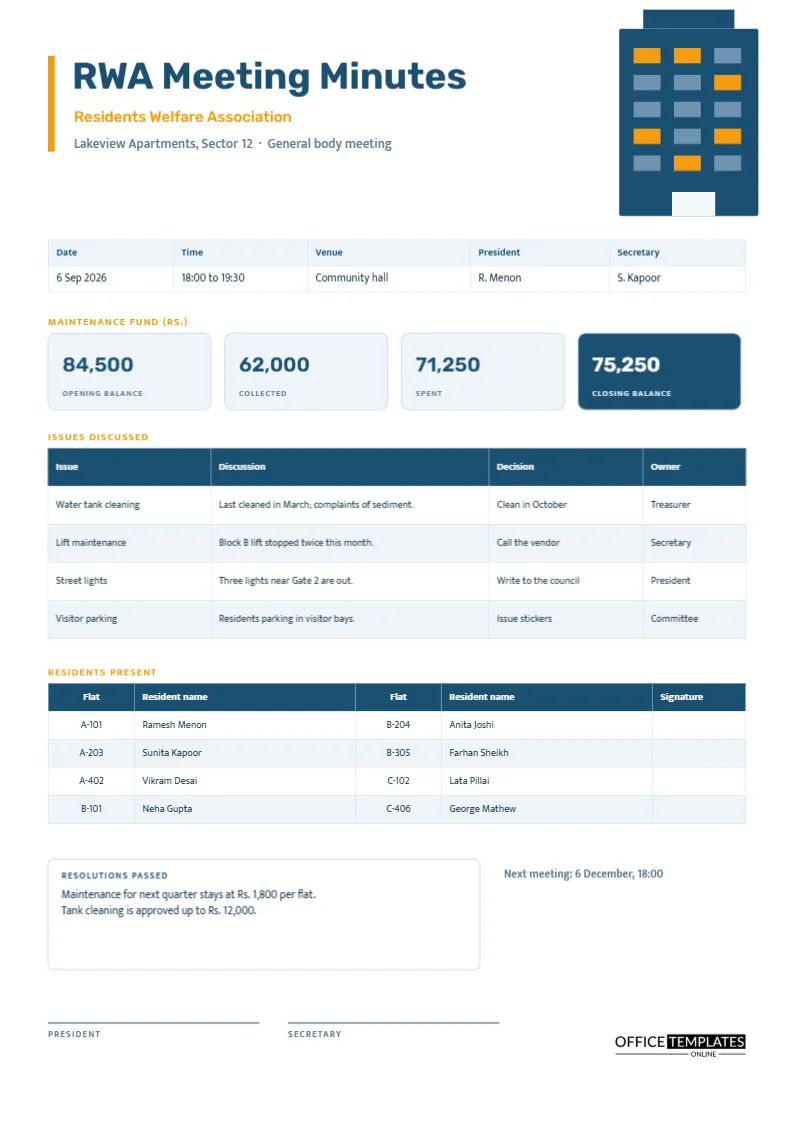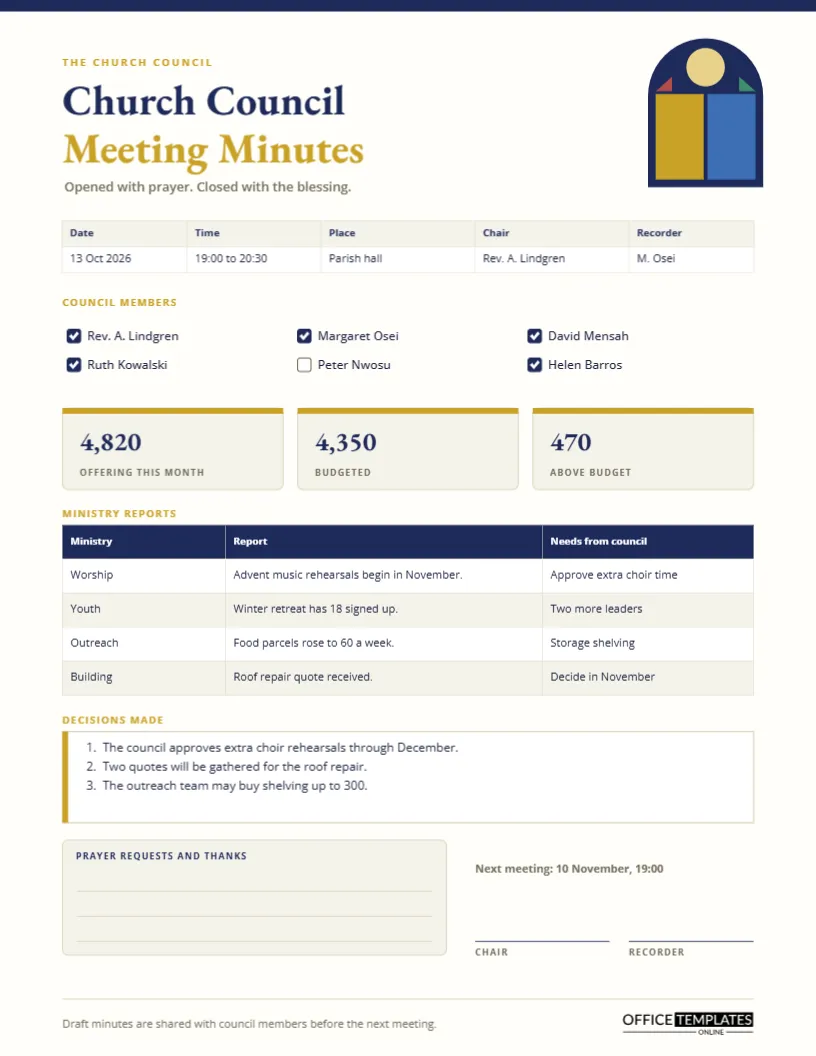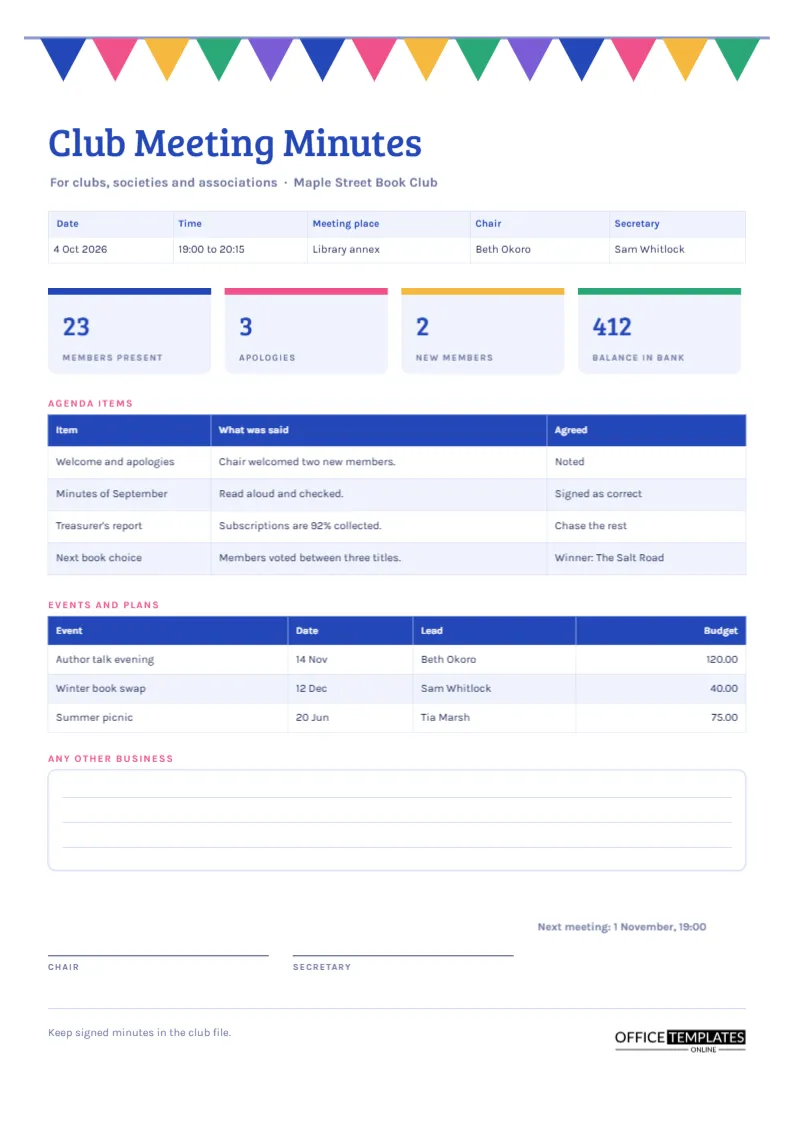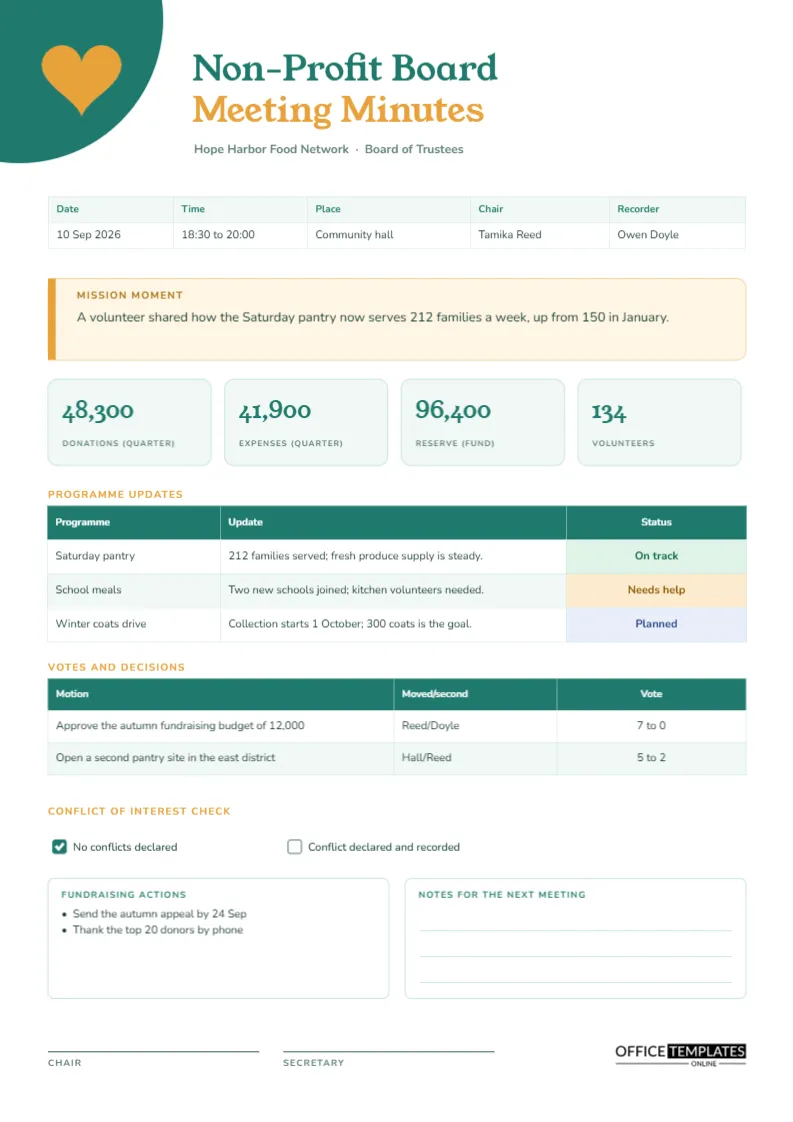
Few boards are watched as closely as a homeowners association. Every motion affects somebody’s property, every dues change affects every household, and every unclear decision can end up as a complaint or a dispute. The minutes are the board’s best protection. This page is designed for volunteer officers who have neighbourhood jobs, not legal training, and it gets the essentials down in an orderly way.
Six Mistakes HOA Minutes Often Contain
Looking at what goes wrong helps explain how the layout is arranged.
- No record of quorum, so decisions can later be challenged.
- Motions written as discussion, with no clear wording of what was moved.
- No vote counts, which makes it impossible to see how the board divided.
- Homeowner comments mixed with board decisions.
- Financial figures quoted from memory, not from the treasurer’s report.
- Minutes written weeks later, when nobody can correct them.
The sections below show how this page prevents each of them.
A Row of Townhouses Under the Title
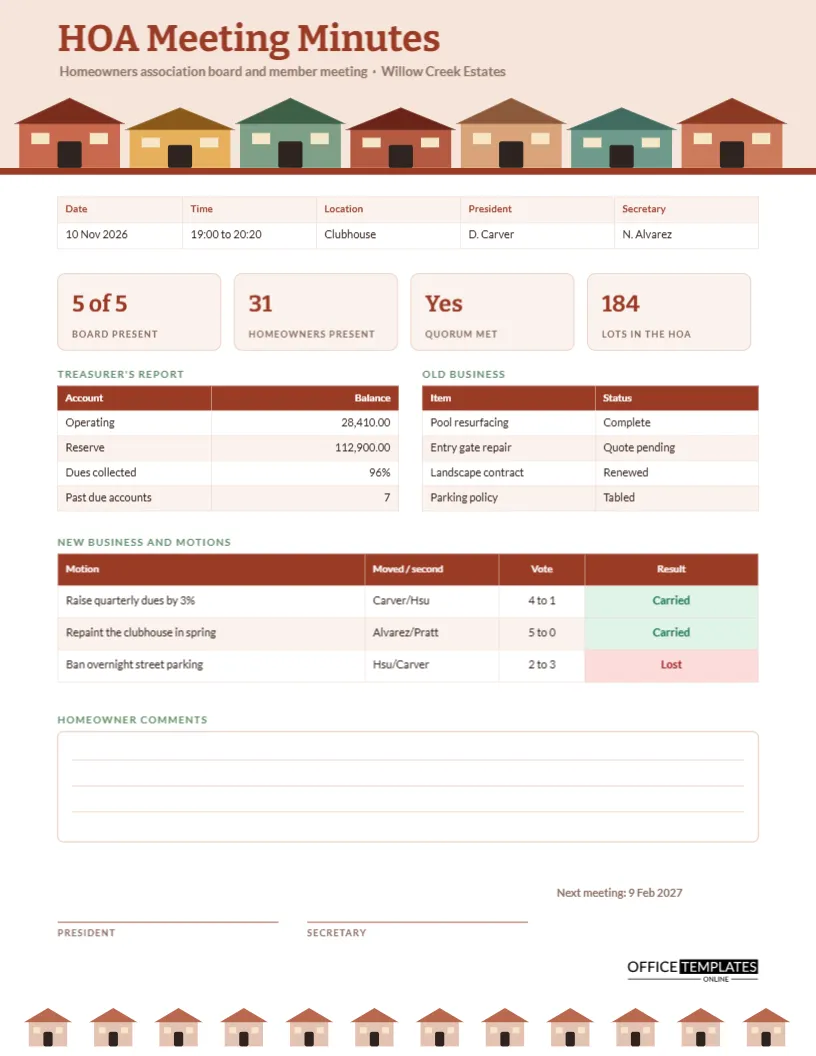
The header is a blush-pink band, and along its base stands a row of seven small houses in brick, ochre, sage and teal, with dark doors and cream windows. A thin brick line closes the band. The title HOA Meeting Minutes sits above in bold Bitter, with a line naming the sample community, Willow Creek Estates. At the foot of the page, a smaller row of twelve pale houses echoes the header, so top and bottom feel like one design.
Quorum and Attendance Tiles
Four tiles show board members present, homeowners present, whether quorum was met, and how many lots belong to the association. In the sample, five of five board members attend, thirty-one homeowners are present, quorum is met, and there are 184 lots. Quorum rules differ by association, so check your bylaws, but writing the numbers down every time gives the board a defence if a later vote is questioned.
The Treasurer’s Report in Brief
A compact table on the left records the operating balance, the reserve balance, the share of dues collected and the number of past-due accounts. Copy these figures from the treasurer’s written report, and attach the report itself to the minutes. The sample shows 28,410 in operating funds, 112,900 in reserve, 96 percent of dues collected, and seven accounts past due.
Old Business and Its Status
The table beside the treasurer’s report tracks carried-over items, each with a status. Pool resurfacing is complete, the entry gate repair awaits a quote, the landscape contract is renewed, and a parking policy is tabled. Listing old business with a status makes it easy for the board to see what has been finished and what keeps slipping.
Wording Motions the Way HOA Boards Do
The new business table records the motion, who moved and seconded it, the vote, and the result. Clear wording helps if a homeowner later asks what the board approved.
| Subject | Weak wording | Clear wording |
|---|---|---|
| Dues | Discussed raising dues | Raise quarterly dues by 3 percent from January |
| Maintenance | Clubhouse needs paint | Repaint the clubhouse in spring, budget as quoted |
| Rules | Parking is a problem | Prohibit overnight street parking, effective on notice |
Recording the Vote and the Result
The vote column uses a simple format such as four to one, and the result column is coloured green for Carried and red for Lost. In the sample, the dues rise carries four to one, the repainting five to nothing, and the parking ban is lost two to three. If a director abstains or recuses, add a note beneath the table.
Homeowner Comments Kept Separate
Most associations allow members to speak at open meetings. A rounded box with ruled lines records their comments, kept apart from board decisions. Write the topic and the speaker’s address or lot number if it is relevant. Do not record every remark, and avoid personal comments about individuals.
Signatures and the Next Meeting
The president and secretary sign at the foot of the page, and a short line gives the date of the next meeting. Many associations approve minutes at the following meeting, so keep a note of the approval date. Store signed originals where successive boards can find them.
Rules Differ by State and Association
This template is a layout, not a statement of what the law requires. Notice periods, open meeting rules, quorum and voting thresholds vary between states and between associations. Your governing documents control, so use the page to record what happened and check your own obligations separately.
Customising the Skyline
The houses are grouped shapes, so you can recolour them to your community’s palette or delete some to simplify the header. If your association has a logo, place it beside the title. The tables are real Table objects, and you can add rows through Edit Table Data and the Add Row button.
Sending Minutes to Residents
Many boards post minutes on a portal or email them after approval. Download the page as a PDF so formatting stays intact, and use a consistent file name that starts with the date. Residents appreciate transparency, and open minutes reduce rumours.
Using the Minutes to Answer Homeowner Questions
A resident calls to ask why dues went up. The secretary opens the minutes, finds the motion, reads the date and the vote and, if the treasurer’s report is attached, can explain the reason in a few minutes. This is the everyday value of good minutes. They turn a potential complaint into a short, factual conversation, and they reduce the burden on volunteer officers who would otherwise have to rely on memory.
Printing the Townhouse Page
The page is 8.5 by 11 inches, portrait. The pink header and houses print best in colour. A black and white copy loses nothing important, because the motion table and quorum tiles are legible without colour.
Board Member Questions
Do closed sessions go in these minutes?
Record only that a closed session took place, the general topic, and the time. Confidential details belong in a separate record.
Can I use it for a condominium board?
Yes. Rename homeowners to unit owners and lots to units.