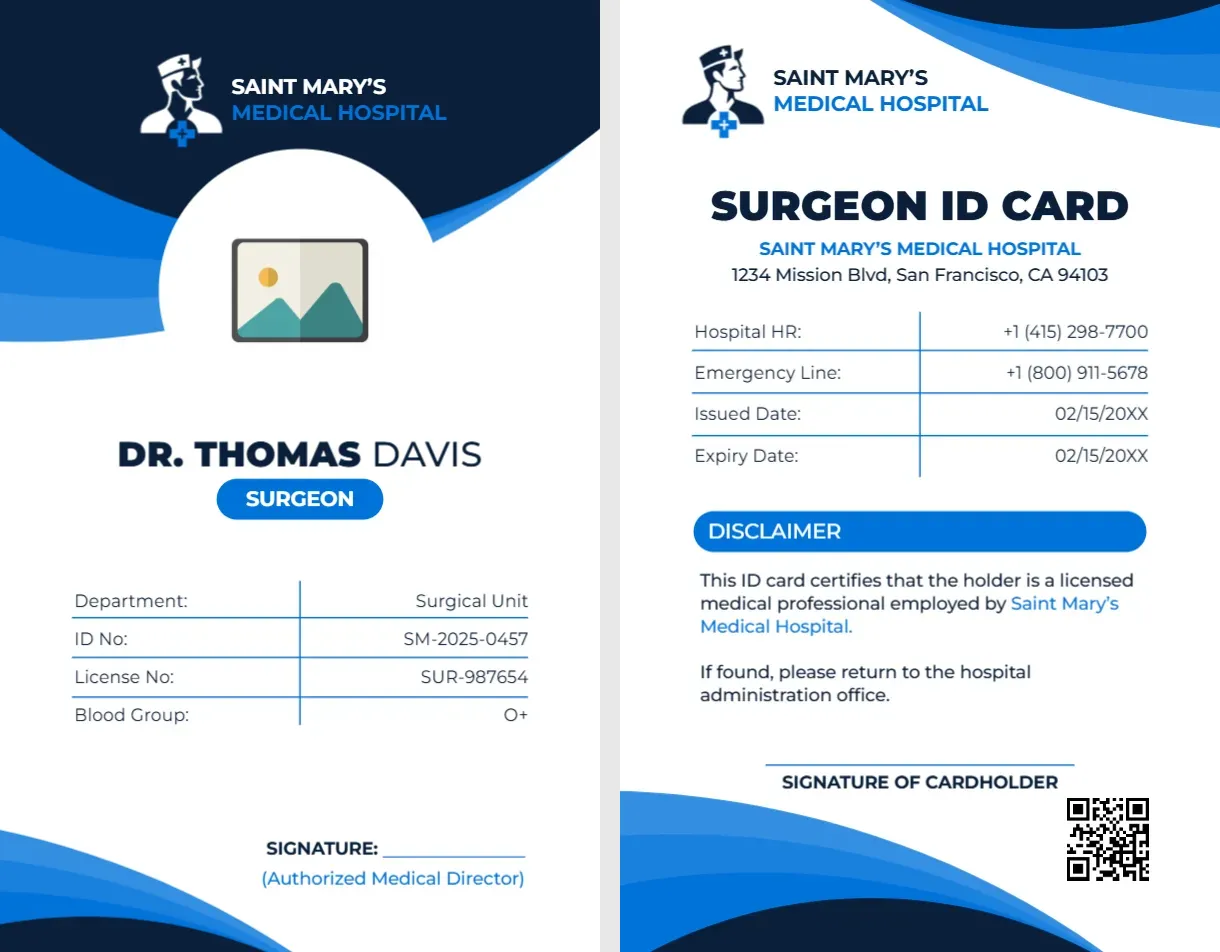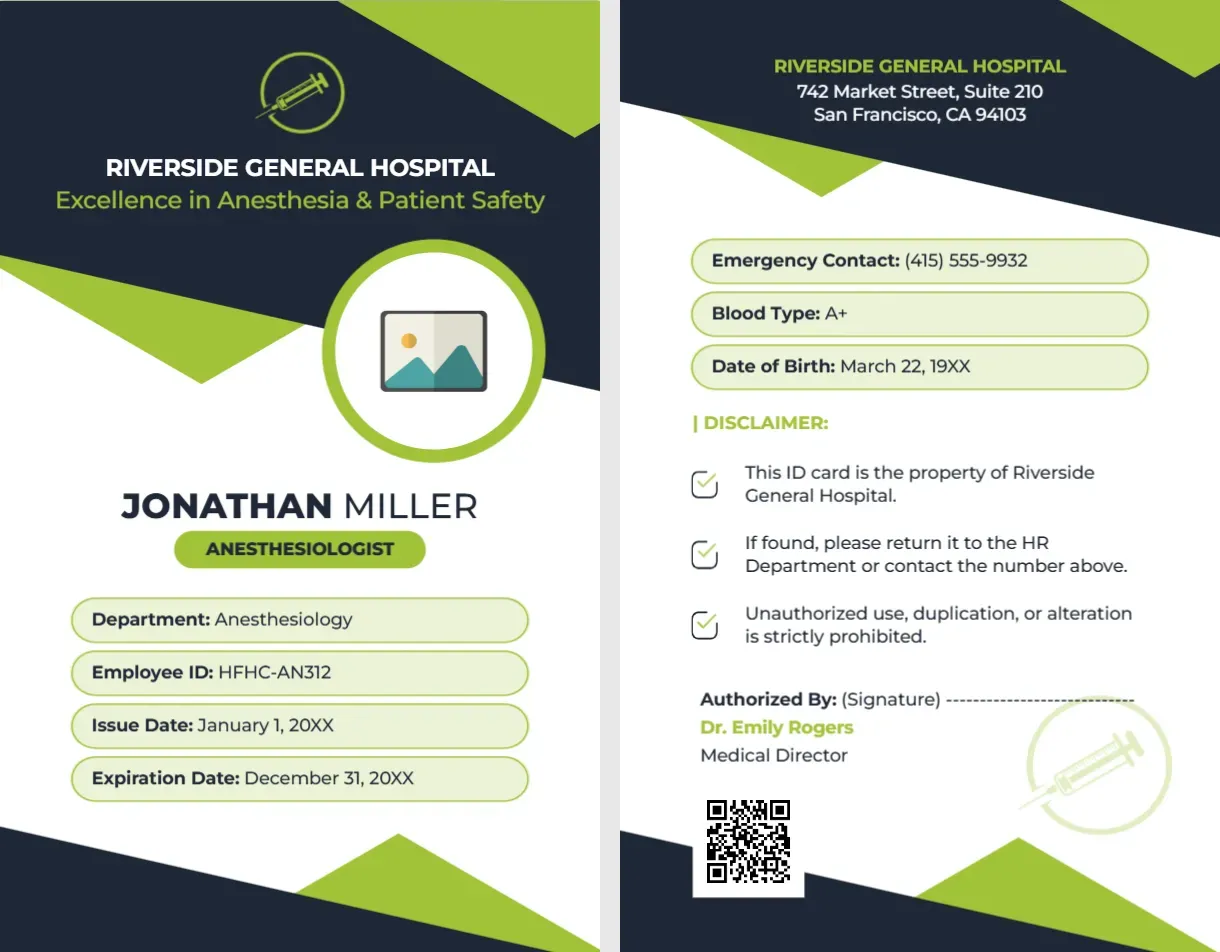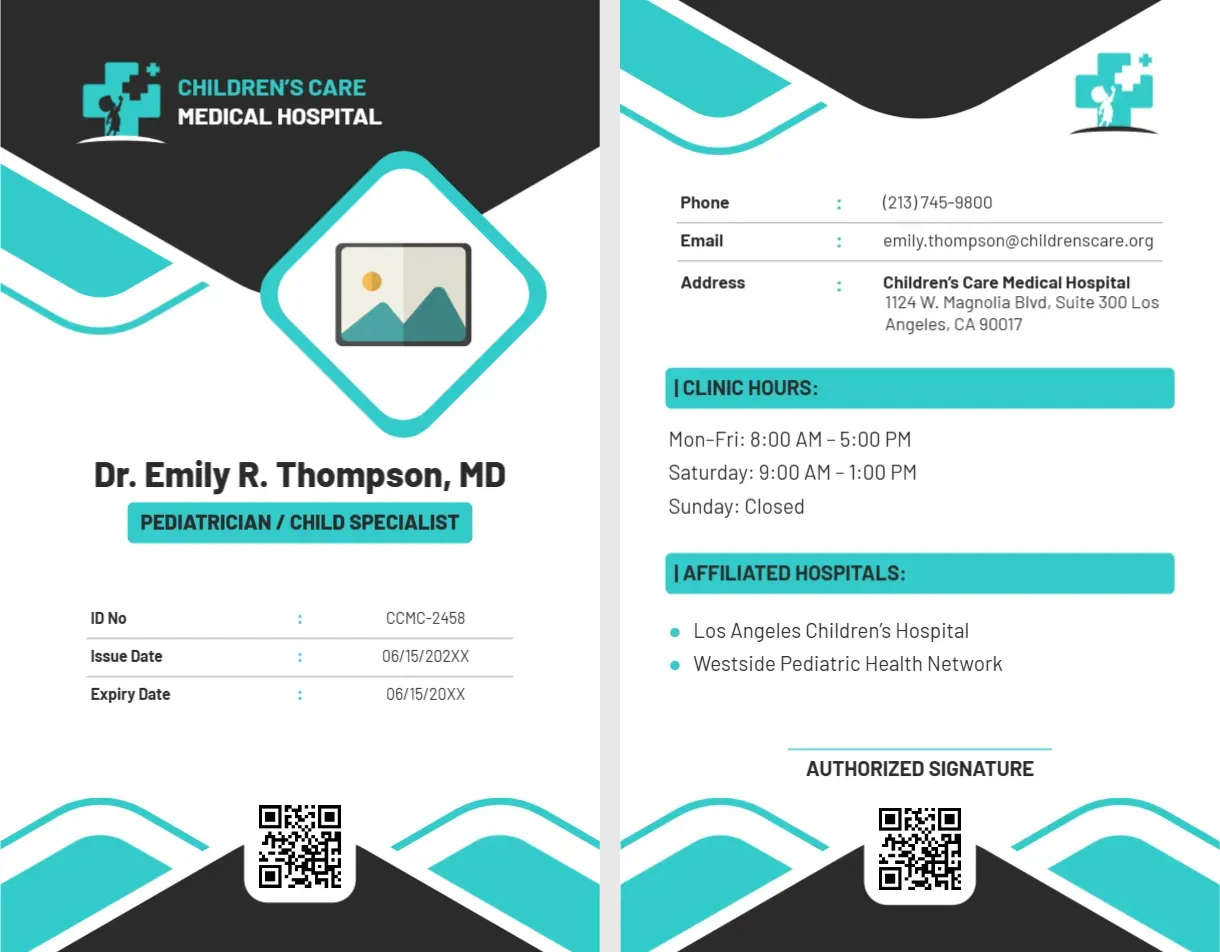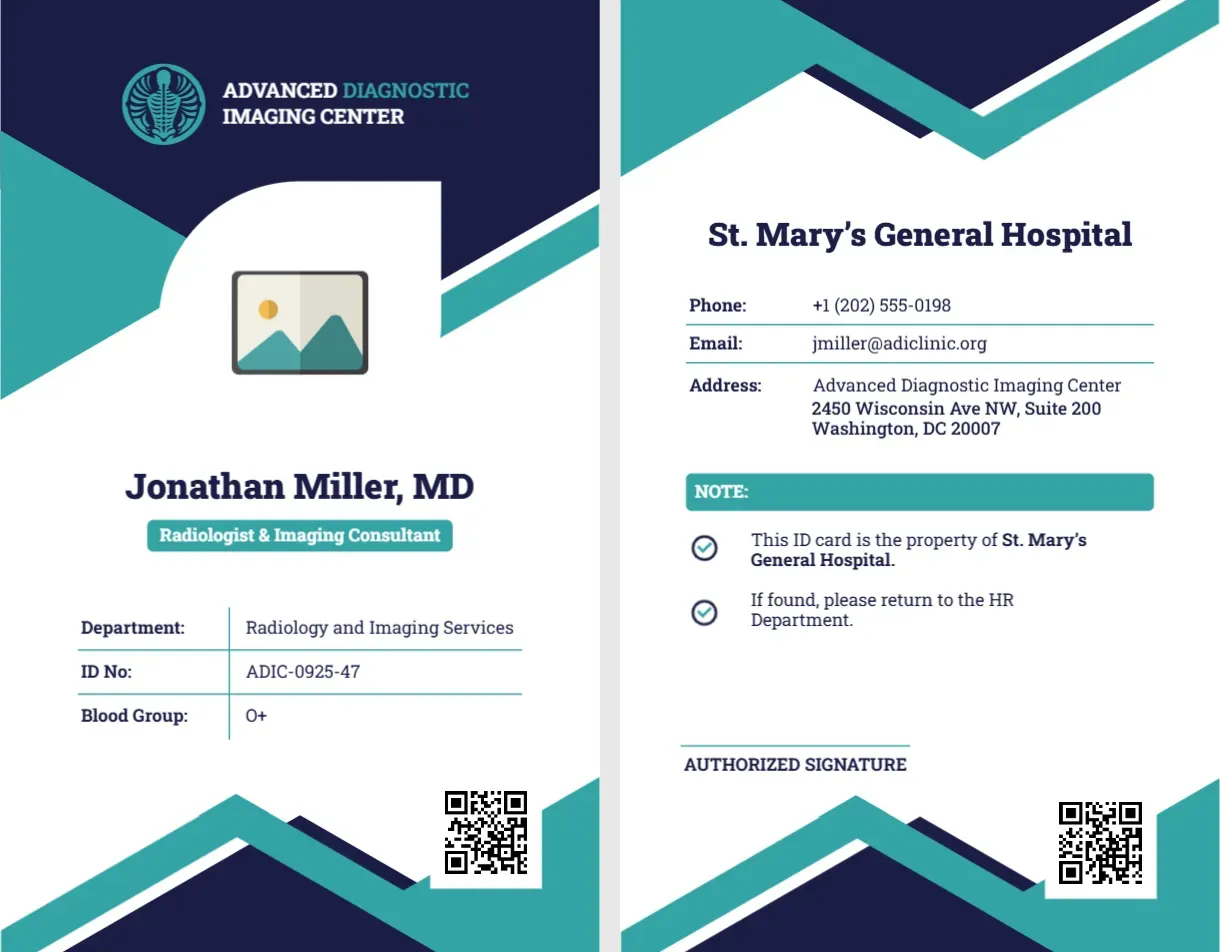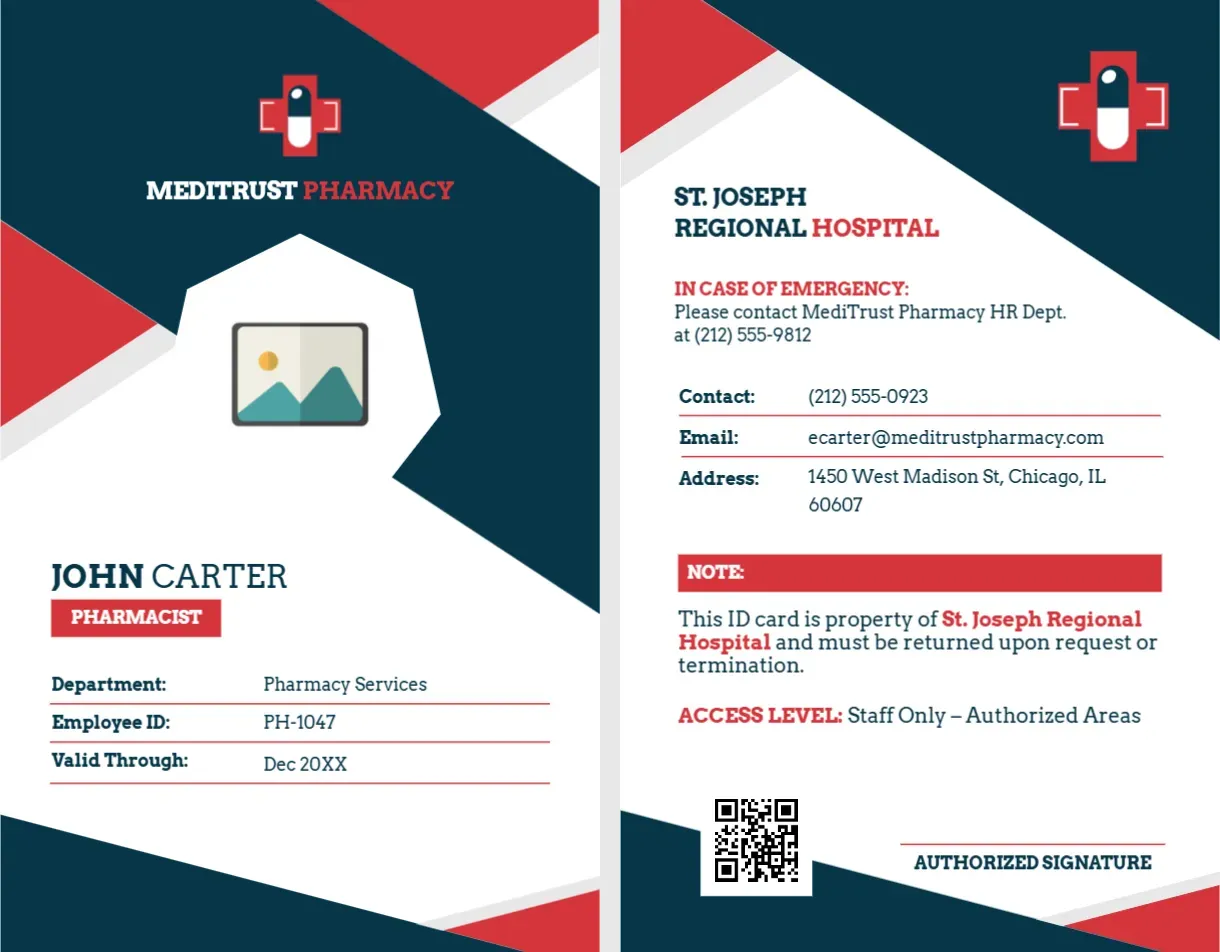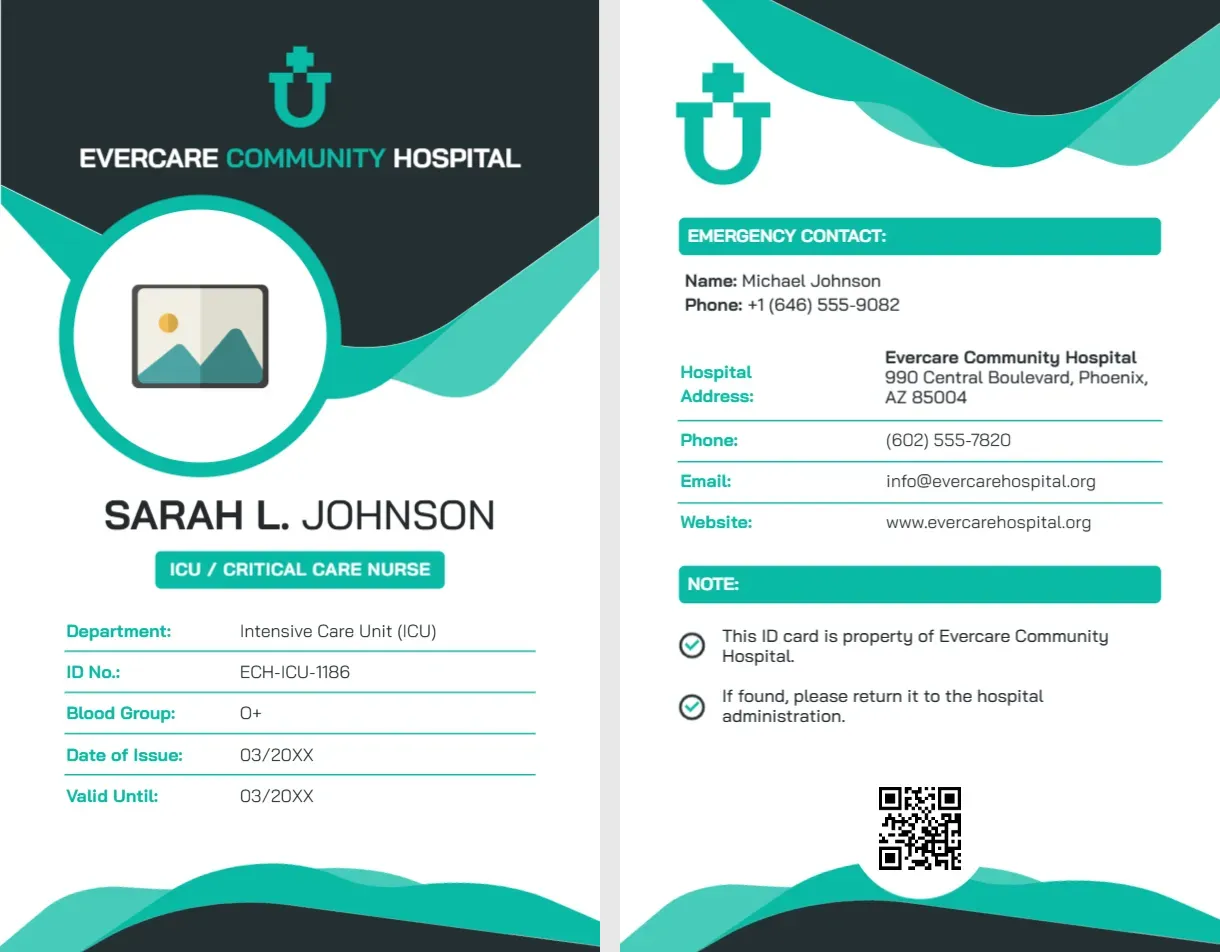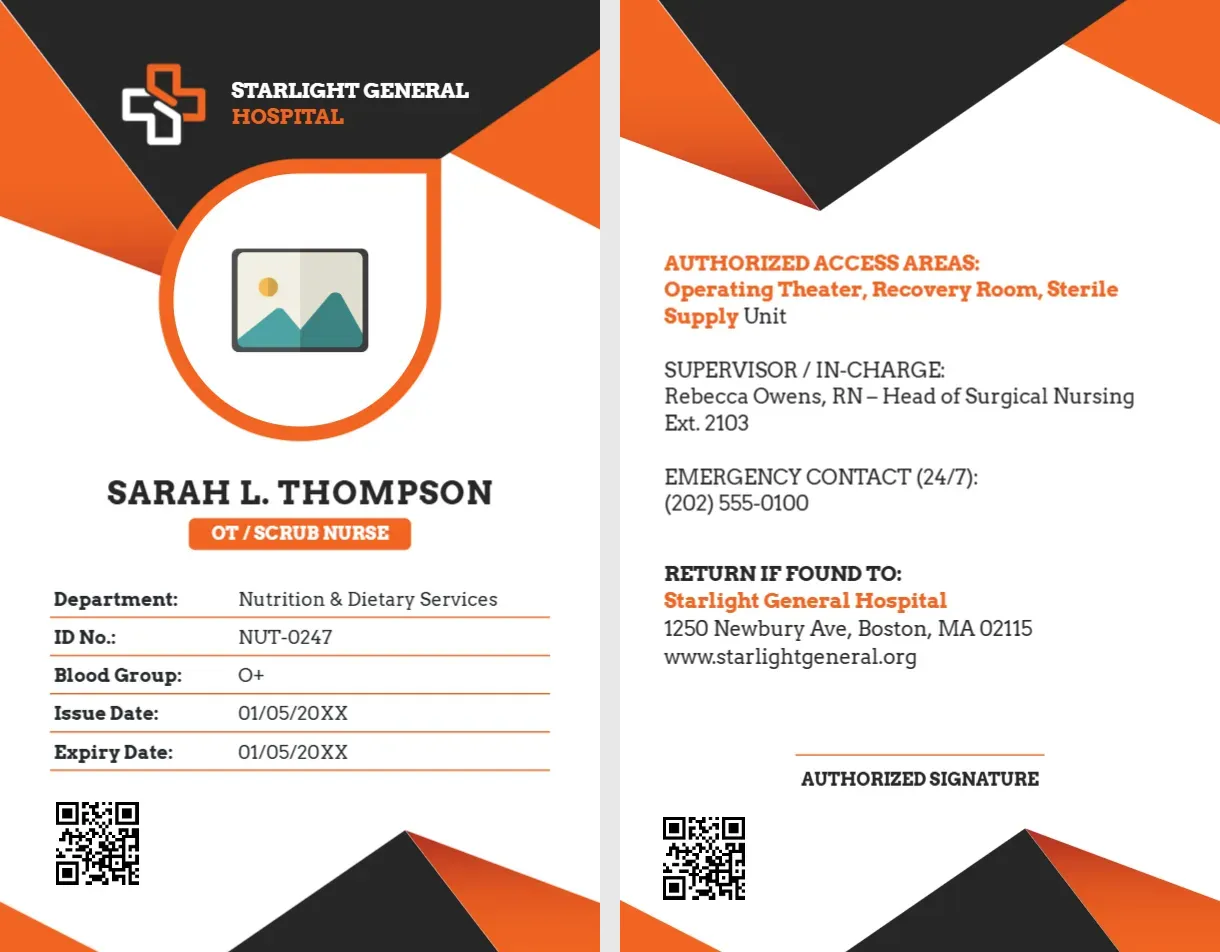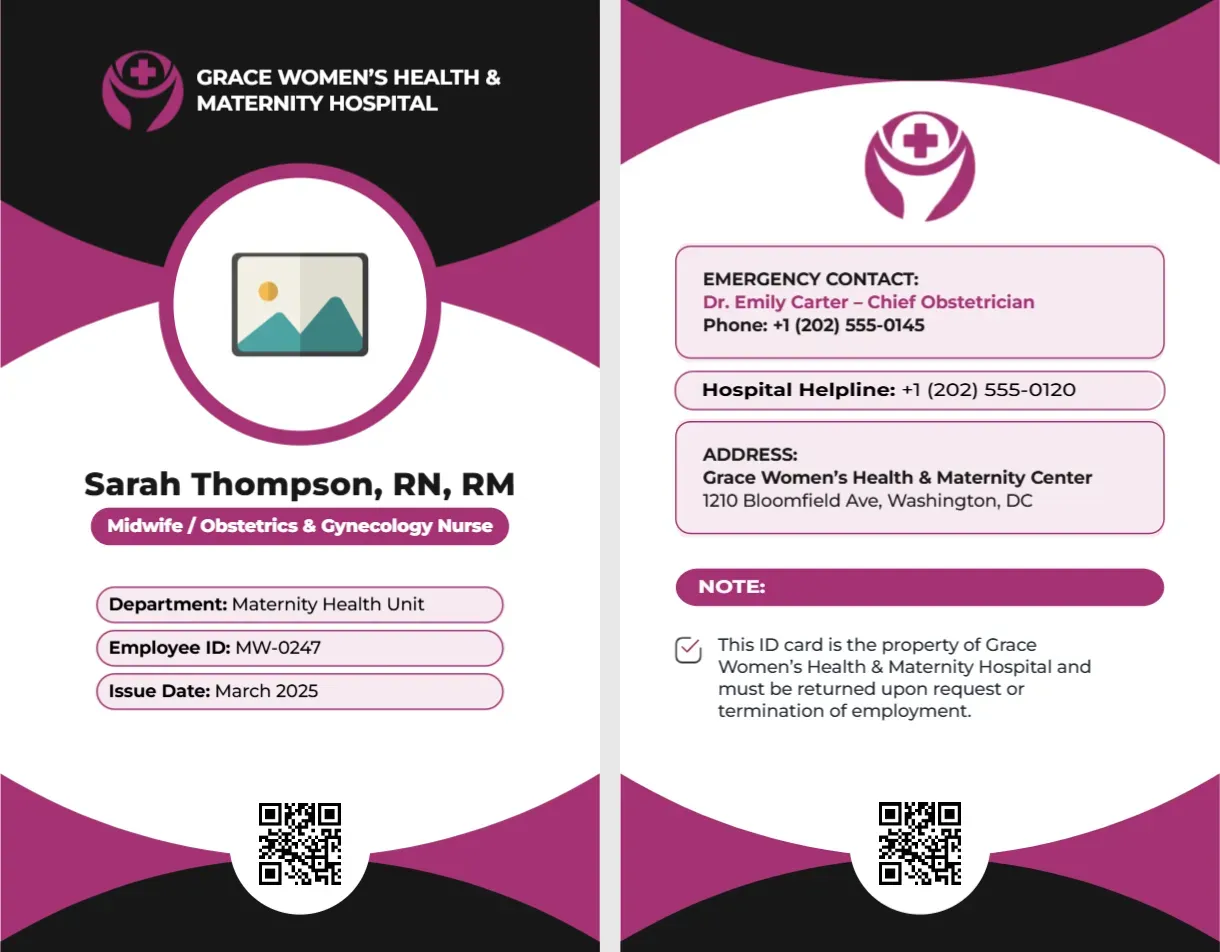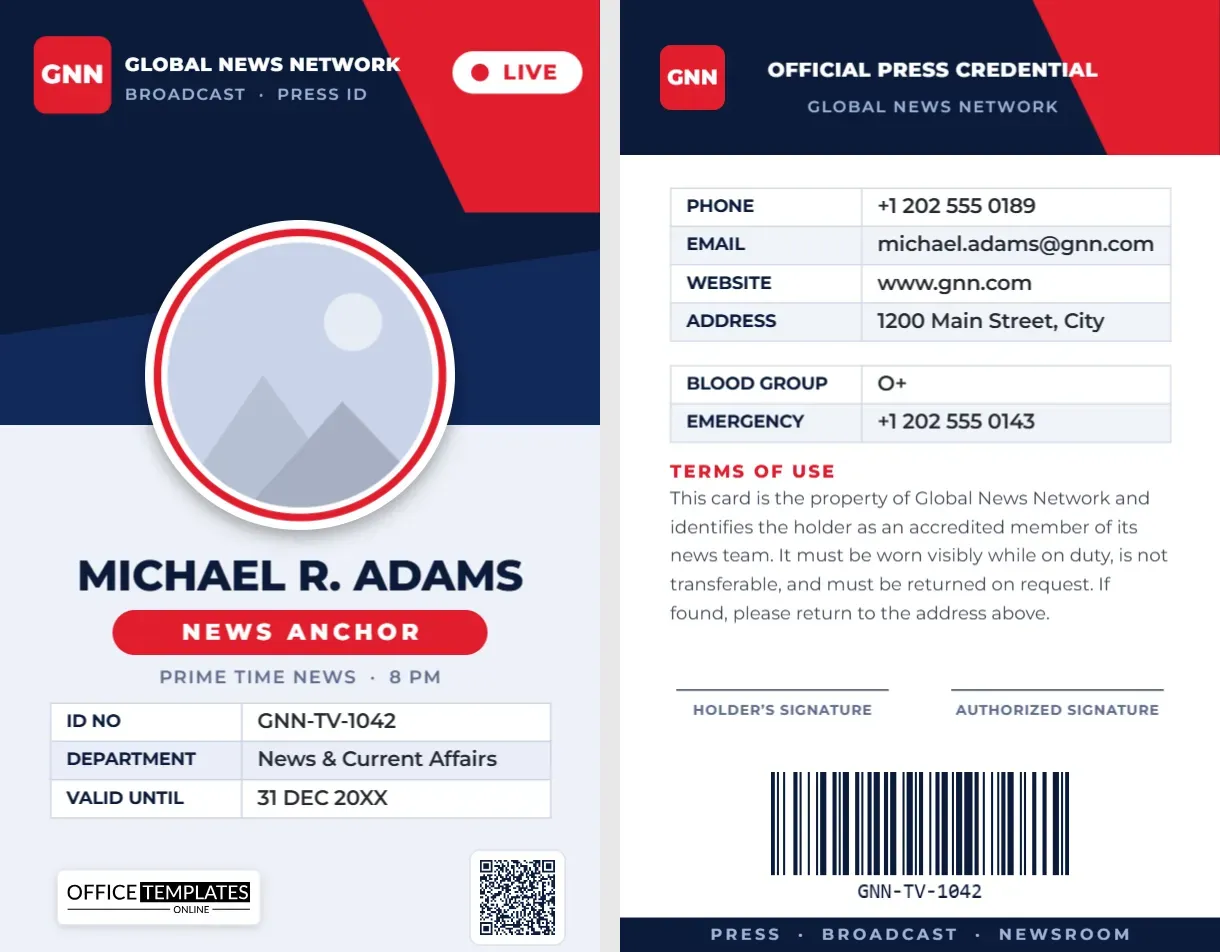
Viewers see a news anchor for a few minutes a night, but behind that calm face is a person who walks through security desks, studio doors and newsrooms every day. A clear, well-designed TV news anchor ID card makes those moments smooth, and it tells everyone at the network that the person in front of them belongs on the set. This template gives you a broadcast-style, two-sided card in navy and red that you can customize in minutes.
Why on-air talent needs a proper ID
Anchors are among the most recognizable people at a station, yet recognition is not the same as authorization. Guards rotate, temporary crews come and go and visitors fill the lobby during big stories. A card with a photo, a name and a scannable code removes any doubt, protects the studio and saves the presenter from explaining themselves at every door.
The front of the card, step by step
The broadcast header
A deep navy field with a red slash and a bold “GNN” logo tile sets the tone. Beside it sit the network name and a small line reading “Broadcast · Press ID”. A white “LIVE” pill at the top right adds the energy of a control room. Replace the tile with your network’s logo and rename the text.
The round photo
A large circular frame with a red ring holds the anchor’s portrait. It is a pattern-filled shape, so when you use Replace Image the frame keeps its size and your photo is cropped to fit.
Name, role and program
The name appears in heavy capitals, followed by a red pill that reads “News Anchor” and a line for the program, such as “Prime Time News · 8 PM”. Change the role to Weekend Anchor, Co-Anchor, Presenter or Correspondent.
The details table
An editable table lists ID number, department and validity date. Because it is a real table, you can add a row for shift, studio or blood group, or remove a row you do not need.
QR code and logo
A QR code sits at the bottom right, ready to link to a verification page or an HR record, and our logo appears at the bottom left as a template credit that you can delete.
The back of the card
The back opens with an “Official Press Credential” header and then follows a simple logic: contact details, emergency information, terms of use, signatures and a barcode. The phone, email, website and address rows are one table, and blood group and emergency contact are a second. A short terms paragraph says the card is the property of the network, must be worn visibly and must be returned on request. Two signature lines are provided for the holder and an authorized manager.
QR code or barcode: which does what?
This template uses both, because they solve different problems.
- The QR code holds a web address. Scan it with a phone and it opens a verification page, a staff directory entry or the anchor’s biography.
- The barcode holds the ID number. Access-control scanners and attendance systems read it in a fraction of a second, even when the card is worn on a lanyard.
Both are created with the editor’s built-in tools. To change a code, click it and edit its value in the QR Code or Barcode panel; the image regenerates and keeps its size and position.
Studio security tips
- Use a unique ID number for every card, and never reuse a number after someone leaves.
- Point the QR code at a page that shows the holder’s name, photo and current status, so a scan proves the card is genuine.
- Set an expiry date and reissue cards on schedule.
- Keep a sample card design that only your security team can print.
- Include a phone number for reporting lost cards.
Customizing the card in minutes
- Open the template in the editor and click the round photo to replace the placeholder with your anchor’s portrait.
- Type the name, role and program, then update the details table.
- Replace the logo tile and network name with your own brand and adjust colors from the toolbar.
- Click the QR code and barcode to enter your own link and ID number.
- Switch to page 2 and edit the contact table, terms and signature labels.
- Download the card as a PDF, PNG or JPG.
Printing for durability
The card is portrait CR80 size, 2.125 x 3.375 inches (54 x 85.6 mm), the same as a credit card, so it fits standard lanyard holders and ID card printers. Print both pages on 30 mil PVC or on heavy card stock and laminate it. Choose a matte finish if the card will be photographed under studio lights, since gloss can catch reflections. Test-scan the QR code and barcode from a printed sample before printing a batch.
Common questions
Can I use it for a radio or online news presenter?
Yes. Change the “LIVE” pill and the role, and adjust the wording to suit any presenter or reporter.
Can I add a second photo or a logo on the back?
Yes. Upload an image from the editor and place it anywhere on either page.
Is the design vertical only?
This version is vertical, matching the rest of our ID card series.
Rolling out cards across a newsroom
If you are issuing cards to a whole team, work in batches. Start with on-air talent, then producers, camera crews and support staff. Photograph everyone against the same plain wall so portraits look consistent, and collect names, titles and ID numbers in a single spreadsheet. Then duplicate the template for each person and change only the photo, name, role and codes.
Retiring and replacing cards
When an anchor changes role or leaves the network, deactivate the ID number in your security system and collect the card. If a card is lost, cancel its number and issue a new one with a new code. Keeping the design the same but changing the number and the date makes it easy to spot an old card if one is presented.
Give your on-air talent an ID that looks as sharp as the broadcast. Open the template, add your anchor’s details and download a card that is ready to print.