Keep Lessons, Tasks, and Teacher Notes Together in One Practical Planner
Teaching involves much more than delivering lessons. There are classroom activities to prepare, materials to organize, tasks to complete, reminders to remember, and notes that need a place to go. This Teacher Daily Planner template brings all of those planning needs together in one colorful and easy-to-use layout.
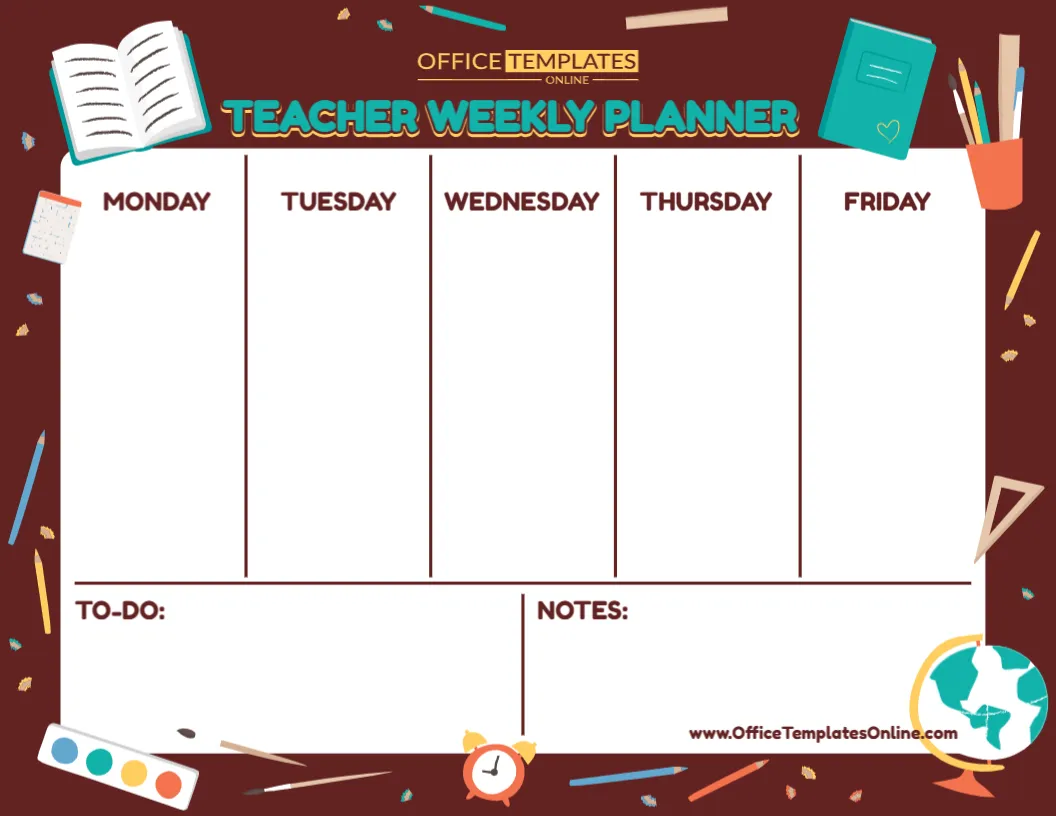
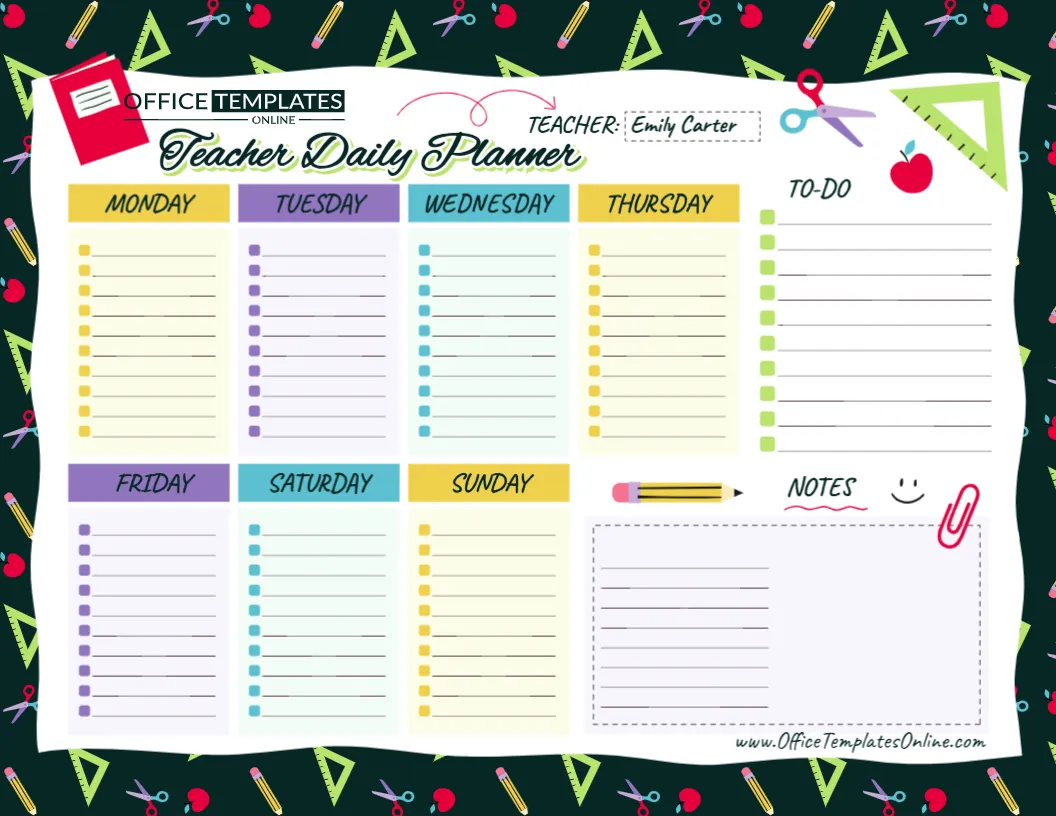
The design provides dedicated planning sections for Monday through Sunday, along with a separate To-Do list and a large Notes area. A customizable Teacher field at the top makes it easy to identify whose planner it is.
This combination gives teachers room to organize the school week while also keeping personal reminders and unfinished tasks visible. Similar teacher-planning resources commonly combine weekly plans with to-do and notes sections because these areas serve different parts of a teacher’s workload.
You can personalize this template directly in the browser using the online editor. No login is required to start editing, and the completed planner can be downloaded as a PDF, PNG, or JPG.
Seven Days of Planning Space
One feature that makes this template different from a standard Monday-to-Friday school schedule is its full seven-day layout.
There are individual sections for:
Monday • Tuesday • Wednesday • Thursday • Friday • Saturday • Sunday
Monday through Thursday are arranged across the upper part of the main planning area, while Friday, Saturday, and Sunday appear underneath.
Each day includes multiple lined entries with small colored squares that create a checklist-style appearance.
This makes it possible to use the planner for both school-day responsibilities and weekend preparation.
For example, a teacher could organize regular lessons from Monday through Friday, use Saturday for classroom preparation or resource planning, and reserve Sunday for reviewing the upcoming week.
Plan More Than Just Lessons
This is not limited to being a lesson schedule.
The open-ended daily sections can hold whatever information is most useful to you.
You could enter lesson preparation tasks, classroom activities, meetings, grading reminders, resource requests, parent communication, school events, assessment deadlines, professional development activities, or personal reminders related to the teaching week.
For example, a Monday section might include:
- Prepare mathematics activity
- Print reading worksheets
- Grade weekend assignments
- Staff meeting
- Contact parent
- Update classroom board
Tuesday could contain a completely different set of priorities.
Because the planner does not force you to enter specific subjects or time periods, you decide how each daily section should be used.
A Separate To-Do List for Tasks That Are Not Day-Specific
Not every teaching responsibility belongs to a particular weekday.
That is why this design includes a dedicated To-Do section on the right side of the page.
It provides a series of checkboxes and writing lines where you can keep track of tasks that need attention but do not necessarily need to happen at a specific time.
You might use this area for reminders such as make copies, order supplies, prepare assessment sheets, update student records, reply to emails, organize classroom materials, or finish grading.
Keeping these items separate from the daily schedule can prevent them from getting lost among lesson plans and appointments.
The checkbox format also provides a simple way to mark tasks as they are completed.
Keep Extra Information in the Notes Section
Some information does not fit naturally into a weekday column or a to-do list.
The large Notes box gives you additional writing space for those details.
You might use it for quick ideas, reminders for the following week, meeting notes, lesson changes, supply lists, activity ideas, or follow-up items.
For example, if a classroom activity worked particularly well, you could add a short note reminding yourself to use it again. If something needs to be changed for the next lesson, that information can also be recorded here.
The open format means the Notes area can serve whatever purpose is most useful for your planning style.
Add the Teacher’s Name
At the top of the planner is a clearly marked Teacher field.
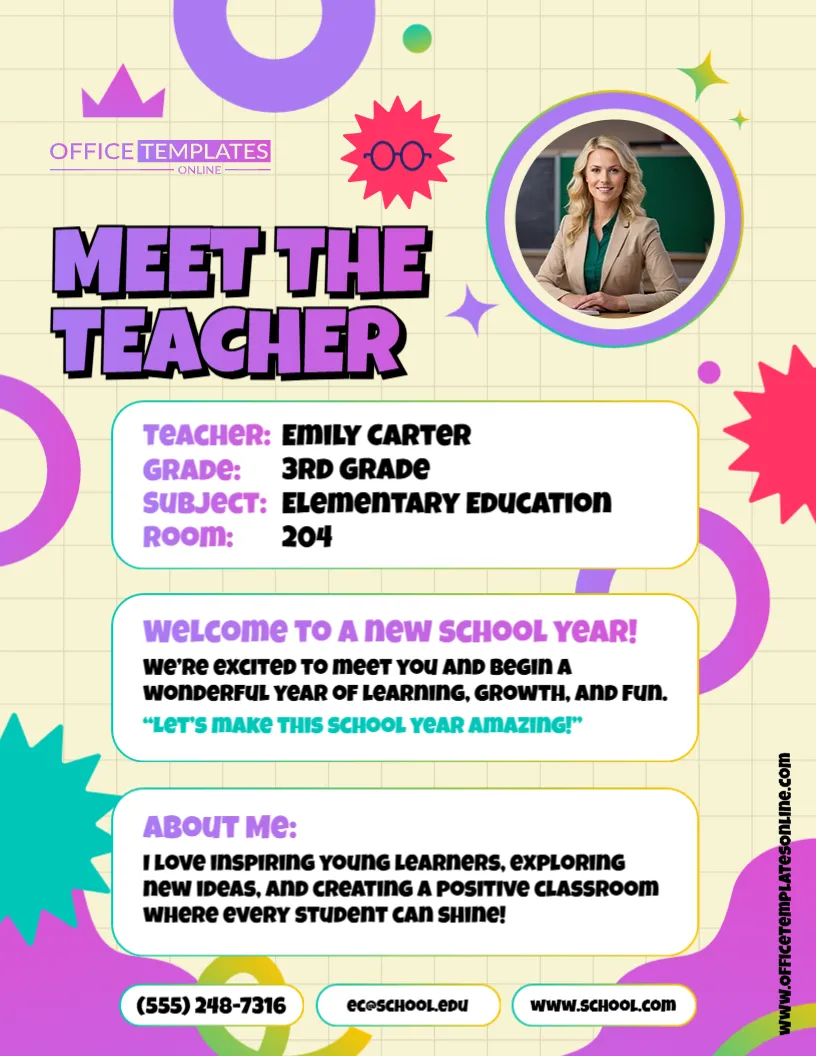
The sample design displays the name Emily Carter, but this is example content that can be replaced with your own name.
Adding a teacher name is a small detail, but it can be useful when planners are printed, stored with other classroom documents, or used by several educators within the same school.
It also makes the finished template feel more personal.
A Flexible Alternative to a Traditional Lesson Planner
A detailed lesson plan often includes learning objectives, materials, teaching methods, assessments, and other instructional information.
This template serves a different purpose.
It works well as an at-a-glance teacher organizer where you can see daily plans, responsibilities, to-dos, and notes together.
That makes it useful alongside a more detailed lesson-planning system.
For instance, your complete lesson plans might be stored elsewhere, while this page reminds you that Wednesday includes a science experiment, Thursday requires an assessment, and Friday has a school event.
In this way, the planner can function as a quick overview of the practical things you need to remember during the week.
A Color-Coded Layout That Separates Each Day
The planner uses different colors to help divide the week visually.
Monday and Thursday use yellow headings, Tuesday and Friday use purple, while Wednesday and Saturday use blue-green tones. Sunday returns to yellow.
The daily writing areas use soft background shades, which helps separate one section from another without making the page difficult to read.
On the right, the To-Do and Notes areas have their own dedicated spaces, so task management does not become mixed up with the weekday plans.
This creates several clearly defined planning zones on a single page.
Playful School Graphics Add Personality
The outer border uses a dark classroom-themed background decorated with familiar school supplies.
Illustrations include pencils, scissors, apples, triangular rulers, a notebook, paper clip, and other stationery-inspired details.
Inside the planner, additional decorative elements such as a pencil and small doodles continue the school theme.
The result is a teacher planner that feels colorful and friendly rather than looking like a plain office checklist.
At the same time, most of the central area remains light and uncluttered so your planning information stays readable.
Use the Planner for Your Whole Teaching Week
The seven-day layout can be particularly convenient because teaching responsibilities do not always stop on Friday afternoon.
Weekend sections can be used for preparation without mixing those tasks into the regular school-day columns.
For example:
Friday might contain end-of-week grading, student folders, or classroom cleanup.
Saturday could be used for preparing resources, organizing digital files, or planning activities.
Sunday might include reviewing the coming week’s lessons, checking materials, or writing important reminders.
If you prefer to keep weekends completely free of school-related planning, those sections can instead be adapted for personal notes or other useful information.
Edit Your Teacher Planner Online
You do not need special planning software to personalize this design.
The template can be opened and customized using the browser-based online editor.
No login is required to begin editing.
Replace the sample teacher name, add the information you want in each daily section, fill in the To-Do list, and use the Notes area for anything else you need to remember.
Since the layout and visual design are already prepared, you can concentrate on your actual plans instead of spending time designing a planner from an empty page.
One Page for Different Types of Teacher Responsibilities
A teacher’s day can involve several kinds of work, and this template gives you enough flexibility to keep different responsibilities together.
You might use the weekday sections for your main teaching plans, the To-Do area for administrative tasks, and the Notes box for ideas or information that needs follow-up.
For example:
Daily sections: Lessons, meetings, classroom activities, assessments, and appointments.
To-Do section: Printing, photocopying, grading, emails, supplies, and preparation.
Notes section: Student observations, lesson ideas, reminders, meeting information, or plans for the following week.
This separation can make the page easier to scan than keeping everything in one long list.
Helpful for Different Types of Educators
Although the design is called a Teacher Daily Planner, it can be adapted for many people involved in education.
Classroom teachers can organize lessons and daily responsibilities.
Substitute teachers can prepare a simple overview of activities and important tasks.
Student teachers can keep track of teaching practice, preparation, observations, and assignments.
Homeschool educators can organize lessons and household learning tasks across all seven days.
Tutors can record sessions, preparation tasks, and follow-ups.
Teaching assistants can use the planner for classroom responsibilities, student support tasks, and reminders.
The open writing areas make it possible to adjust the planner to different roles without changing its basic structure.
Make It Part of a Weekly Planning Routine
Although the title says Teacher Daily Planner, the design brings several daily plans together into a complete weekly overview.
One way to use it is to prepare the page before the start of each week.
Begin by adding any fixed commitments, such as meetings, special classes, assessments, or school events. Next, enter the main tasks you need to complete on specific days.
Then use the To-Do section for flexible tasks that can be completed whenever time becomes available.
Finally, use the Notes area for extra information you want to keep visible.
This gives you a single reference page for the week ahead.
How to Customize the Teacher Daily Planner
Personalizing the template is straightforward:
- Open the Teacher Daily Planner in the online editor.
- Replace the sample teacher name with your own.
- Work through Monday to Sunday and enter your lessons, tasks, events, or reminders.
- Add general tasks to the To-Do section if they do not belong to one specific day.
- Use the Notes box for additional information, ideas, or follow-ups.
- Review the planner and check that important tasks have not been missed.
- Make any other available text or design adjustments you need.
- Download the completed planner as PDF, PNG, or JPG.
Keeping entries short can make the page easier to scan during a busy school day.
Create a New Version Whenever Your Plans Change
Teaching schedules can change quickly.
A meeting may be moved, an activity might need more preparation, or a lesson could be shifted to another day.
Because the template is editable, you can update the relevant information and create a revised version when needed.
You can also prepare a fresh planner for every week rather than trying to fit changing responsibilities into one permanent schedule.
If you prefer to keep records of previous plans, completed versions can also provide a useful reference for what was scheduled during earlier weeks.
Download as PDF, PNG, or JPG
Once your teacher planner is complete, you can choose the download format that suits your needs.
PDF is a practical option for a document you plan to print or save with other school files.
PNG provides a high-quality image version suitable for many digital uses.
JPG offers a widely supported image format that is convenient to save and view on different devices.
Having multiple download options gives you more freedom to decide how you want to use your finished planner.
Turn a Busy Teaching Week into a Manageable Plan
Teachers often have lesson preparation, classroom responsibilities, administrative work, reminders, and unexpected tasks competing for attention. Keeping those items visible in one organized layout can make weekly planning much simpler.
This editable Teacher Daily Planner template provides dedicated sections for all seven days, a practical checklist-style To-Do area, a spacious Notes box, and a customizable teacher name field. The colorful school-themed design adds personality while keeping the actual planning areas clean and easy to use.
Use it for lesson reminders, meetings, grading, classroom preparation, weekend planning, school events, or any other responsibilities you need to keep track of.
Customize the Teacher Daily Planner online with no login required, organize your daily plans and tasks, and download the finished planner as a PDF, PNG, or JPG.