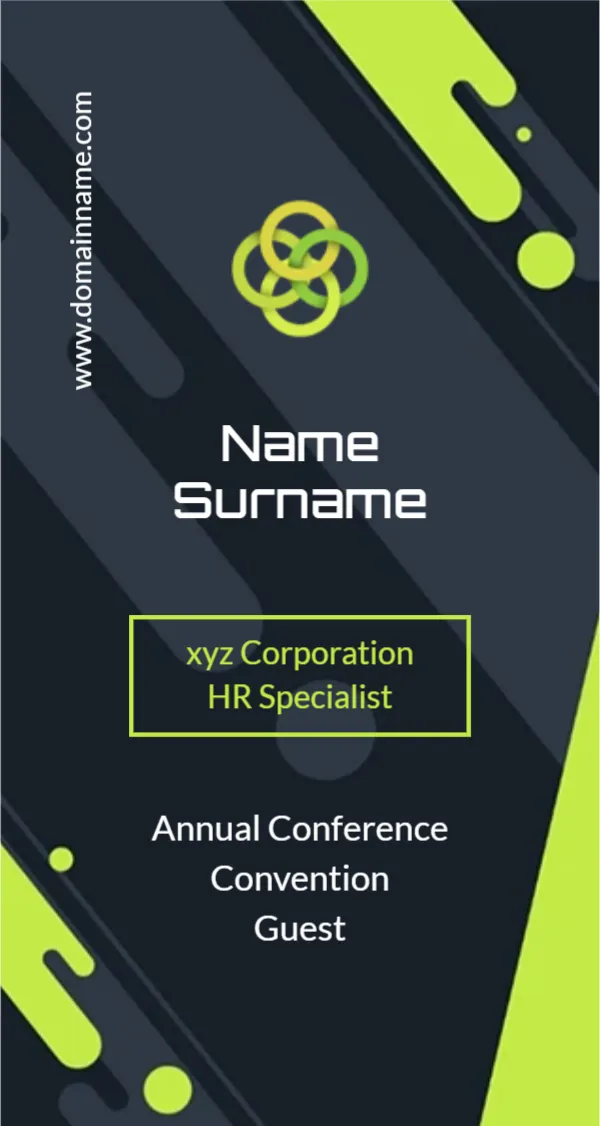
Yellow and Charcoal Curves for a Roadshow Badge
Charcoal and bright yellow curves sweep down the sides of this badge, leaving a tall white arch in the middle. A yellow logo of two linked diamonds sits in the charcoal top left corner. NAME SURNAME sits in bold dark condensed capitals, General Manager follows in yellow, and a yellow pill reads For more info visit: above a charcoal footer with a website in white.
A Clear Arch for the Name
The badge is 2.13 x 4 inches, portrait. The white arch keeps the name on a clean background, which makes it readable from a distance at busy events.
Role and Web Footer on the Roadshow Badge
Type the person’s name and role. Replace the website with the company or campaign site. The For more info visit line invites people to look you up later, which suits roadshows and trade fairs.
Preparing the Roadshow Badges
- Type each name.
- Set the role.
- Swap the logo.
- Change the website.
- Print and insert.
Roadshows and Trade Fairs
Roadshow teams meet many people in one day. A bold badge with a clear role helps visitors know who to ask. The website footer keeps the conversation going later.
Adding a QR Code
Place a small QR code in the white arch below the role. Visitors can scan it to visit the site or download a brochure. Test the code with two phones before printing a full batch.
Printing Yellow
Bright yellow prints well. Check that the charcoal has no streaks. Yellow can look pale on some printers, so check that the role text stays strong.
Team Colour Coding
Change the yellow to blue for technical staff or red for managers, so visitors can tell roles apart. Keep the same layout for all teams so the set still looks unified.
Spare Badges
Print spares for staff who join the roadshow at short notice. A few blank badges with the name line empty let you write names by hand for last minute helpers.
Using the Roadshow Badges
Pack them with your event kit.
Step by Step Editing of the Roadshow Yellow Charcoal Arch Design
- On the roadshow yellow charcoal arch design, click the main headline and type your own words, keeping a similar length.
- Retype every name, date and contact line on the roadshow yellow charcoal arch design, checking each against a trusted source.
- Search the roadshow yellow charcoal arch design for the words Lorem and Company so that no placeholder remains.
- Click any logo or photo on the roadshow yellow charcoal arch design, choose Replace Image and resize the new picture to fit.
- Zoom the roadshow yellow charcoal arch design to full size and read each line aloud before you save it.
- Keep a clean master of the roadshow yellow charcoal arch design without private details, so later versions start tidy.
Next to try is the real estate agent badge. Have a look at the conference badge. Another option is the hello badge. Find more designs next to the roadshow yellow charcoal arch design in name tag templates.