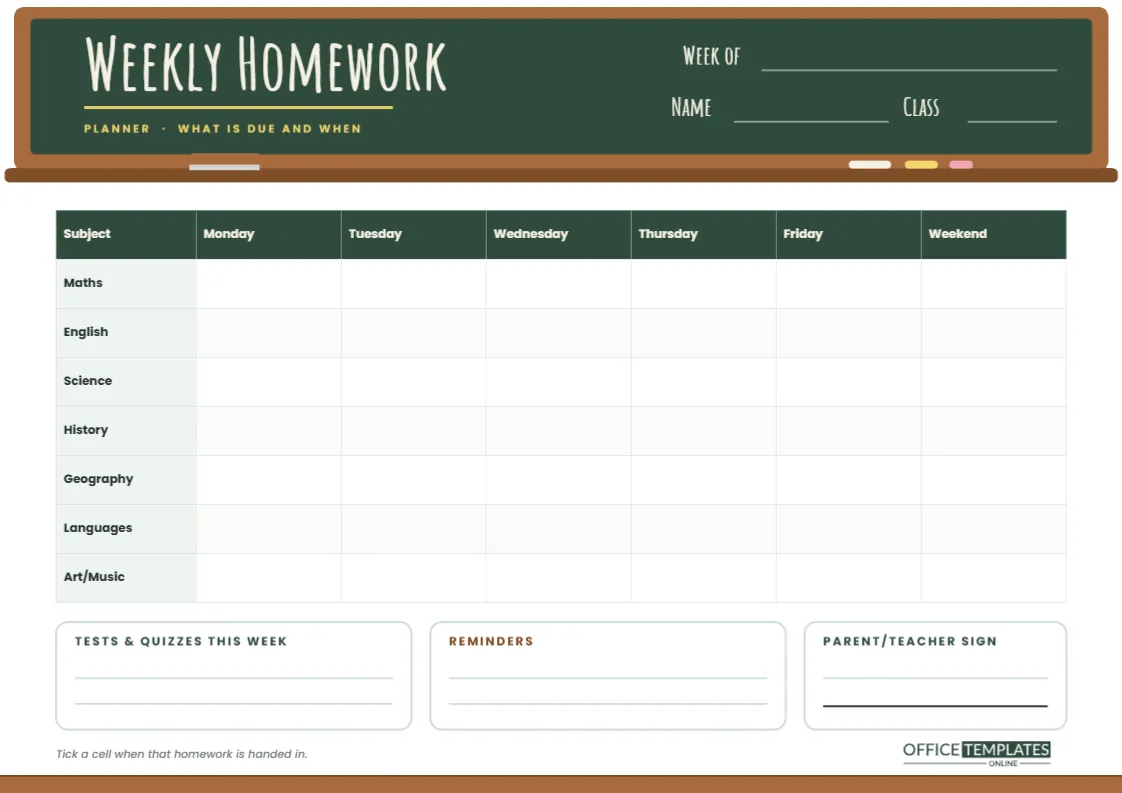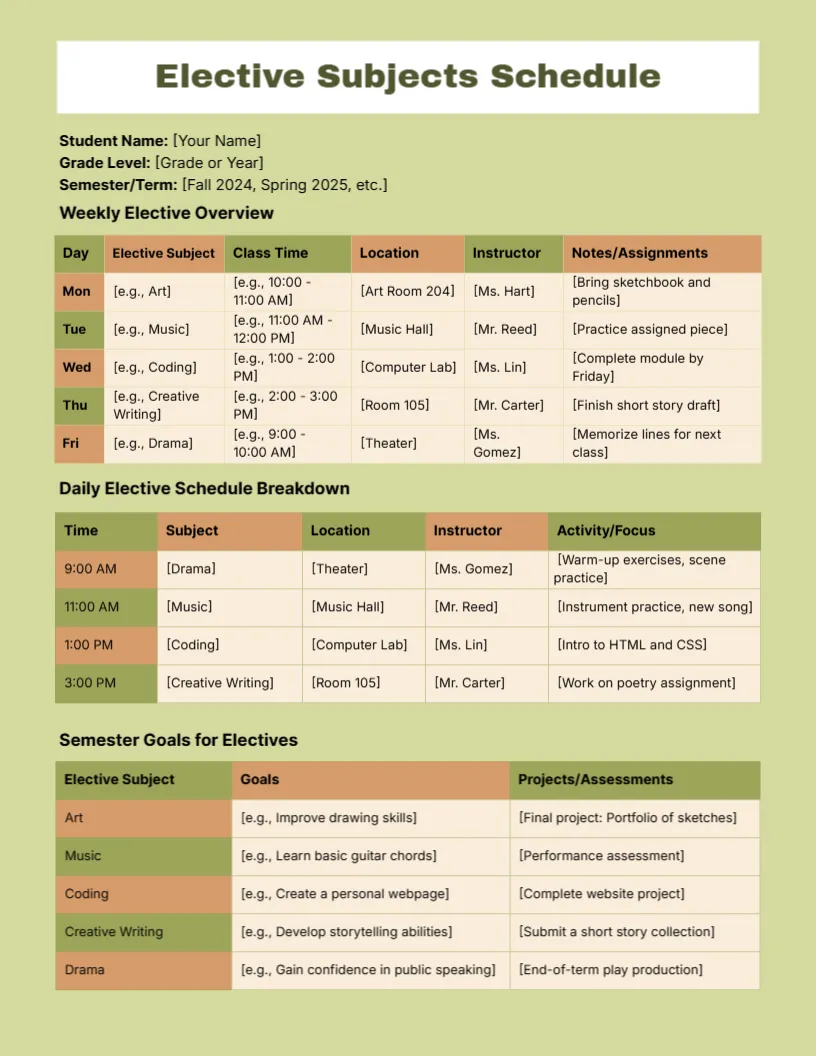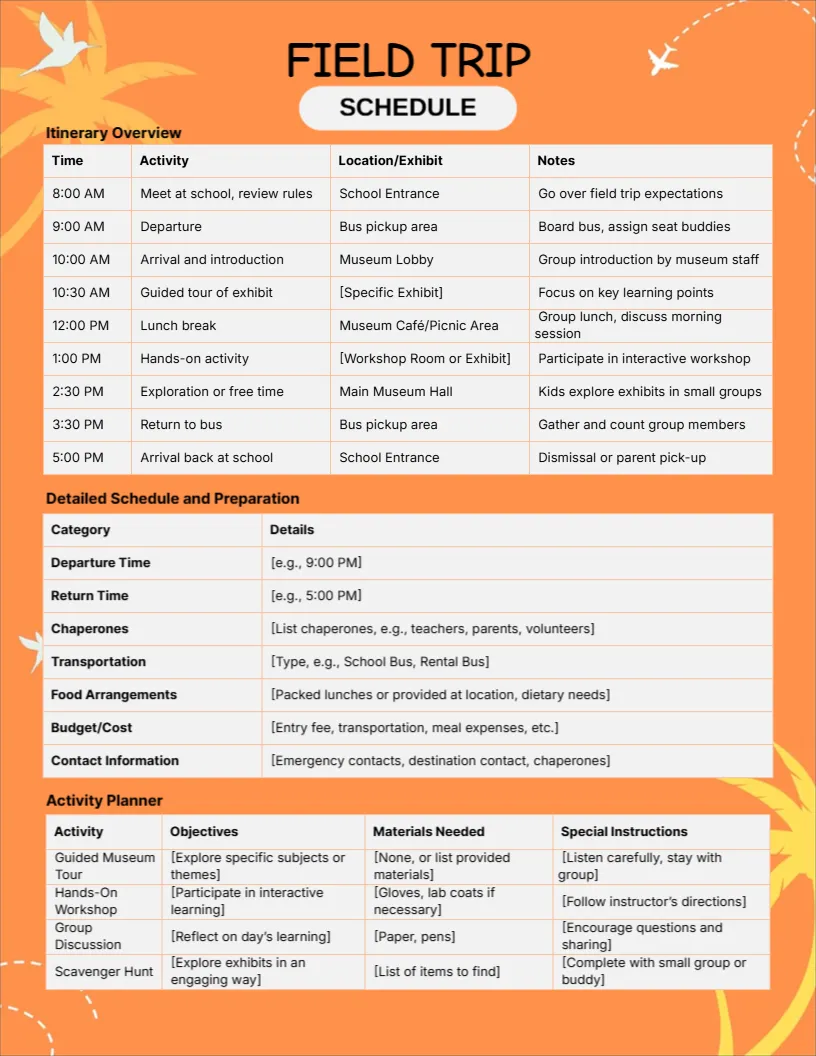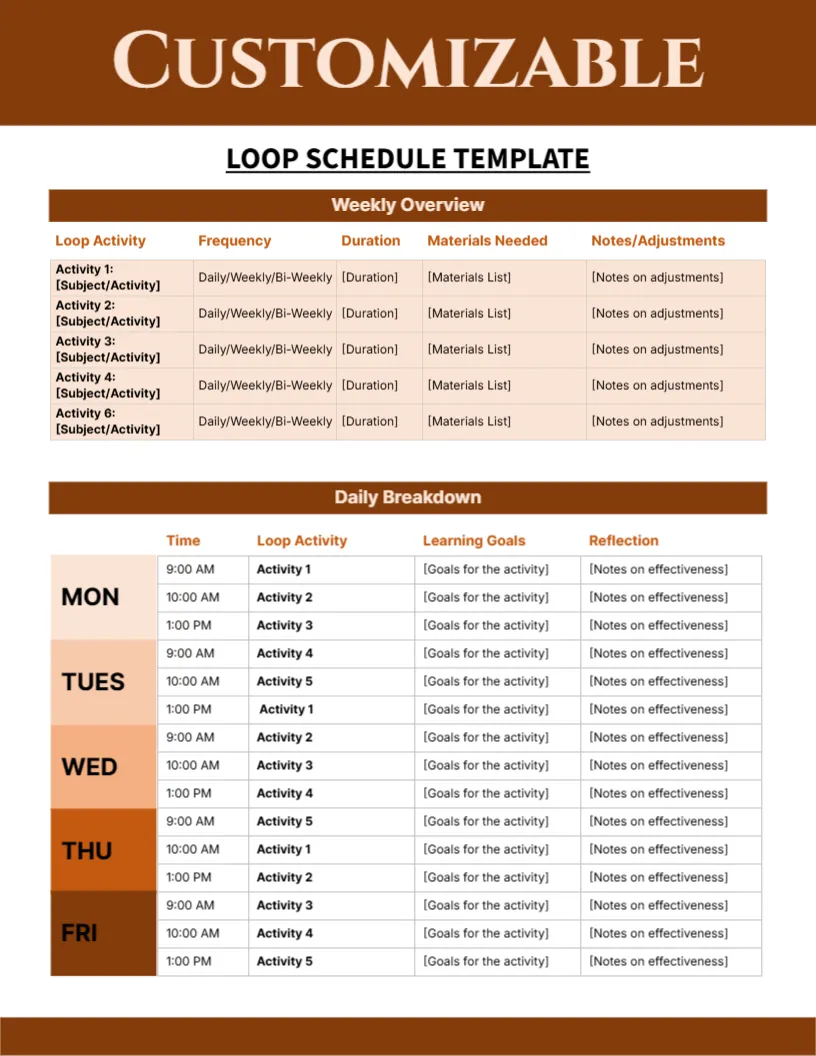
A school day moves fast. By the final bell, most students have been given a worksheet, a reading chapter, a reminder about Friday’s quiz, and a note that the sports kit is needed tomorrow, and half of it is gone by dinner. This Daily Student Planner catches all of it on one page, so nothing depends on memory. Fill it in during the day or in five minutes at the kitchen table in the evening, and the next morning starts with a plan instead of a panic.
It is built as a single A4 portrait page (210 x 297 mm) that you can customize online, then print or save. Use one sheet per day and keep them in a binder, or print a stack and staple a week together.
A Spiral Notebook With a Pencil on Top
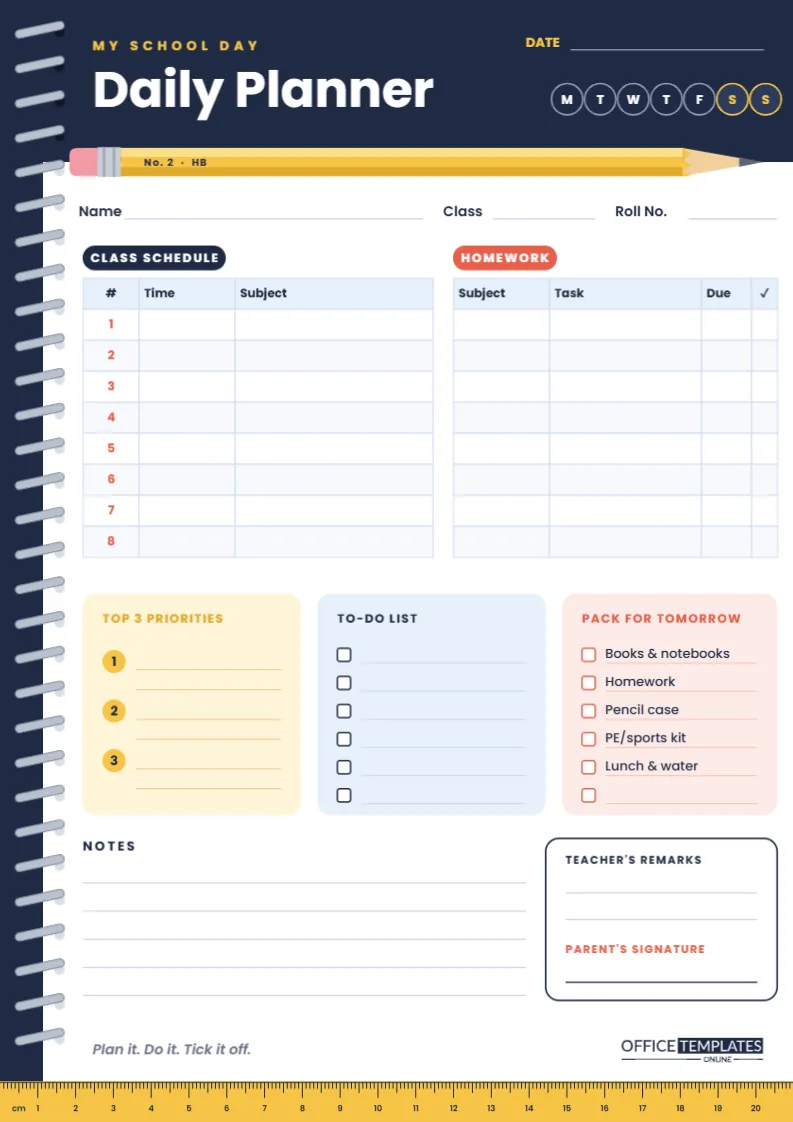
The design borrows the feel of a real spiral-bound school notebook. A deep navy strip runs down the left edge with silver wire coils looping through punched holes, and it joins a navy header band across the top, so the page reads as one bold L-shaped cover. The title Daily Planner sits in large white Poppins lettering under a small yellow My School Day kicker.
The detail people notice first is the pencil. A long yellow No. 2 HB pencil, complete with a pink eraser, a silver ferrule and a sharpened tip, lies along the lower edge of the header like a divider. At the foot of the page, a yellow ruler echoes it, and it is a working ruler: the millimetre and centimetre marks are drawn to scale across the 21 cm width of the A4 sheet, so when you print at actual size you can use the bottom edge of your planner to measure or underline.
The colour scheme stays calm enough for daily use: navy for structure, sunny yellow and coral for highlights, and soft cream, sky blue and blush panels to separate the sections without heavy borders.
Every Section, From Top to Bottom
- Date line and weekday circles. Write the date and circle the day. Saturday and Sunday are outlined in yellow so weekend study pages stand out.
- Name, Class and Roll No. Useful when pages are handed in, shared with a tutor, or kept in a class binder.
- Class Schedule. Eight numbered periods, each with a Time and Subject column, for the day’s timetable, room changes, or a substitute teacher.
- Homework. Subject, Task, Due, and a tick column. Writing the due date next to each task is what turns a list into a plan.
- Top 3 Priorities. Three numbered spots, each with two lines, for the things that must happen today even if nothing else does.
- To-Do List. Six tick boxes for the smaller jobs: return a library book, email a group partner, buy a new glue stick.
- Pack for Tomorrow. A ready-made checklist (books and notebooks, homework, pencil case, PE or sports kit, lunch and water) with one blank line for anything extra.
- Notes. Five ruled lines for announcements, test dates, or a quick reflection.
- Teacher’s Remarks and Parent’s Signature. The classic school-diary box, so a teacher can leave a message and a parent can sign to show they saw it.
A Sample School Day, Filled In
Not sure how much to write? Here is how a Year 7 student might use each part of the page on an ordinary Tuesday. Short notes are enough; the planner works because it is quick.
| Section | Example entry | Why it helps |
|---|---|---|
| Class Schedule | 3 · 10:40 · Science (Lab 2) | Room changes stop being a surprise. |
| Homework | Maths · Ex. 4B, Q1-12 · Thu | The due date sets the order you work in. |
| Top 3 Priorities | 1. Finish history poster draft | One big task gets done before the small ones. |
| To-Do List | Return library book | Small errands leave your head and land on paper. |
| Pack for Tomorrow | Tick PE kit, add signed trip form | The bag is packed the night before. |
| Notes | Spelling test moved to next Monday | Announcements do not get lost. |
| Parent’s Signature | Signed after checking homework | Home and school stay in step. |
Who Gets the Most Out of It
Middle and high school students with a rotating timetable find the eight-period schedule the most useful part, because it can change every day. Primary pupils can use it with a parent, who fills in the homework table while the child ticks the packing list. Homeschooling families can replace the periods with lesson blocks, and tutors can hand a printed copy to each student at the start of term. Teachers who run a planner check each morning will like the signature box, since it gives them one familiar place to look.
Customize It in the Online Editor
- Change the wording. Click any text to edit it. Replace My School Day with your school’s name, or rename Roll No. to Student ID or Section.
- Edit the tables. The Class Schedule and Homework are real tables. Double-click one to open Edit Table Data, where you can type into cells and use + Add Row if your school runs nine or ten periods. The Table panel also lets you change the number of columns, the colours and the font.
- Pre-fill what never changes. If your timetable is the same each week, type the period times into the schedule before printing, so only the subjects need to be written by hand.
- Adjust the packing list. Swap items for what your school actually asks for: a musical instrument, an art apron, a laptop charger.
- Recolour to match a school. Select the header band, the side strip, or the pencil and pick new colours. Grouped pieces such as the pencil, the spiral binding and the ruler move as one object, which keeps them tidy while you work.
- Add more pages. Use Add Page if you want a notes page or a weekly overview in the same file.
Printing the Daily Page at True Scale
Download the finished page as a PDF for printing, or as PNG or JPG if you want to use it on a tablet with a note-taking app. When printing, choose A4 and set the scale to Actual size or 100% rather than Fit to page; that keeps the ruler accurate and the margins even. The navy header uses a fair amount of ink, so for daily printing a laser printer or a print shop copy is more economical than an inkjet. Standard 80 gsm paper is fine for writing with a pencil or ballpoint; if you use gel pens or highlighters, 100 gsm paper stops them from showing through. Printing on US Letter paper also works if you choose Fit to page, although the ruler will then no longer measure true centimetres.
Habits That Make a Daily Planner Stick
- Same time, every day. Fill it in during the last lesson or right after school, before screens come out.
- Write the homework before leaving the room. Details are sharpest when the teacher has just explained them.
- Keep priorities honest. Three is a limit, not a target. One well-chosen priority beats three vague ones.
- Tick, don’t erase. Crossing things off is satisfying and shows progress across the week.
- Review on Sunday. Flick through the week’s pages to spot homework that slipped and tests coming up.
Questions Students and Parents Ask
Is this the right size for a school diary binder?
The page is A4 portrait, 210 x 297 mm, which fits standard ring binders and clear-pocket folders. Leave the navy strip on the left when you punch holes, since that edge is designed as the binding side.
Can I fill it in on a computer instead of printing?
Yes. Type straight into the text boxes and table cells in the editor, then download the result. Many older students keep a digital copy and print only the weeks with exams.
Our school has more than eight periods. What should I do?
Double-click the Class Schedule, choose Edit Table Data, and add rows. You may want to shorten the list cards below it slightly to keep everything on one page.
Is there space for a teacher to comment?
The Teacher’s Remarks box in the lower right has two ruled lines, with the Parent’s Signature line underneath, so the page can double as a home-school communication sheet.
Start Tomorrow Organized
Open the template, add your name, class, and timetable once, and print a week’s worth of pages. With homework, priorities, and the packing list in one place, the school day stops being something that happens to you and becomes something you planned.