Three Diamond Photo Frames Under Wide Spaced Lettering
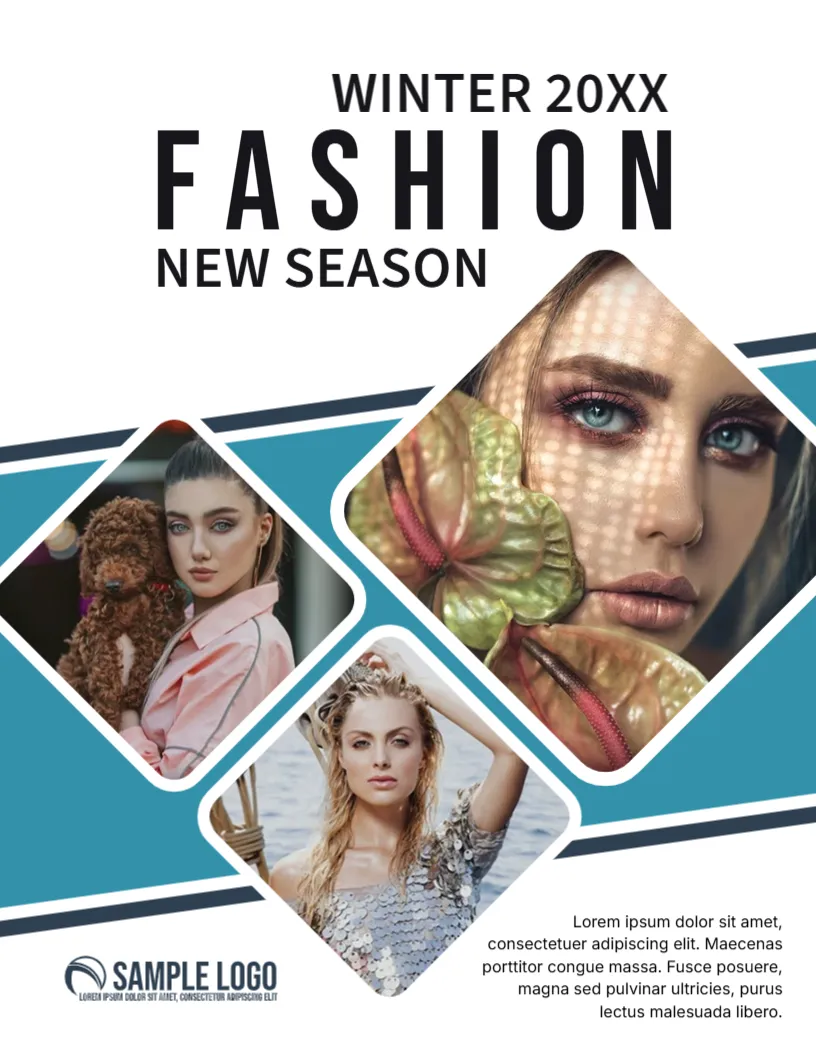
A very wide spaced word FASHION in black capitals dominates the top of this white cover, with WINTER 20XX above it and NEW SEASON below. Three tilted diamond frames hold portraits against a teal band with navy diagonal stripes. A SAMPLE LOGO sits at the lower left, with a Lorem ipsum paragraph set right aligned at the lower right.
A Portrait Cover for Fashion Titles
The page is 8.5 x 11 inches. The word FASHION is the masthead, so change it to your own title, and note that wide letter spacing means each extra letter pushes the title towards the page edge.
Season, Logo and Text Block
Replace WINTER 20XX with your season and year, edit NEW SEASON, swap the SAMPLE LOGO and rewrite the paragraph at the foot. Replace all three photos with portraits that suit the diamond crops.
Preparing the Fashion Cover
- Edit the masthead.
- Set the season and year.
- Swap the three photos.
- Replace the logo.
- Rewrite the text block.
Diamonds Instead of Rectangles
The tilted frames give an editorial, collage feel, unlike the usual single portrait. They let you show three looks at once, which suits a seasonal trend feature.
Photos That Survive a Diamond Crop
Faces centred in the frame work best. Pick pictures with space around the head, because the corners of a diamond cut off the top, bottom and sides sharply.
Teal and Navy as a Backdrop
The teal band with thin navy stripes gives the photos a stage and adds energy. Fashion brands often like cooler colours for winter, and the band can be recoloured for other seasons.
A Minimal Masthead With Style
The spaced capitals feel airy and high end. Keep the typeface light and avoid adding more headlines at the top, because the white space is part of the elegance.
Lookbooks and Boutique Catalogs
Besides magazines, small boutiques use covers like this for lookbooks and seasonal catalogs. Swap the paragraph for a short tagline, and add a shop address on the back.
Model Release and Image Rights
Use only photos you own or have licensed, and get written permission from anyone shown. This is a layout, and image rights are your responsibility.
Printing the Cover
Use a smooth, bright paper so skin tones look natural. For a glossy look, ask a print shop about coated stock and test the teal against your brand colour.
Step by Step Editing of the Fashion Magazine Cover Diamond Photos Teal Design
- On the fashion magazine cover diamond photos teal design, click the main headline and type your own words, keeping a similar length.
- Retype every name, date and contact line on the fashion magazine cover diamond photos teal design, checking each against a trusted source.
- Search the fashion magazine cover diamond photos teal design for the words Lorem and Company so that no placeholder remains.
- Click any logo or photo on the fashion magazine cover diamond photos teal design, choose Replace Image and resize the new picture to fit.
- Zoom the fashion magazine cover diamond photos teal design to full size and read each line aloud before you save it.
- Keep a clean master of the fashion magazine cover diamond photos teal design without private details, so later versions start tidy.
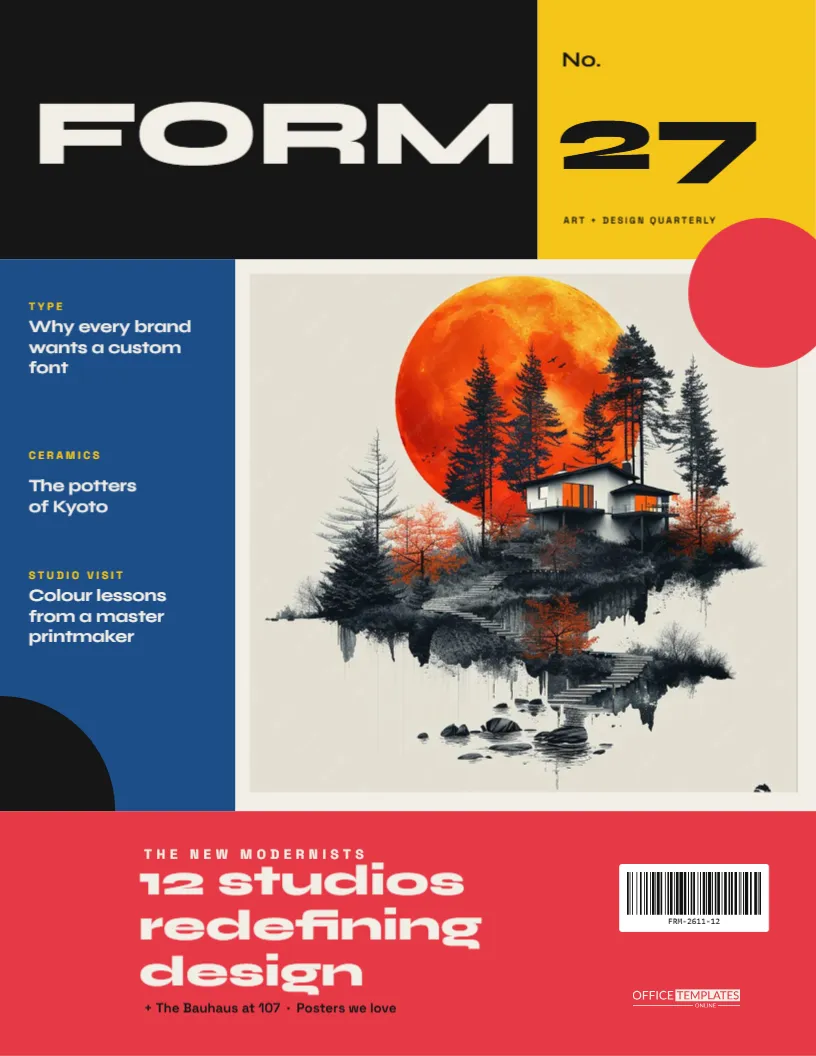
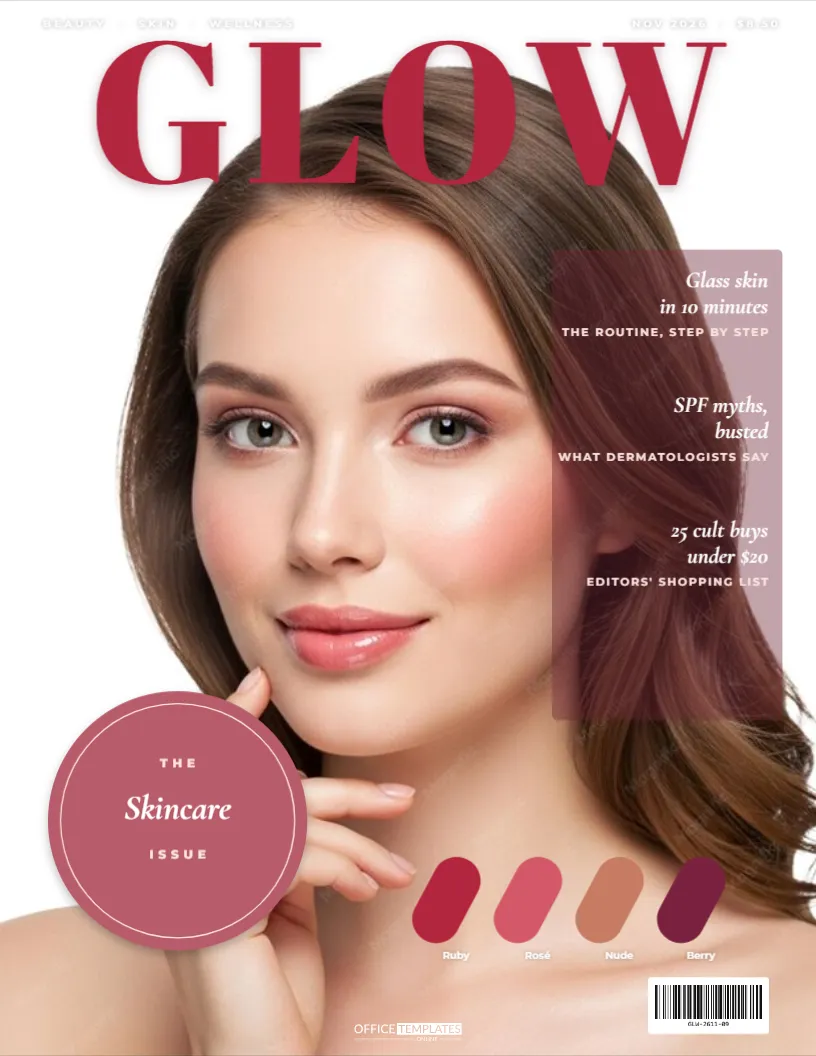
Compare it with the beauty magazine cover. You may also like the bridal magazine cover. For comparison, open the art and design cover. Looking beyond the fashion magazine cover diamond photos teal design? See all magazine cover templates.