Bold Yellow Diagonals for the Program of an Event
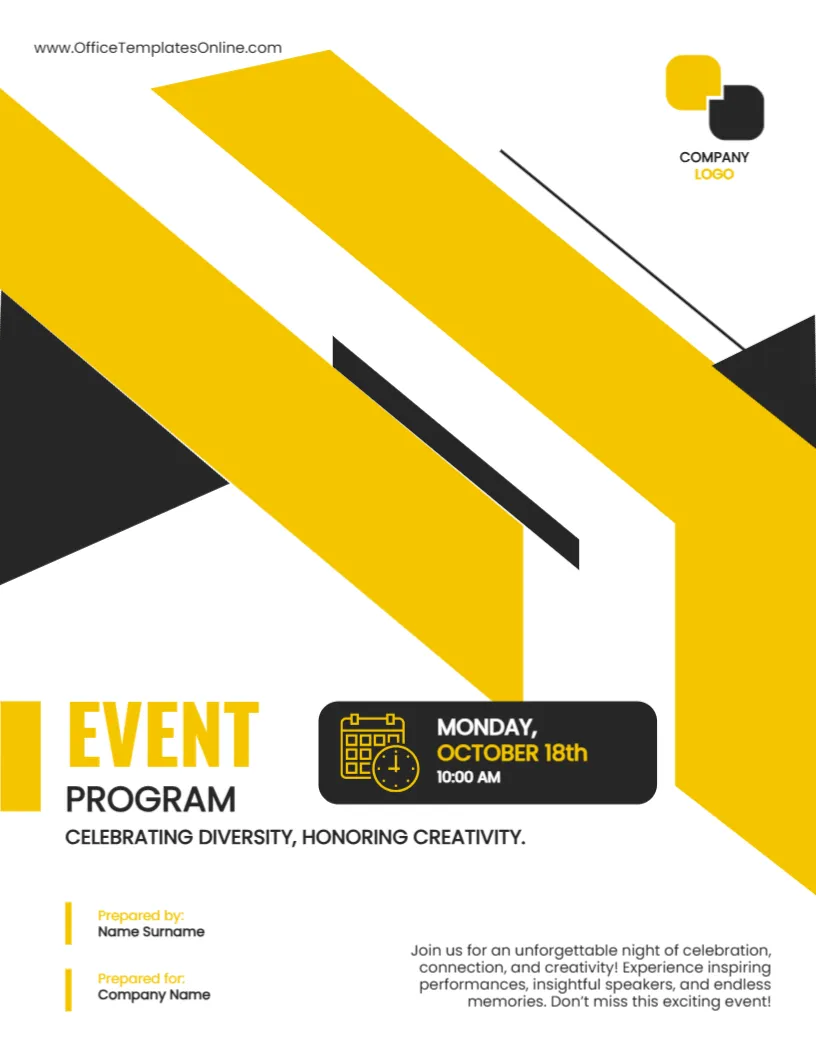
The program is what guests hold during an event, and its cover sets the mood. This one uses broad yellow and black diagonal bands that sweep across the page, a rounded black panel with a calendar icon holding the date and time, and large EVENT PROGRAM lettering. It suits conferences, galas, festivals, ceremonies and community nights.
Diagonal Bands and the Date Panel
The page is 8.5 x 11 inches, portrait, one page. Two yellow diagonal bands and black triangles fill the upper two thirds. A thin black line crosses them. The date panel at the lower middle is a black rounded rectangle with a yellow calendar and clock icon. The company logo sits at the upper right.
Event Title, Tagline and Date Panel Wording
EVENT in yellow capitals and PROGRAM in black sit at the lower left. The line CELEBRATING DIVERSITY, HONORING CREATIVITY. is the tagline. The panel reads MONDAY, OCTOBER 18th and 10:00 AM. A paragraph at the lower right invites guests to an unforgettable night. Check the weekday against the date for your year, and add the venue, which the template does not show.
Information a Program Cover Should Carry
- Event name and tagline.
- Date, start time and venue.
- Organiser and logo.
- Website or social handle.
- Sponsor logos, if any.
Checking the Weekday and Date
Monday and October 18th only match in certain years. Look at a calendar for your event year and correct whichever is wrong. A wrong weekday confuses guests and looks careless.
Planning the Pages Inside
After the cover, list the schedule, the speakers or performers, the venue map and thanks to sponsors. Keep each page simple. A fold out map is useful at large venues.
Printing the Event Program Cover
Print on 170 gsm gloss for a festive look. The yellow bands reach the edge, so ask for full bleed.
Step by Step Editing of the Event Program Yellow Design
- On the event program yellow design, click the main headline and type your own words, keeping a similar length.
- Retype every name, date and contact line on the event program yellow design, checking each against a trusted source.
- Search the event program yellow design for the words Lorem and Company so that no placeholder remains.
- Click any logo or photo on the event program yellow design, choose Replace Image and resize the new picture to fit.
- Zoom the event program yellow design to full size and read each line aloud before you save it.
- Keep a clean master of the event program yellow design without private details, so later versions start tidy.
Thanking Sponsors on the Program
Place sponsor logos on the back cover or the last page, with a line of thanks. Ask each sponsor for a high resolution logo and keep the sizes equal. A tidy sponsor page keeps goodwill for next year.
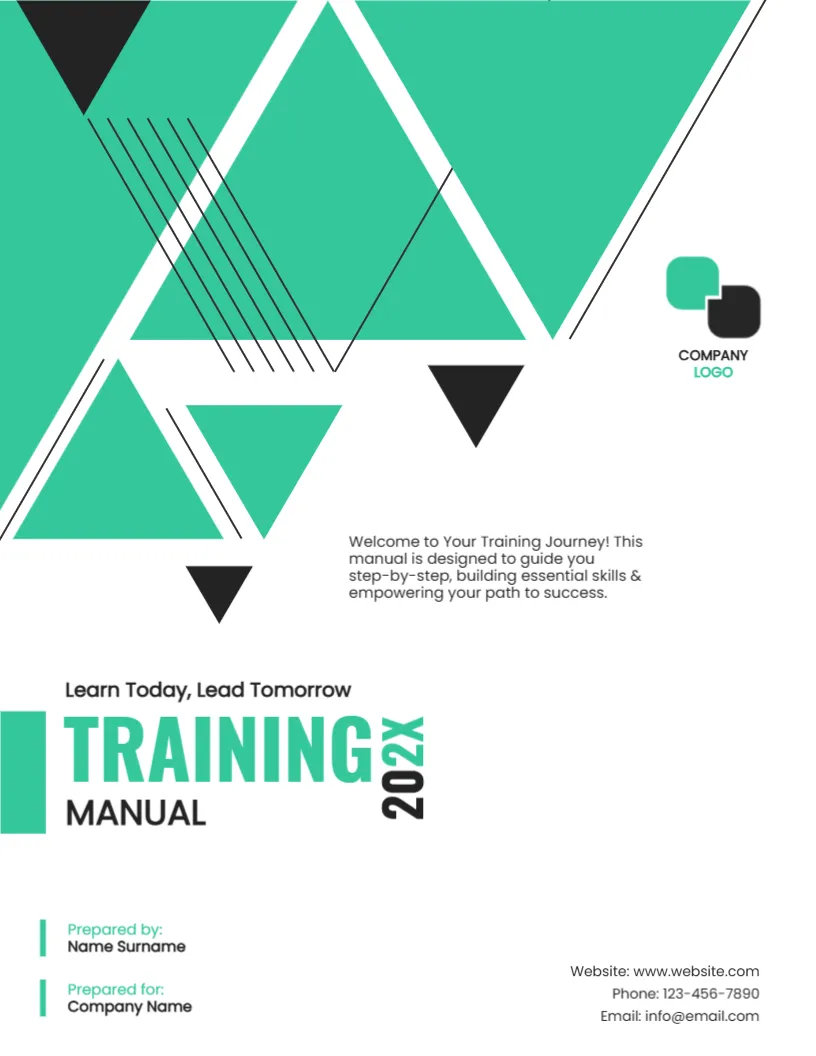
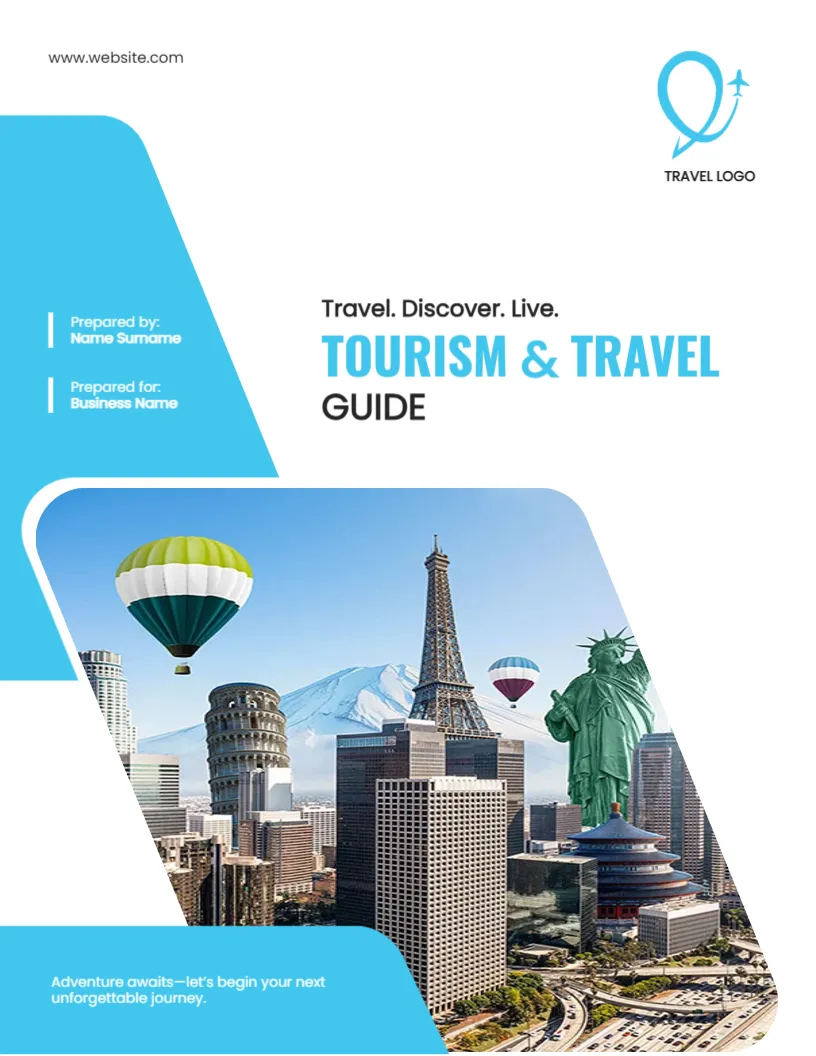
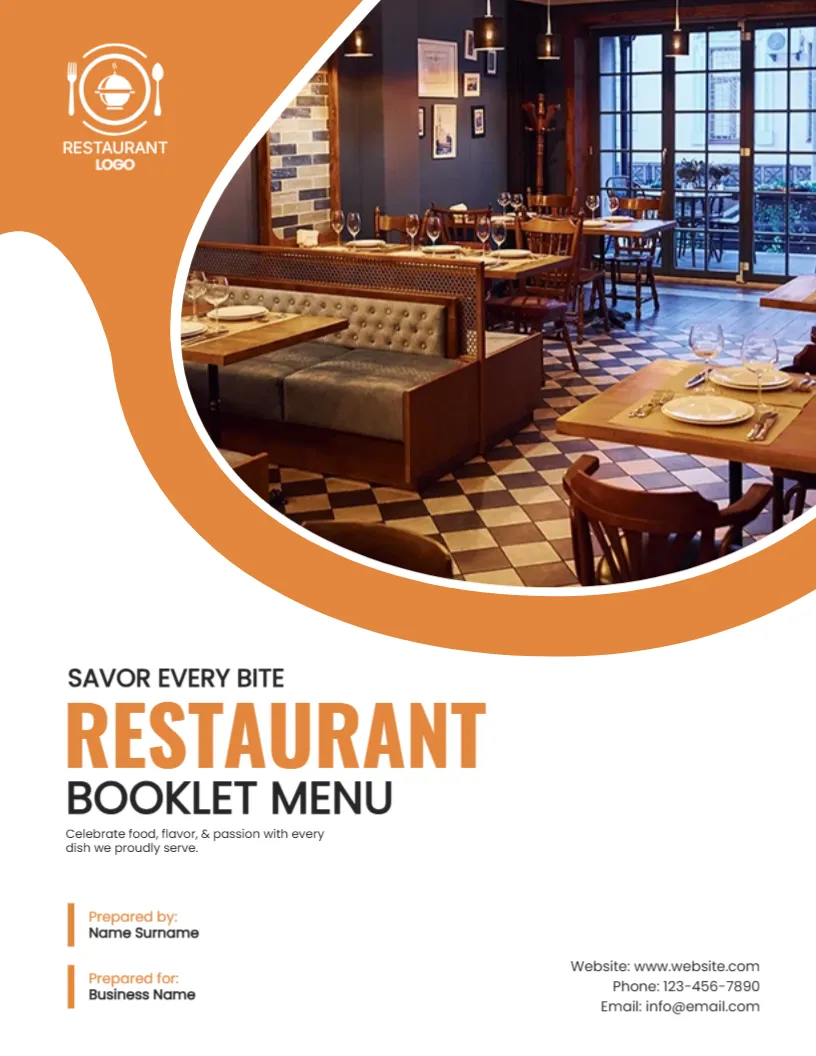
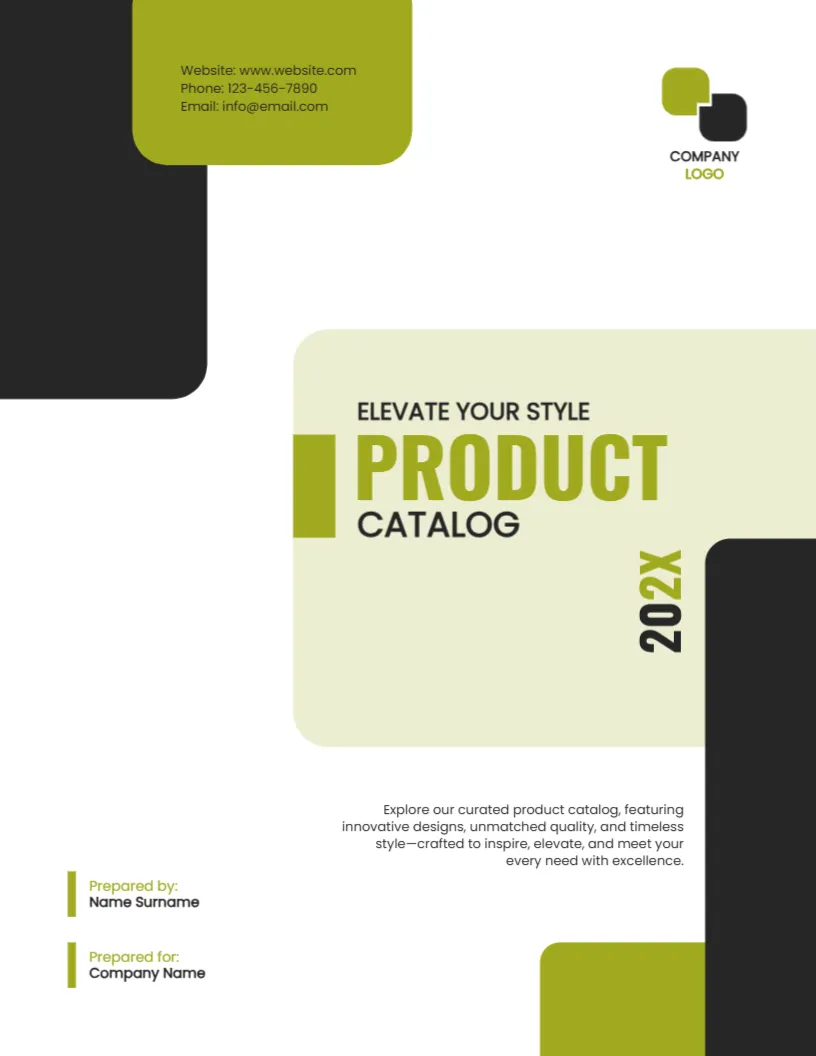
For comparison, open the training manual cover page. Consider the course guide cover page. Similar designs include the product catalog cover page. The rest of the series around the event program yellow design is in cover pages.