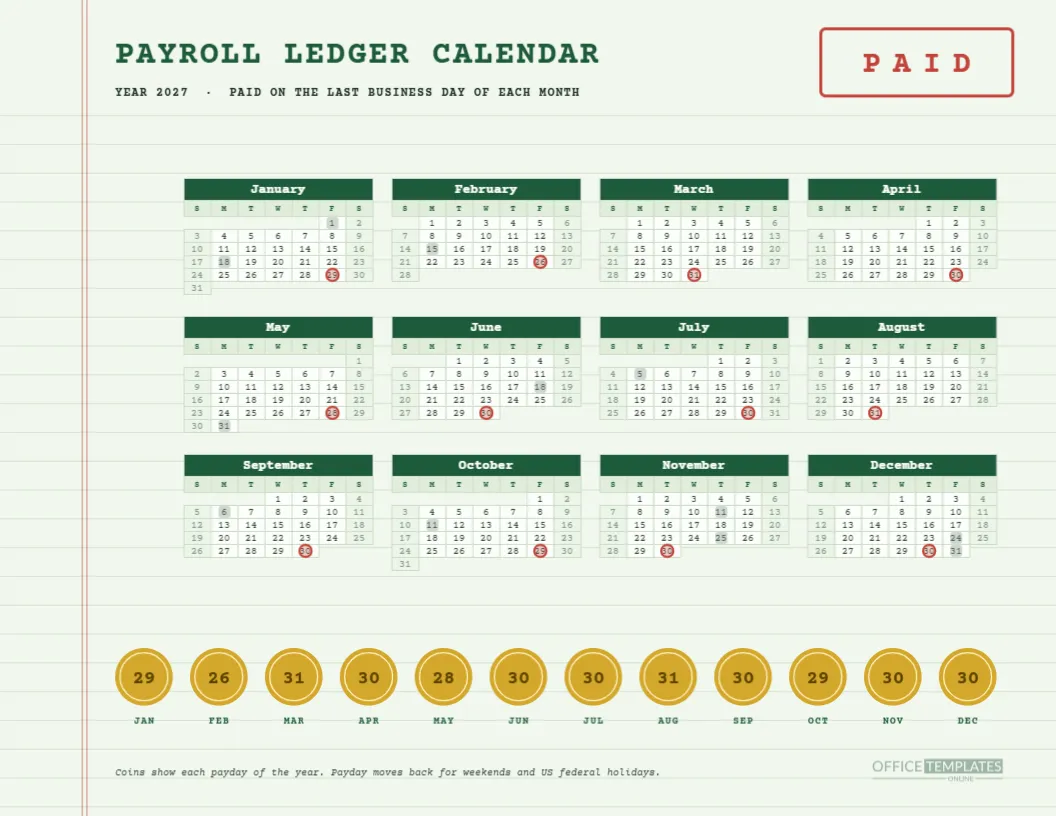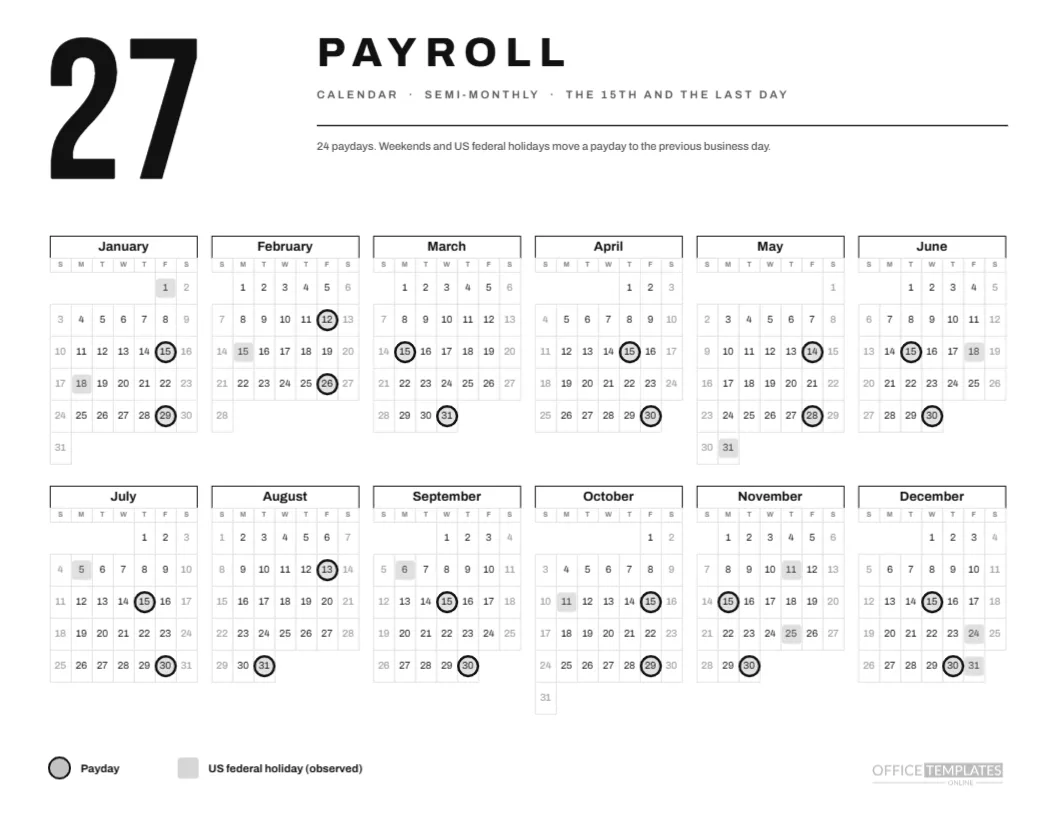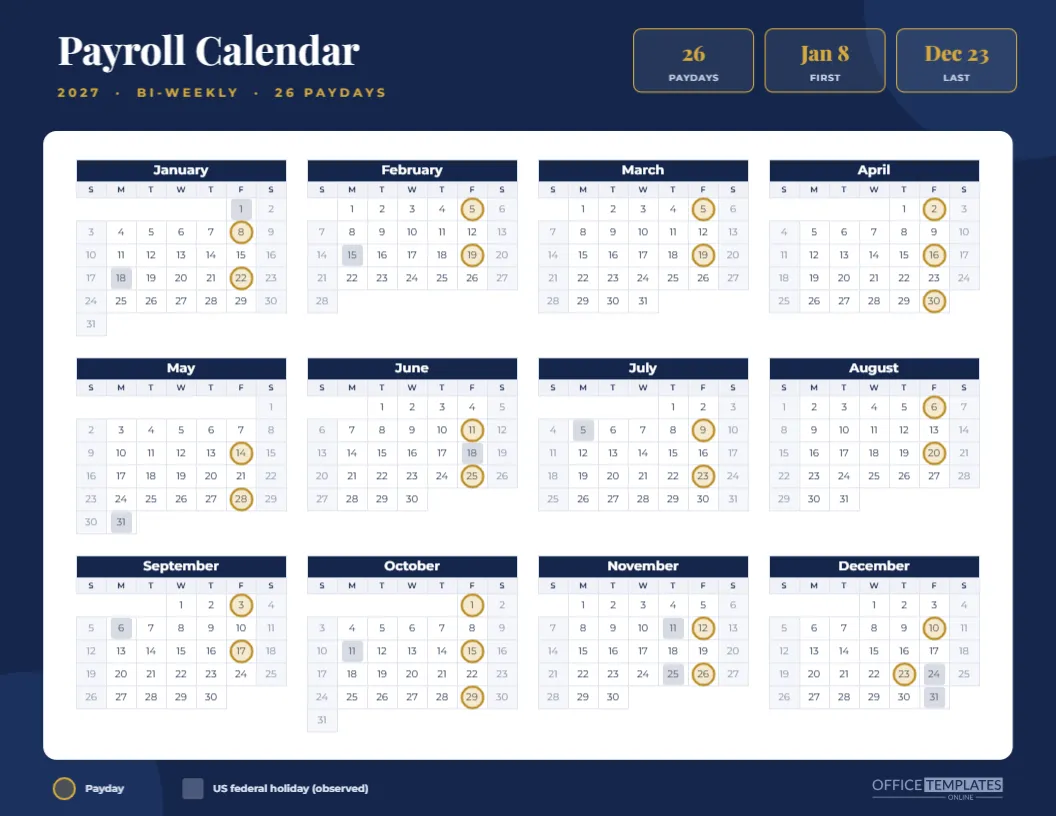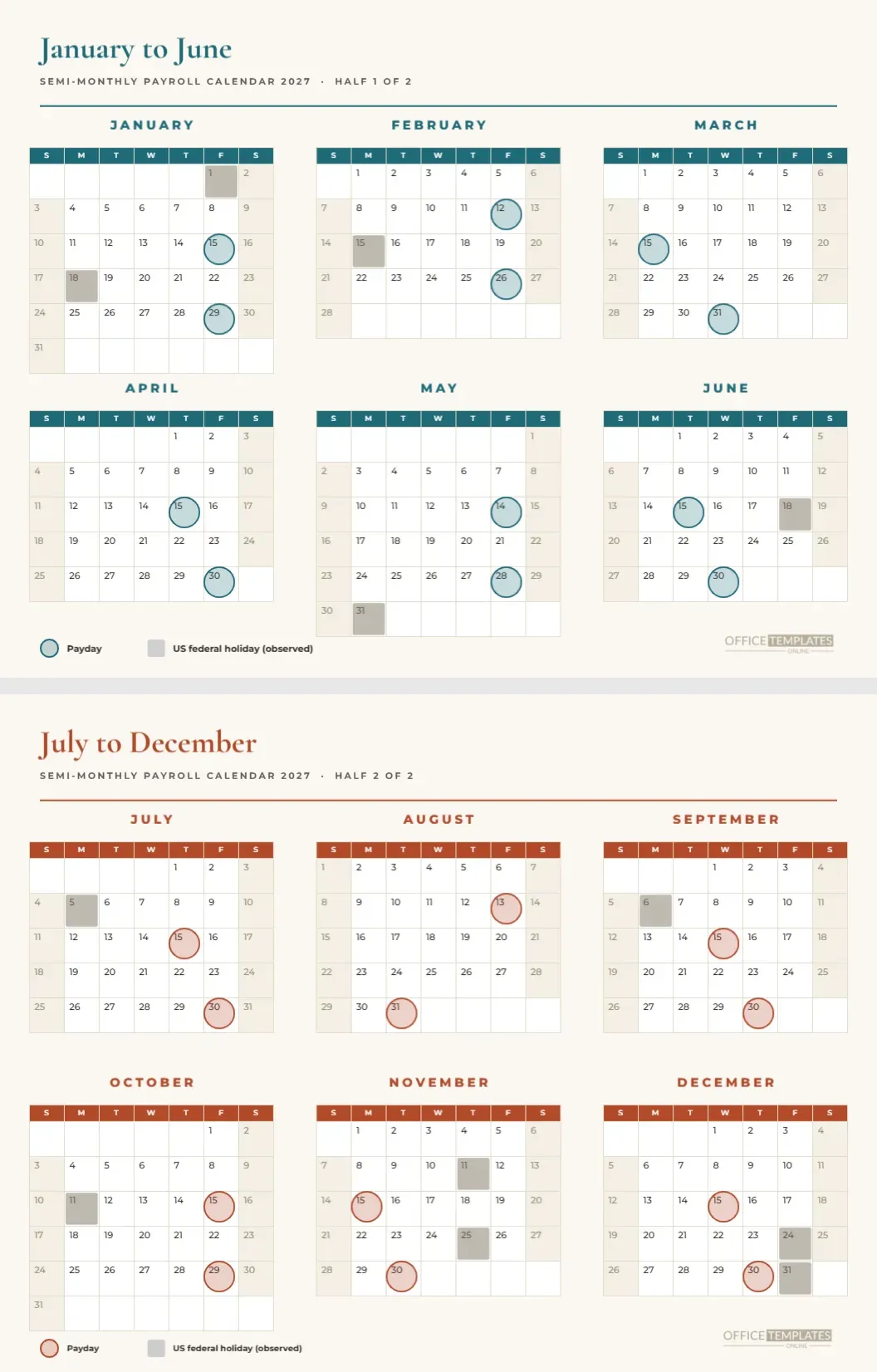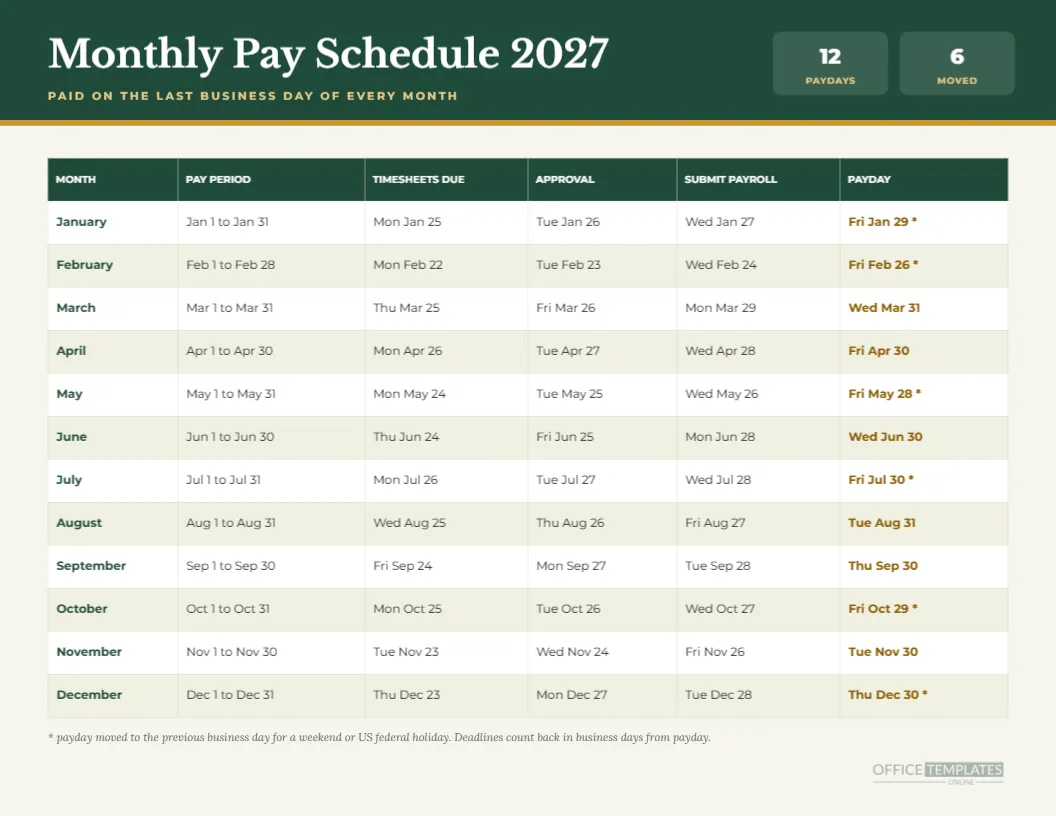
A monthly payroll run is a chain of small steps, and the chain is only as strong as its weakest link. This landscape pay schedule for 2027 lists the pay period, the timesheet deadline, the approval date, the date payroll must be submitted, and the payday for each of the twelve months. Forest green and gold give it the feel of a financial statement, which is exactly the mood a monthly payroll deserves.
First, the Header Band
A forest green band spans the top of the page. The title Monthly Pay Schedule 2027 is set in Libre Baskerville, with a gold subtitle saying PAID ON THE LAST BUSINESS DAY OF EVERY MONTH. Two small tiles on the right read 12 PAYDAYS and 6 MOVED. A thin gold rule closes the band.
Second, the Six Column Table
The table runs the full width with a green header row and alternating cream and white body rows. Its columns are month, pay period, timesheets due, approval, submit payroll, and payday. The payday column is bold and set in a dark gold so it stands out, while the month names are bold green.
Third, Read the January Row
January’s pay period is January 1 to January 31. Timesheets are due Monday, January 25; approval is Tuesday, January 26; payroll is submitted Wednesday, January 27; and payday is Friday, January 29. The asterisk reminds you that January 31 is a Sunday, so the payday stepped back two days.
Fourth, Notice the Mid-Year Rows
March pays on Wednesday, March 31, with timesheets due Thursday, March 25. June pays on Wednesday, June 30, with timesheets due Thursday, June 24. August pays on Tuesday, August 31. Rows like these, without an asterisk, are the ordinary months. They show that a last business day payday can fall on any weekday.
Fifth, Understand the Business Day Count
Deadlines count back in business days from payday: four for timesheets, three for approval, and two for submitting payroll. A business day here is a weekday that is not an observed US federal holiday. Memorial Day, May 31, therefore pushes the May deadlines earlier. If your provider needs a longer lead time, retype the columns.
Sixth, Check the Six Moved Months
January, February, May, July, October, and December carry asterisks. The table tells you the exact date for each: Jan 29, Feb 26, May 28, Jul 30, Oct 29 and Dec 30. A stack of six dates is easy to put in a staff email, which is a fine way to use the page.
Seventh, Decide Who Gets a Copy
Give a copy to whoever approves payroll, to the person who prepares it, and to the finance lead who funds it. Three readers, one page, no disagreement about dates. Some firms also send a copy to their outside accountant at the start of the year, so that year-end work is scheduled in advance.
Eighth, Edit the Dates If Needed
The page is a Table object, so edit each cell as ordinary text. If your pay date is the 25th instead of the last day, retype the pay period, deadline, and payday columns, and change the subtitle. Keep the title and layout, and the page works for any single payday a month.
Ninth, Adjust the Tiles
The tiles on the right of the band hold two numbers. If you change the pay rule, update both tiles so they match. Delete a tile if you do not need it, or replace one with a different fact such as the next payday, which you can retype at the start of each month.
Tenth, Print on Landscape Letter
Print in landscape at actual size with background graphics on. The green band is a large fill, so a laser printer or print shop gives the cleanest result. The table text is nine points, comfortable for reading from a desk without glasses for most people.
Why a Schedule Beats a Reminder App
Phone reminders do not give you the whole picture, and they disappear if the person who set them leaves. A printed schedule stays in the binder, passes to a successor, and shows every step in order. It is also a document an auditor can see, which makes it more useful than a series of alerts.
Pairing the Schedule With the Monthly Year Grid
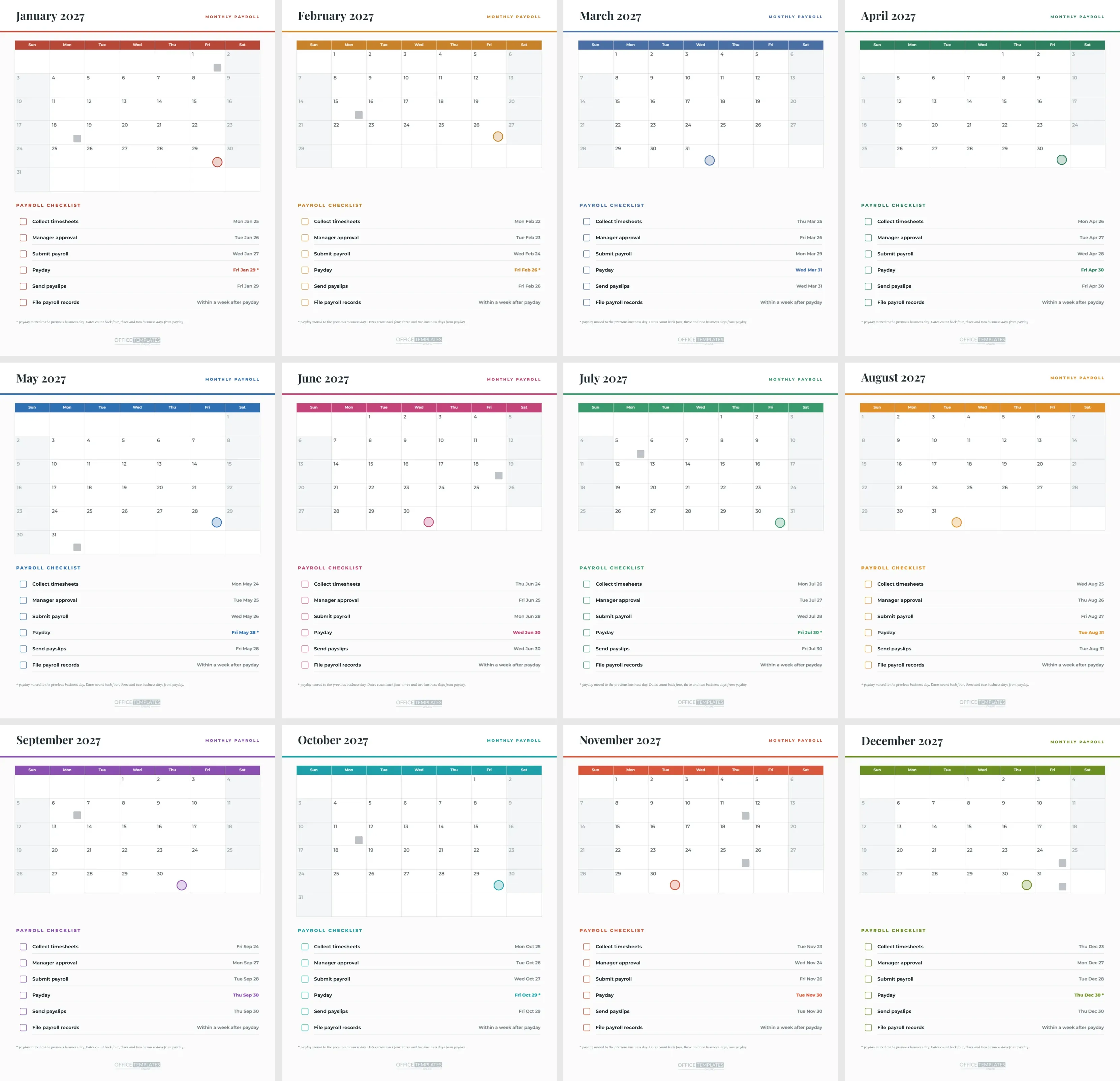
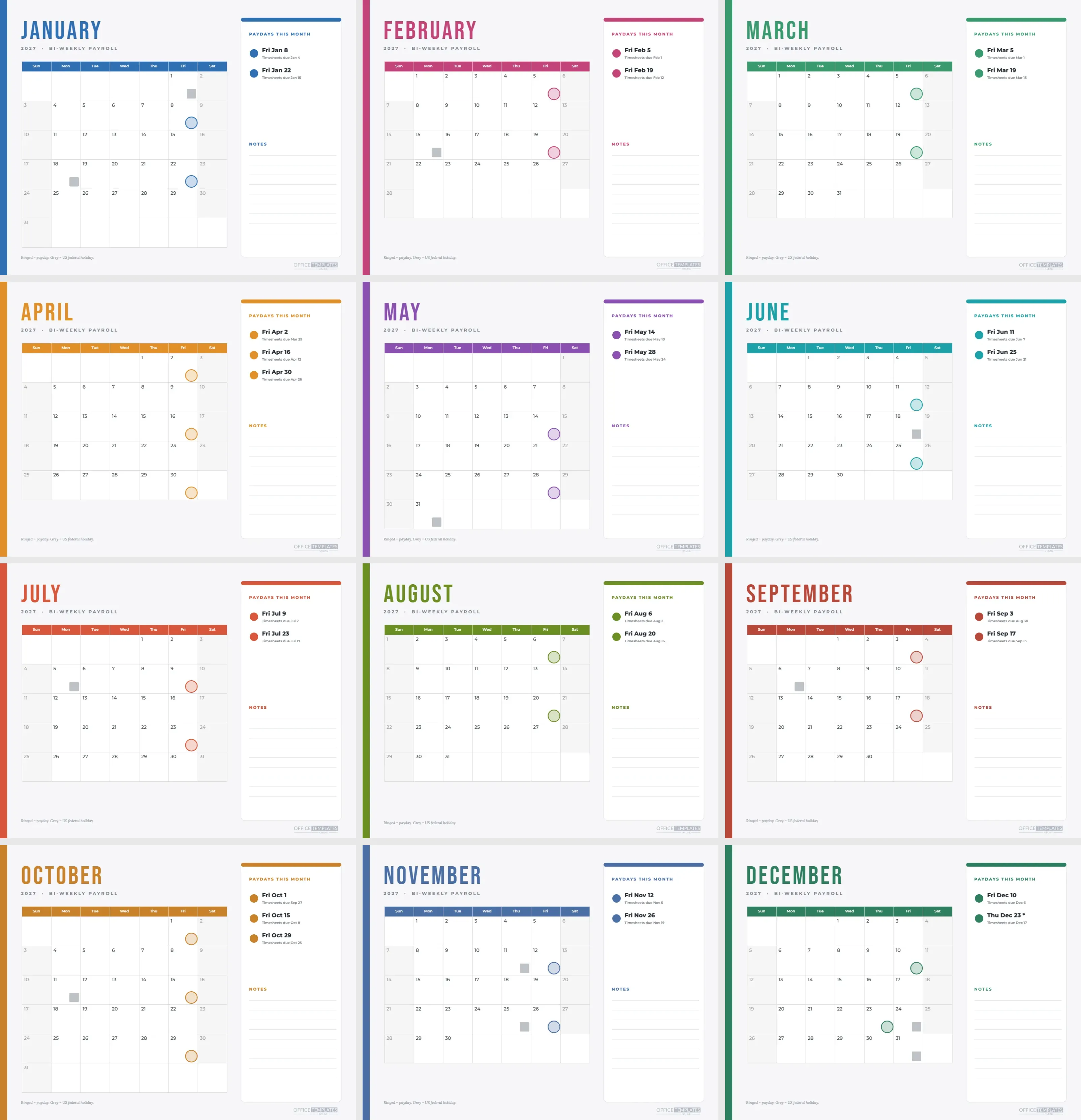
The monthly payroll calendar in this collection shows the same twelve paydays on a year grid. Use that for the wall and this schedule for the desk. Both draw from the same dates and use the same asterisk convention, so anyone moving between them will not be confused.
Handling Special Runs
Bonuses, back pay, and correction runs do not appear on this schedule. Add a row at the bottom or write them in the margin as they happen. A regular page with handwritten extras is a perfectly good record, and it is more honest than pretending special runs do not exist.
What the Page Does Not Do
It does not calculate pay, taxes, or deductions. It does not know about state or national rules, bank cut-off times, or your contract terms. It plans dates only. Confirm them against your payroll provider’s calendar, and note any differences in the margin.
Sharing as a PDF
Download the finished page as a PDF and attach it to a message to managers. The table stays crisp at any zoom level, and the colours survive on screen. Keep the editable design in your account so you can rebuild the schedule for next year.
Quick Reference Answers
How many paydays? Twelve. How many are moved? Six. What are the deadline rules? Four, three, and two business days before payday. Is it landscape? Yes, Letter. Is the table editable? Yes, every cell.
Keeping Copies for the Accountant
Outside accountants like to see the planned payroll dates at the start of the year, because their own work follows yours. Send the PDF in January and ask them to compare it with their calendar of filing dates. Any mismatch you discover in January costs nothing, while one found in November tends to cost a fine or a rushed weekend.
A Simple Habit for Each Month
On the first working day of each month, find that month’s row and write the four dates on your own task list. It takes under a minute and removes the need to remember anything. By the end of the year, the habit becomes automatic, and the schedule becomes a record of what actually happened.