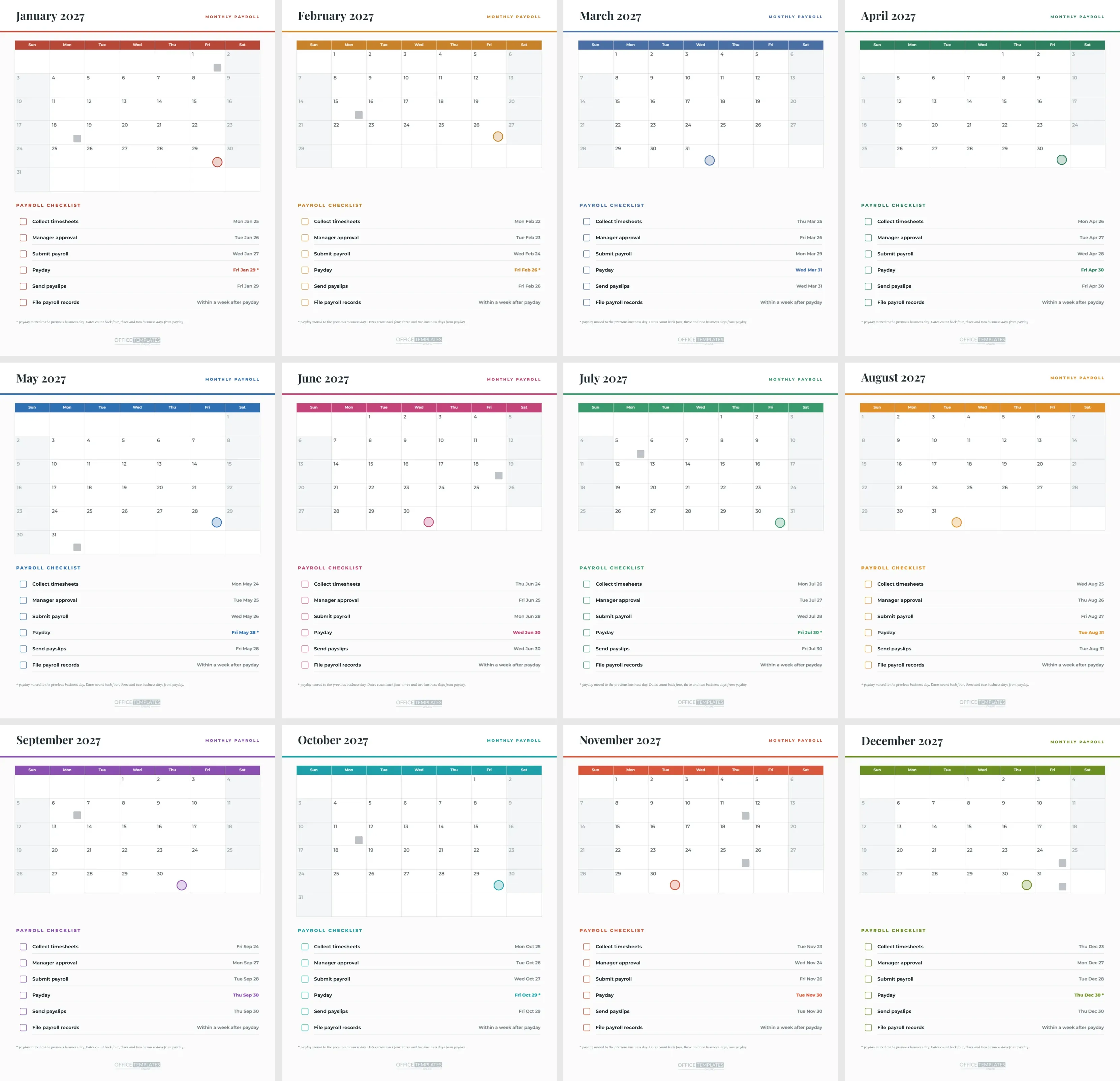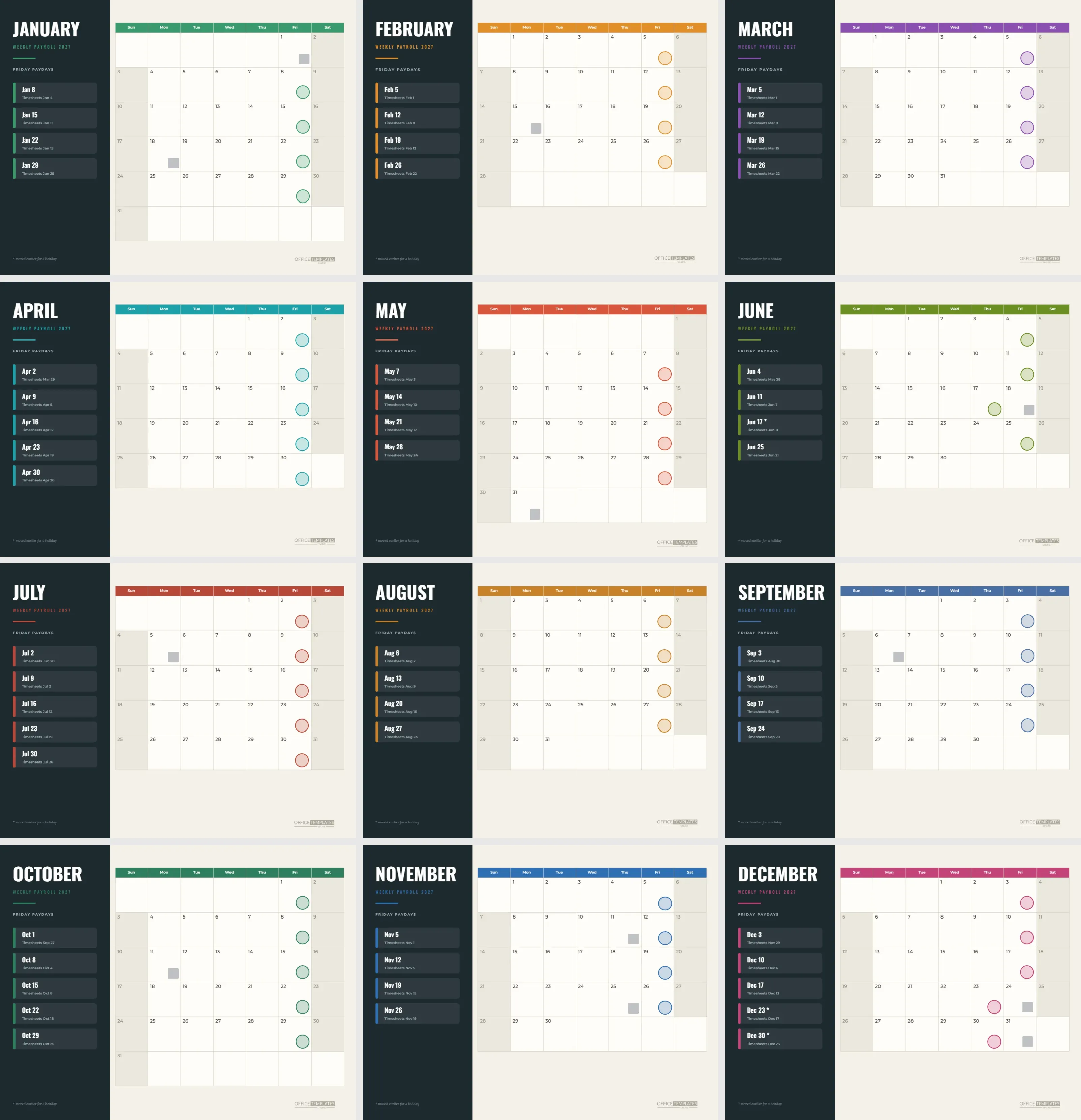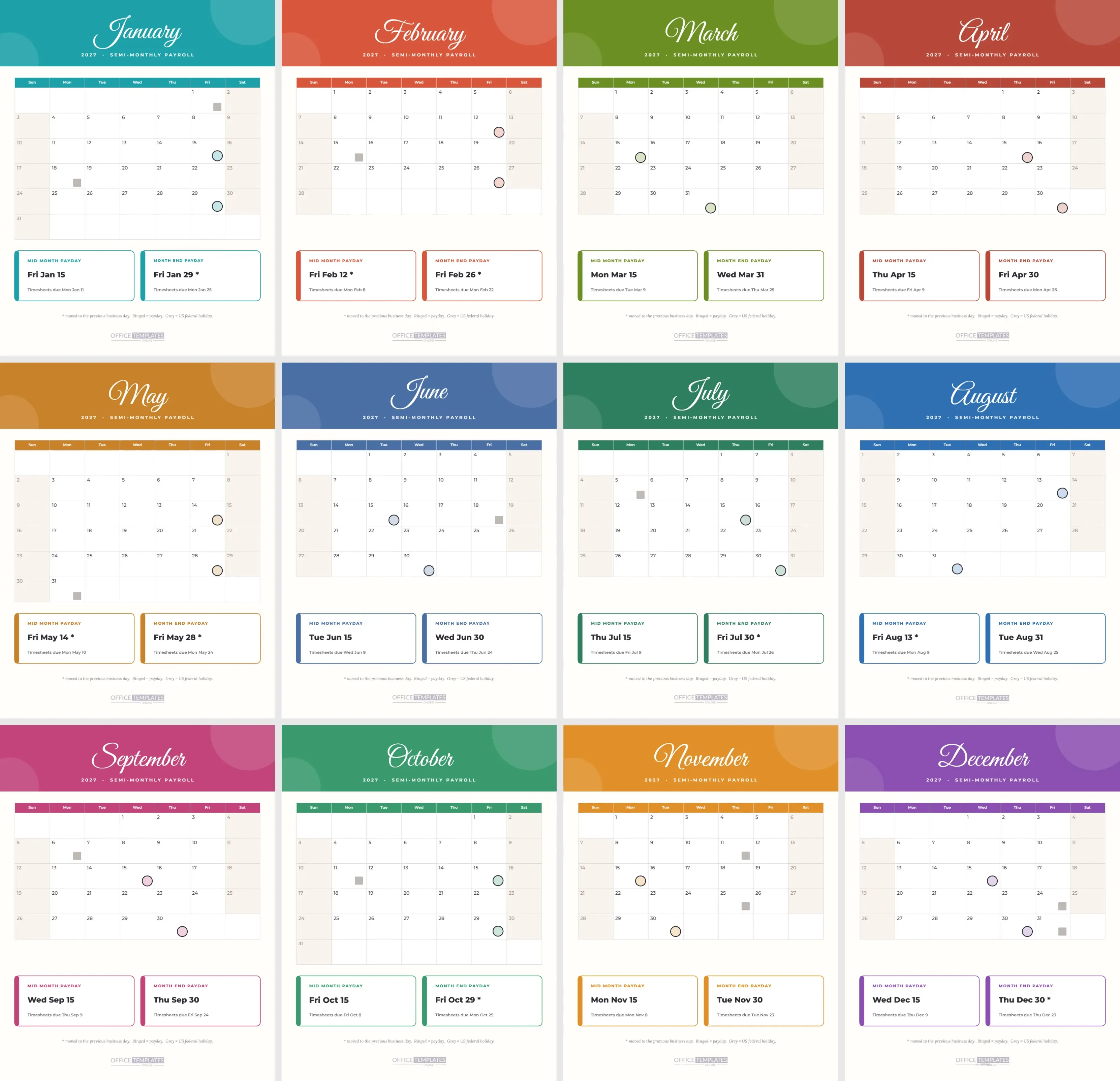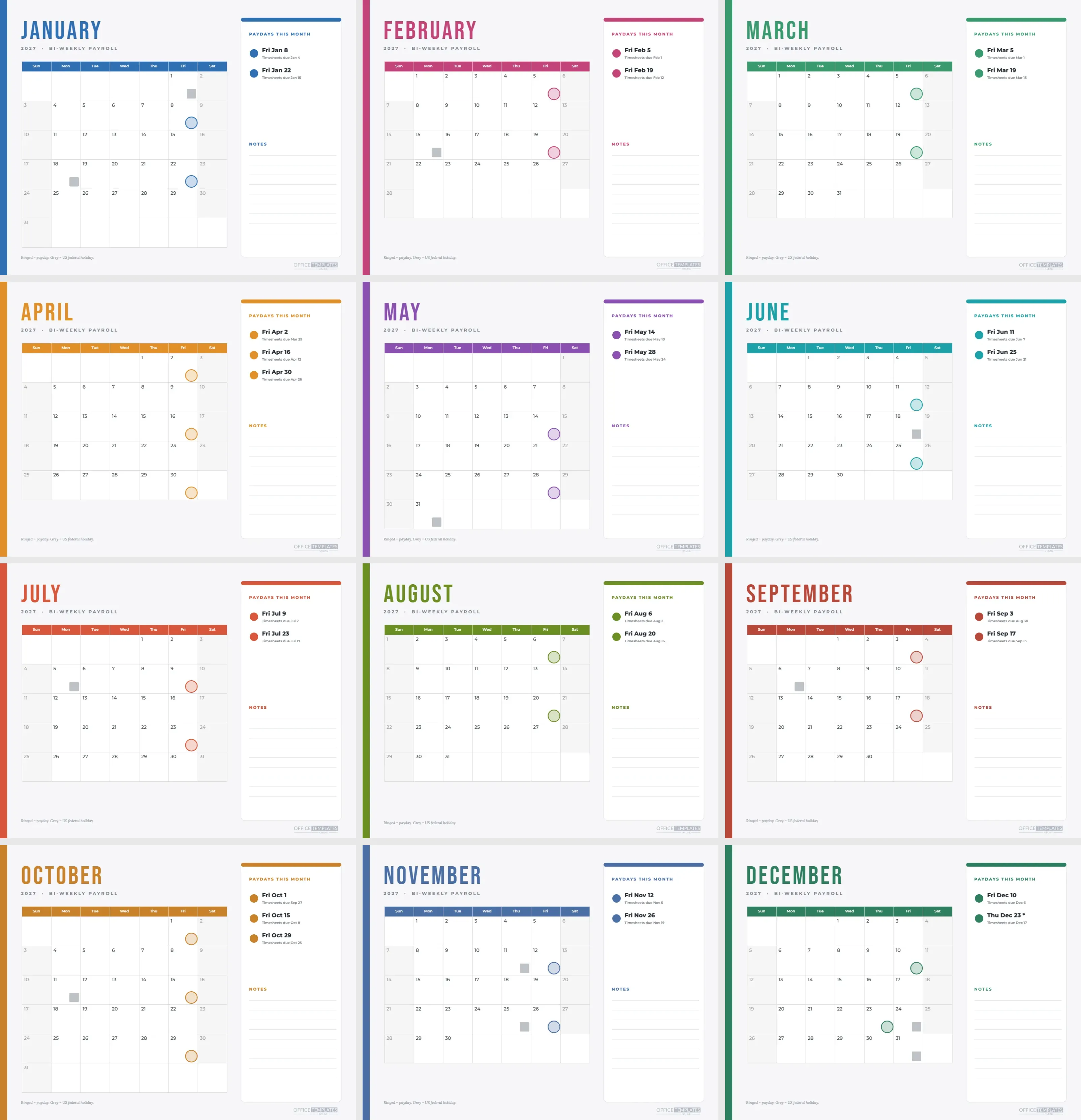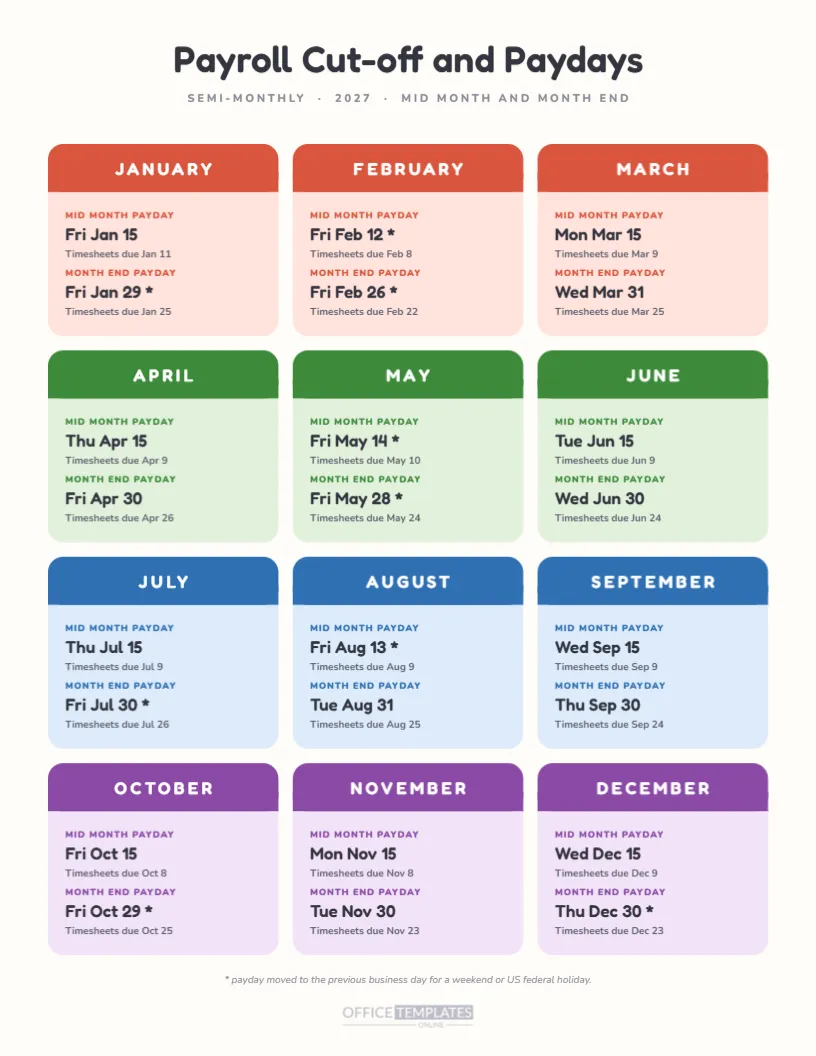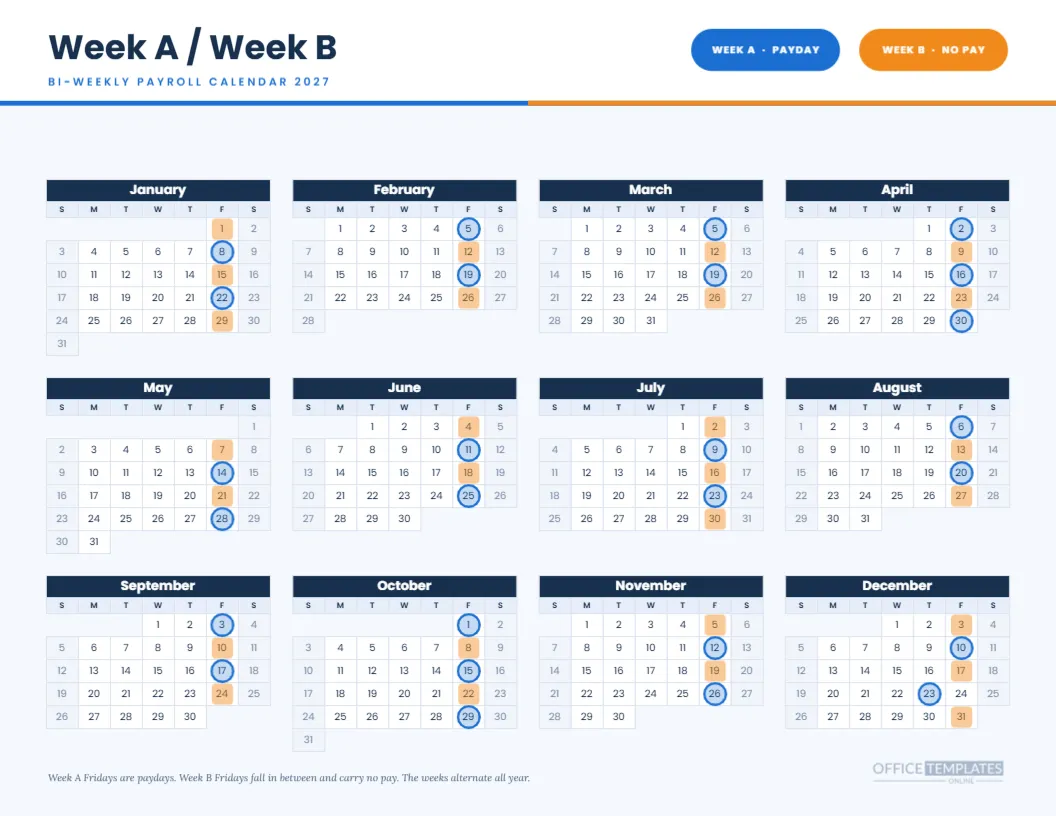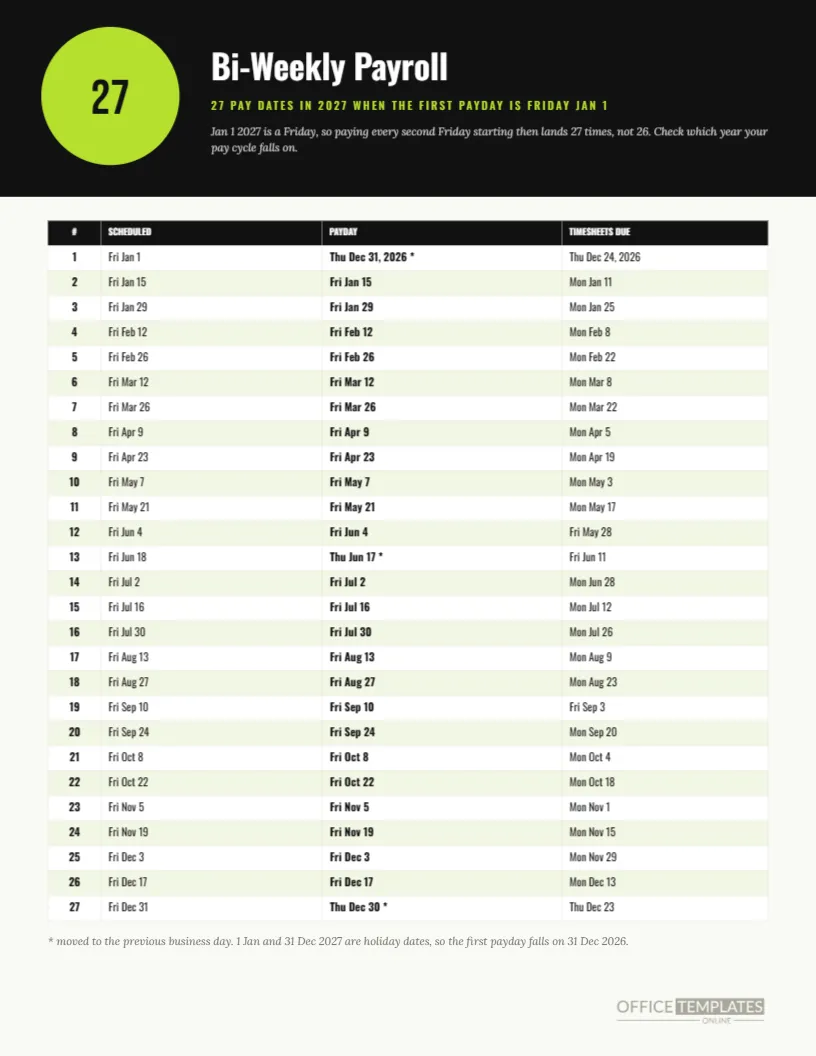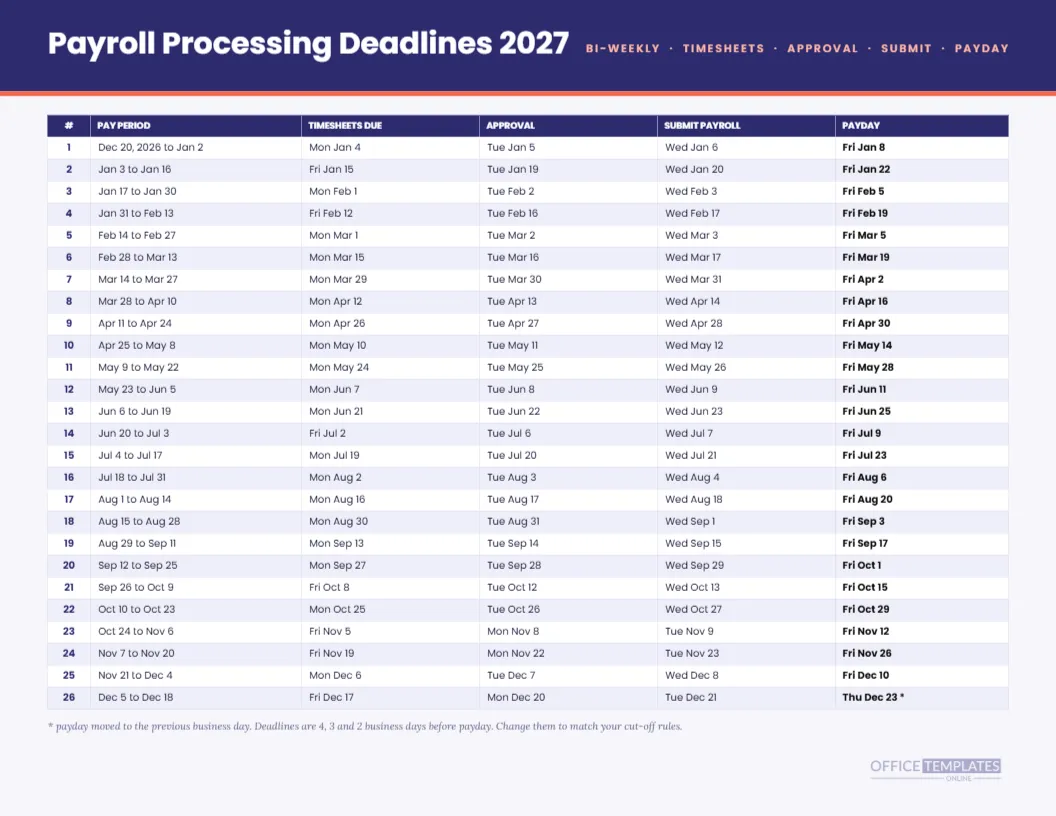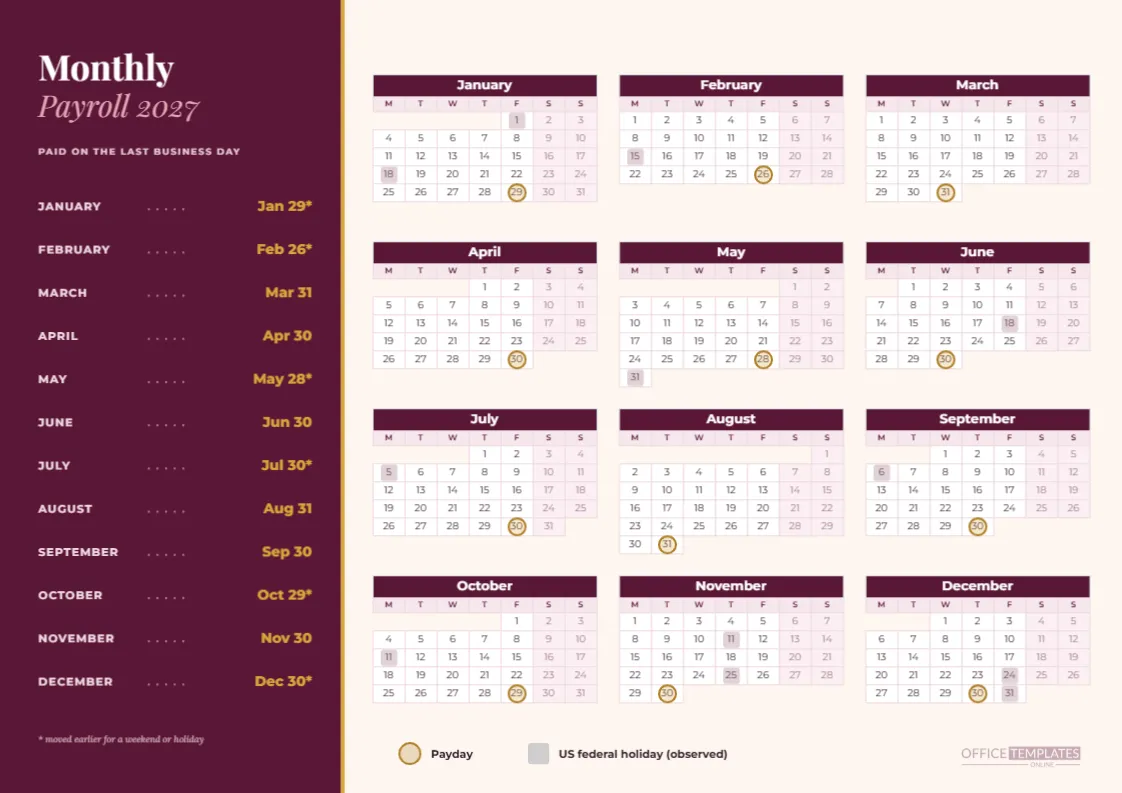
This A4 monthly payroll calendar for 2027 is arranged like a menu. A dark berry panel on the left lists the twelve months with dotted leaders running to a gold payday, and the larger cream area on the right holds the whole year in a Monday-start grid. It suits offices where payday means one date a month, and the page is meant to be read in about three seconds.
January: The First Payday of the Year
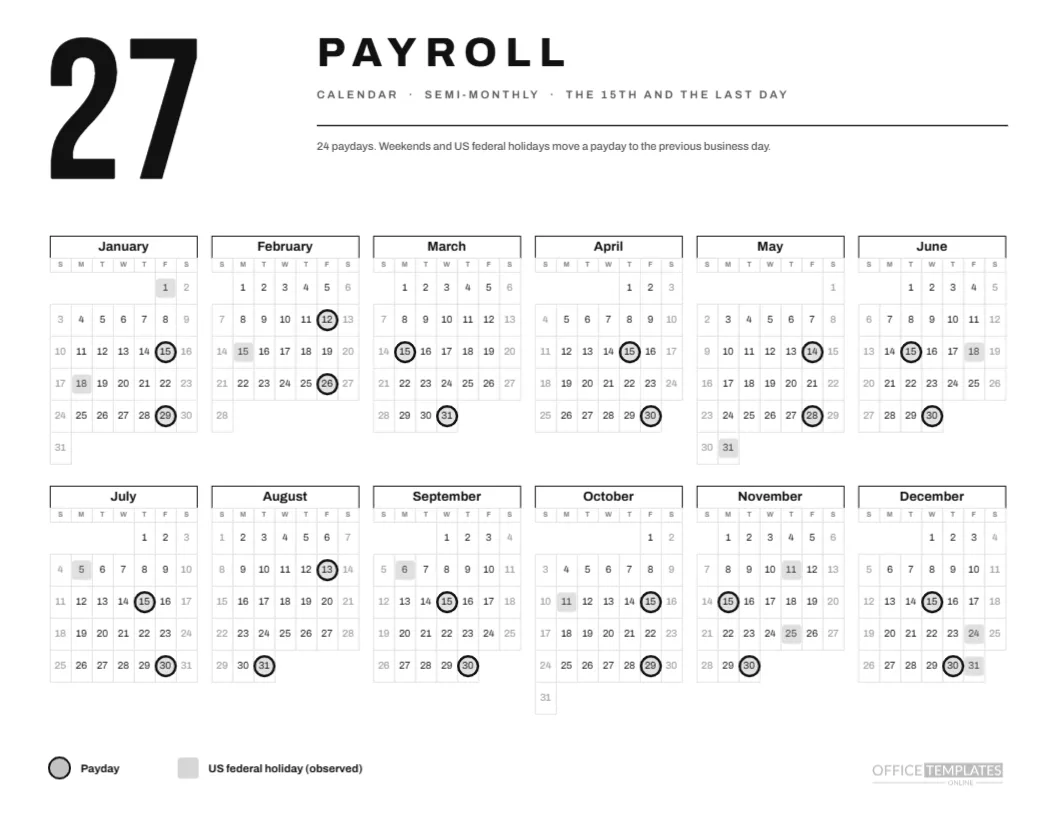
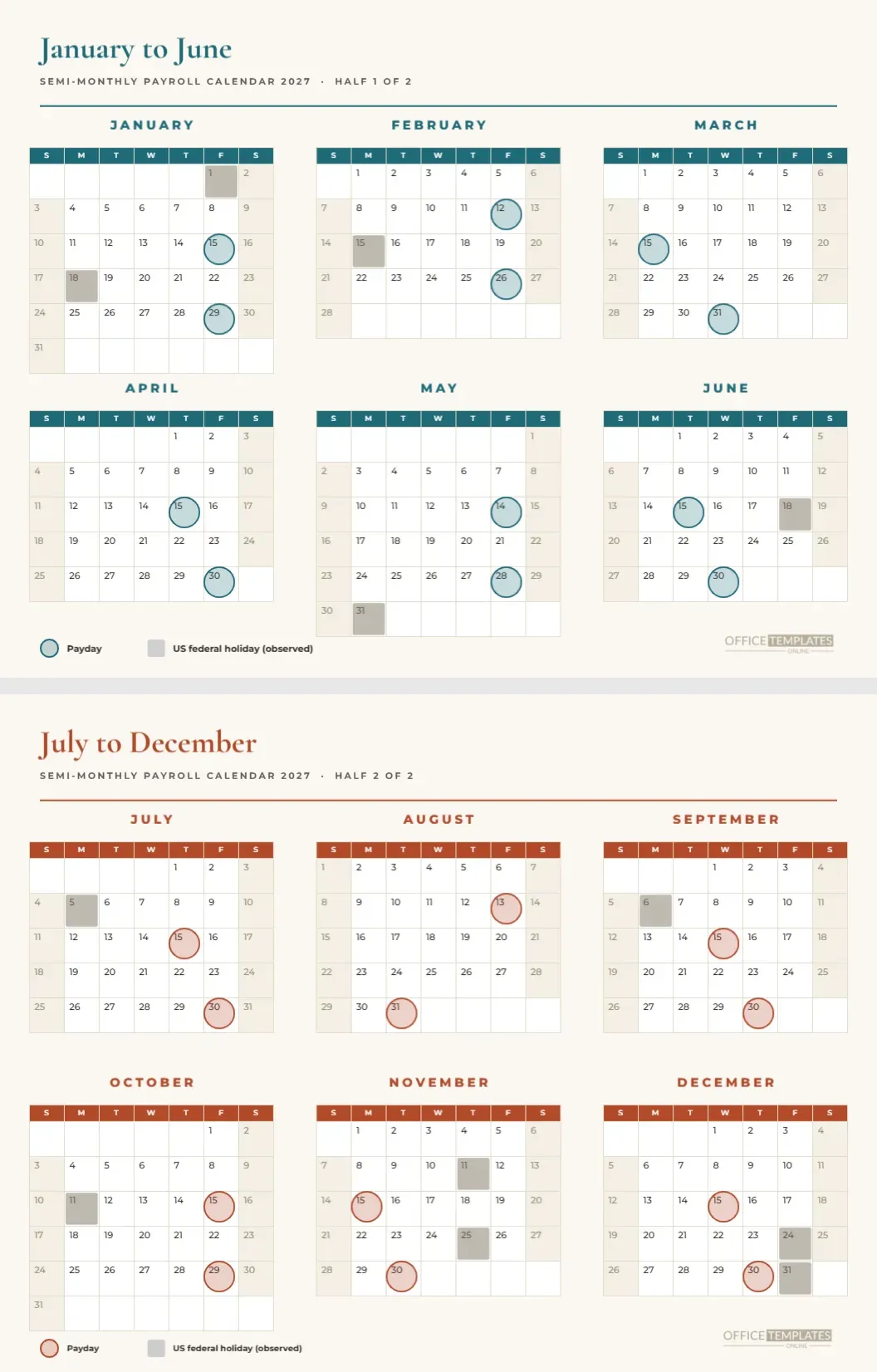
January pays on Friday the 29th, not the 31st, because January 31 is a Sunday. The berry list shows Jan 29 with an asterisk, and the cream calendar has a gold ring on the 29th and a grey square on Friday the 1st, which is New Year’s Day. It is the first illustration of the rule that governs the whole page.
February and March
February pays on Friday the 26th because the 28th is a Sunday. March pays on Wednesday the 31st, a plain business day, so it carries no asterisk. The gap between the two is 33 days, which is the longest gap of the first quarter and one employees sometimes notice.
April and May
April pays on Friday the 30th without adjustment. May’s last day, the 31st, is Memorial Day, so the date steps back to Friday the 28th and gains an asterisk. A grey square marks Monday the 31st on the grid and the gold ring sits three days earlier.
June and July
June pays on Wednesday the 30th. July 31 is a Saturday, so the payday moves to Friday the 30th. The grid also shows Monday, July 5, a grey square, because Independence Day on Sunday the 4th is observed on the Monday. Those two summer weeks are tidy but easily forgotten.
August and September
August pays on Tuesday the 31st and September on Thursday the 30th, both ordinary weekdays. Monday, September 6 is Labor Day and shows as a grey square near the start of the month. These two entries have no asterisk, which makes the list look calm in the middle of the year.
October, November and December
October 31 is a Sunday, so October pays on Friday the 29th. November pays on Tuesday the 30th. December’s last day is the observed New Year’s holiday for 2028, so December pays on Thursday the 30th. The year therefore ends with an asterisk, and people who expect a payday on December 31 learn otherwise.
The Berry Panel in Detail
The panel uses Playfair Display for the title Monthly with Payroll 2027 beneath it in pink italic. Month names are small capitals in Montserrat, and the dates are gold. A faint row of dots joins each month to its date, like a menu leader, and the note at the foot explains the asterisk.
Why a Monday Start
The year grid starts each week on Monday, which is standard in most countries that use A4 paper. It also places weekends side by side on the right and keeps last business day logic easy to see. You can change this in Calendar Options if your office prefers Sunday.
Three Columns, Four Rows
Three columns of mini months give each month more width than the six-column versions, so the date numerals are comfortable to read. The trade-off is height, which is why the grid fills the page from top to bottom, and the legend sits at the foot.
Gold Rings and Rose Squares
A gold ring marks the payday, and a muted rose square marks an observed holiday. The two colours differ in weight as well as hue, so they separate in a black and white printout too. If you add more marker types, keep them to a different shape rather than yet another colour.
Editing the Panel
The list is plain text. Change a date, type a new asterisk, or retitle the panel. If your company pays on a fixed date such as the 25th, retype all twelve dates and move the rings accordingly. The dotted leaders are small circles, so they can stay as they are even when the text changes.
Moving the Rings
The rings are grouped over the calendar. Click one to select the group, drag the group if the entire calendar moves, or press Enter to edit inside the group and move a single ring. Zoom in before you place a ring so it sits centered on its date cell.
Printing the Berry Panel and Binding the Page
Choose A4 landscape, actual size, and background graphics. The berry panel is a heavy fill, so a laser printer gives the best result. If you bind the page into a payroll folder, leave the left margin alone, since the panel starts near the edge and a punched hole would cut into it.
For Whom It Works Best
Practices, schools, charities and small manufacturers that pay once a month will find it fits their habits. It also suits a finance department that wants to hand each employee a clear yearly sheet with their twelve pay dates, rather than sending a monthly email.
Limits Worth Knowing
The page shows the planned pay date, not the date funds reach a bank account. It also assumes US federal holidays, which may not match your location. Check any date that affects employees against your payroll provider, and adjust the holiday squares to your own calendar.
Short Questions and Answers
Is it A4? Yes, landscape. Is the list a table? It is plain text, so each row can be edited freely. How many months carry an asterisk? Six: January, February, May, July, October, and December. Can I change the year? Yes, but move the rings afterwards.
Reading the List From Top to Bottom
People read a list like this one in a single downward sweep. Pause at the asterisks, and you will see how the year breaks into three groups: a run of early moves in January and February, a quiet spring and summer, and a cluster of moves around October and December. That pattern is exactly what a monthly employer should warn staff about each quarter.
Why a Menu Style Panel Works for Payroll
A restaurant menu pairs a name with a price using dotted leaders so the eye can travel from one to the other without losing the line. The payroll panel borrows that trick for month and payday. It is old, simple typography, and it makes a plain list feel intentional and finished instead of a column of default text.
Keeping a Printed Copy in the Payroll Binder
Slide the A4 page into a plastic pocket at the front of your payroll binder. When an auditor or a new colleague asks about last year’s dates, the binder holds one page per year, easy to flip through. Write the year on the spine label and keep the pages in order.