A sale post has about a second to stop someone scrolling. This square Instagram template is designed for that second: a vivid marigold orange background, a big cream medallion with the discount, a painted diya glowing in the corner, and a solid maroon bar with your code at the bottom. Below are eight practical ways to make the post work harder for your Diwali sale, followed by everything you need to edit it.
1. Lead With One Number
The medallion holds a single figure, 40%, set enormous in Bebas Neue with FLAT above it and OFF below. One number is easier to remember than a list of offers. If you have several deals, pick the strongest honest one for this post and use separate posts or stories for the others. Click the 40% text to type your own figure, and change FLAT to UP TO if the discount varies by item.
2. Say Diwali Before Anything Else
The word DIWALI is set in cream Rozha One at the top left, with FESTIVE SALE in maroon capitals under it, and the mango leaf and marigold toran along the top edge. Together they tell followers instantly that this is your festival offer, not another everyday promotion. Seasonal context makes people more willing to buy now.
3. Put the Deadline on the Image
Valid November 1 to 8 sits in white italic under the medallion. A visible end date creates gentle urgency and saves people from asking in the comments. Diwali falls on Sunday, November 8, 2026, so ending the sale on Diwali day is a natural deadline. Change the dates by clicking the line.
4. Make the Code Unmissable
The maroon bar across the bottom reads CODE DIWALI40 · SHOP NOW. Bars at the foot of a post are where people expect practical information, so they look there. Use a code that matches the offer, short and in capitals, so it is easy to type on a phone.
5. Choose Wording That Matches Your Offer
Different deals need different words in the medallion and bar. Here are combinations that fit the layout.
| Offer type | Medallion text | Bar text |
|---|---|---|
| Fixed discount on everything | FLAT 40% OFF | CODE DIWALI40 · SHOP NOW |
| Variable discount | UP TO 50% OFF | SELECTED ITEMS · SHOP NOW |
| Gift | FREE GIFT WITH $50+ | WHILE STOCKS LAST · IN STORE |
| Buy more, save more | BUY 2 GET 1 | MIX AND MATCH · ONLINE |
| Free delivery | FREE SHIPPING | ORDERS OVER $40 · TILL NOV 8 |
For longer medallion phrases, reduce the font size so the text stays inside the cream circle.
6. Keep the Diya, Change Its Colours
The painted diya in magenta with a gold band and a lit flame anchors the lower left corner and balances the medallion. It is editable vector art. Select it to see its colour swatches and change the body to your brand colour, or swap the painted diya for a brass or clay one from the collection’s other designs by copying and pasting.
7. Post a Matching Story the Same Day
Feed posts and stories reach people in different moments. The emerald offer story in this collection uses the same Diwali sale idea in a 1080 x 1920 pixel format with a product photo. Posting both on the launch day gives followers two chances to see the offer.
8. Write a Caption That Answers Questions
The image grabs attention; the caption closes the sale. Include what is on sale, the dates, how to use the code, and where to shop. For example: Our Diwali festive sale is here. Take 40 percent off everything in-store and online with code DIWALI40 until November 8. Tap the link in our bio to shop the collection. Add a few hashtags such as #DiwaliSale #Diwali2026 and your town or shop name.
What the Post Includes
The canvas is 1080 x 1080 pixels, the standard square size for Instagram and Facebook feeds. It contains the toran across the top, the headline block, the medallion with a soft glow behind it, the validity line, the painted diya, the code bar, and the Office Templates Online mark in a soft pink inside the bar. Every word is editable text, and the artwork is editable vector art.
Editing the Festive Sale Square
- Change the discount in the medallion and the words above and below it.
- Update the validity dates.
- Type your code and call to action in the maroon bar.
- Recolour the background if orange does not suit your brand; deep magenta or teal both work with the cream medallion.
- Download a PNG at full size and upload it to Instagram as a square post.
Diwali Sale Post Questions
Can I add a product photo?
The design focuses on the offer, but you can replace the diya with a shape from the Elements panel and use Replace Image to place a product photo there.
Will it work on Facebook and WhatsApp too?
Yes. The square format displays well in Facebook feeds, WhatsApp chats, and WhatsApp Business catalogues.
Can I make a version for Dhanteras?
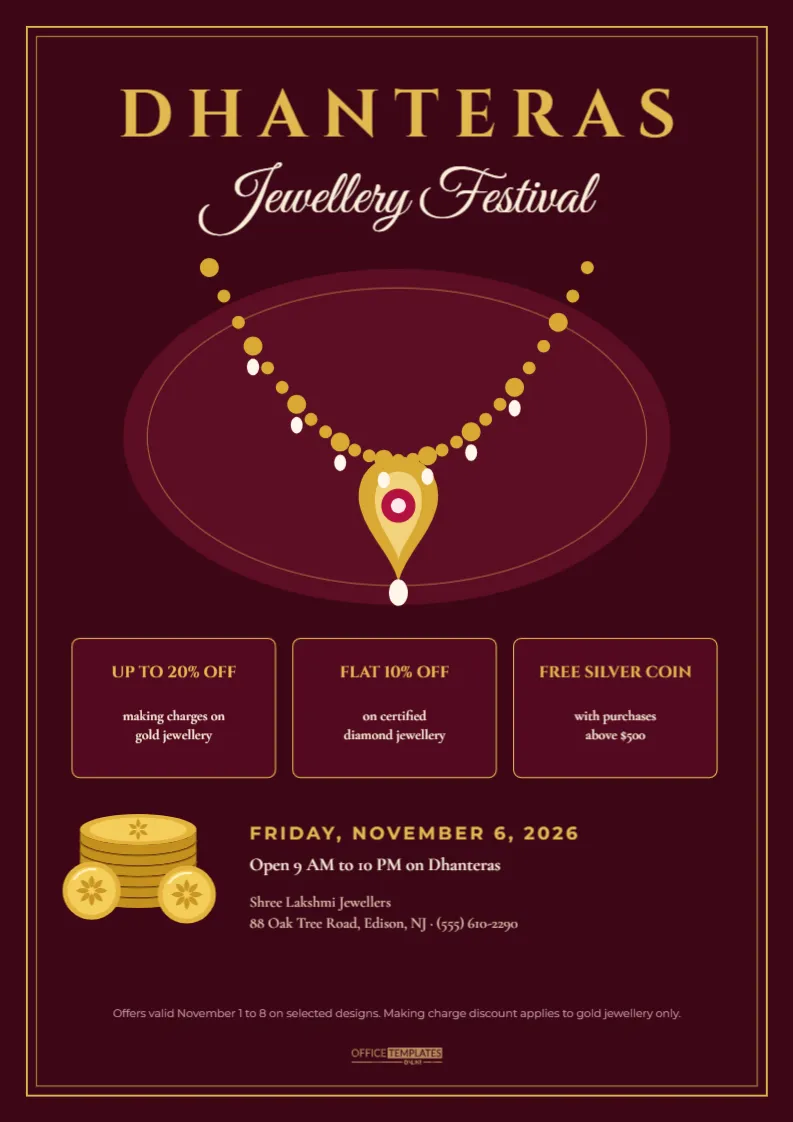
Change DIWALI to DHANTERAS and FESTIVE SALE to GOLD AND SILVER OFFERS, and adjust the dates to Friday, November 6.
Running the Square as a Paid Ad
The same image can be boosted as a Facebook or Instagram ad. Ads perform better when the picture has little text, and this design keeps words to a headline, the offer, and a code bar. When you set up the ad, choose an audience near your shop or your delivery area, set the schedule to end the sale on November 8, and send people straight to the sale page rather than your homepage. Check the ad preview on a phone before publishing so the code bar is not hidden behind the platform’s buttons. A small daily budget over the festival week often reaches more local shoppers than one large burst.
Launch Your Diwali Offer
Type your discount, dates and code, download the square and post it on launch morning. A bold, honest offer in festival colours is often all a follower needs to tap through and shop.