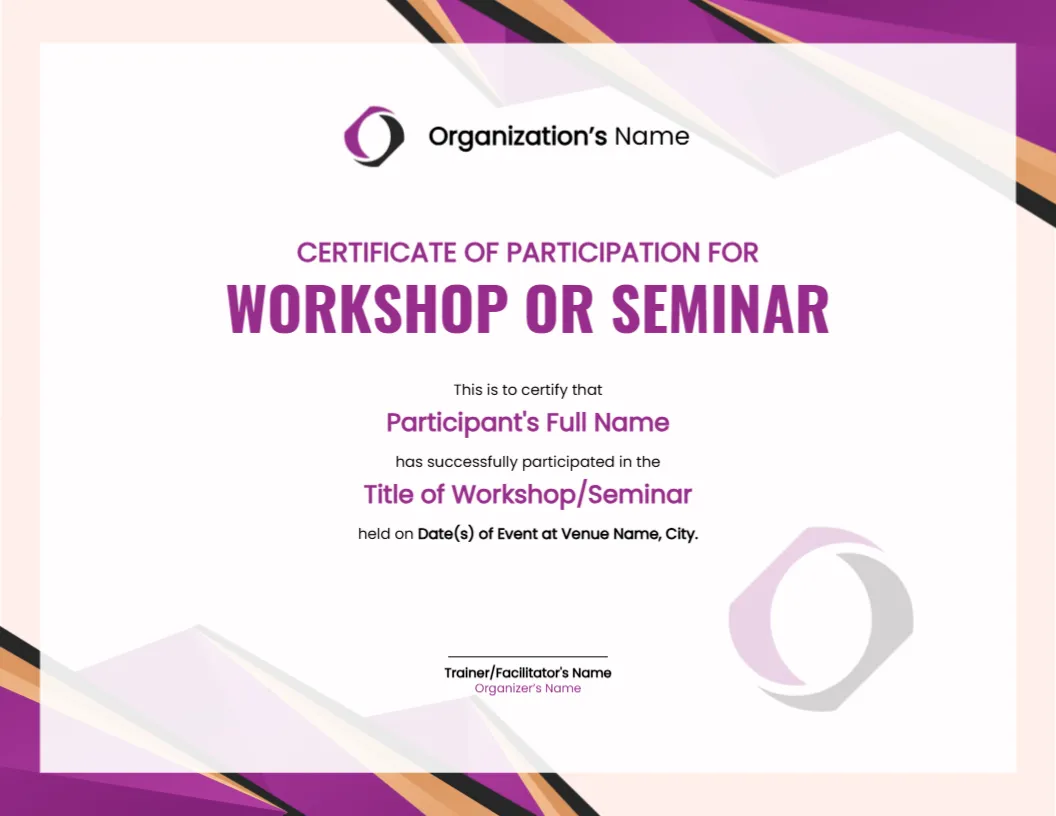
Purple and Gold Angles Around a Participation Certificate
Purple, black and soft orange angular shapes fill the corners of this landscape certificate, framing a pale panel. A purple logo mark and Organization’s Name sit at the top, with CERTIFICATE OF PARTICIPATION FOR above a large purple WORKSHOP OR SEMINAR title. Fill in lines name the participant, the workshop, the dates and the venue.
A Letter Landscape for Events
The page is 11 x 8.5 inches. The fill in sentence is built into the layout, so you replace placeholder phrases in place rather than typing a free paragraph, which keeps every certificate consistent.
Participant, Event and Venue Lines
Replace Participant’s Full Name, Title of Workshop/Seminar, Date(s) of Event and Venue Name, City with real details, and swap Organization’s Name and the logo. Under the signature line, type the trainer or facilitator name and the organiser name.
Setting Up the Participation Certificate
- Swap the logo and name.
- Type the participant name.
- Enter the event title.
- Add dates and venue.
- Sign as trainer.
Proof of Attendance, Not a Qualification
A participation certificate shows that someone attended. It should not claim a qualification or a skill level, so keep the wording to attendance, the title, the dates and the venue.
A Template for Large Groups
Because the sentence has four fill in parts, you can mail merge or edit a long list of participants quickly. Save one file per person, named by participant, for easy sending by email.
Purple for a Professional Feel
The purple and gold angles look polished without being heavy. They suit corporate training days, community workshops and conference breakouts, and they still print well in ordinary colour.
Adding Hours or Credits
If your event carries hours of training or continuing education credits, add a line with the figure. Check any official requirements with the body that issues the credits, since this layout is not advice.
The Watermark Logo at the Foot
A pale copy of the logo sits in the lower right as a watermark. It reinforces the brand without competing with the text, and you can delete it if your logo has too much detail.
Digital Delivery by Email
Export each certificate as a PDF and send it within a day of the event. Prompt delivery keeps participants engaged and makes it likelier that they share it on a professional profile.
Following Up After the Event
Add a short thank you and a feedback link in the email that carries the certificate. Participants who feel recognised are more willing to complete a survey.
Step by Step Editing of the Workshop Seminar Participation Certificate Purple Design
- On the workshop seminar participation certificate purple design, click the main headline and type your own words, keeping a similar length.
- Retype every name, date and contact line on the workshop seminar participation certificate purple design, checking each against a trusted source.
- Search the workshop seminar participation certificate purple design for the words Lorem and Company so that no placeholder remains.
- Click any logo or photo on the workshop seminar participation certificate purple design, choose Replace Image and resize the new picture to fit.
- Zoom the workshop seminar participation certificate purple design to full size and read each line aloud before you save it.
- Keep a clean master of the workshop seminar participation certificate purple design without private details, so later versions start tidy.
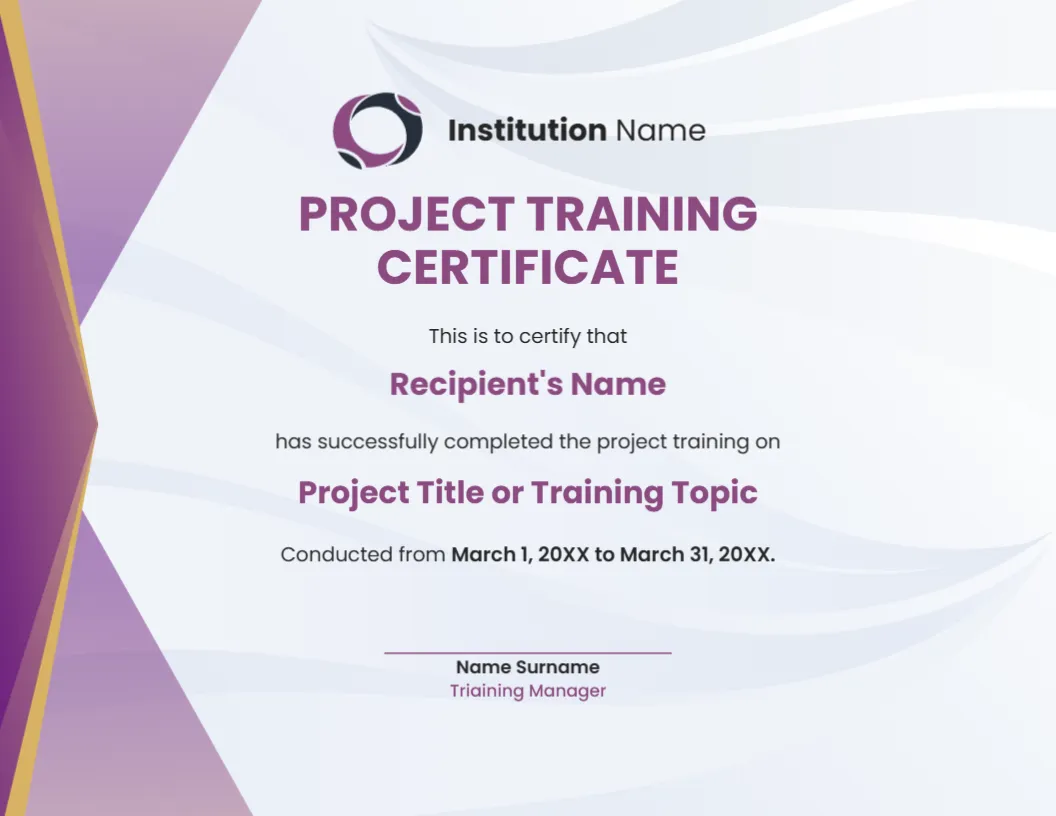
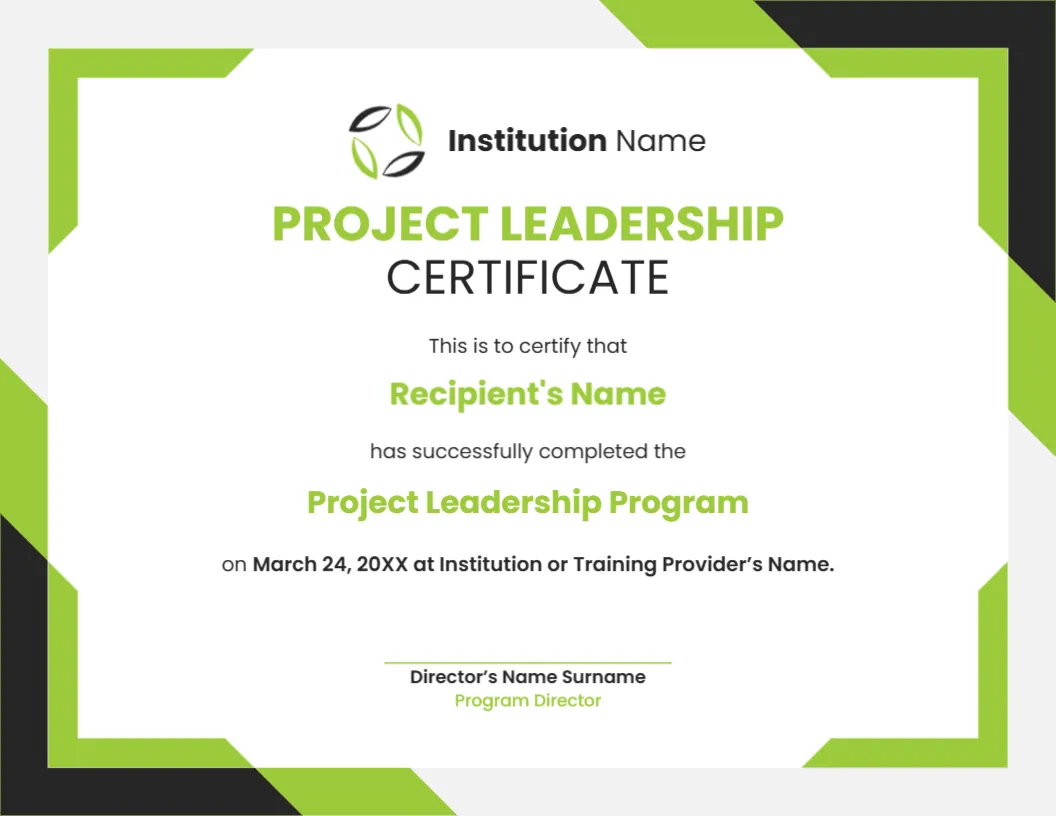
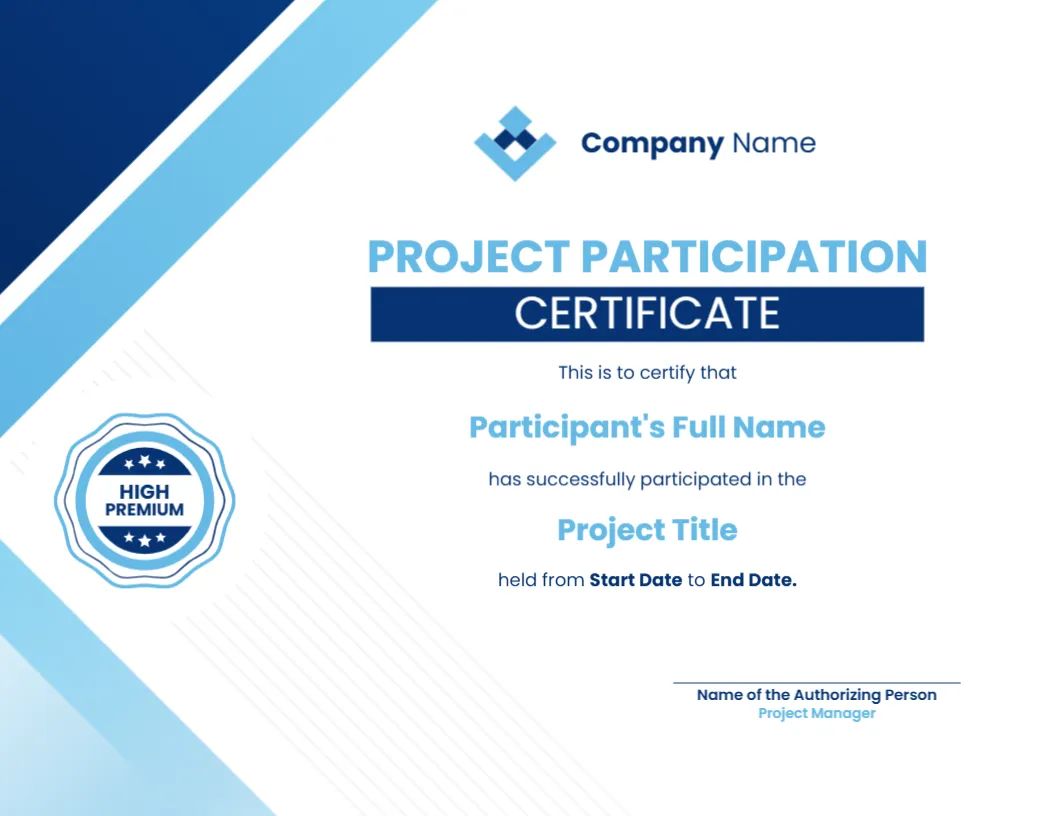
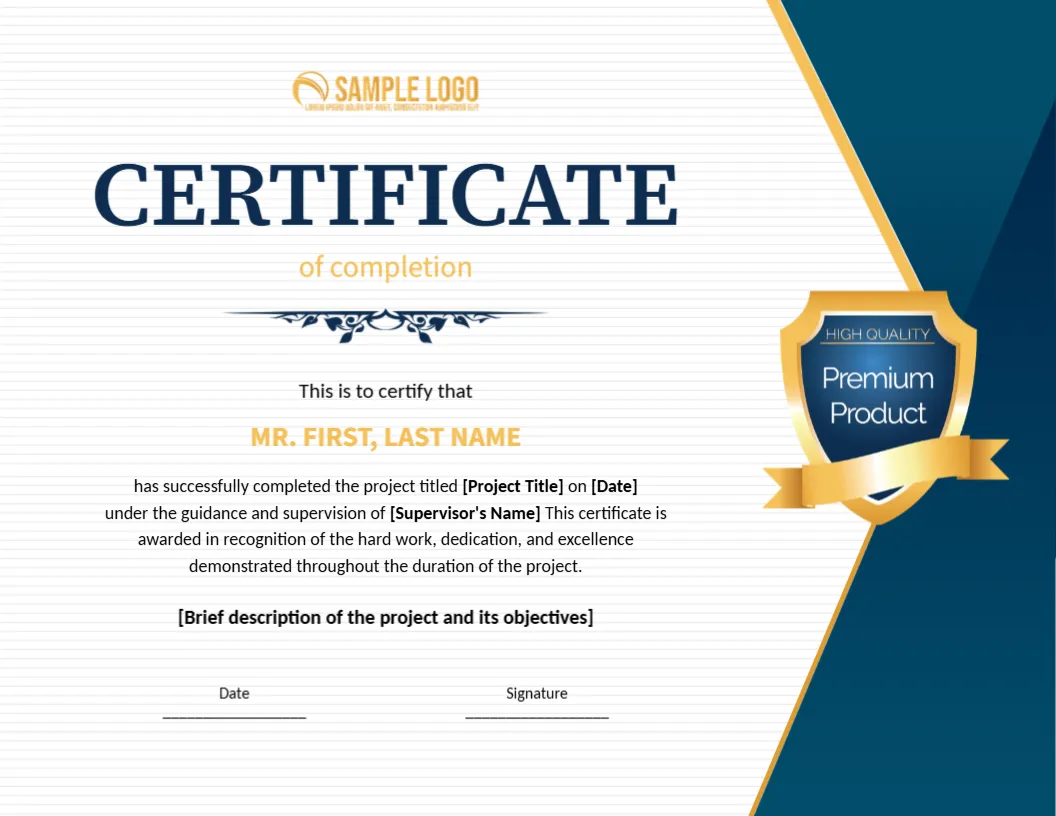
You may also like the general participation certificate. For comparison, open the training certificate. Consider the project training certificate. Looking beyond the workshop seminar participation certificate purple design? See all certificate templates.