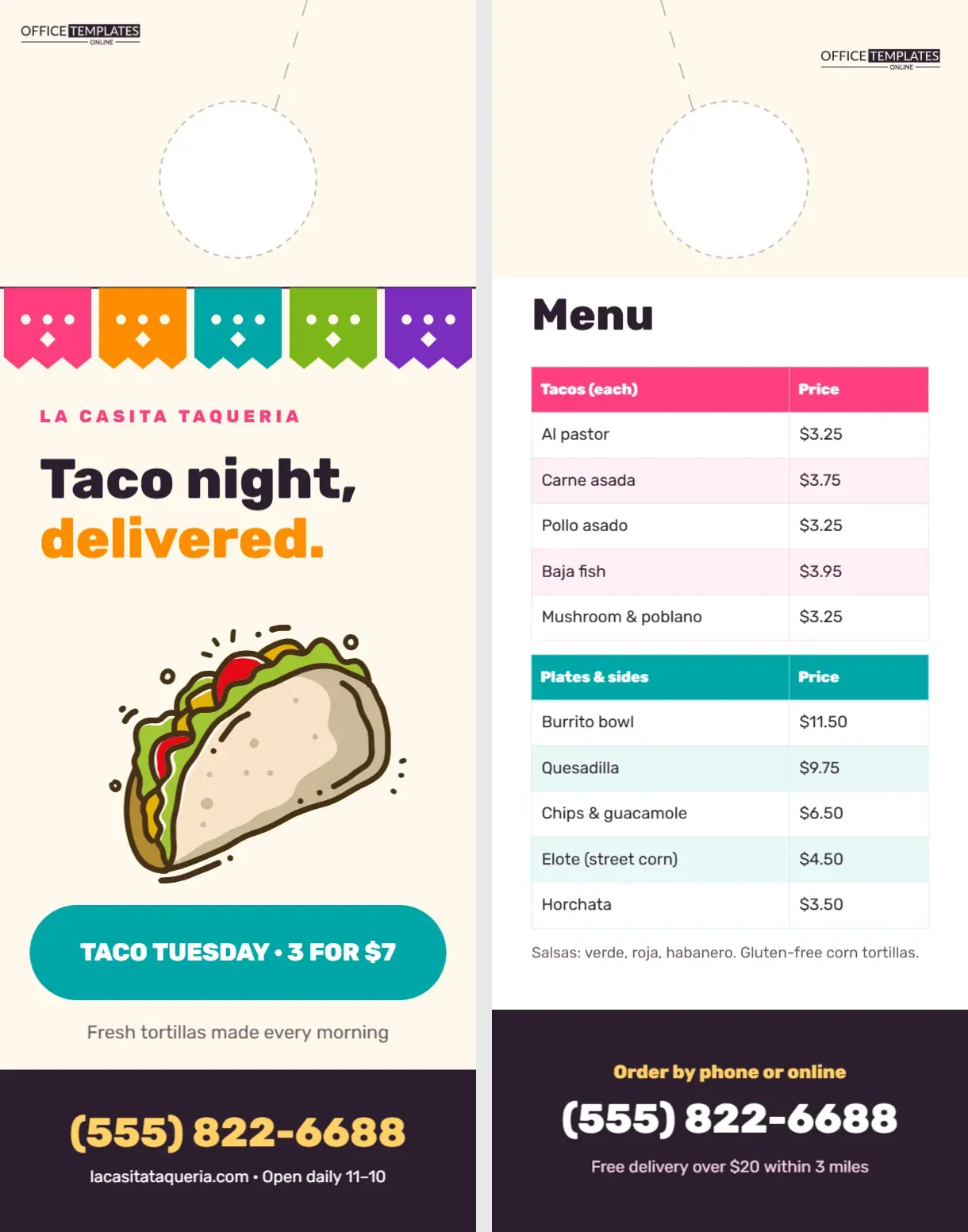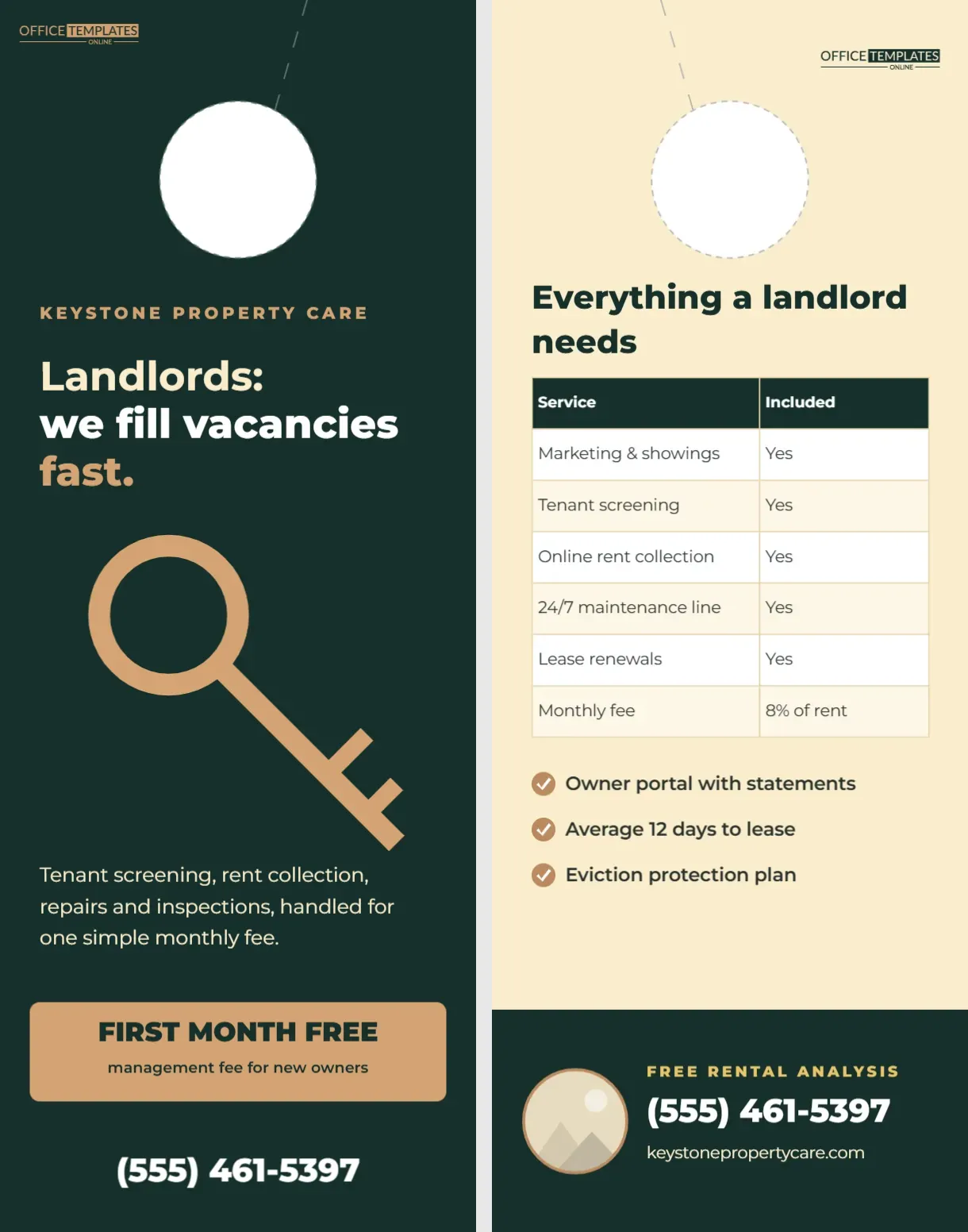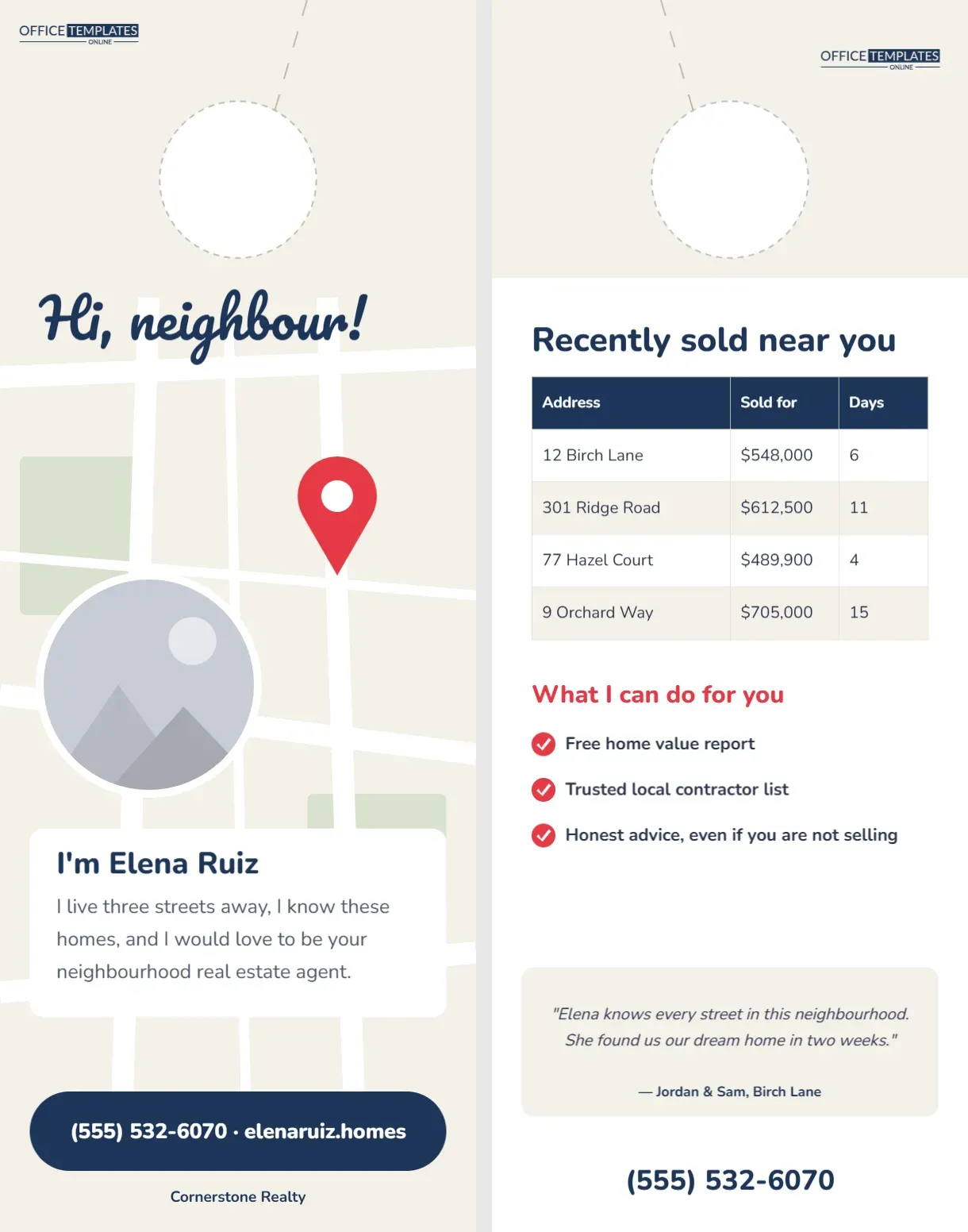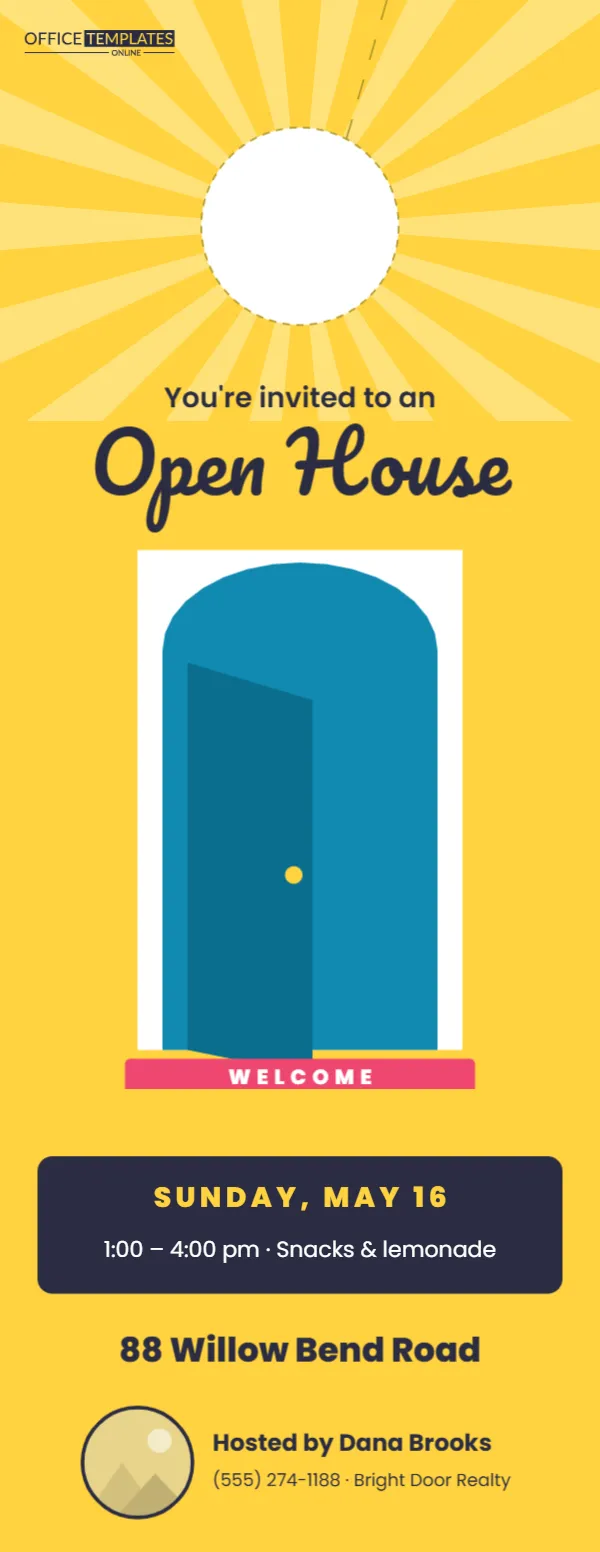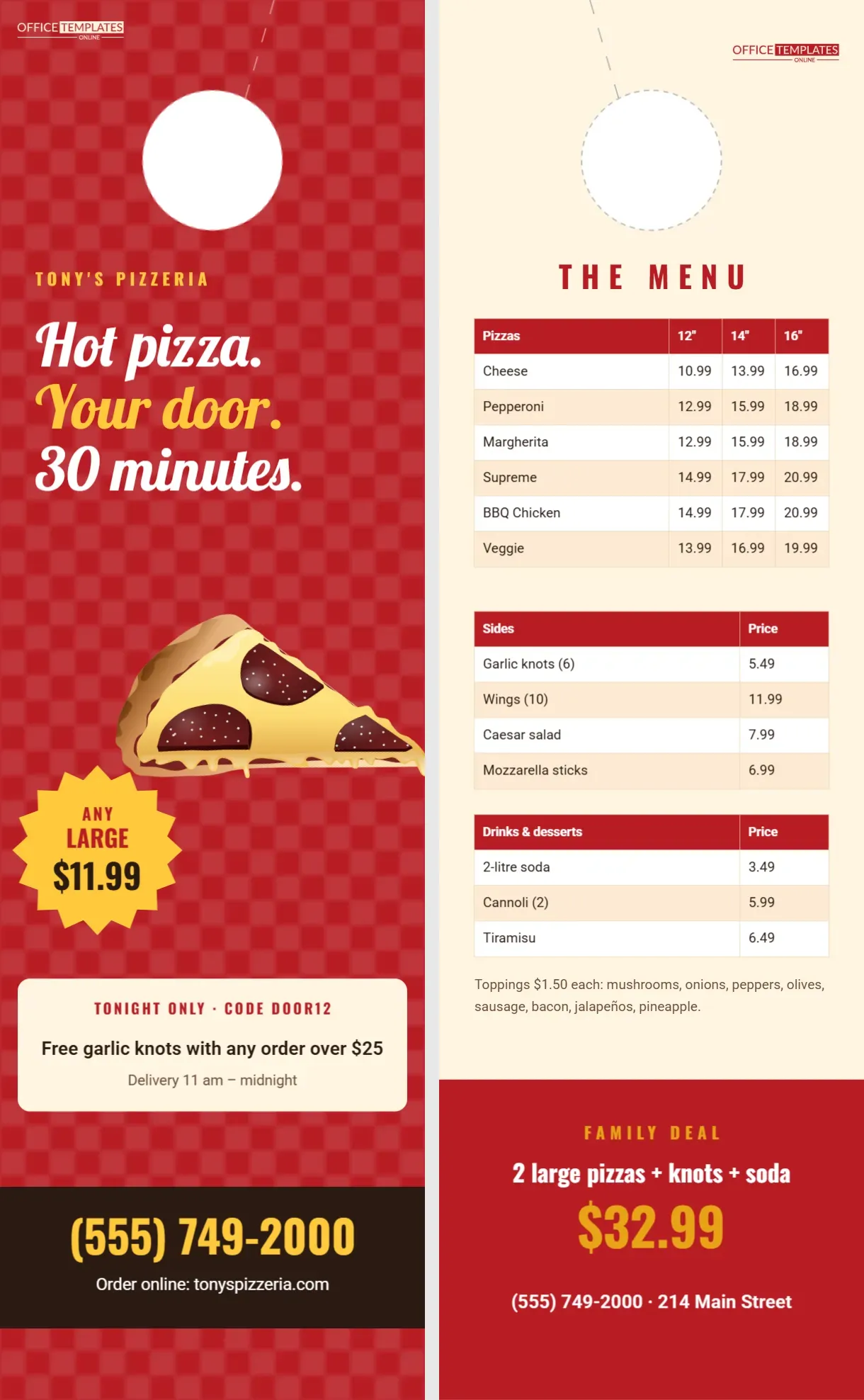
Pizza restaurants have been using door hangers for decades, and for good reason. Every household eats pizza, decisions are made in minutes, and a menu on the fridge is often the deciding factor between you and the big delivery chain. This template is a tall 4.25 x 14-inch menu hanger with plenty of room for both a mouth-watering front and a complete menu on the back. The front looks like a classic pizzeria tablecloth, red with a white check, with a giant slice, a bold deal, and the phone number big enough to read across the kitchen.
A Red Checkered Tablecloth Front
The front is pizzeria red covered with a subtle white checked pattern, like a tablecloth. Under the door hole, Tony’s Pizzeria is set in yellow spaced capitals, followed by a three-line headline in Lobster: Hot pizza. Your door. 30 minutes. A large, colourful pizza slice with melted cheese and pepperoni tilts across the middle. A yellow starburst offers Any large for $11.99. Below it, a cream panel announces tonight’s code for free garlic knots on orders over $25 and the delivery hours, 11 am to midnight. A dark brown footer carries the phone number in huge yellow type and the online ordering address.
The Checks Are an Editable Background Texture
The tablecloth checks come from the editor’s background Pattern feature, using the Tiny Checkers pattern in white at low opacity over red. Open Backgrounds and choose Pattern to make the checks bigger, bolder, or a different colour, for example, green and white for an Italian flag feel. You can also switch to another pattern or remove it for a solid red.
A Full Menu on the Back
The back is warm cream with The Menu in spaced red capitals. Three real tables hold the menu: pizzas in 12, 14 and 16 inch sizes (cheese, pepperoni, margherita, supreme, BBQ chicken and veggie); sides (garlic knots, wings, Caesar salad, mozzarella sticks); and drinks and desserts (two-litre soda, cannoli, tiramisu). A line lists toppings at $1.50 each. A red panel at the bottom promotes the family deal, two large pizzas with knots and soda for $32.99, with the phone and address.
Editing Menu Prices and Items
Because each section is a real table, updating the menu is quick: select a table and choose Edit Table Data. Add pizzas with Add Row, change sizes in the header row, and update prices whenever ingredient costs change. Keeping prices current is essential; customers expect to pay what the menu says.
Why a Tall 4.25 x 14 Hanger
A standard 11-inch hanger is tight for a full menu. The extra three inches give space for a readable pizza table with three sizes, plus sides, drinks, and a deal. Tall hangers also stand out on the doorknob and fit perfectly on a fridge door, where many families keep their takeout menus.
Menu Deals That Drive Orders
| Deal | When to promote | Example |
|---|---|---|
| Family bundle | Weekend evenings | 2 large + side + soda |
| Lunch special | Weekdays 11-2 | Slice + soda $6.99 |
| Game night | Big sports events | Wings + large pizza $24.99 |
| Late night | After 10 pm | Any medium $9.99 |
| Student deal | Near campuses | 15% off with student ID |
The Promo Code Advantage
The cream panel’s code, DOOR12, lets you measure how many orders come from the hangers. Use a different code for each neighbourhood or distribution date and compare results. Codes also encourage people to order sooner, especially with an end date.
Swapping the Pizza Illustration
The slice is a full-colour editable illustration. You can resize it, rotate it, or replace it with a photo of your own signature pizza, shot from above on a wooden board. Real photos of your food can be more appetising than illustrations, as long as the photo is bright and sharp.
Branding the Pizzeria Hanger
Change the restaurant name, phone, and website on the front, and the address on the back. If you have a logo, place it in the cream panel or the footer. Keep the phone number as large as it is now; for delivery restaurants, it is the most important line on the card.
Door Hole Marks on a Tall Hanger
A dashed circle at the top marks the doorknob opening, with a dashed slit to the edge. Tall hangers use the same hole position as standard ones, so any print shop’s door hanger die will work.
Printing a Menu Hanger
Download as a PDF with bleed and crop marks, and ask for 14 pt coated card. Menus often get greasy fingers and kitchen splashes, so a gloss or UV coating on the front helps them last on the fridge. Print enough to cover your delivery zone; many pizzerias order 5,000 to 10,000 at a time.
Delivery Zone Distribution
Hang menus within your delivery radius, focusing on apartments, student housing, and family neighbourhoods. Thursday and Friday afternoons are prime times, just before weekend ordering. Refresh the hangers every few months, especially when you change prices or launch new pizzas.
Allergen and Dietary Notes
More customers ask about gluten-free crusts, vegan cheese, and allergens. If you offer options, add a short line under the toppings: Gluten-free 12-inch crust available, $2 extra. Ask about allergens. It brings in customers who might otherwise order elsewhere.
Turning First Orders Into Regulars
Put a small loyalty line on the back: Buy 9 pizzas, get the 10th free or join our text club for weekly deals. A door hanger brings the first order; a loyalty programme and great pizza bring the second, third, and tenth. Ask for a phone number or email at checkout so you can send offers directly.
Pizza Menu Hanger FAQ
Can I use this for a burger or wings restaurant?
Yes. Replace the pizza with your food and edit the tables.
Why can’t I select the checks?
They are a page background texture; adjust them in Backgrounds, Pattern.
What size is this menu hanger?
4.25 x 14 inches, front and back.
Can I add a QR code for online ordering?
Yes. Add a QR code image in the dark footer or the cream deal panel.