Put Officer Authority, Certification, and a Corporate Seal in One Professional Certificate
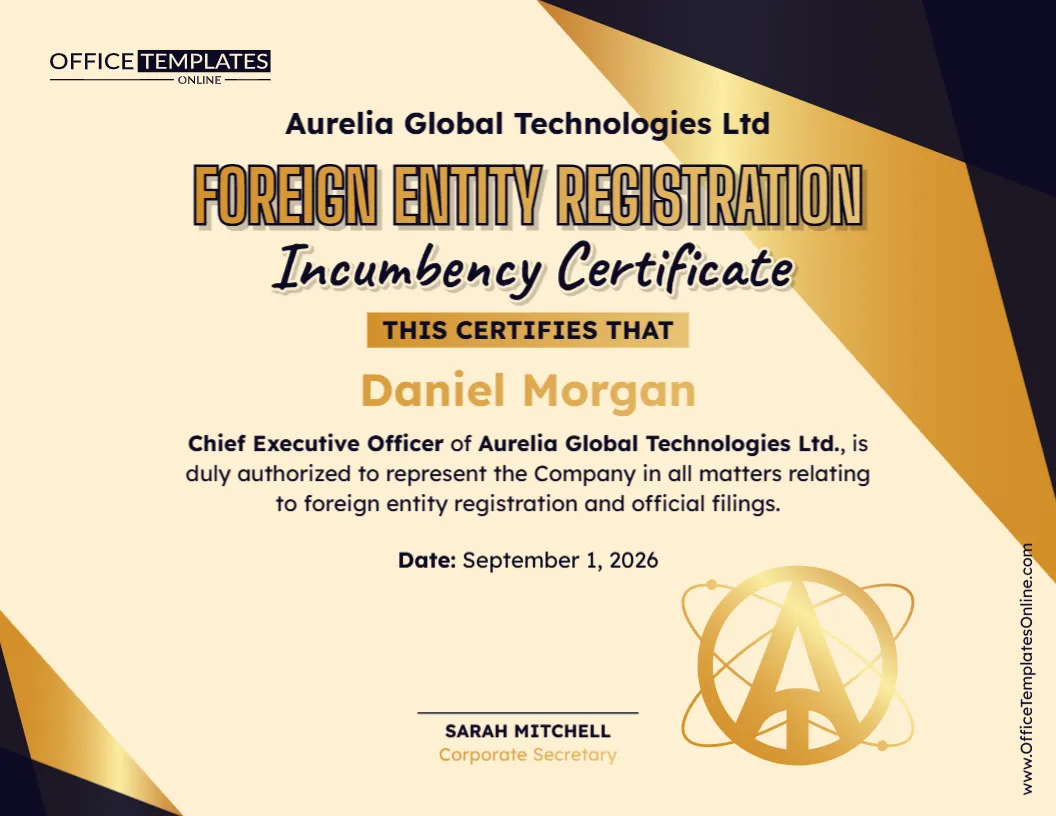
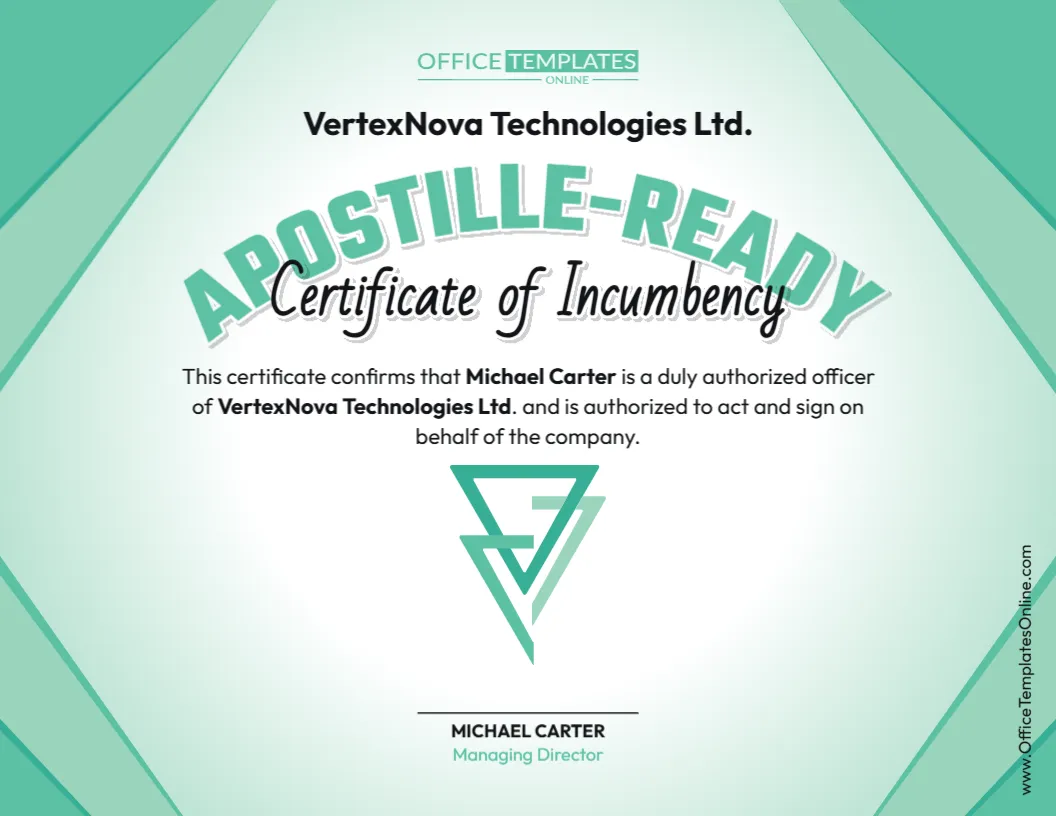
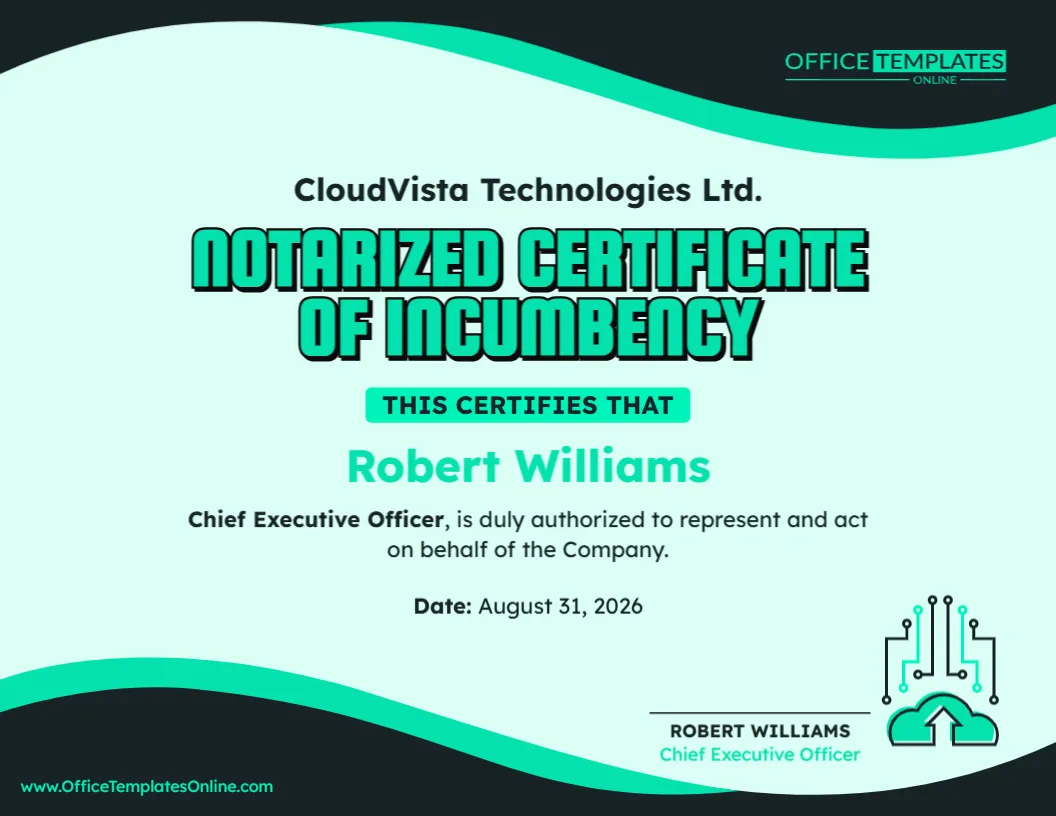
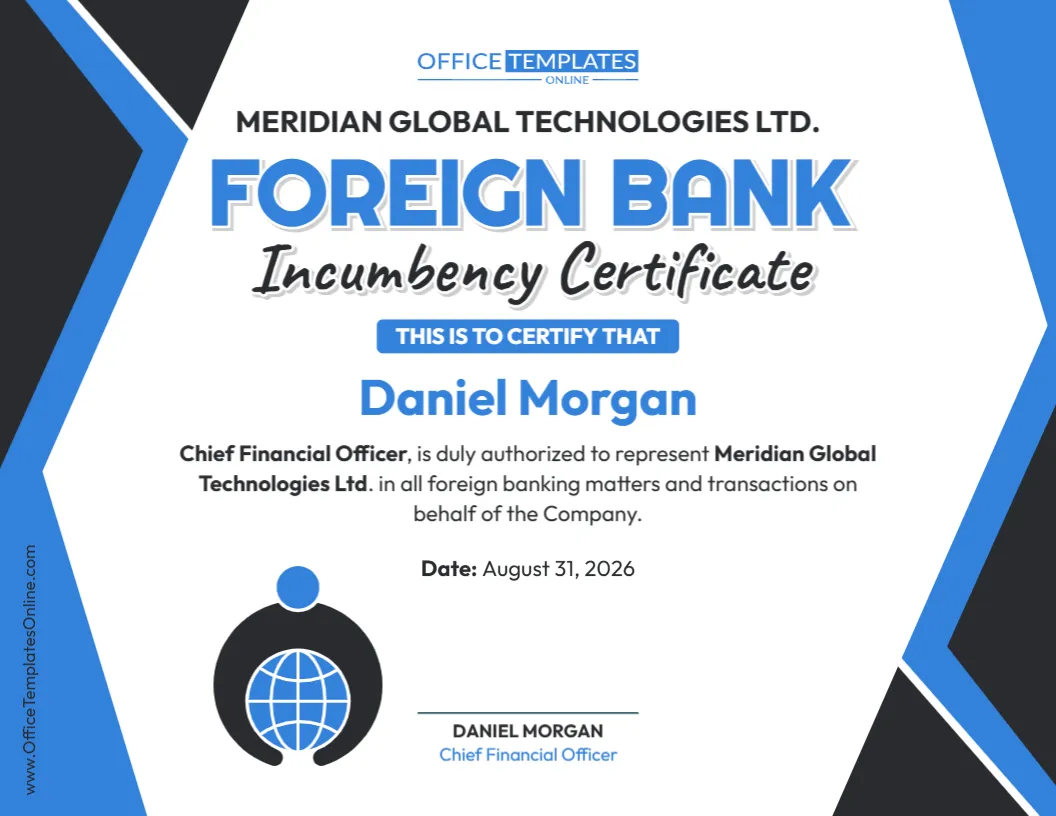
When a company needs to formally identify one of its current officers and confirm that person’s authority to act on its behalf, a clear written record can make the information much easier to present. This Incumbency Certificate with Corporate Seal Template combines that purpose with dedicated areas for a signature, certifying officer, and corporate seal.
The certificate can be customized to identify an officer by name, state their official position, name the company they represent, and describe their authority to act, execute documents, or sign agreements on behalf of the organization. The separate Corporate Seal area makes this version particularly useful for organizations that use a seal as part of their corporate certification process.
You can edit the template online directly in your browser, with no login required. Change the sample names, company information, position, authority statement, date, and certification details to match your records. When your certificate is complete, download the finished design as a PDF, PNG, or JPG.
What Is an Incumbency Certificate?
An incumbency certificate is a corporate document used to identify the people who currently hold particular offices or authorized positions within a company.
In simple terms, it helps answer a question such as:
“Who currently holds this position, and what authority does that person have?”
Depending on the purpose of the certificate, it may identify a President, Chief Executive Officer, Secretary, Treasurer, Managing Director, or another company representative.
The certificate may also include a statement describing what the named officer is authorized to do. For example, the wording may confirm authority to act for the company, execute documents, or sign agreements, provided those statements accurately reflect the organization’s actual authorization arrangements.
What Makes This Template Different?
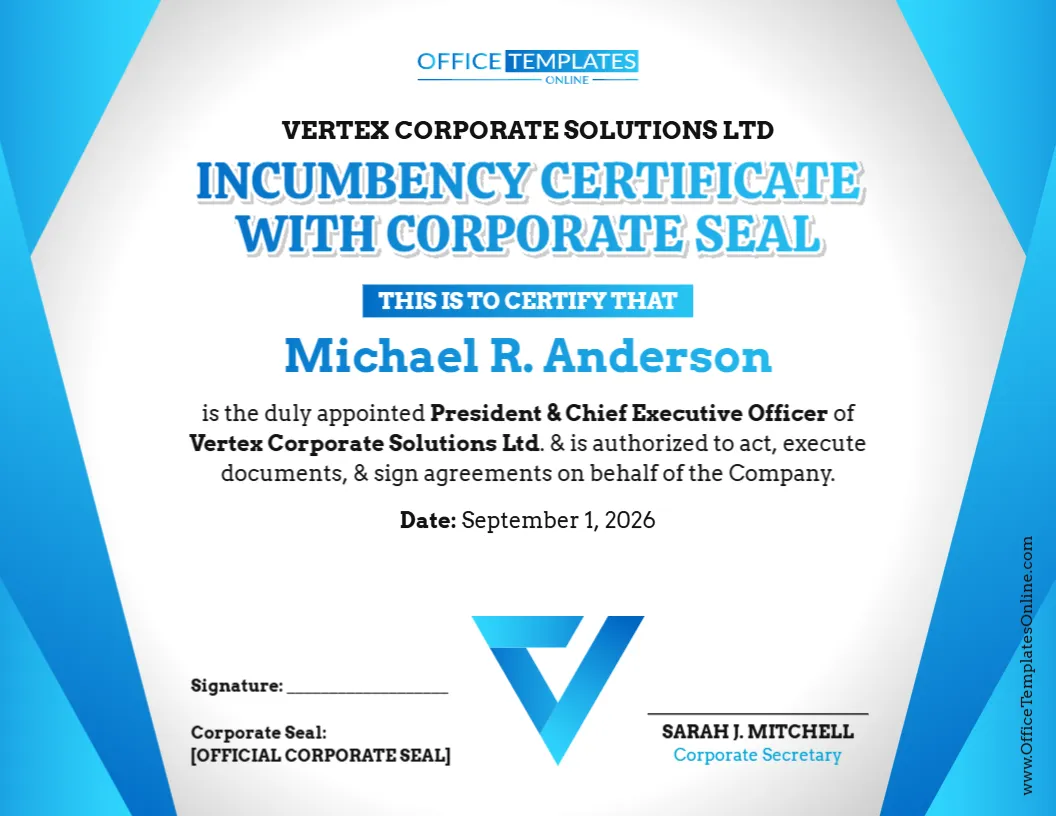
The most noticeable feature of this particular incumbency certificate is its dedicated corporate seal area.
Rather than leaving you to decide where a seal should appear after the certificate has been designed, the layout already includes a clearly marked place for it. There is also a separate signature line and an area for the person responsible for certifying the information.
This creates a logical document structure:
Company name ? Certificate title ? Officer ? Position and authority ? Date ? Signature and corporate seal ? Certifying officer
The arrangement keeps related information together while giving the certificate a formal, easy-to-read appearance.
Information You Can Include in the Certificate
The example shown in the template is only sample content. You should replace it with accurate information for the company and officer concerned.
The editable certificate can be adapted to show:
- Full legal name of the company
- Name of the incumbent officer
- Current corporate position or title
- Statement confirming appointment or incumbency
- Description of the officer’s authority
- Certificate or certification date
- Signature information
- Corporate seal
- Name of the certifying officer
- Title of the person providing certification
- Additional wording required for your intended use
If your organization uses different terminology, you can change the text accordingly.
For instance, the sample certificate identifies the individual as President & Chief Executive Officer, but your version could identify a President, CEO, Corporate Secretary, Treasurer, Managing Director, or another appropriate office.
Understanding the Corporate Seal Area
A corporate seal is a mark or emblem historically used by corporations to identify or authenticate certain company documents. Depending on the organization, it may contain details such as the corporate name, jurisdiction, incorporation year, or other identifying information.
This template includes a designated Corporate Seal section so that an appropriate seal can be incorporated into the completed document when needed.
However, the presence of a seal area does not mean that every incumbency certificate legally requires a corporate seal.
Requirements differ according to the jurisdiction, organization, transaction, and recipient. Some companies use seals routinely, while others rarely use them. A bank, government office, overseas recipient, or other institution may also have its own document requirements.
For that reason, confirm whether a corporate seal is actually required for your intended use before finalizing the certificate.
A Corporate Seal Does Not Create Authority by Itself
It is also important to distinguish between the appearance of a formal corporate document and the actual authority behind it.
Placing a corporate seal on a certificate does not automatically make the statements in that certificate correct, nor does it grant authority to the person named in it.
The officer’s position and powers should be supported by the company’s real corporate records. Depending on the organization, those records could include bylaws, board resolutions, appointment records, minutes, delegation policies, operating agreements, or other governing documents.
Think of the seal as one element of the document’s certification process—not as a substitute for proper corporate authorization.
When Can This Type of Certificate Be Useful?
An Incumbency Certificate with Corporate Seal may be helpful when another person or organization needs formal confirmation of a company officer’s identity, position, or authority.
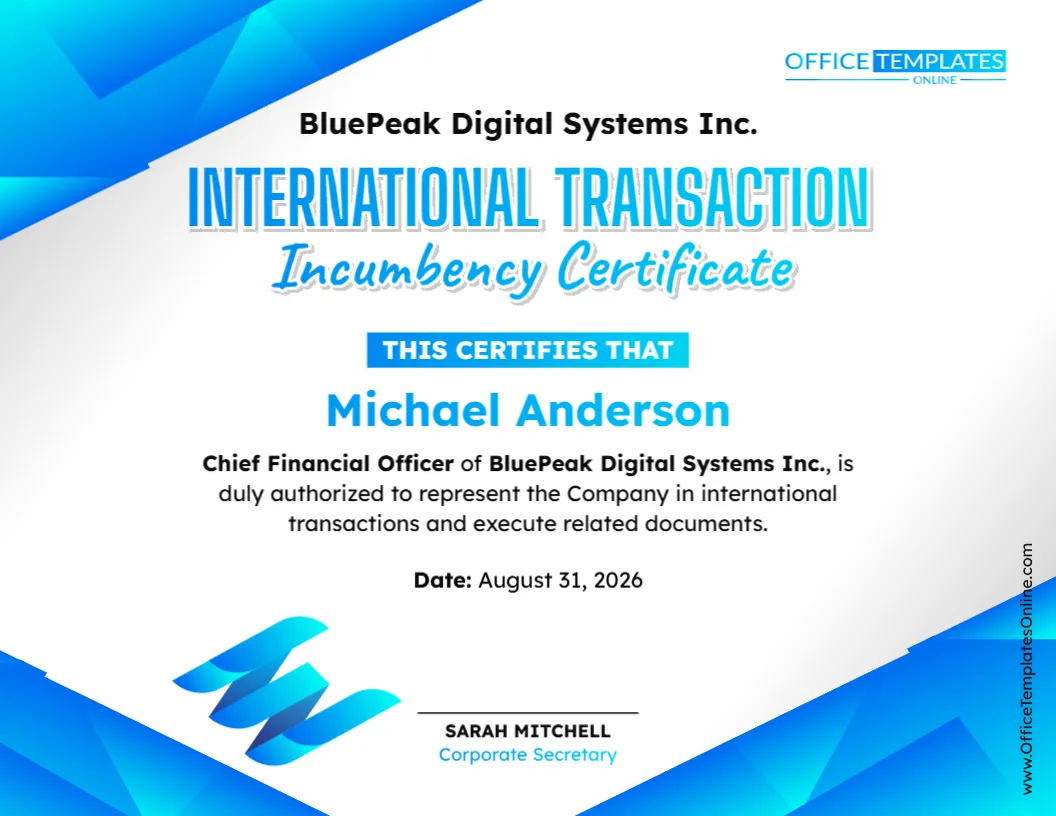
Depending on the circumstances, such a certificate may be prepared in connection with corporate transactions, banking matters, contracts, account administration, due diligence, business relationships, financing arrangements, international dealings, or internal corporate recordkeeping.
For example, a third party dealing with a company may want confirmation that the individual signing an agreement actually holds the stated office and is authorized to act for the organization.
A clearly prepared incumbency certificate can present that information in a convenient format.
The recipient may still ask for additional documentation, such as a board resolution, corporate bylaws, formation records, identification documents, notarization, or other evidence.
Designed Around a Single Officer
This particular template focuses on one incumbent officer rather than providing a table containing several officers.
That makes it useful when you need to highlight one person and their authority.
The officer’s name is displayed prominently in the center of the design. Directly underneath, the certification wording can state the individual’s title, company, and authority. This approach helps prevent the most important information from becoming buried among unrelated details.
If you need to certify several officers, you could consider preparing separate certificates or using a multi-officer incumbency format, depending on what the recipient requires.
Edit the Certificate Online Without Logging In
You do not need to create this document from a blank page or install specialized design software.
The template can be personalized using the online browser-based editor, and no login is required to start editing.
A simple way to prepare your certificate is to:
- Replace the sample company name with the correct legal name.
- Enter the full name of the incumbent officer.
- Update the officer’s corporate position.
- Edit the certification statement to reflect their actual authority.
- Enter the correct date.
- Update the signature information.
- Add or prepare the appropriate corporate seal where required.
- Replace the sample certifying officer’s name and title.
- Review the complete certificate before downloading it.
Because the design is already prepared, you can spend your time checking the information rather than building the certificate layout yourself.
Pay Close Attention to the Authority Statement
The sample wording states that the officer is authorized to act, execute documents, and sign agreements on behalf of the company.
Do not leave this wording unchanged simply because it sounds formal.
Ask whether it accurately reflects the officer’s real powers.
Some officers may have broad authority, while others can sign only certain documents, approve transactions up to a particular value, or act only in specific circumstances. An organization may also require two signatures for certain matters.
If restrictions apply, edit the certificate so it does not suggest that the person has unlimited authority.
The best certificate is not the one with the broadest wording—it is the one that most accurately describes the company’s actual records.
Who Should Certify the Incumbency?
The sample design provides a separate certification area for a Corporate Secretary.
A corporate secretary is often responsible for maintaining or certifying certain company records, so this can be a natural fit for an incumbency certificate. However, you should not assume that a corporate secretary is always the required certifier.
Your organization may use another officer or authorized person, and a particular recipient may have specific requirements about who must sign the certificate.
Before finalizing it, determine who is properly authorized to certify the officer information for your situation.
This is especially important if the certificate will be provided to a bank, government body, foreign institution, or another party with its own verification procedures.
Signature, Seal, and Certification Serve Different Purposes
The lower section of the template contains several elements, and it is helpful not to treat them as interchangeable.
A signature identifies the person who signs or certifies the document.
The corporate seal, where used, represents the company in accordance with its practices or applicable requirements.
The certifying officer’s name and title identify the person responsible for the certification.
Depending on how the certificate will be used, some or all of these elements may be needed. In other situations, additional requirements such as notarization may apply.
Always follow the instructions of the intended recipient rather than assuming that the template’s default arrangement satisfies every situation.
Check the Date and Current Officer Status
Incumbency is about who currently holds a position, so outdated information can defeat the purpose of the certificate.
Before completing the document, verify that the named person still holds the office shown.
Also check whether their authority has changed.
A person may remain President or Chief Executive Officer while their signing authority is modified by a new board resolution or internal policy. Likewise, someone may have left a position even though an older certificate still lists them as the incumbent.
Use current corporate records when preparing the certificate and enter an appropriate certification date.
Review the Legal Company Name Carefully
A professional design cannot correct inaccurate corporate information.
Enter the company name exactly as appropriate for the document’s intended purpose. This includes the correct spelling, punctuation, and entity designation, such as Inc., Corporation, Corp., Ltd., LLC, or another applicable suffix.
This can be especially important when the certificate will be compared with incorporation records, bank documentation, contracts, or government filings.
Avoid replacing the legal entity name with a brand or trade name unless that is specifically appropriate for your situation.
Download Your Certificate as PDF, PNG, or JPG
After you have customized and proofread the template, you can download the finished certificate in PDF, PNG, or JPG format.
PDF is generally convenient for printing, electronic sharing, and maintaining the certificate with other corporate records.
PNG and JPG provide image versions of the completed design when that format is more useful.
If the certificate will be submitted to a particular institution, check whether that recipient has rules regarding file type, signatures, original documents, seals, or scanned copies.
Before You Finalize: A Short Certificate Check
Take a final look at the document before downloading or signing it.
Make sure the company name matches the official records. Confirm that the officer’s name and title are current. Read the authority statement carefully rather than assuming the sample language applies. Verify the date, signature information, corporate seal details, and certifying officer’s name and title.
If a seal, signature, notarization, or other certification is required, make sure it is completed through the appropriate process.
This template provides a professional, customizable format for presenting incumbency information. It does not itself appoint an officer, grant signing authority, authenticate a corporate seal, or replace any certification procedure required by law or by the recipient.
For important legal, financial, regulatory, or international transactions, check the applicable requirements and seek appropriate professional advice when necessary.
Turn Current Corporate Records Into a Clear Certificate
When you need a certificate that combines officer identification, authority information, a signature area, corporate certification, and space for a corporate seal, this Incumbency Certificate with Corporate Seal Template gives you a convenient foundation.
Open the template in the online editor, customize it without creating an account or logging in, replace the sample details with accurate corporate information, and review the authority statement carefully. Once the certificate is ready, download your completed version as a PDF, PNG, or JPG for your intended use.