Mistake One: Running Payroll From Memory
Most payroll errors are not exotic. They are skipped steps: a timesheet not checked, a bonus not entered, a transfer not approved. A checklist stops that kind of slip, and it does so without software. This one-page sheet lists ten steps in order and leaves room for owners and ticks, so each run can be ticked off in minutes.
Mistake Two: A Checklist With No Dates
A list of tasks with no due times is a wish list. The Due column on this page gives each step a rule: four business days before payday for timesheets, three for approval, two for submitting, one for funding, and so on. It does not give calendar dates, because the sheet is meant to be copied for every pay period.
The Page Layout
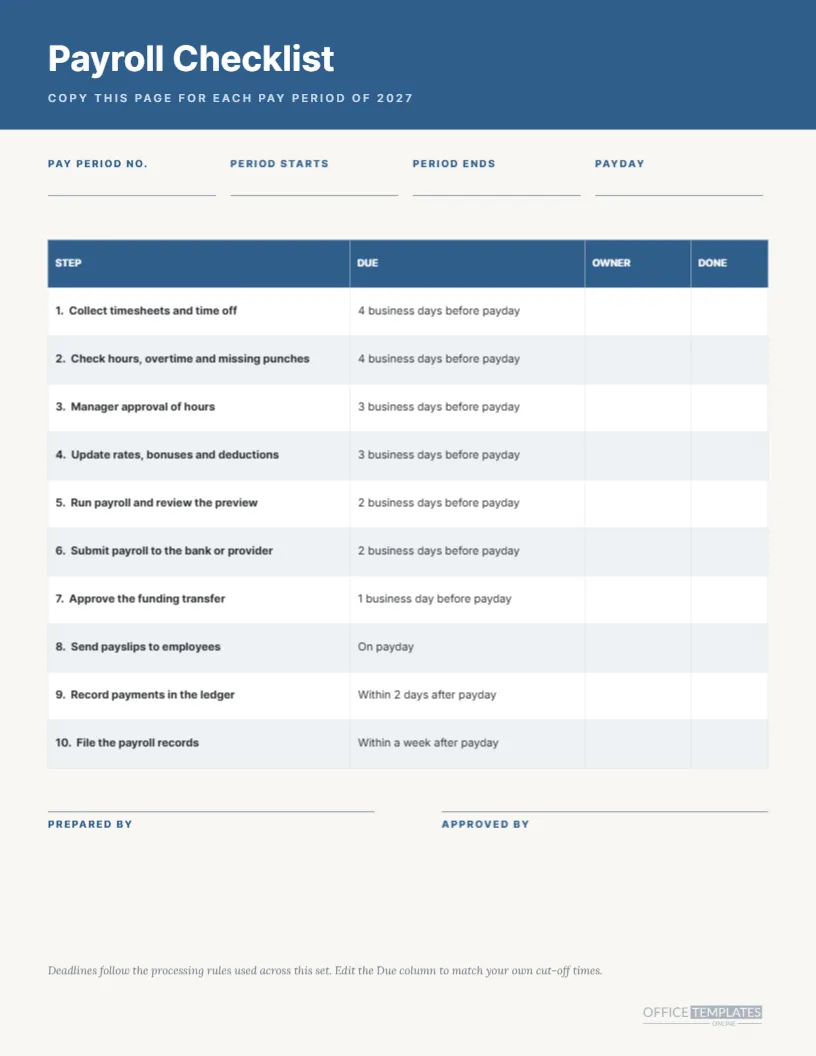
A blue band carries the title Payroll Checklist in white Inter and a spaced line reading COPY THIS PAGE FOR EACH PAY PERIOD OF 2027. Below, four fill-in fields on hairline rules read PAY PERIOD NO., PERIOD STARTS, PERIOD ENDS, and PAYDAY. A four-column table follows, and two signature lines close the page.
The Ten Steps
| Step | Task | Due rule |
|---|---|---|
| 1 | Collect timesheets and time off | Four business days before payday |
| 2 | Check hours, overtime, and missing punches | Four business days before payday |
| 3 | Manager approval of hours | Three business days before payday |
| 4 | Update rates, bonuses, and deductions | Three business days before payday |
| 5 | Run payroll and review the preview | Two business days before payday |
| 6 | Submit payroll to the bank or provider | Two business days before payday |
| 7 | Approve the funding transfer | One business day before payday |
| 8 | Send payslips to employees | On payday |
| 9 | Record payments in the ledger | Within two days after payday |
| 10 | File the payroll records | Within a week after payday |
Mistake Three: Skipping the Preview
Step five asks you to run payroll and review the preview before submitting. Many errors are visible in a preview: a missing employee, a duplicated line, an hours figure that is ten times too large. Taking five minutes to read it is the cheapest control in payroll, and the checklist makes it a step you tick.
The Owner and Done Columns
Two blank columns sit to the right of the table. Owner is for initials, so each step has a name, and Done is for a tick or a date. They are deliberately empty so you can fill them by hand after printing. In the editor, they are blank table cells, so you can also type in them if you prefer.
Mistake Four: One Person Doing Everything
The two signature lines, PREPARED BY and APPROVED BY, encourage a second pair of eyes. In a small business, the approver may be the owner, and in a bigger one it may be a finance manager. A signature does not stop a mistake, but it makes it more likely that someone will have looked.
How to Use It Each Cycle
Print or copy the page at the start of a cycle. Fill in the four header fields, tick steps as you go, and sign at the end. File the page with the cycle’s records. After a year, you will have 26, 24, or 12 sheets that show exactly what was done, which is a gift when an auditor asks.
Editing the Rows
The table is a real Table object. Rename a step, delete one, or add one by inserting a row. Keep the due rules in the same style, so the column reads consistently. If your provider needs three days instead of two, retype the relevant rows.
Adapting the Rules
The numbers of business days are a common starting point. Many providers need payroll submitted two or three days before payday, and some banks need funding earlier. Replace the rules with your own, and keep a note of the source so the next person understands why they are set that way.
Using It for Other Schedules
The steps do not depend on a schedule. Use the sheet for weekly, bi-weekly, semi-monthly, or monthly payroll by changing the header text. The header fields ask for a pay period number, so a weekly employer will use 1 to 53 and a monthly one 1 to 12.
Colour and Print
The page uses a steel blue band and pale blue-grey row tints on a warm off-white background. It prints well in colour or greyscale, and it photocopies cleanly. For a stack of copies, print a master once and photocopy it on pale paper if you want a quick colour change by role.
Pairing With the Deadline Sheets
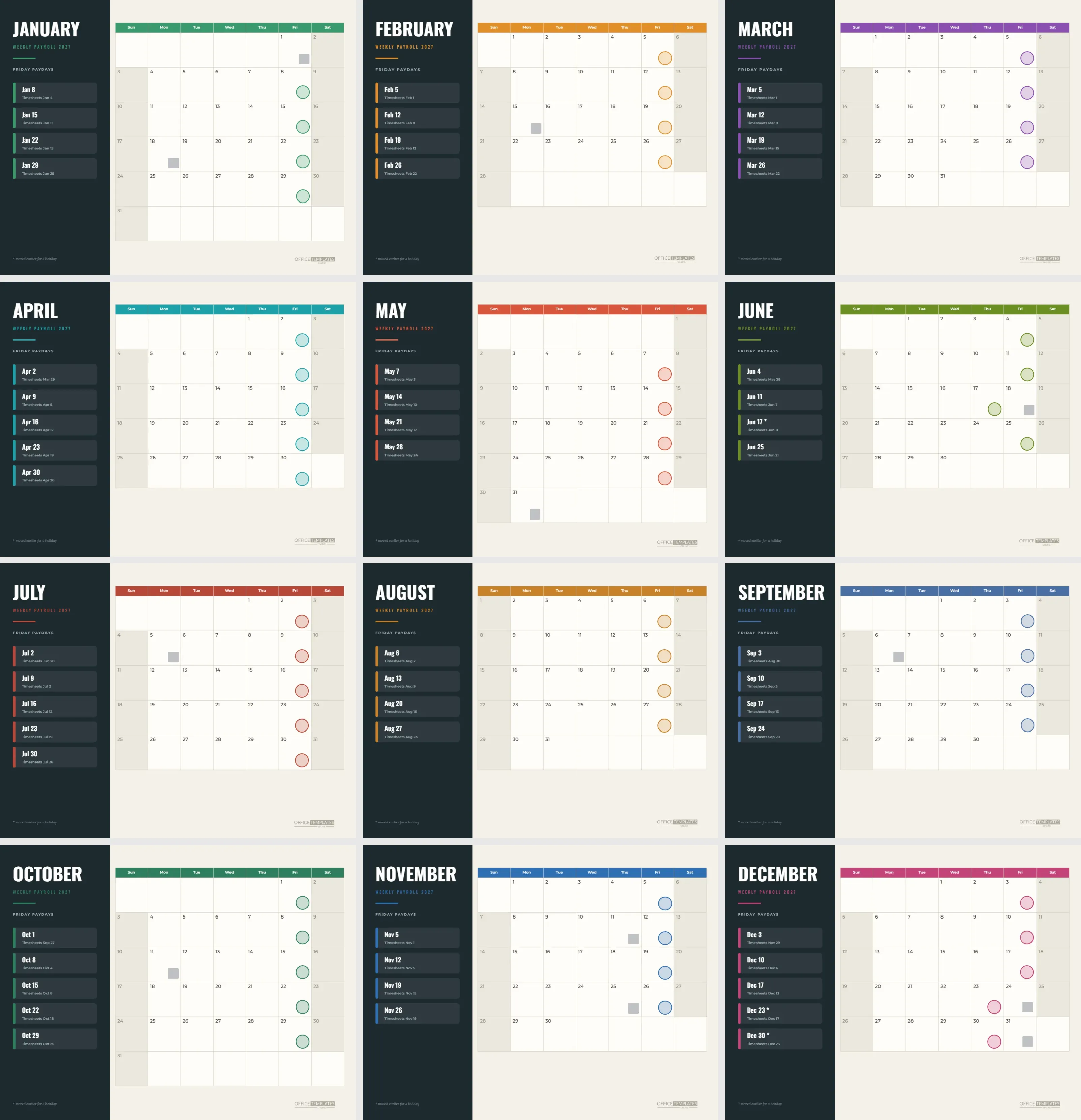
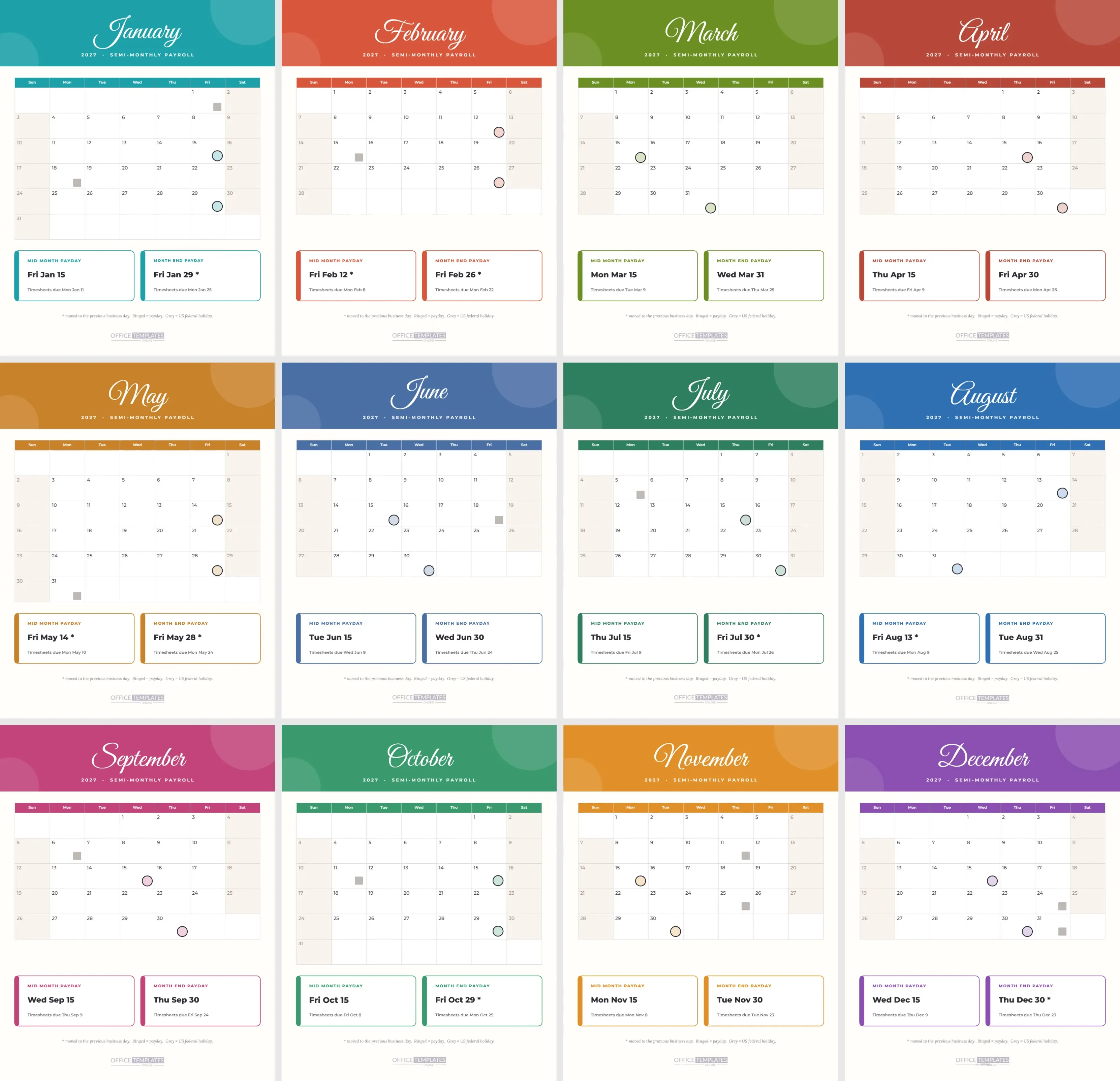
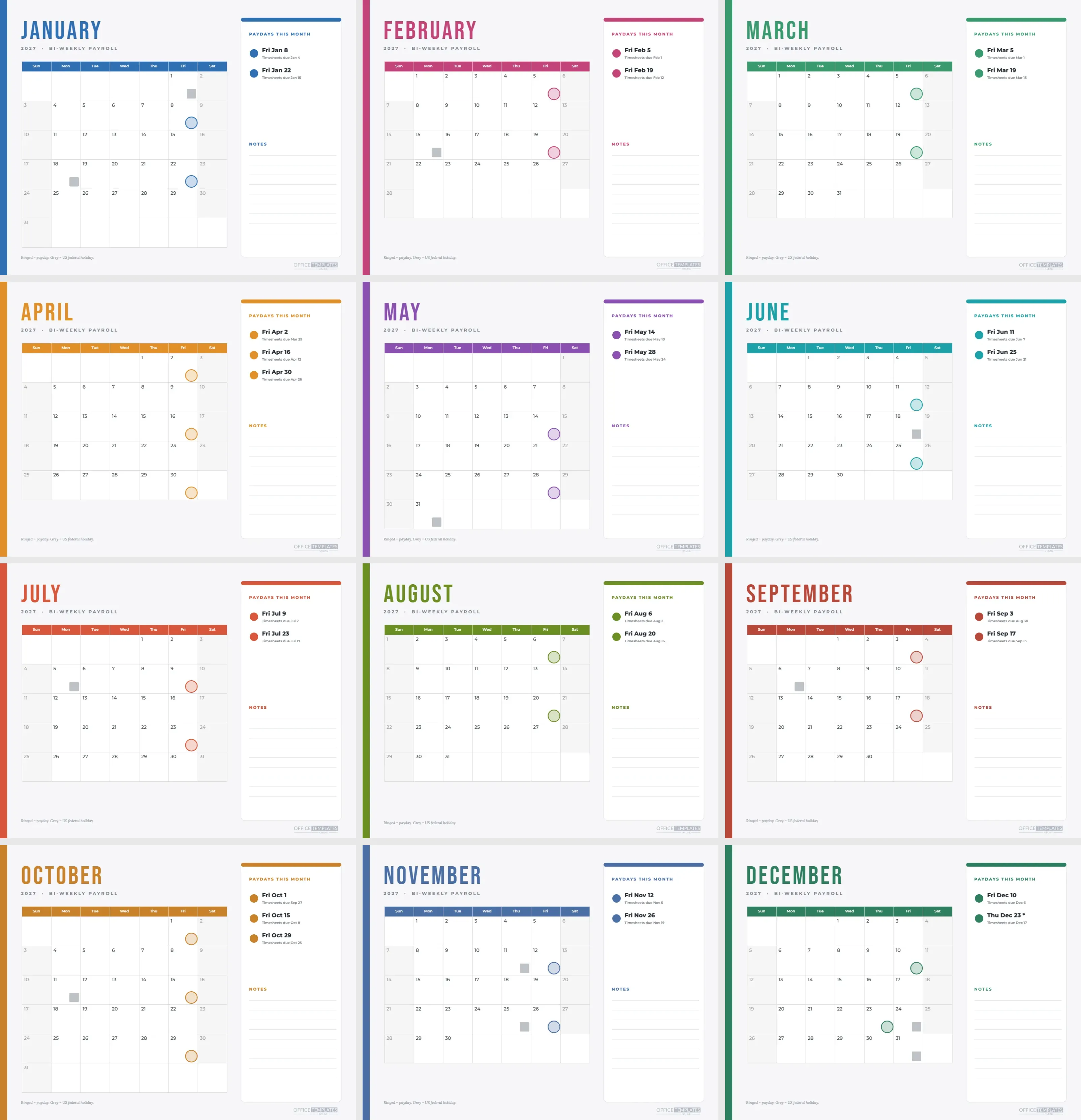
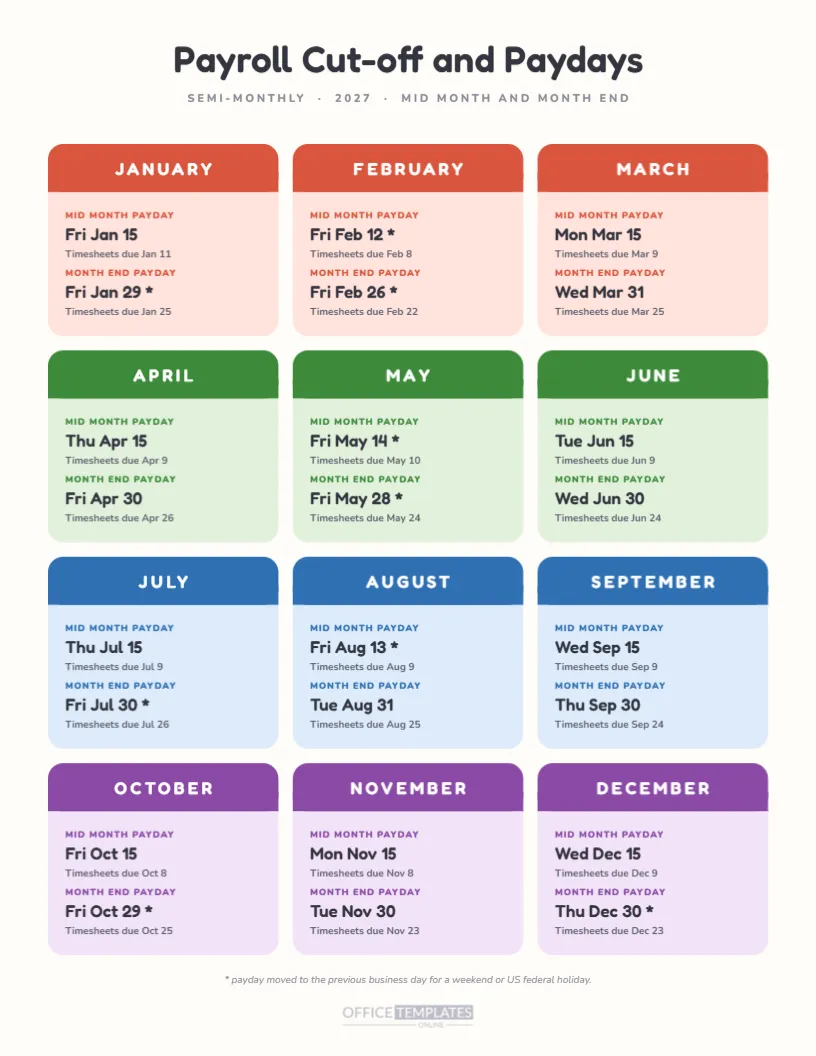
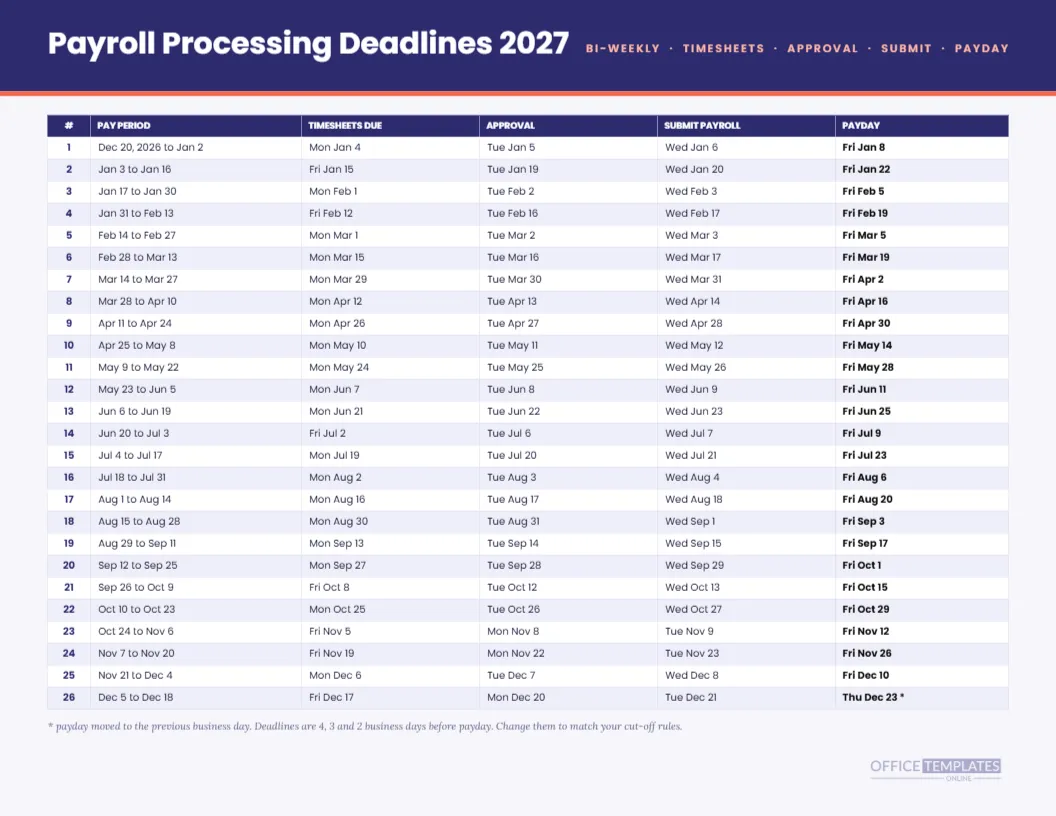
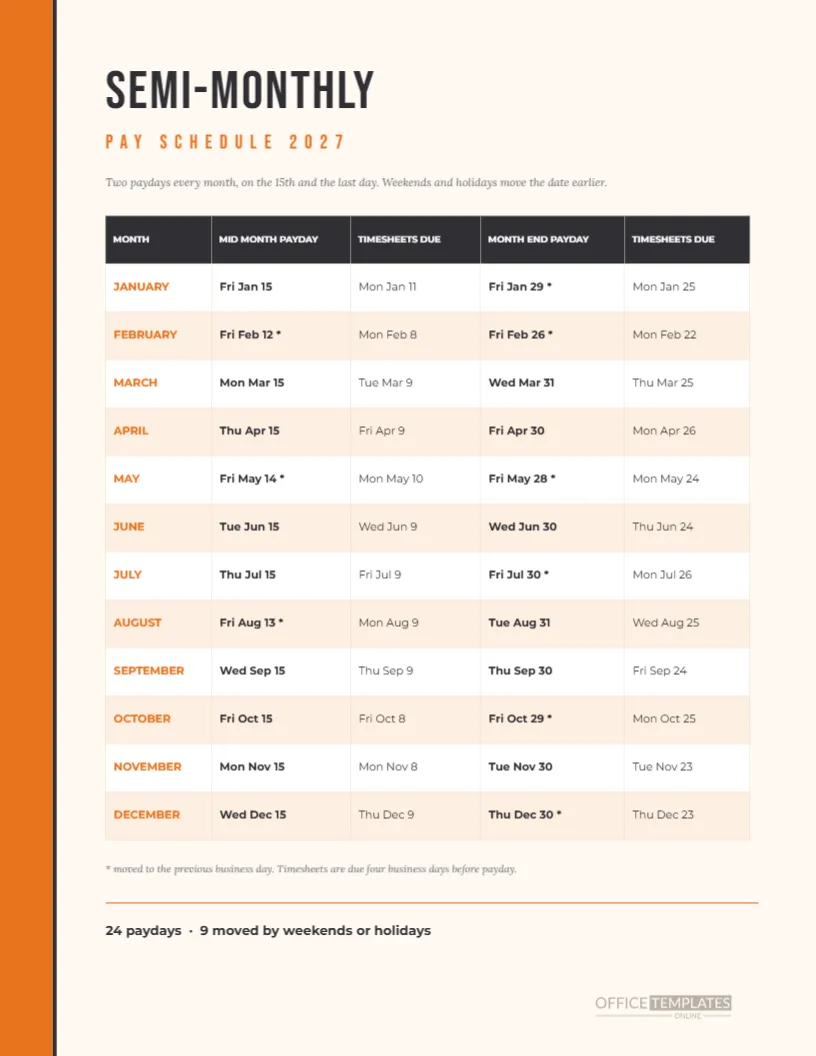
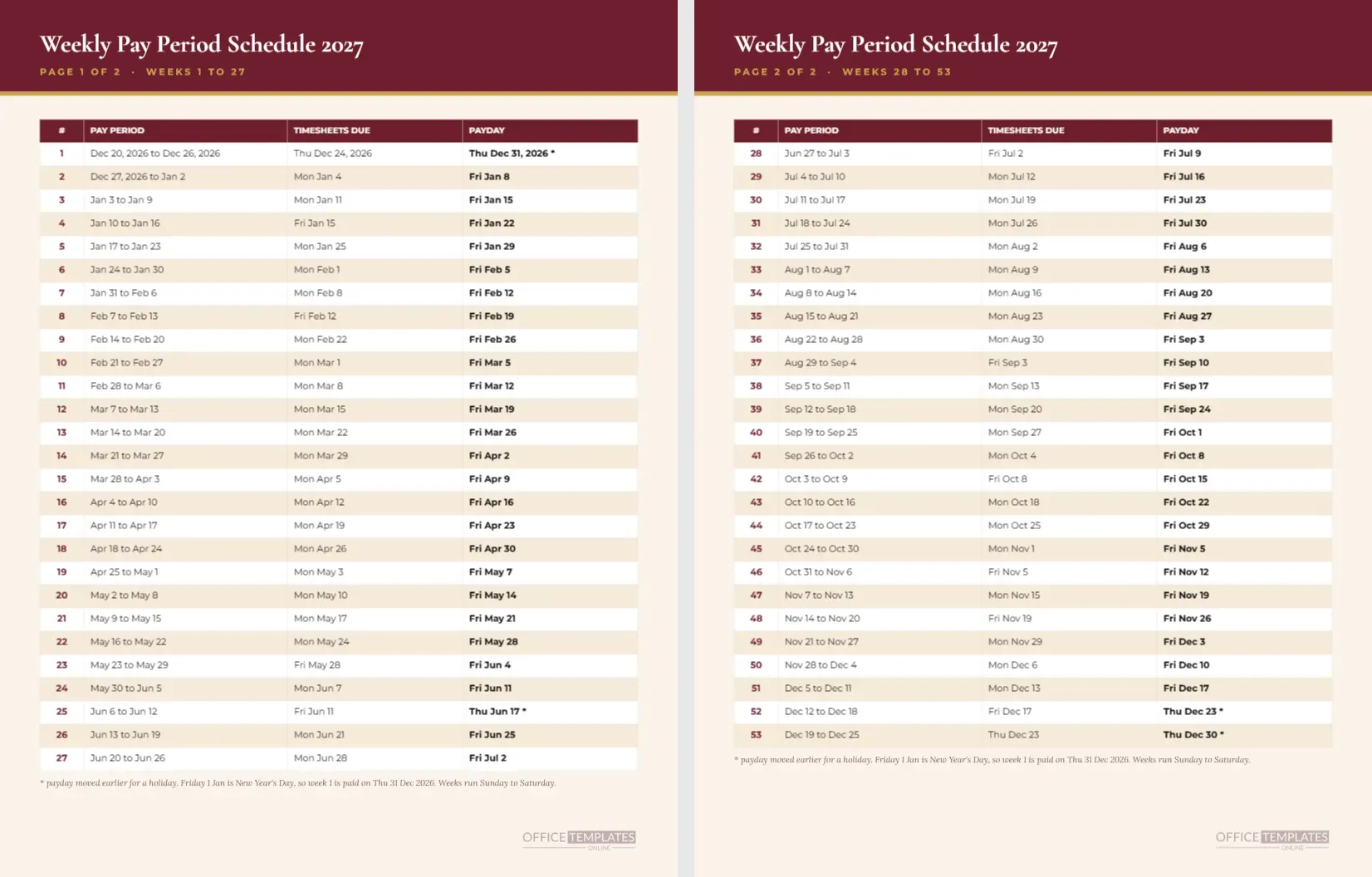
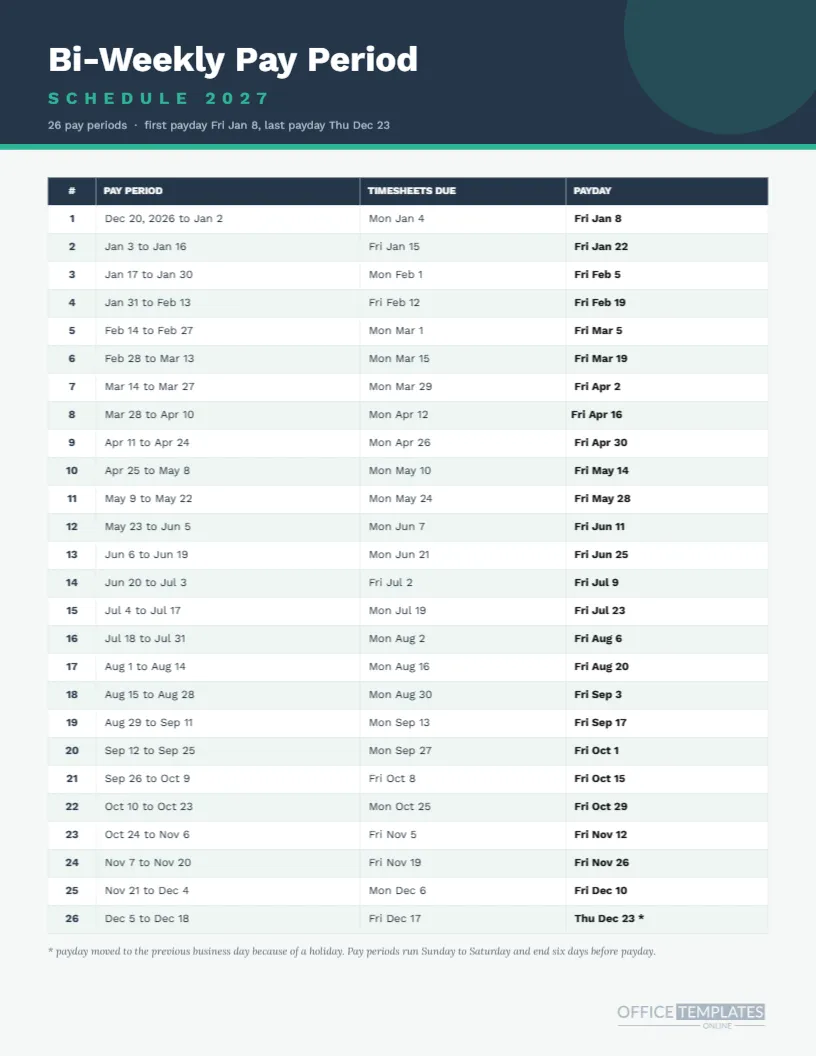
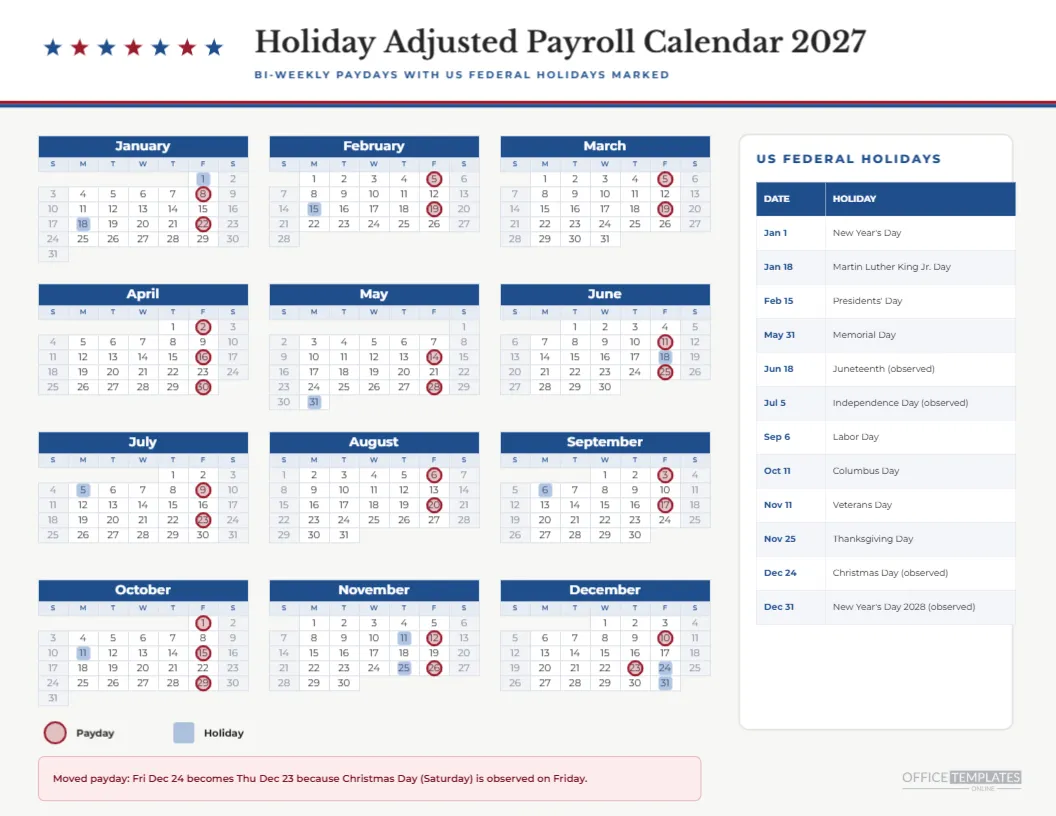
The payroll processing deadlines sheet in this collection gives the actual dates for each rule on this page. Keep the two side by side: the deadline sheet tells you when, and the checklist tells you what. Together they cover the full cycle without a single reminder app.
Records and Retention
Retention periods for payroll records differ by country and by type of record. Ask your accountant how long to keep signed checklists, and store them with the related payroll registers. A consistent filing system matters more than the exact folder name you choose.
Honest Limits of a Generic Payroll Checklist
This is a generic checklist. It does not cover tax filings, benefit remittances, garnishments, or other legal tasks, which vary by place and employer. Add rows for those you need, and consult your adviser for anything that has a legal deadline.
The Checklist in Brief
One page. Ten steps. Due rules, owners, and ticks. Two signatures. Blue header. Editable Table object and text. Copy it for every pay period.
Training a New Payroll Clerk With the Checklist
Hand the page to a new clerk and walk the ten steps together on a live run. Ask them to explain why step five comes before step six, and what could go wrong if step seven were skipped. The checklist turns an abstract procedure into a practical lesson, and the ticks give you a record of what they have covered.
Dealing With Off Cycle Runs
Bonuses, corrections, and final pay do not fit a normal cycle, but the same ten steps apply. Copy a blank sheet, write OFF CYCLE in the period field, and tick through. The page keeps special runs from becoming informal, which is when mistakes tend to creep in. File the sheet with the regular ones so the record is complete.
A Weekly Review Using the Done Column
At the end of each week, look at the Done column across the sheets in your folder. Any blank means a step was skipped or not recorded. Following up takes minutes, and it builds a habit of finishing the paperwork at the same time as the work. Over a year, that habit is worth more than any single tool.