Countdown posts are some of the most engaging content a brand or creator can share in November. They give followers a reason to check back every day; they build anticipation for your holiday offers, and they are easy to make once you have a template. This Thanksgiving Countdown Post has one big number at its heart, plus a small to-do card that changes each day.
How a Thanksgiving Countdown Series Works
The idea is simple: post the same design every day (or every few days) in the run-up to Thanksgiving, changing only the number and the to-do line. Followers start to recognise the post and look forward to the next tip. By the last day, you have a week or more of consistent, helpful content.
- Decide how many days to count: 7, 10, or 14 are popular.
- Write one short, useful tip or task for each day.
- Edit the number and the to-do line, then download.
- Repeat for every day and schedule the posts in advance.
The Countdown Post Design
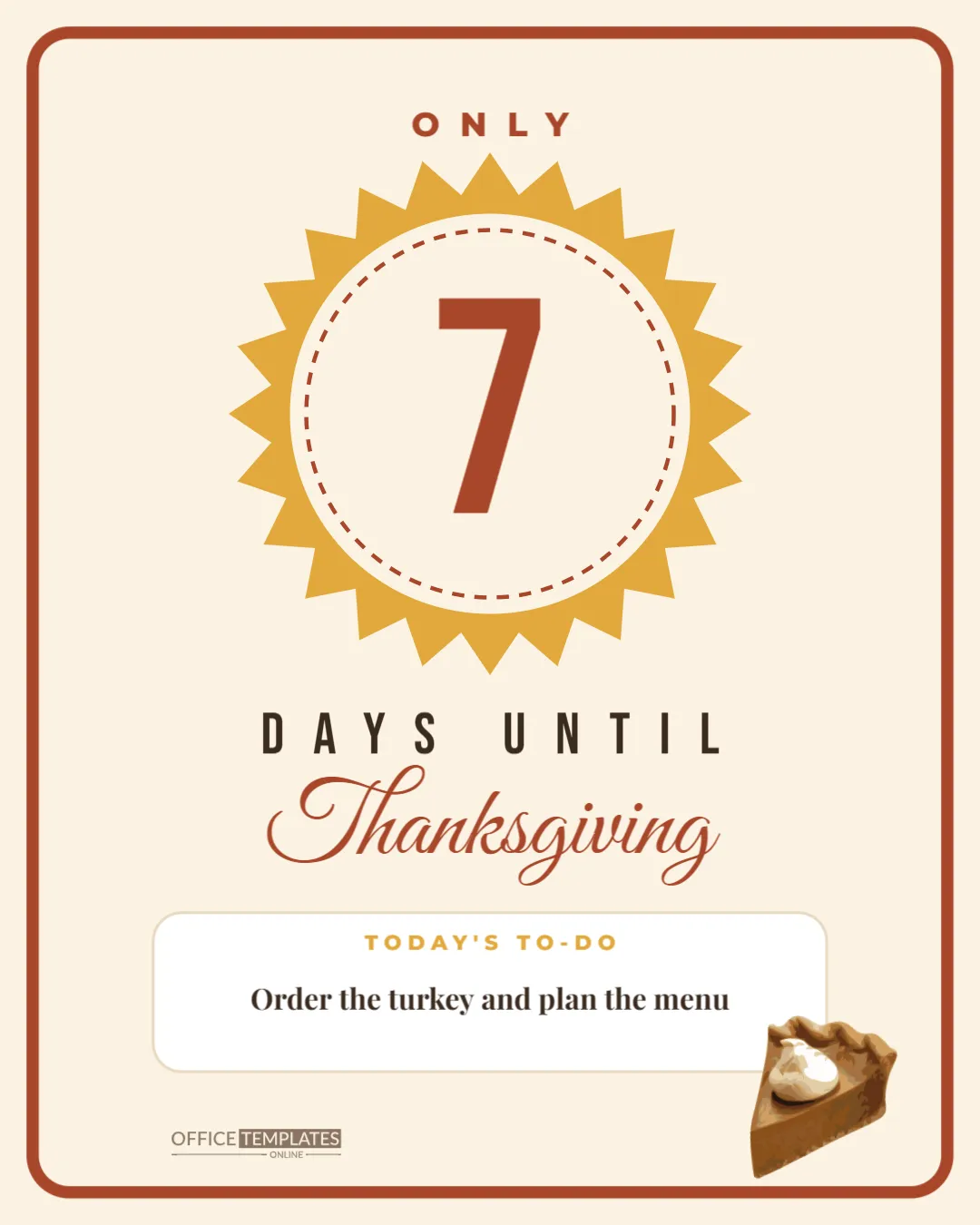
The post is 1080 x 1350 pixels, a tall 4:5 portrait size that takes up the most space in Instagram and Facebook feeds. It has a warm cream background with a thick rust border with rounded corners. ONLY is set at the top in widely spaced rust capitals.
The centrepiece is a mustard sunburst with pointed rays, holding a cream circle ringed by a dashed rust line, like a stamp or a badge. Inside it is the number 7 in the sample, set enormous in rust Bebas Neue. Below the sunburst, DAYS UNTIL runs in tall, spaced dark letters, followed by Thanksgiving in large rust Great Vibes script.
Near the bottom is a white card with a rounded edge and a thin border. Its heading, TODAY’S TO-DO, is in small mustard capitals, and the task underneath reads Order the turkey and plan the menu in bold serif. A slice of pumpkin pie with whipped cream sits over the card’s lower right corner, and the brand mark is printed in the lower left.
Fourteen Days of To-Do Ideas
| Days left | To-do line |
|---|---|
| 14 | Send the invitations |
| 12 | Plan the menu and the guest list |
| 10 | Order the turkey |
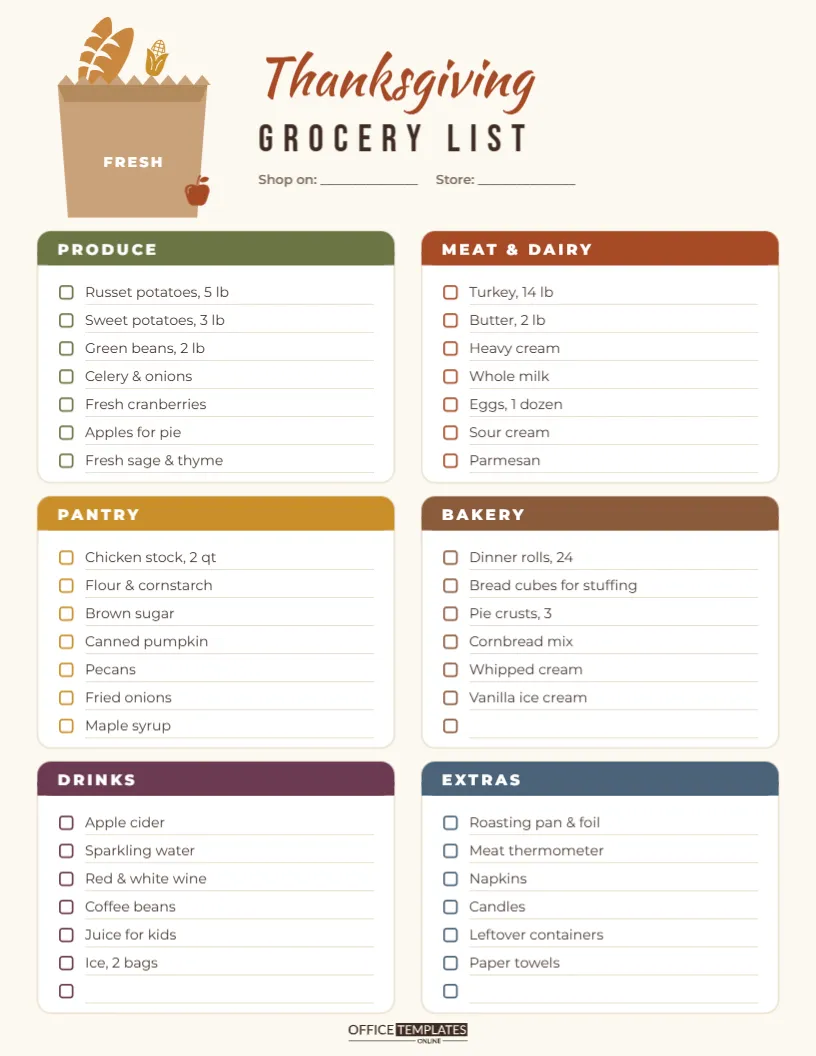
| 9 | Make a grocery list |
| 7 | Shop for pantry staples and drinks |
| 6 | Check you have enough chairs and dishes |
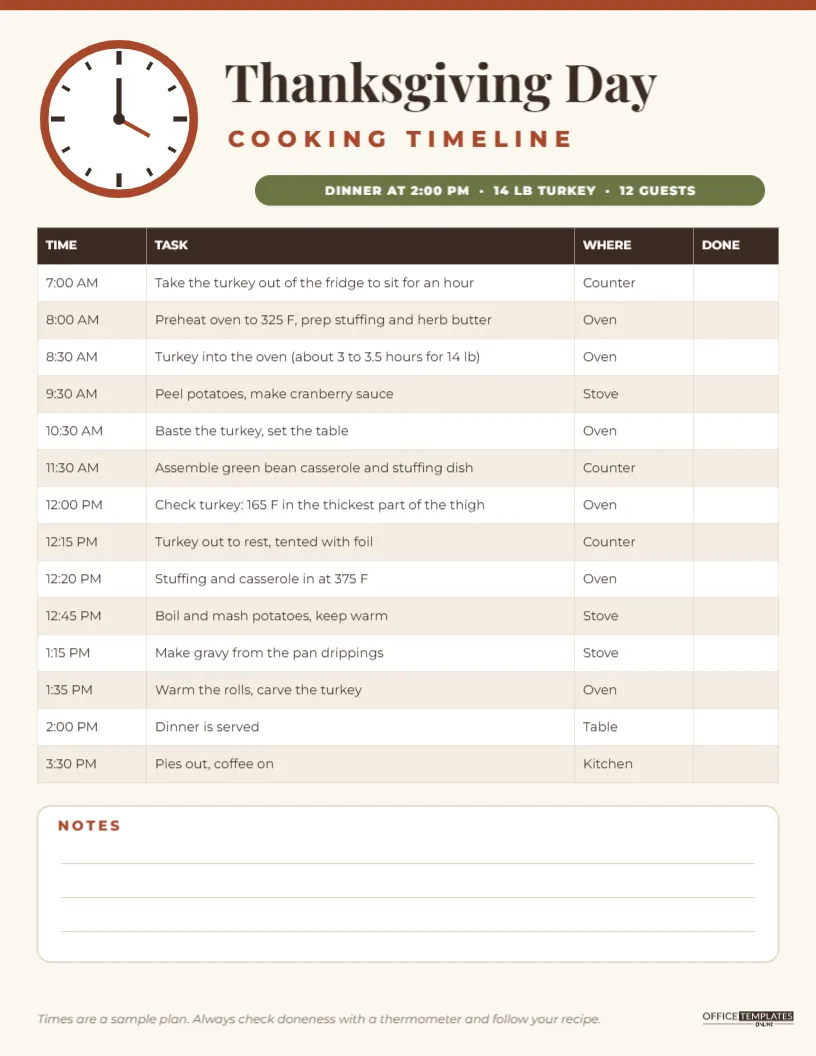
| 5 | Write the cooking timeline |
| 4 | Start thawing a frozen turkey in the fridge |
| 3 | Buy fresh produce |
| 2 | Bake the pies and make the cranberry sauce |
| 1 | Set the table and chill the drinks |
| 0 | Happy Thanksgiving! |
| Enjoy every bite |
Thawing times vary with the size of the bird, so check a trusted guide for your turkey’s weight and adjust the day accordingly.
Countdowns for Businesses
Brands can use the to-do card to support their own offers while still being helpful:
- a bakery: Pre-order your pies today, pickup Wednesday;
- a restaurant: Last day to reserve your feast to go;
- a florist: Order your centrepiece for the table;
- a shop: Our Black Friday preview starts in 3 days;
- a food bank or charity: Drop off one can today.
Mix promotional days with pure tips so the series feels generous, not salesy.
Editing the Number and the Task
The number is a single text box in the middle of the sunburst. Click it and type the new number; Bebas Neue is tall and narrow, so two-digit numbers like 14 fit comfortably. Click the to-do line to change the task, keeping it to one line. You can also change ONLY to JUST or remove it for the final days.
Changing Colours and Artwork
The rust border, the mustard sunburst and the rust number can all be recoloured to match your brand. Some creators change the sunburst colour every day, from mustard to orange to deep red, so the series progresses visually. The pie slice is an editable vector with colour swatches; swap it for a turkey or a pumpkin from the Elements panel on some days for variety.
Scheduling the Series
Create all the posts at once, download each as a PNG with the number in the file name, and schedule them in your social media tool. Posting at the same time each day, such as 8 AM, helps followers build the habit of checking in and makes the countdown feel like a little daily ritual.
Inviting Followers to Join In
A countdown becomes more fun when followers take part. Ask a question in the caption each day: What dish are you making? Who is hosting this year? Or which pie is non-negotiable? Reply to comments, and share a few answers in your stories. By the end of the countdown, you will have a lively thread of holiday conversation and a better idea of what your audience cares about.
Keeping the Series Consistent
Consistency is what makes a countdown recognisable. Keep the same layout, fonts and colours each day, and change only the number, the to-do line and perhaps the sunburst colour. Post at roughly the same time daily. If you miss a day, simply continue with the correct number; followers care far more about the helpful tips than about a perfect streak.
Ending the Countdown on the Day
On Thanksgiving itself, change the number to 0 or replace it with a heart, and use the to-do card for a simple wish: Happy Thanksgiving! Enjoy every bite. It rounds the series off nicely and gives followers a final post to like and share.
Countdown Post Questions
Can I use it as a story?
The 4:5 post shares well to stories, where it appears with space above and below. Add a countdown sticker to the story for extra engagement.
Can I count down to Canadian Thanksgiving?
Yes. Start in late September and end on the second Monday of October.
What size is the post?
It is 1080 x 1350 pixels, the portrait size recommended for feed posts on Instagram.
A countdown turns the weeks before Thanksgiving into a shared event. Write your tips, change the number each day, and invite your followers along for the ride.