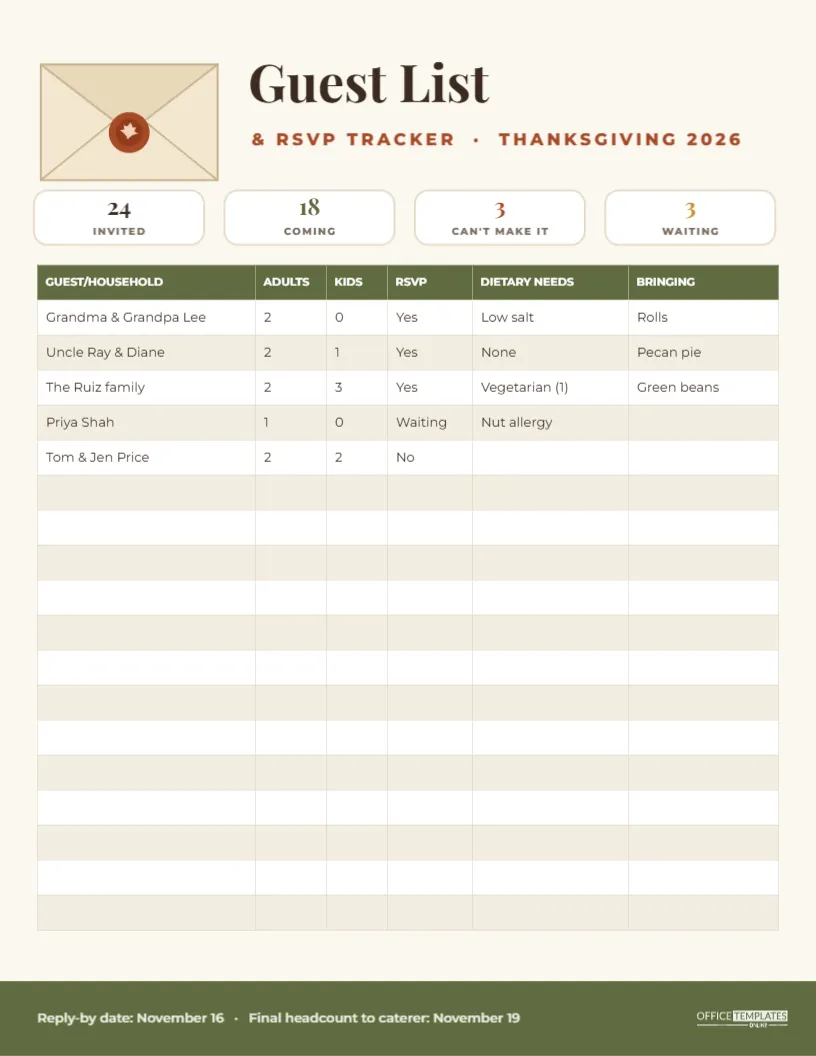
The number one question a Thanksgiving host has to answer is: how many? How many chairs, how many plates, how big a turkey, how many pies. And that number keeps changing for weeks. This Guest List and RSVP Tracker keeps every answer on one page: who you invited, who is coming, how many adults and children, who has dietary needs, and what each household is bringing.
Why a Written Guest Tracker Saves Thanksgiving
Hosts usually track replies in their heads, in text threads, and on scraps of paper. Then a cousin’s new partner, two extra children, and a neighbour who might drop by appear, and suddenly there are not enough chairs. A single tracker fixes three problems:
- Headcount: you always know the current number of adults and children.
- Food planning: dietary notes and dishes are in the same place as the names.
- Follow-up: anyone still marked Waiting gets a friendly nudge.
How the Tracker Page Is Laid Out
The tracker is US Letter, 8.5 x 11 inches, portrait, on warm cream. In the top left is a drawn invitation envelope with its flap open and a rust wax seal stamped with a little leaf. Beside it, Guest List is written in bold Playfair Display, with & RSVP TRACKER · THANKSGIVING 2026 in spaced rust capitals underneath.
Below the title are four white headcount tiles in a row. Each shows a big number and a small label: 24 INVITED, 18 COMING, 3 CAN’T MAKE IT, and 3 WAITING, in dark brown, olive, rust, and mustard. They give you the whole picture at a glance.
The main area is an editable table with six columns: GUEST/HOUSEHOLD, ADULTS, KIDS, RSVP, DIETARY NEEDS, and BRINGING. The header row is olive with white text, and the rows alternate white and pale cream. Five sample households are filled in, and thirteen rows are left empty. An olive band across the foot of the page carries the reply-by date and the date for the final headcount to a caterer, with the brand mark in a pale tint on the right.
Setting Up Your Guest List
- List households, not people. One row per family or couple keeps the table short. Use the ADULTS and KIDS columns for the numbers.
- Set your deadlines. Change the reply-by date and the final headcount date in the footer. A reply-by date ten days before the holiday is common.
- Send the invitations. Mark everyone as Waiting in the RSVP column to start.
- Update as replies arrive. Change the RSVP to Yes or No, and fill in dietary needs and dishes.
- Recount. Update the four tiles at the top whenever the numbers change.
Using the Dietary Needs Column
This column is where good hosts shine. A note like Vegetarian (1) or Nut allergy next to a household means you can plan a dish everyone can eat and warn guests about anything risky. When you print the tracker, highlight these cells with a marker and keep the page in the kitchen on the day. Common entries:
- vegetarian, vegan or pescatarian;
- gluten-free;
- dairy-free or lactose intolerant;
- nut, shellfish or egg allergy;
- low salt or diabetic-friendly;
- halal or kosher;
- picky toddler (yes, it counts).
Coordinating Dishes in the Bringing Column
If your dinner is partly potluck, the BRINGING column prevents duplicates. When a guest says they will bring pecan pie, write it in, and when the next guest asks what to bring, you can see at a glance that dessert is covered but green beans are not. Sort the list mentally by what is missing, and suggest those dishes to the next people who reply.
Editing the Table in the Editor
The table is the editor’s real Table object. Double-click the guest table, or pick Edit Table Data, and type straight into any household row. Clear the sample households and add your own. Use + Row if you have more than eighteen households, or remove rows you do not need. You can rename any column; for example, change BRINGING to TRAVEL if you are coordinating airport pick-ups, or KIDS to SEATS NEEDED.
The headcount tiles are ordinary text boxes. Click a number to update it.
From Headcount to Shopping List
Once you have the final numbers, the rest of the planning follows. Multiply your total guests by the portion rules you use for turkey, potatoes, and pie, and carry the numbers over to your grocery list. Use the KIDS column too: children eat less turkey but a surprising amount of rolls and pie.
Printing and Sharing the Tracker
Download the PDF and print on regular paper for a working copy you can scribble on. Pin it on the fridge for the weeks before the holiday. If you share hosting with a partner or sibling, download a PNG and send it to them whenever you update it, so you are both working from the same numbers.
Reusing the RSVP Tracker for Other Gatherings
The tracker works for any gathering where numbers matter: Friendsgiving, a Christmas dinner, a family reunion, a holiday party, or an open house. Change the title line and the footer dates, and it is ready.
Seating and Chairs from the Final Count
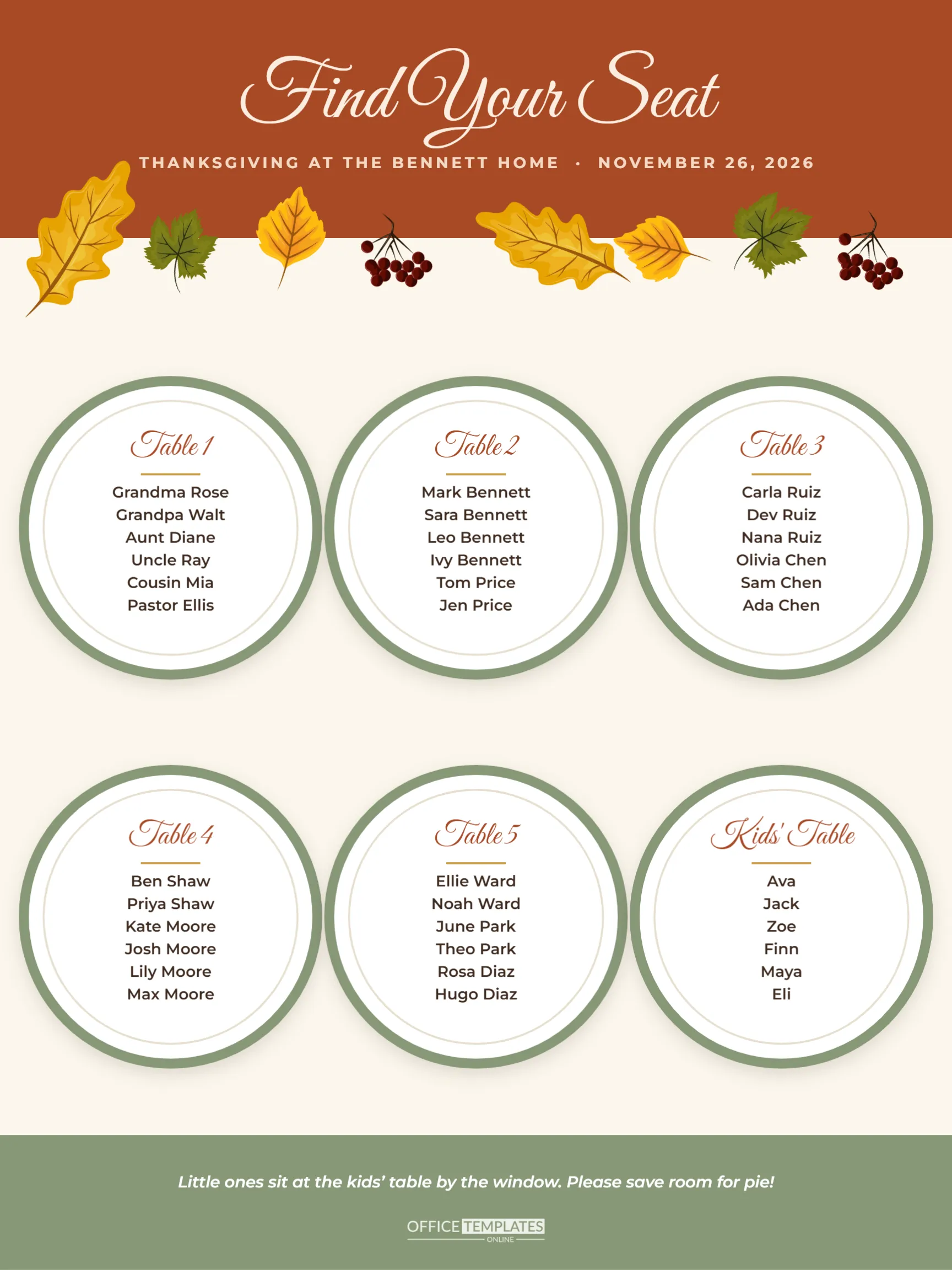
When the RSVP column is complete, add up the ADULTS and KIDS columns and compare the total with the chairs and table space you actually have. A common rule is to allow about 24 inches of table edge per adult and a little less for children. If the numbers do not fit, decide early whether to borrow a folding table, set up a separate kids’ table, or serve buffet-style. Write the decision in the margin of the tracker so nobody has to work it out again on the day.
Guest Tracker Questions
Should I count babies?
Count them in the KIDS column so you remember high chairs and space, even if they will not eat much turkey.
What does “Waiting” mean on the sheet?
It marks households that have not replied yet. Follow up with them a few days before your reply-by date.
Can I add phone numbers?
Add a column in the table settings and narrow the GUEST column slightly to keep the table on the page.
A good host always knows who is coming. Fill in your guest list, track the replies, and walk into Thanksgiving week with the numbers already settled.